Skip to content
University
Videos
Most watched
Topics
Updates
Search the videos
Topics
Your name and photo
All 13 moments in Digital Samba University that depend on this.
Create your account and log in
Getting started · 2:25
2:02
Good to know
And sign-up doesn't ask for your name, so your dashboard greets you by the first part of your email address.
Read
2:08
Good to know
Add your name in your profile.
Read
Your dashboard at a glance
Getting started · 2:12
0:11
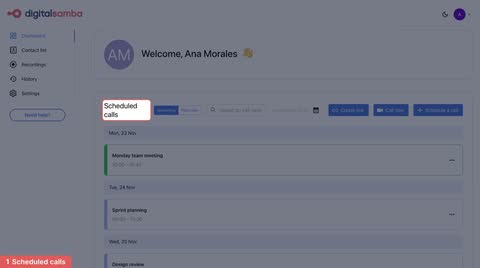
Scheduled calls
Your dashboard greets you by name and lists your scheduled calls: here, a normal week for Ana's team.
Read
Set up your profile
Getting started · 2:40
0:01
Introduction
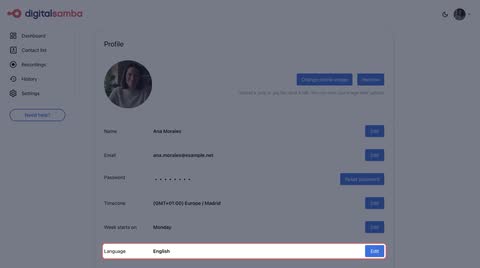
In this video, you'll set up your profile: your name and photo, your time zone, and your language.
Read
0:16
Manage your profile
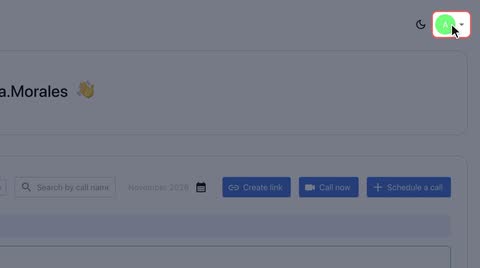
Click the circle with your initial, in the top right corner, then Manage your profile.
Read
0:22
Manage your profile
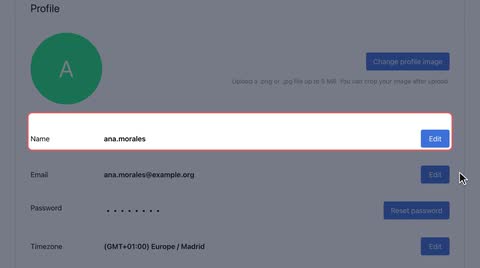
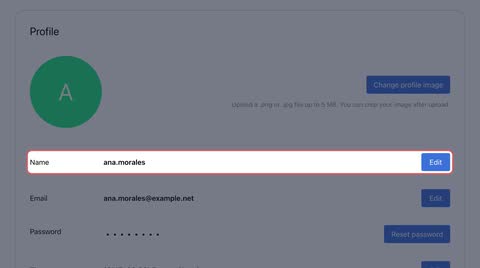
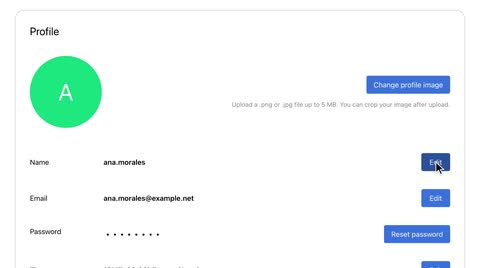
A new account has no name yet, so Digital Samba shows the first part of your email address.
Read
0:29
Manage your profile
Next to Name, click Edit.
Read
0:31
Manage your profile
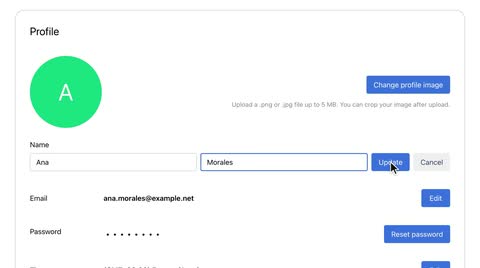
Type your first and last name, and click Update.
Read
0:36
Manage your profile
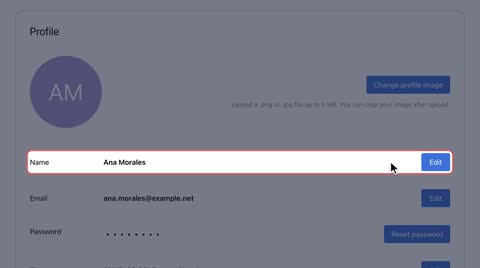
This is the name your participants see on every invitation.
Read
0:43
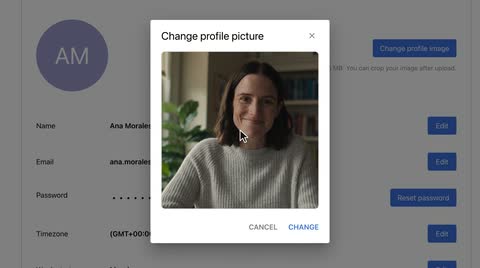
Change profile image
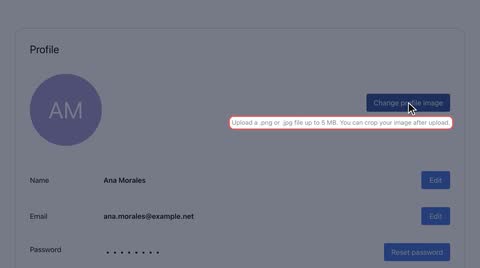
Click Change profile image, and choose a PNG or JPG file of up to five megabytes.
Read
0:50
Change profile image
Scroll to zoom, drag the picture into place, and click Change.
Read
0:55
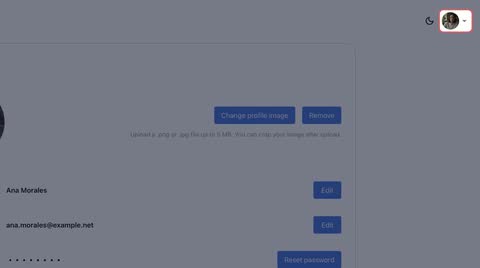
Change profile image
Your photo now stands in place of your initials.
Read
2:25
Recap
So: your name, your photo, your time zone and your language.
Read
All topics