Skip to content
University
Videos
Topics
Updates
Search the videos
Topics
Default type of call
All 5 moments in Digital Samba University that depend on this.
Create a call link to share
Start a call now · 1:50
1:29
Good to know
And the type of call you choose here becomes the default for your next call.
Read
Types of call: Meeting, Webinar and Classroom
Customise your calls · 2:42
1:28
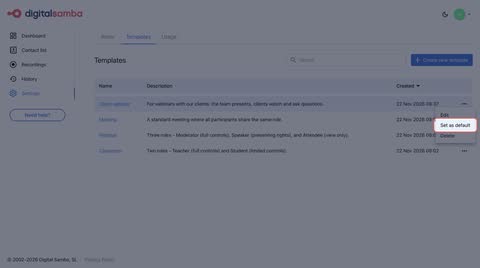
Set as default
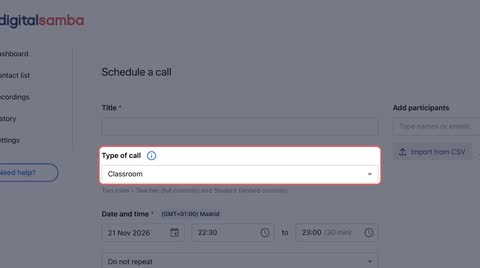
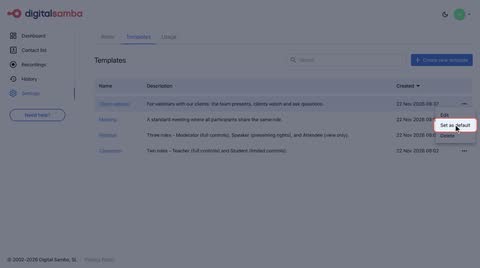
Schedule a call starts with the default type; to change it, open Client webinar's menu and click Set as default.
Read
1:36
Set as default
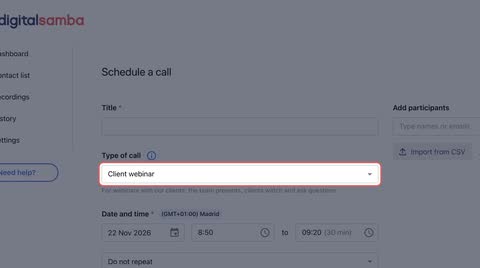
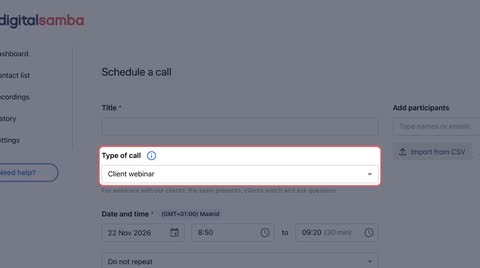
Now the form starts with Client webinar.
Read
1:39
Set as default
Careful: scheduling a call or creating a link with another type makes that type the default.
Read
2:27
Recap
So: pick a type when you schedule, manage types in Settings under Templates, and make your own and set it as default.
Read
All topics