Skip to content
University
Videos
Topics
Updates
Search the videos
Topics
Your developer key
All 8 moments in Digital Samba University that depend on this.
Get your developer key and make your first API call
For developers · 2:48
0:01
Introduction
In this video, you'll find your developer key, make your first request to the Digital Samba API, and replace the key safely when you need to.
Read
0:38
Developer key
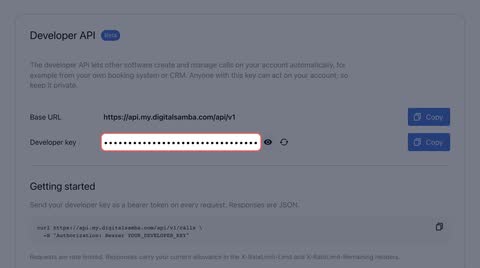
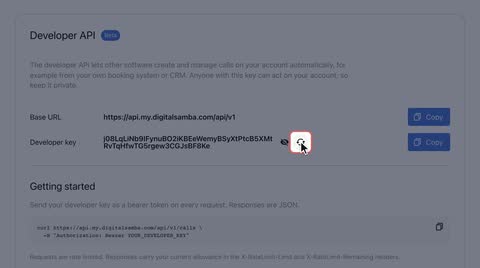
Below it is your Developer key, hidden.
Read
0:42
Developer key
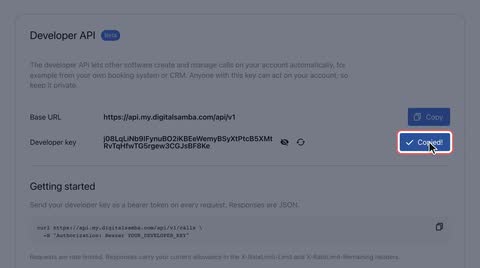
Click Show key to see it, and Copy to take it.
Read
0:46
Developer key
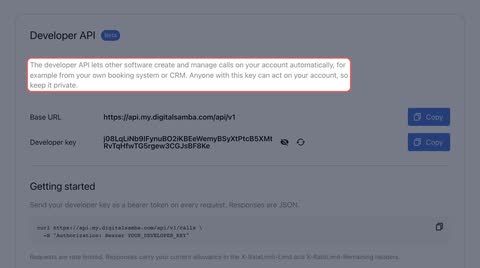
Anyone with this key can act on your account, so keep it private, like a password.
Read
1:25
First request
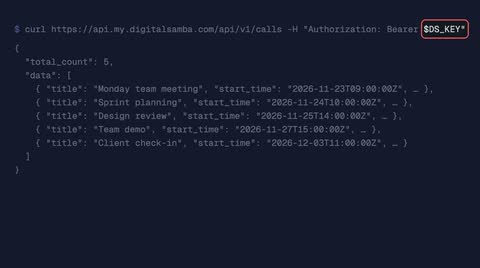
Here the key waits in an environment variable, so it never sits in the command itself.
Read
1:47
Regenerate
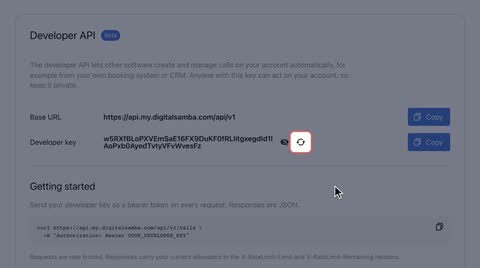
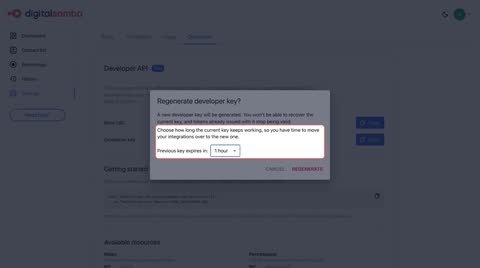
If the key may have got out, replace it: click the circling arrows beside it, Regenerate developer key.
Read
2:14
Good to know
Good to know: there's one developer key per account, not one per tool, so after a regenerate, update everything that uses it.
Read
2:30
Recap
So: open Settings, Developer; show and copy your key; send it as a bearer token to the Base URL; and regenerate it with a grace period when you need to.
Read
All topics