Skip to content
University
Videos
Topics
Updates
Search the videos
Topics
A session's transcript on the dashboard (Copy)
All 8 moments in Digital Samba University that depend on this.
Start here: Digital Samba in 90 seconds
1:36
0:51
History
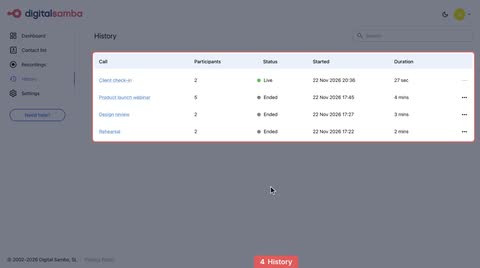
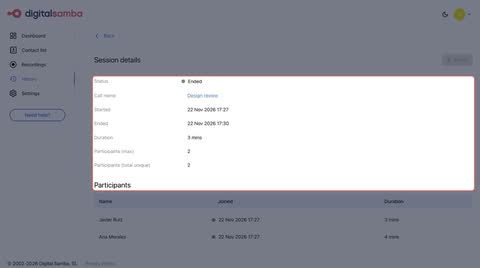
After the call, History lists every session.
Read
0:55
History
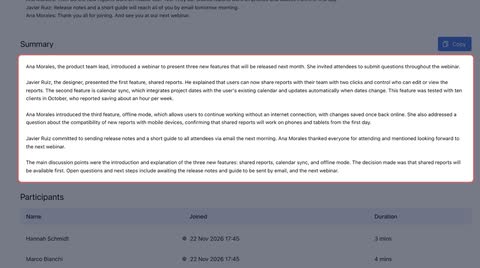
With transcription on, a session's page holds what was said, line by line, and an AI summary written automatically from it.
Read
Session history, transcripts and AI summaries
After the call · 2:26
0:01
Introduction
In this video, you'll look back at a past call in History: who took part, its transcript and AI summary, and the files you can export.
Read
0:56
Transcript
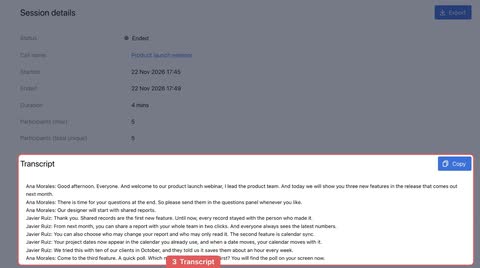
Further up is the transcript: what was said, line by line, with the name of the person speaking.
Read
1:02
Transcript
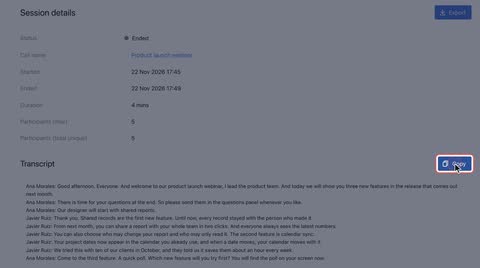
Click Copy to put the whole transcript on your clipboard.
Read
1:53
Good to know
Good to know: a session without transcription has no transcript and no summary, like this design review.
Read
2:00
Good to know
To turn it on, see Turn on recording and transcription.
Read
2:10
Recap
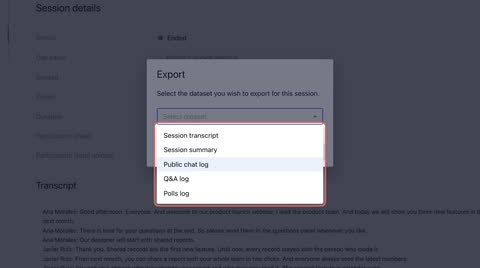
So: History, open a session, copy its transcript or summary, and export what you need.
Read
All topics