1Call registration0:09
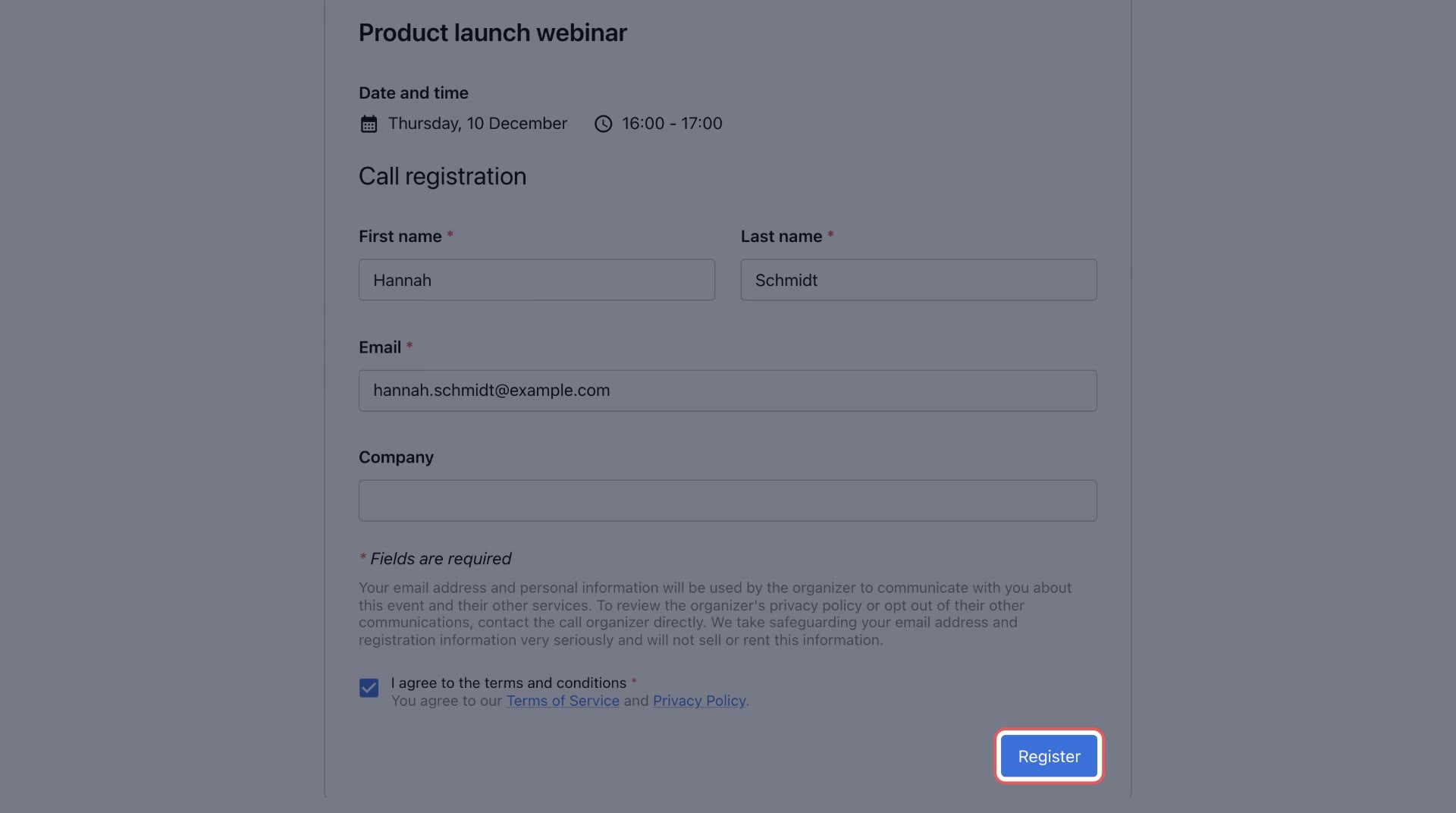
Our example is Hannah, signing up for the Product launch webinar.
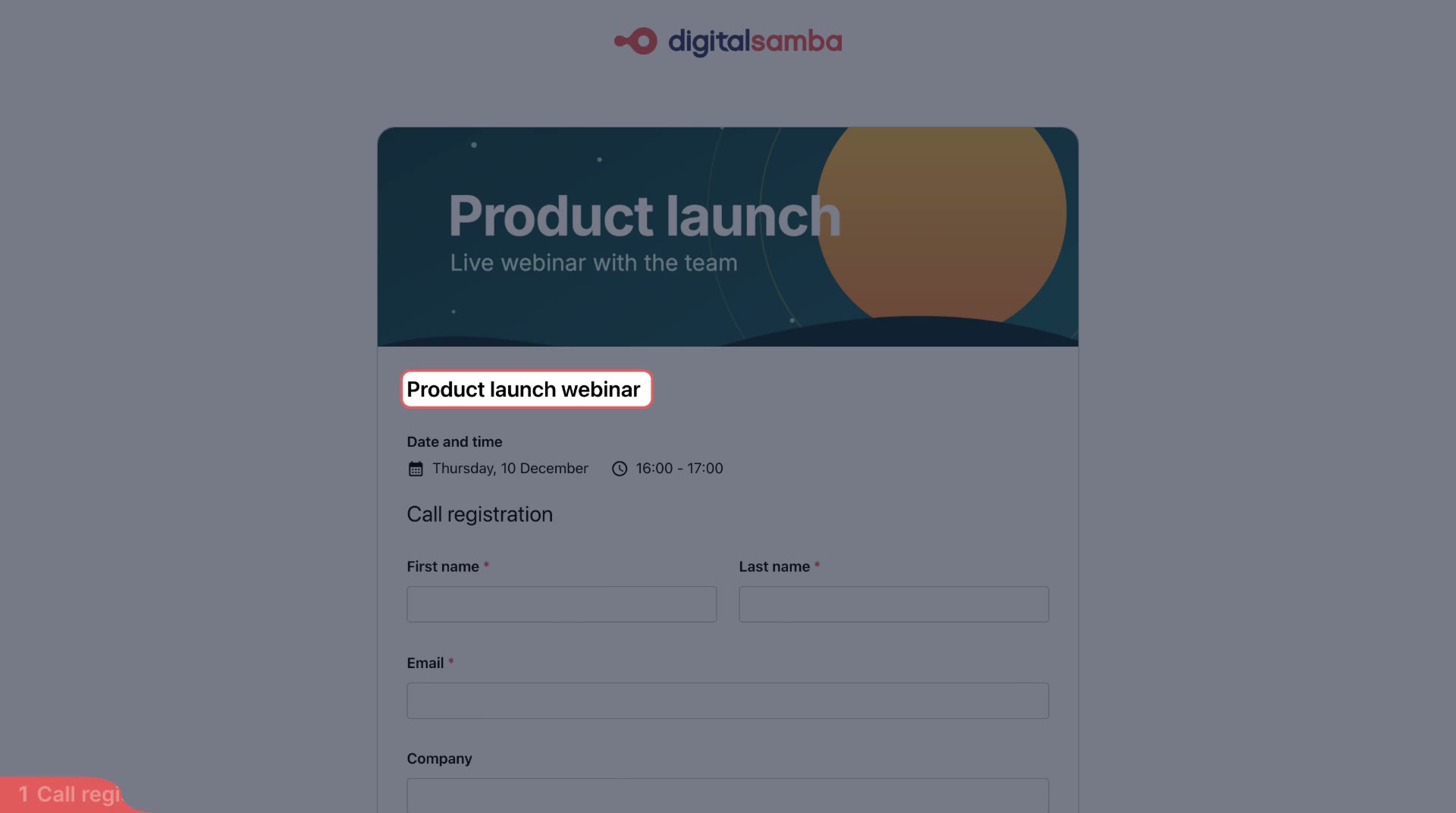
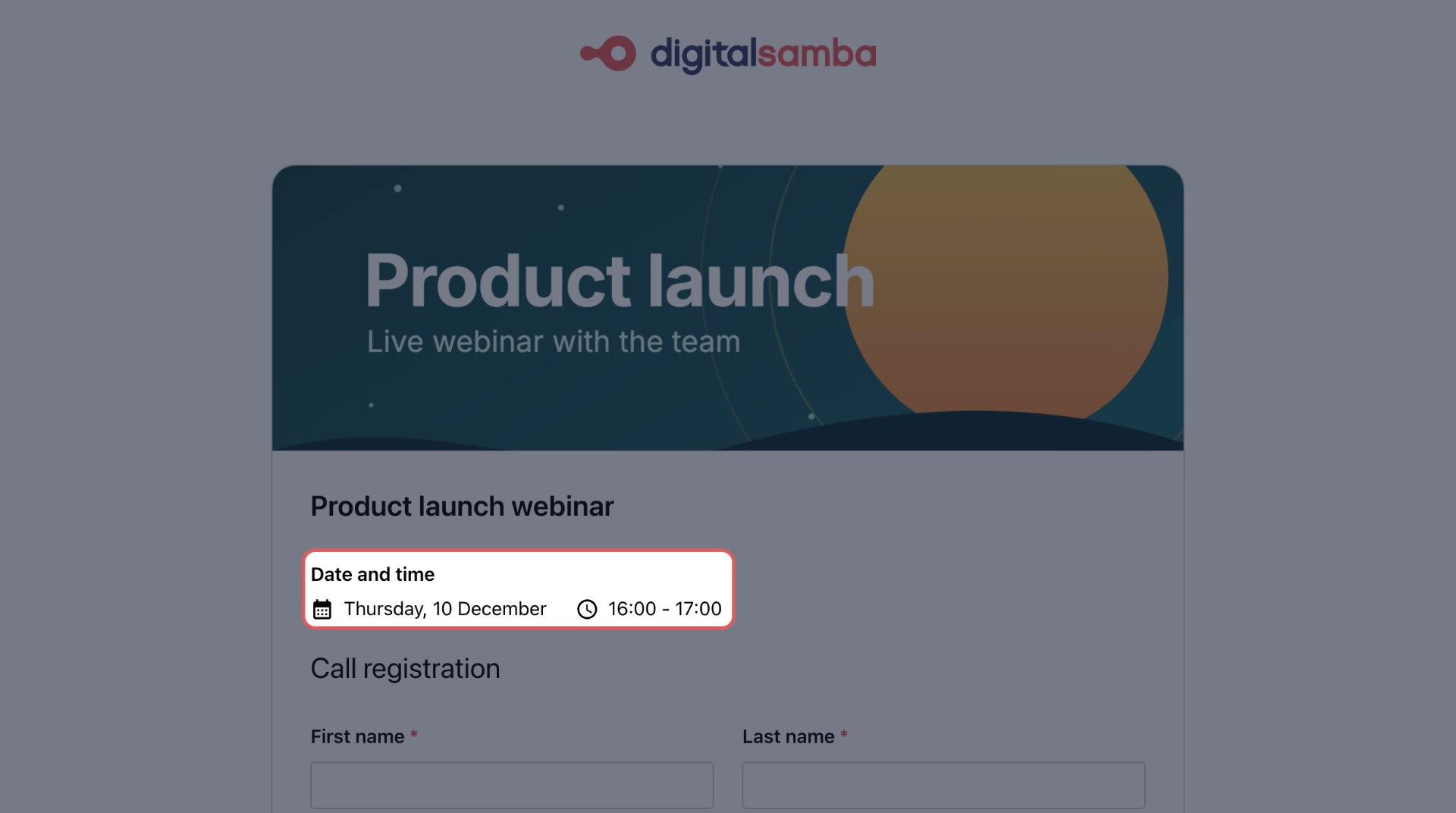
Open the registration link: the page shows the event, its date and its time.
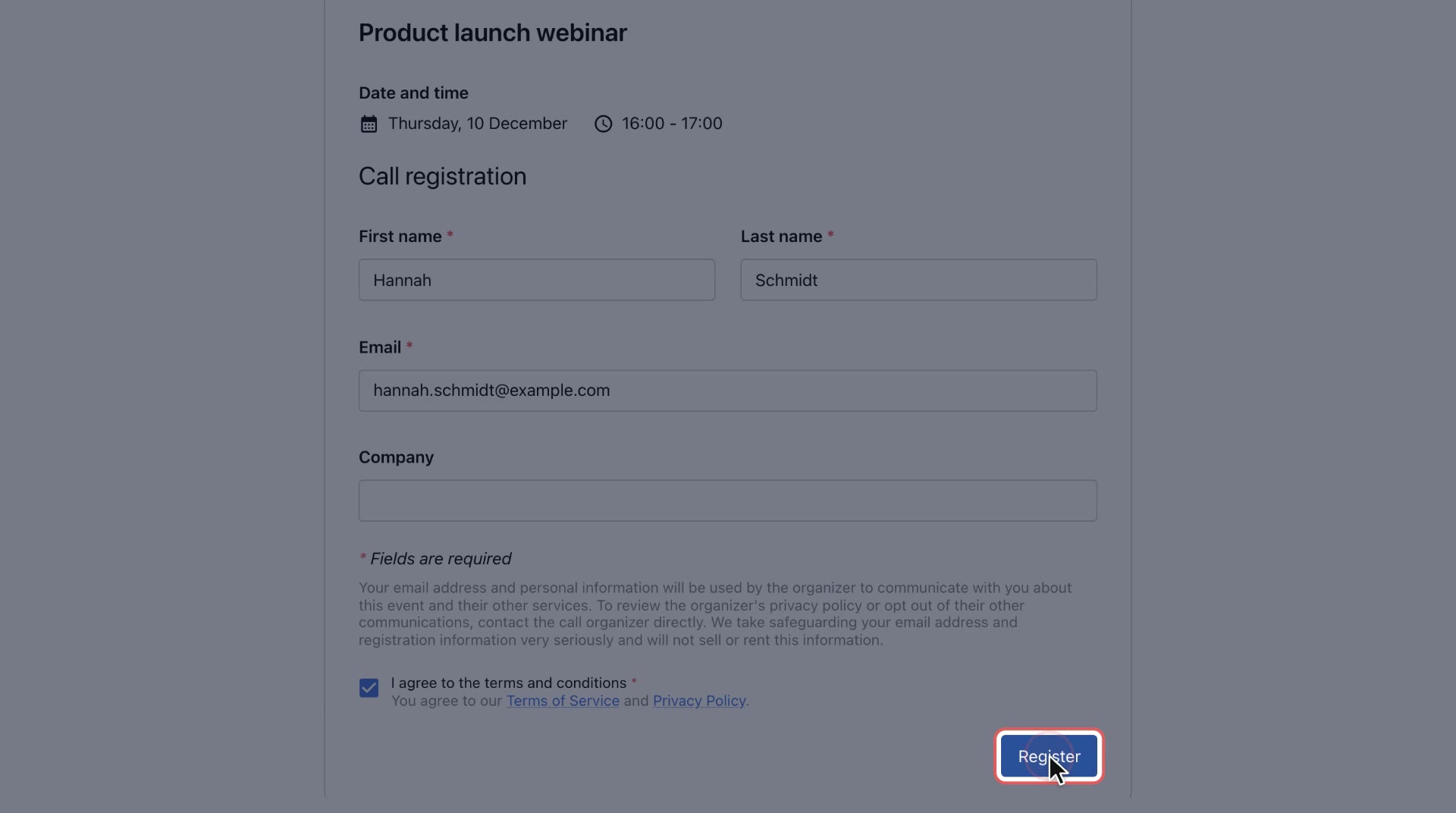
Fill in the fields marked with a star, tick I agree to the terms and conditions, and click Register.
2Awaiting approval0:28
This organiser checks every registration first, so the page says your registration is awaiting approval.
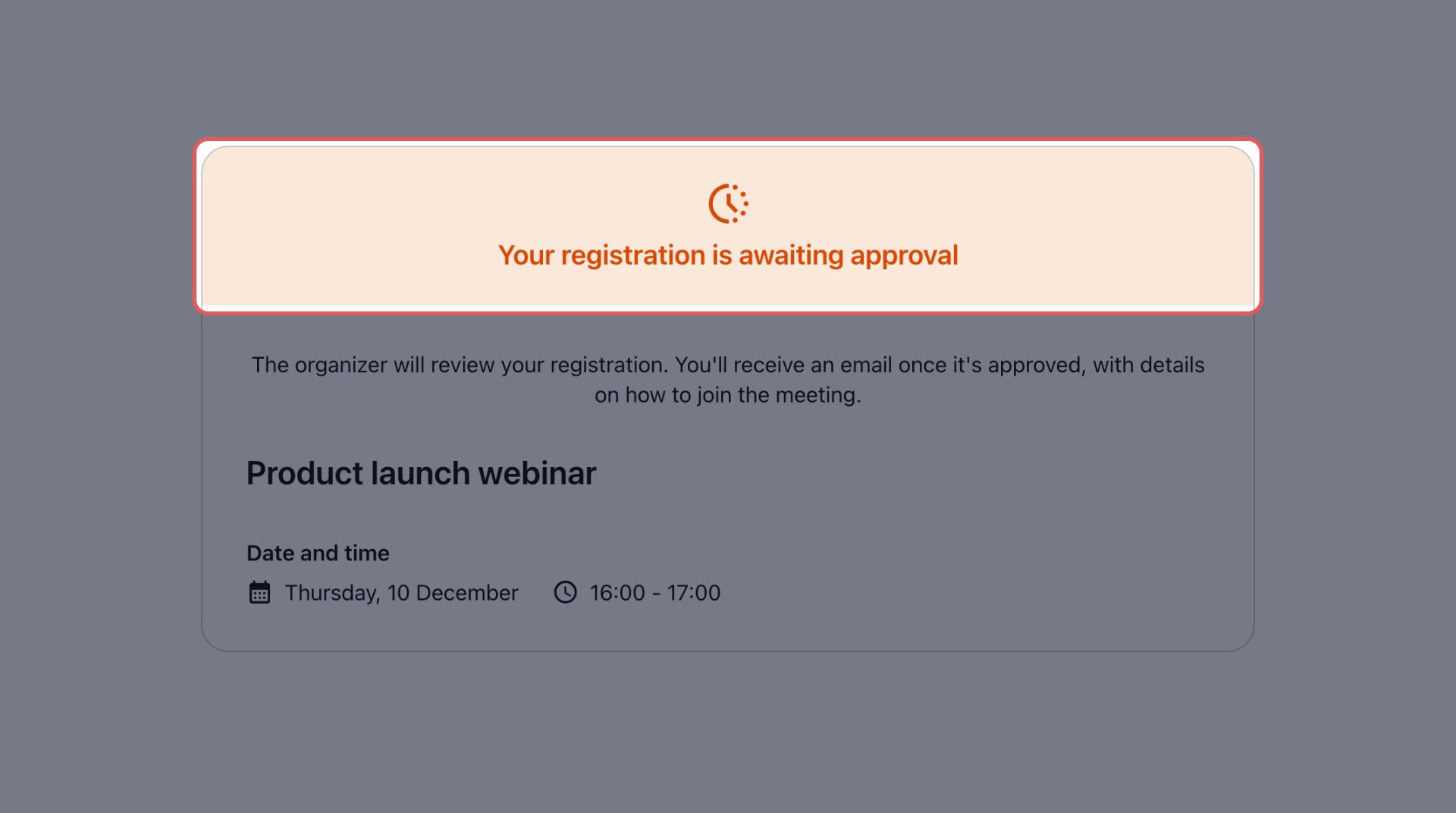
No email comes until you're approved.
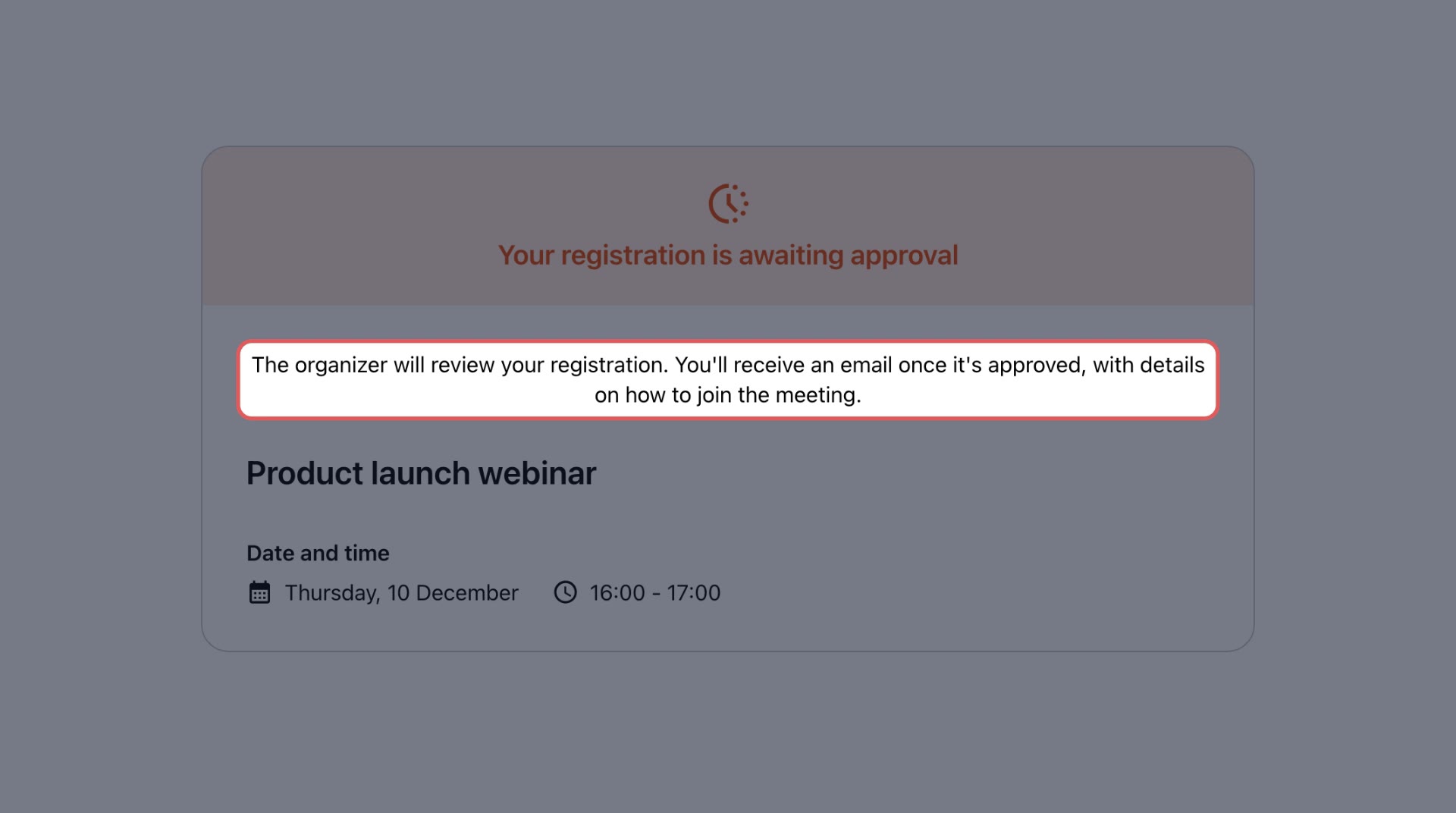
Where approval is automatic, you see a confirmation instead, and the email comes straight away.
3Your invitation0:45
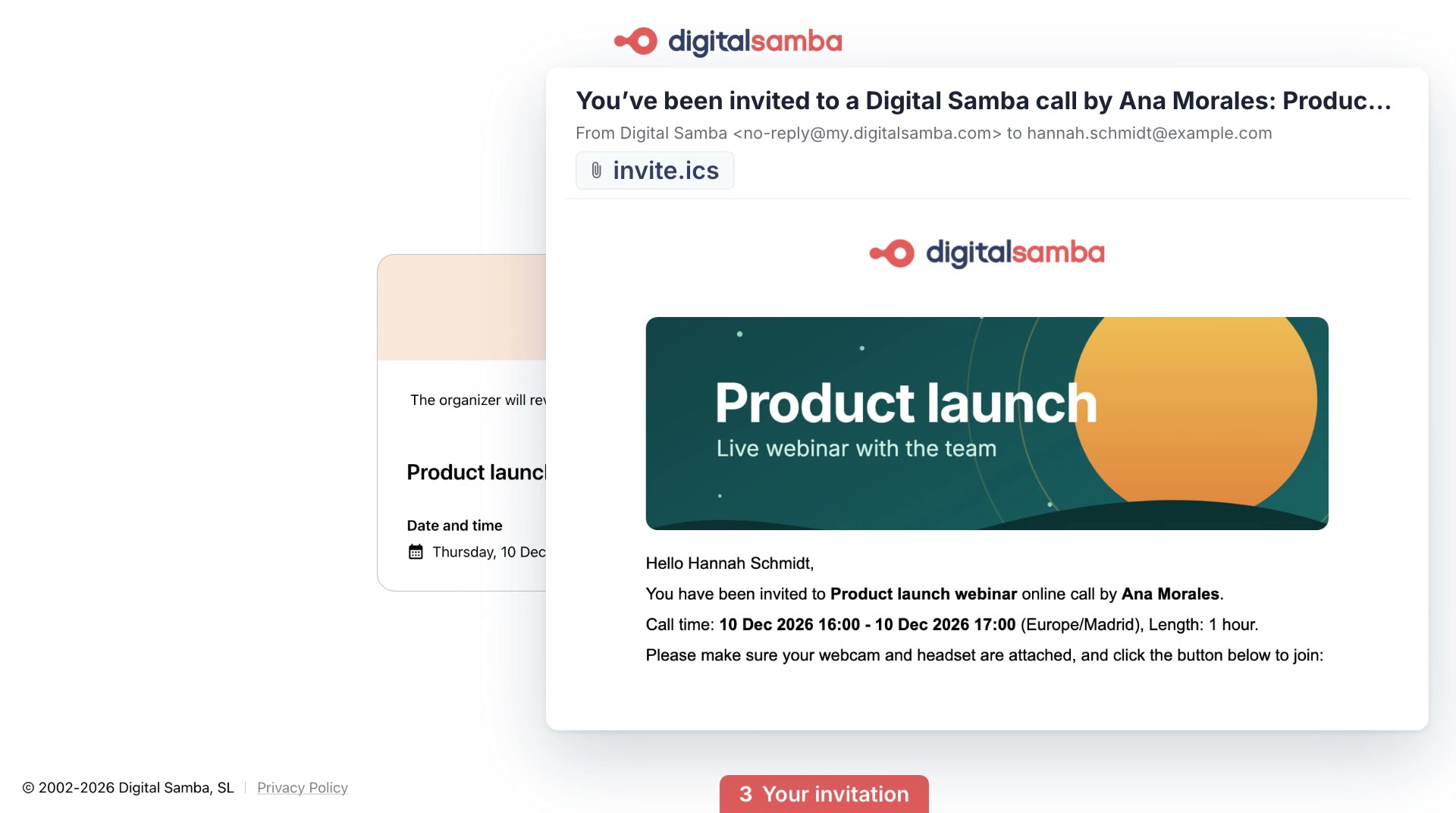
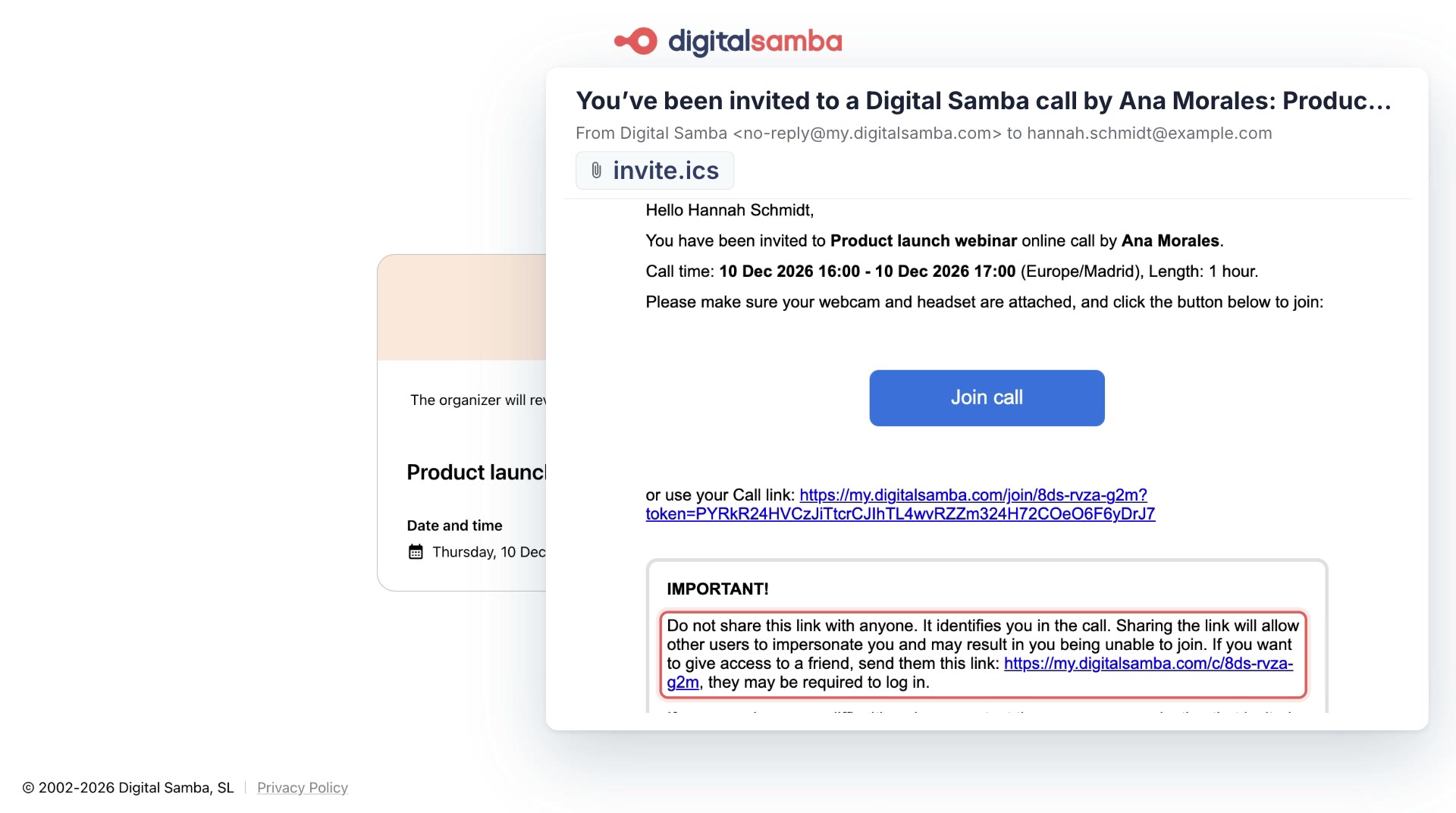
Once you're approved, your invitation arrives, with the event image and the time.
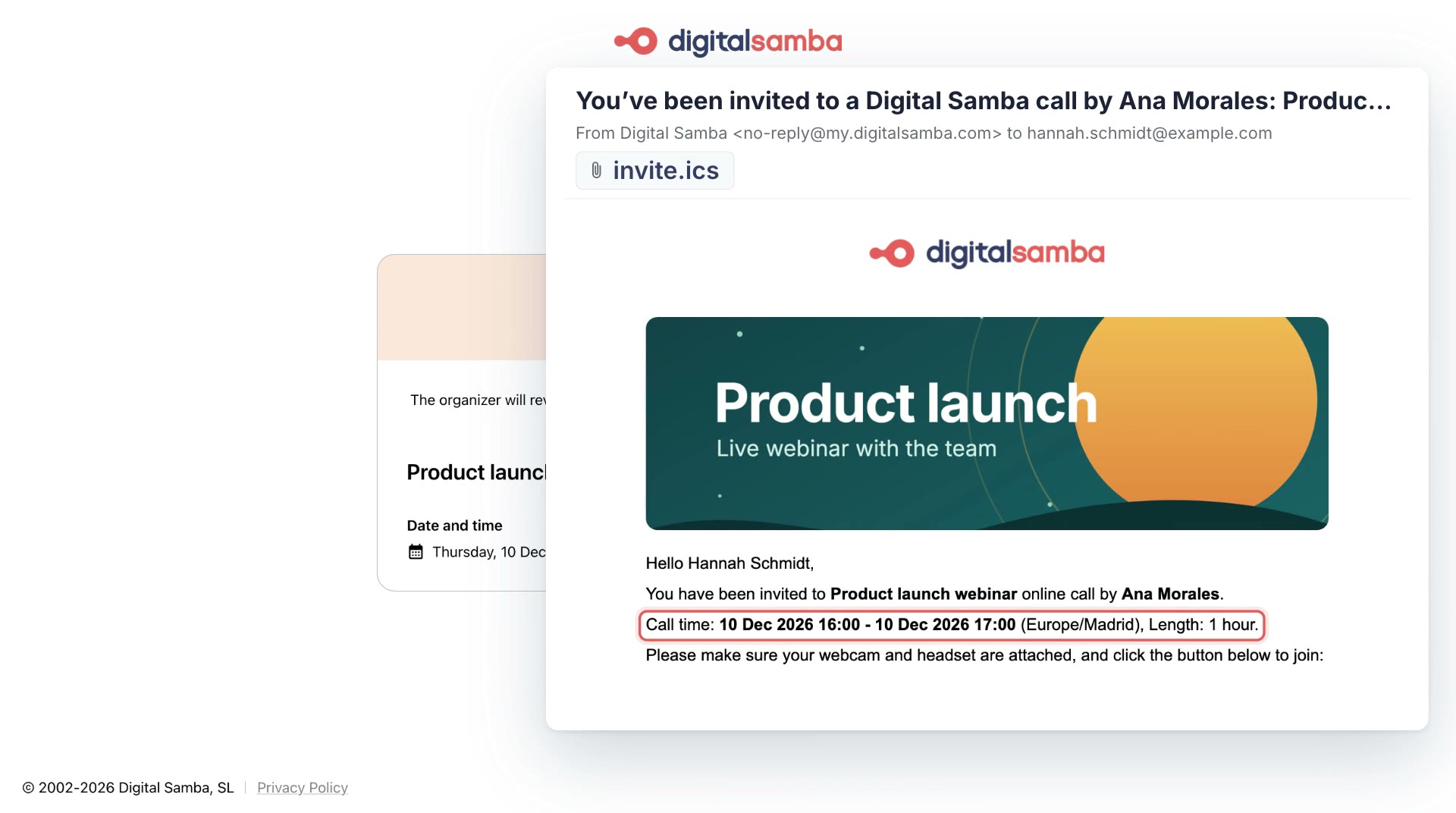
Join call is your personal link: it identifies you in the call, so don't share it.
Good to know0:57
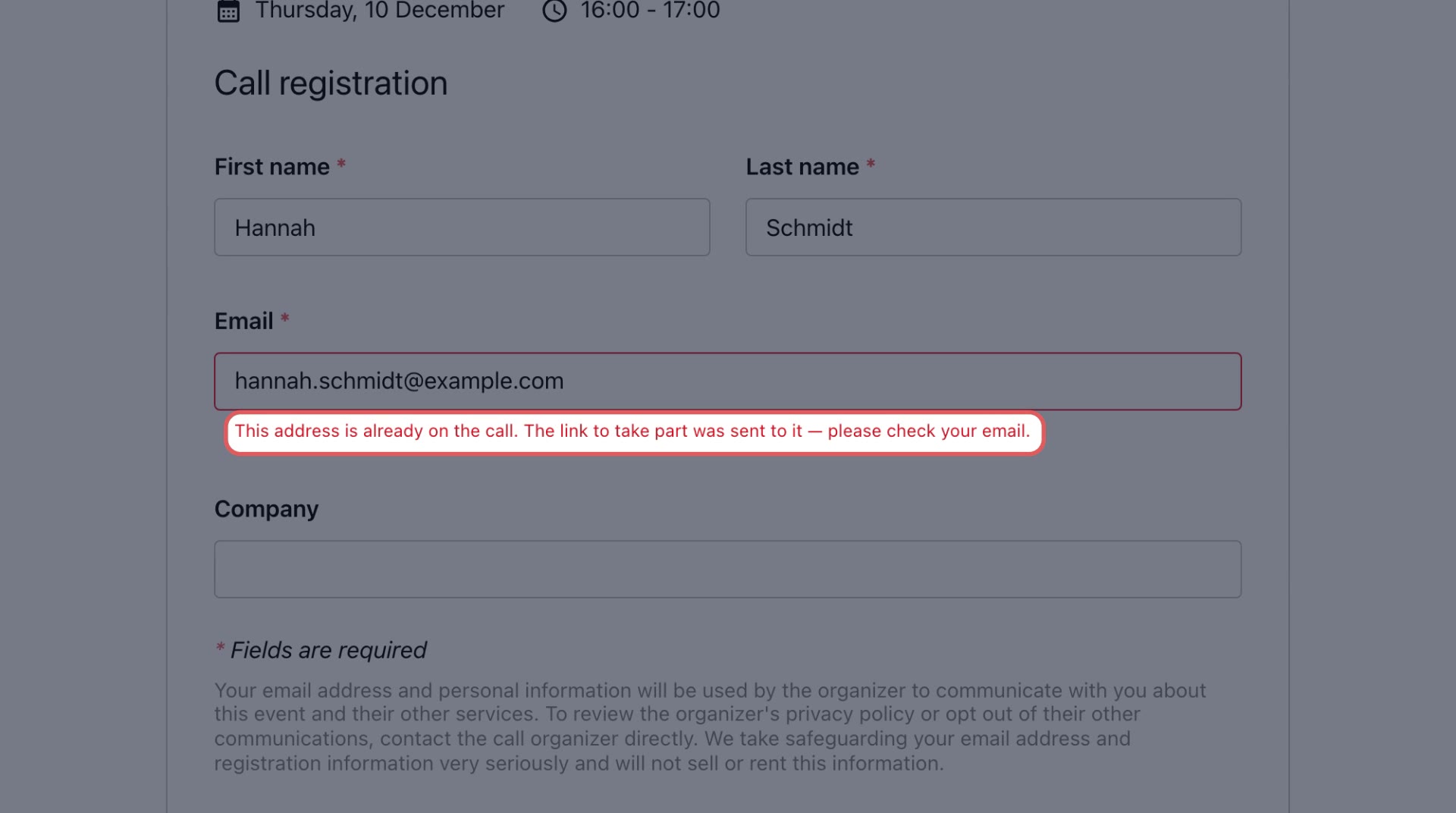
Each address can register once; a second try asks you to check your email.
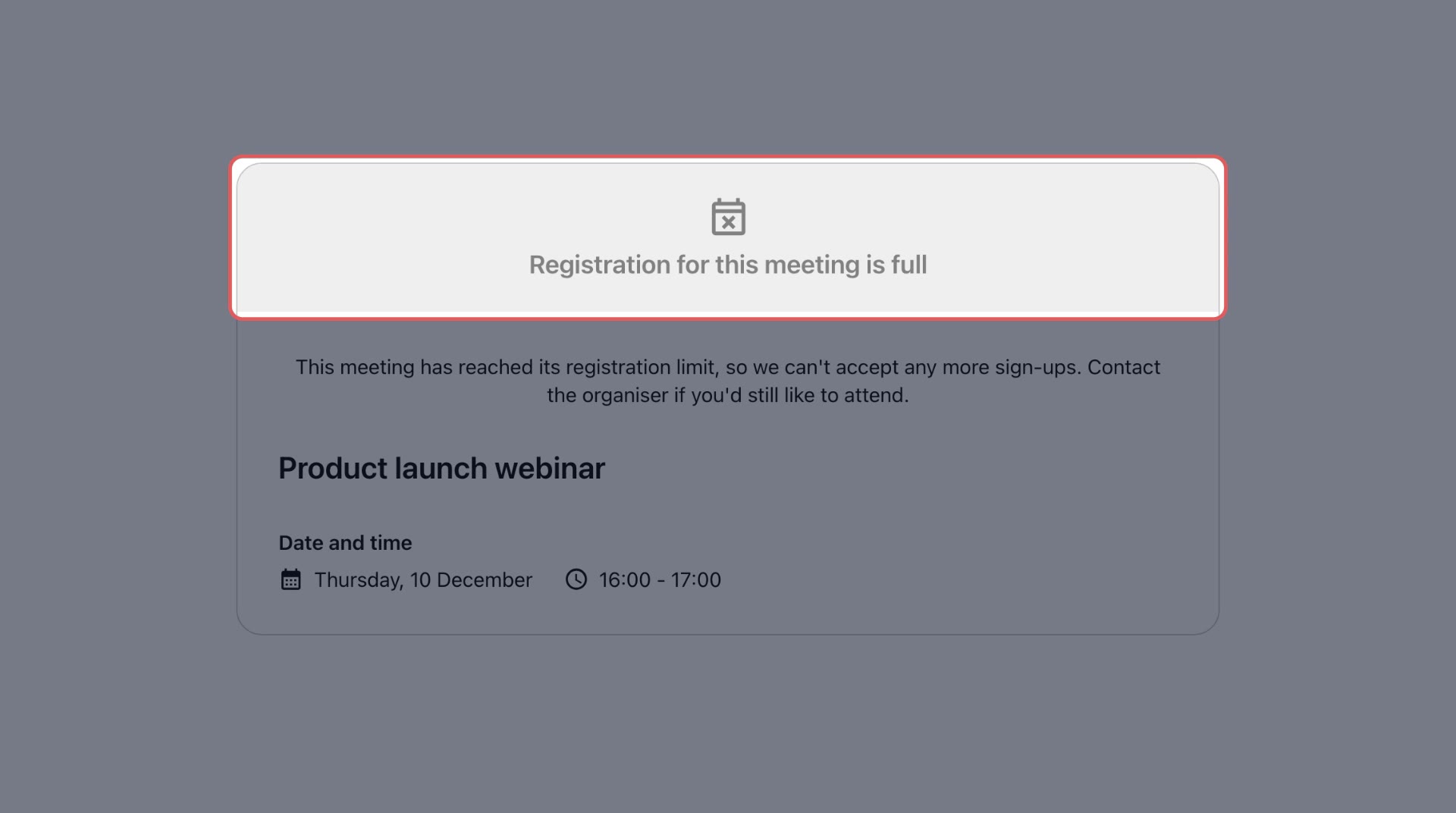
When all places are taken, the page says registration is full.
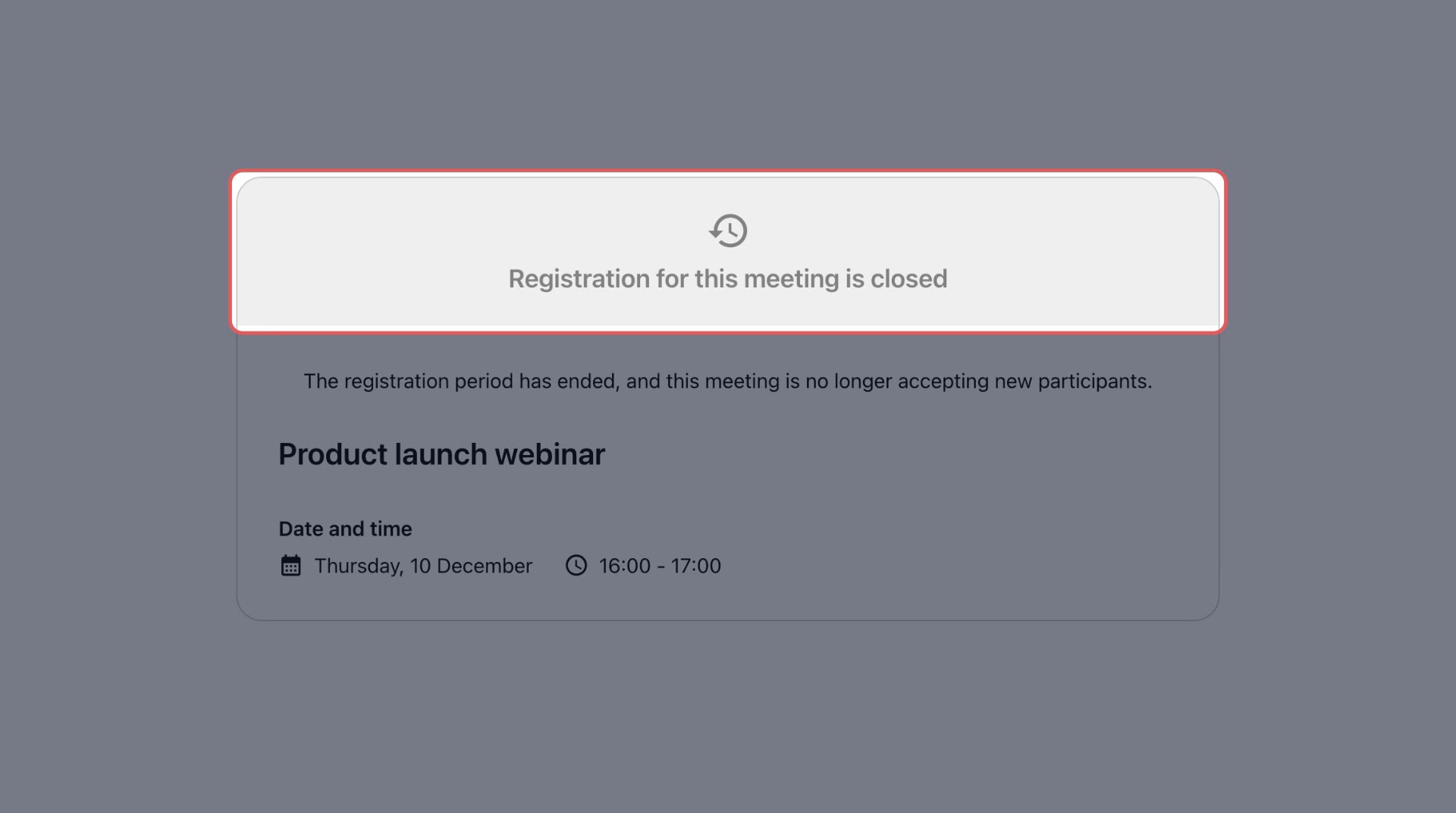
And after the closing time, it says registration is closed.
Recap1:14
So: open the link, fill in the form, register, and look out for your invitation.
Did this article help?
Sorry about that. What was the problem?