Skip to content
University
Videos
Most watched
Topics
Updates
Search the videos
Topics
Create, edit and delete a role
All 9 moments in Digital Samba University that depend on this.
Roles and permissions: create a custom role
Customise your calls · 2:59
0:01
Introduction
In this video, you'll create your own role for a call — a meeting, a class or a webinar — choose what it may do, and invite someone in that role.
Read
0:31
Roles
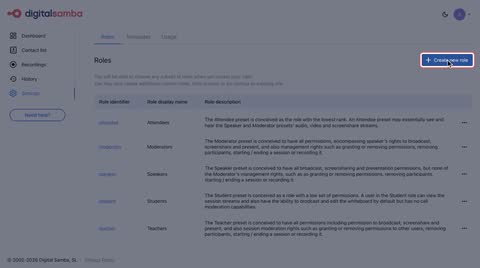
Click Create new role.
Read
0:34
Create new role
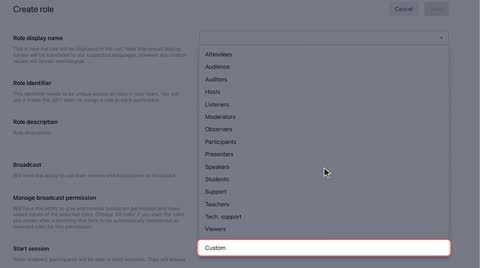
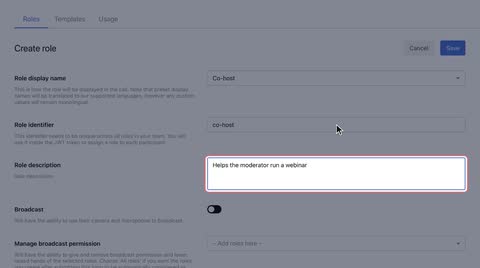
Under Role display name, choose one of the preset names, or Custom to type your own: Co-host.
Read
0:41
Create new role
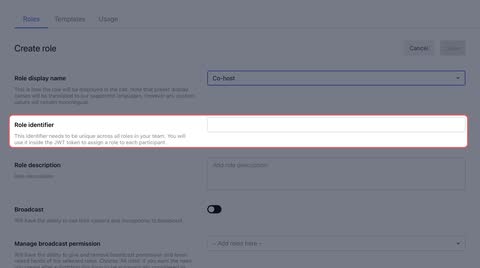
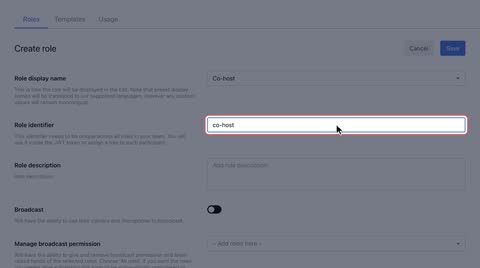
A preset name also fills in the Role identifier; with Custom, type it yourself.
Read
0:47
Create new role
It can't be one that's already taken, and it takes only letters, numbers, dashes and underscores: no spaces.
Read
0:55
Create new role
Then add a description.
Read
1:33
Permissions
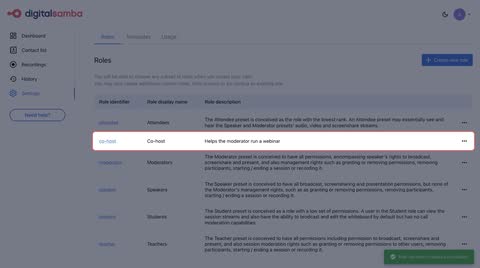
Click Save: Co-host is now in the list.
Read
2:37
Good to know
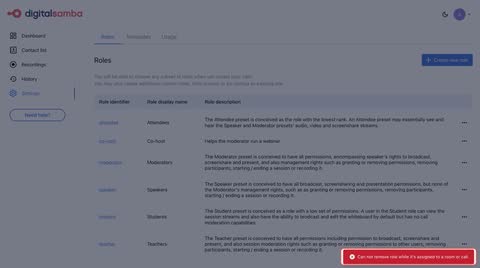
Built-in roles can't be deleted, and neither can a role that someone holds in a call.
Read
2:44
Recap
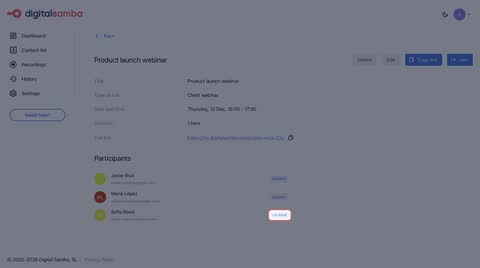
So: create the role and choose its permissions, add it to a type of call, and invite people in that role.
Read
All topics