1Roles0:12
Our example: a co-host who helps Ana run the Product launch webinar.
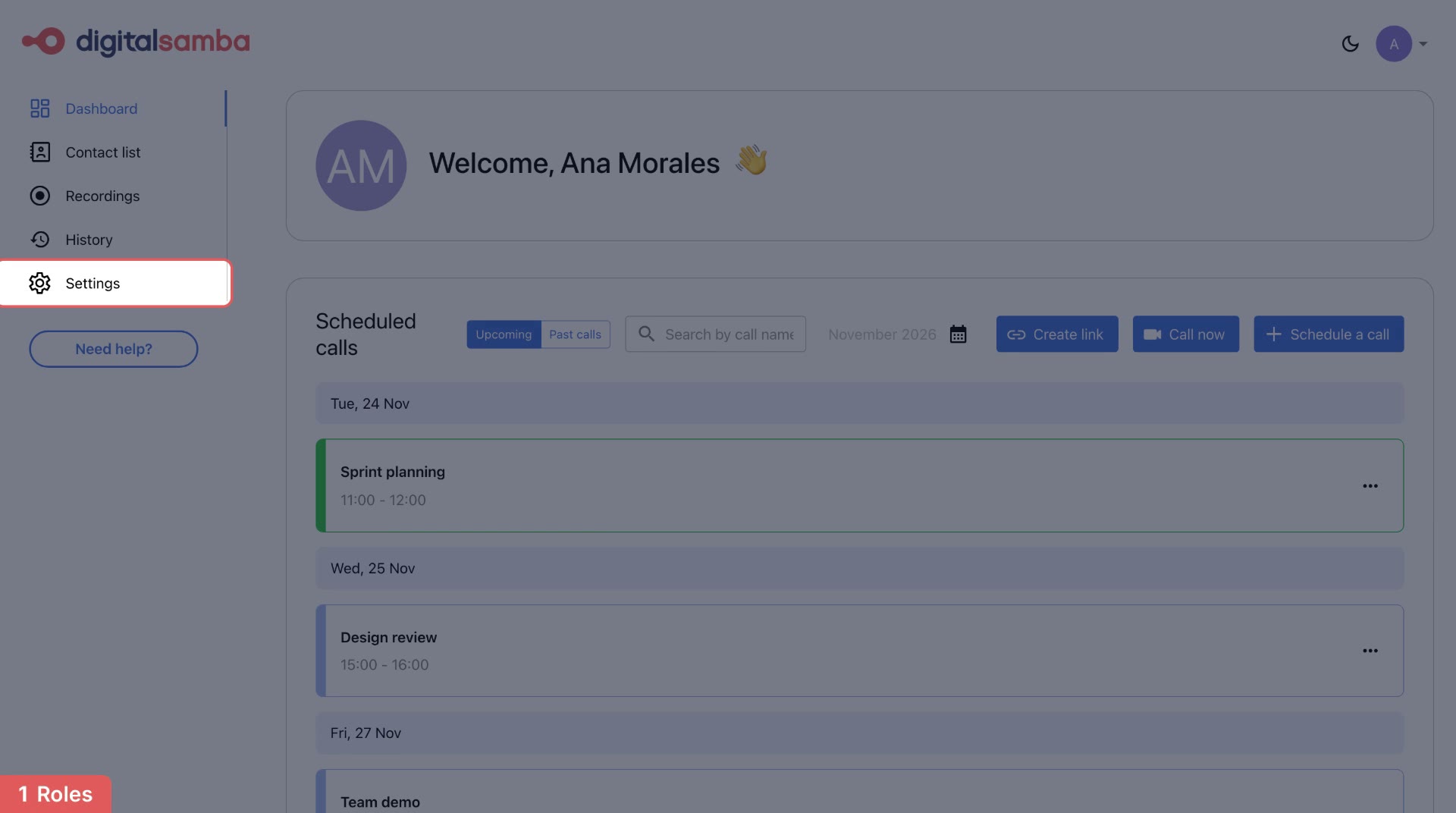
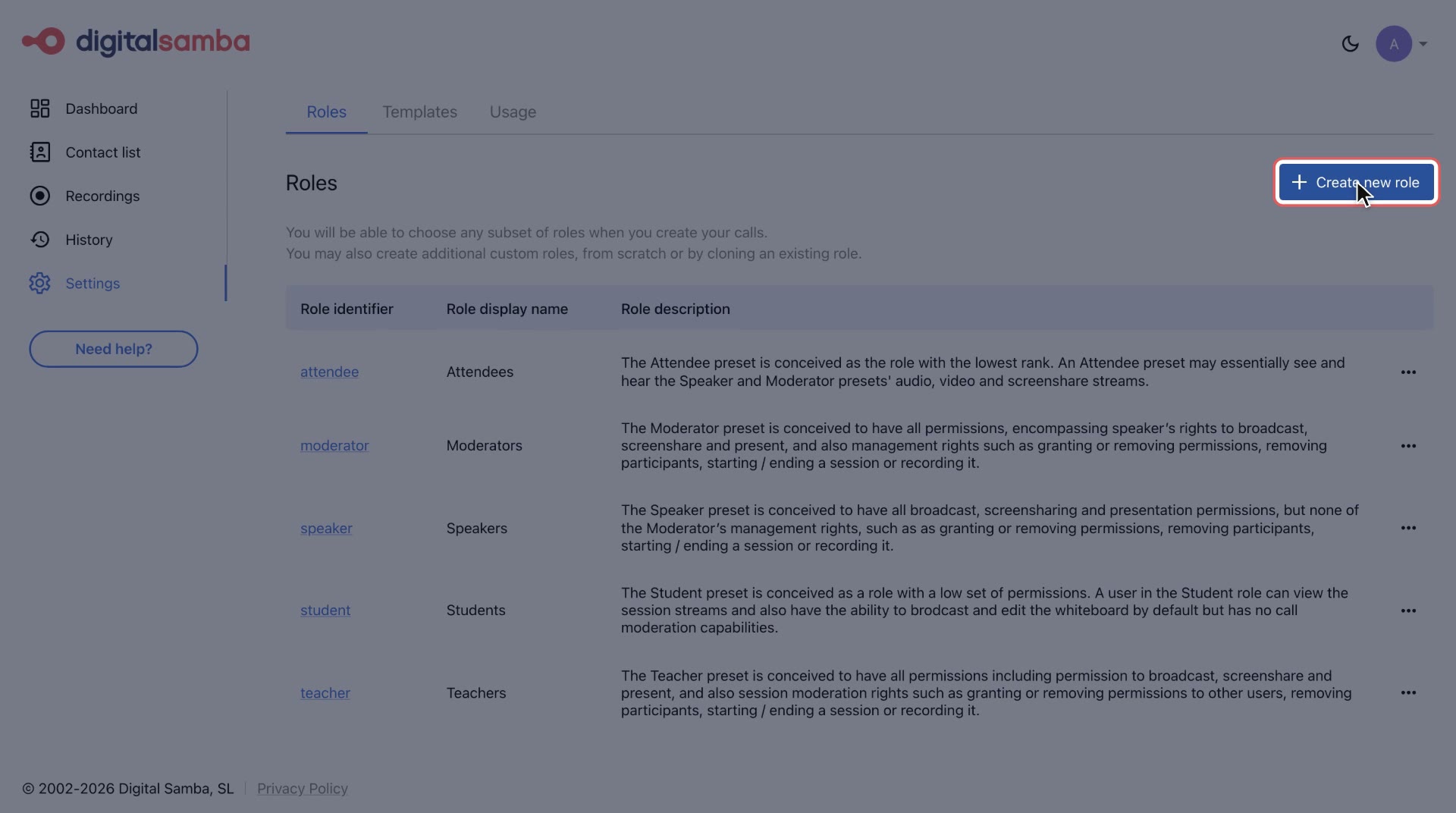
Open Settings: the first page is Roles.
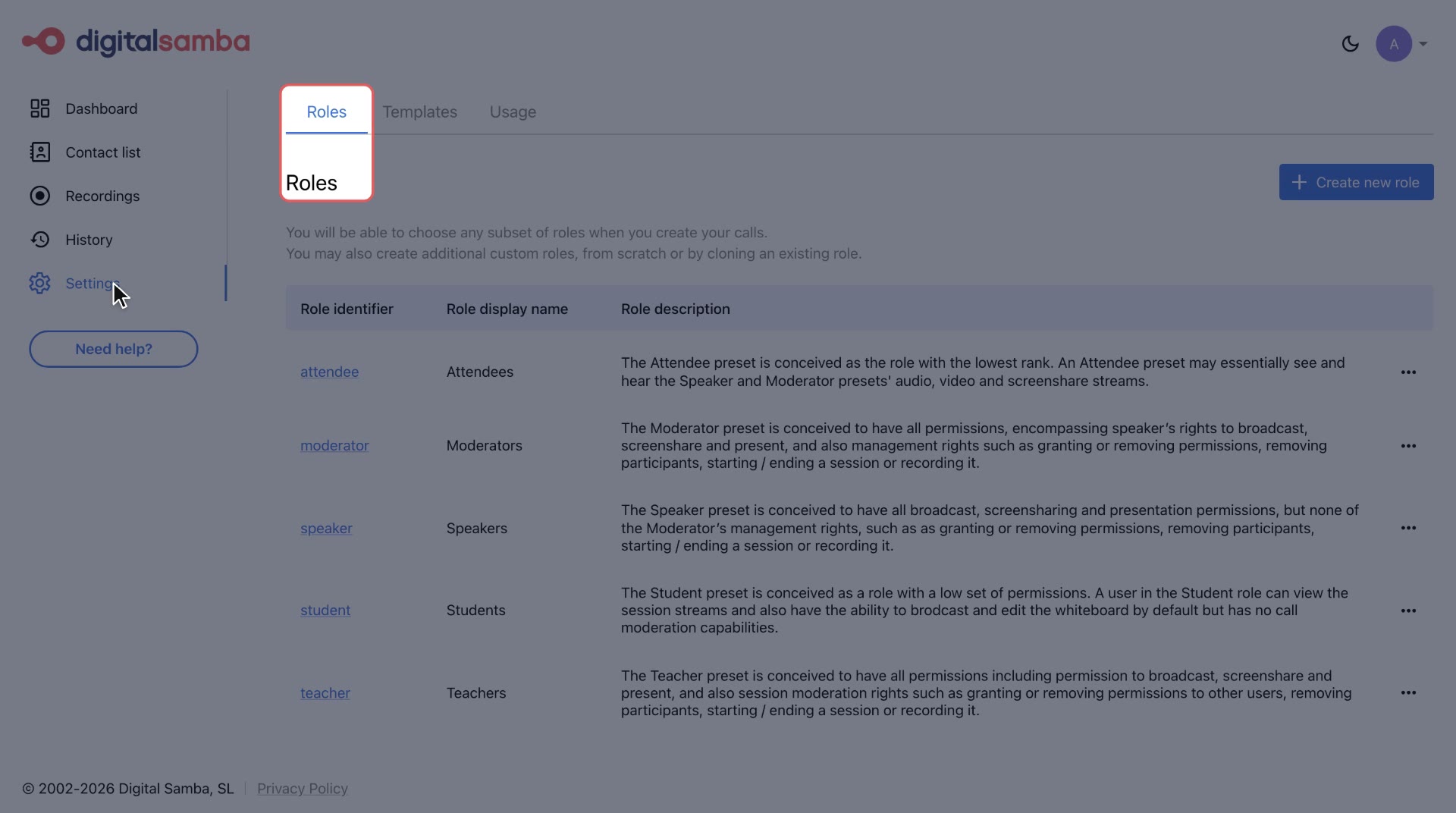
Five roles are there from the start, each with a description: attendees, moderators, speakers, students and teachers.
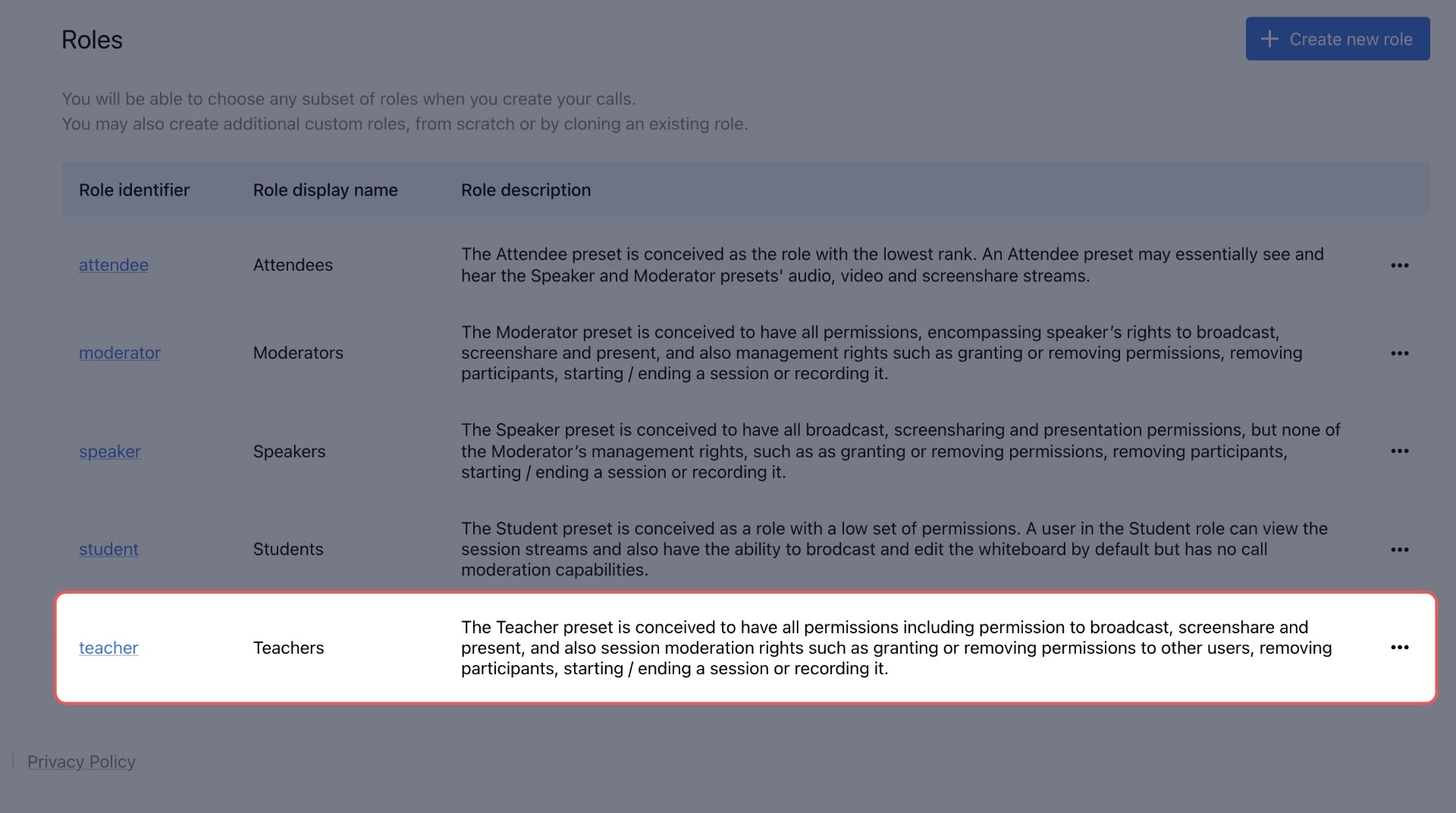
Click Create new role.
2Create new role0:33
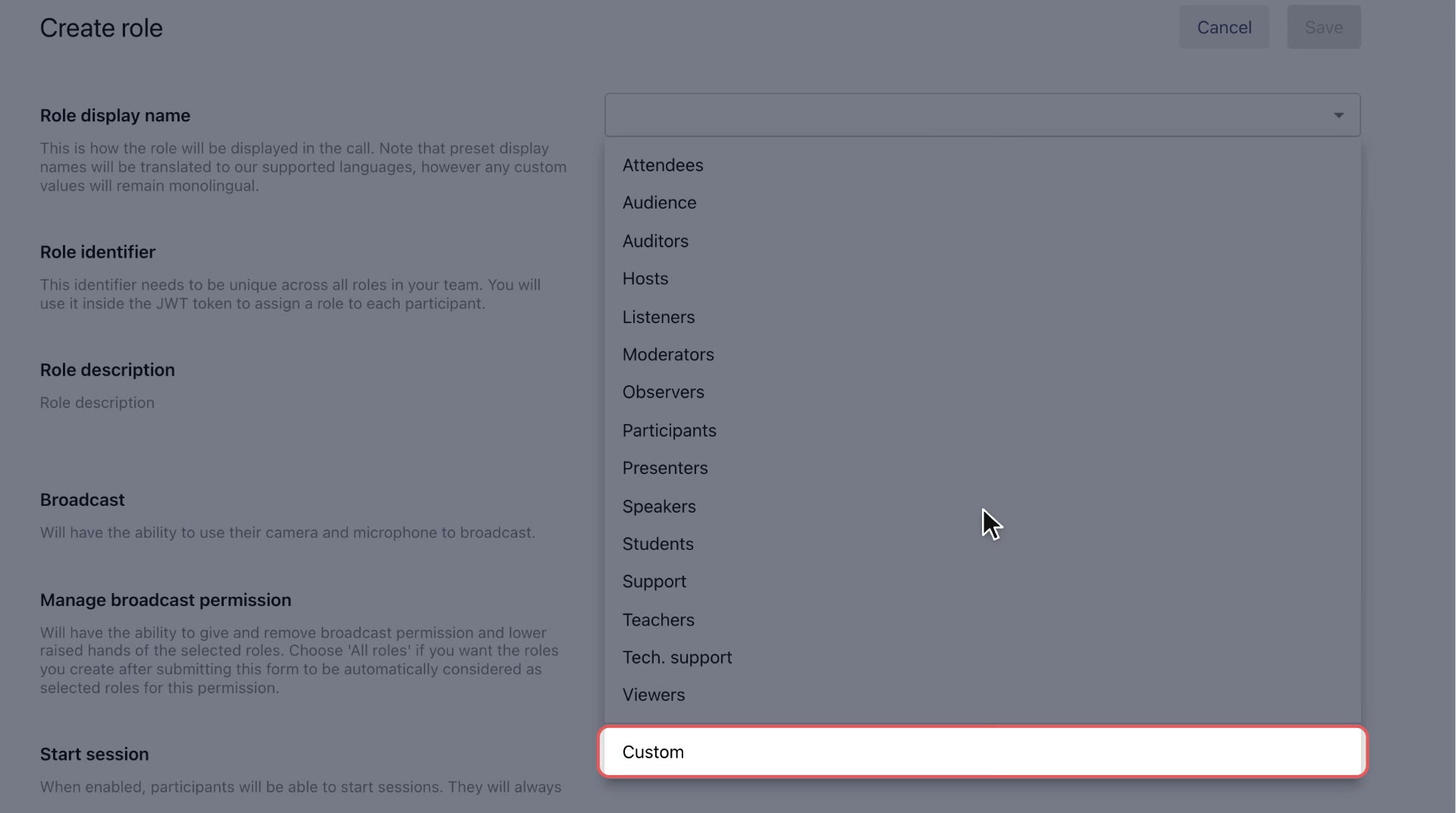
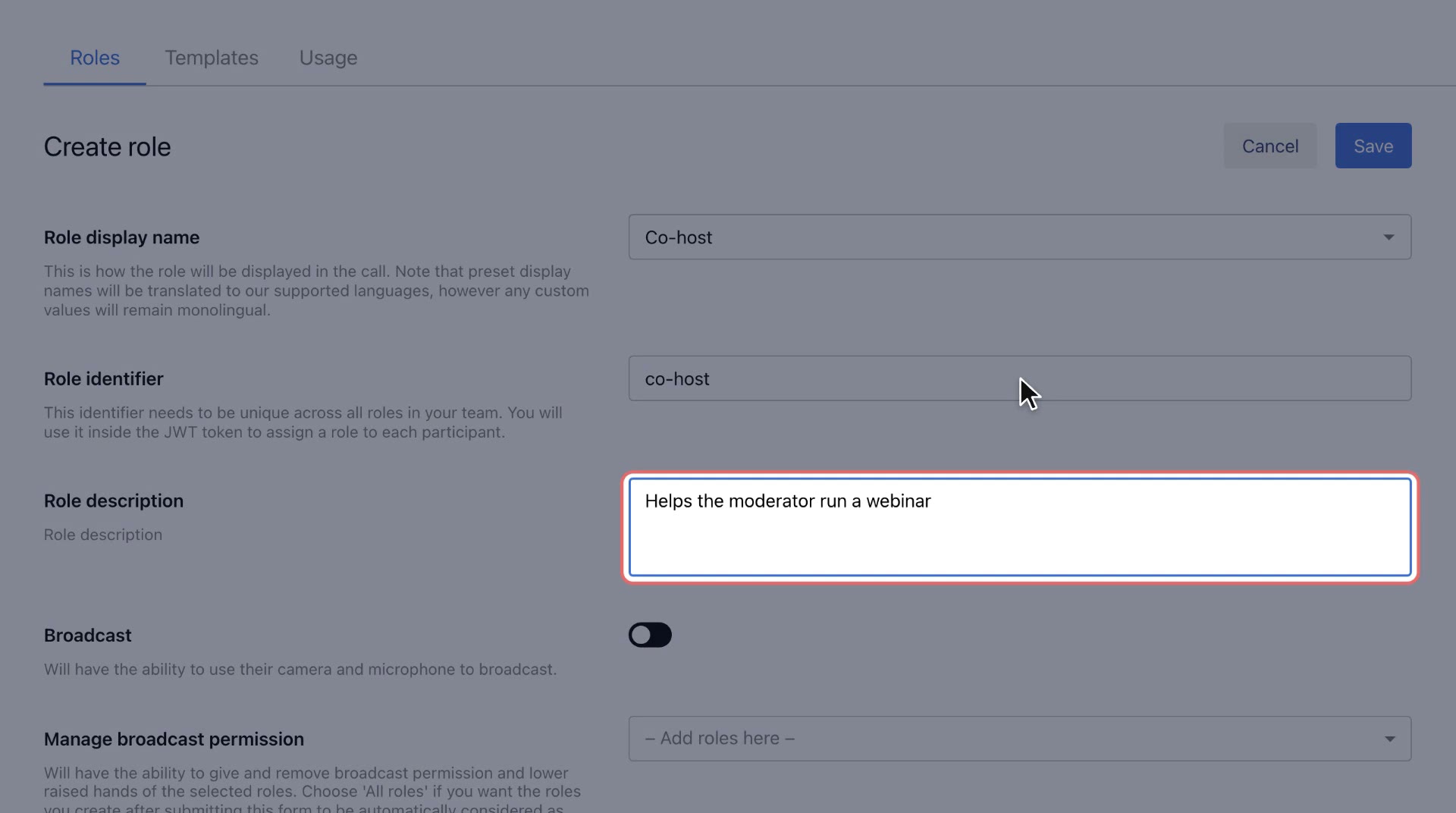
Under Role display name, choose one of the preset names, or Custom to type your own: Co-host.
A preset name also fills in the Role identifier; with Custom, type it yourself.
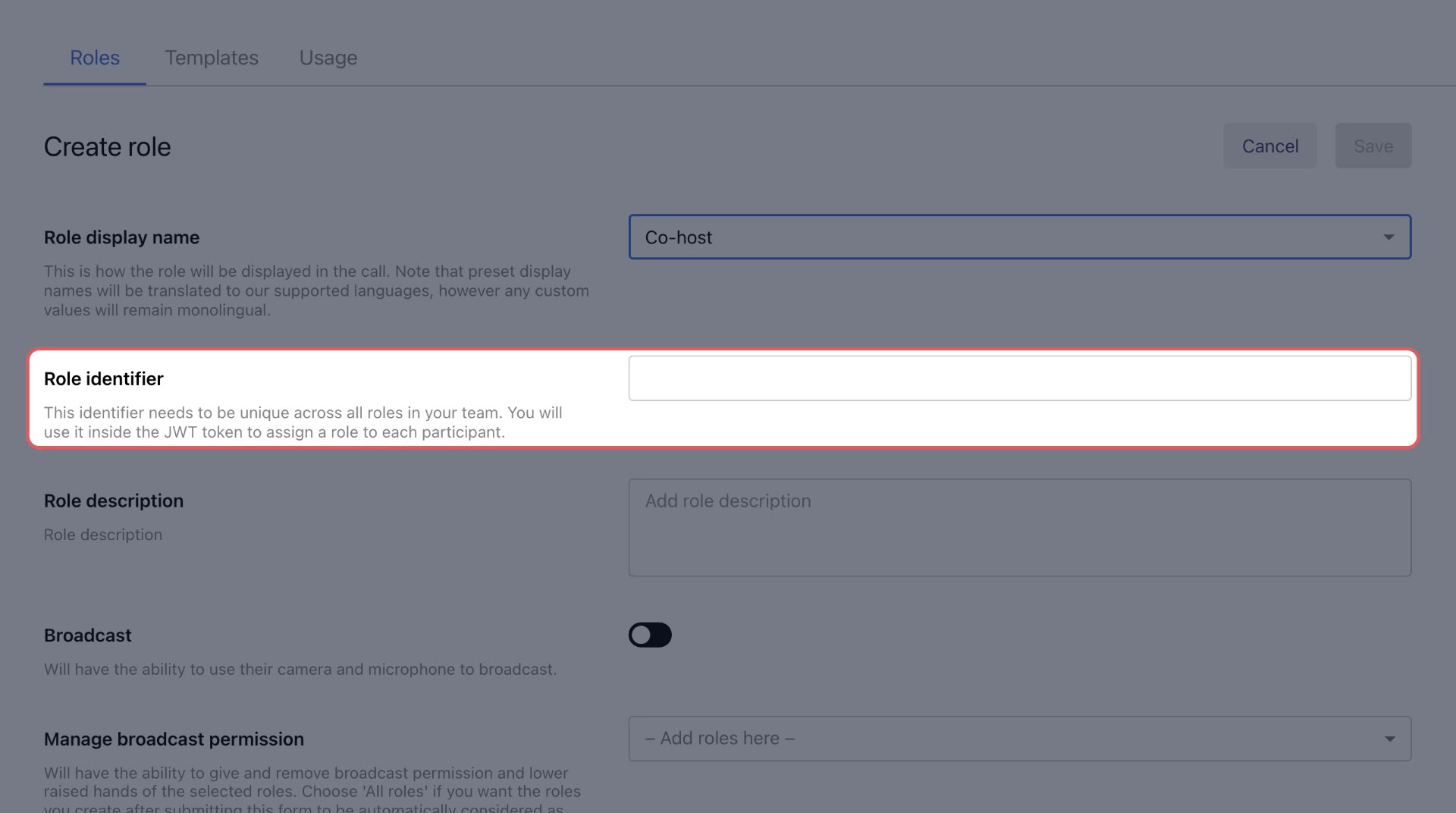
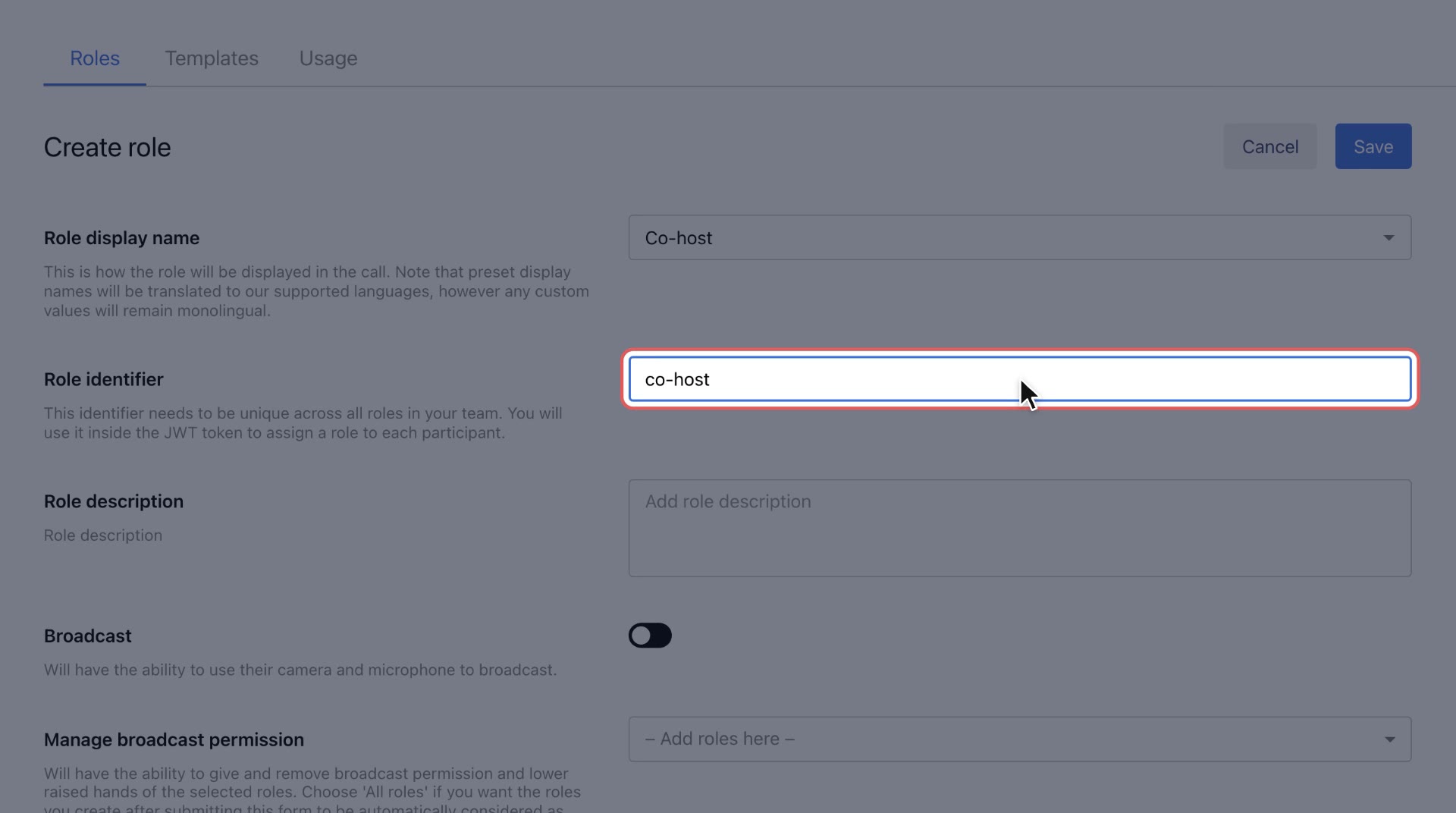
It can't be one that's already taken, and it takes only letters, numbers, dashes and underscores: no spaces.
Then add a description.
3Permissions0:57
Below come the permissions, about sixty, each with the dashboard's own description, and every switch starts off.
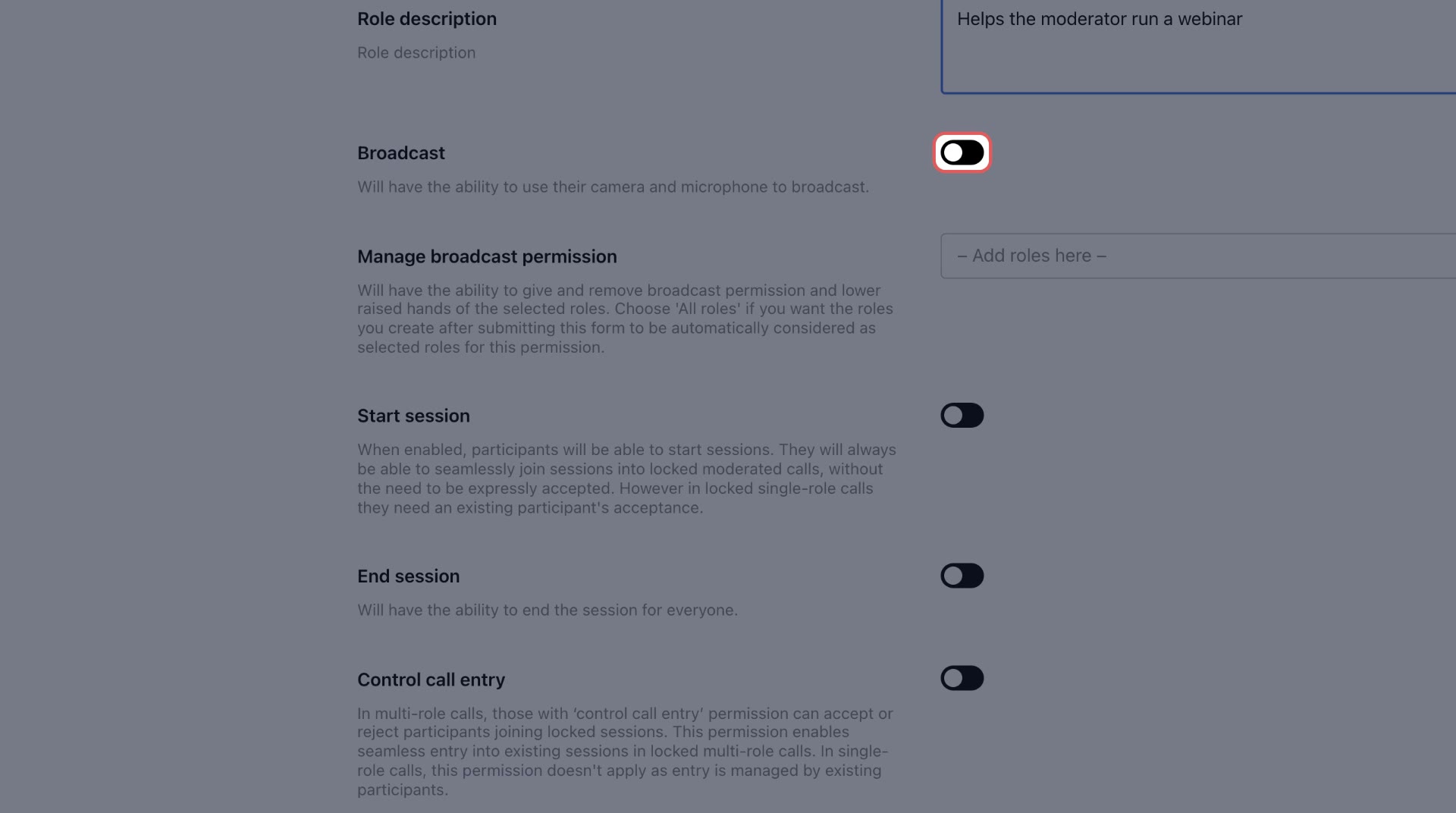
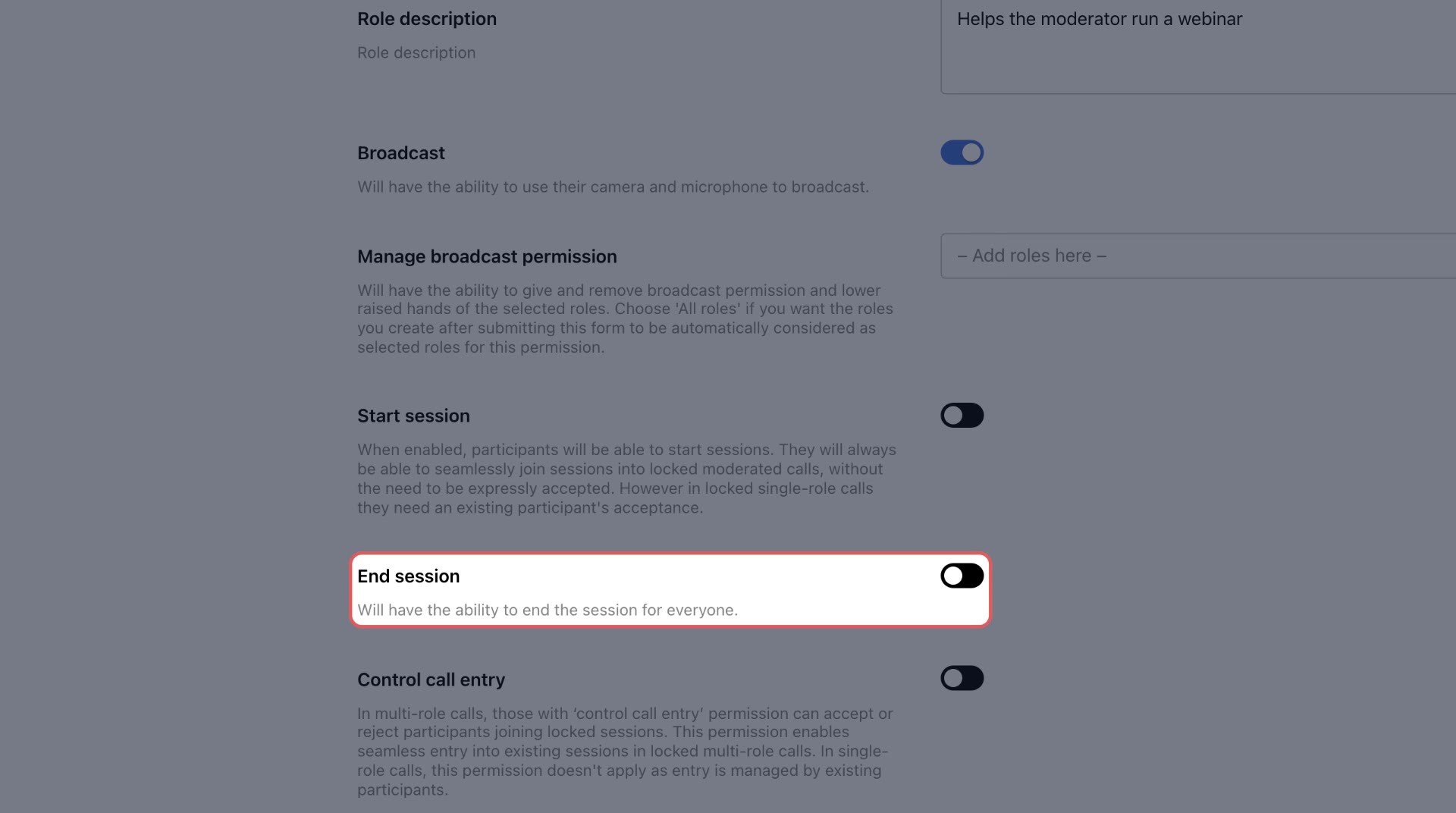
Ana turns on Broadcast; End session, the ability to end the session for everyone, stays off.
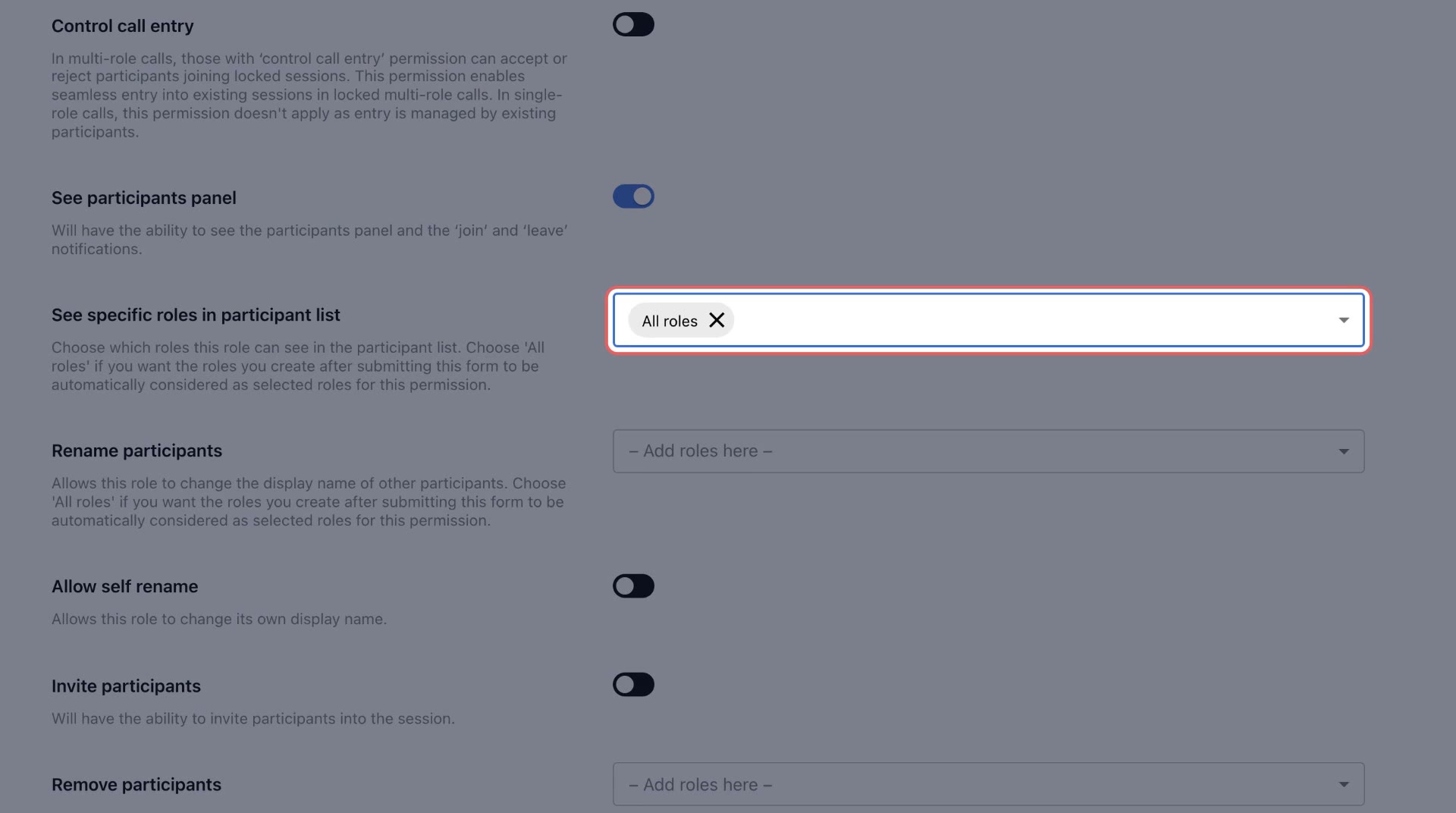
Further down: See participants panel.
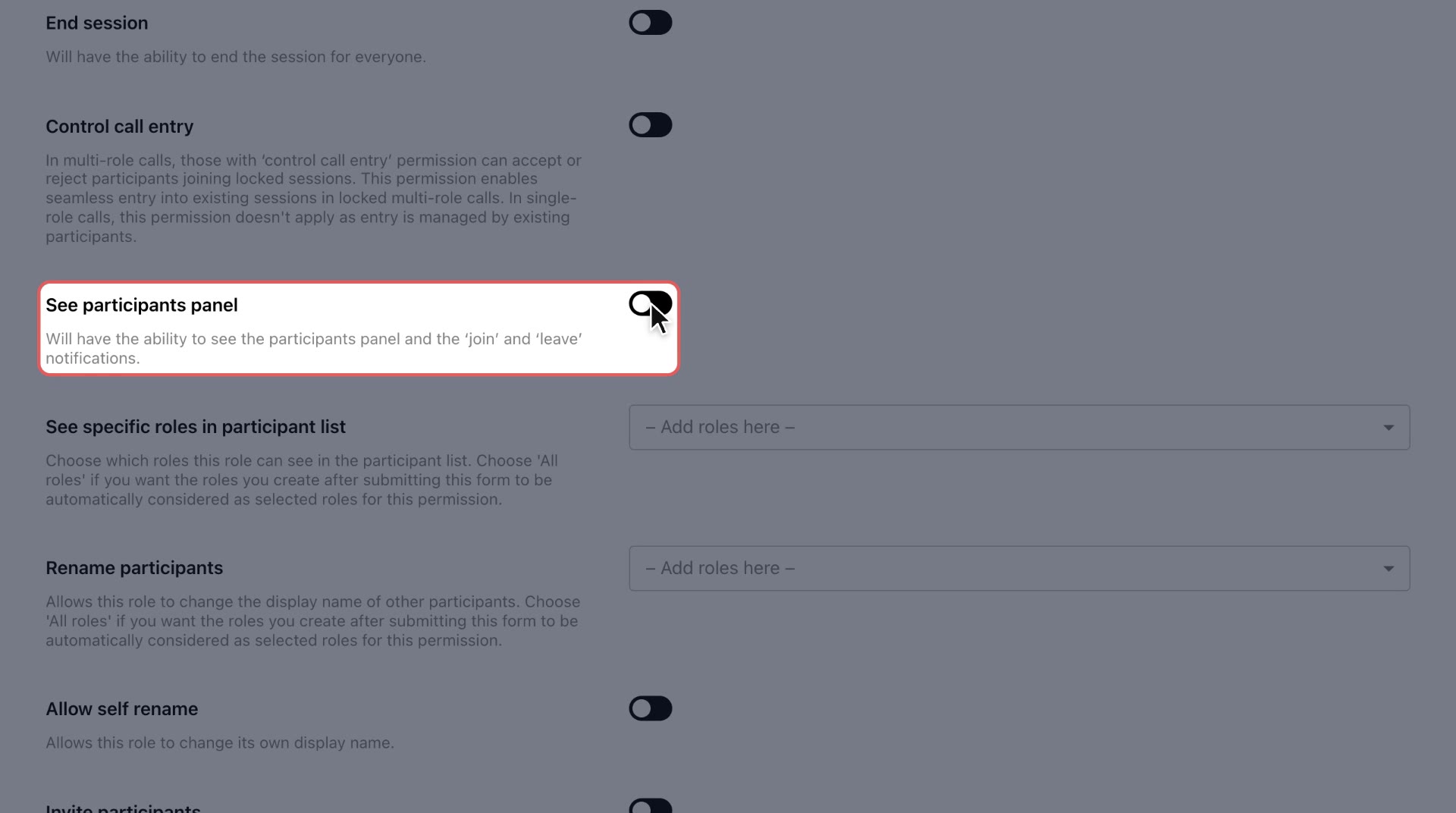
On its own the panel stays empty, so in the field below it Ana picks who is listed there: All roles.
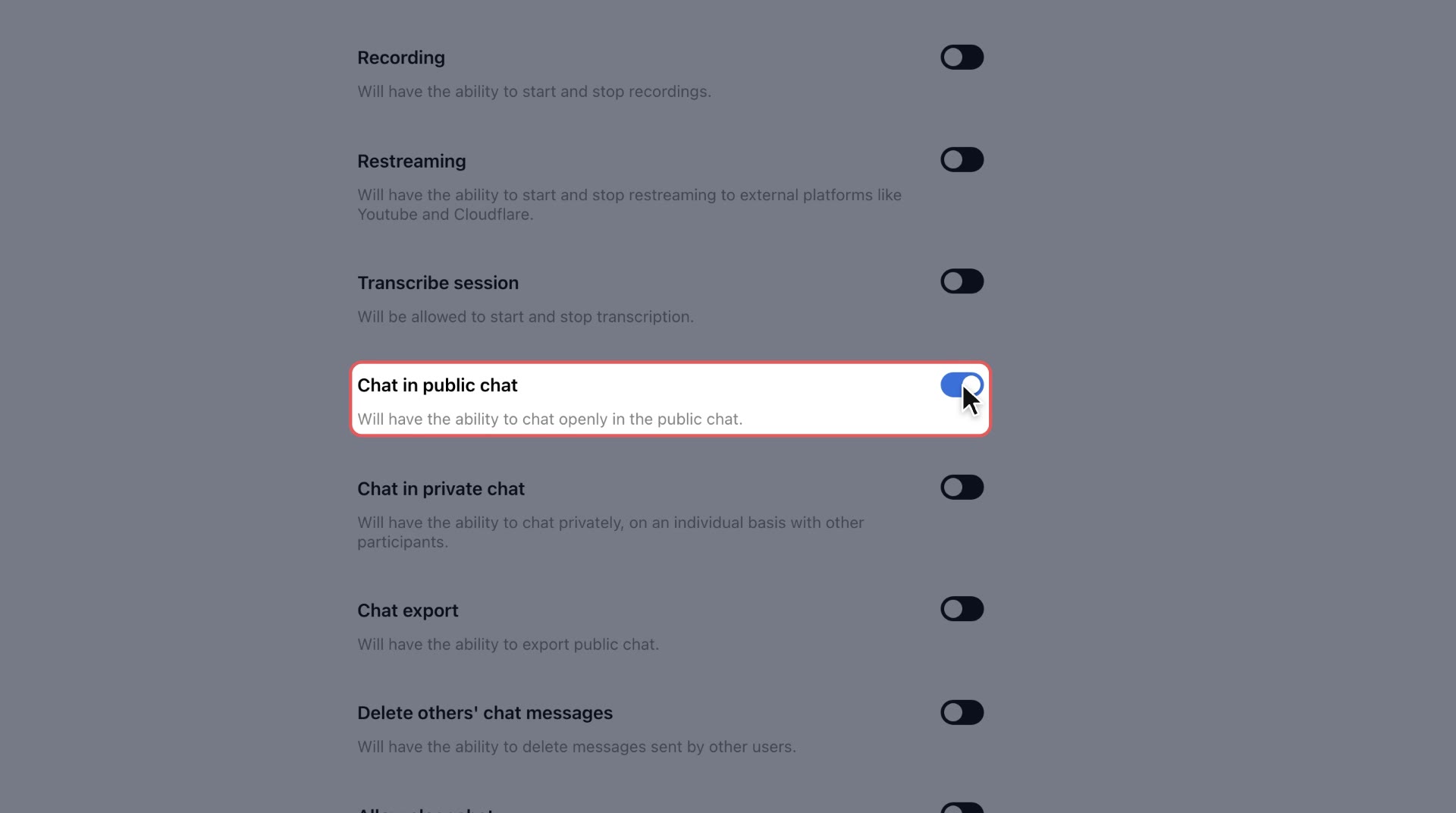
Then Screenshare, and Chat in public chat.
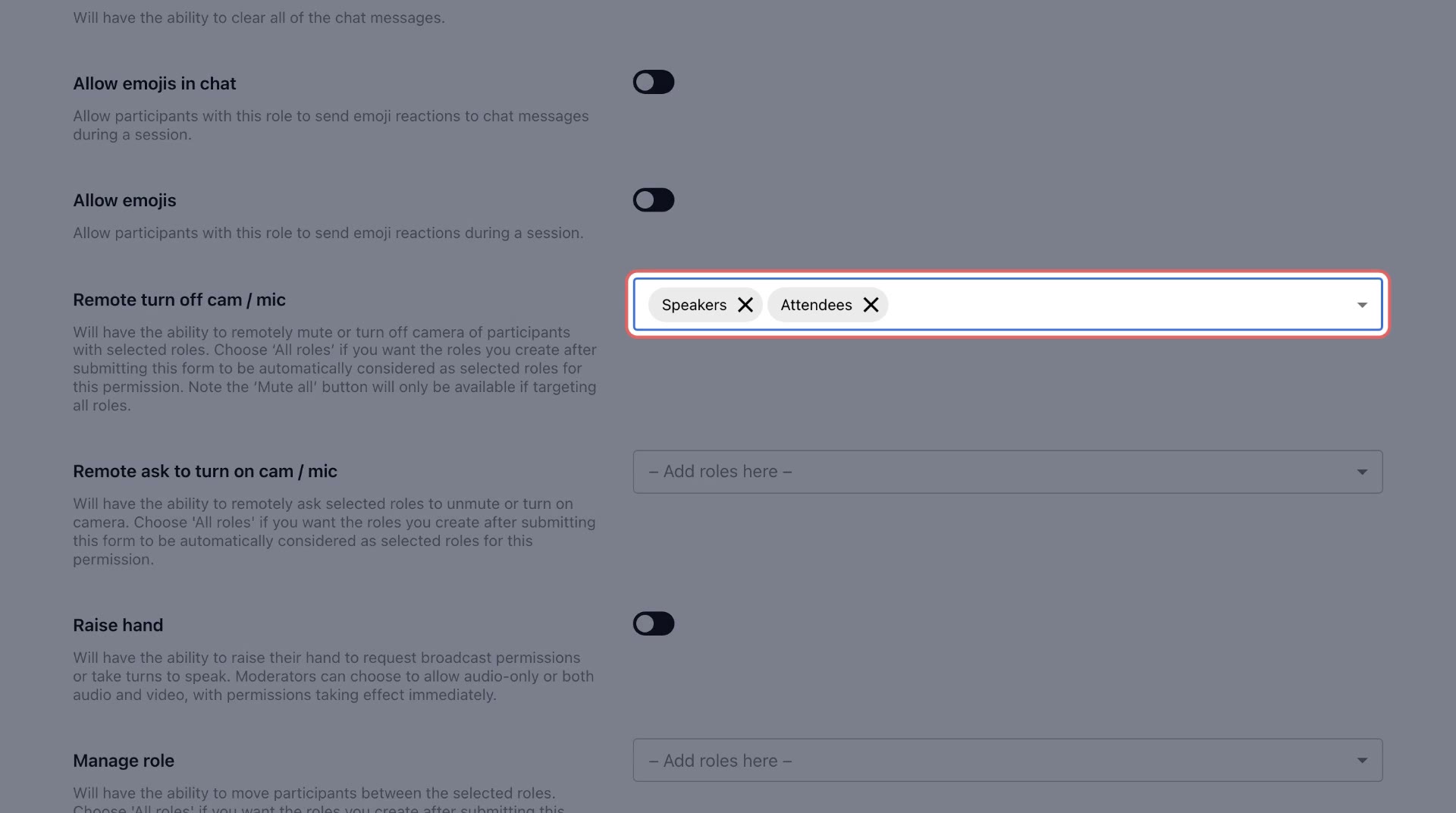
Remote turn off cam / mic asks for roles too: Ana picks Speakers and Attendees.
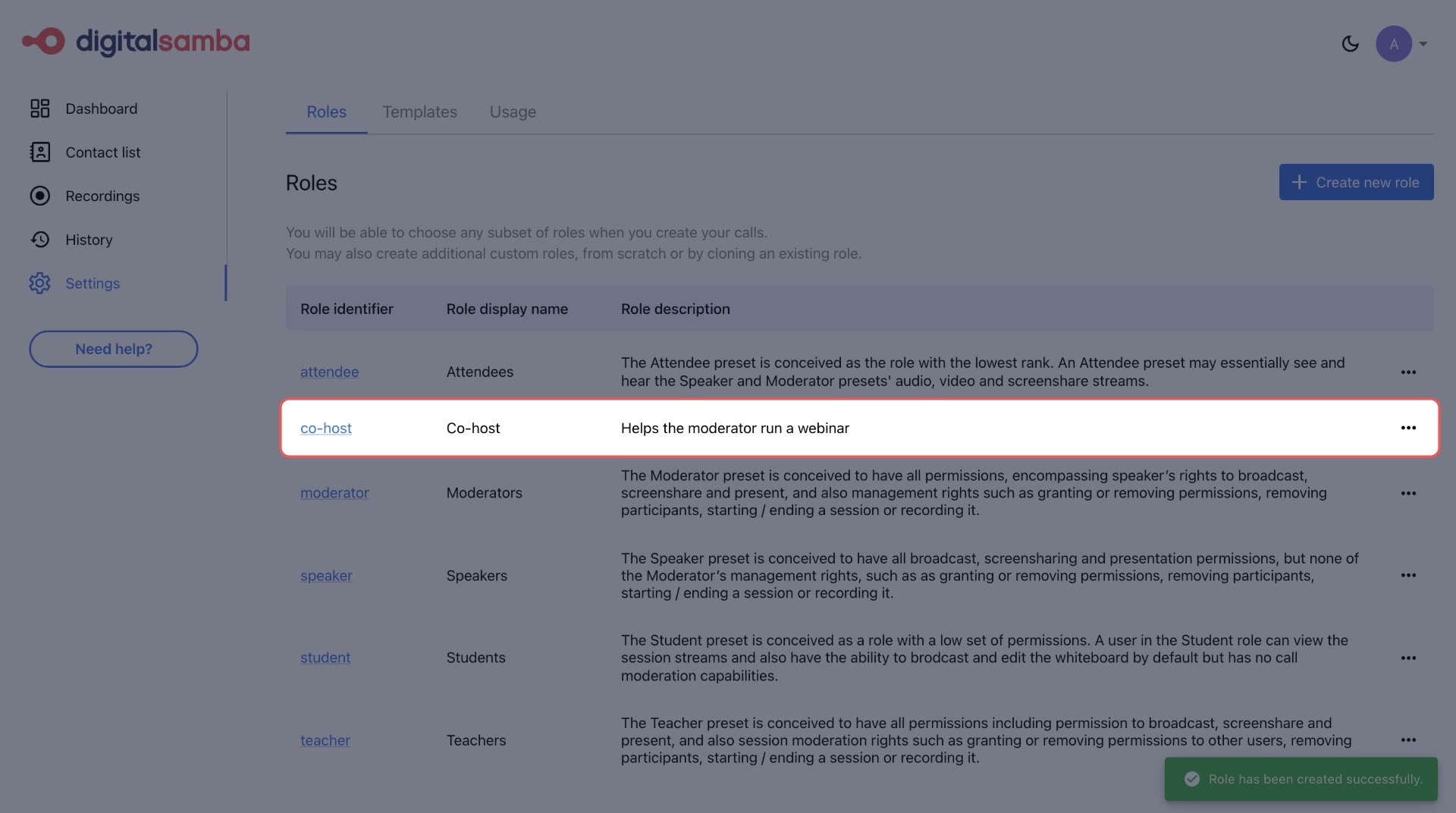
Click Save: Co-host is now in the list.
4Type of call1:36
A role is used through a type of call, which these settings call a template.
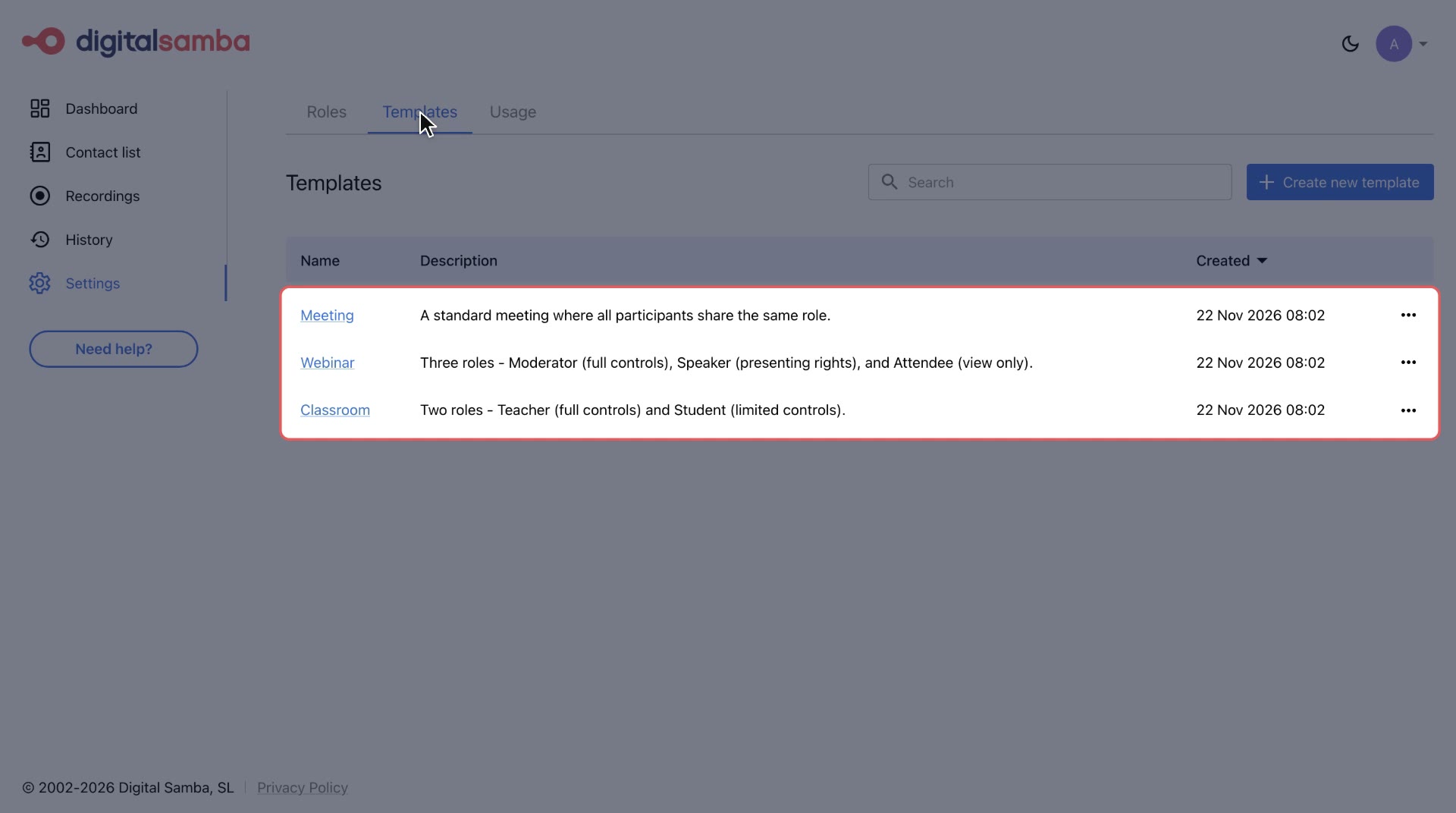
The built-in Webinar keeps its own roles: they can't be changed.
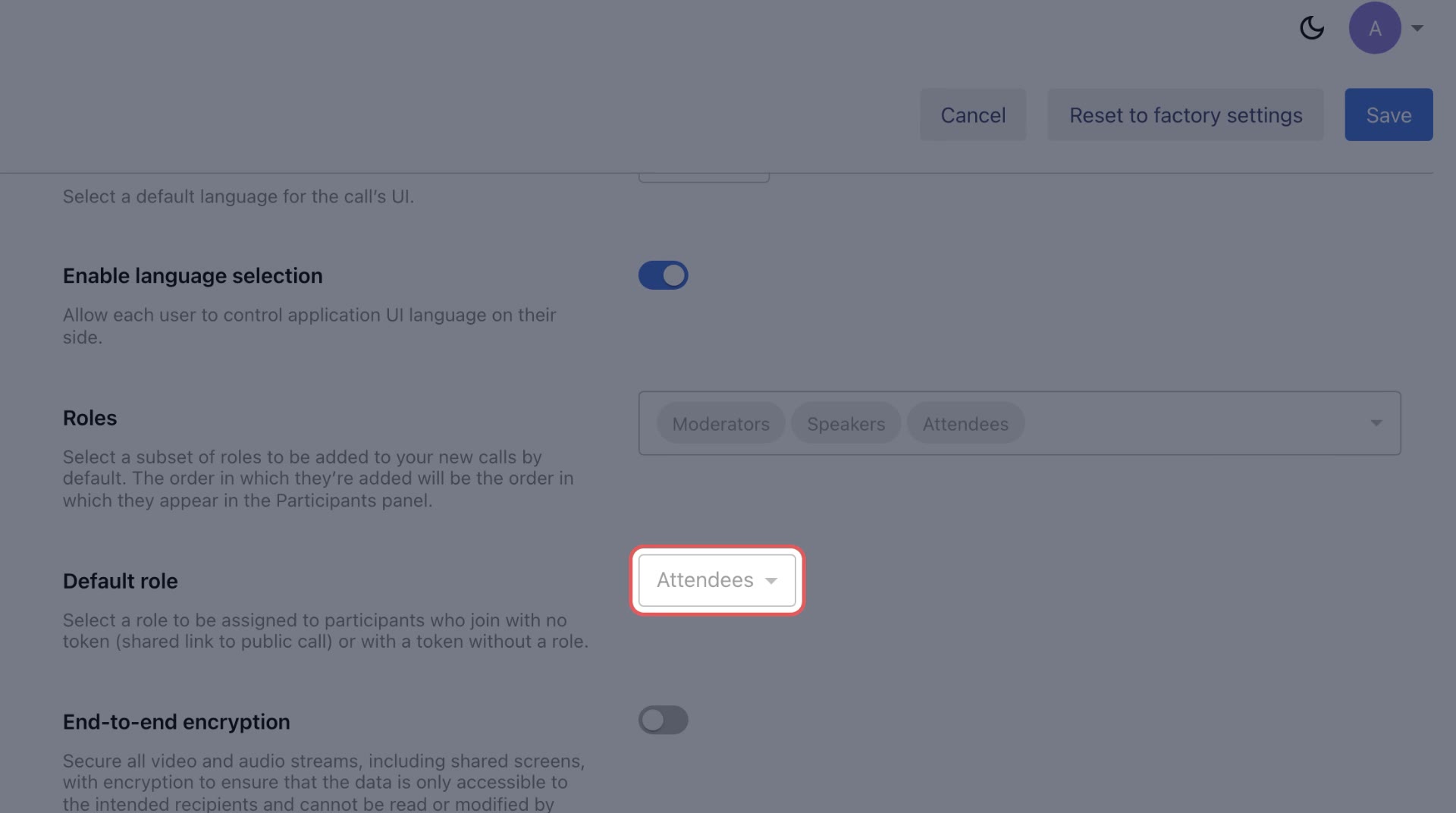
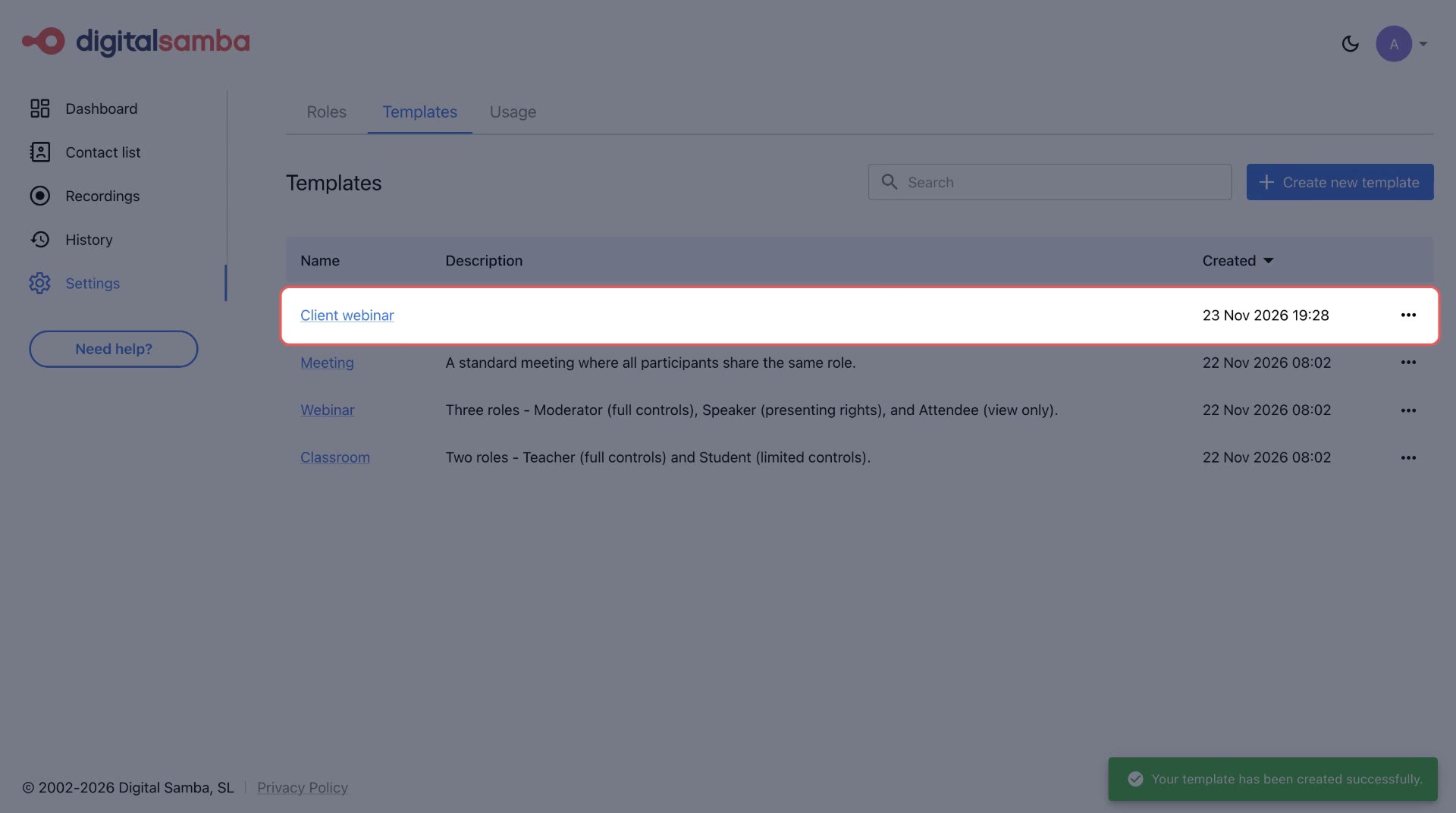
So click Create new template, and name it Client webinar.
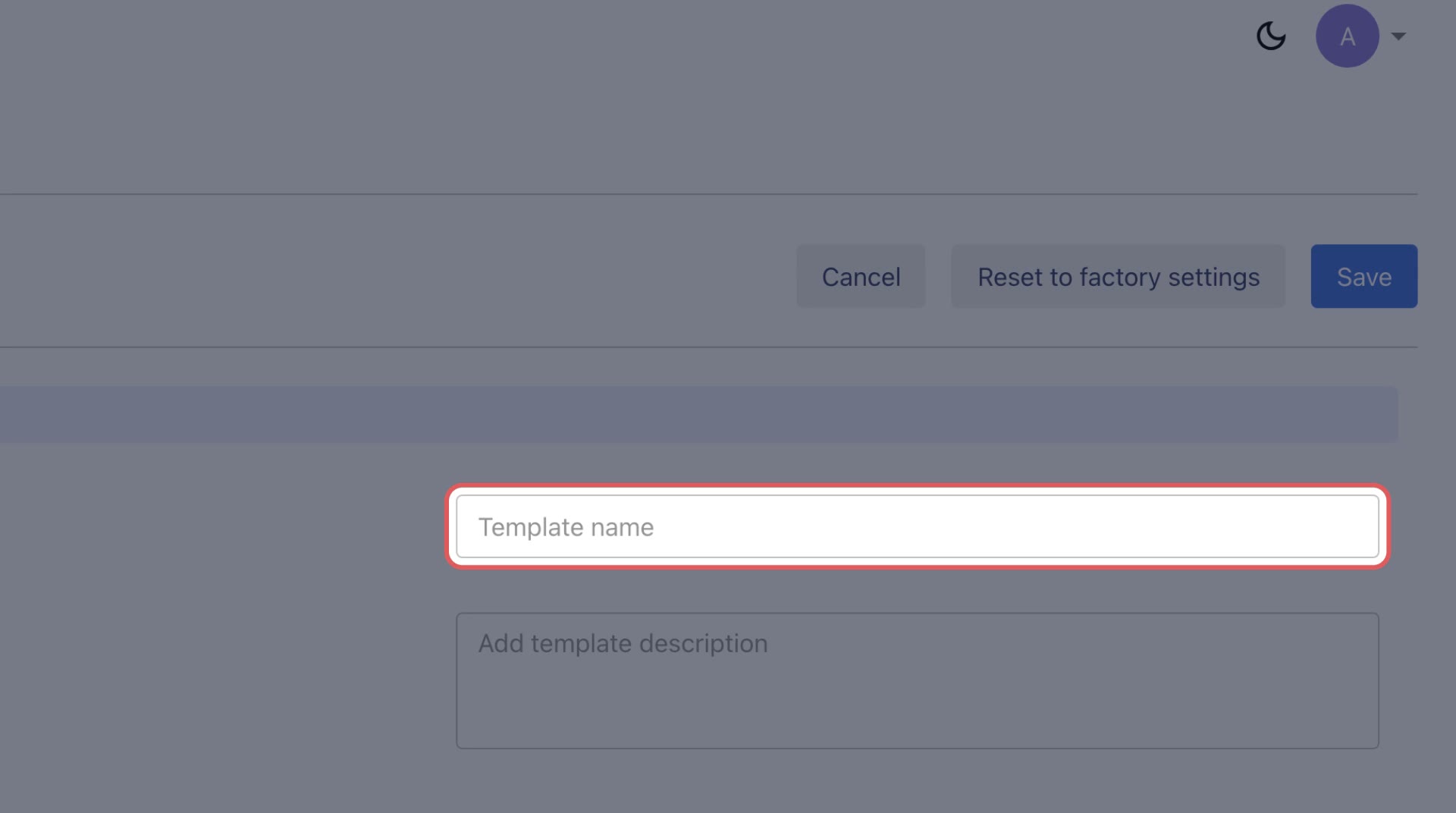
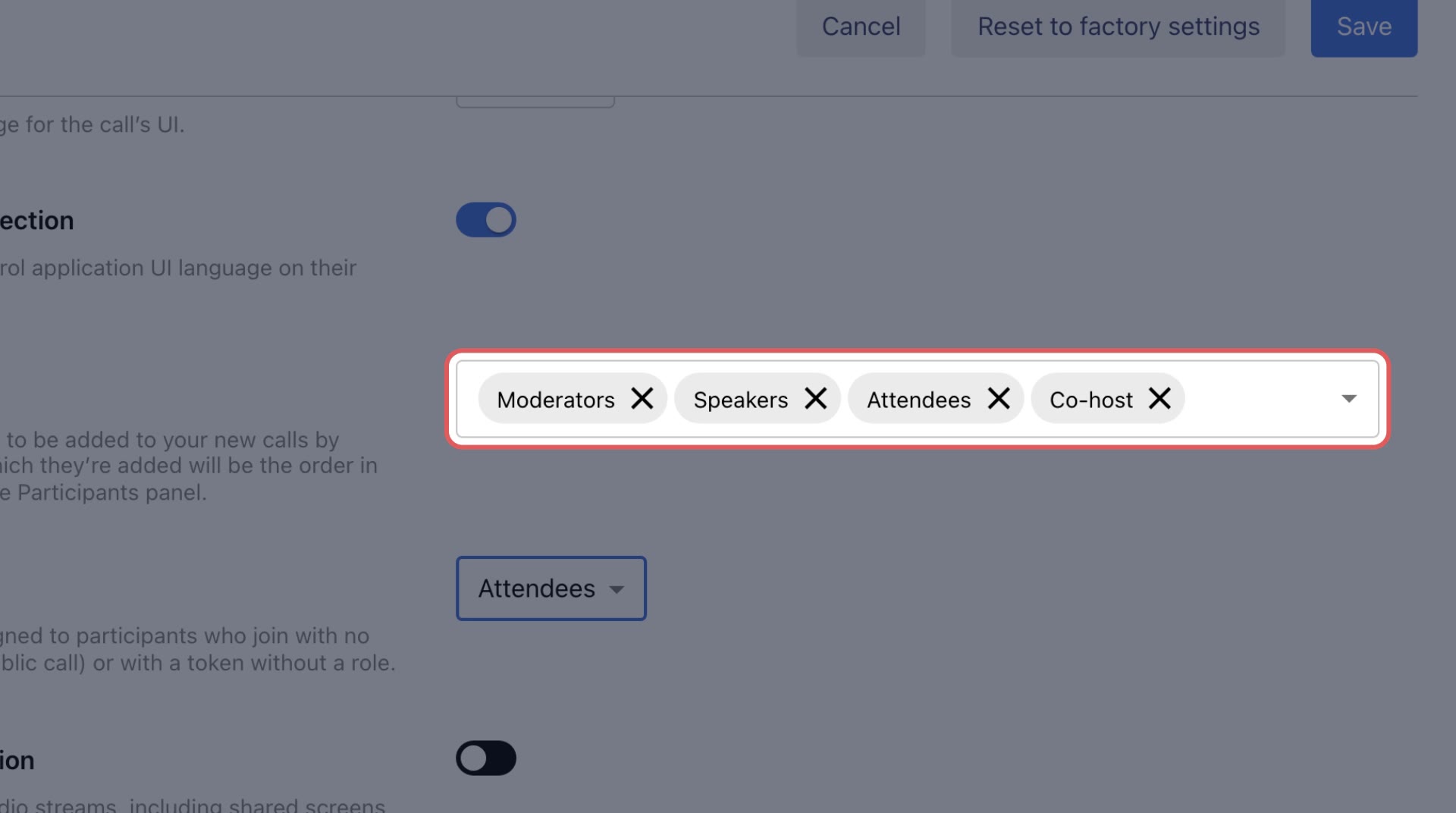
Under Roles, add Speakers, Attendees and Co-host next to Moderators.
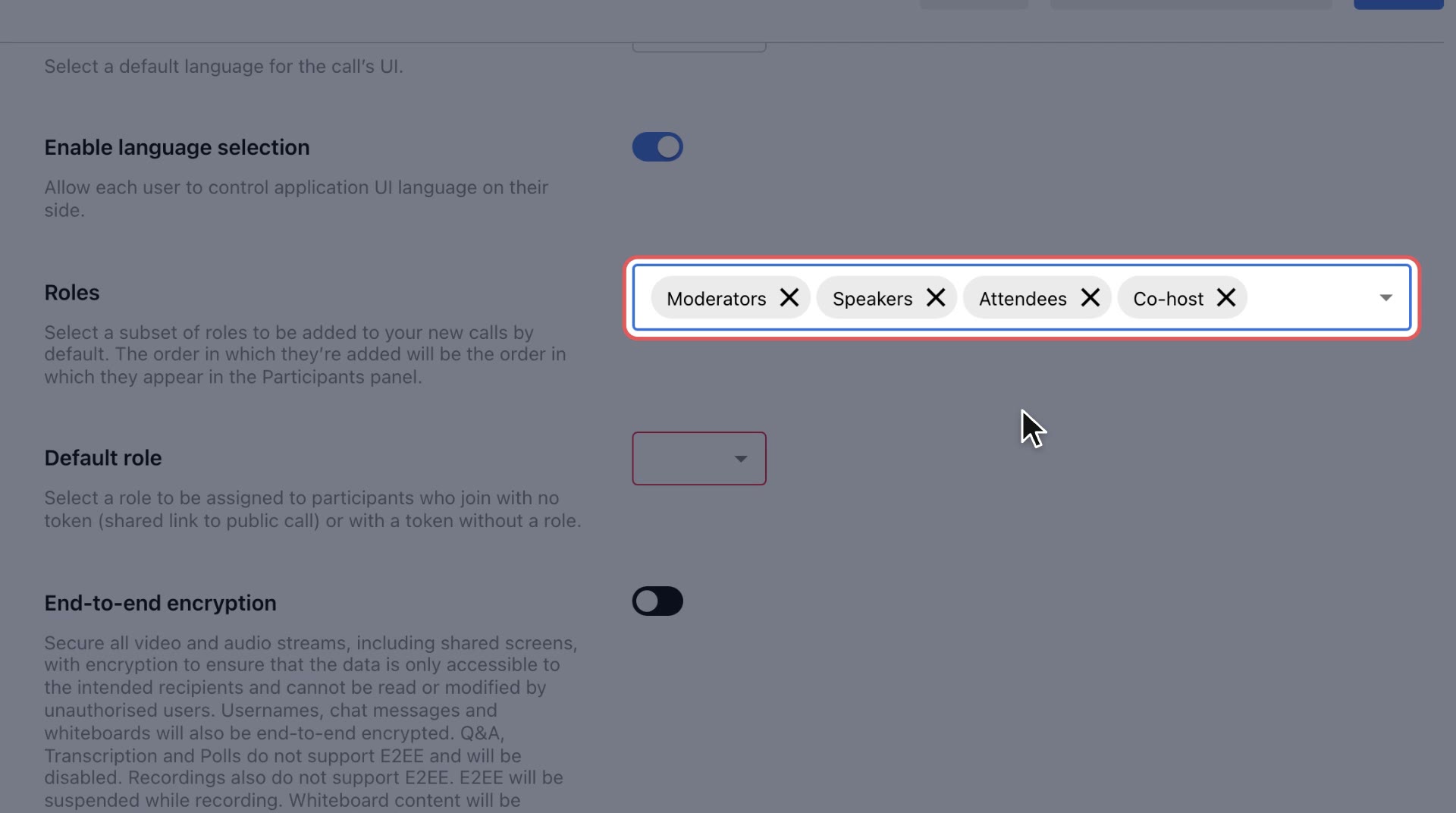
Choose Attendees as the Default role, then click Save.
5Invite as Co-host2:00
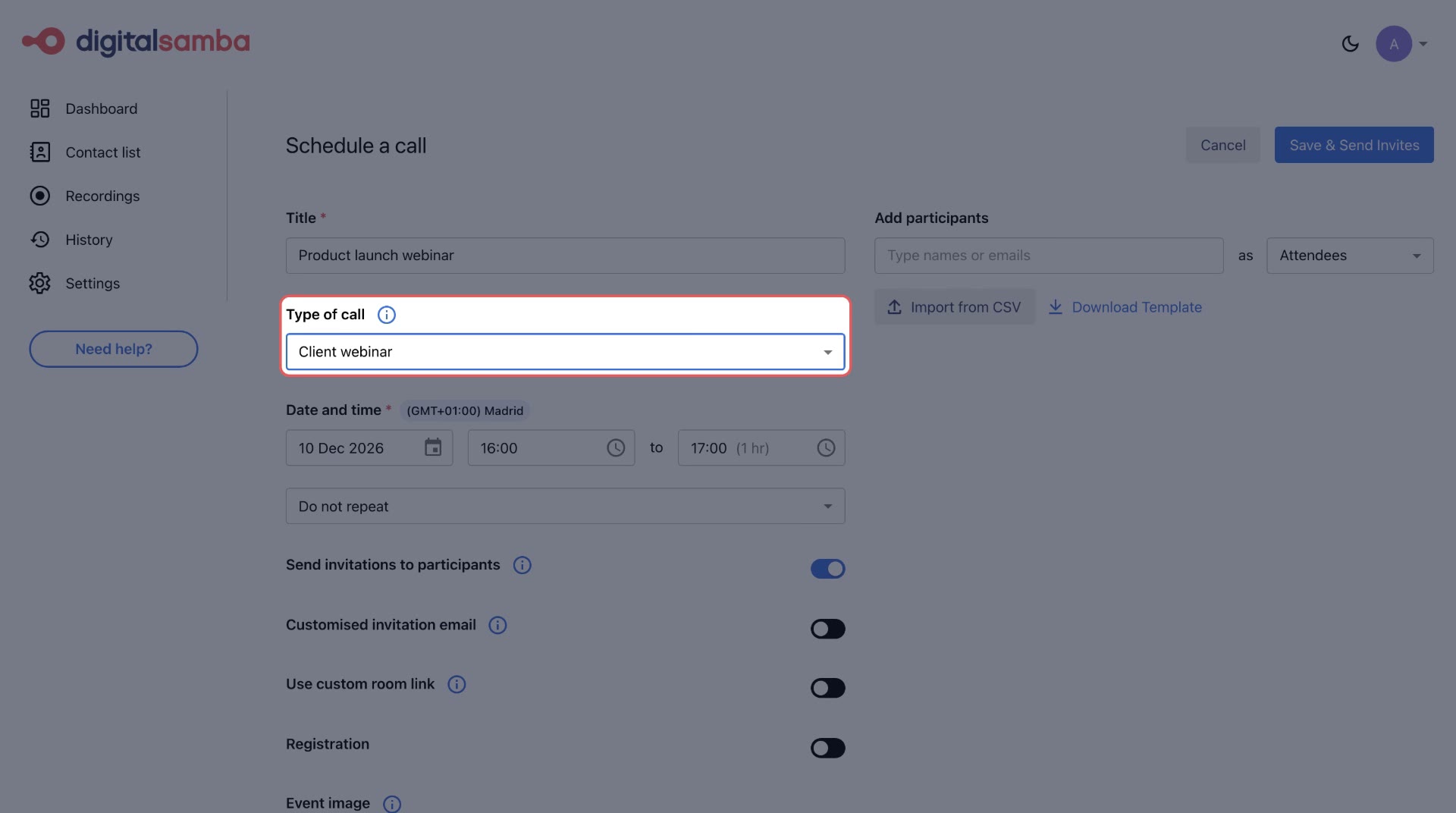
Now schedule the webinar, with Client webinar as its type of call.
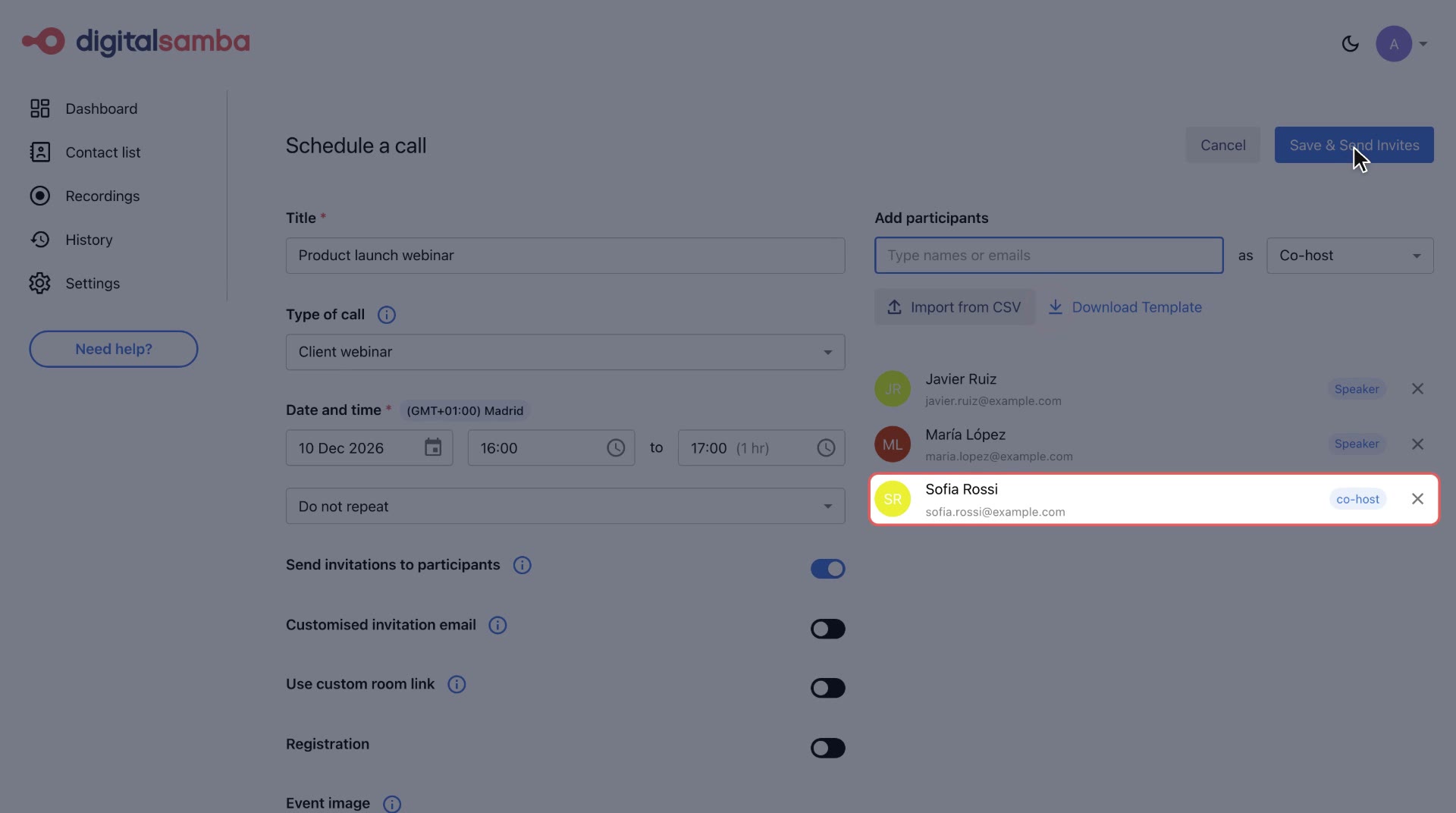
Javier and María are speakers; for Sofia, choose Co-host next to Add participants, then add her.
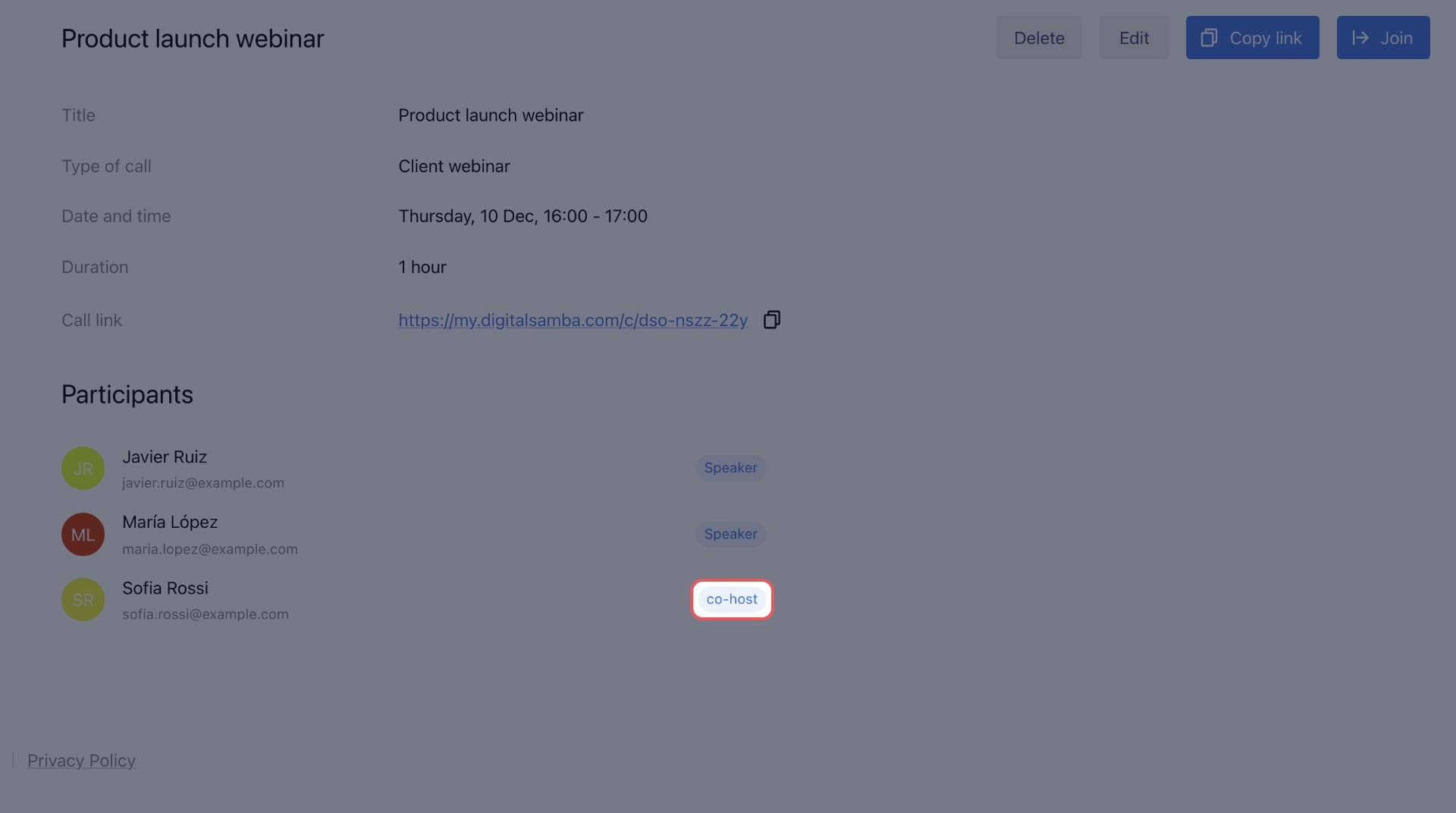
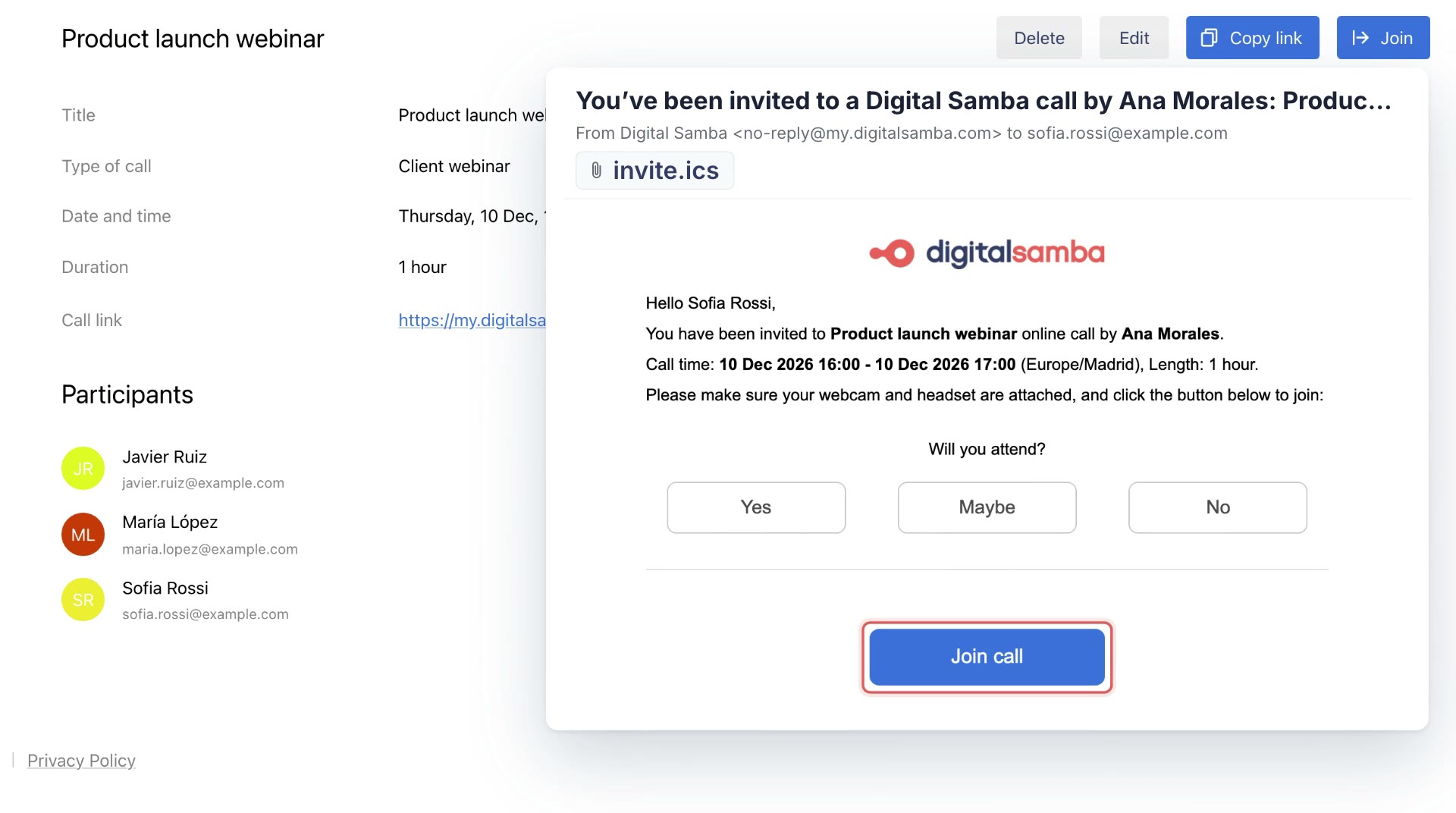
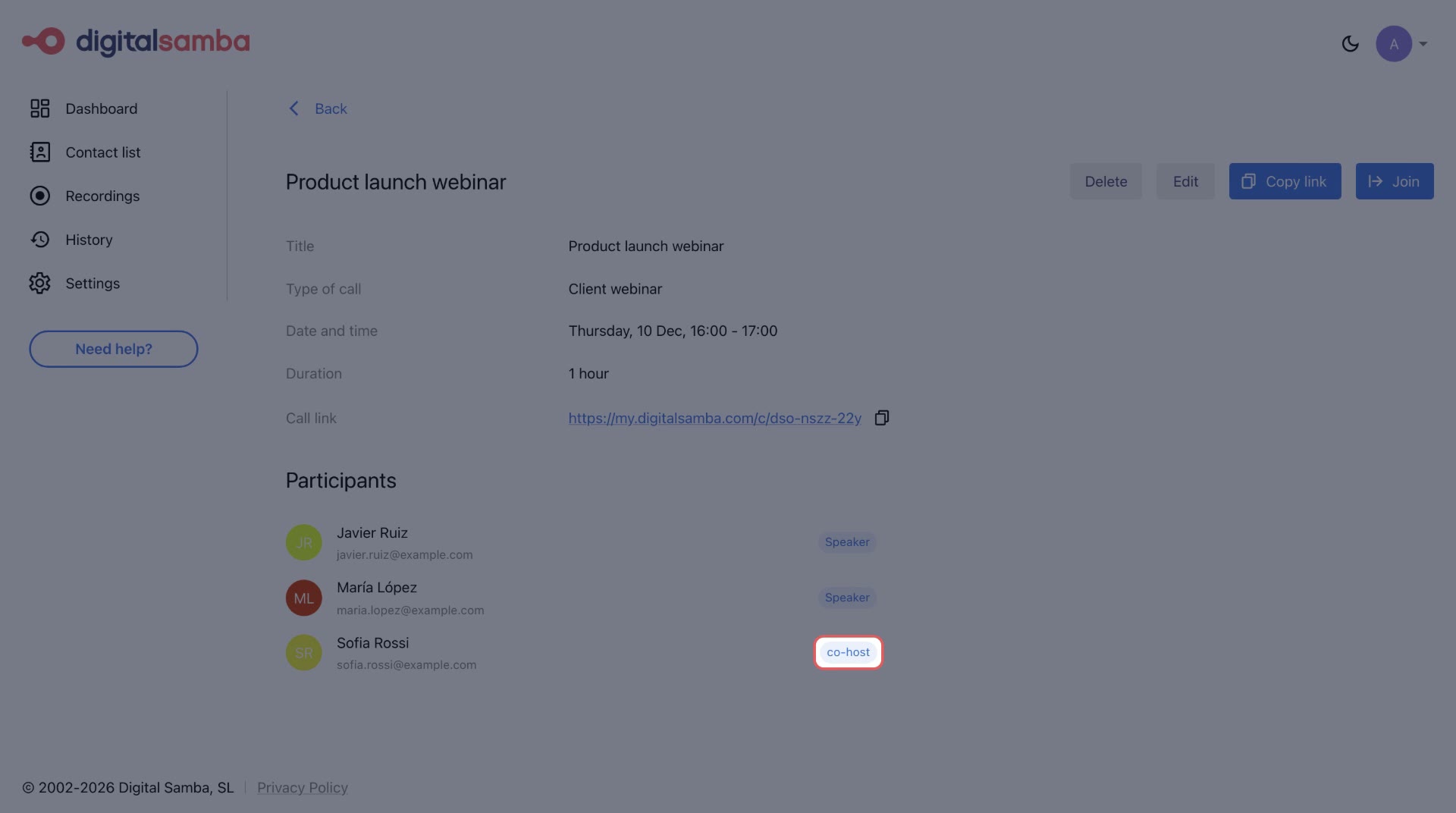
Click Save and Send Invites: the call's page lists Sofia as co-host.
Her invitation is the usual one, with her own Join call link; it doesn't name her role.
Good to know2:26
A call keeps the roles its type had when it was scheduled, so a role added to a type later reaches only calls scheduled afterwards.
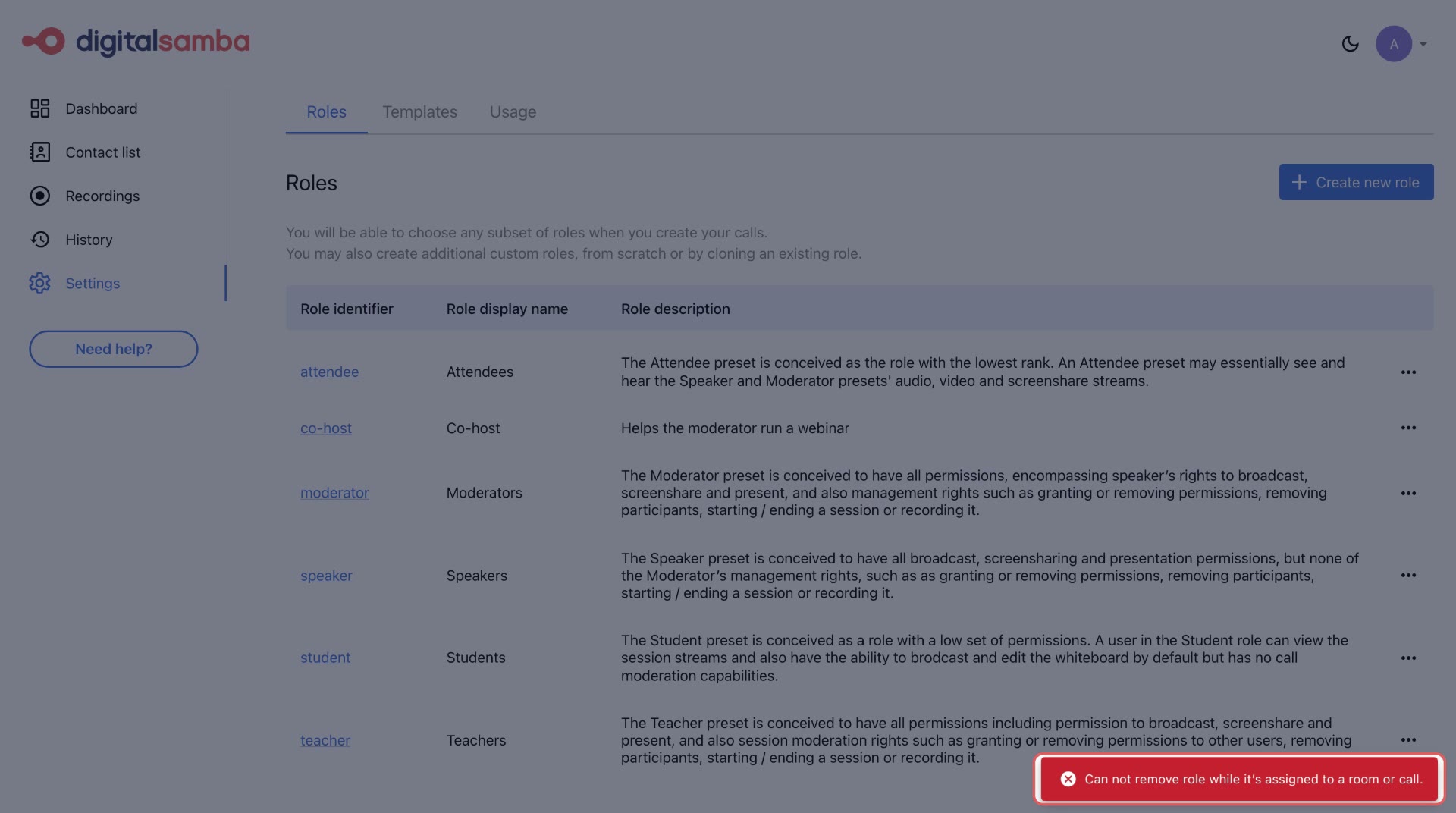
Built-in roles can't be deleted, and neither can a role that someone holds in a call.
Recap2:43
So: create the role and choose its permissions, add it to a type of call, and invite people in that role.
Did this article help?
Sorry about that. What was the problem?