Skip to content
University
Videos
Most watched
Topics
Updates
Search the videos
Topics
Custom room link
All 17 moments in Digital Samba University that depend on this.
Set up a recurring call
Scheduling calls · 2:42
1:32
This call only
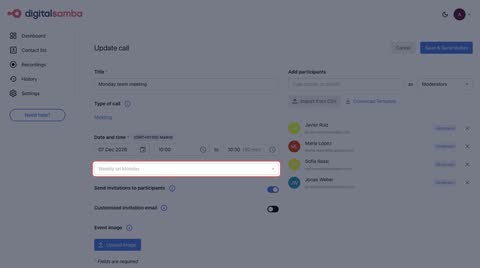
Repeat is greyed out, and there's no room link or registration here: those belong to the series.
Read
Give your call a custom room link
Scheduling calls · 1:52
0:01
Introduction
In this video, you'll give a call — a meeting, a class or a webinar — a room link that is easy to read and easy to say.
Read
0:16
Use custom room link
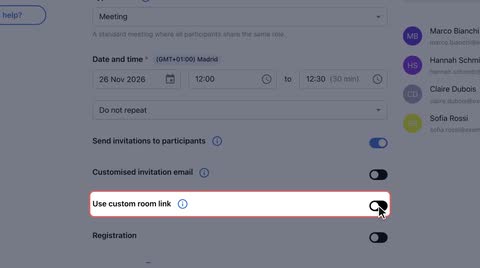
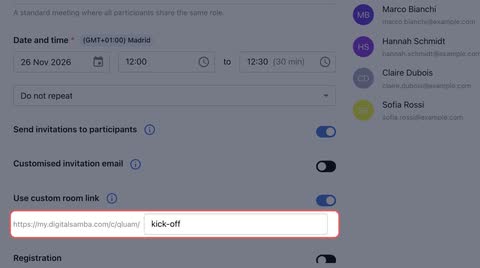
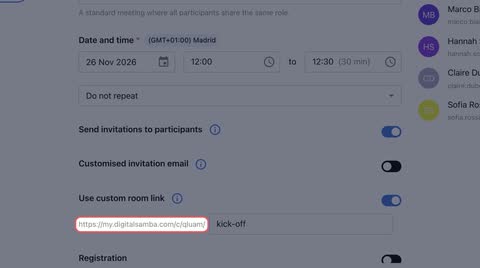
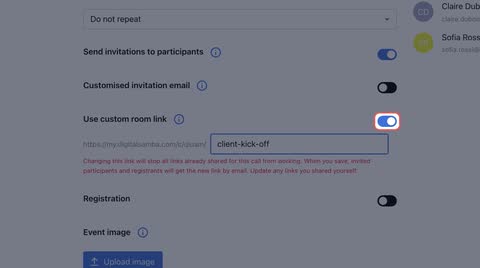
On the Schedule a call form, turn on Use custom room link.
Read
0:21
Use custom room link
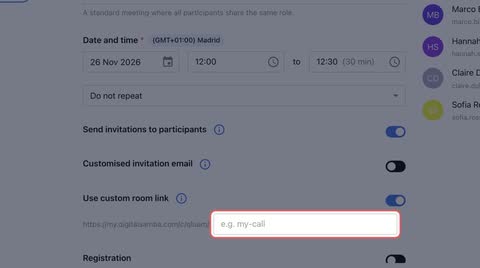
The start of the link belongs to your account and stays the same; you choose the ending.
Read
0:26
Use custom room link
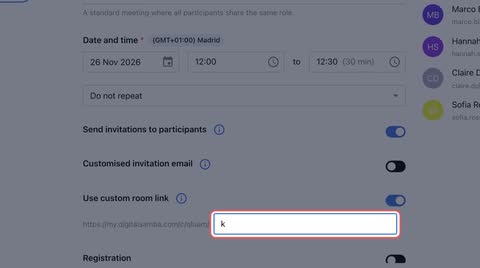
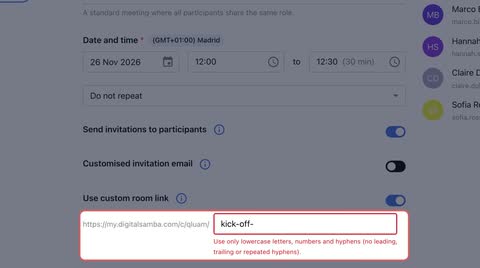
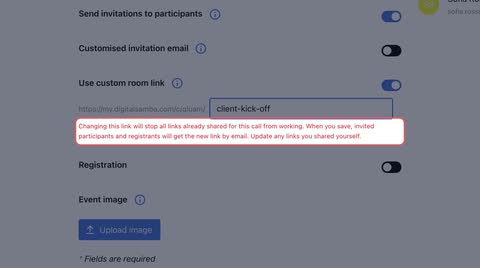
Type kick-off: capitals become lowercase and a space becomes a hyphen, and other characters are left out.
Read
0:34
Use custom room link
A hyphen can't come first, last or twice in a row.
Read
0:39
Already taken
When you leave the field, the form checks the ending.
Read
0:43
Already taken
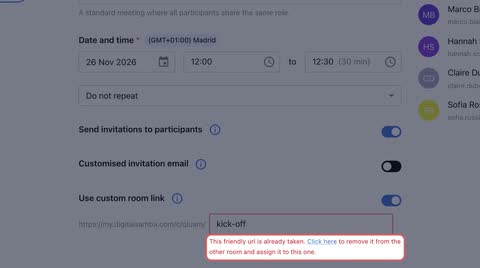
This one is taken: your older call, the Kick-off rehearsal, uses it.
Read
0:48
Already taken
Click here moves the link to this call.
Read
0:52
Already taken
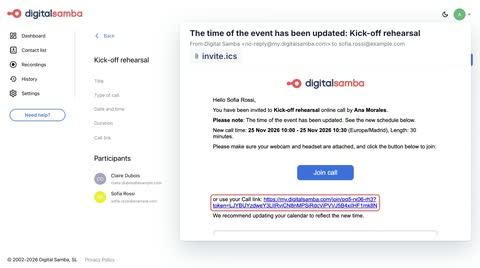
When you save, the rehearsal gets a new random link, and its participants are emailed the new one.
Read
0:59
Already taken
Endings in other accounts don't matter: each account has its own start of the link.
Read
1:09
Save & Send Invites
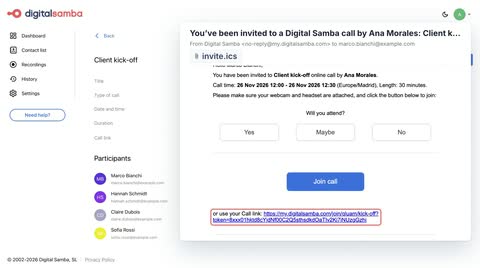
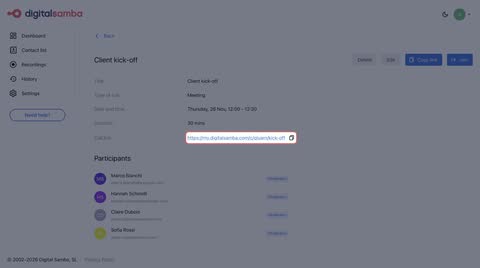
The call's page shows the new link, and the invitations carry it.
Read
1:16
Good to know
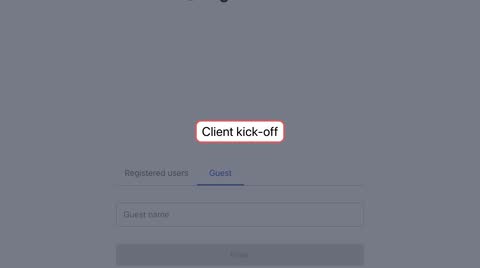
Good to know: the rehearsal's old link now opens the Client kick-off.
Read
1:21
Good to know
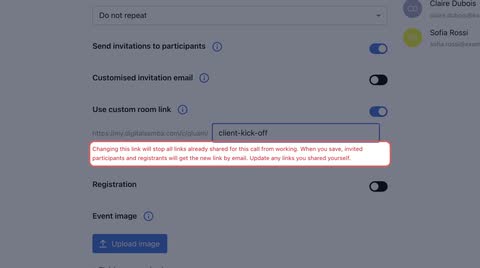
Change the link later, and every link already shared stops working.
Read
1:26
Good to know
People you invited get the new link by email; update any links you shared yourself.
Read
1:32
Good to know
Turn the custom link off, and the call gets a new random link.
Read
1:37
Recap
So: turn on Use custom room link, type a short ending, move it if another call has it, and save.
Read
All topics