Skip to content
University
Videos
Most watched
Topics
Updates
Search the videos
Topics
Logging in
All 16 moments in Digital Samba University that depend on this.
Create your account and log in
Getting started · 2:25
0:01
Introduction
In this video, you'll create your Digital Samba account, verify your email address, and log in.
Read
0:10
Sign up
Open Digital Samba in your browser and, under the Log in button, click sign up.
Read
1:12
Log in
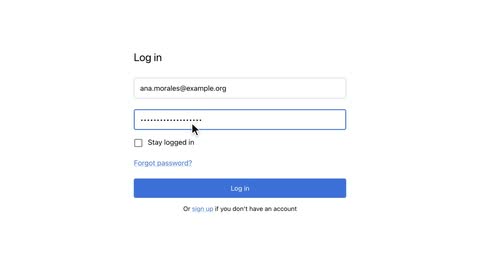
From now on, you come in through Log in, with the same email address and password.
Read
1:19
Log in
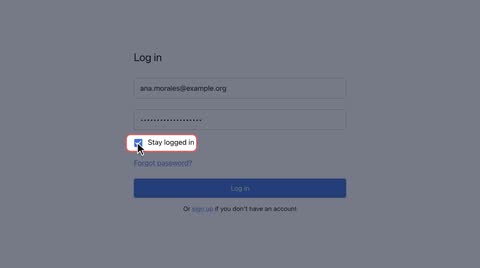
Tick Stay logged in, and this browser keeps you signed in.
Read
1:23
Log in
Use it only on your own computer.
Read
1:25
Log in
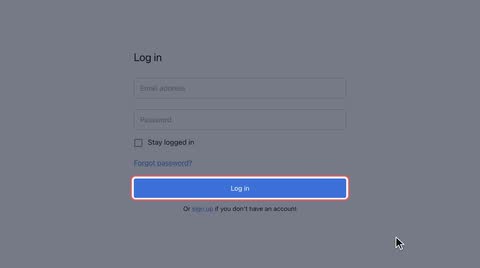
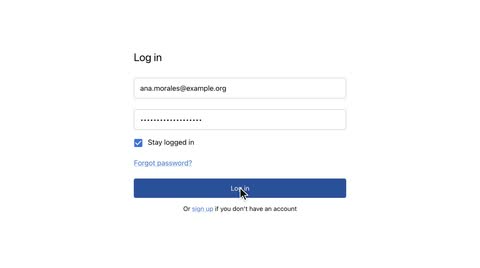
Then click Log in.
Read
1:29
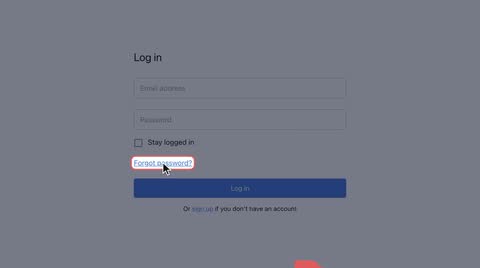
Forgot password?
If you forget your password, click Forgot password on the Log in page.
Read
1:35
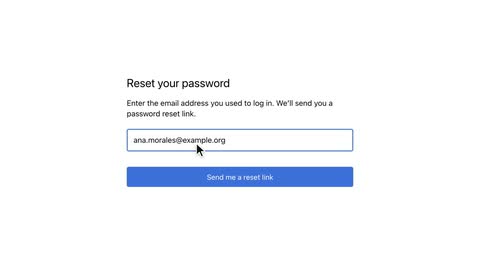
Forgot password?
Enter your email address and click Send me a reset link.
Read
1:49
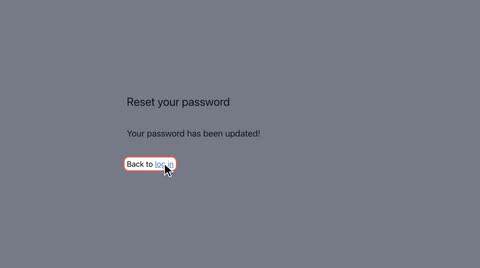
Forgot password?
Click Reset password, then log in with the new one.
Read
2:12
Recap
So: sign up, verify your email, and log in.
Read
2:16
Recap
Your account is ready.
Read
Your dashboard at a glance
Getting started · 2:12
0:11
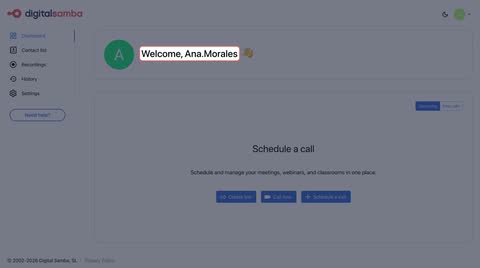
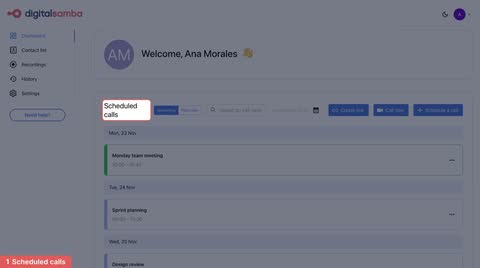
Scheduled calls
Your dashboard greets you by name and lists your scheduled calls: here, a normal week for Ana's team.
Read
1:41
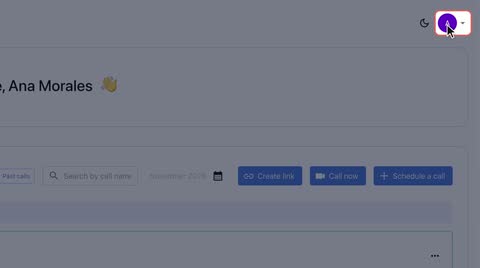
Menus
And your avatar opens your account menu, with Manage your profile and Log out.
Read
Set up your profile
Getting started · 2:40
1:00
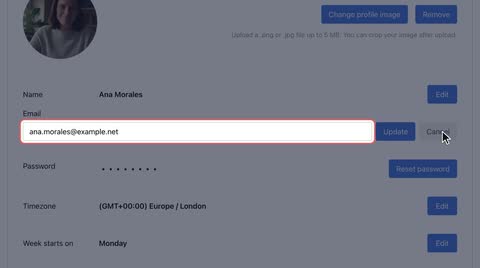
Email and password
To change your email address, click Edit.
Read
1:03
Email and password
The old address keeps working until you confirm the new one from its inbox.
Read
Join a Digital Samba call
For your participants · 2:03
1:18
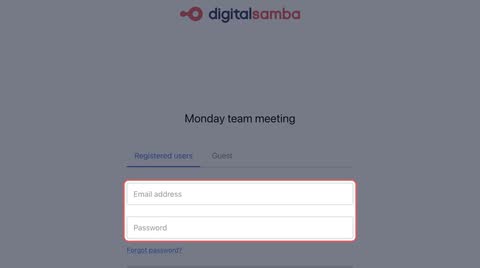
From a call link
With a Digital Samba account, choose Registered users and log in instead.
Read
All topics