1Your invitation0:11
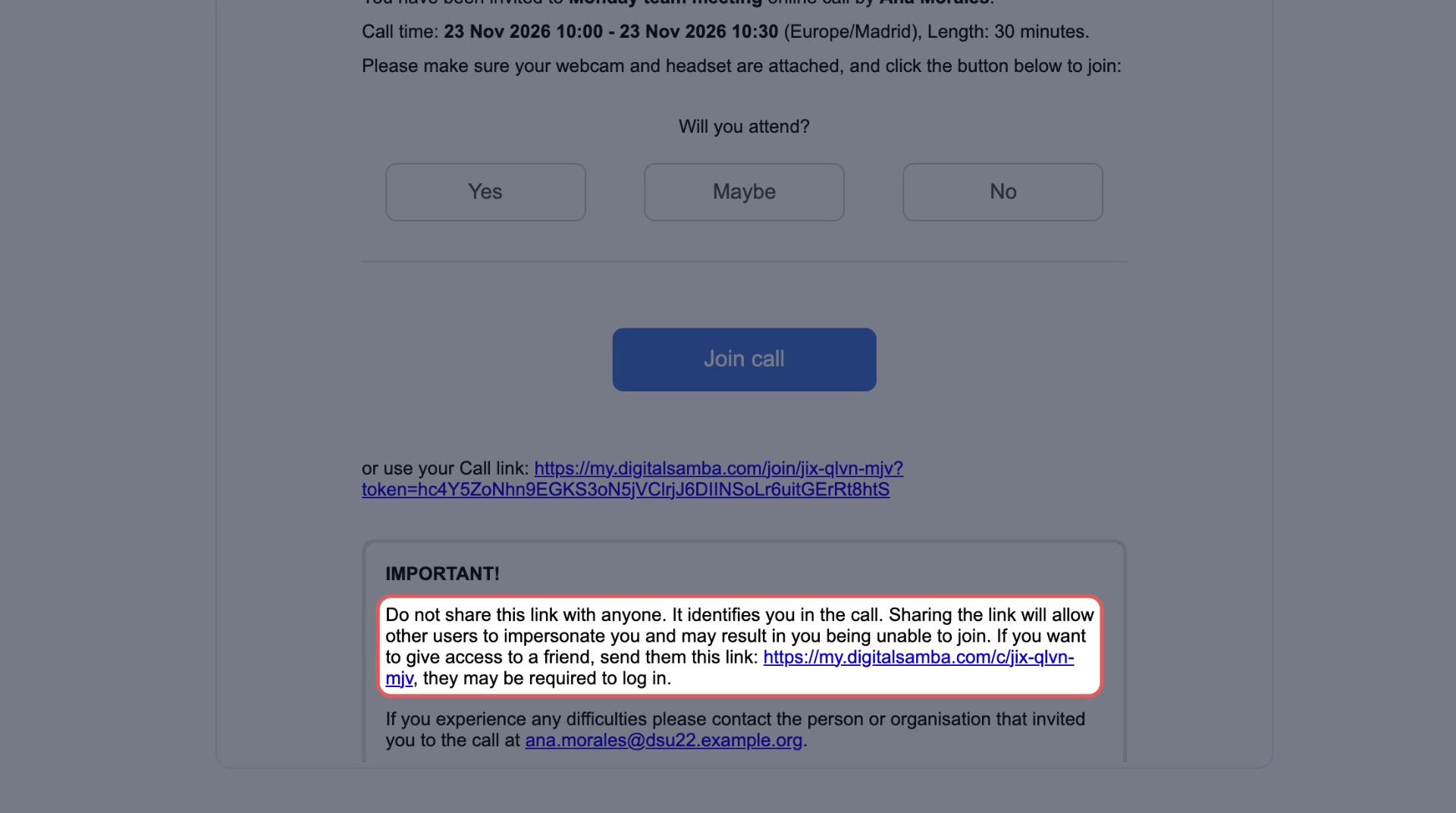
Our example: Ana has invited Javier to the team's Monday meeting.
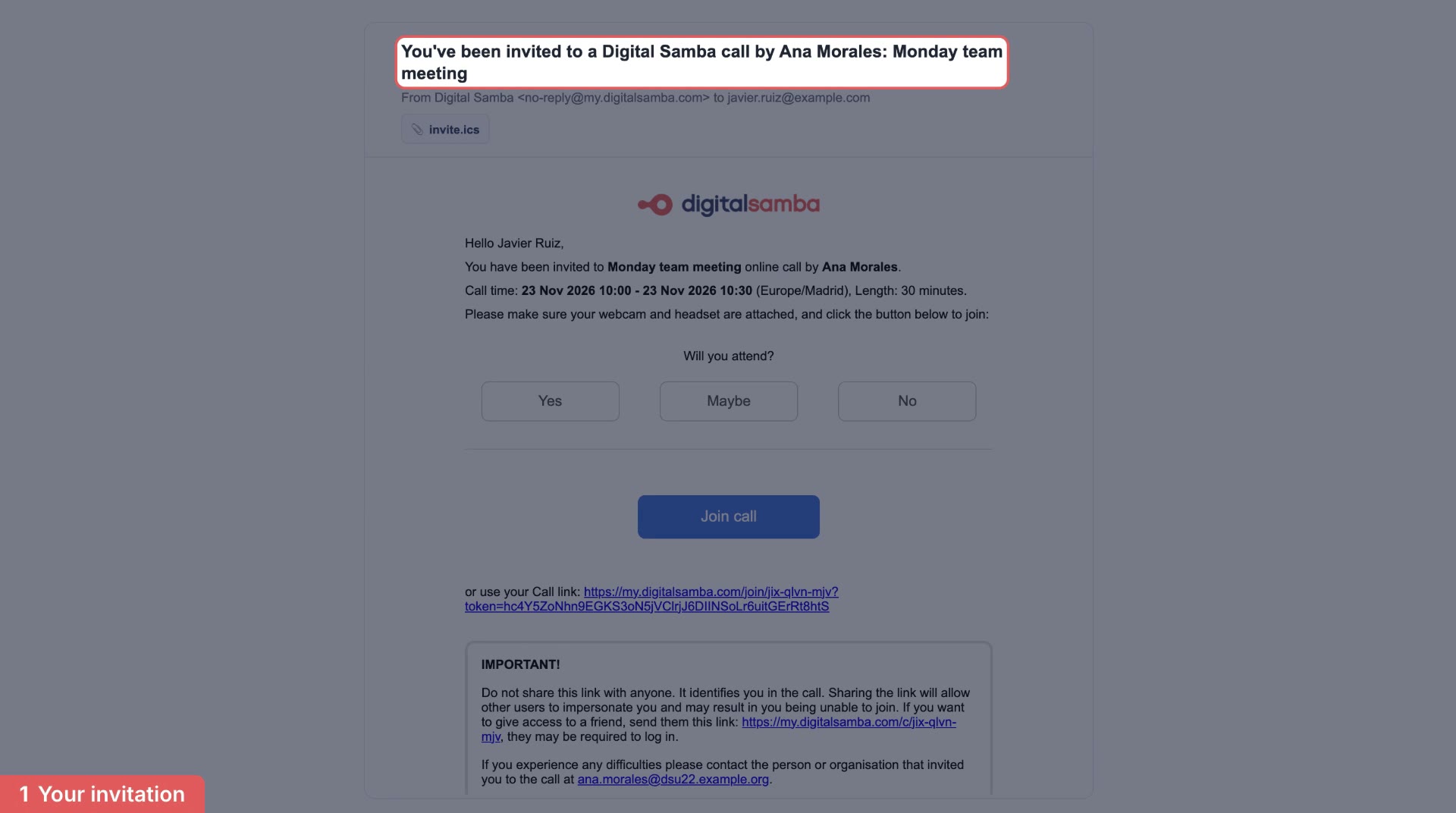
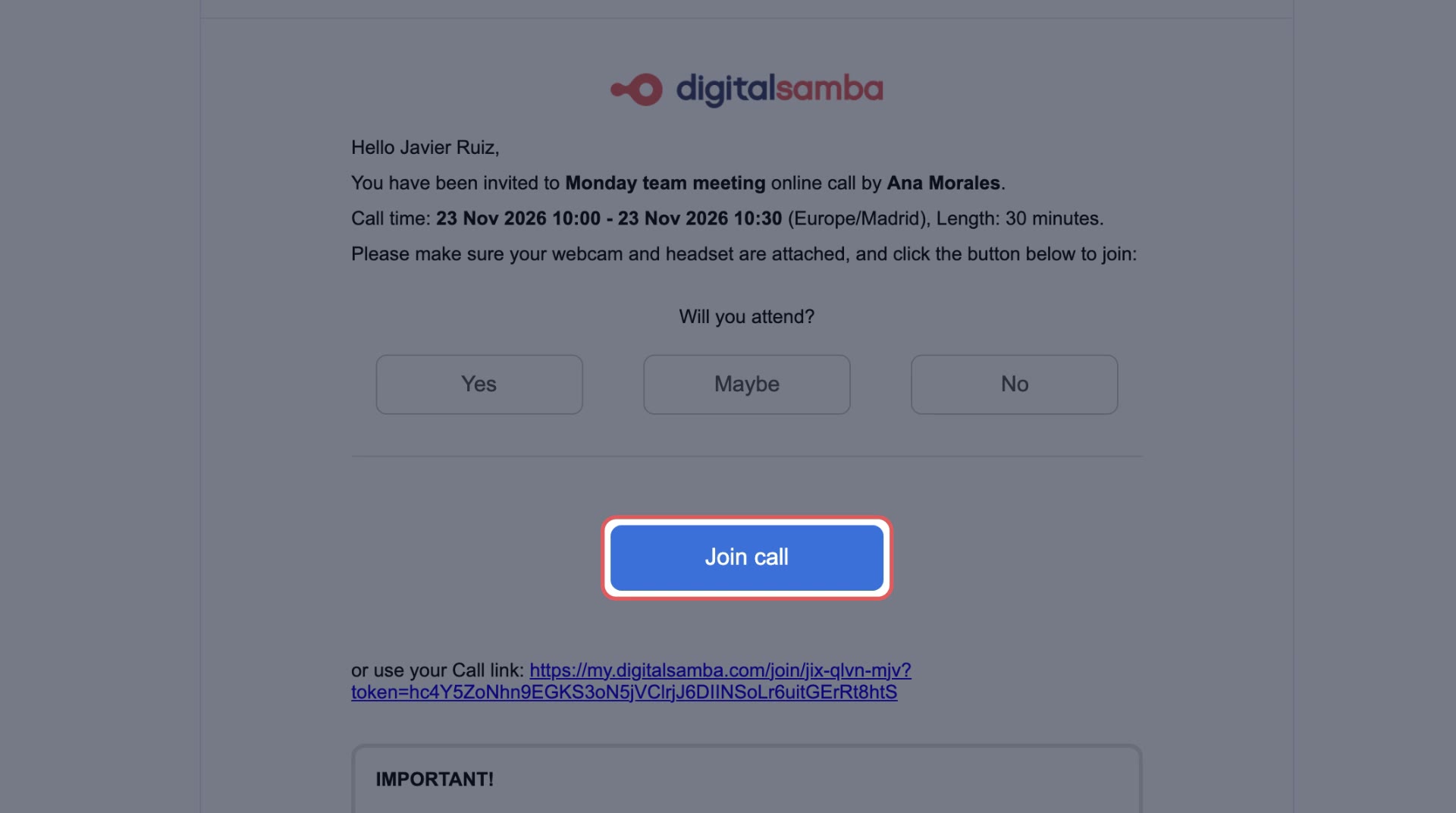
His invitation shows the call time and a Join call button.
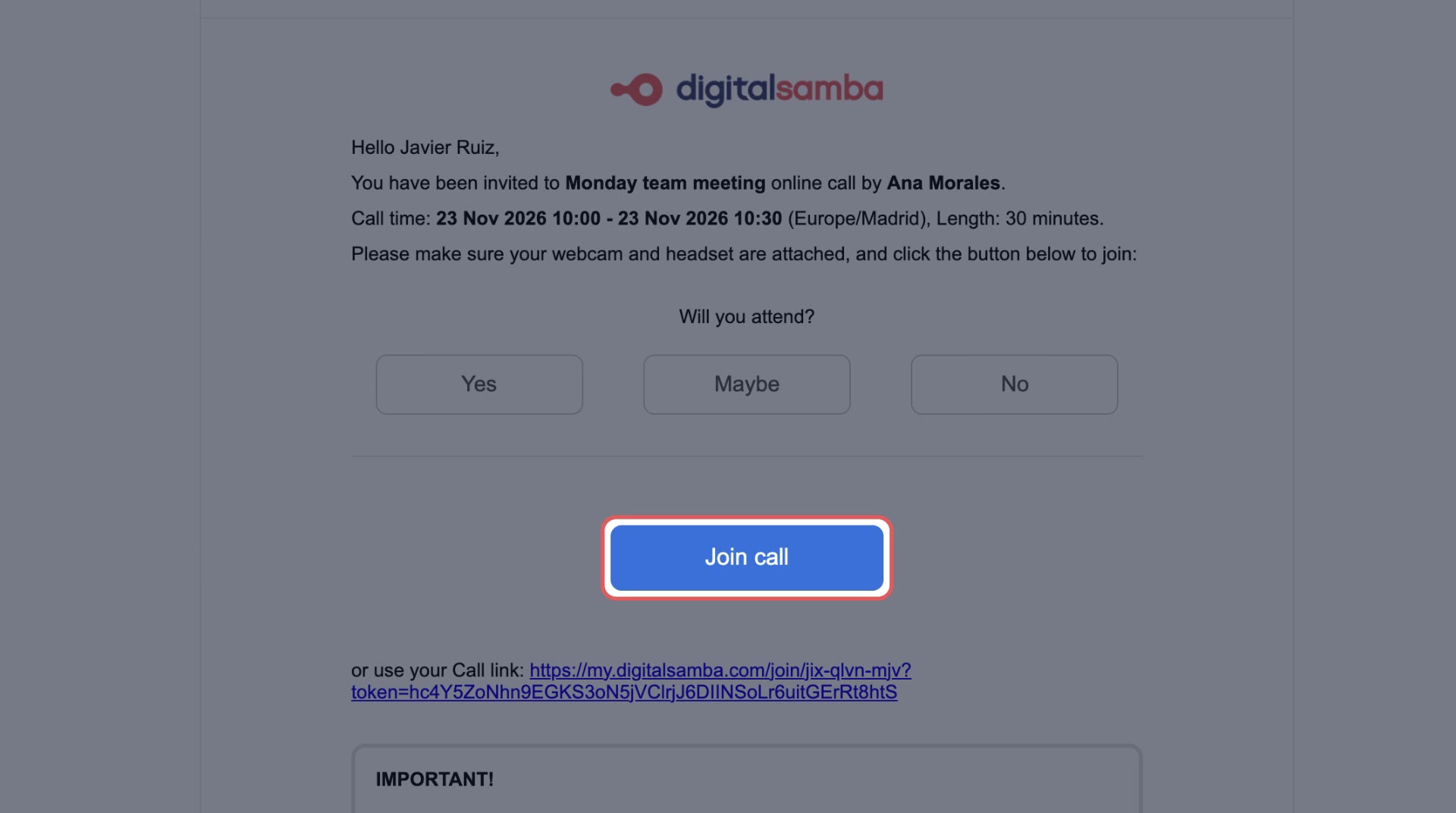
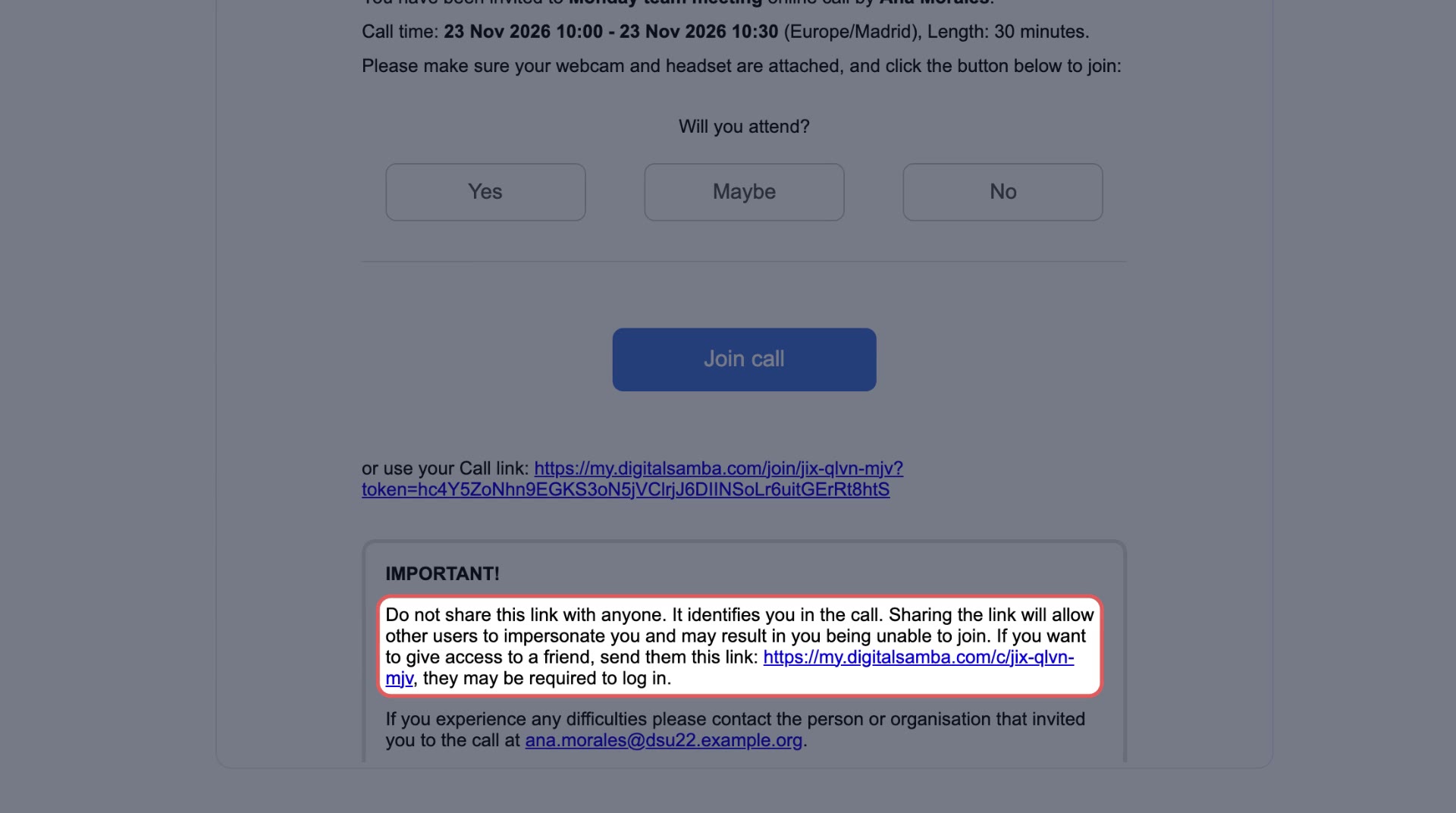
Join call is his personal link, and the email asks him not to share it.
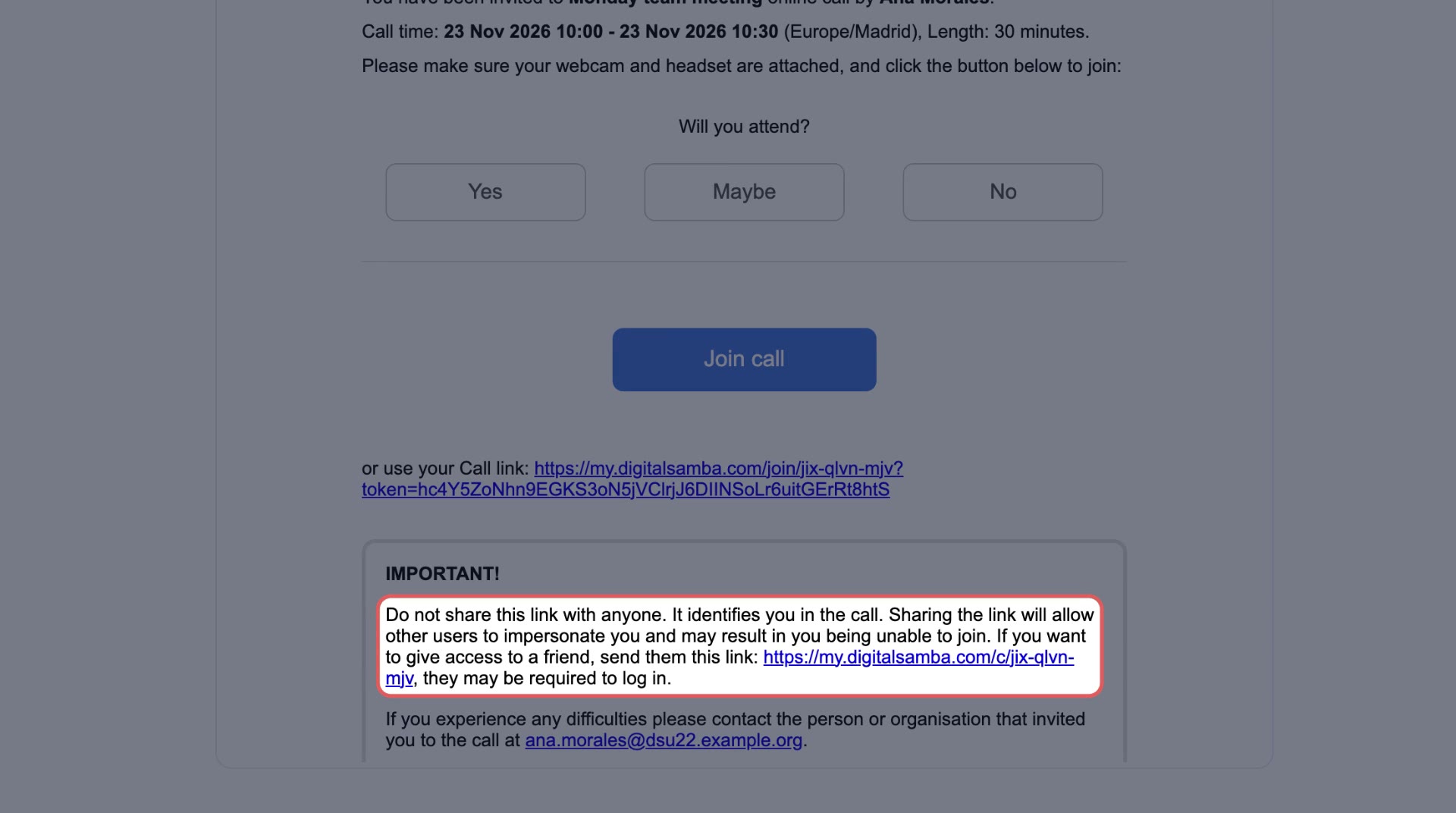
For anyone else, it gives the call link to pass on.
2Will you attend?0:31
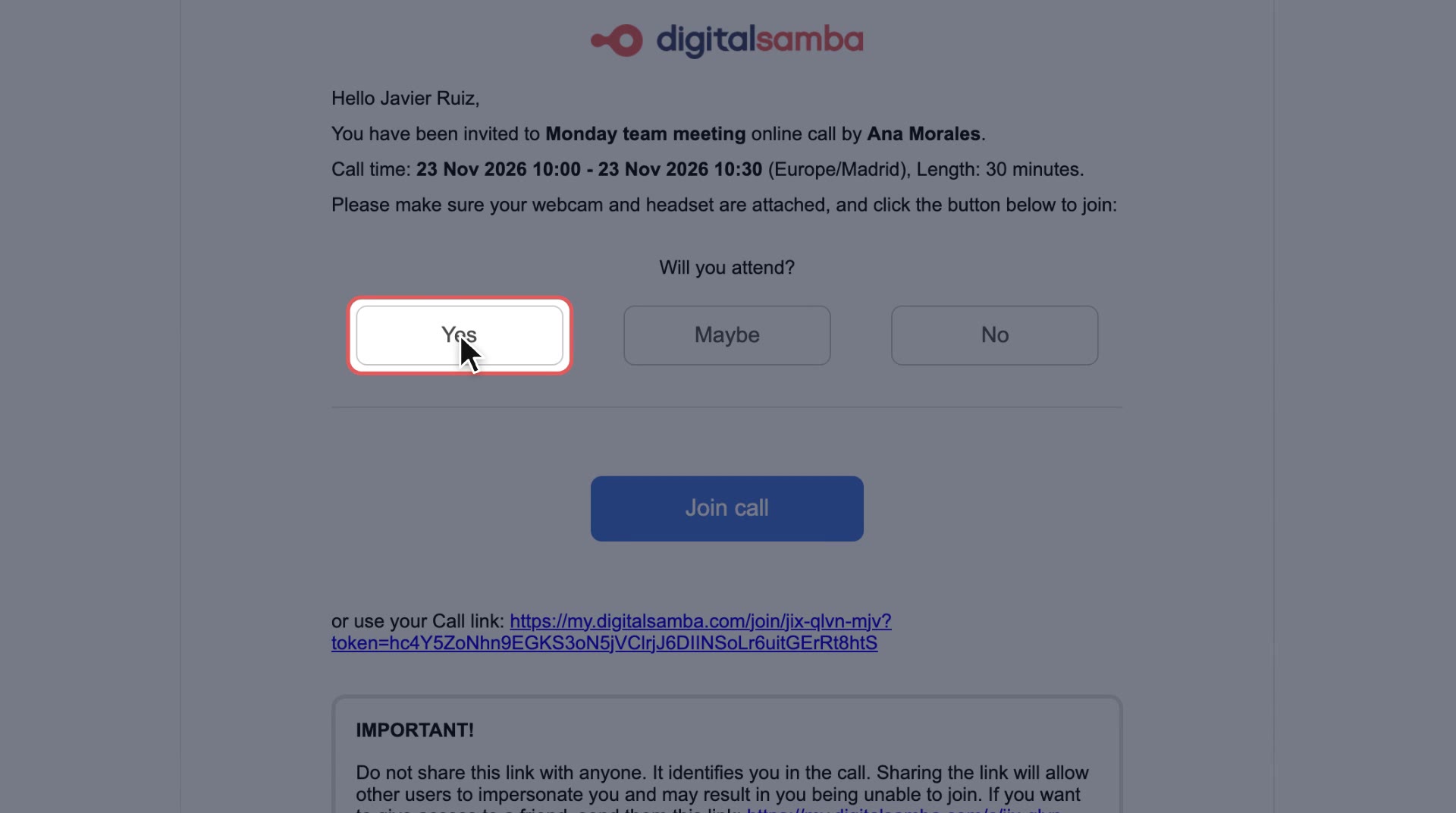
Under Will you attend?, click Yes, Maybe or No.
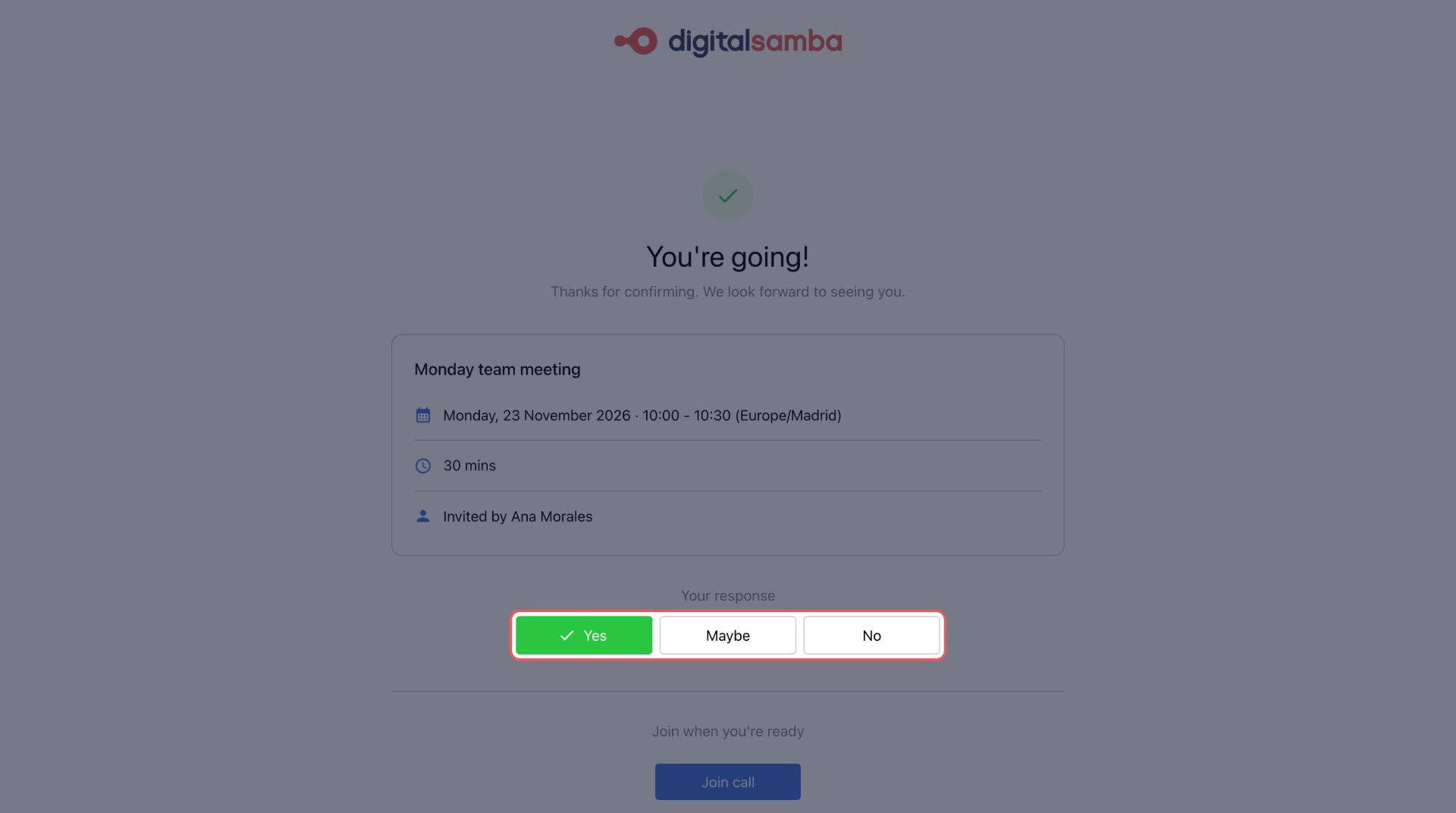
A page confirms your answer: you need no account, and you can change it there.
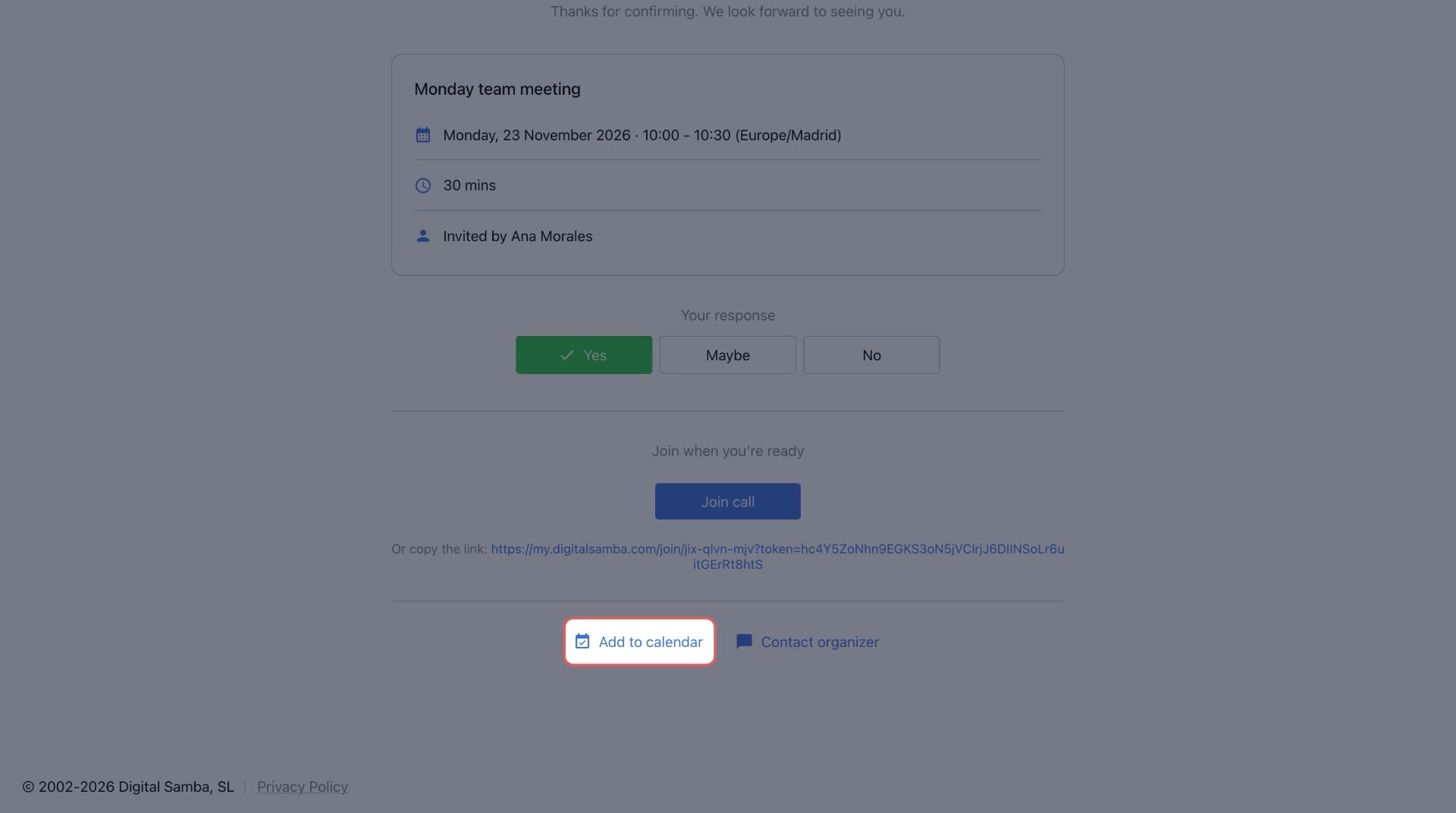
After Yes, the page also offers Join call, and Add to calendar: a calendar file for the call.
3Join call0:49
To join, click Join call.
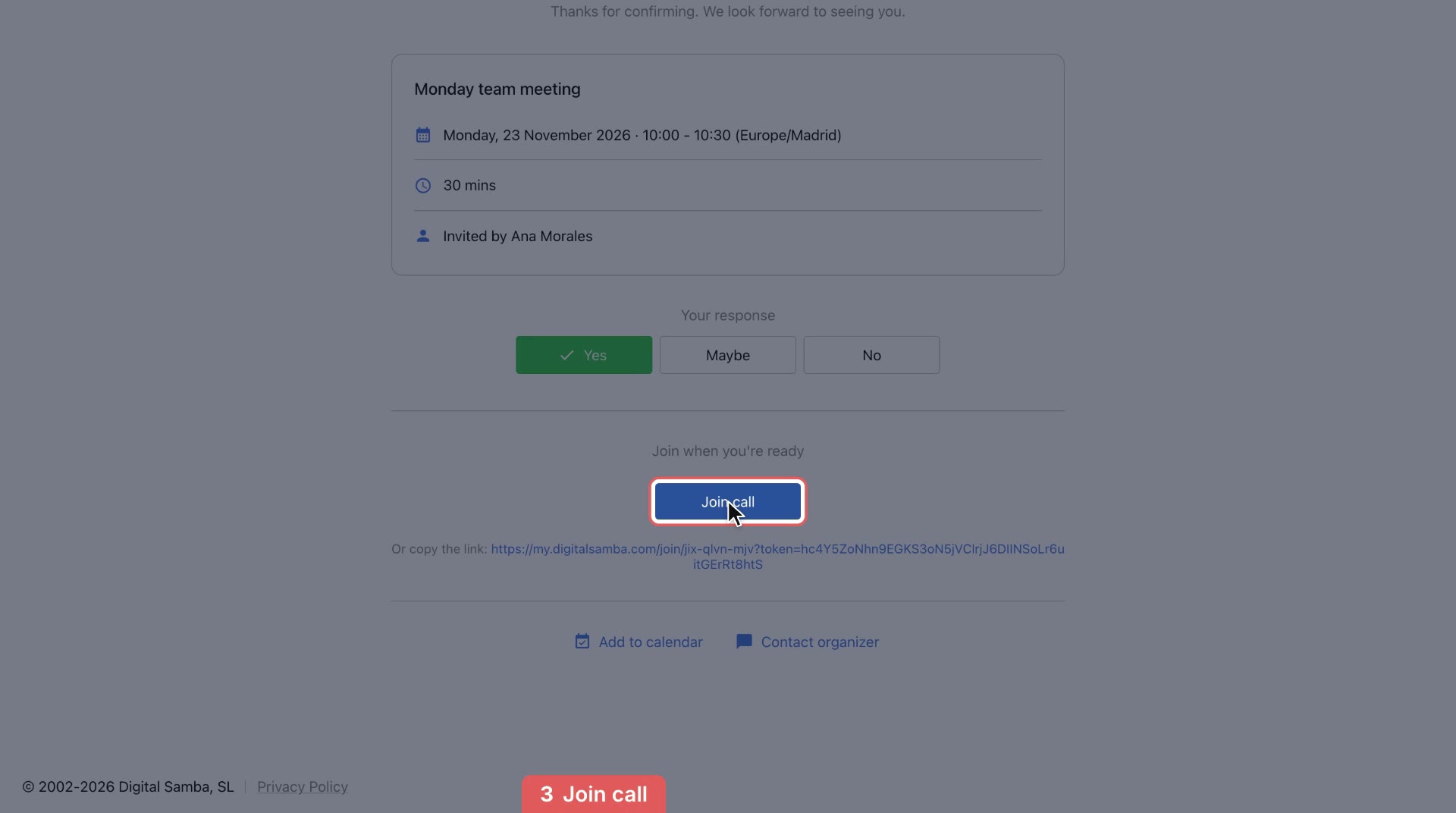
The call opens in your browser, with a consent message first: click Join.
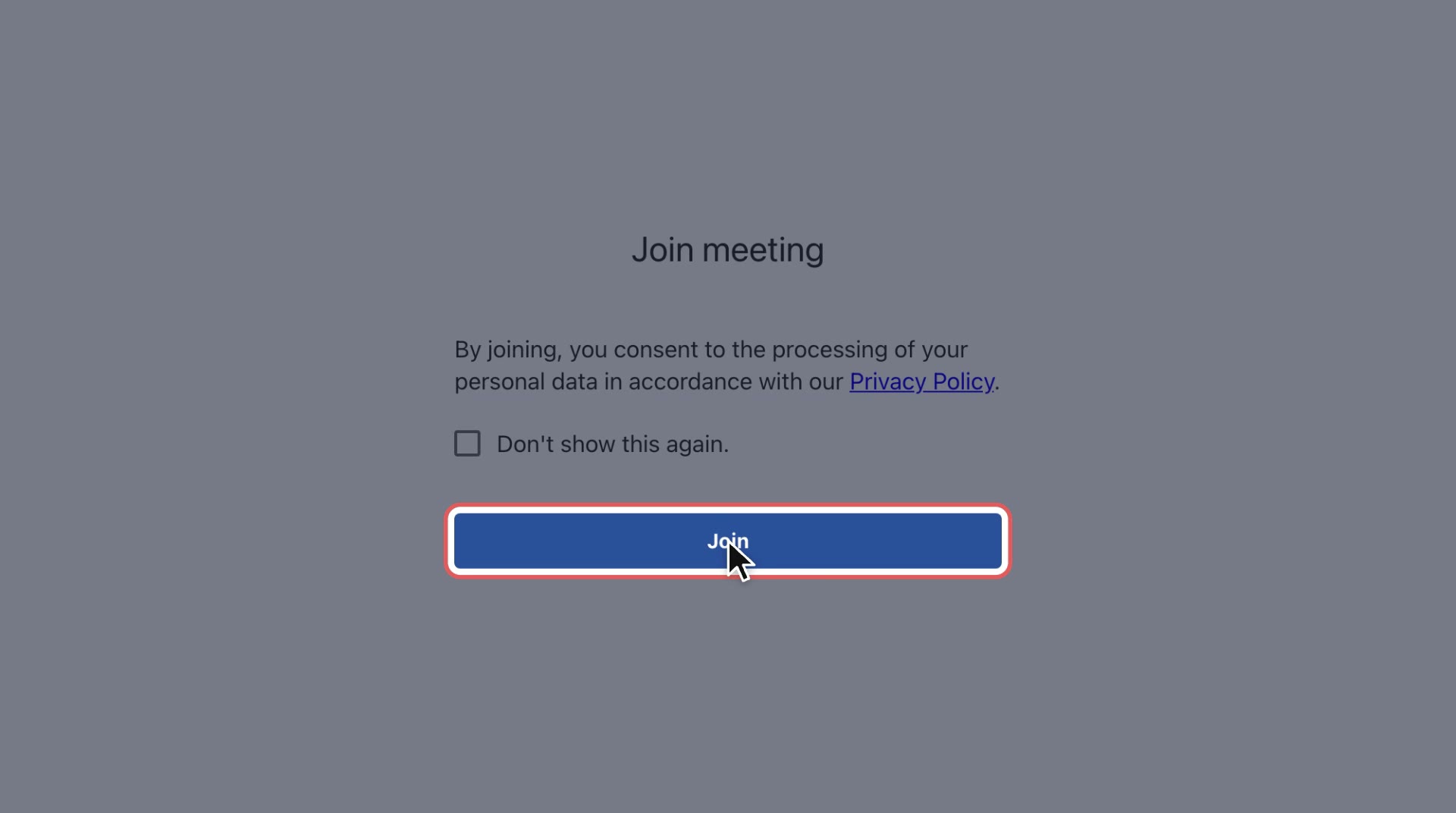
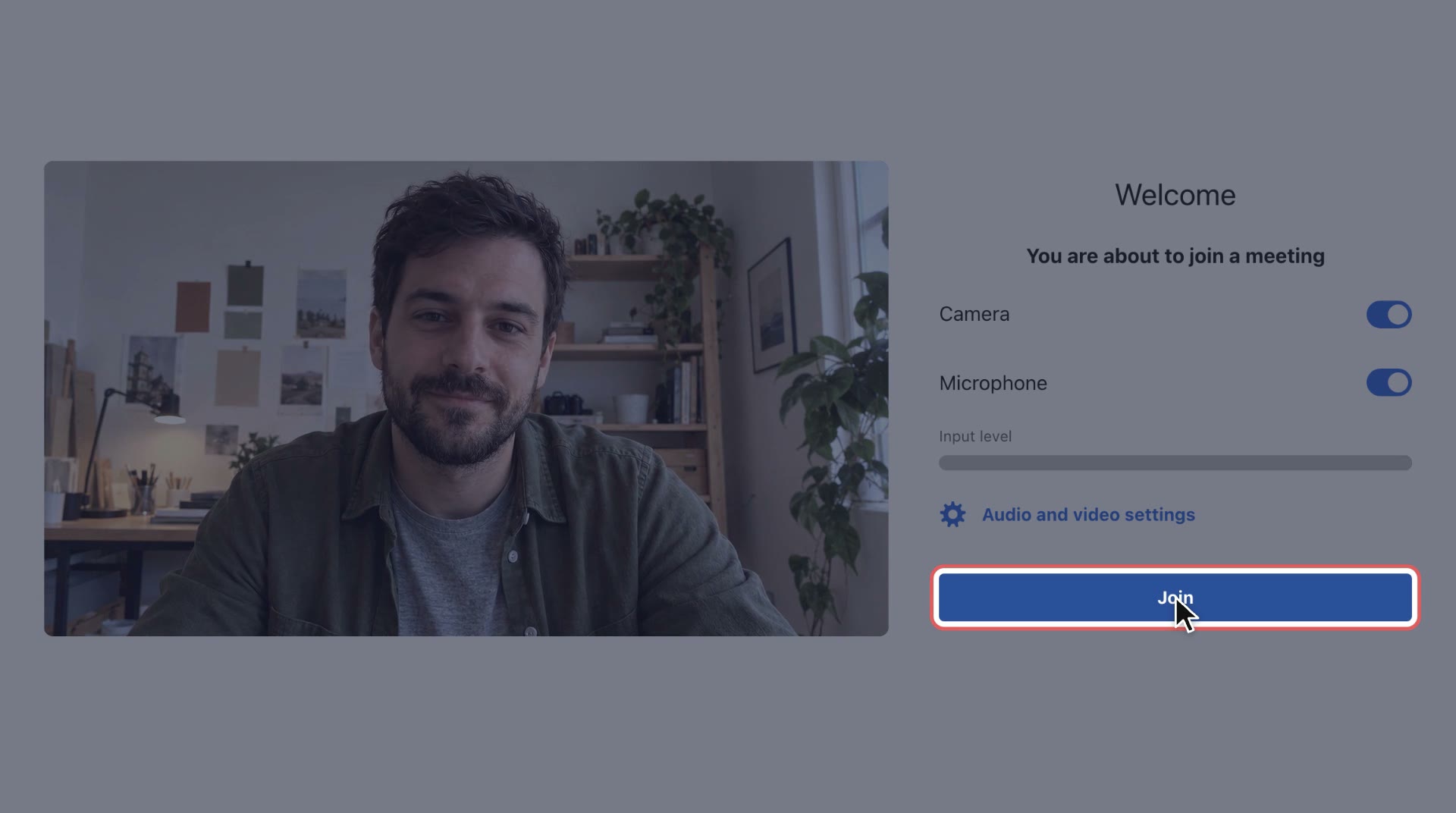
Then check your camera and microphone, and click Join again.
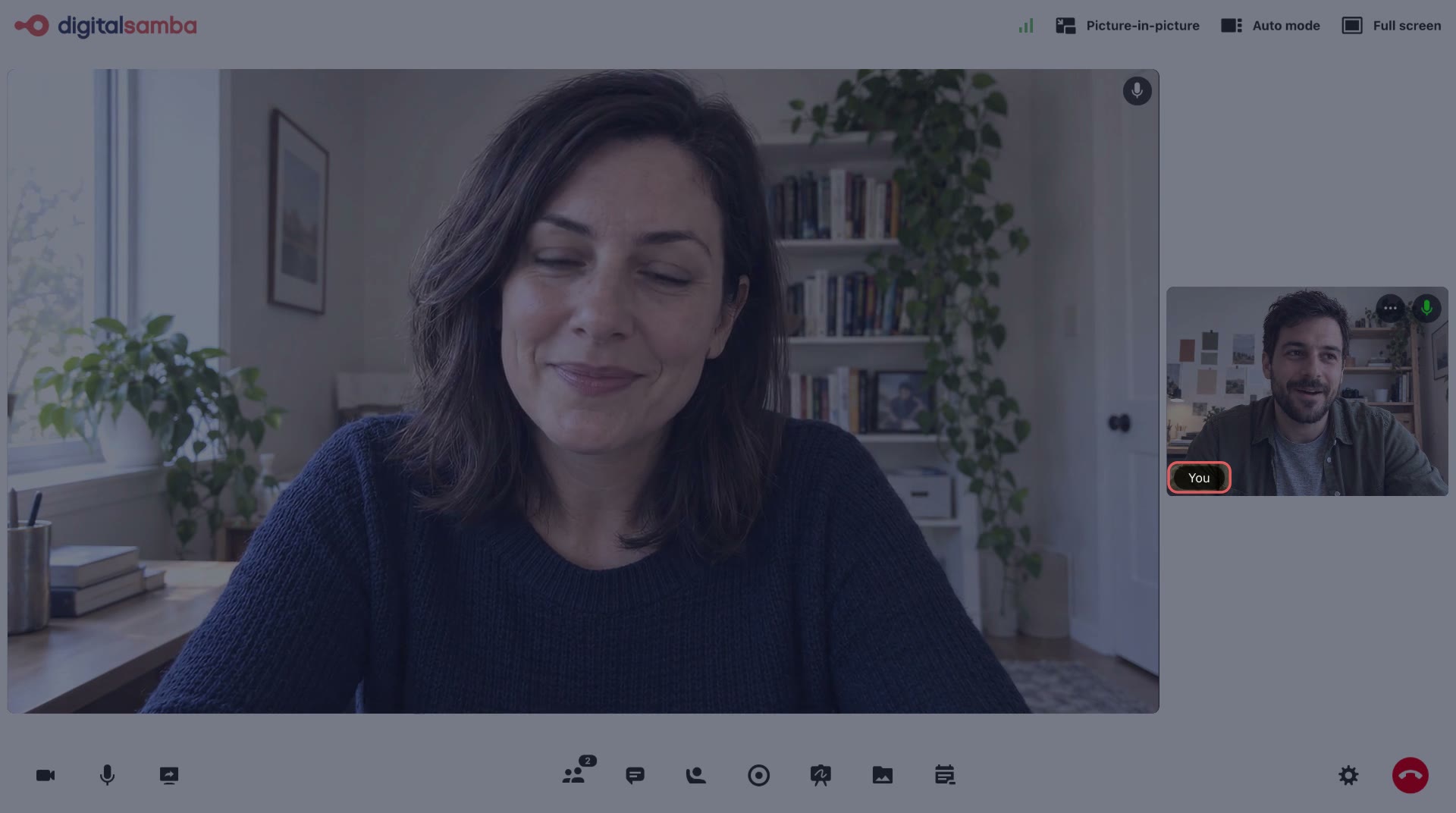
You're in, under your own name, and your picture is marked You.
4From a call link1:06
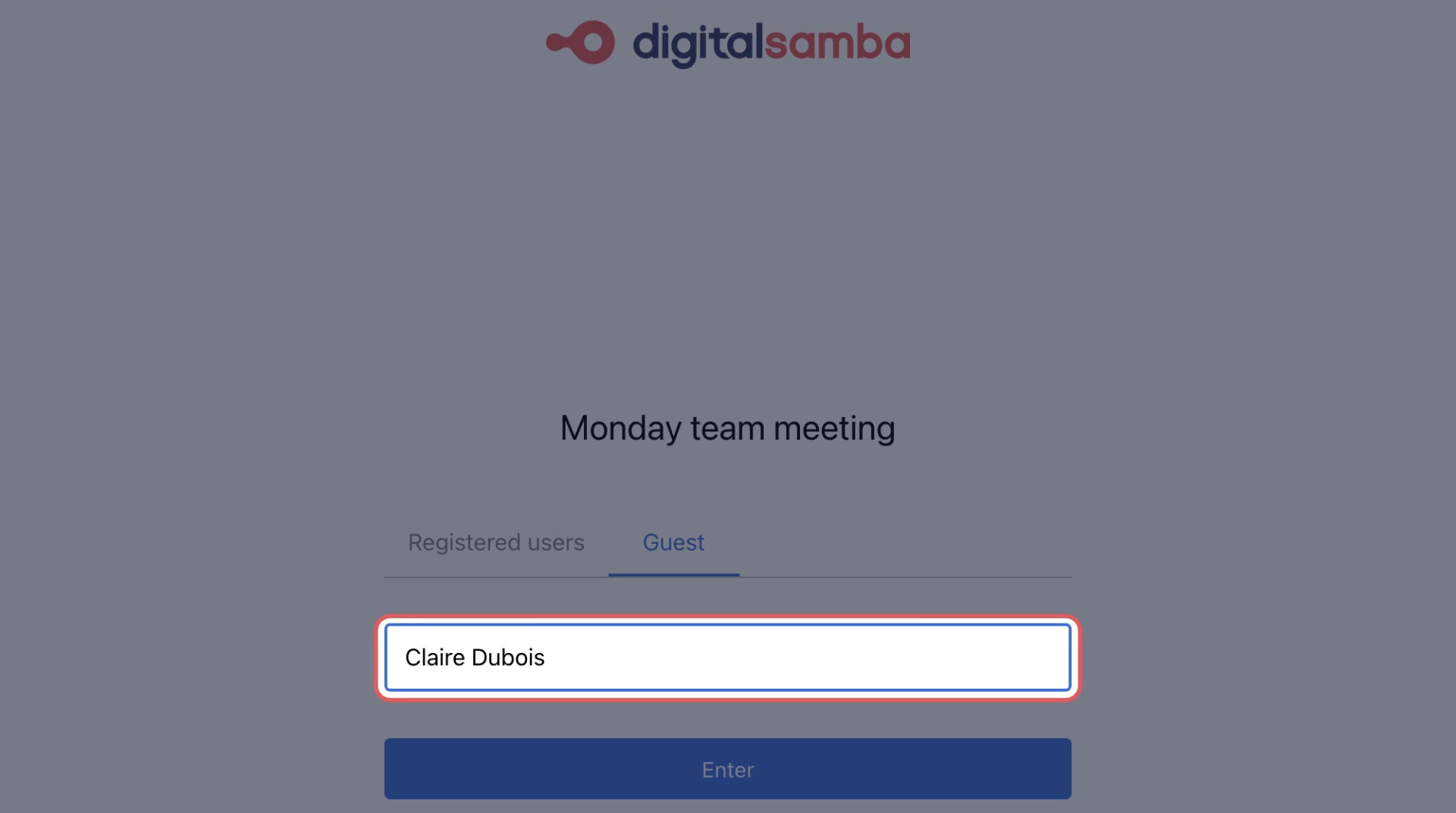
Sometimes you get the call link instead: here, Javier passes it to Claire.
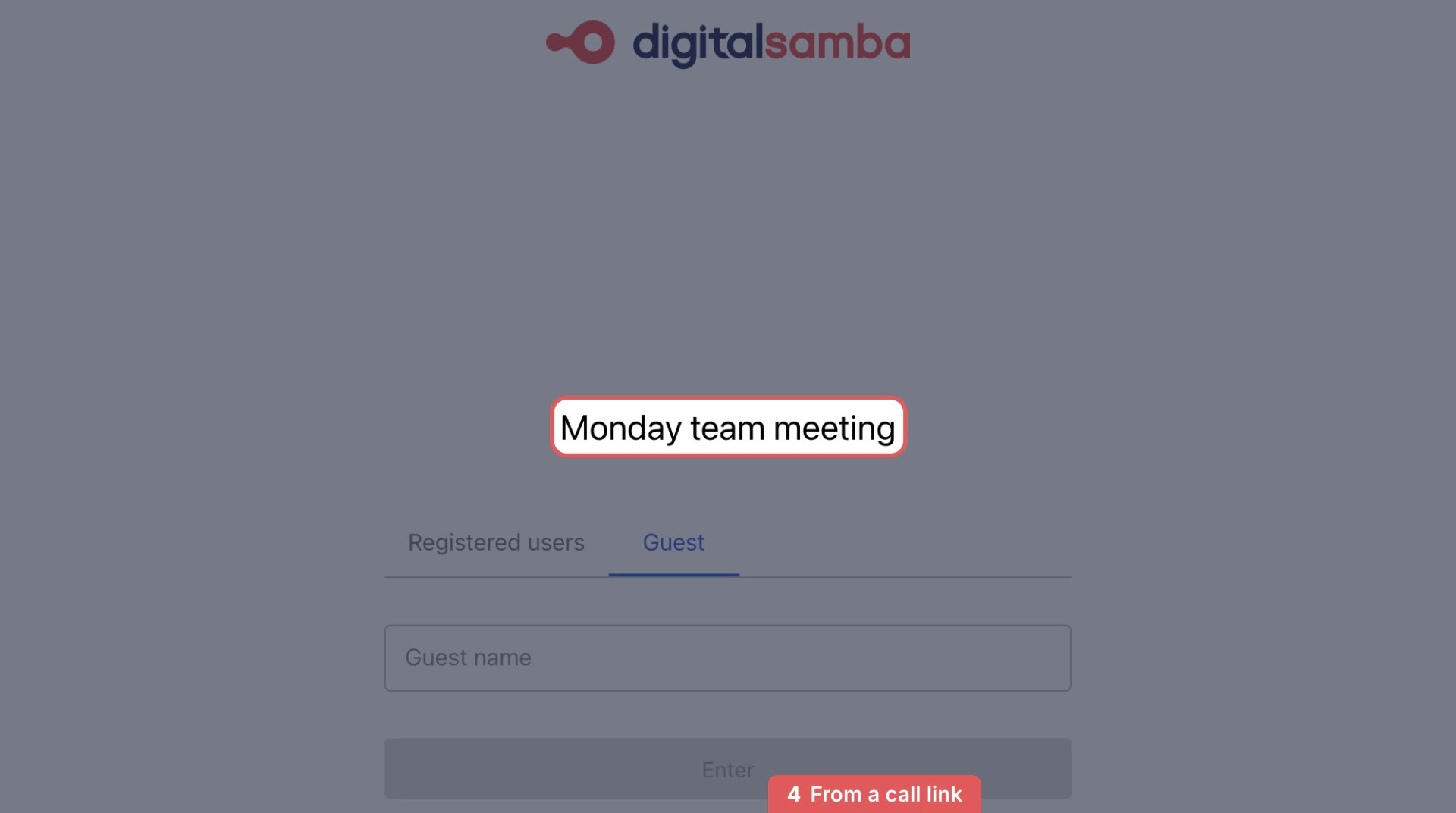
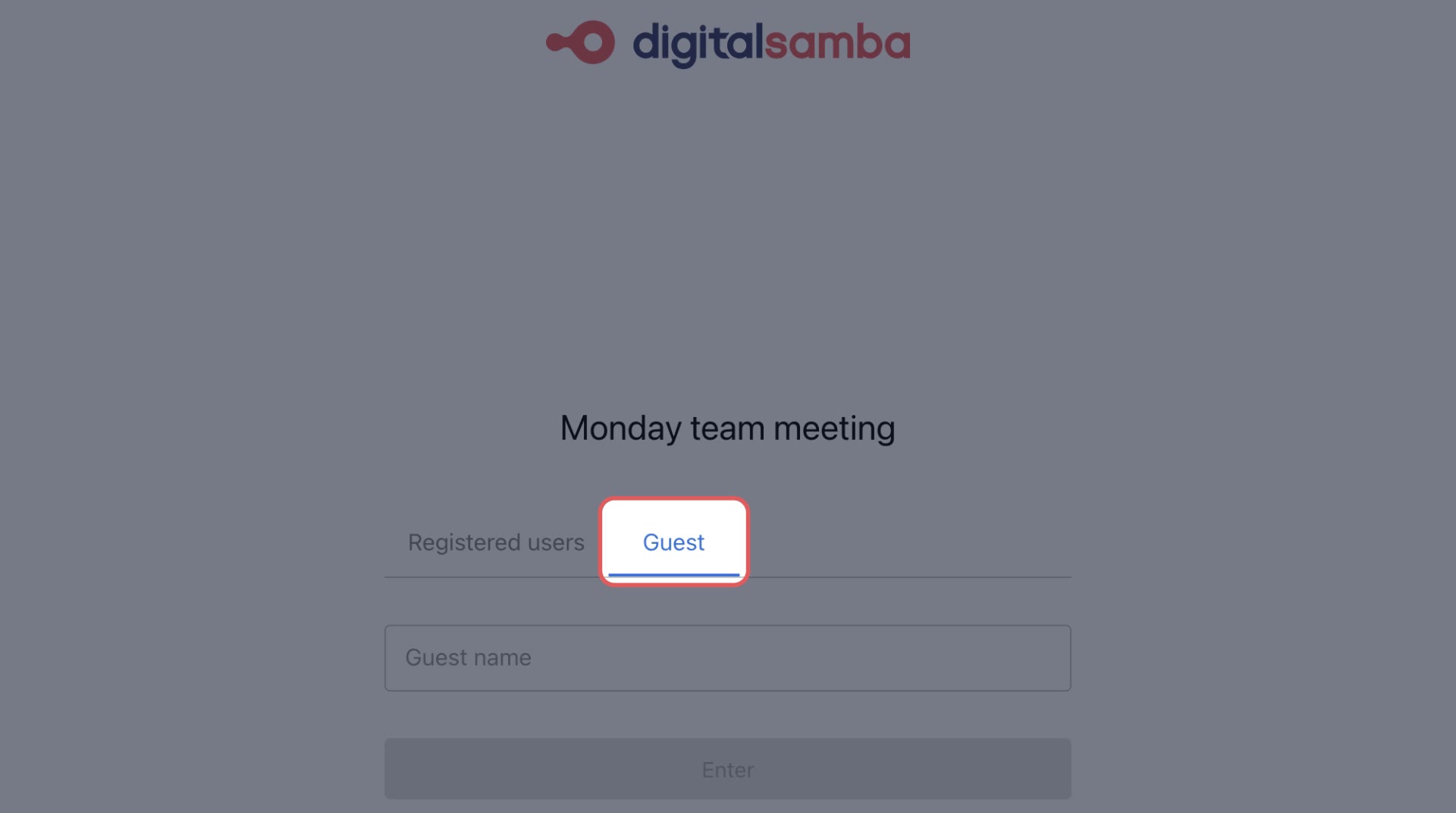
With no account, she stays on Guest, types her name and clicks Enter.
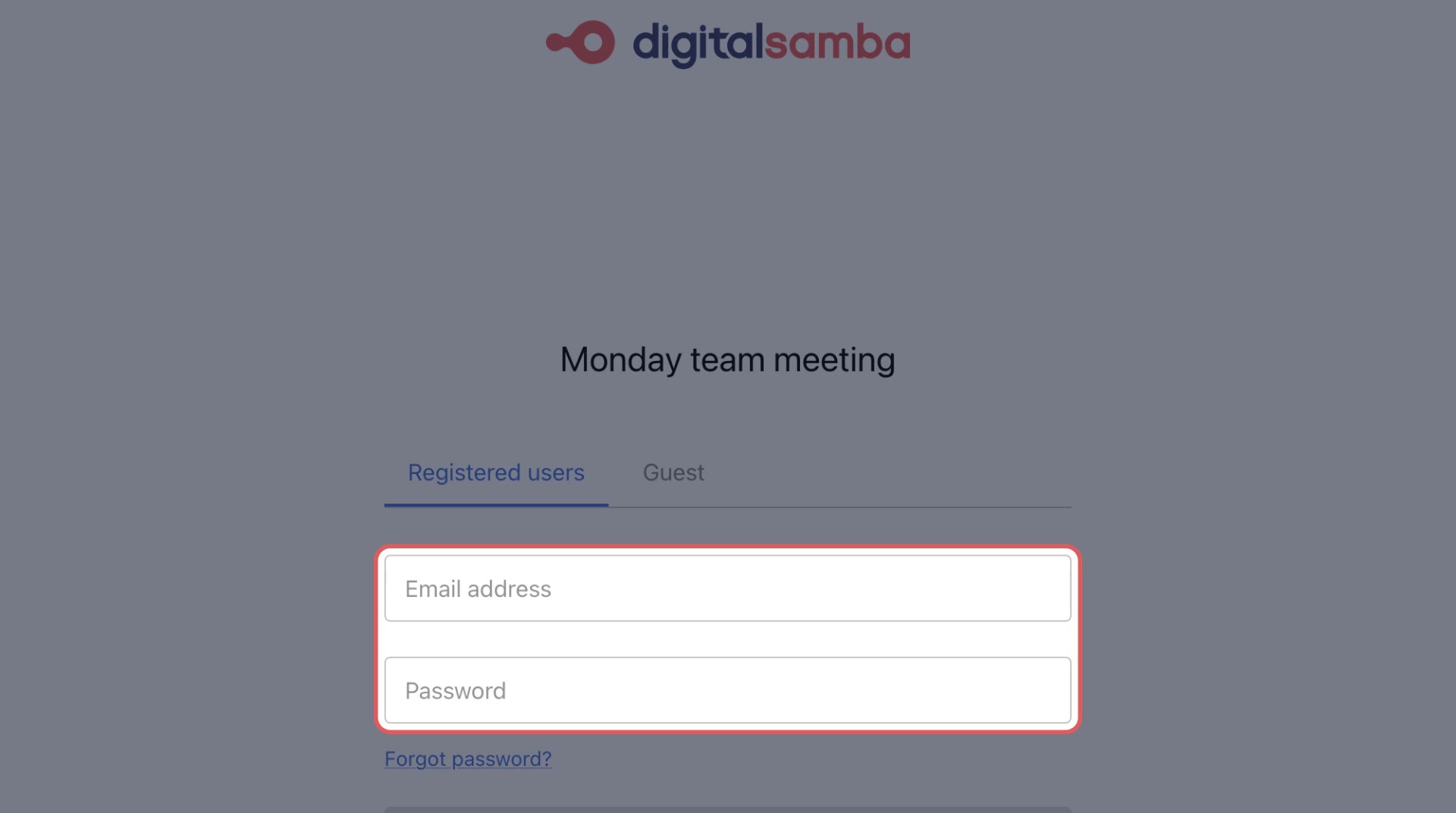
With a Digital Samba account, choose Registered users and log in instead.
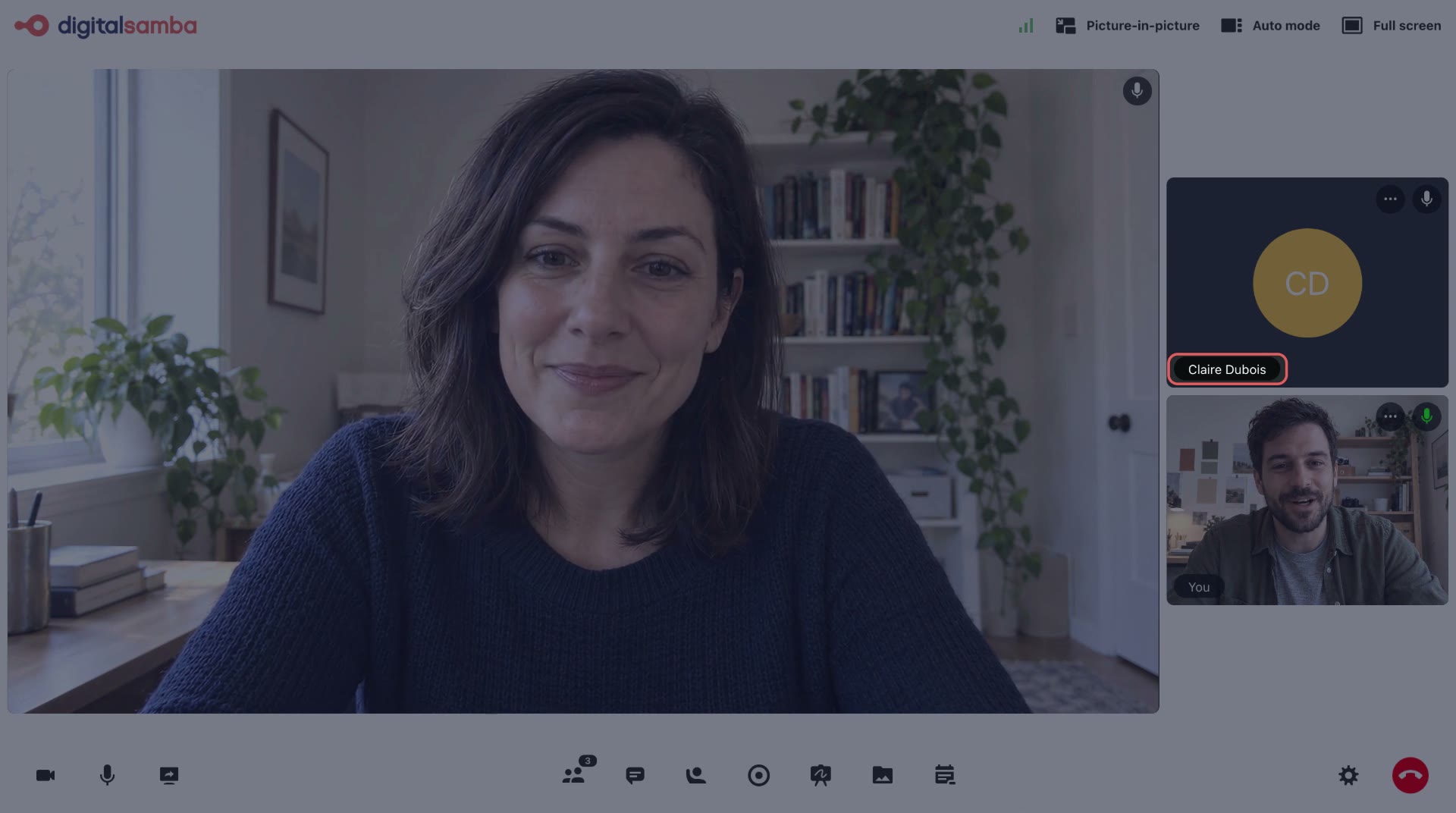
After the same two steps, she's in.
Good to know1:25
Your personal link lets one person in at a time.
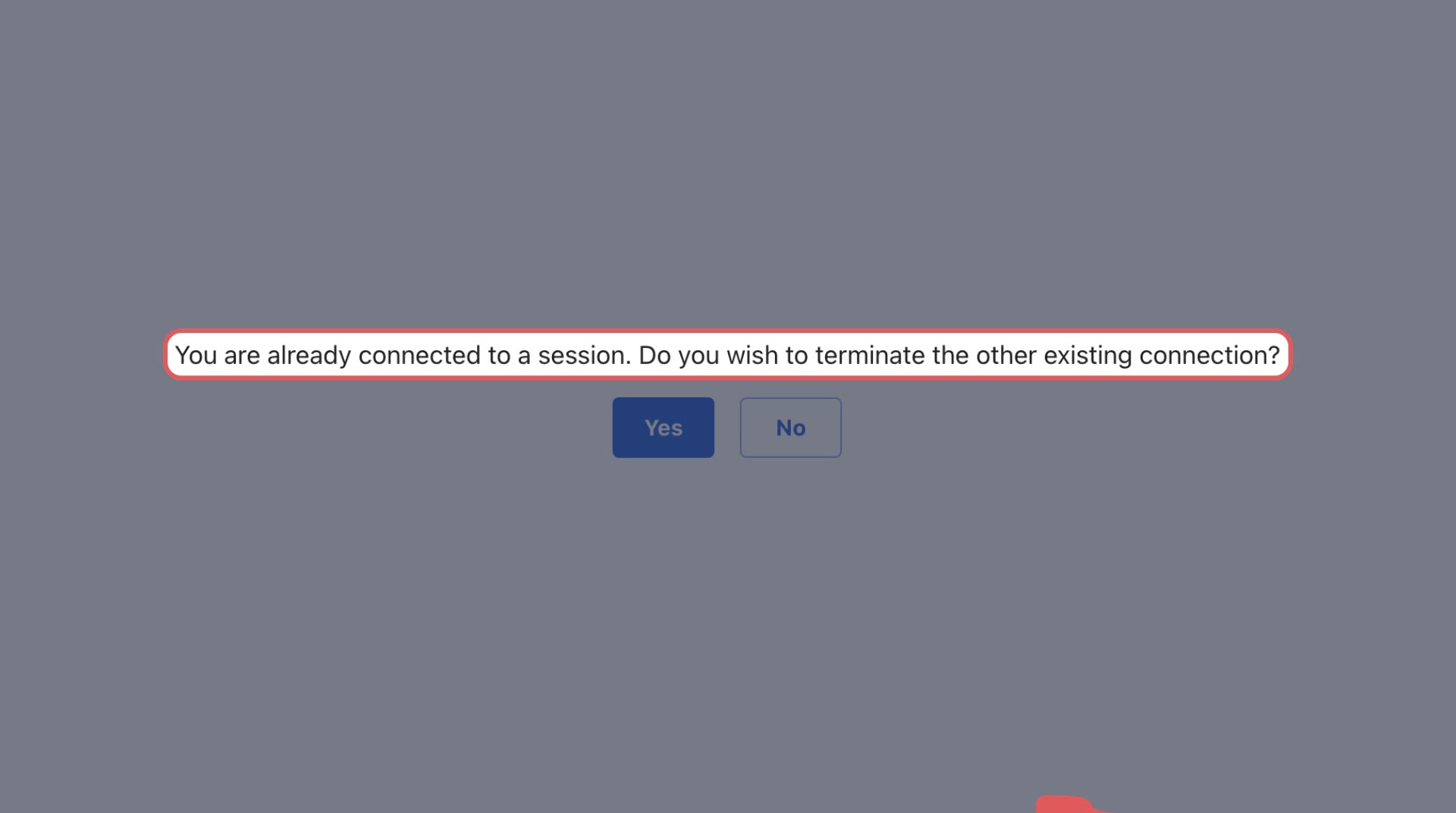
If someone else opens it while you're in the call, they can take your place, and you are put out.
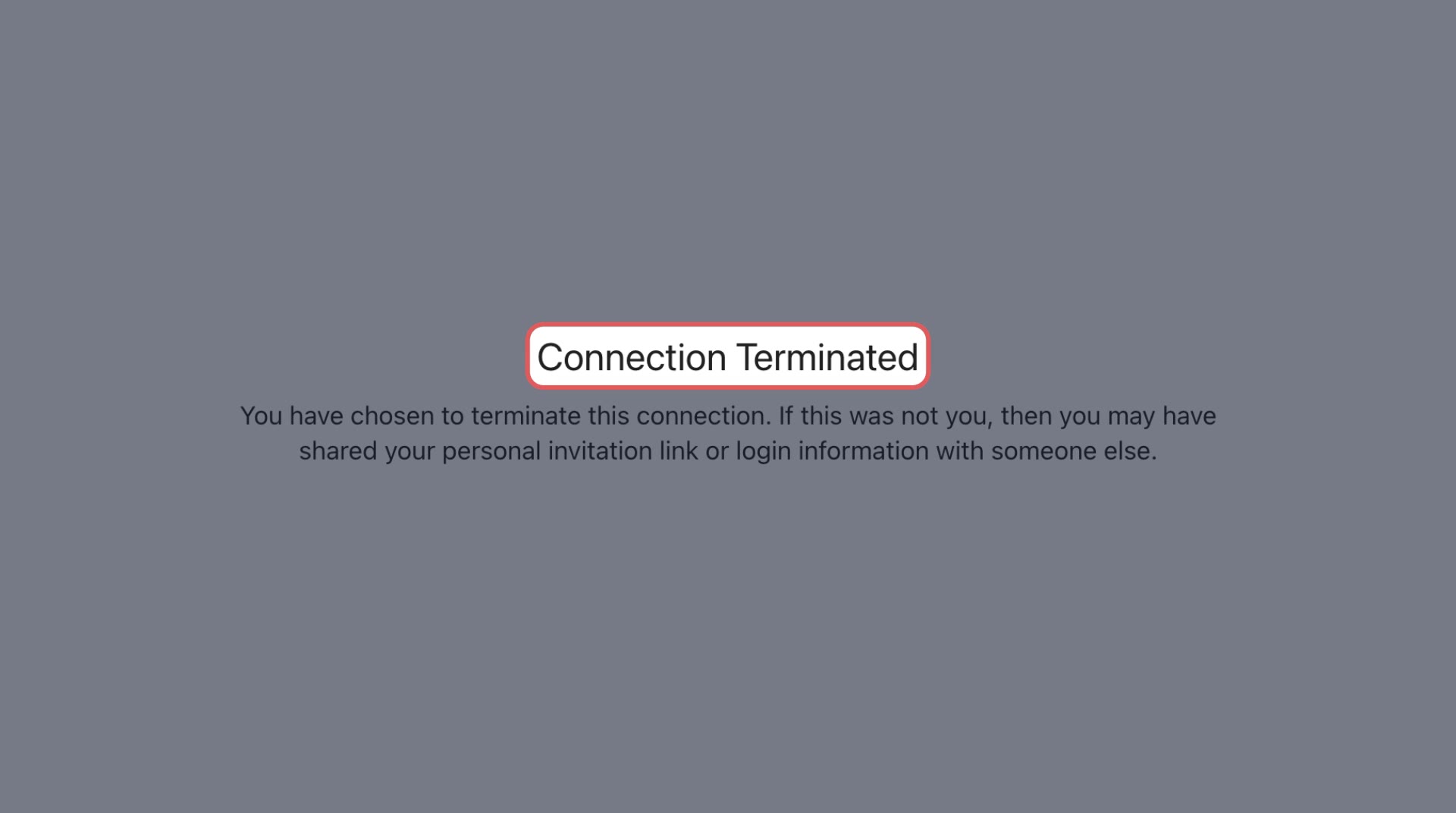
So keep it to yourself, and pass on the call link.
And Join call works whatever you answered, even No.
Recap1:46
So: answer the invitation, click Join call, check your camera and microphone, and join; with a call link, join as a guest.
Did this article help?
Sorry about that. What was the problem?