Skip to content
University
Videos
Topics
Updates
Search the videos
Topics
Connected apps
All 12 moments in Digital Samba University that depend on this.
Connected apps: see and revoke access
For developers · 1:39
0:01
Introduction
In this video, you'll see which Digital Samba apps can use your account, and how to revoke their access.
Read
0:10
Connected apps
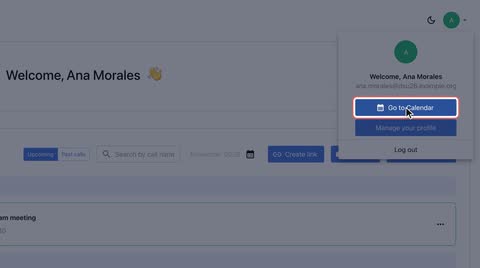
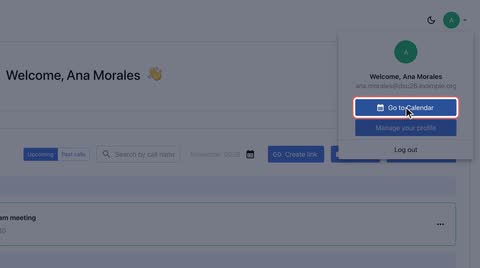
Our example is Ana, who plans her week in Digital Samba Calendar: Go to Calendar, in her account menu, opens it.
Read
0:19
Connected apps
While she's signed in to Digital Samba, the calendar connects to her account by itself.
Read
0:24
Connected apps
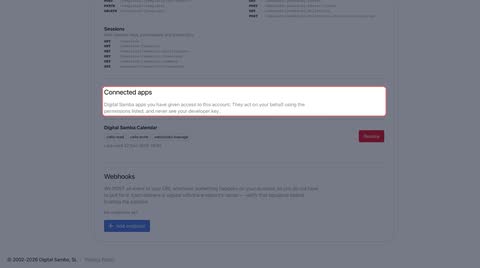
To see it, open Settings, then Developer, and scroll down to Connected apps.
Read
0:30
Connected apps
This section only appears while an app is connected.
Read
0:34
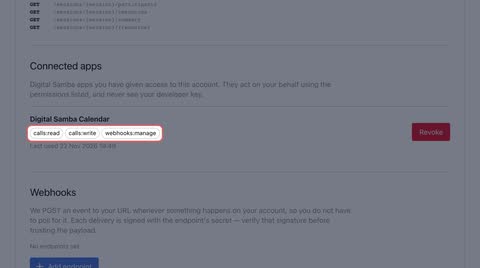
What it may do
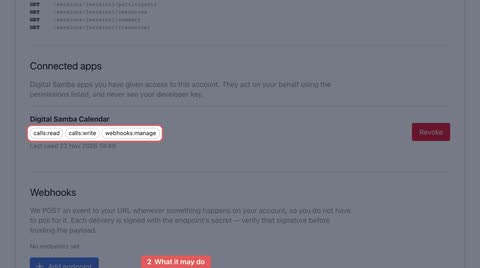
Each row is one app, with the permissions it holds.
Read
0:38
What it may do
Digital Samba Calendar may read and change Ana's calls, and manage webhooks; her contacts and recordings stay closed to it.
Read
0:47
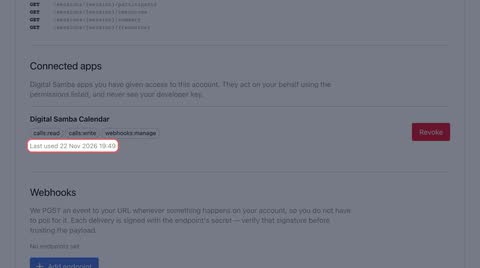
What it may do
Below that, you see when it was last used.
Read
0:59
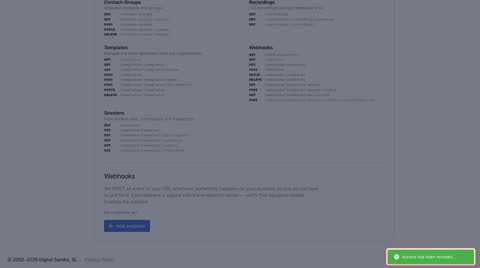
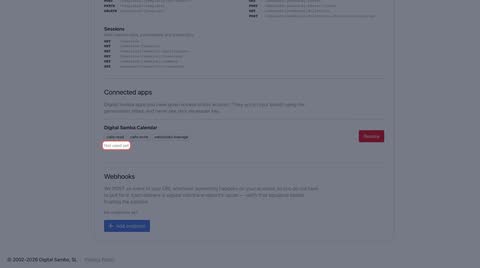
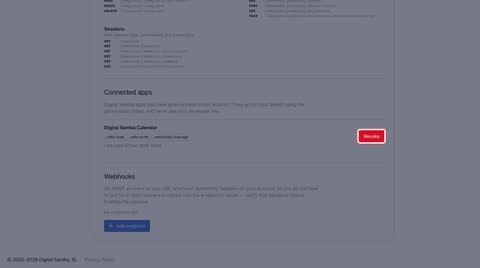
Revoke
Access has been revoked, and the app has left the list.
Read
1:11
Good to know
A row also goes by itself, within an hour after you stop using the app.
Read
1:17
Good to know
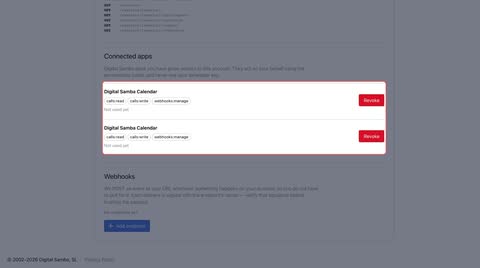
And an app can appear more than once: once for each browser it connected from.
Read
1:23
Recap
So: Settings, Developer, Connected apps; see what each app may do, and revoke what you don't want.
Read
All topics