University

Connected apps: see and revoke access

In this video, you'll see which Digital Samba apps can use your account, and how to revoke their access.

Updated Version 1

1Connected apps0:09

Our example is Ana, who plans her week in Digital Samba Calendar: Go to Calendar, in her account menu, opens it.
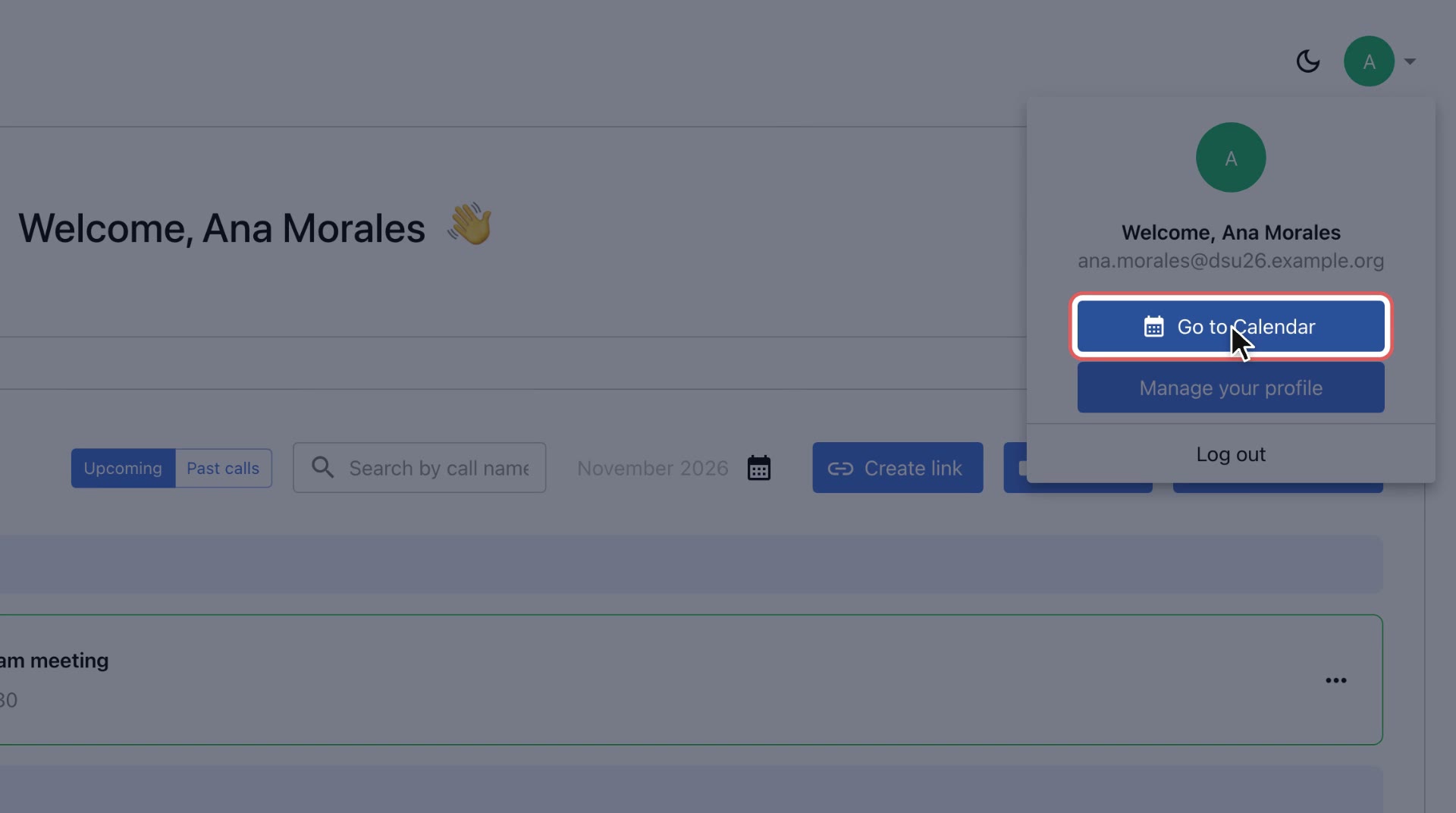
Screenshot from the film at 0:17: Our example is Ana, who plans her week in Digital Samba Calendar: Go to Calendar, in her account menu, opens it.
Watch this step · 0:10

While she's signed in to Digital Samba, the calendar connects to her account by itself.
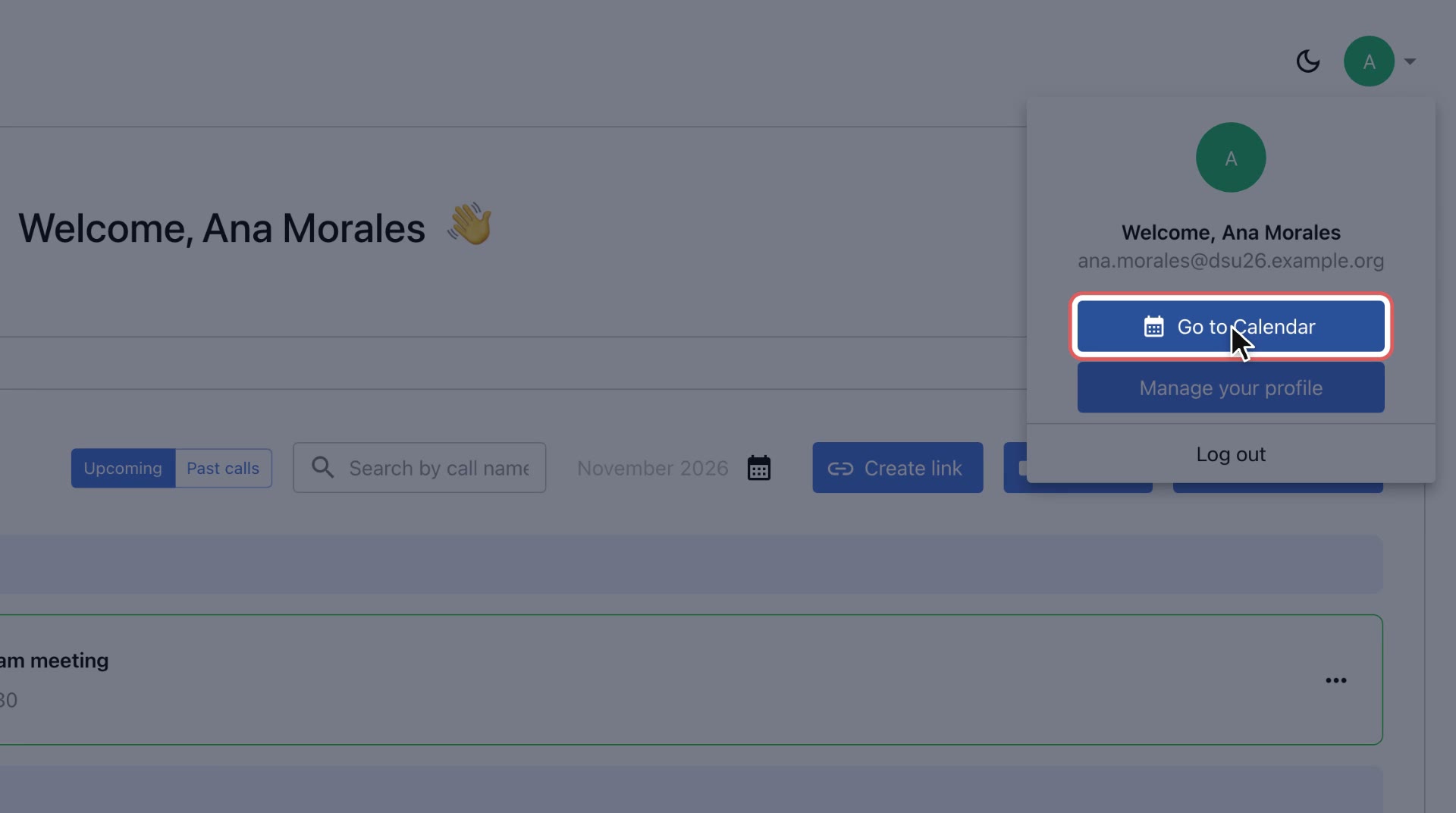
Screenshot from the film at 0:22: While she's signed in to Digital Samba, the calendar connects to her account by itself.
Watch this step · 0:19

To see it, open Settings, then Developer, and scroll down to Connected apps.
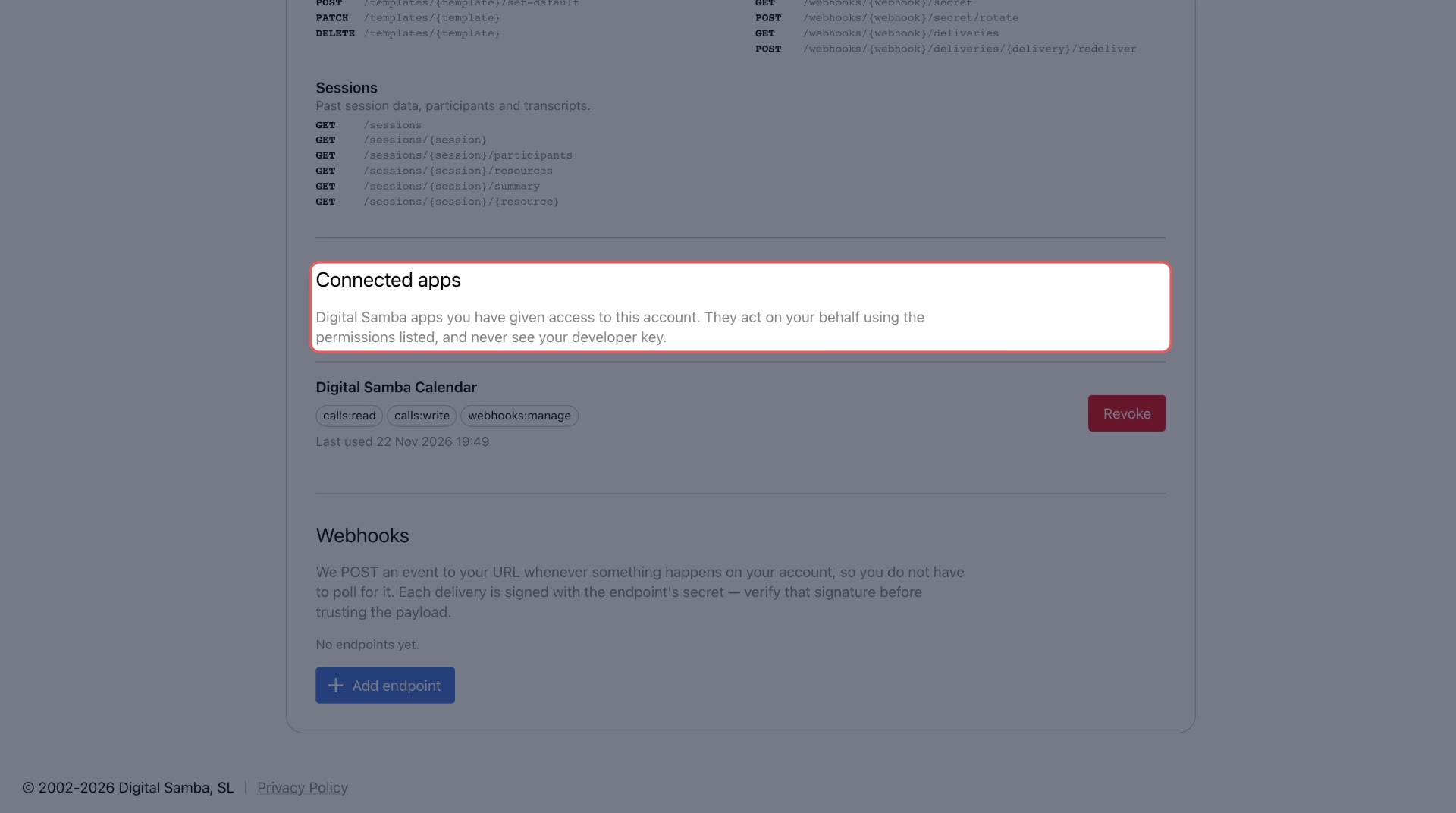
Screenshot from the film at 0:29: To see it, open Settings, then Developer, and scroll down to Connected apps.
Watch this step · 0:24

This section only appears while an app is connected.

2What it may do0:33

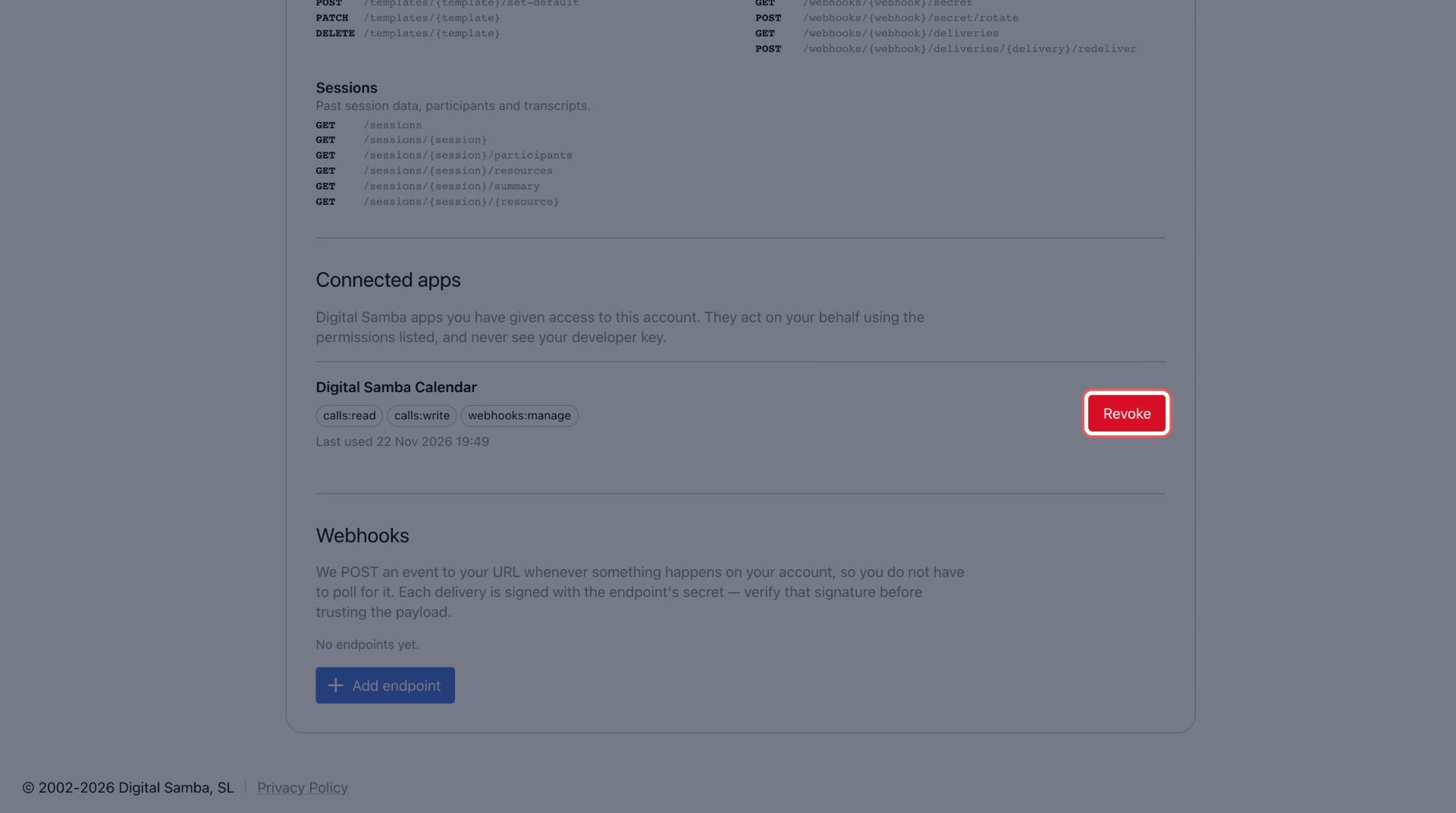
Each row is one app, with the permissions it holds.
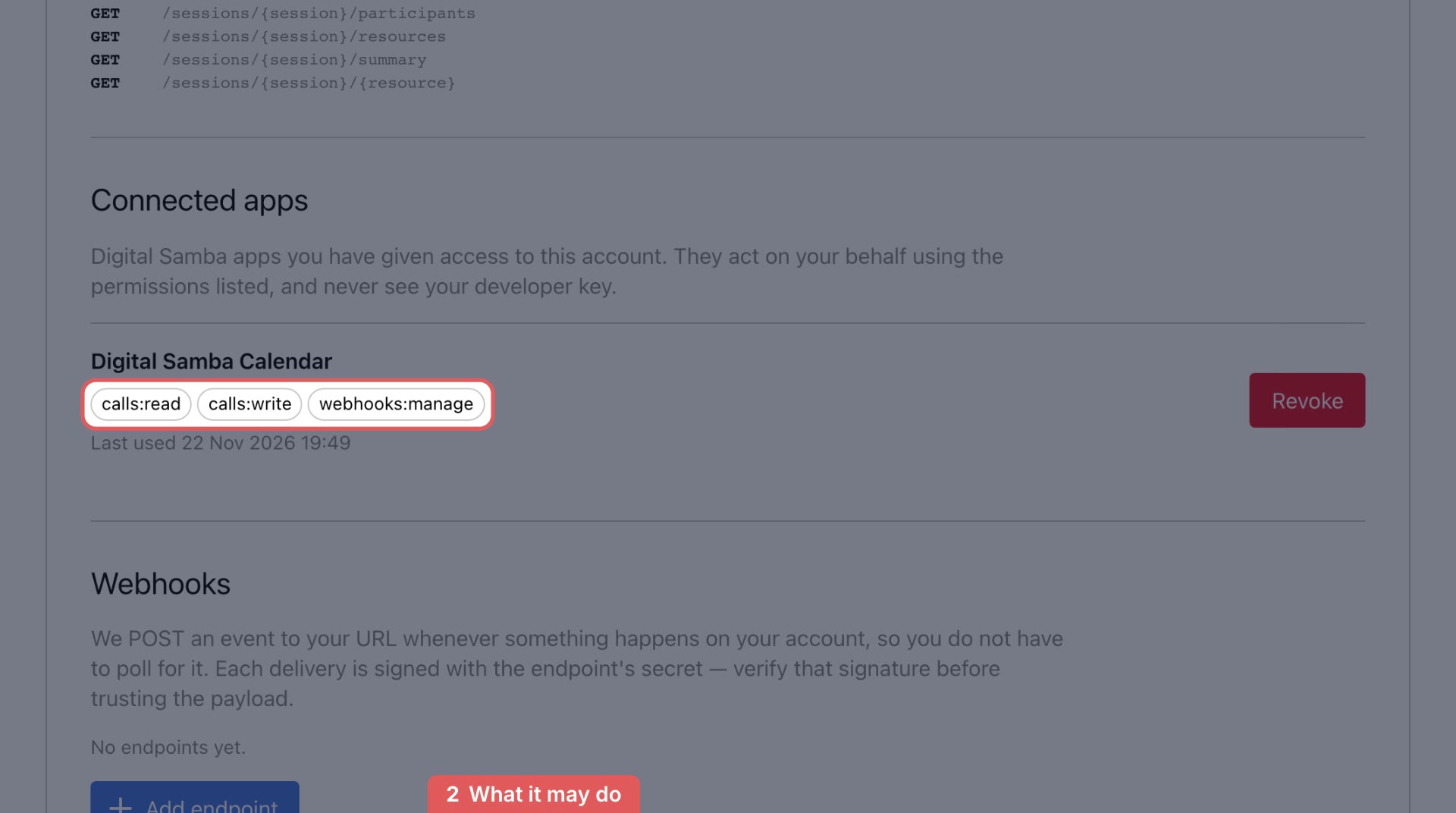
Screenshot from the film at 0:37: Each row is one app, with the permissions it holds.
Watch this step · 0:34

Digital Samba Calendar may read and change Ana's calls, and manage webhooks; her contacts and recordings stay closed to it.
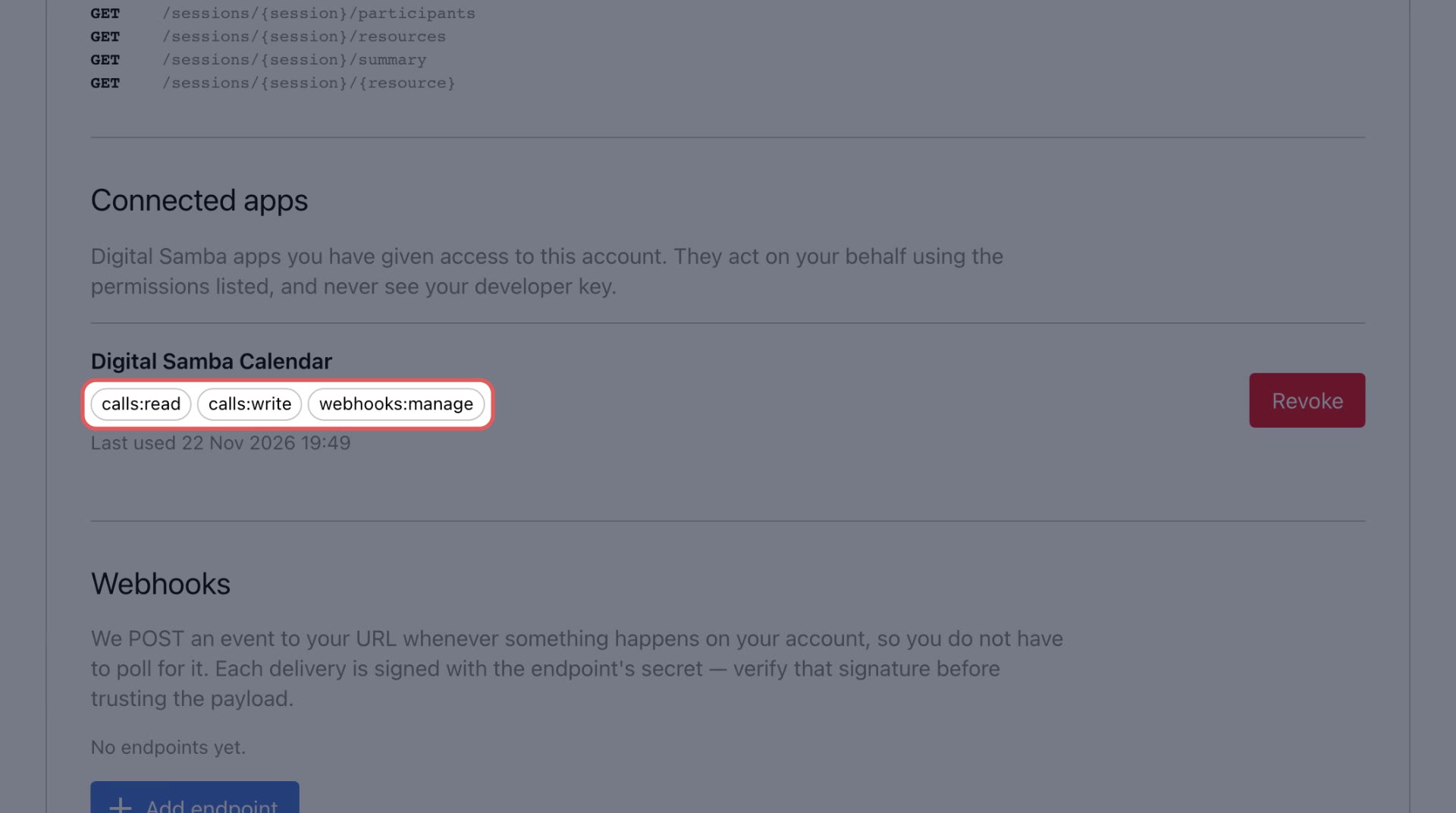
Screenshot from the film at 0:40: Digital Samba Calendar may read and change Ana's calls, and manage webhooks; her contacts and recordings stay closed to it.
Watch this step · 0:38

Below that, you see when it was last used.
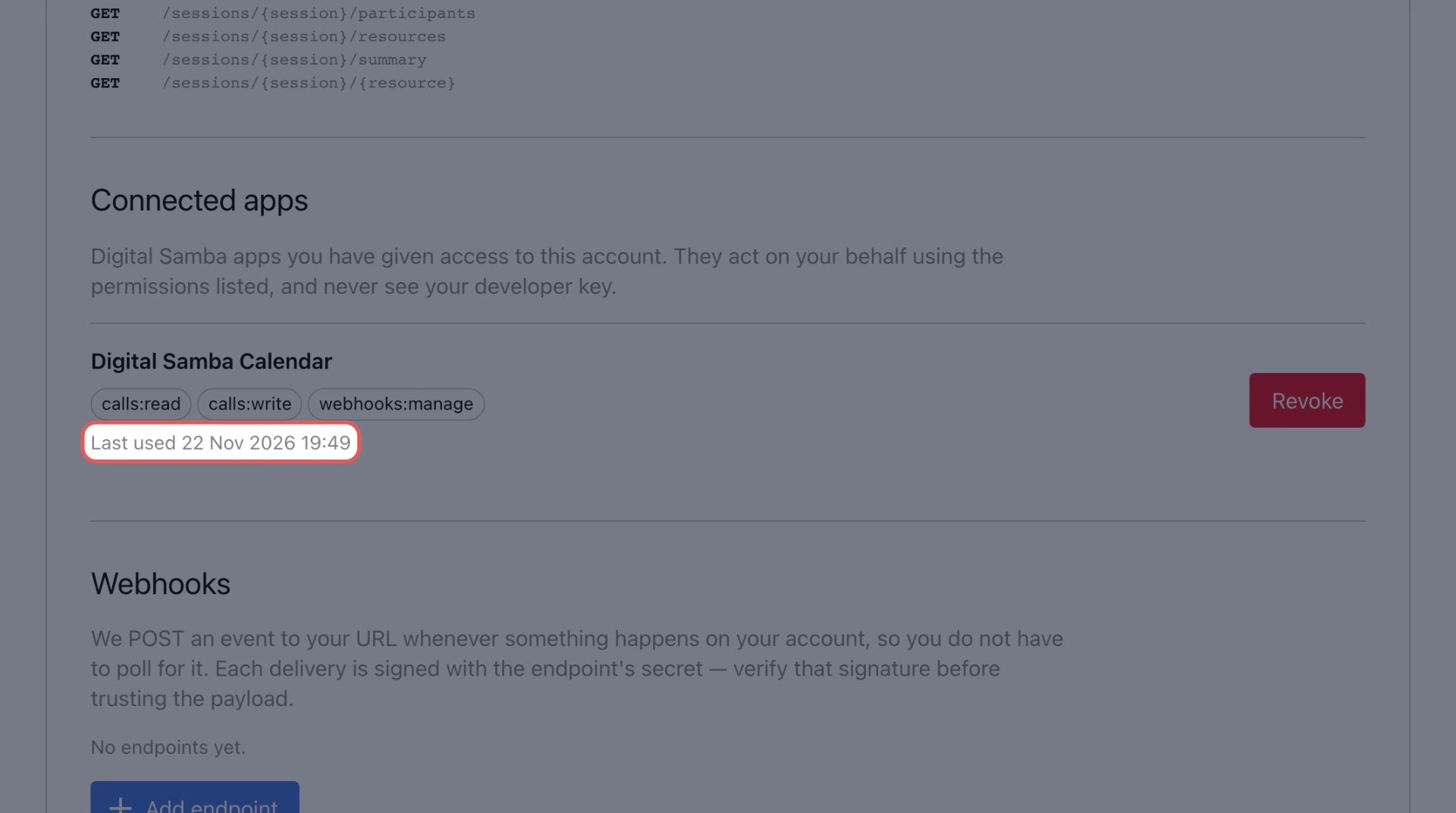
Screenshot from the film at 0:47: Below that, you see when it was last used.
Watch this step · 0:47

3Revoke0:49

To take its access away, click Revoke.
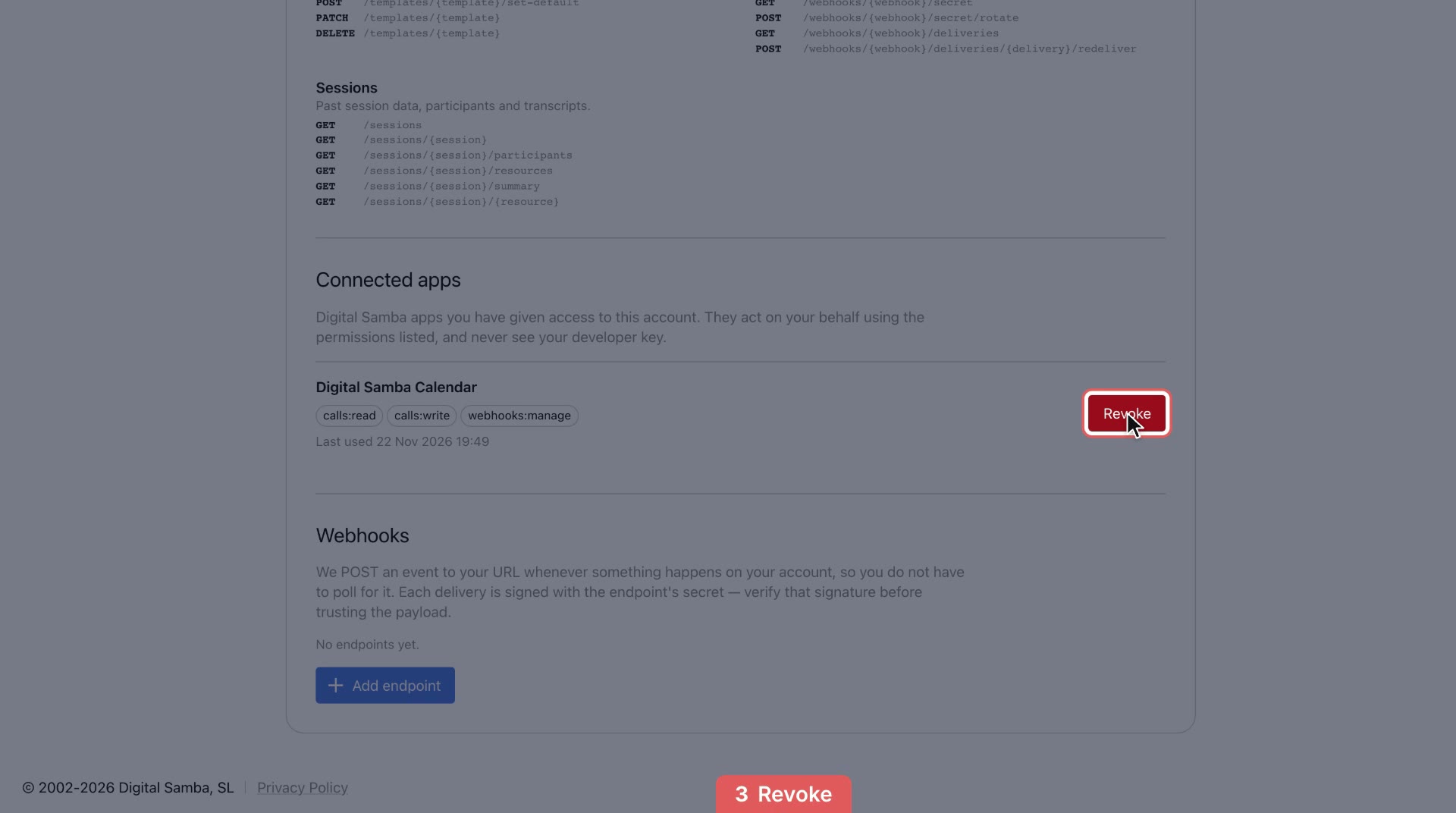
Screenshot from the film at 0:53: To take its access away, click Revoke.
Watch this step · 0:50

The dialog says it loses access straight away; confirm with Revoke.
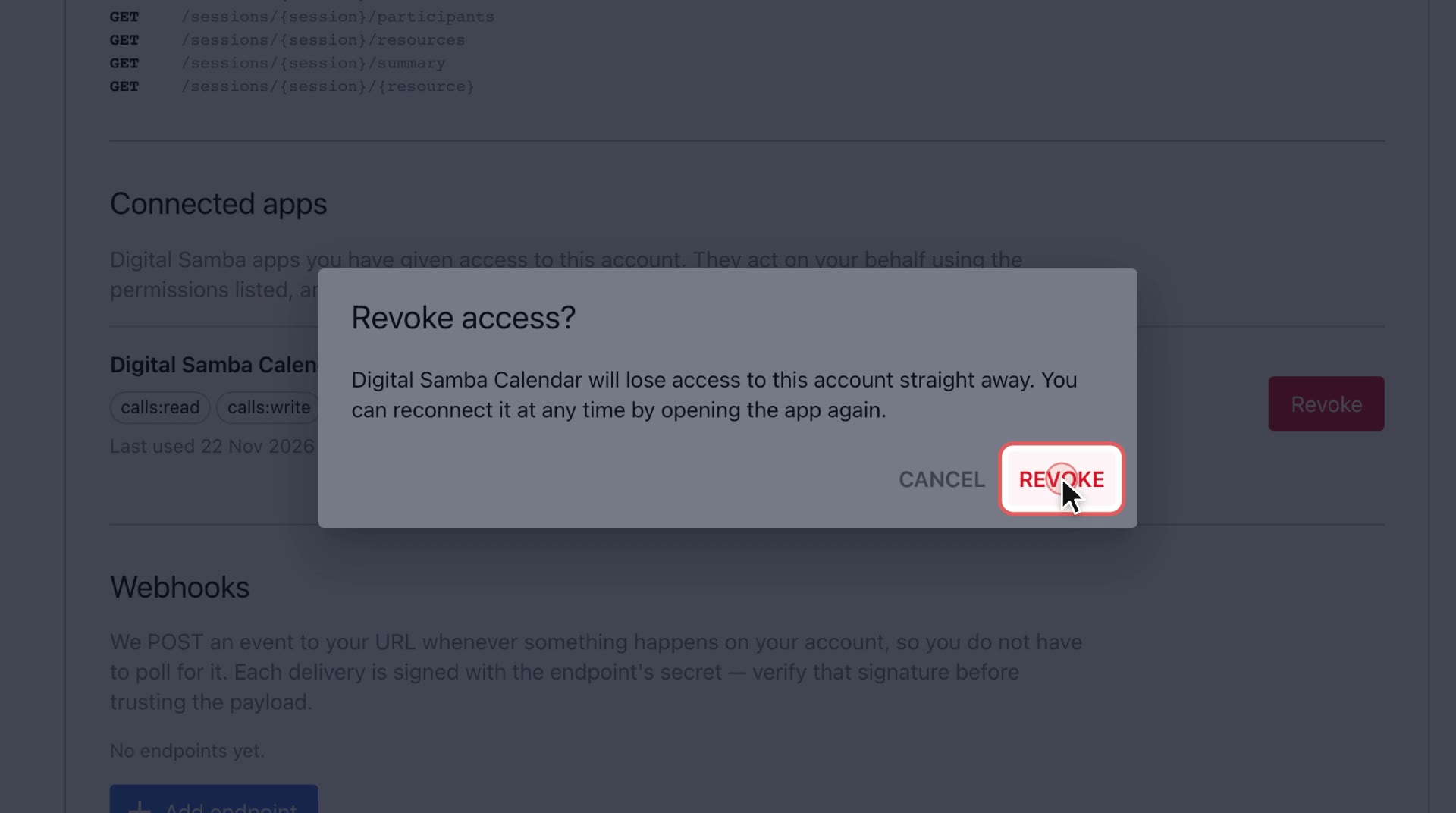
Screenshot from the film at 0:58: The dialog says it loses access straight away; confirm with Revoke.
Watch this step · 0:54

Access has been revoked, and the app has left the list.
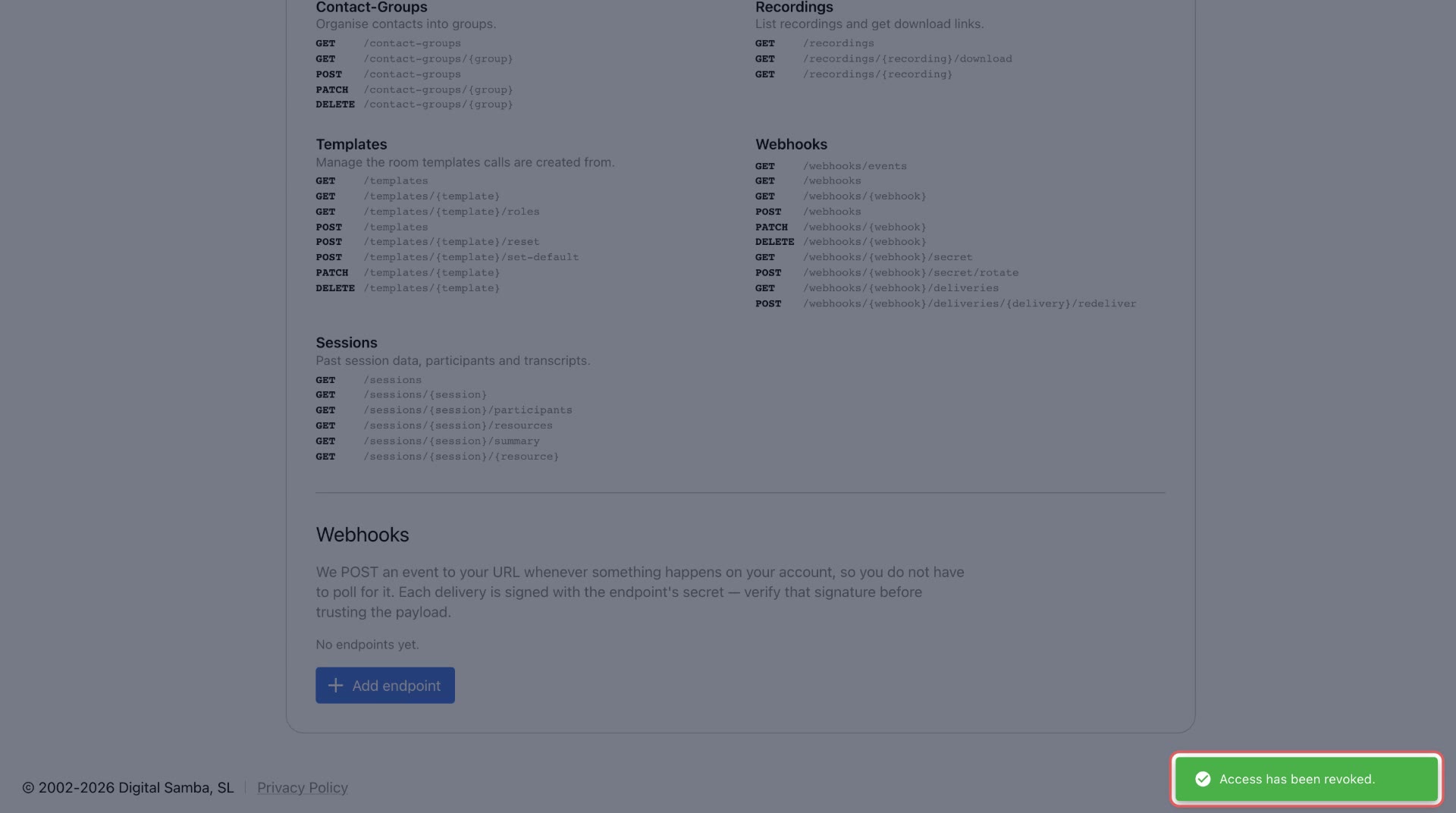
Screenshot from the film at 0:59: Access has been revoked, and the app has left the list.
Watch this step · 0:59

Good to know1:03

Revoking doesn't block an app for good; Digital Samba Calendar connects again the next time you use it.
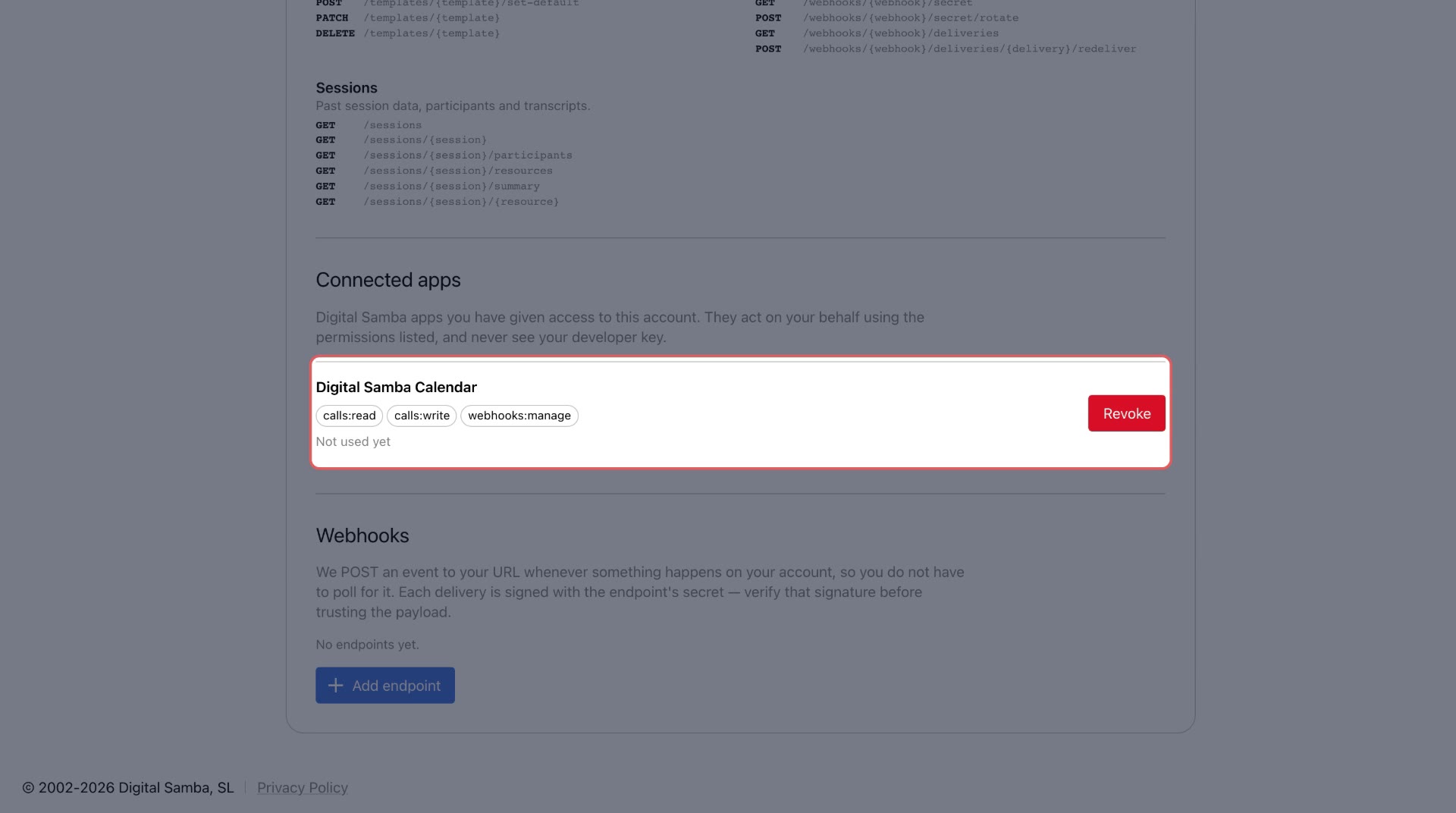
Screenshot from the film at 1:09: Good to know: revoking doesn't block an app for good; Digital Samba Calendar connects again the next time you use it.
Watch this step · 1:03

A row also goes by itself, within an hour after you stop using the app.
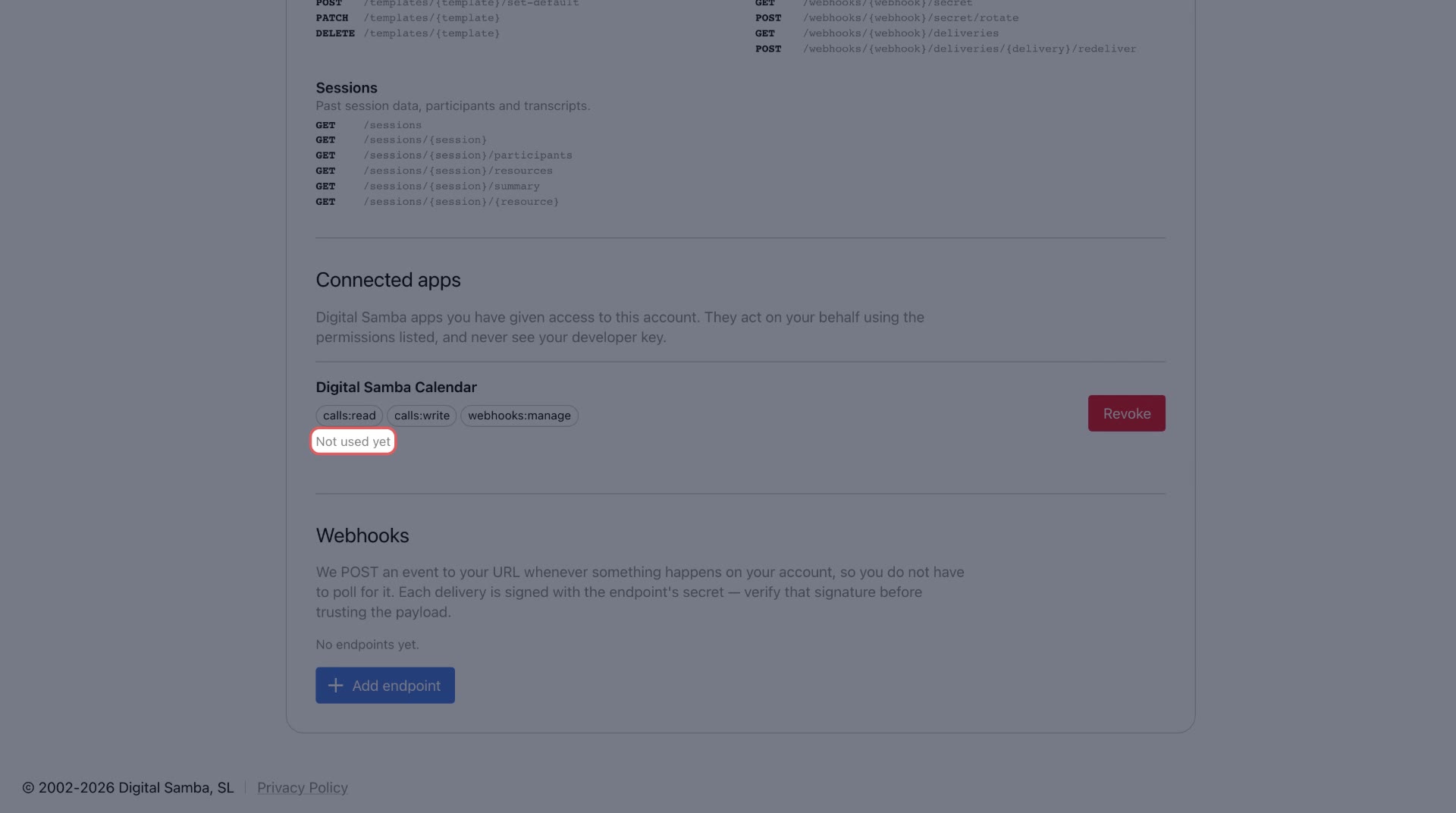
Screenshot from the film at 1:12: A row also goes by itself, within an hour after you stop using the app.
Watch this step · 1:11

And an app can appear more than once: once for each browser it connected from.
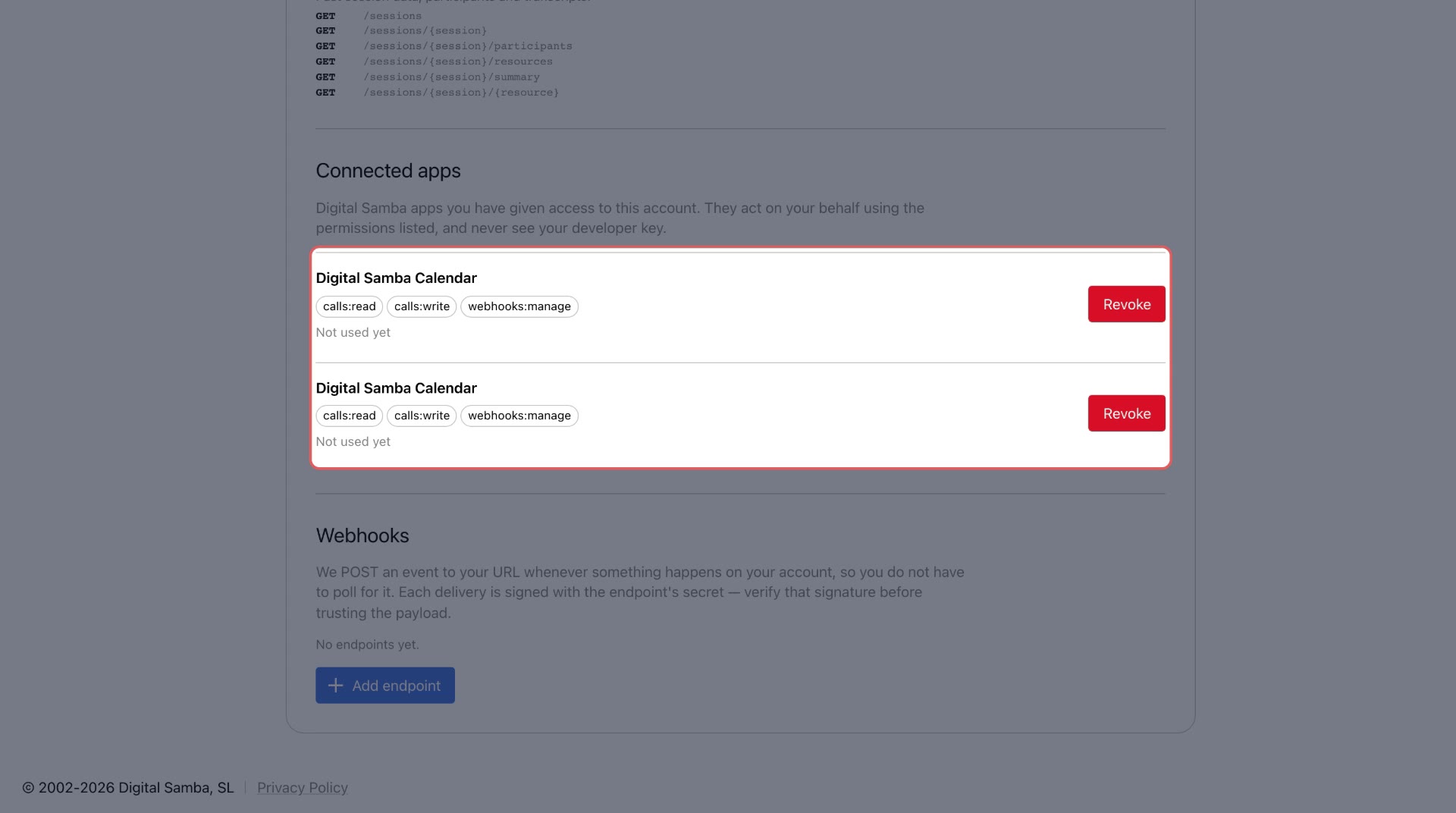
Screenshot from the film at 1:18: And an app can appear more than once: once for each browser it connected from.
Watch this step · 1:17

Recap1:22

So: Settings, Developer, Connected apps; see what each app may do, and revoke what you don't want.
Screenshot from the film at 1:29: So: Settings, Developer, Connected apps; see what each app may do, and revoke what you don't want.
Watch this step · 1:23

In this video

Next

Updated

The film, the article, the captions and the search results all come from one source, so they change together.

  1. Version 1 ·
    First version.

All updates