Skip to content
University
Videos
Topics
Updates
Search the videos
Topics
Deleting or cancelling a call
All 11 moments in Digital Samba University that depend on this.
Edit, reschedule or cancel a call
Scheduling calls · 2:27
1:18
Delete
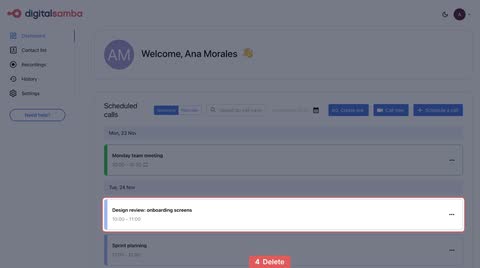
In the end, the review isn't needed.
Read
1:21
Delete
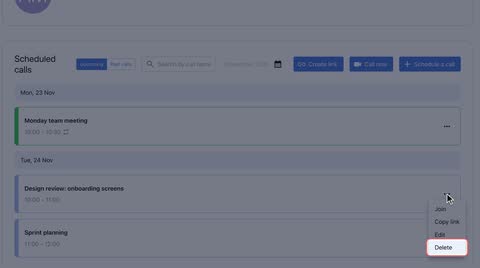
Open the card's menu again and choose Delete.
Read
1:25
Delete
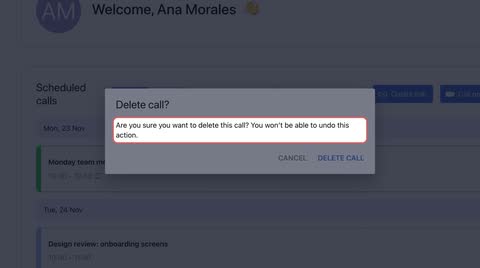
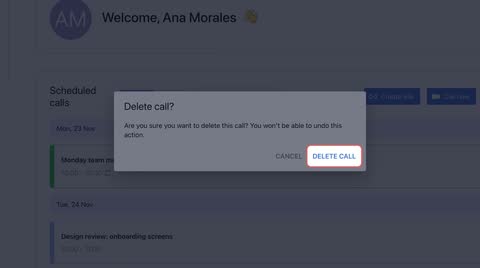
Digital Samba asks first, because this can't be undone.
Read
1:30
Delete
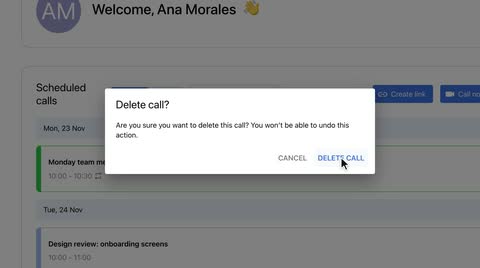
Click Delete call.
Read
1:32
Delete
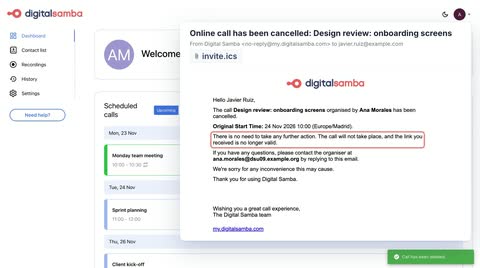
Javier and María are told that the call has been cancelled, and their links stop working.
Read
1:38
Delete
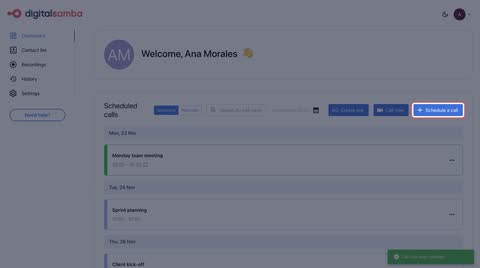
To hold it after all, schedule it again: everyone gets a new invitation.
Read
1:49
Good to know
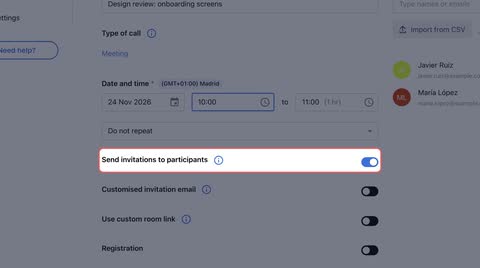
If Send invitations to participants is off for a call, changing or cancelling it sends nothing: tell people yourself.
Read
1:57
Good to know
A call that is already over sends nothing either.
Read
2:01
Good to know
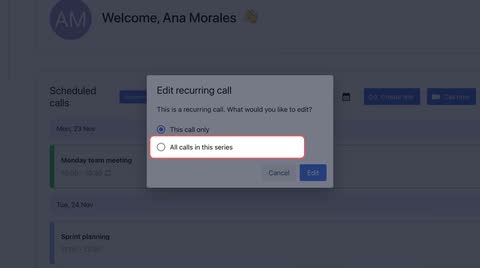
And for a recurring call, you choose between this call only and all calls in the series: see Set up a recurring call.
Read
2:11
Recap
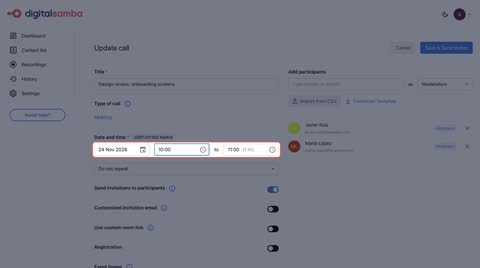
So: Edit from the card or the call's page, save to tell everyone what changed, and Delete to cancel for good.
Read
Get notified with webhooks
For developers · 3:18
1:23
What arrives
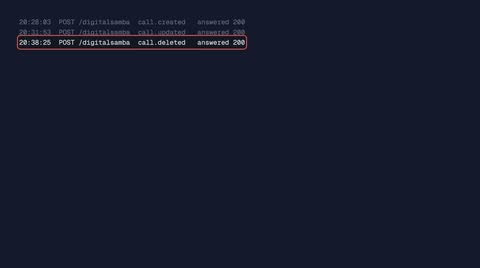
Moving the call sends call updated; deleting it sends call deleted.
Read
All topics