1Add endpoint0:14
Our example: the team's own planning board should hear about every call on Ana's account.
Open Settings, then the Developer tab, and scroll down to Webhooks.
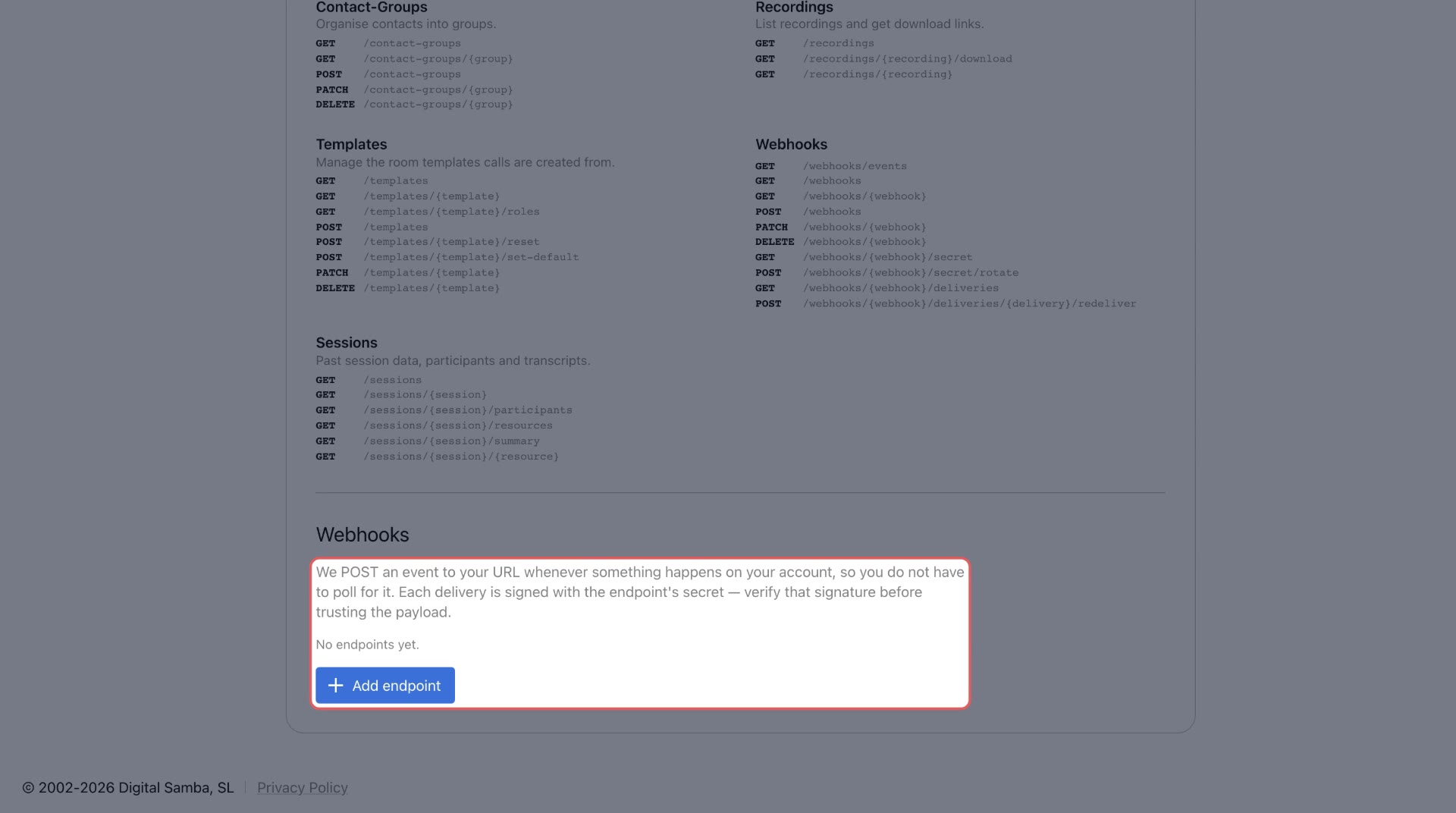
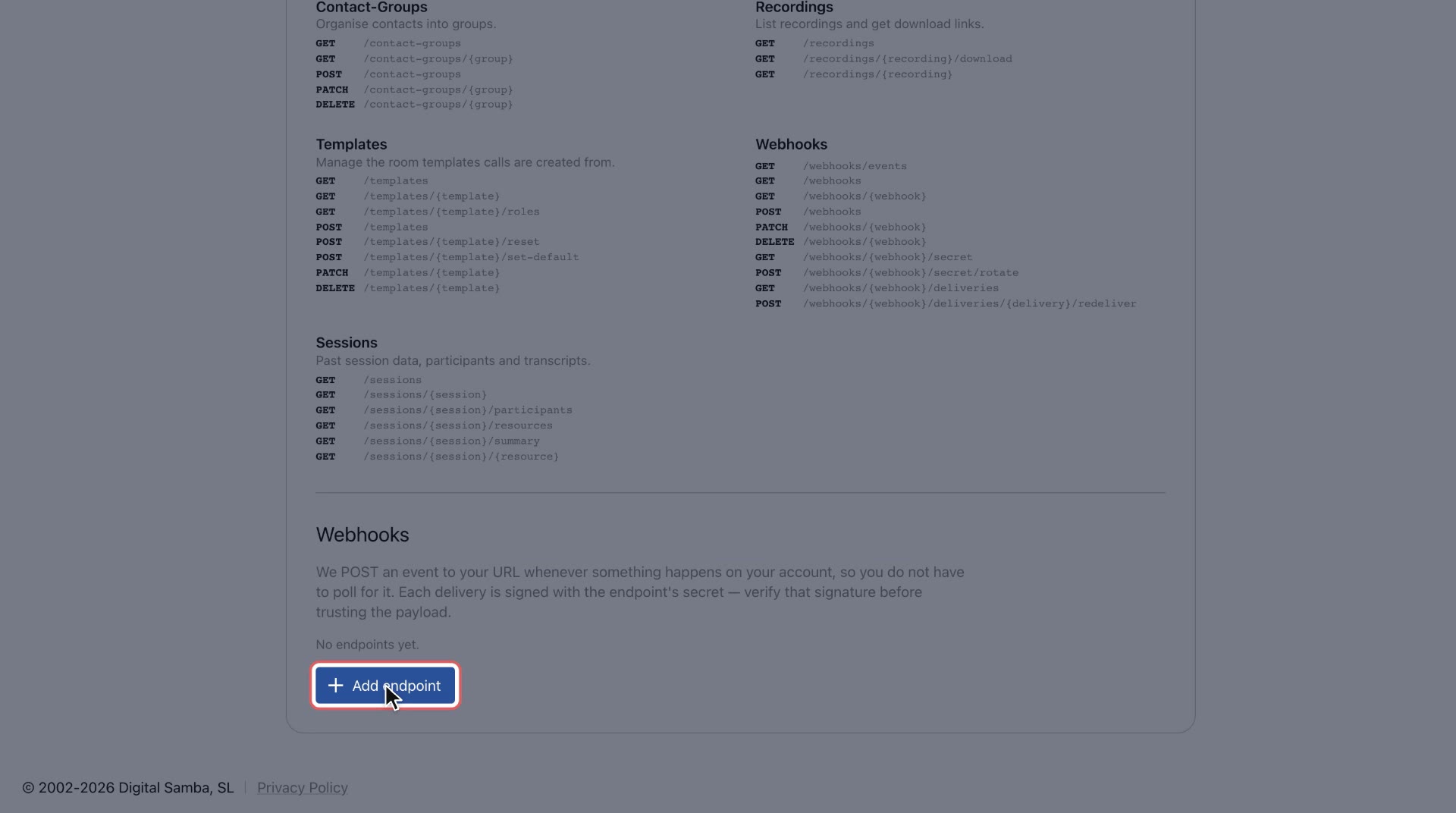
Click Add endpoint.
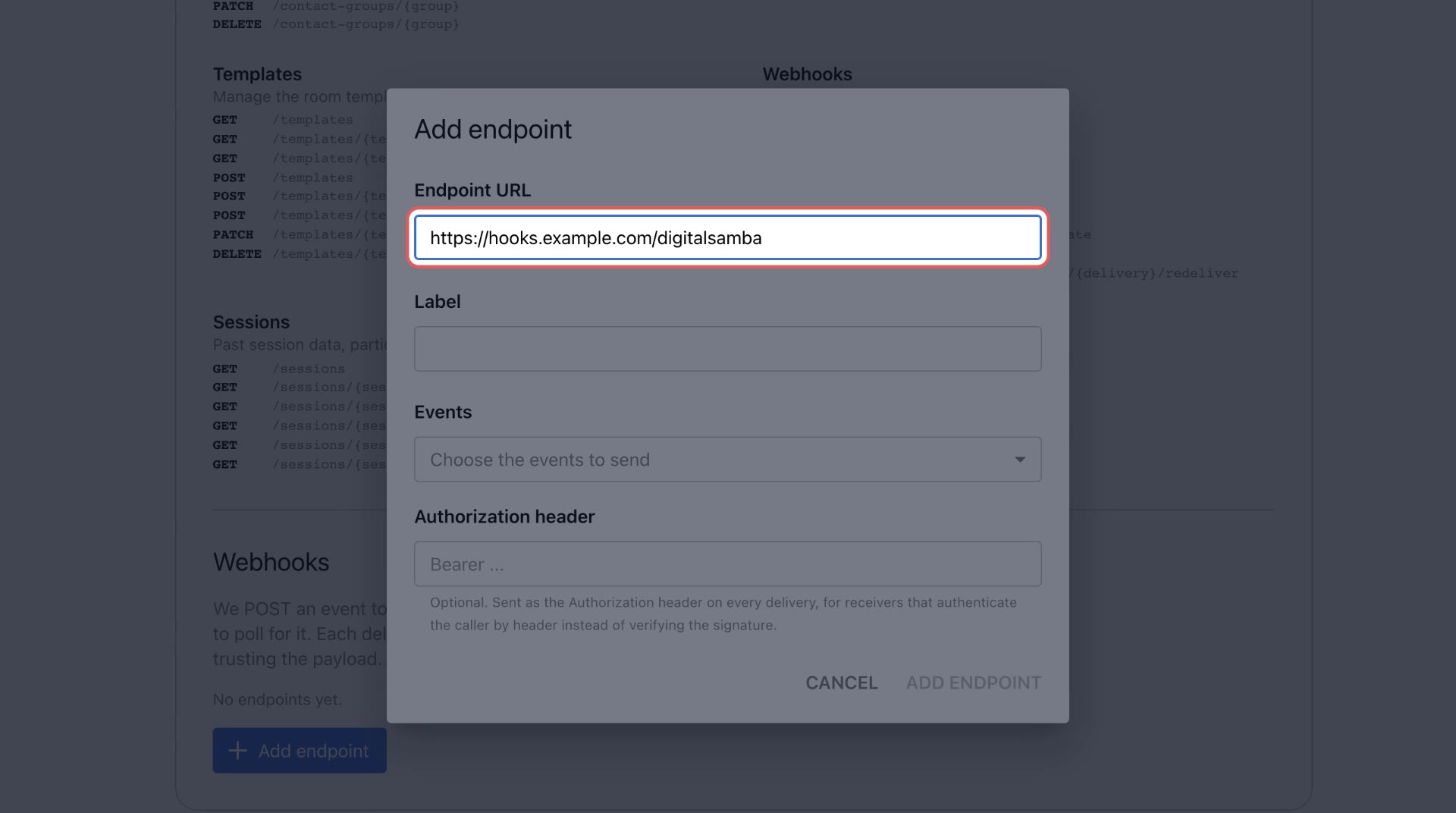
Under Endpoint URL, give the address that receives the events; it must start with https.
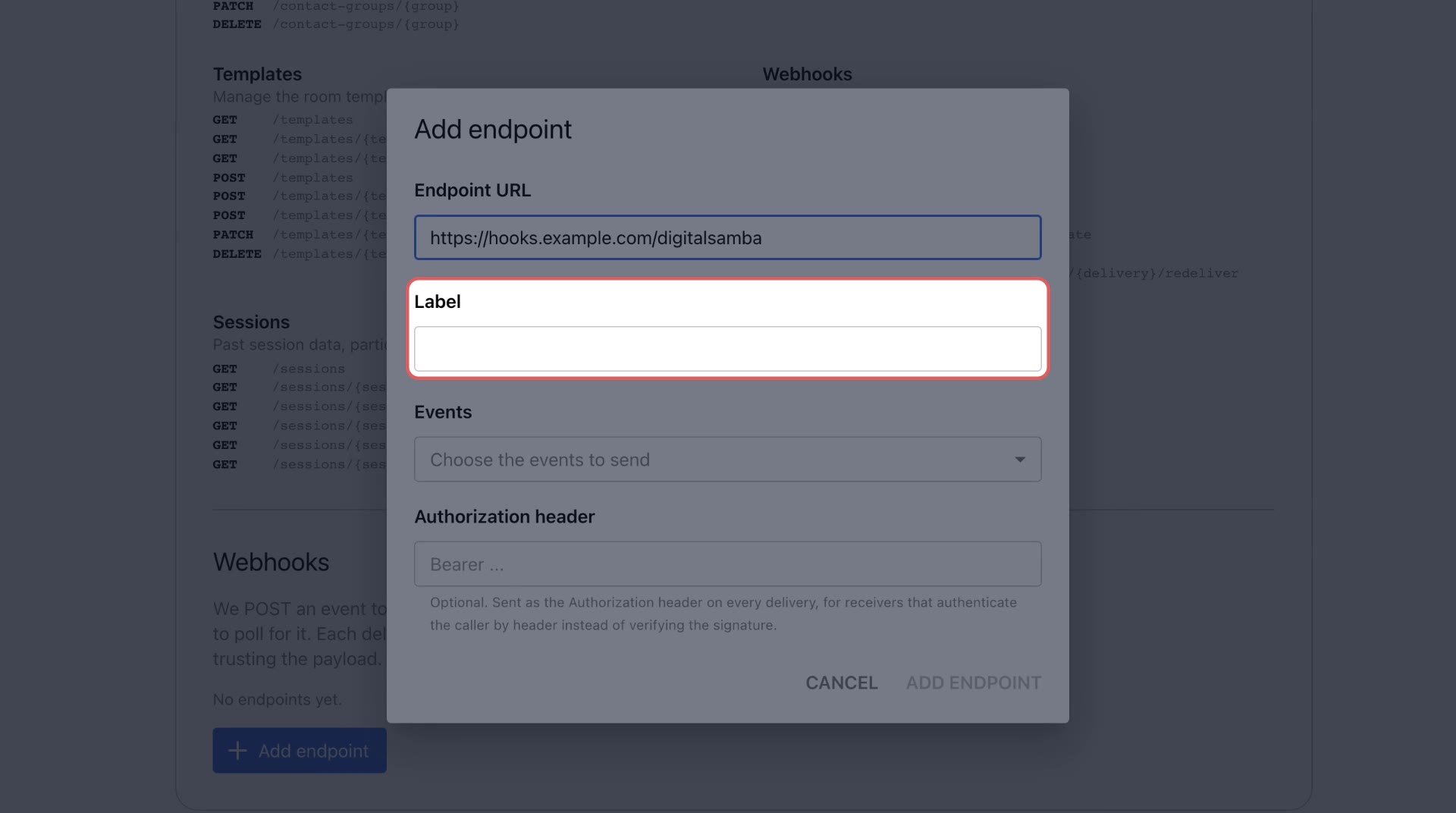
The Label is just for you: Planning board.
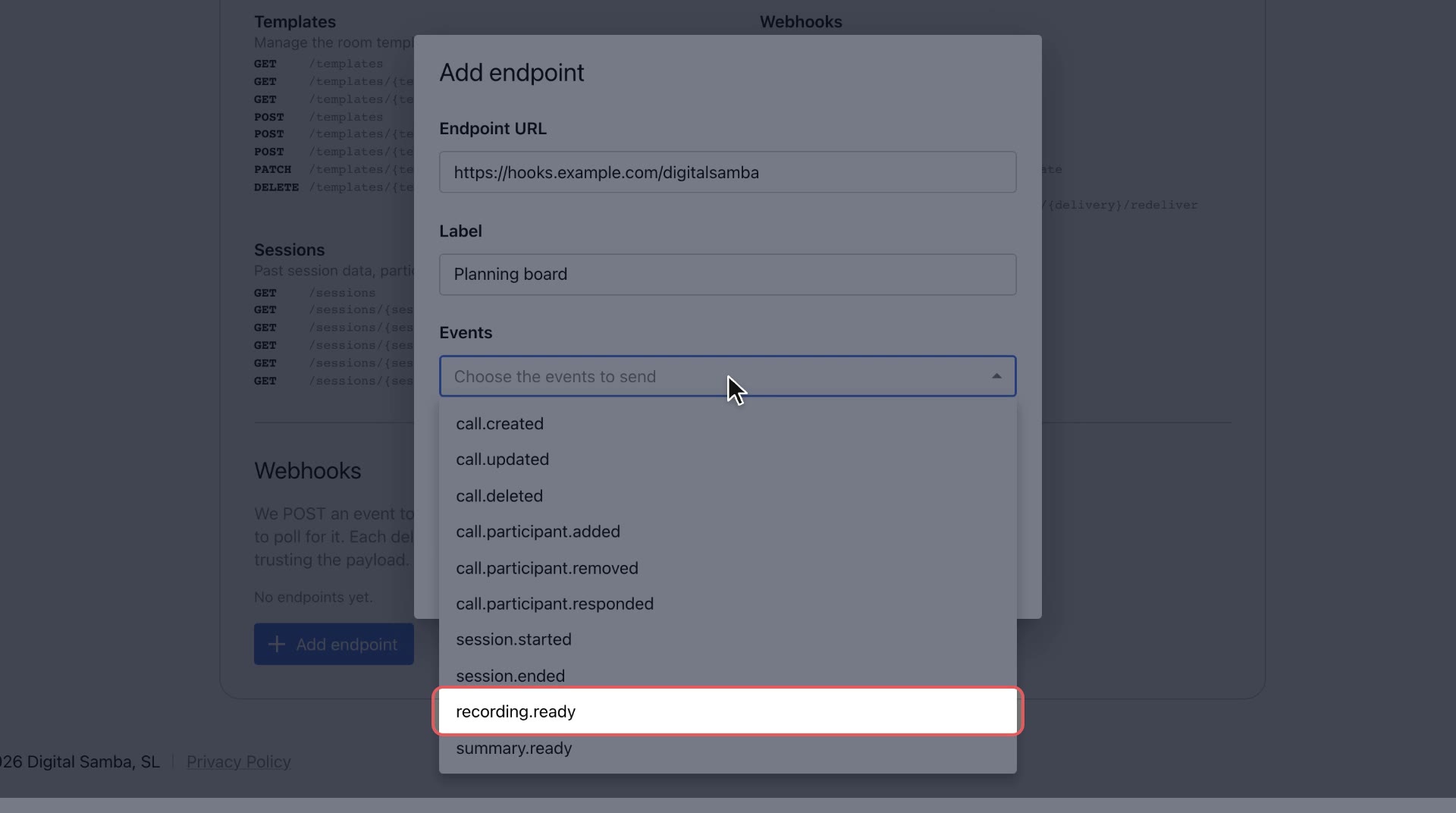
Under Events, the list offers calls, the people invited to them, sessions and recordings.
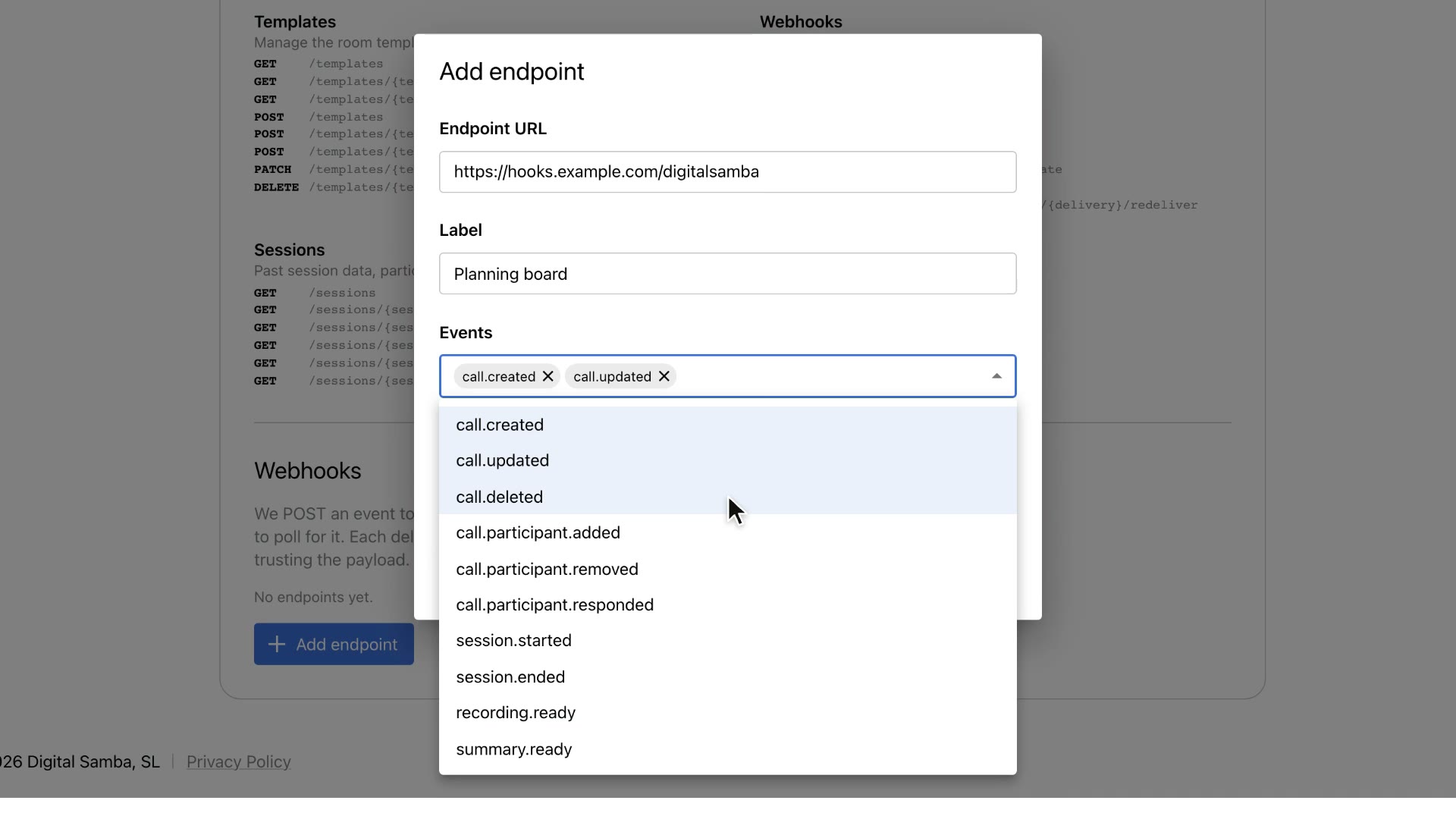
The planning board needs three: call created, call updated and call deleted.
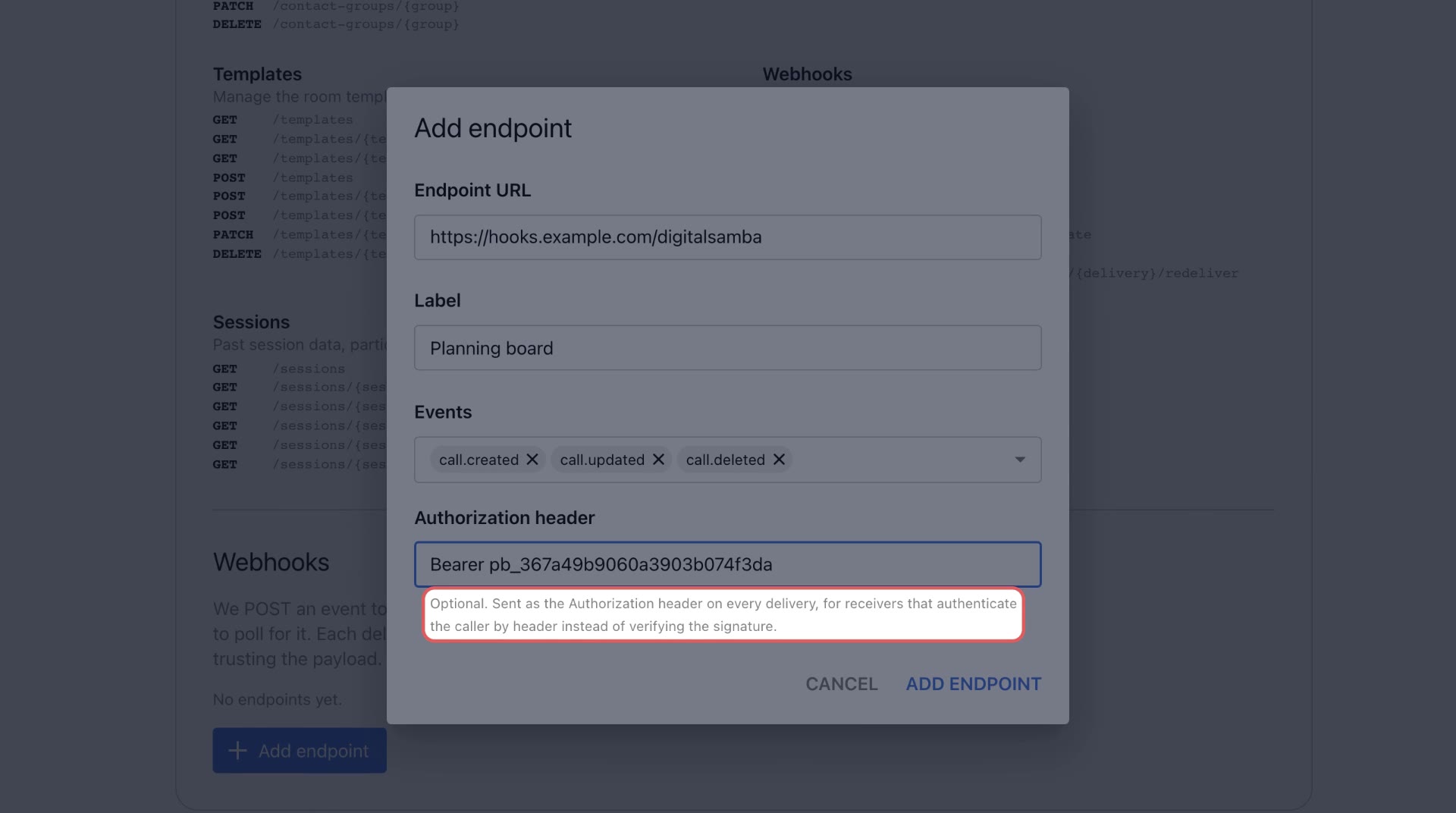
If your server checks a token, put it under Authorization header; it's sent with every delivery.
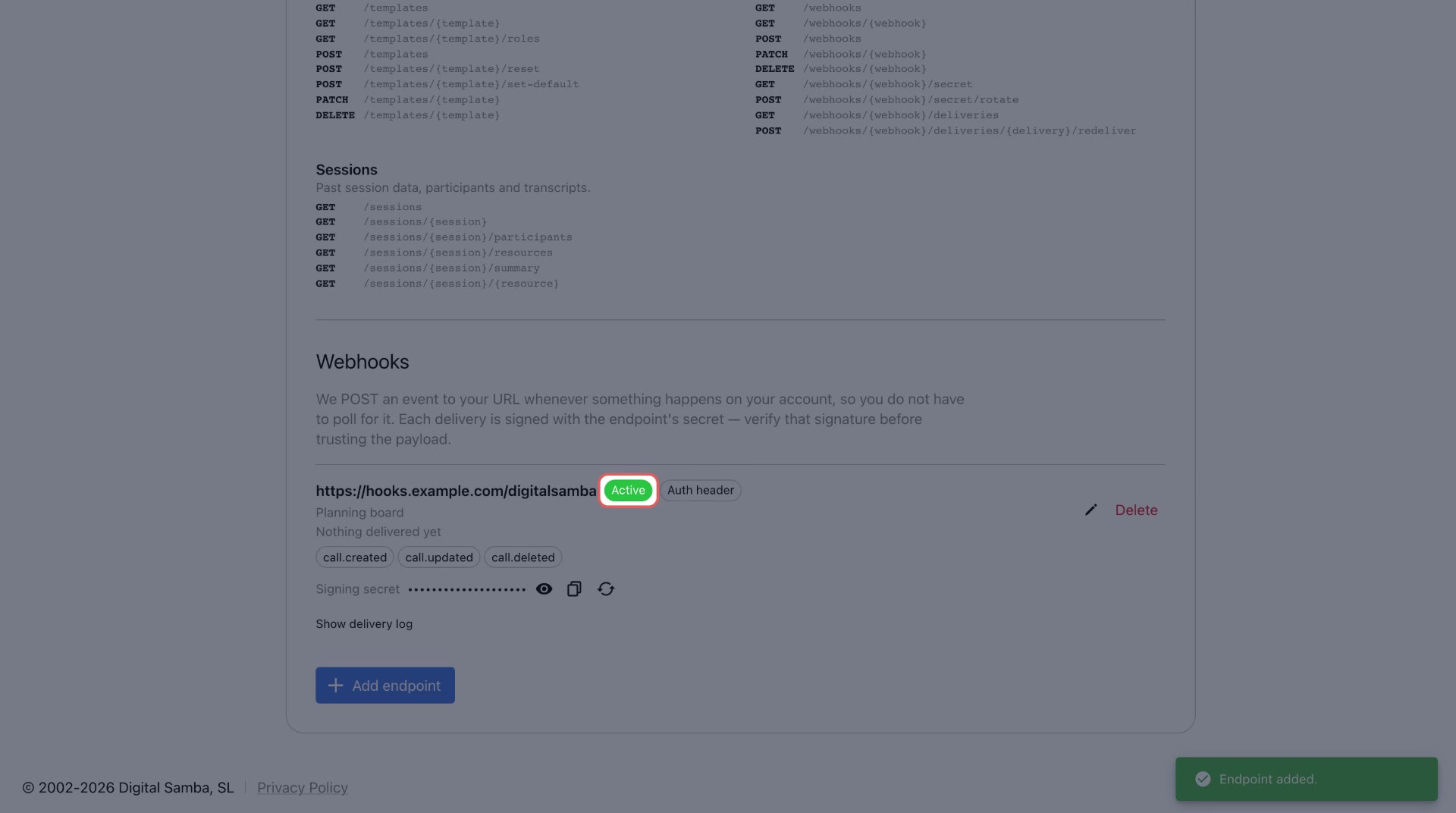
Click Add endpoint: it's listed as Active.
2What arrives1:02
Now Ana schedules the Client kick-off, as usual.
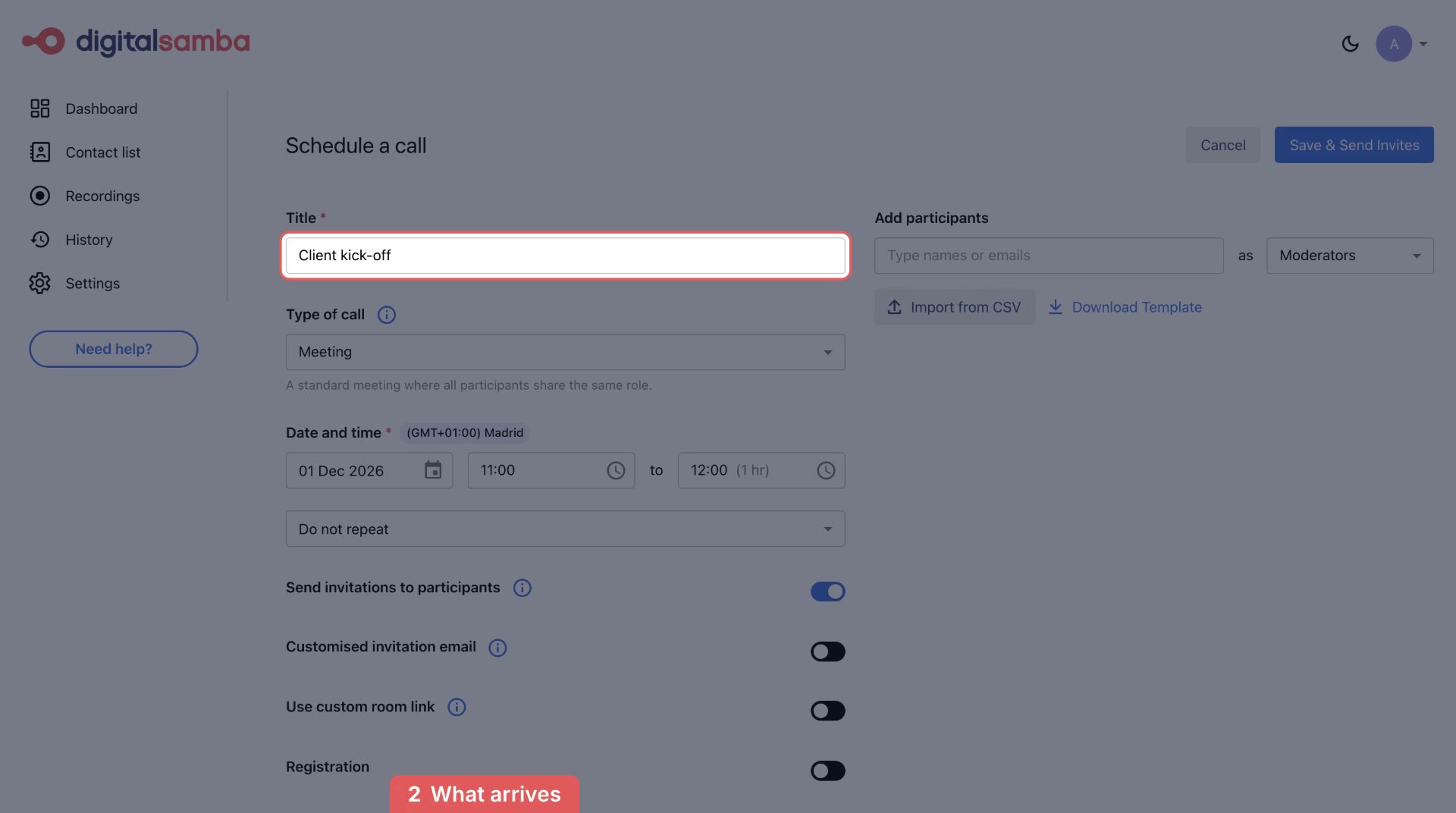
Within seconds, the planning board receives a POST request.
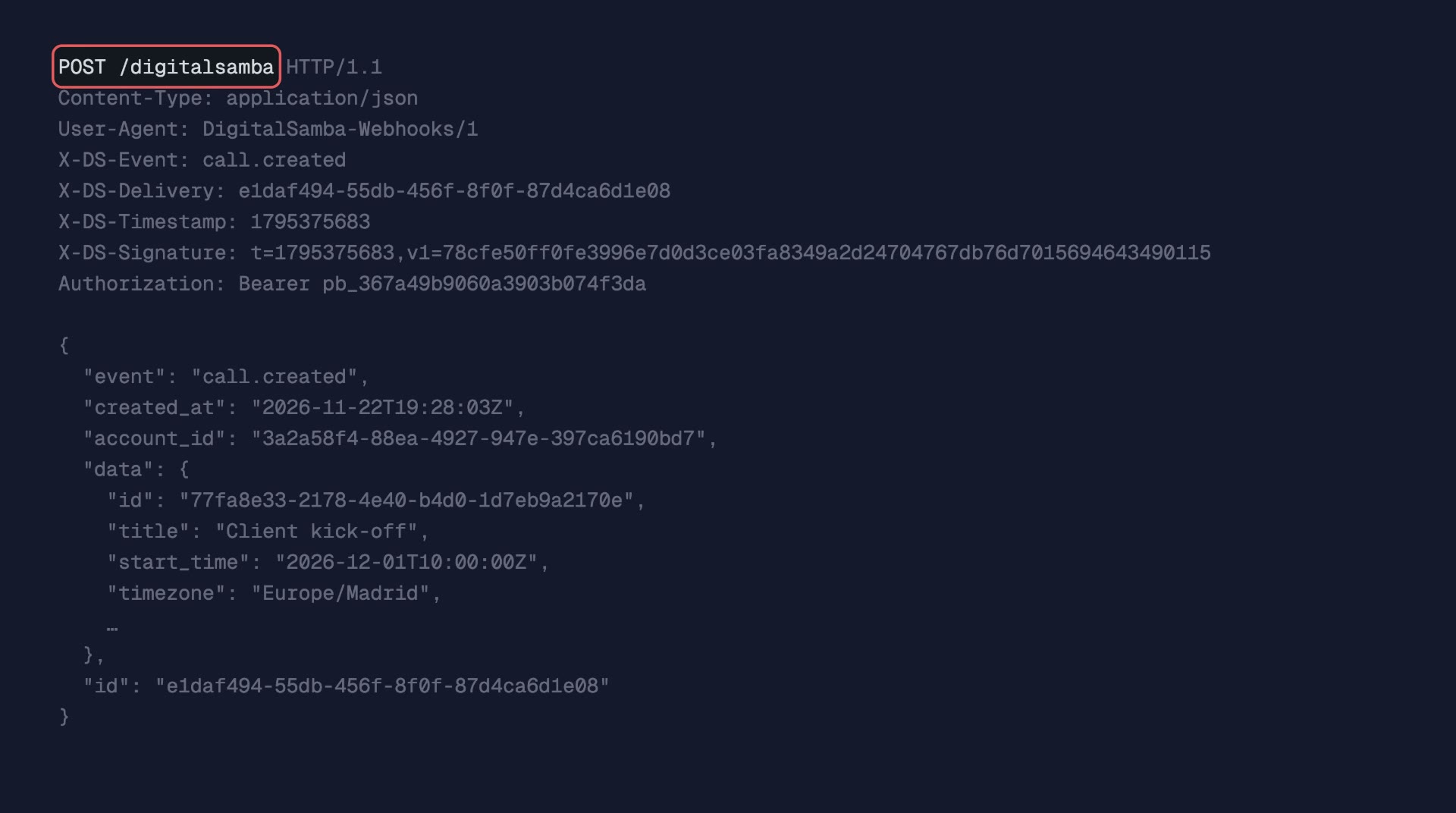
The event header says call created, and the body is JSON: the event, when it happened, and the call itself.
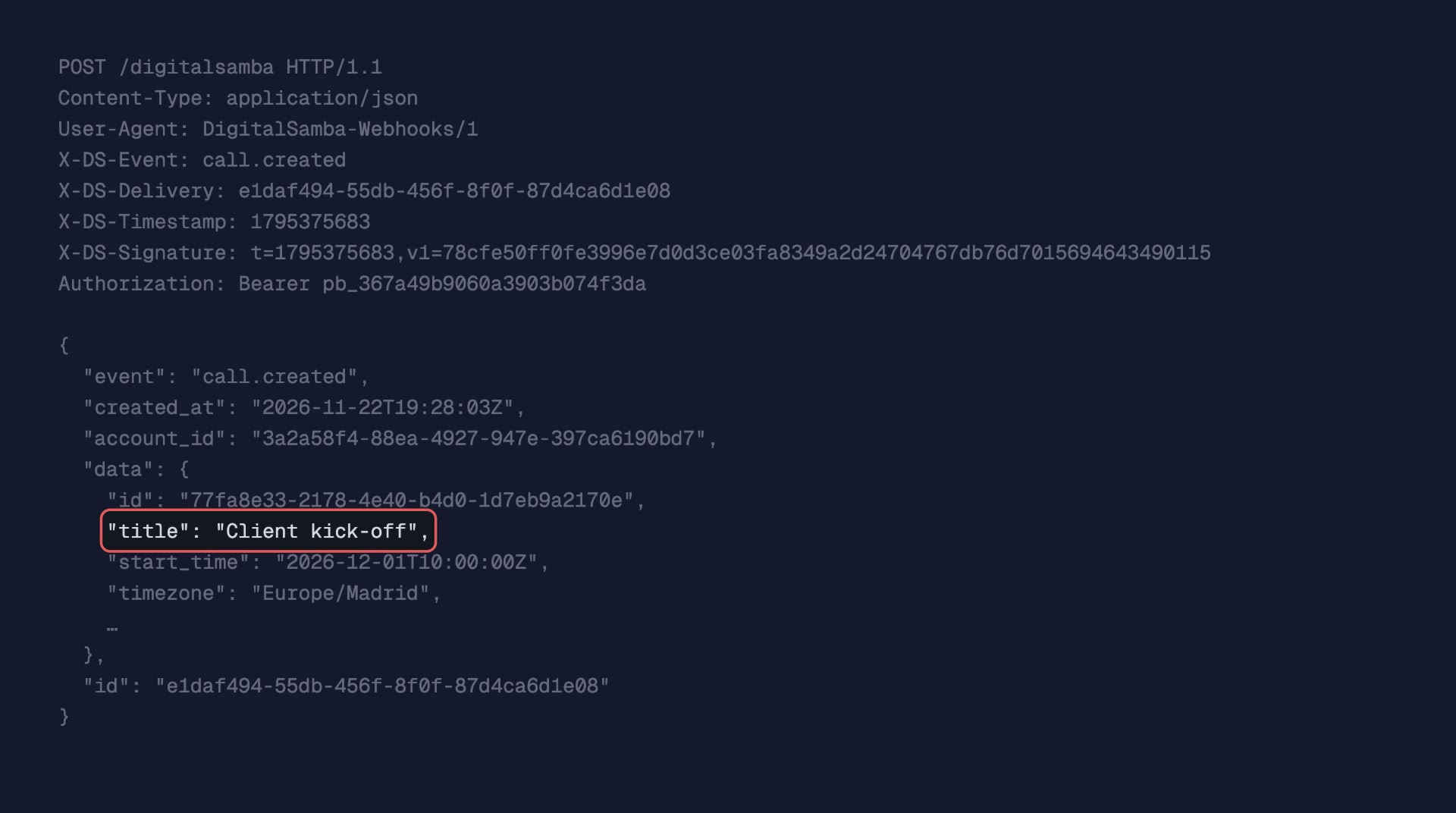
The Authorization header arrives exactly as it was typed.
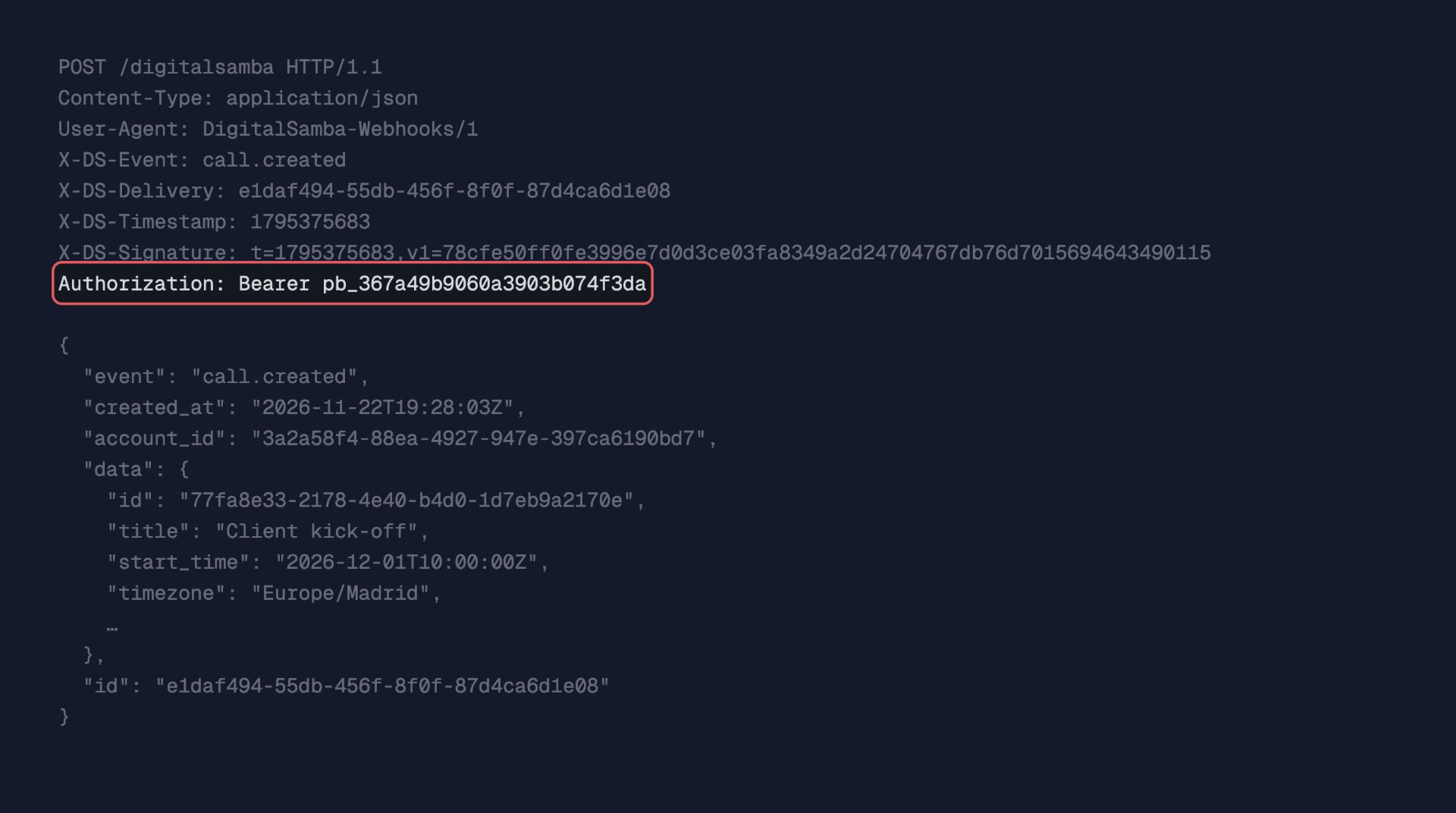
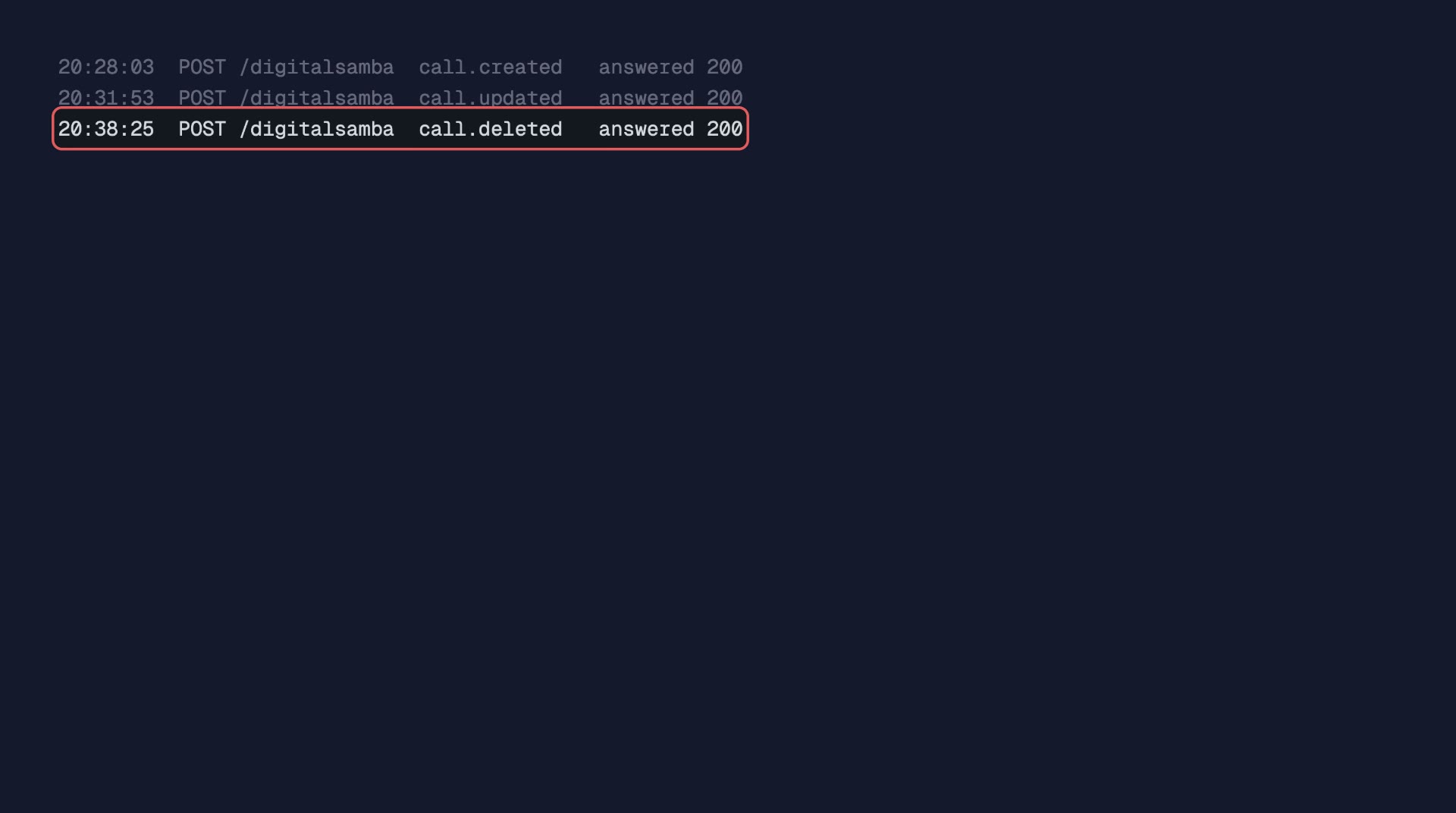
Moving the call sends call updated; deleting it sends call deleted.
3Signing secret1:28
Anyone could send a request to your address, so check each delivery before you trust it.
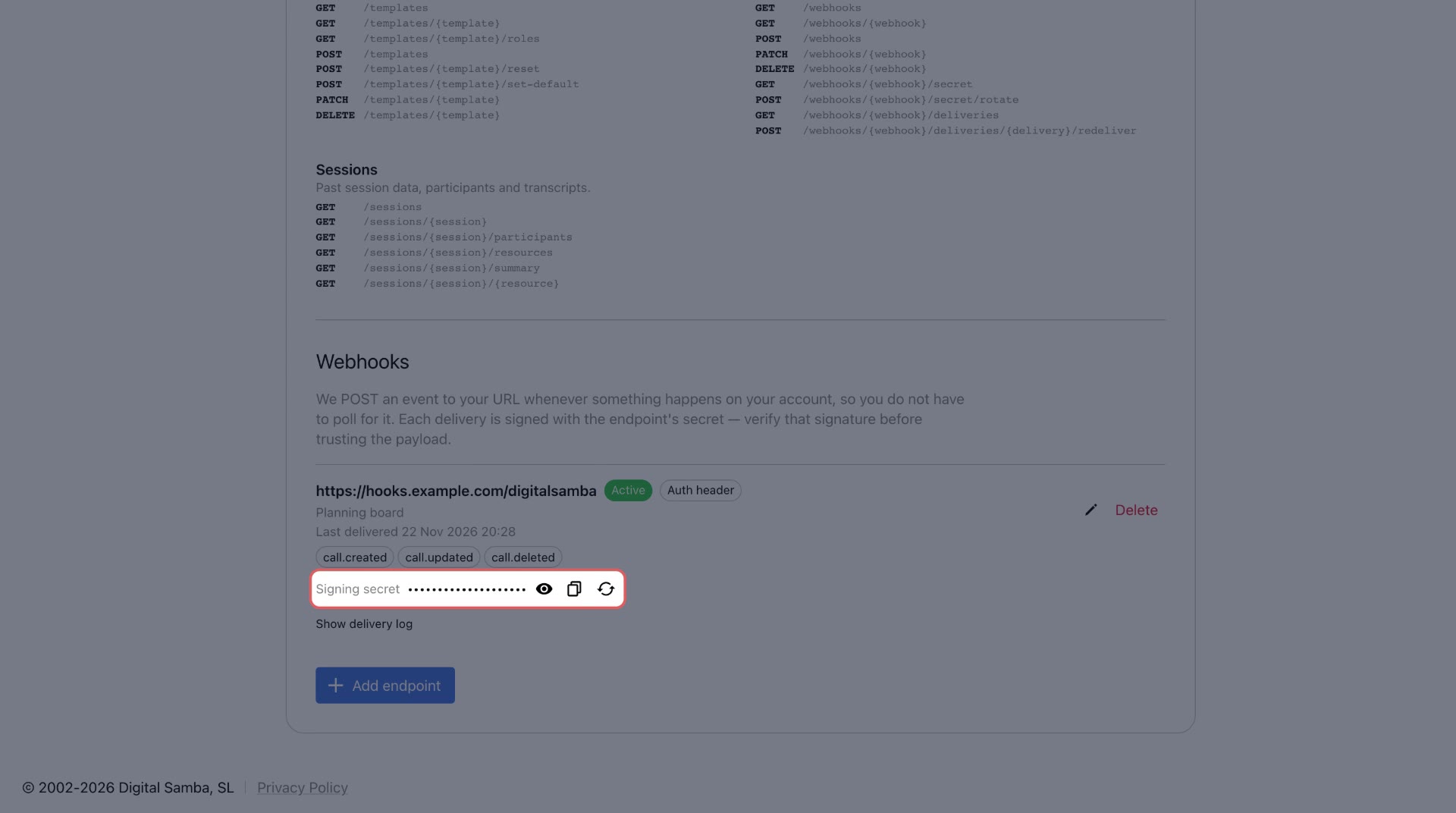
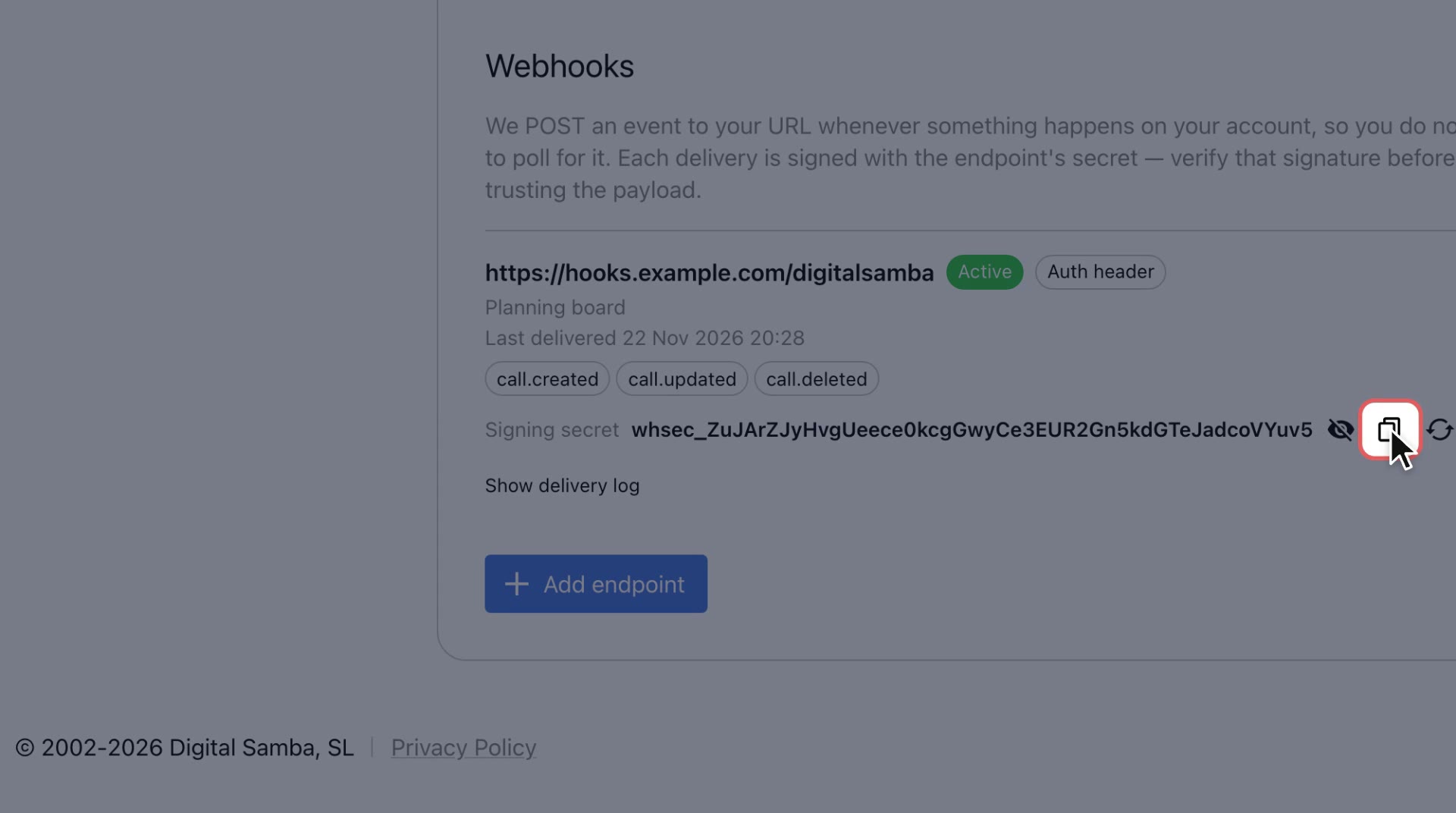
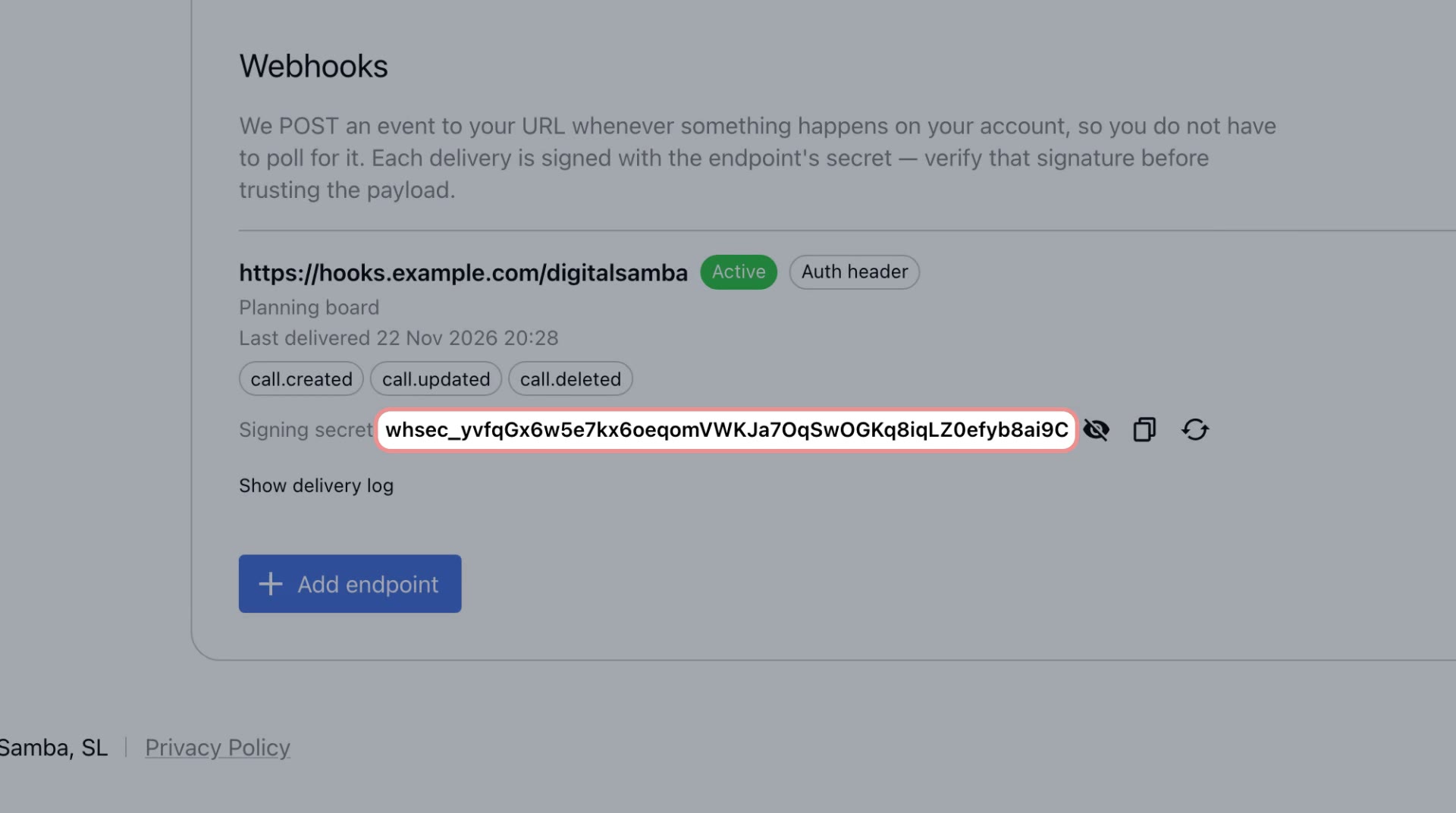
Every endpoint has its own signing secret: click the eye to show it, or copy it.
The signature header holds a timestamp and a signature.
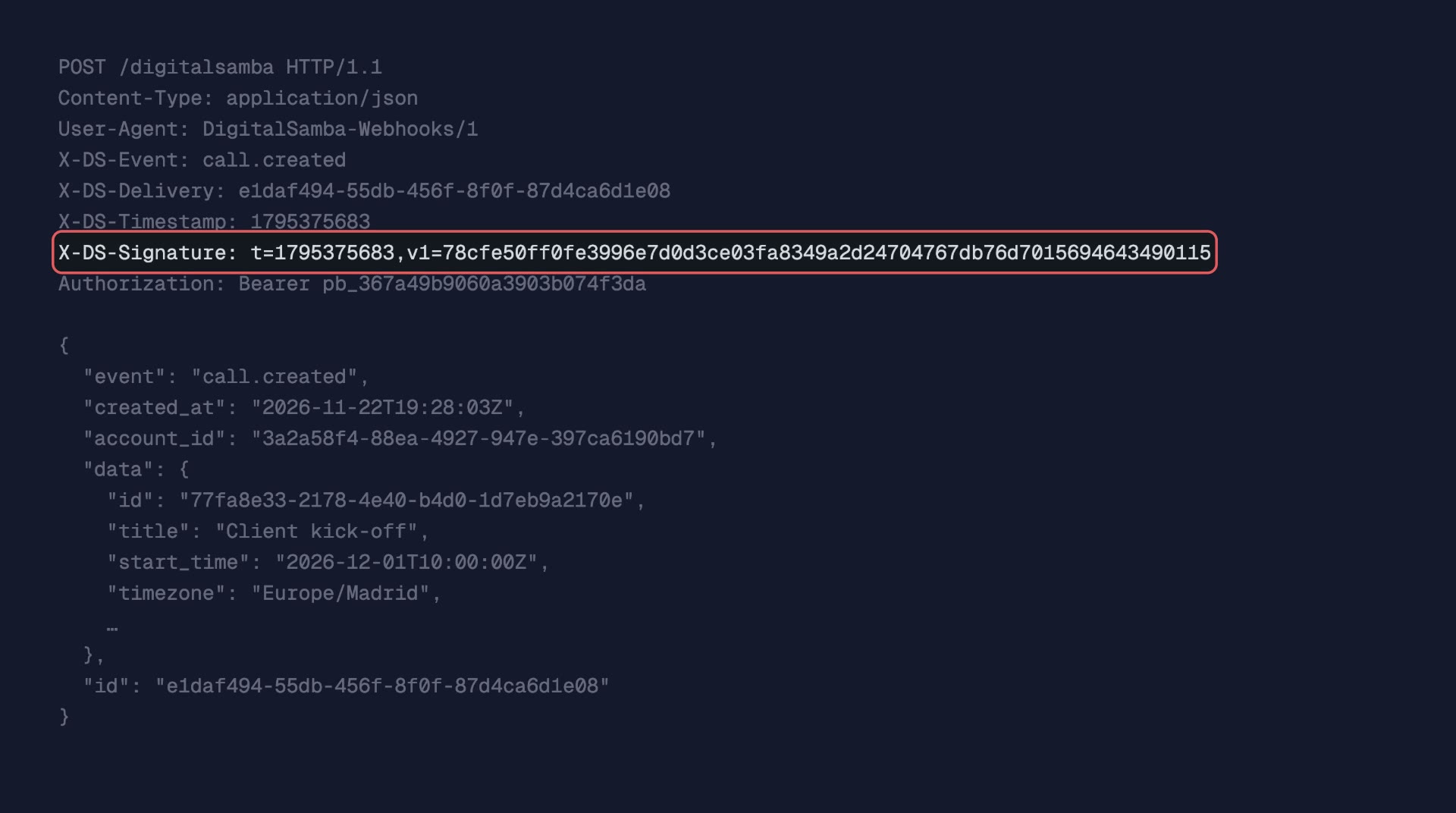
Your server computes an HMAC with SHA-256 over the timestamp, a dot and the raw body, using the secret as the key, and compares the two.
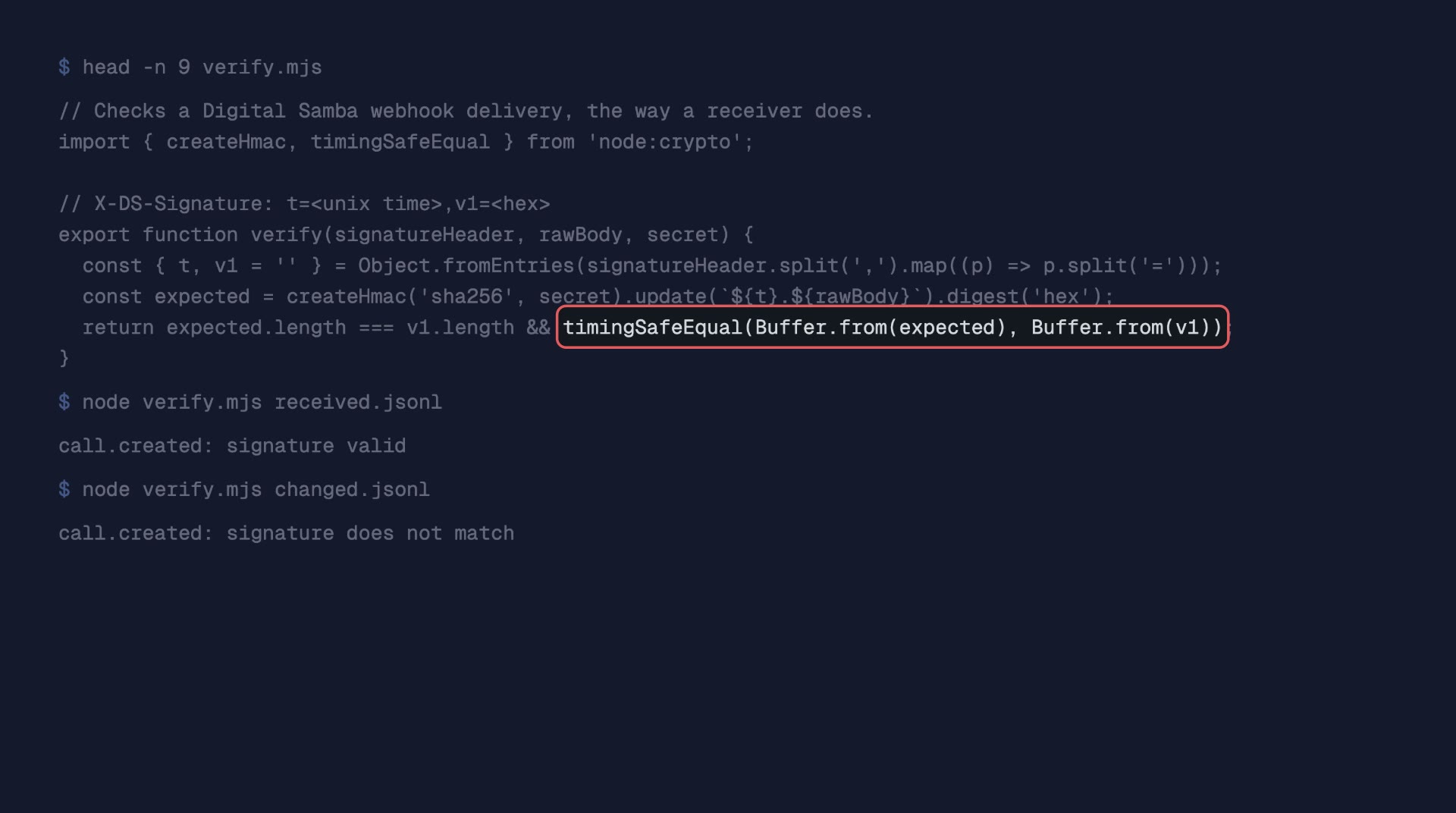
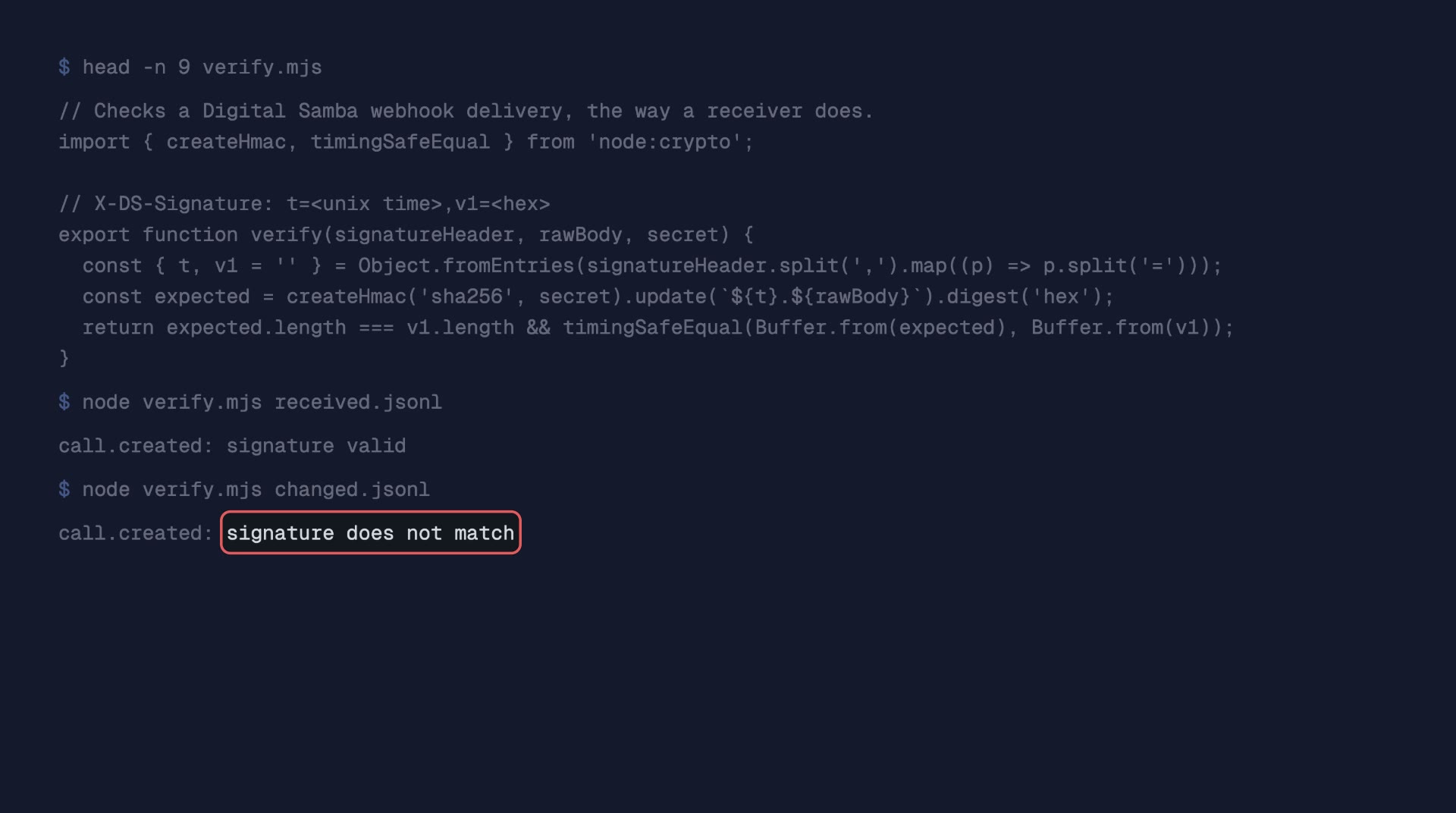
Here, the check says the delivery is genuine; change one character of the body, and it fails.
To replace the secret, click Rotate: the old one stops being used straight away, so update your server promptly.
4Delivery log2:10
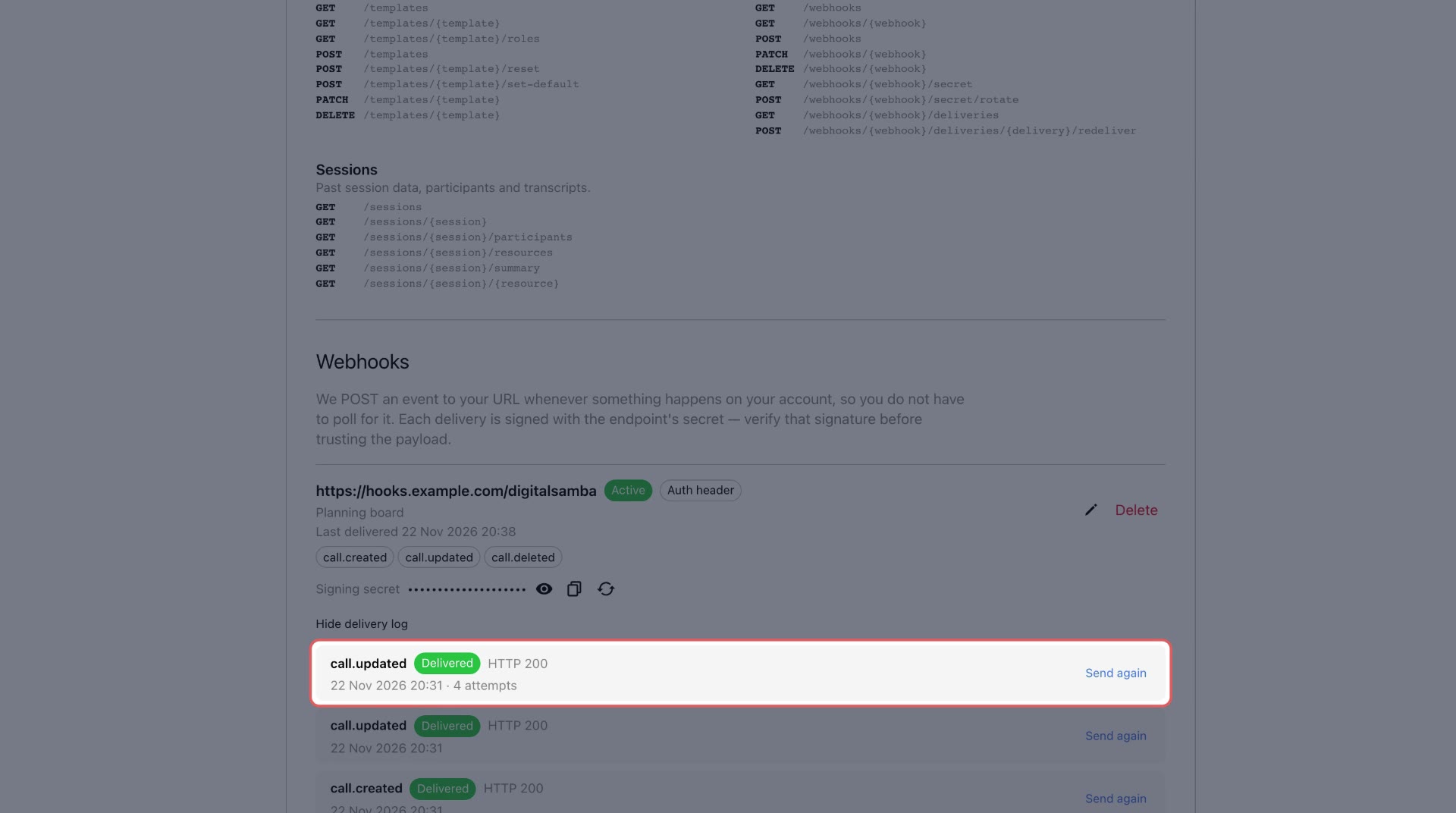
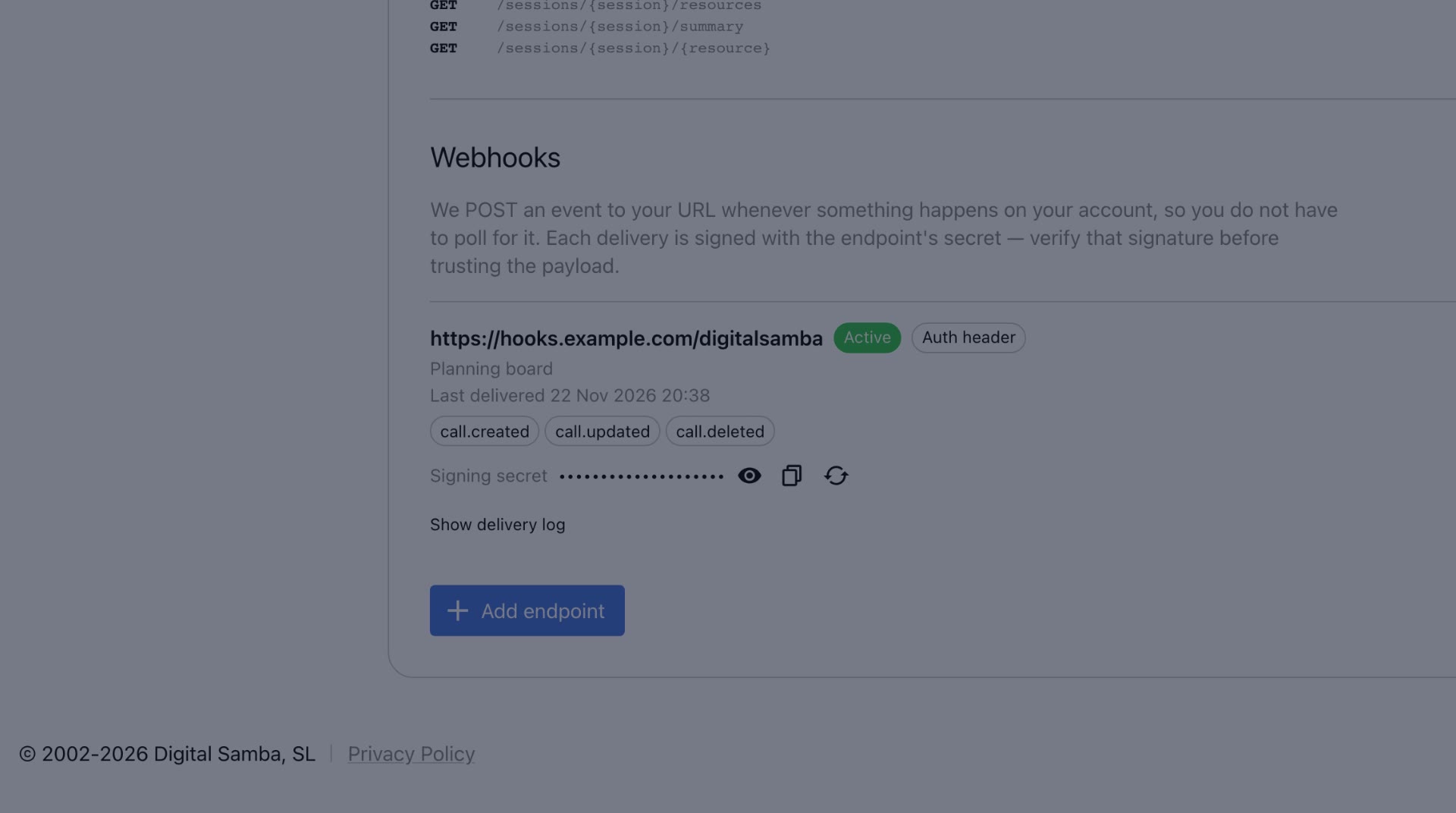
Each endpoint keeps a log: click Show delivery log.
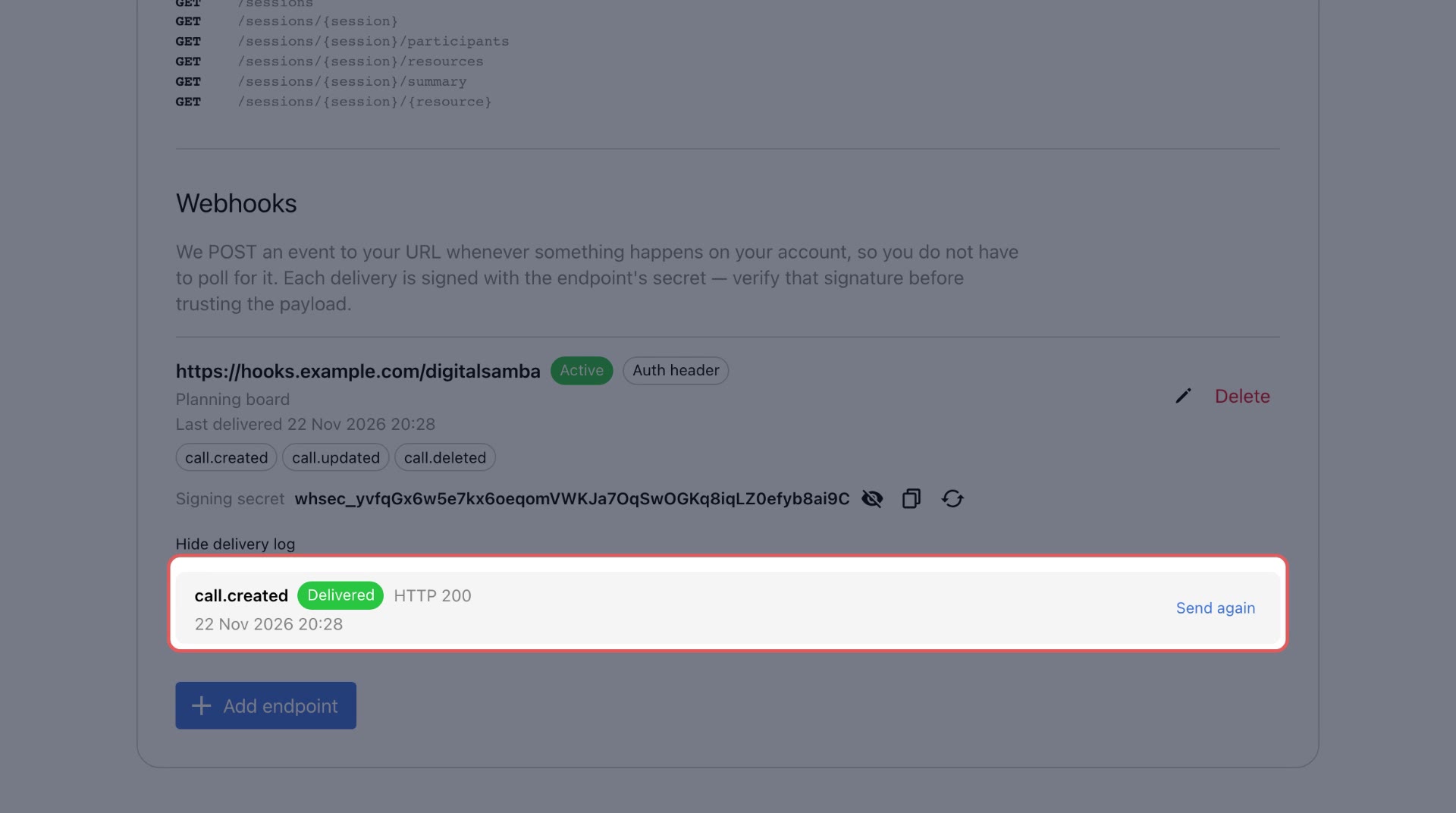
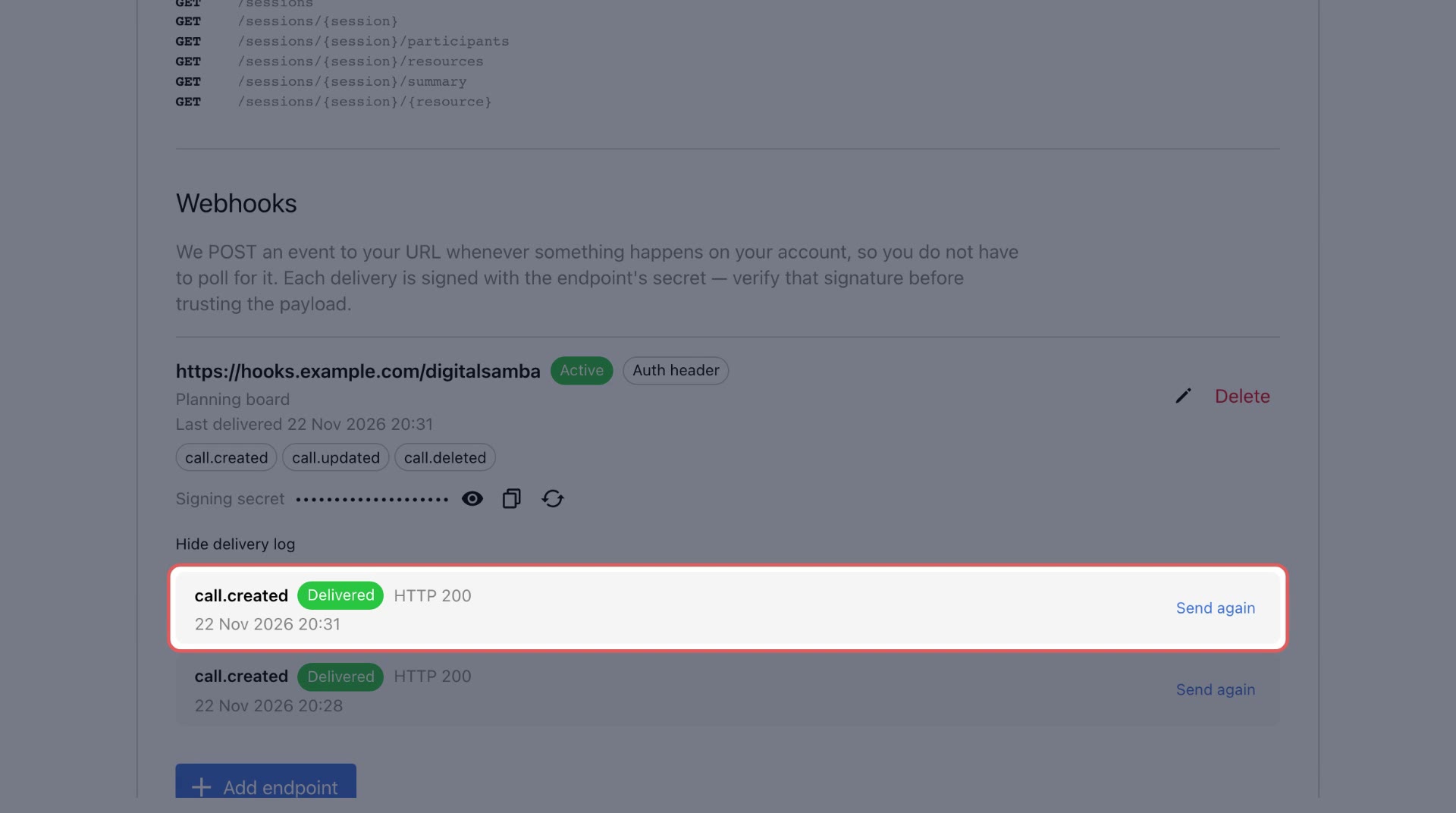
Every delivery is listed with its event, its status and your server's answer.
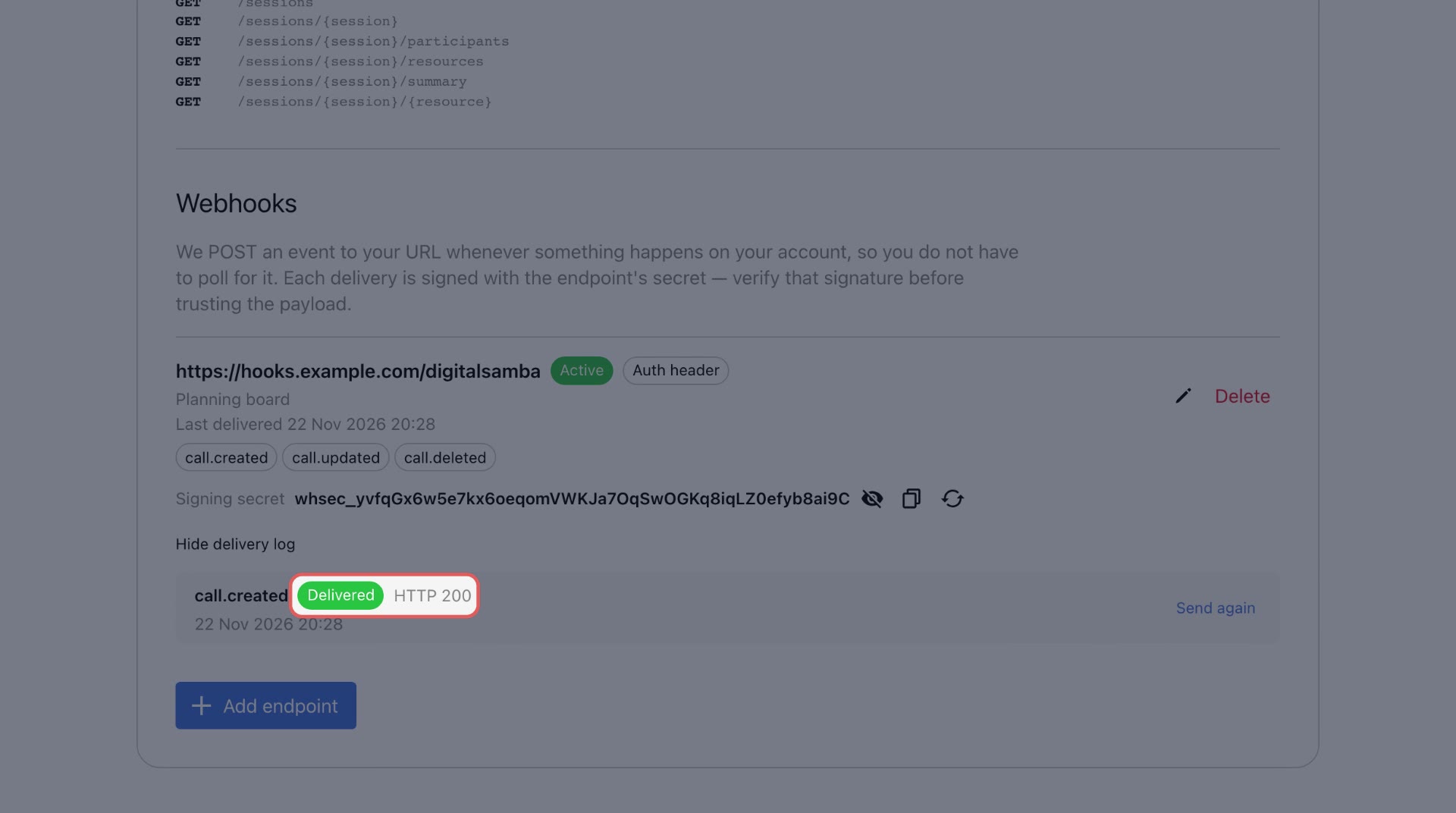
Send again sends a delivery once more, for example after you've fixed your server; reload the page to see it delivered.
If your server answers with an error, Digital Samba tries again.
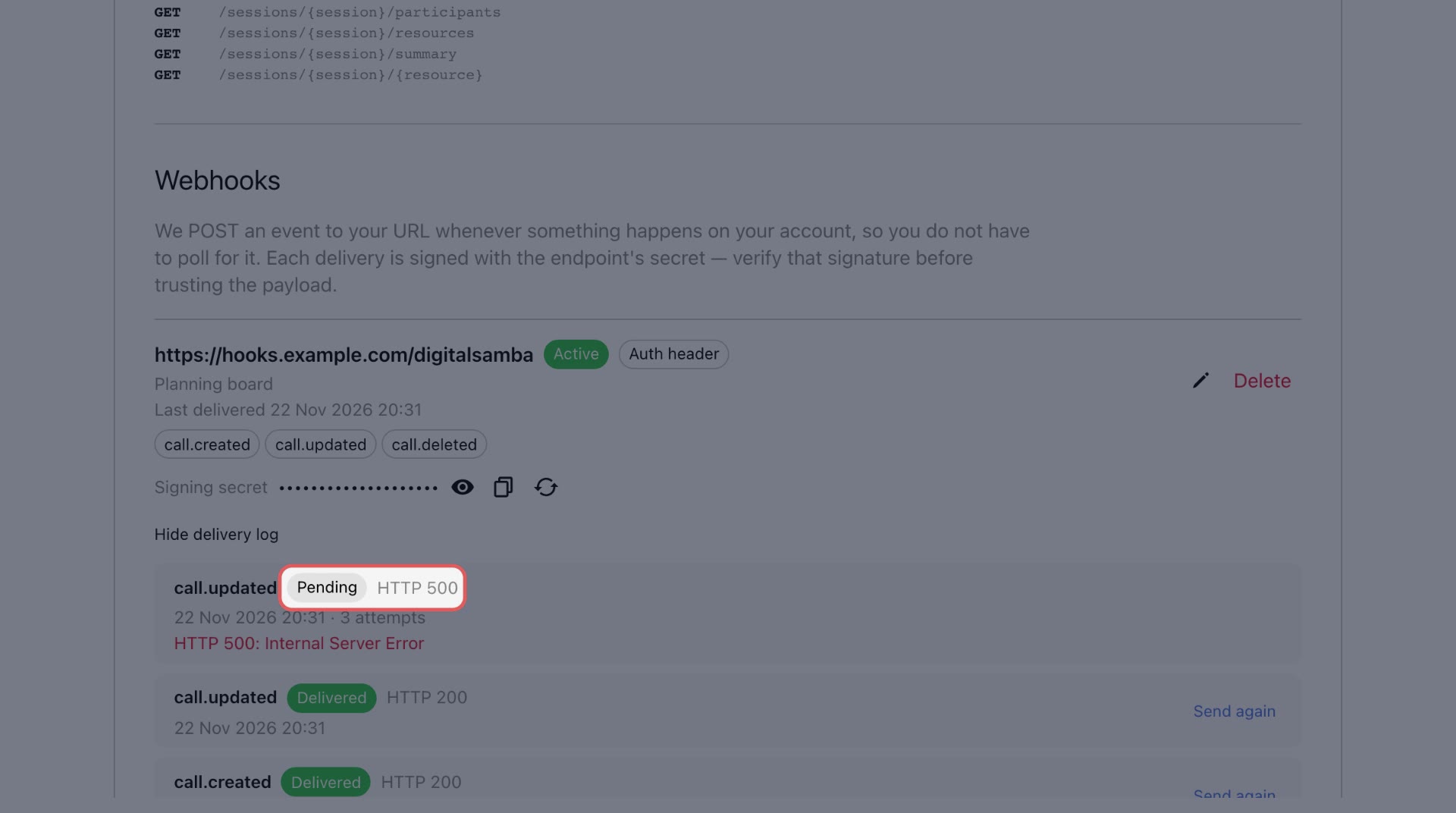
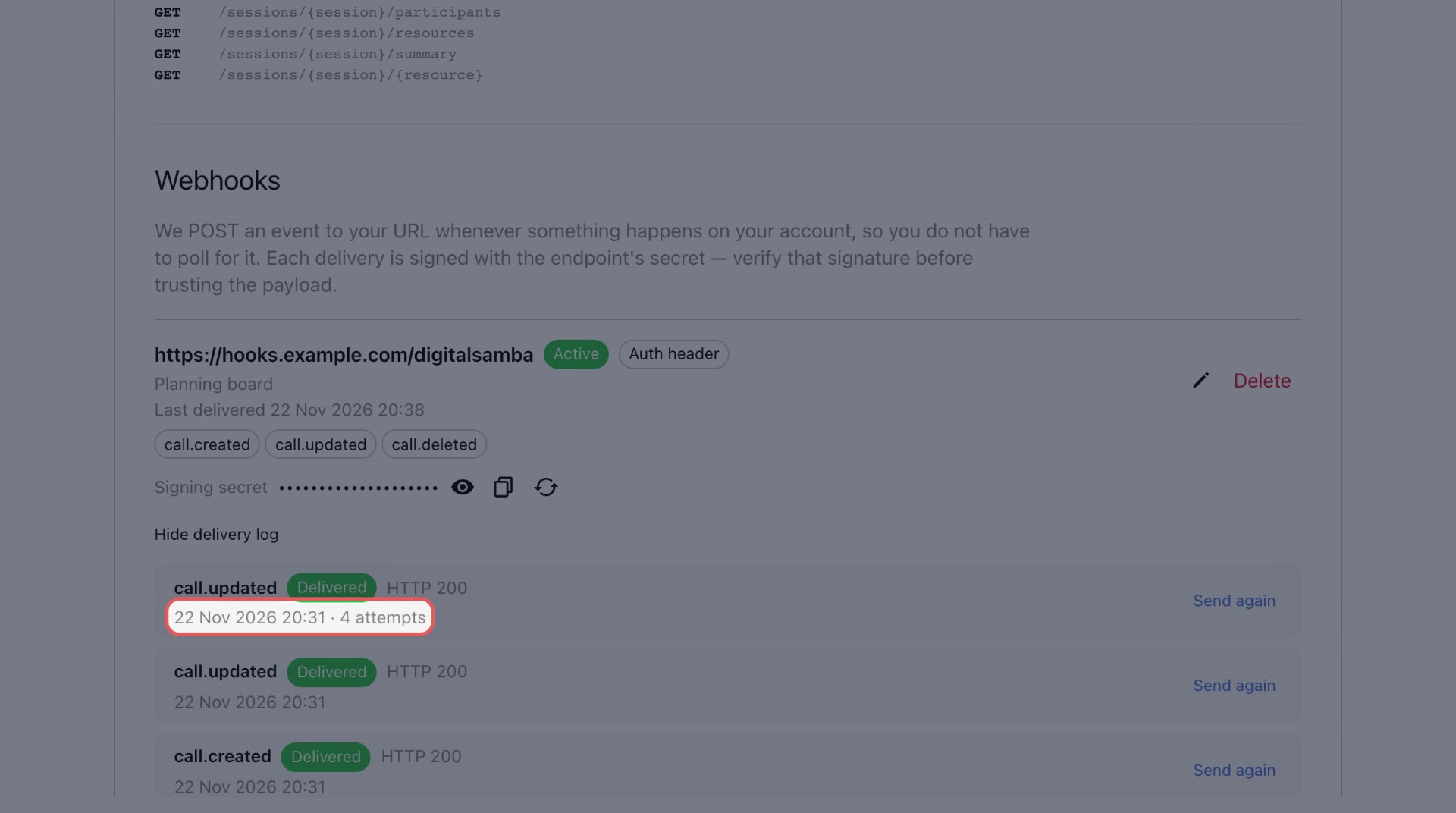
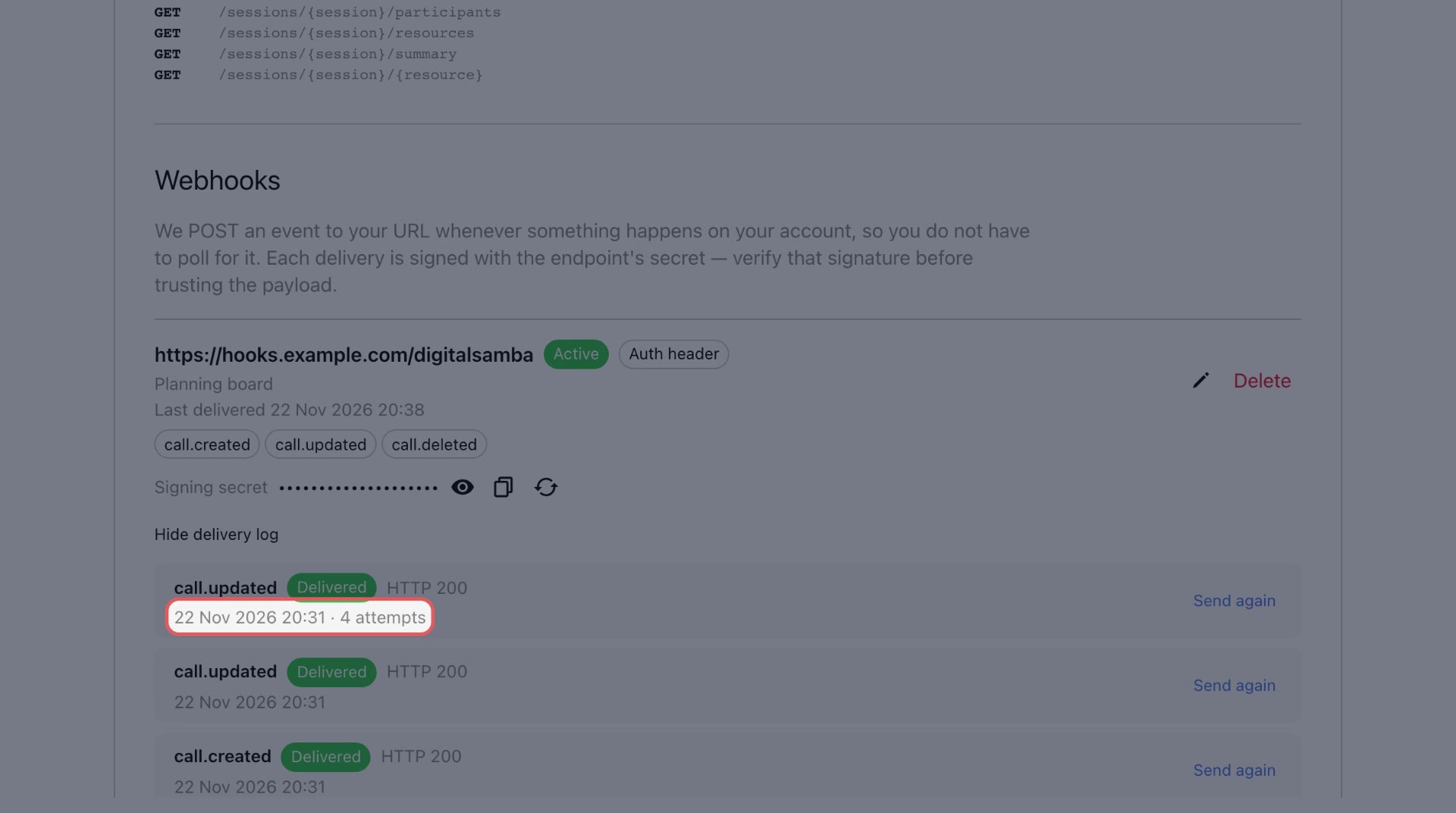
Here the planning board was down while Ana moved the call: Pending, with the error and the number of attempts.
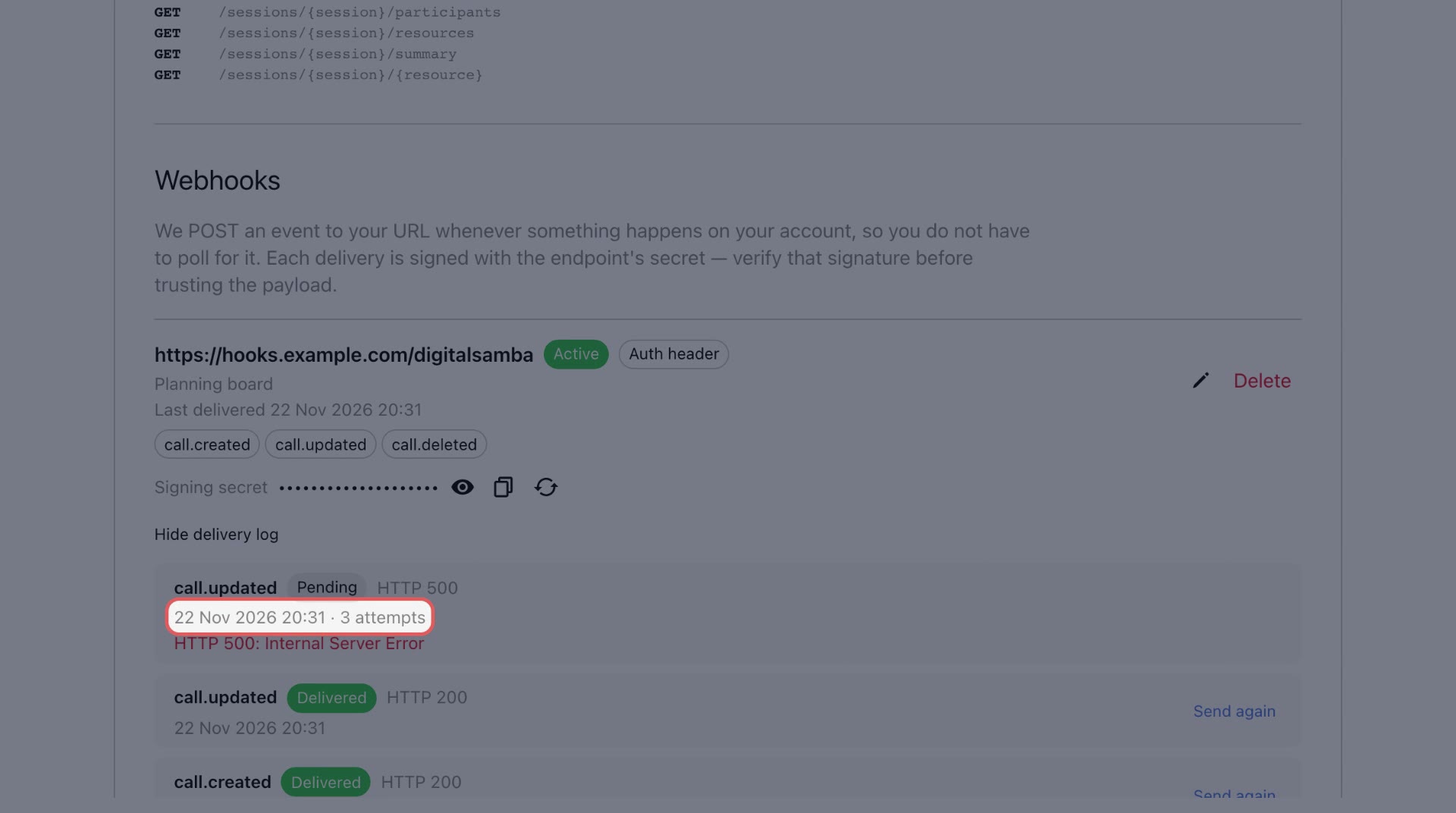
Once it was back, the next attempt got through: Delivered, after four attempts.
Good to know2:45
A delivery that keeps failing is tried six times in all, over a little more than an hour.
If deliveries go on failing, the endpoint is switched off and says so; fix it and save it to start it again.
Recap3:01
So: add an endpoint and choose its events, check every signature with the signing secret, and use the delivery log when something goes wrong.