Skip to content
University
Videos
Topics
Updates
Search the videos
Topics
Event image
All 9 moments in Digital Samba University that depend on this.
Start here: Digital Samba in 90 seconds
1:36
0:40
Registration
For the Product launch webinar, she turns on registration, and people sign up on a page of its own.
Read
Set up a webinar with registration
Webinars and registration · 3:05
0:01
Introduction
In this video, you'll set up a webinar that people sign up for on a registration page, with your own event image.
Read
1:50
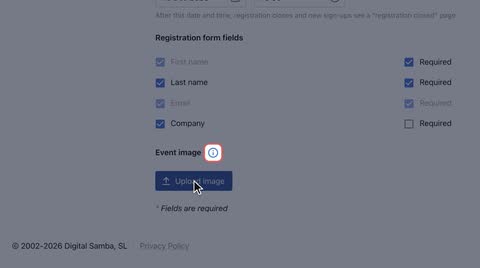
Event image
Under Event image, click Upload image, and choose a picture: PNG or JPG, up to five megabytes.
Read
1:58
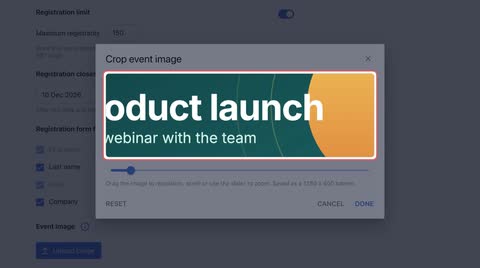
Event image
It's cut to a wide banner: zoom with the slider, and drag the picture into place.
Read
2:04
Event image
Here the middle is right, so click Reset, then Done.
Read
2:10
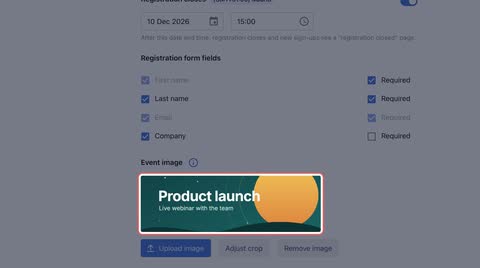
Save & Send Invites
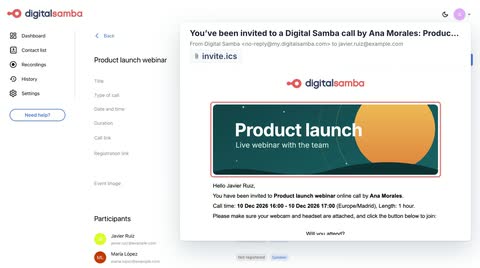
Click Save and Send Invites: Javier and María get their invitations, with the banner at the top.
Read
2:24
Save & Send Invites
This is what people see when they open it.
Read
Register for an event
For your participants · 1:29
0:15
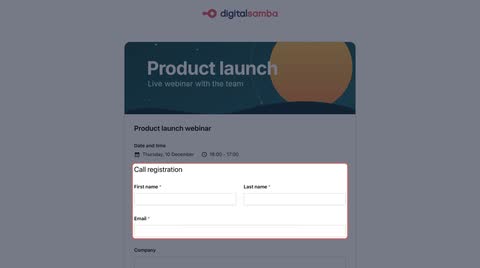
Call registration
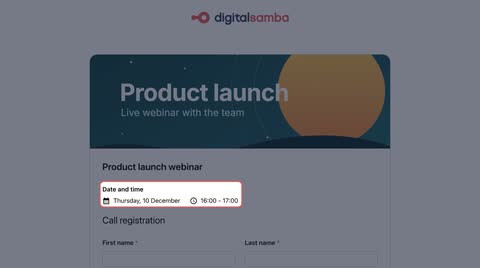
Open the registration link: the page shows the event, its date and its time.
Read
0:46
Your invitation
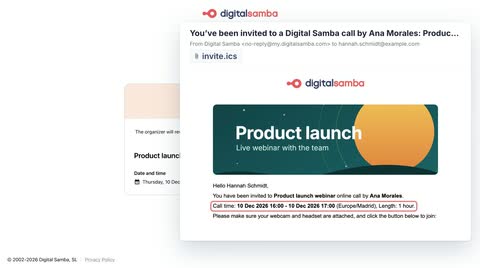
Once you're approved, your invitation arrives, with the event image and the time.
Read
All topics