Skip to content
University
Videos
Topics
Updates
Search the videos
Topics
Join settings of a type of call
All 7 moments in Digital Samba University that depend on this.
Control how people join: lobby, consent and devices
Customise your calls · 2:28
0:01
Introduction
In this video, you'll choose how people join a call — a meeting, a class or a webinar: the consent message, the lobby, microphones and cameras.
Read
0:26
Join settings
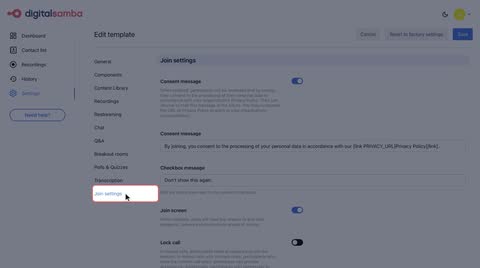
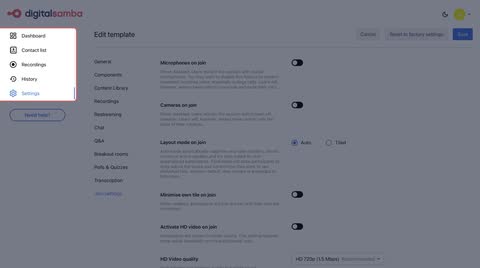
Click Client webinar, then Join settings.
Read
1:38
Save
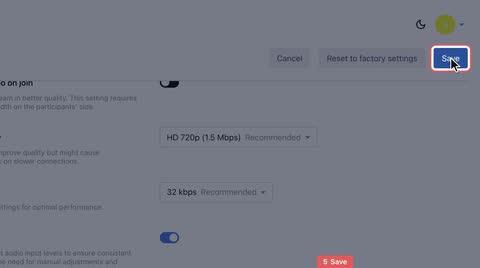
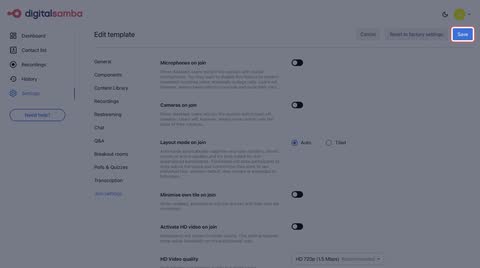
Now click Save at the top.
Read
1:40
Save
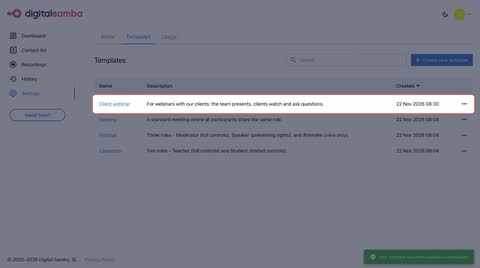
A message says your template has been updated successfully, and you're back at your types of call.
Read
1:47
Good to know
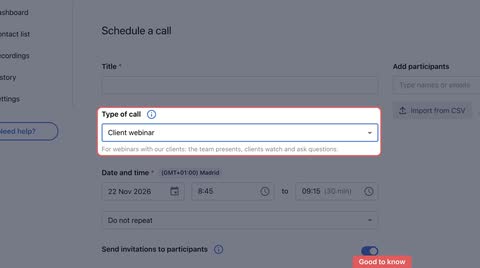
Good to know: these settings are copied into a call when you schedule it, so a change reaches only calls you schedule afterwards.
Read
2:04
Good to know
And Cancel, or leaving for another page, drops your changes without asking.
Read
2:10
Recap
So: Settings, Templates, your type of call, Join settings; choose consent, lobby, microphones and cameras, and click Save.
Read
All topics