Skip to content
University
Videos
Topics
Updates
Search the videos
Topics
Share a recording with a link
All 9 moments in Digital Samba University that depend on this.
Find, share and download recordings
After the call · 2:32
0:01
Introduction
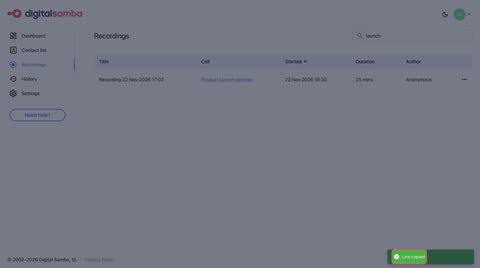
In this video, you'll find the recording of a meeting, a class or a webinar, share it with a link that expires, download it, and rename or delete it.
Read
0:46
Copy link
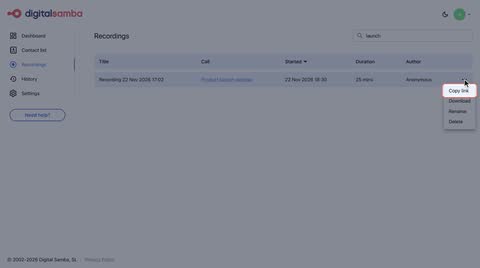
To share a recording, click the three dots at the end of its row, then Copy link.
Read
0:51
Copy link
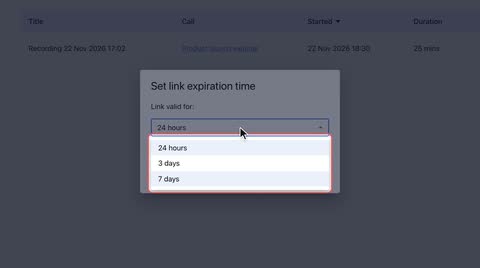
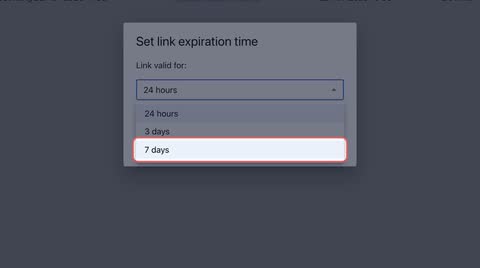
Choose how long the link is valid for: 24 hours, 3 days or 7 days.
Read
0:57
Copy link
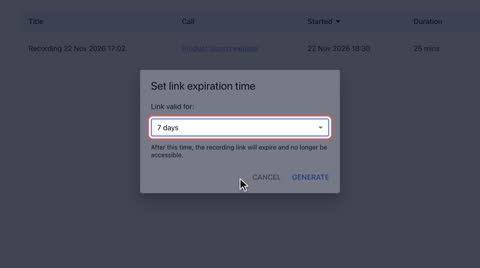
Ana picks 7 days.
Read
0:59
Copy link
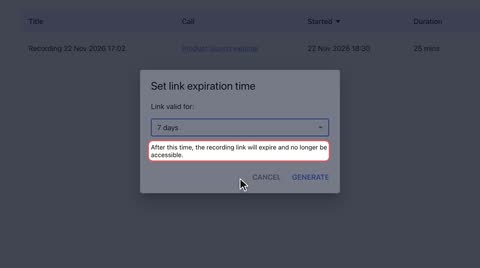
After this time, the dialog says, the link will expire and no longer be accessible.
Read
1:05
Copy link
Click Generate, then Copy: the link is on your clipboard, ready to paste into an email or a chat.
Read
1:12
Copy link
Whoever opens it sees the video itself in their browser, without signing in.
Read
1:50
Good to know
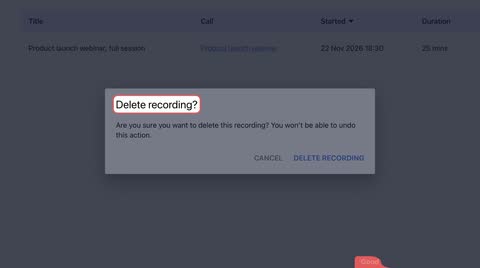
Good to know: once a recording is deleted, the links you shared no longer open it.
Read
1:56
Good to know
Each link you generate has its own expiry time, so to share for longer, generate a new link.
Read
All topics