Skip to content
University
Videos
Topics
Updates
Search the videos
Topics
Recording settings of a type of call
All 7 moments in Digital Samba University that depend on this.
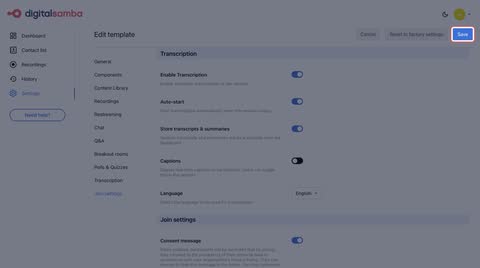
Turn on recording and transcription
After the call · 2:44
0:01
Introduction
In this video, you'll turn on recording and transcription in a type of call, before you schedule a meeting, a class or a webinar with it.
Read
0:29
Your type of call
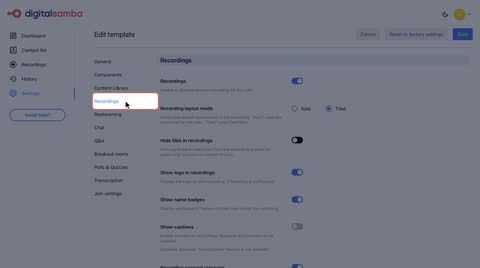
Click Client webinar, then Recordings.
Read
0:33
Recordings
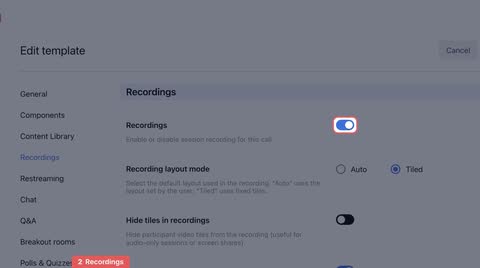
Recordings is on from the start.
Read
2:04
Good to know
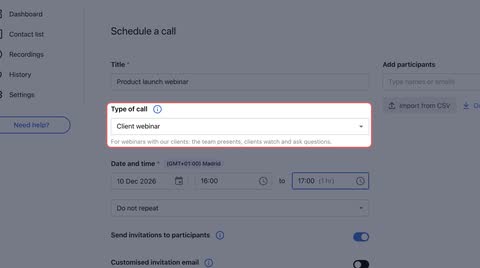
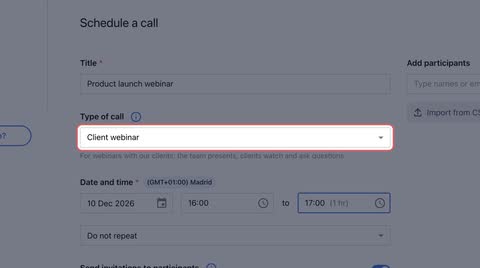
Good to know: when Ana schedules the Product launch webinar, she picks Client webinar; the form itself has no recording settings.
Read
2:13
Good to know
They are copied into a call when you schedule it, so a change reaches only calls you schedule afterwards.
Read
2:26
Recap
So: Settings, Templates, your type of call; turn on what you need under Recordings and Transcription, and click Save.
Read
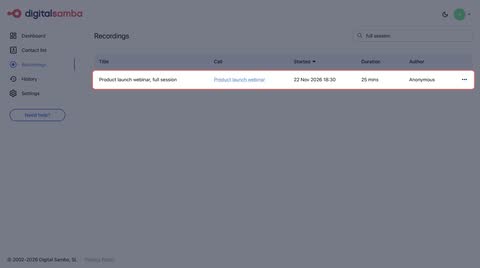
Find, share and download recordings
After the call · 2:32
2:03
Good to know
And Ana's recording started by itself, because her type of call starts recording when the first person joins: see Turn on recording and transcription.
Read
All topics