1Connected apps0:09
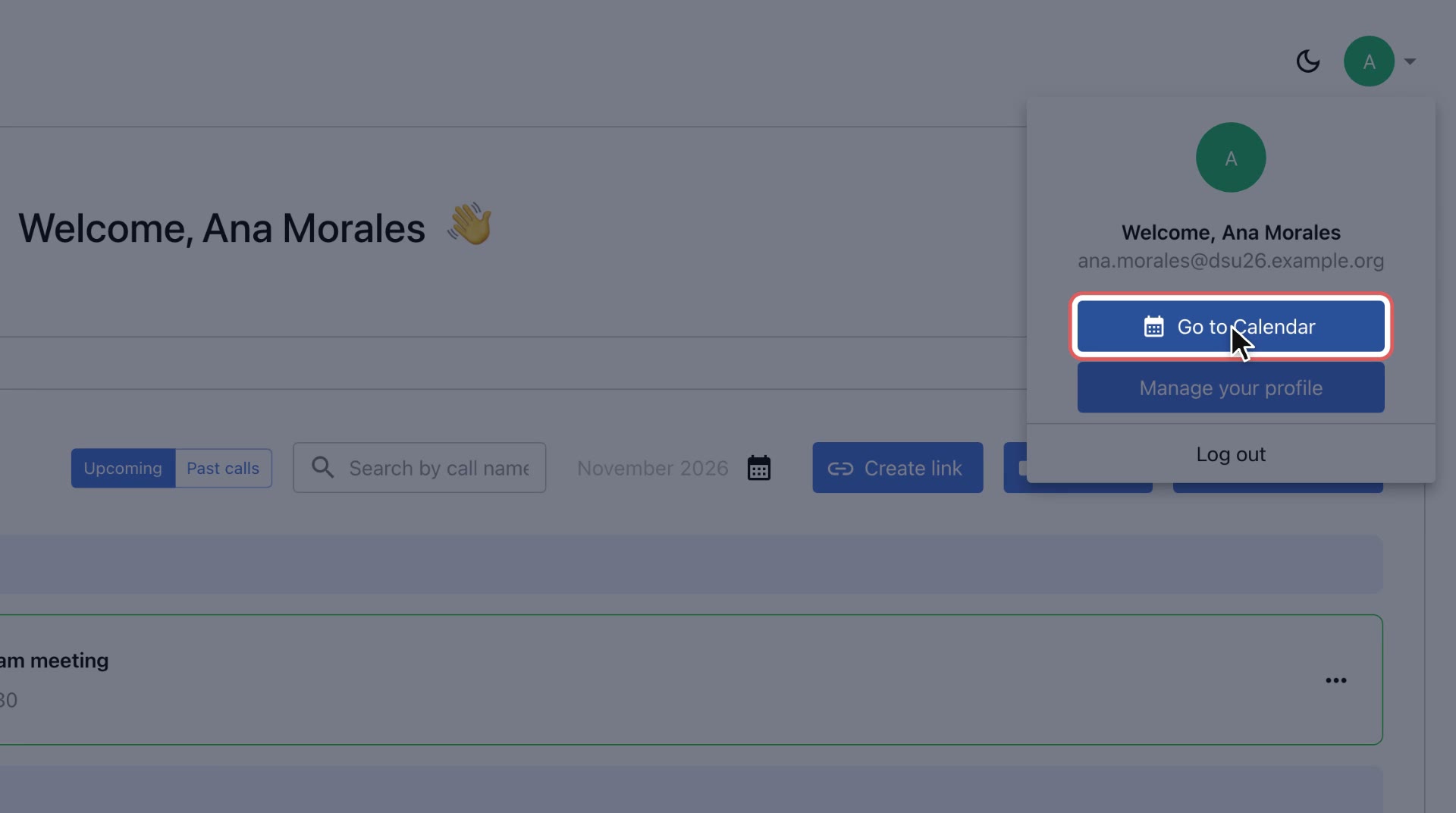
Our example is Ana, who plans her week in Digital Samba Calendar: Go to Calendar, in her account menu, opens it.
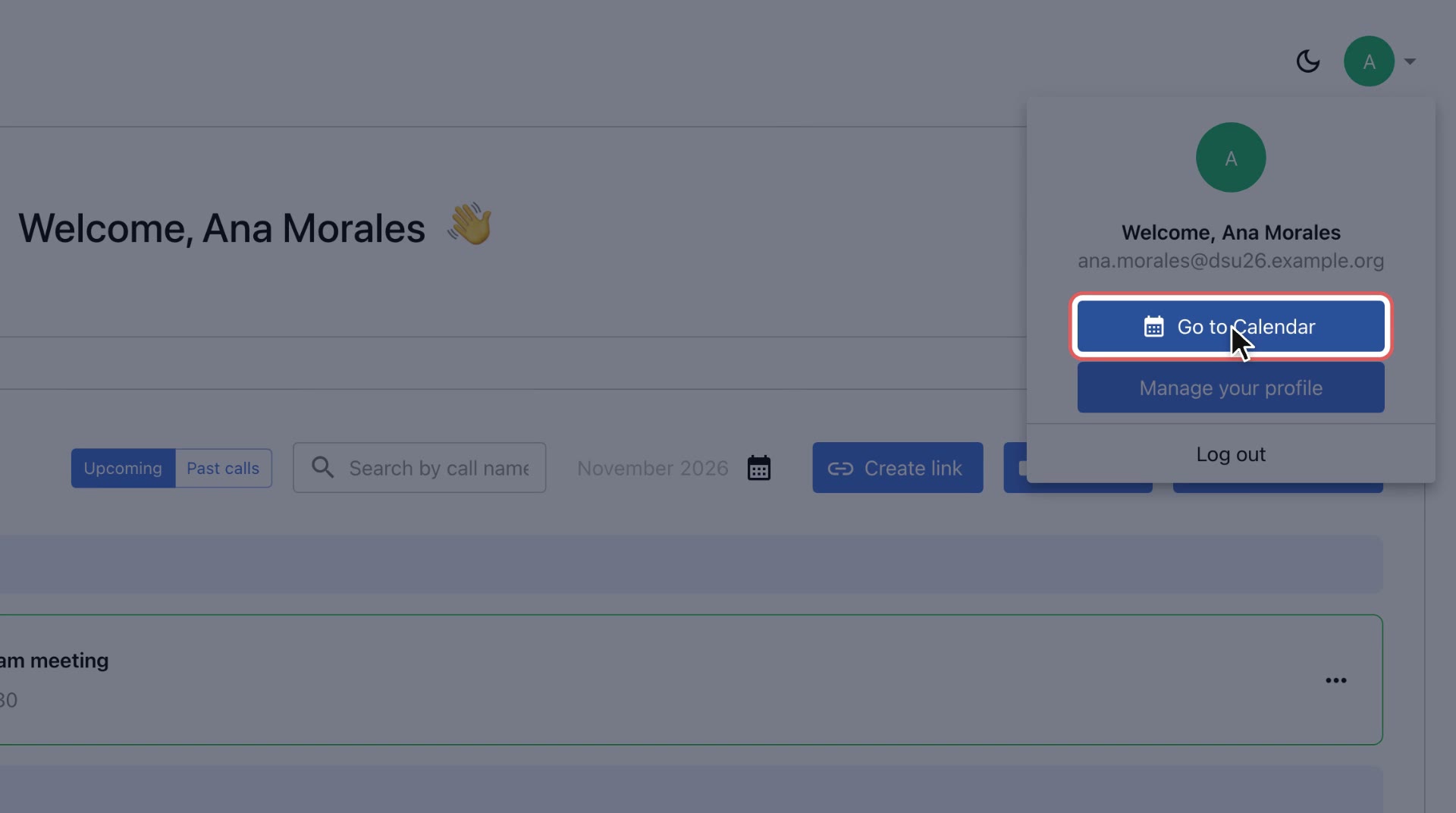
While she's signed in to Digital Samba, the calendar connects to her account by itself.
To see it, open Settings, then Developer, and scroll down to Connected apps.
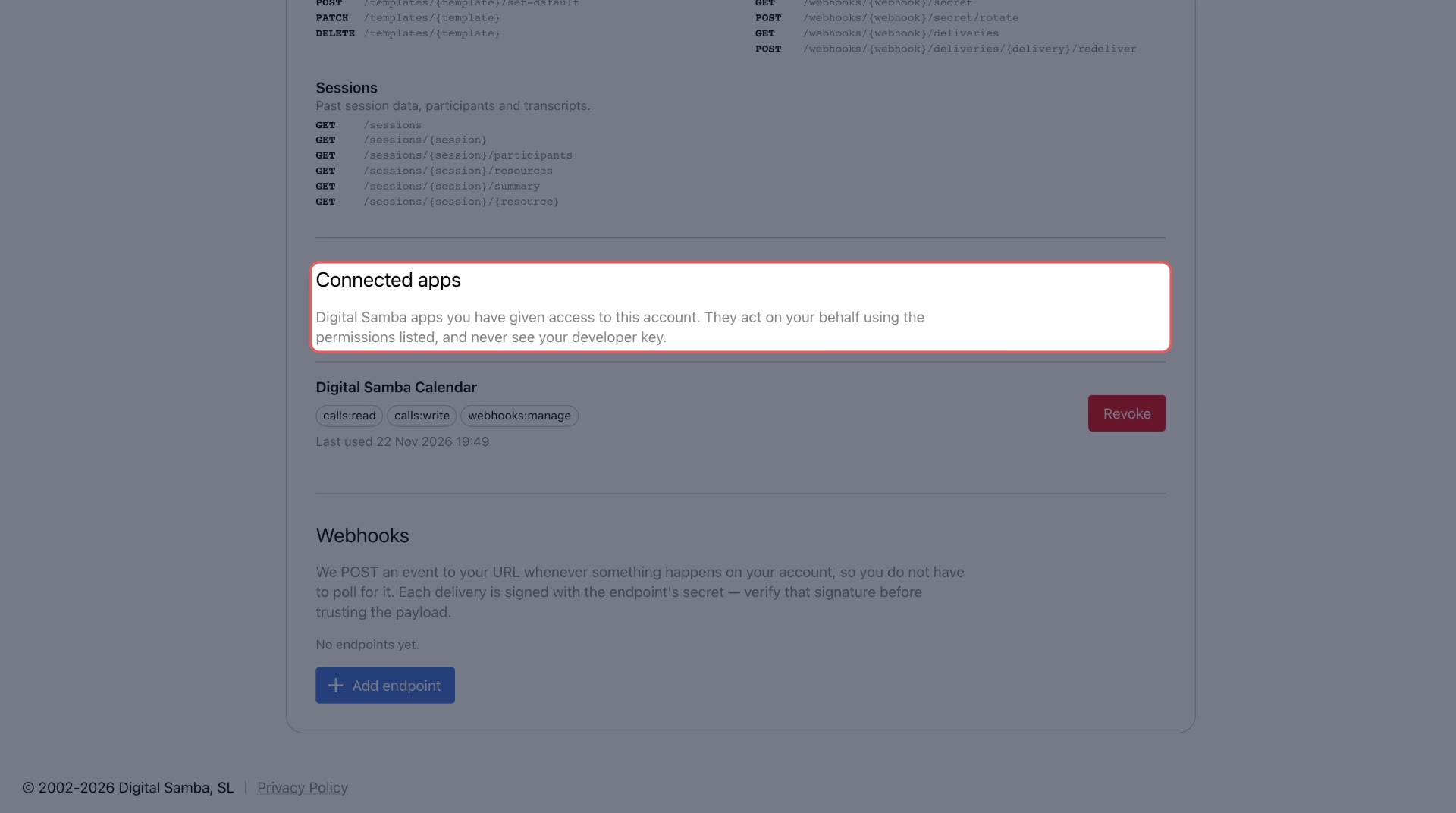
This section only appears while an app is connected.
2What it may do0:33
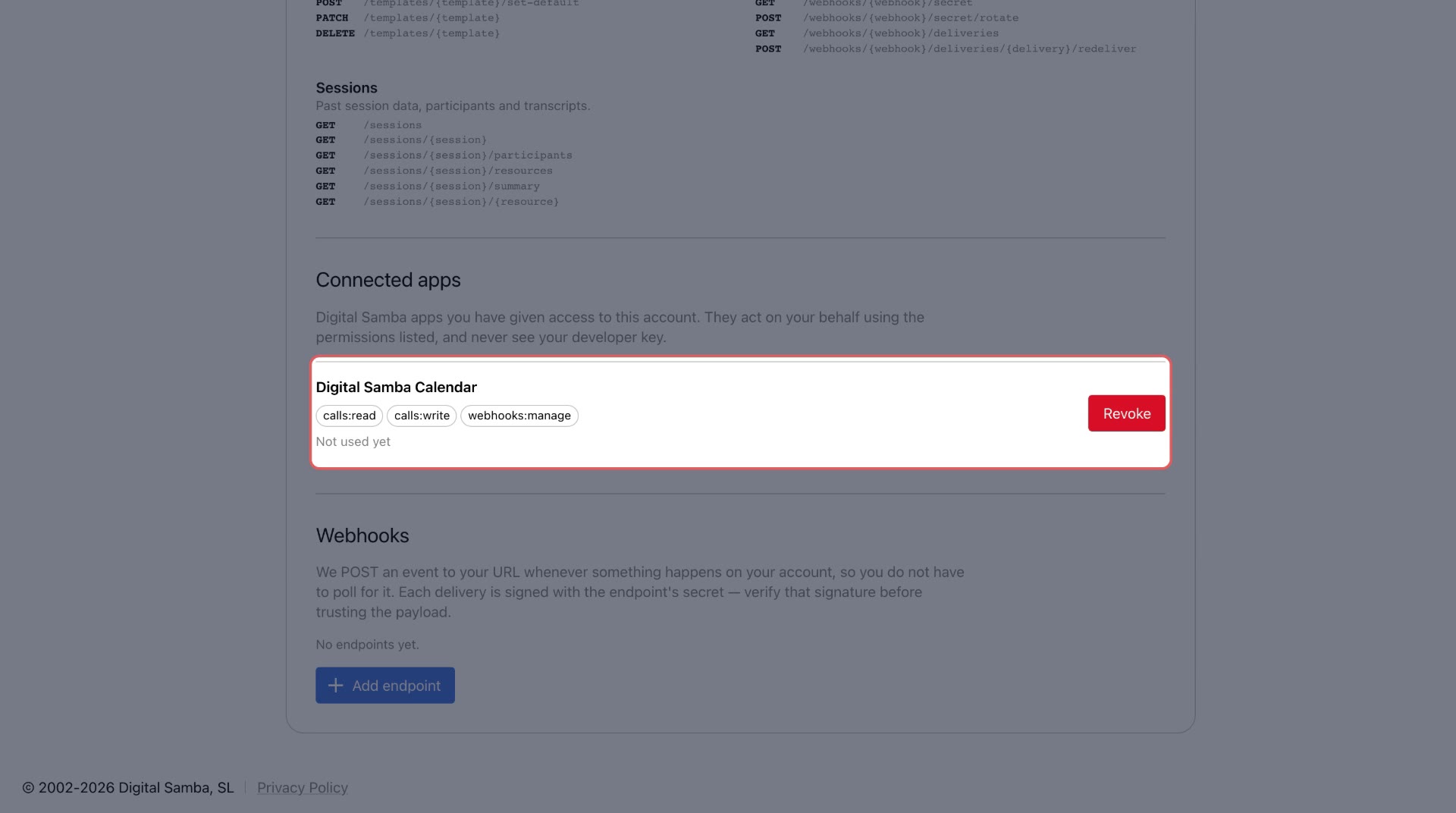
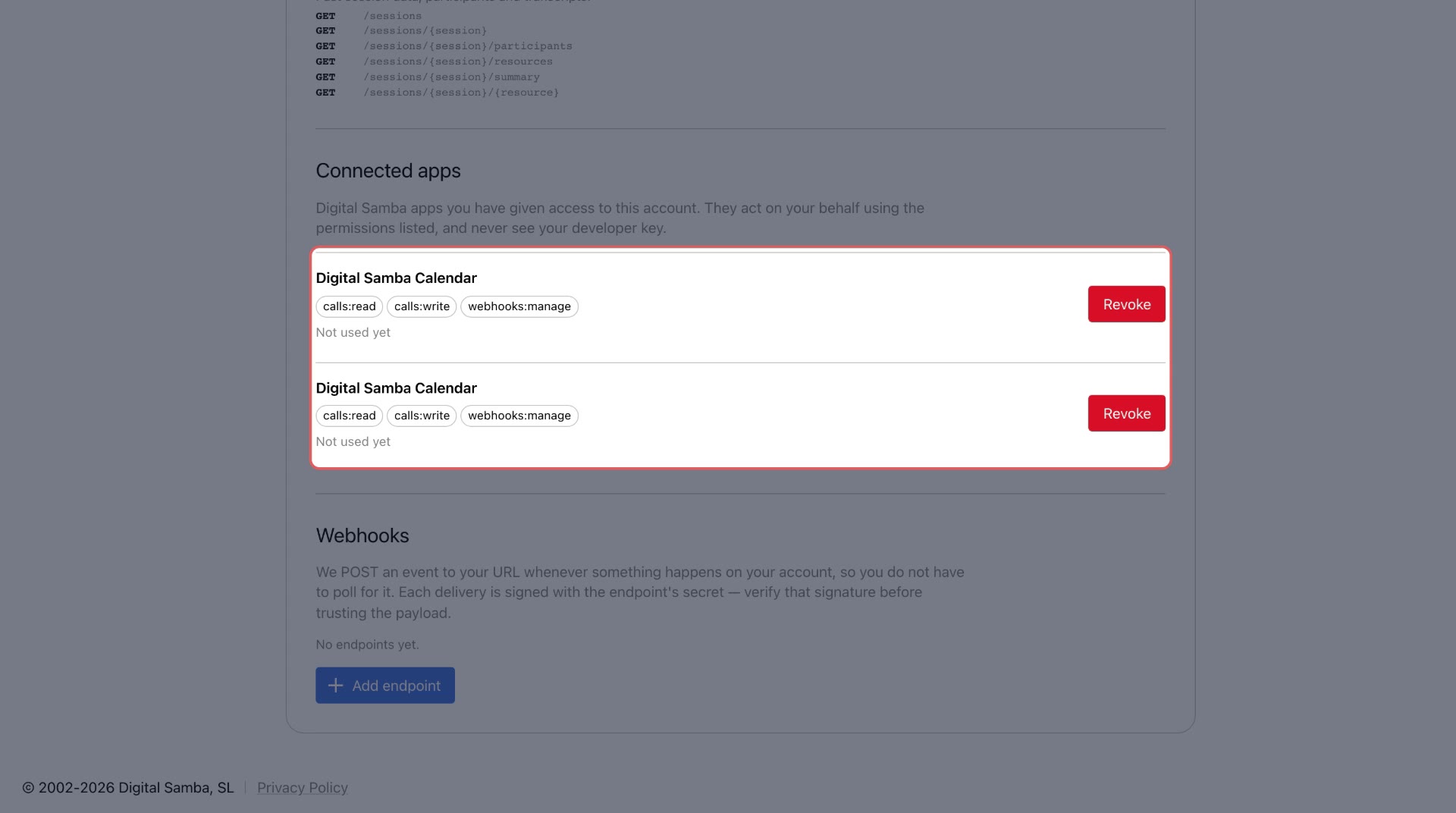
Each row is one app, with the permissions it holds.
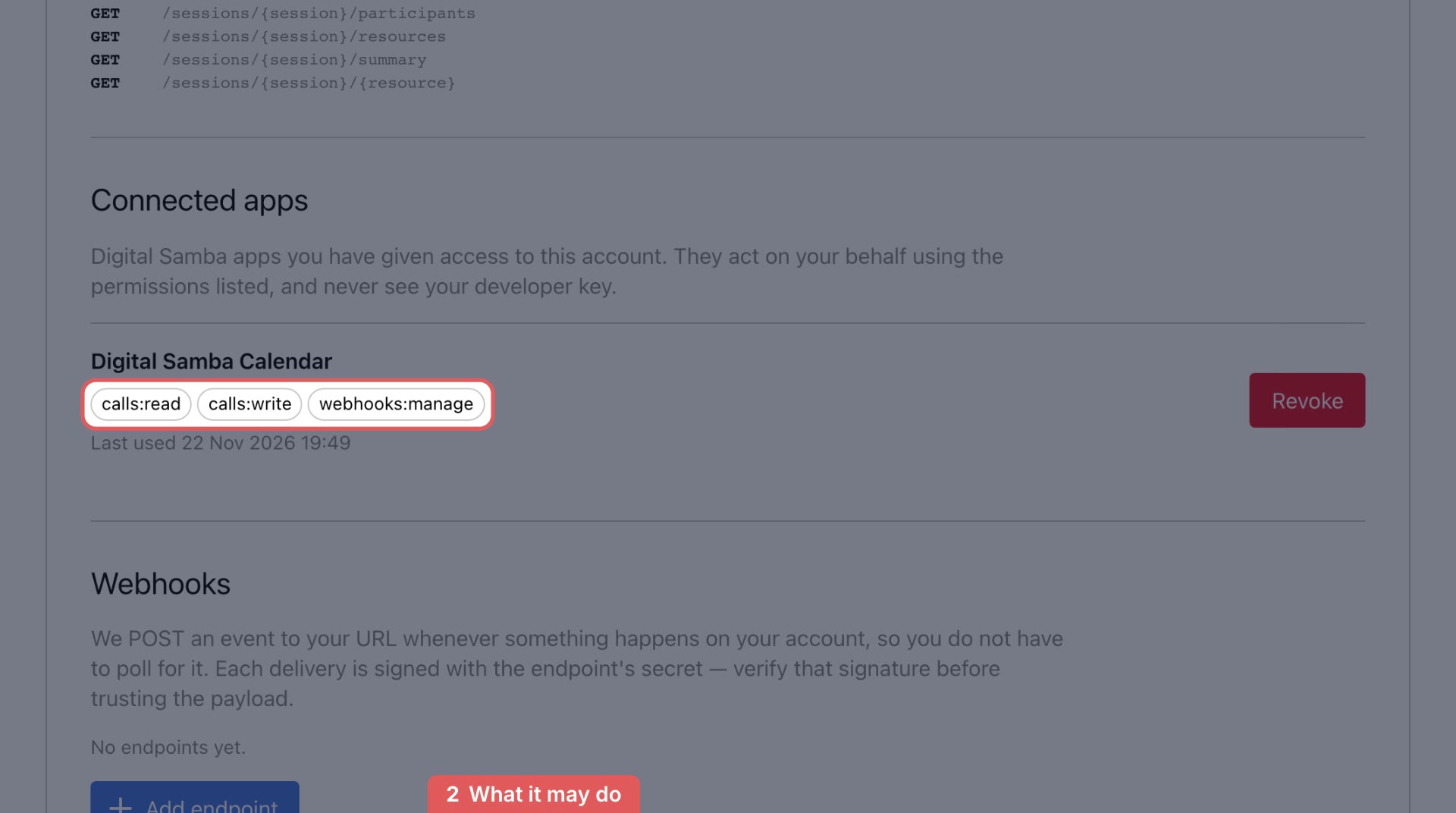
Digital Samba Calendar may read and change Ana's calls, and manage webhooks; her contacts and recordings stay closed to it.
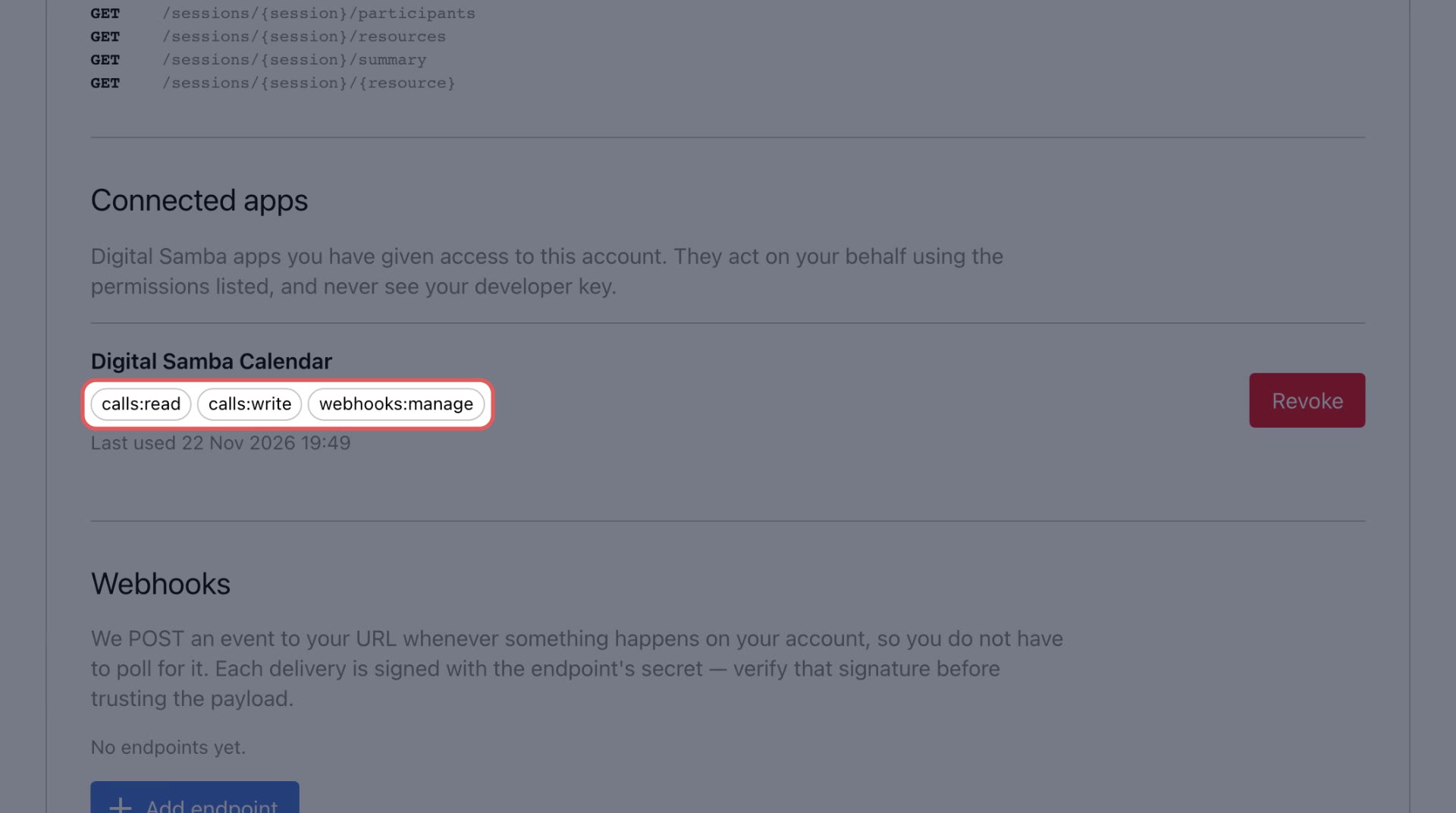
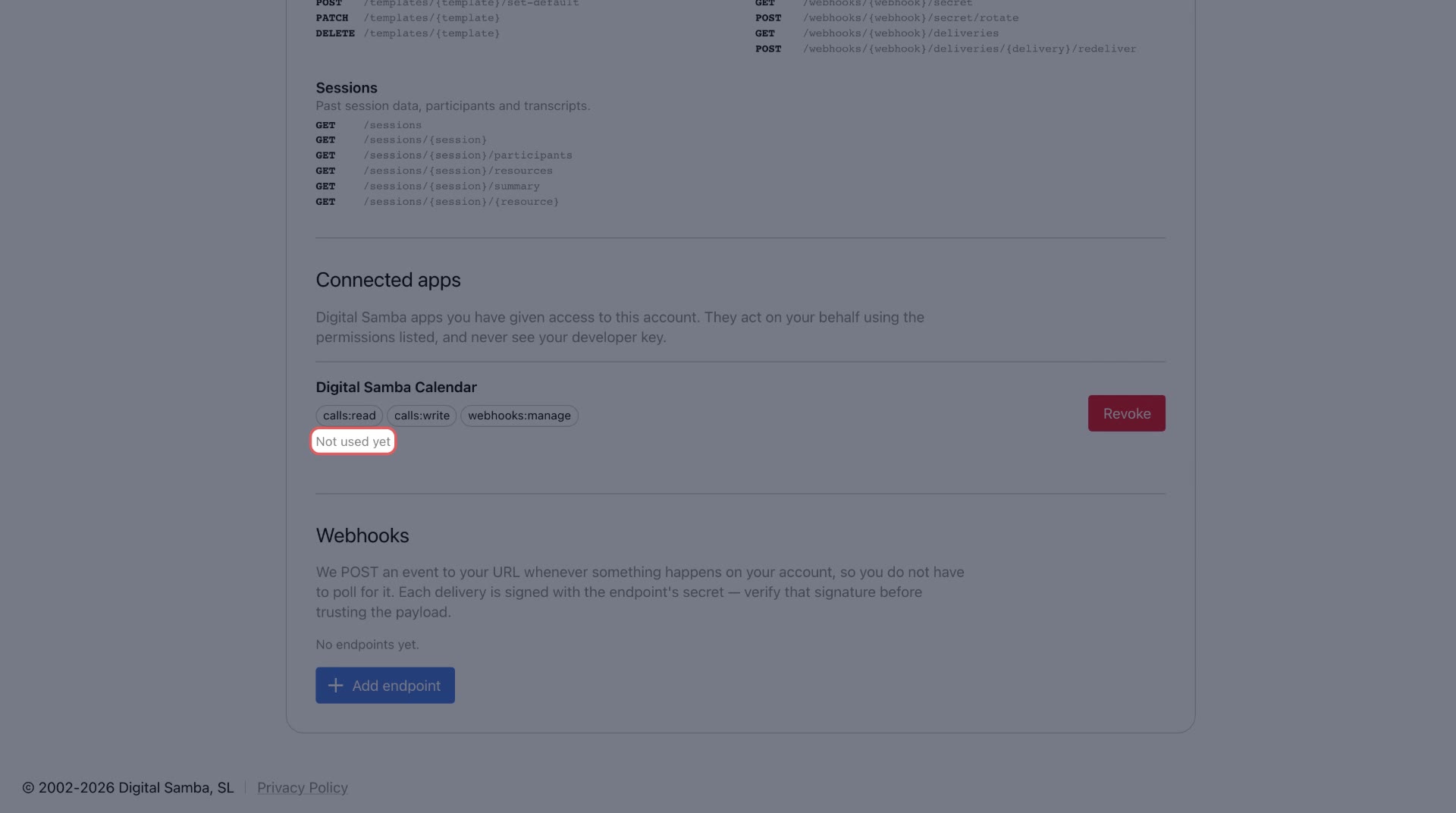
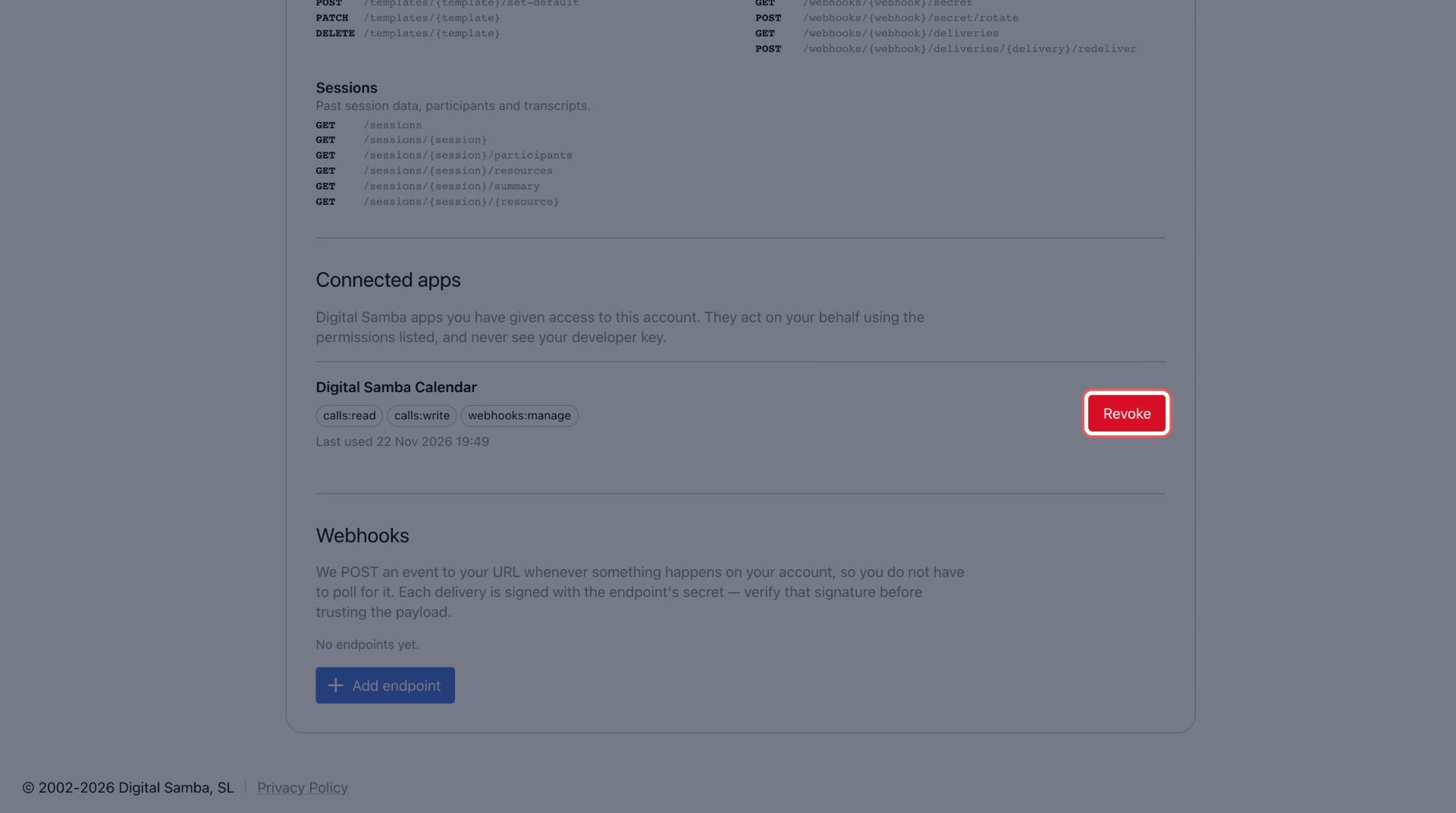
Below that, you see when it was last used.
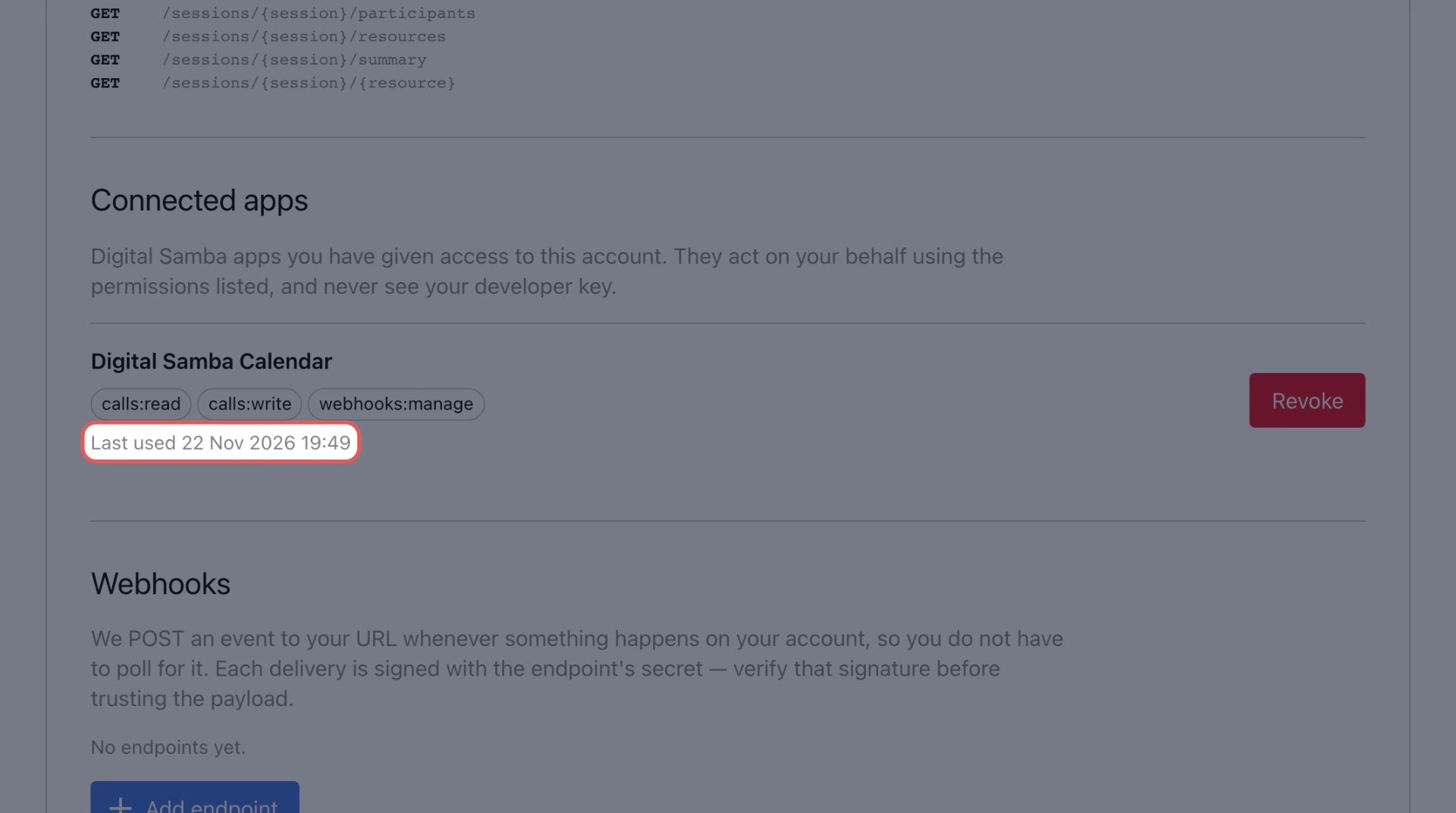
3Revoke0:49
To take its access away, click Revoke.
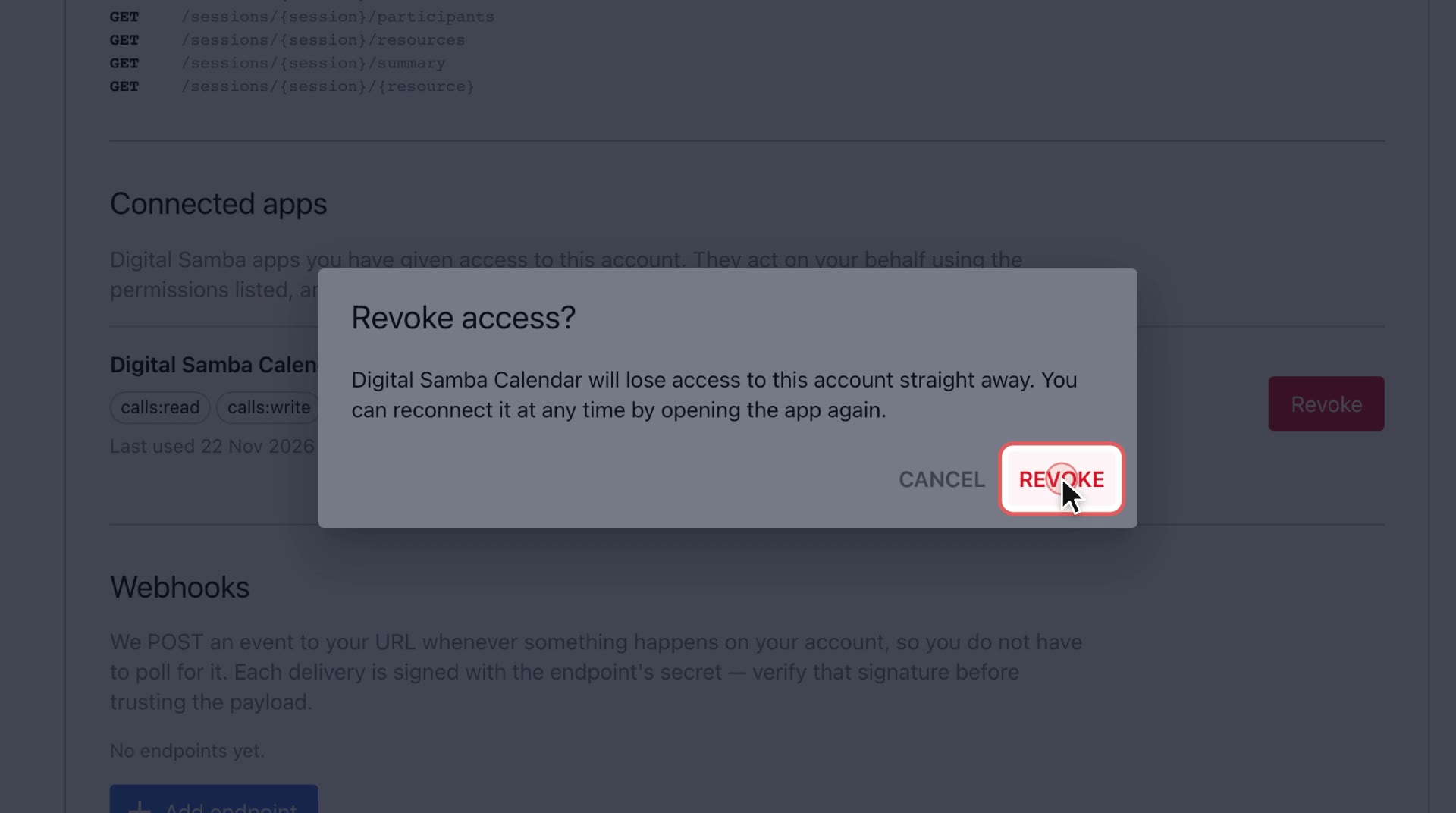
The dialog says it loses access straight away; confirm with Revoke.
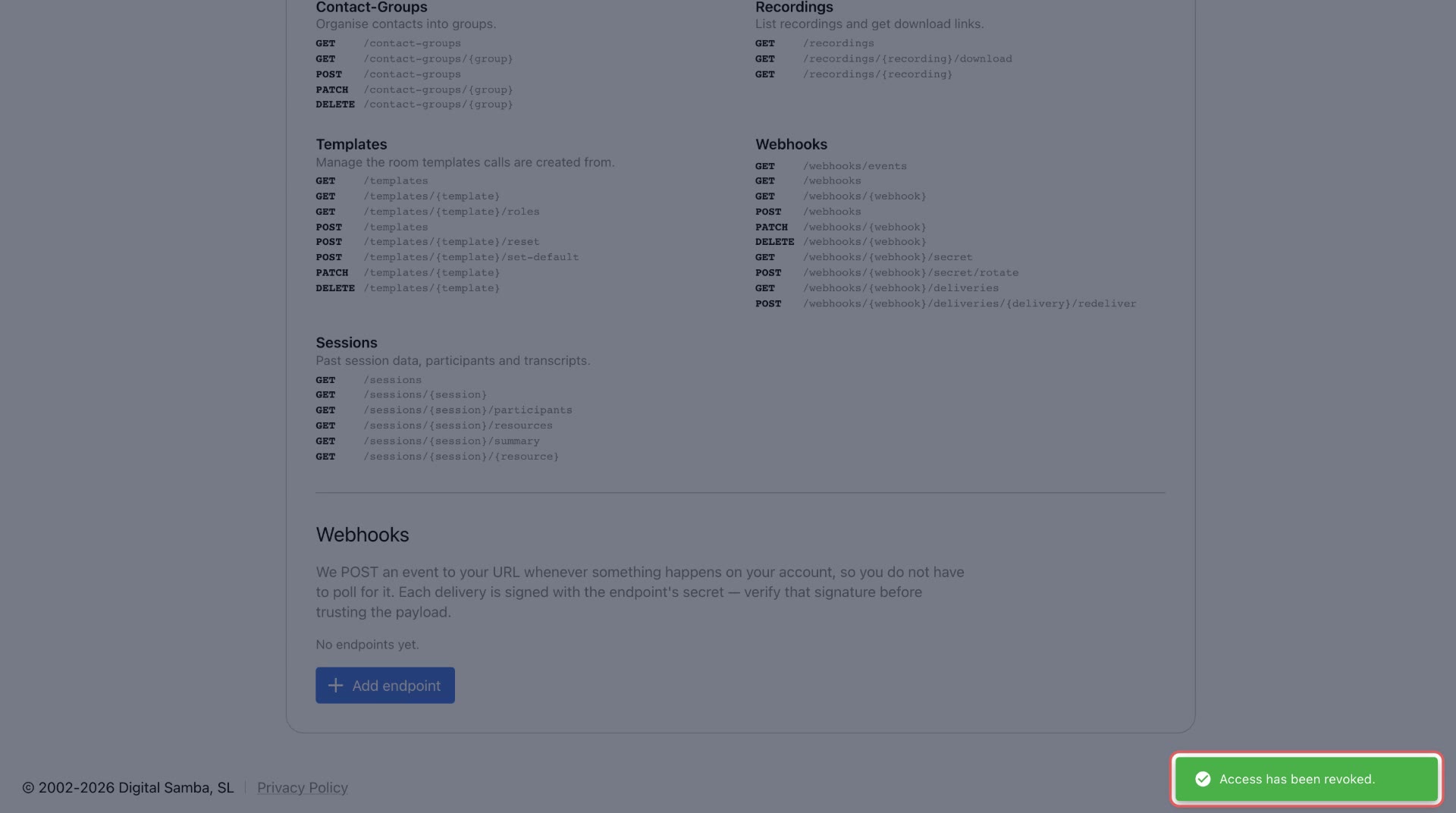
Access has been revoked, and the app has left the list.
Good to know1:03
Revoking doesn't block an app for good; Digital Samba Calendar connects again the next time you use it.
A row also goes by itself, within an hour after you stop using the app.
And an app can appear more than once: once for each browser it connected from.
Recap1:22
So: Settings, Developer, Connected apps; see what each app may do, and revoke what you don't want.
Did this article help?
Sorry about that. What was the problem?