Skip to content
University
Videos
Most watched
Topics
Updates
Search the videos
Topics
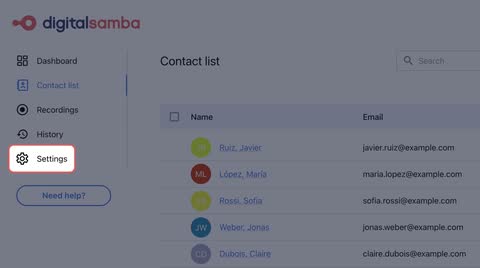
Settings
All 16 moments in Digital Samba University that depend on this.
Your dashboard at a glance
Getting started · 2:12
1:29
Menus
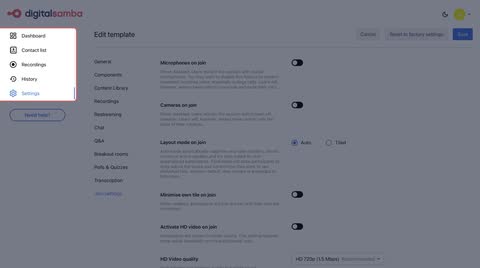
Settings holds your roles and templates.
Read
Turn on recording and transcription
After the call · 2:44
0:24
Your type of call
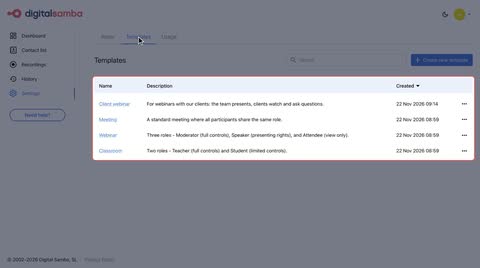
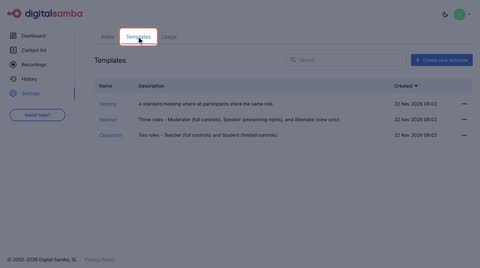
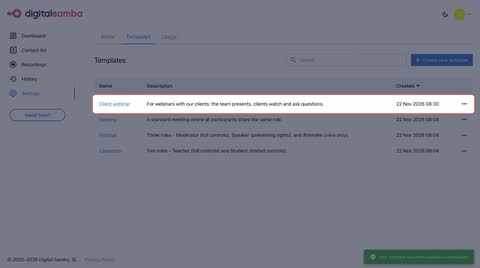
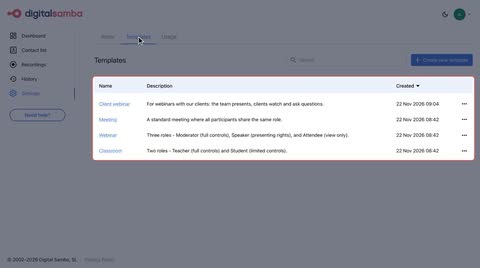
Go to Settings, then Templates: the name these pages use for types of call.
Read
1:56
Save
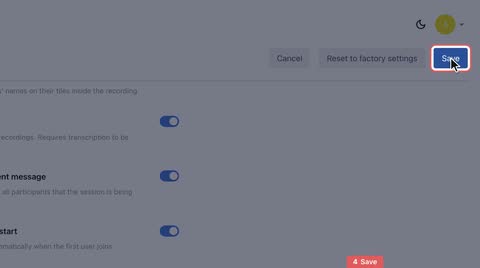
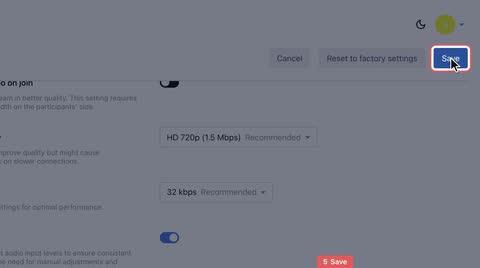
Now click Save at the top.
Read
1:59
Save
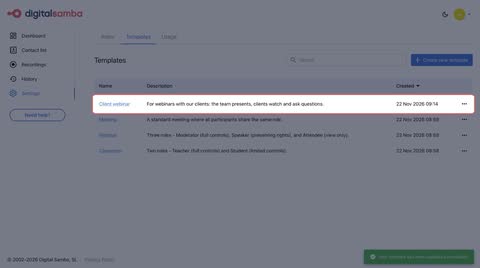
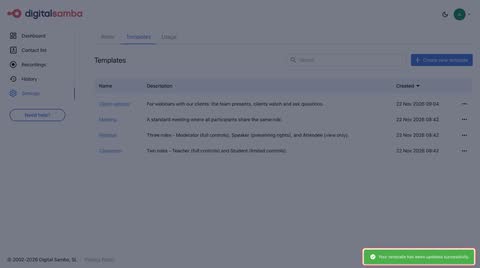
A message says your template has been updated successfully.
Read
Types of call: Meeting, Webinar and Classroom
Customise your calls · 2:42
0:33
Templates
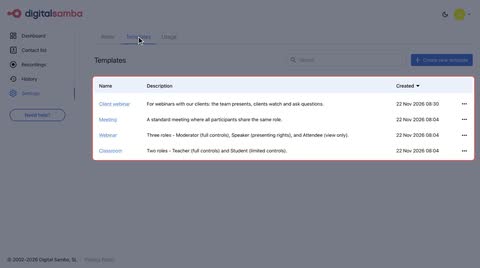
You manage them in Settings, under Templates: the word the settings use for a type of call.
Read
1:47
Change and reset
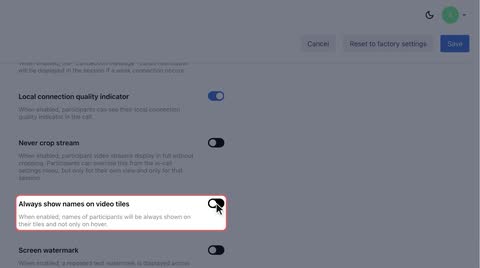
To change a type, open it and change its settings: Ana turns off Always show names on video tiles.
Read
Control how people join: lobby, consent and devices
Customise your calls · 2:28
0:20
Join settings
Go to Settings, then Templates: the name these pages use for types of call.
Read
1:38
Save
Now click Save at the top.
Read
1:40
Save
A message says your template has been updated successfully, and you're back at your types of call.
Read
2:04
Good to know
And Cancel, or leaving for another page, drops your changes without asking.
Read
Choose the tools in your calls
Customise your calls · 2:35
0:20
Components
Go to Settings, then Templates: the name these pages use for types of call.
Read
0:26
Components
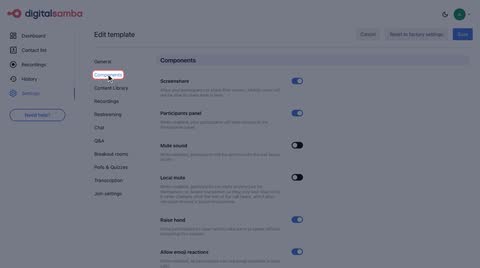
Click Client webinar, then Components.
Read
1:51
Save
Now click Save at the top: your template has been updated successfully.
Read
Roles and permissions: create a custom role
Customise your calls · 2:59
0:18
Roles
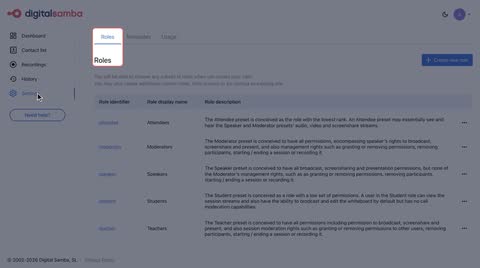
Open Settings: the first page is Roles.
Read
Get your developer key and make your first API call
For developers · 2:48
0:19
Developer
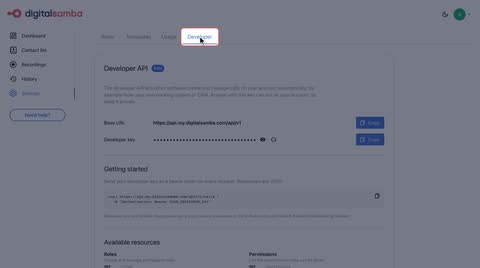
Open Settings, then the Developer tab.
Read
Connected apps: see and revoke access
For developers · 1:39
0:24
Connected apps
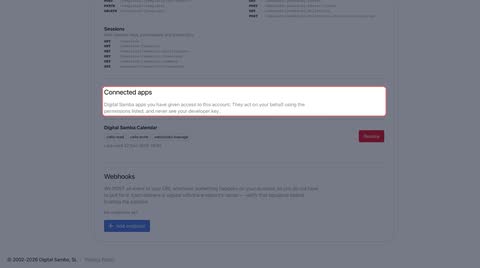
To see it, open Settings, then Developer, and scroll down to Connected apps.
Read
All topics