Skip to content
University
Videos
Most watched
Topics
Updates
Search the videos
Topics
Registration
All 23 moments in Digital Samba University that depend on this.
Start here: Digital Samba in 90 seconds
1:36
0:40
Registration
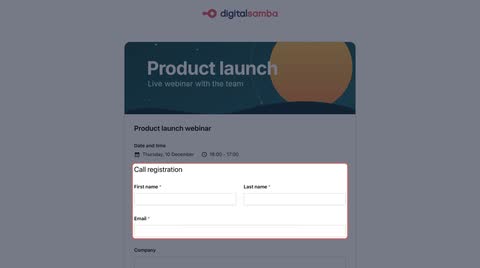
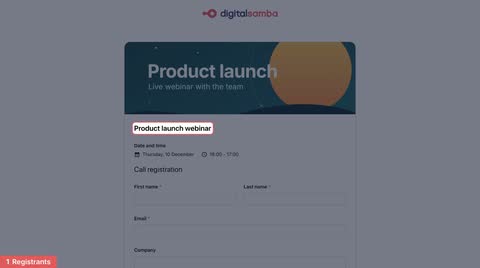
For the Product launch webinar, she turns on registration, and people sign up on a page of its own.
Read
0:46
Registration
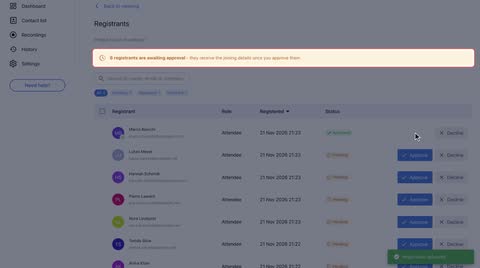
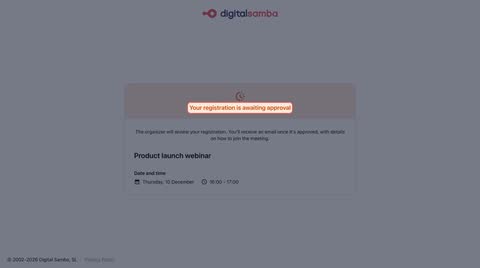
She approves each one, and only then do they receive the joining details.
Read
Set up a recurring call
Scheduling calls · 2:42
1:32
This call only
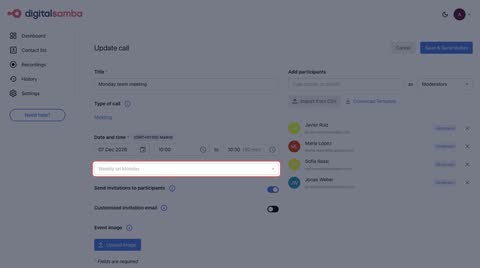
Repeat is greyed out, and there's no room link or registration here: those belong to the series.
Read
Set up a webinar with registration
Webinars and registration · 3:05
0:01
Introduction
In this video, you'll set up a webinar that people sign up for on a registration page, with your own event image.
Read
0:35
Type of call
Registration is on this form for any call: a meeting, a class or a webinar.
Read
0:41
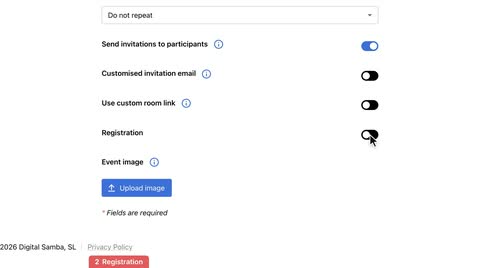
Registration
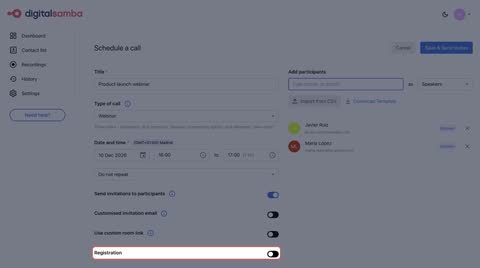
Turn on Registration.
Read
0:44
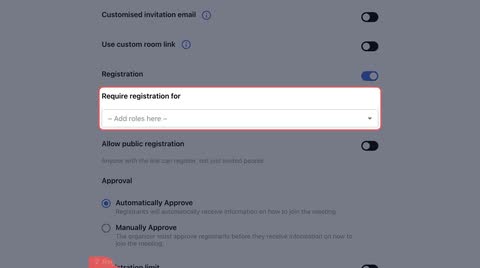
Registration
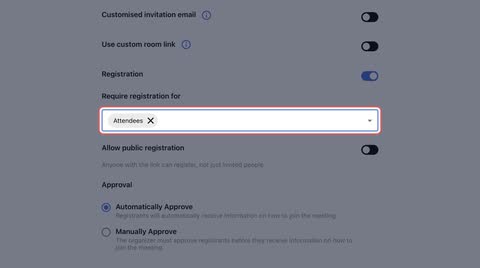
Under Require registration for, choose Attendees.
Read
0:48
Registration
Anyone you invite as an attendee is emailed a registration link instead of a join link; your speakers are simply invited.
Read
0:56
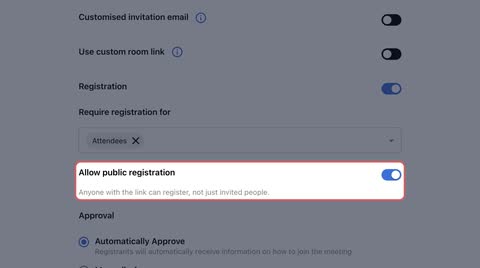
Registration
Turn on Allow public registration: anyone with the link can sign up, not just the people you invited.
Read
1:04
Registration
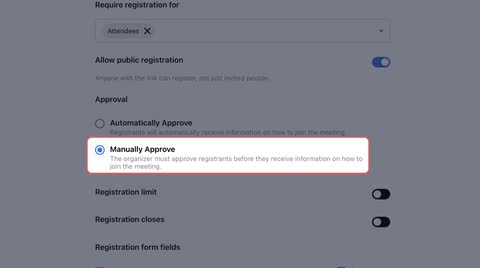
Under Approval, choose Manually Approve: people who sign up wait for you, and get the details on how to join only once you approve them.
Read
1:12
Registration
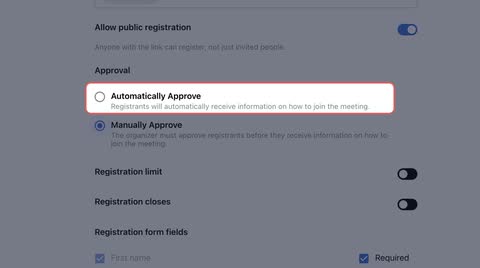
With Automatically Approve, they get them straight away.
Read
1:17
Limit and closing time
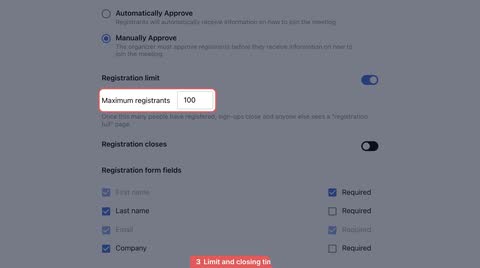
Turn on Registration limit, and type the most sign-ups you want; here, a hundred and fifty.
Read
1:23
Limit and closing time
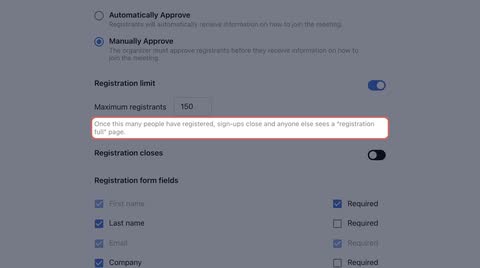
When it's reached, anyone else sees a page saying registration is full.
Read
1:28
Limit and closing time
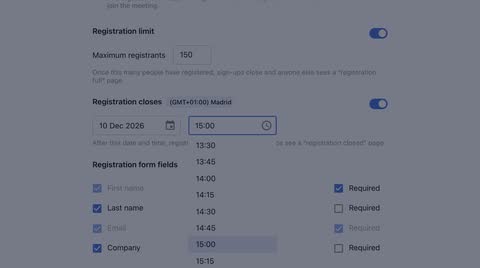
Turn on Registration closes: it suggests one hour before the start, and it can't be later than the start.
Read
1:36
Limit and closing time
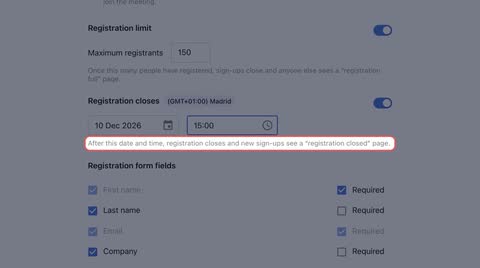
After that time, the page says registration is closed.
Read
1:40
Limit and closing time
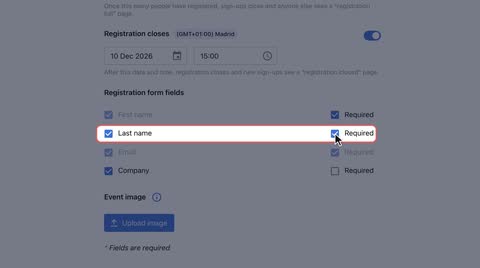
Under Registration form fields, first name and email are always asked; last name and company can be left out, or made required.
Read
2:18
Save & Send Invites
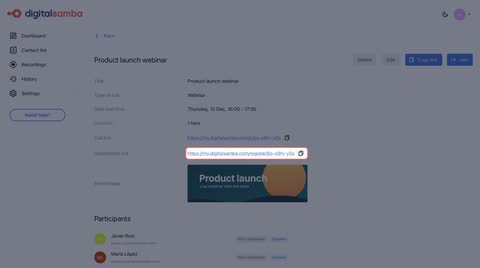
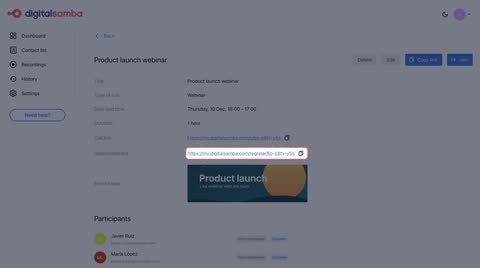
The call's page now shows the Registration link: copy it, and share it wherever you announce the webinar.
Read
2:33
Good to know
Good to know: with manual approval, nobody emails you when someone signs up.
Read
2:39
Good to know
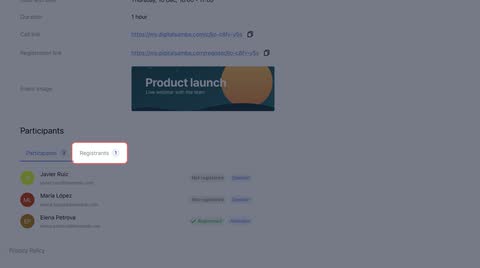
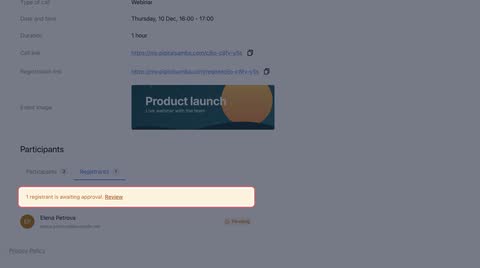
Look at the call's page: the Registrants tab shows who is waiting for you.
Read
2:44
Recap
So: choose Webinar, turn on Registration and public sign-up, choose how people are approved, set a limit and a closing time, add an event image, and share the registration link.
Read
Approve and manage registrants
Webinars and registration · 1:57
0:01
Introduction
In this video, you'll approve the people who registered for your webinar — a meeting with an audience — one at a time or all at once.
Read
0:12
Registrants
Our example is the Product launch webinar, set to approve each registration manually.
Read
0:18
Registrants
Nine people have registered on its page, and each was told that their registration is awaiting approval.
Read
All topics