University

Start here: Digital Samba in 90 seconds

In this video, you'll see what you can do with Digital Samba, from a quick meeting to a webinar, and how this series is organised.

Updated Version 1

1Call now0:10

Our example: Ana Morales, who leads a small product team.

To talk to Javier right now, she clicks Call now, and the call opens in a new tab.
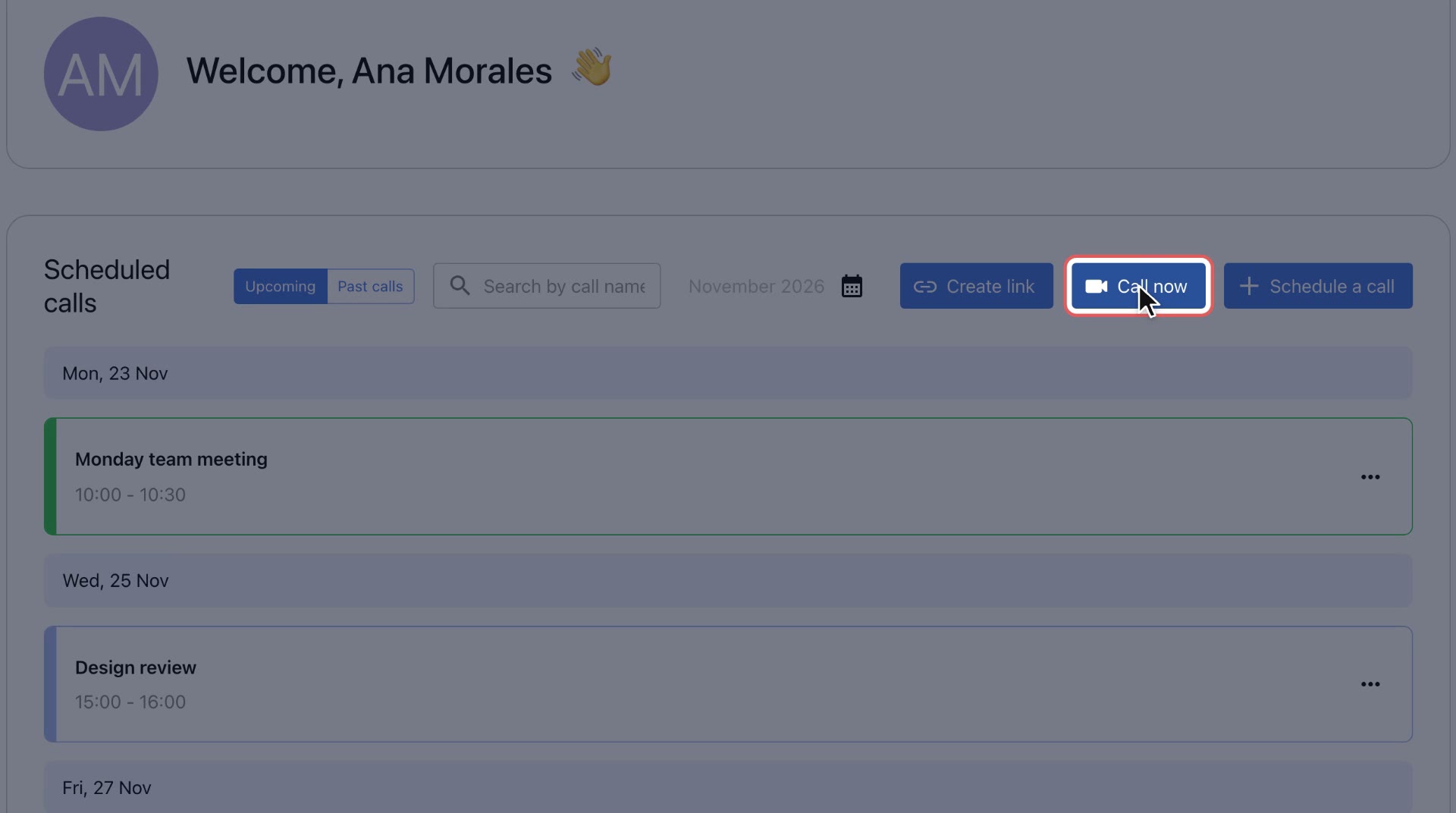
Screenshot from the film at 0:18: To talk to Javier right now, she clicks Call now, and the call opens in a new tab.
Watch this step · 0:16

She sends him its link, and he joins from his browser, without an account.
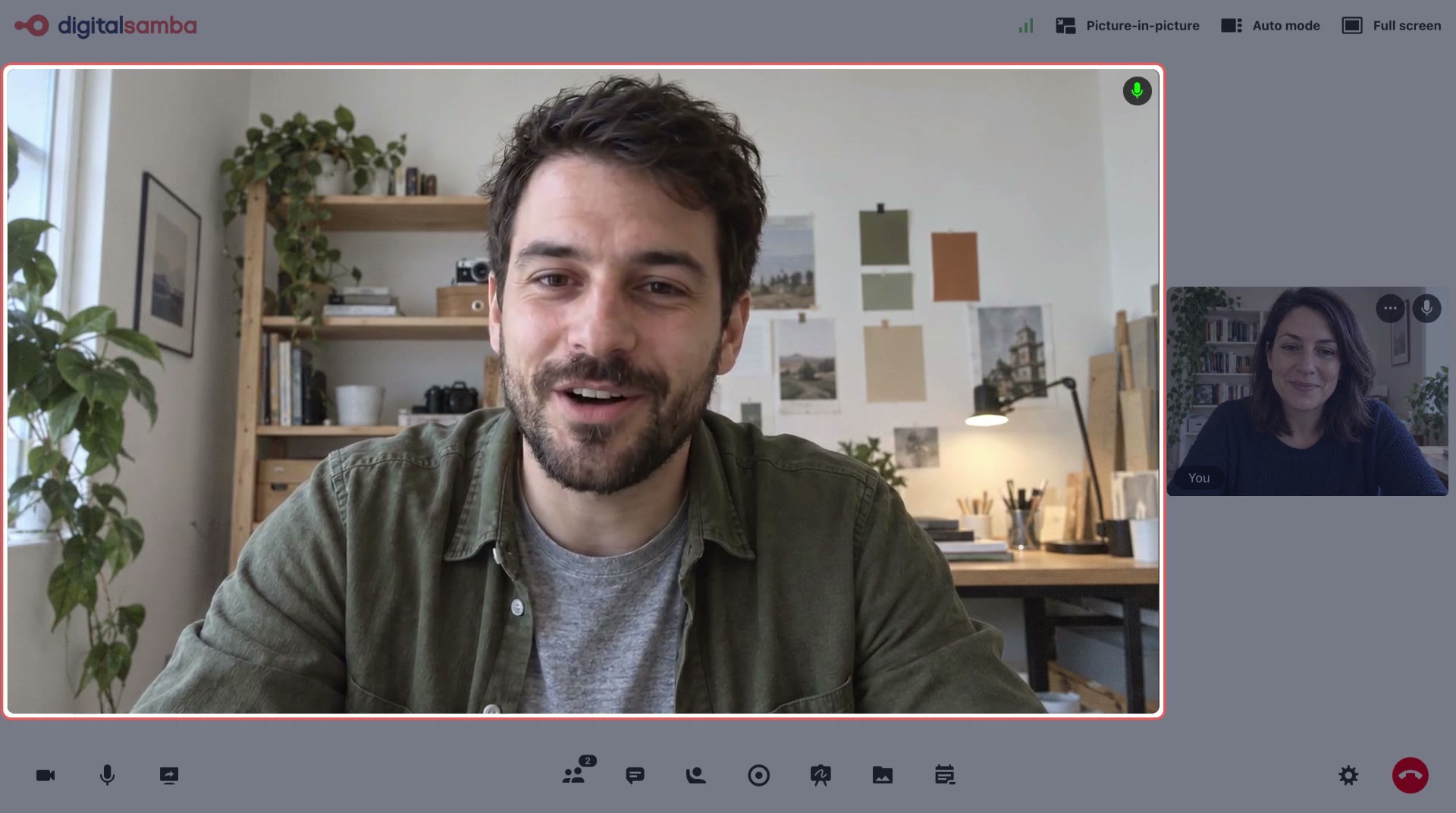
Screenshot from the film at 0:25: She sends him its link, and he joins from his browser, without an account.
Watch this step · 0:22

2Schedule a call0:26

For the team's Monday meeting, she schedules a call: a title, a date and time, and the people to invite.
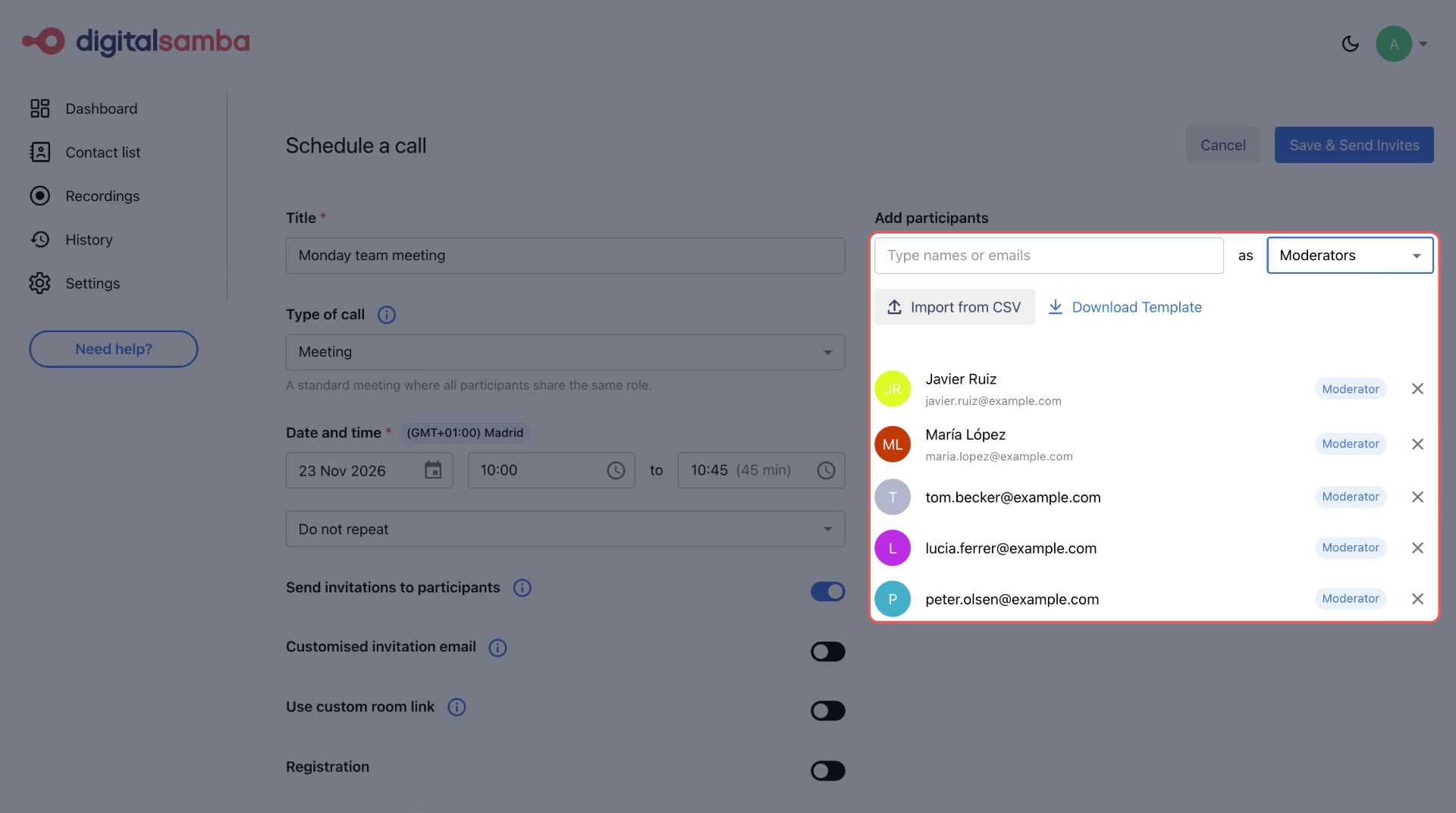
Screenshot from the film at 0:33: For the team's Monday meeting, she schedules a call: a title, a date and time, and the people to invite.
Watch this step · 0:27

Each of them gets an invitation by email, and the call waits on her dashboard.
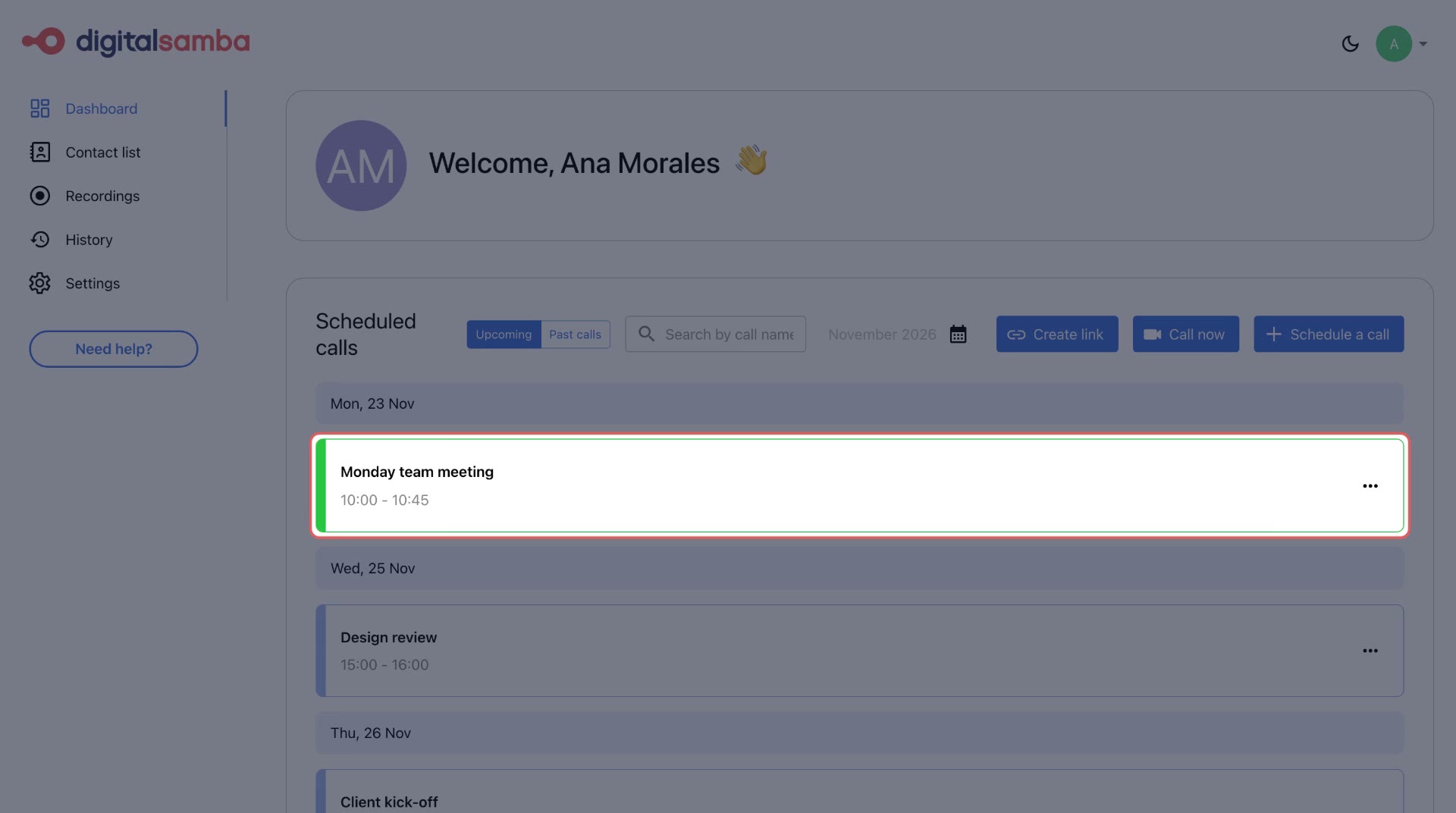
Screenshot from the film at 0:38: Each of them gets an invitation by email, and the call waits on her dashboard.
Watch this step · 0:34

3Registration0:39

For the Product launch webinar, she turns on registration, and people sign up on a page of its own.
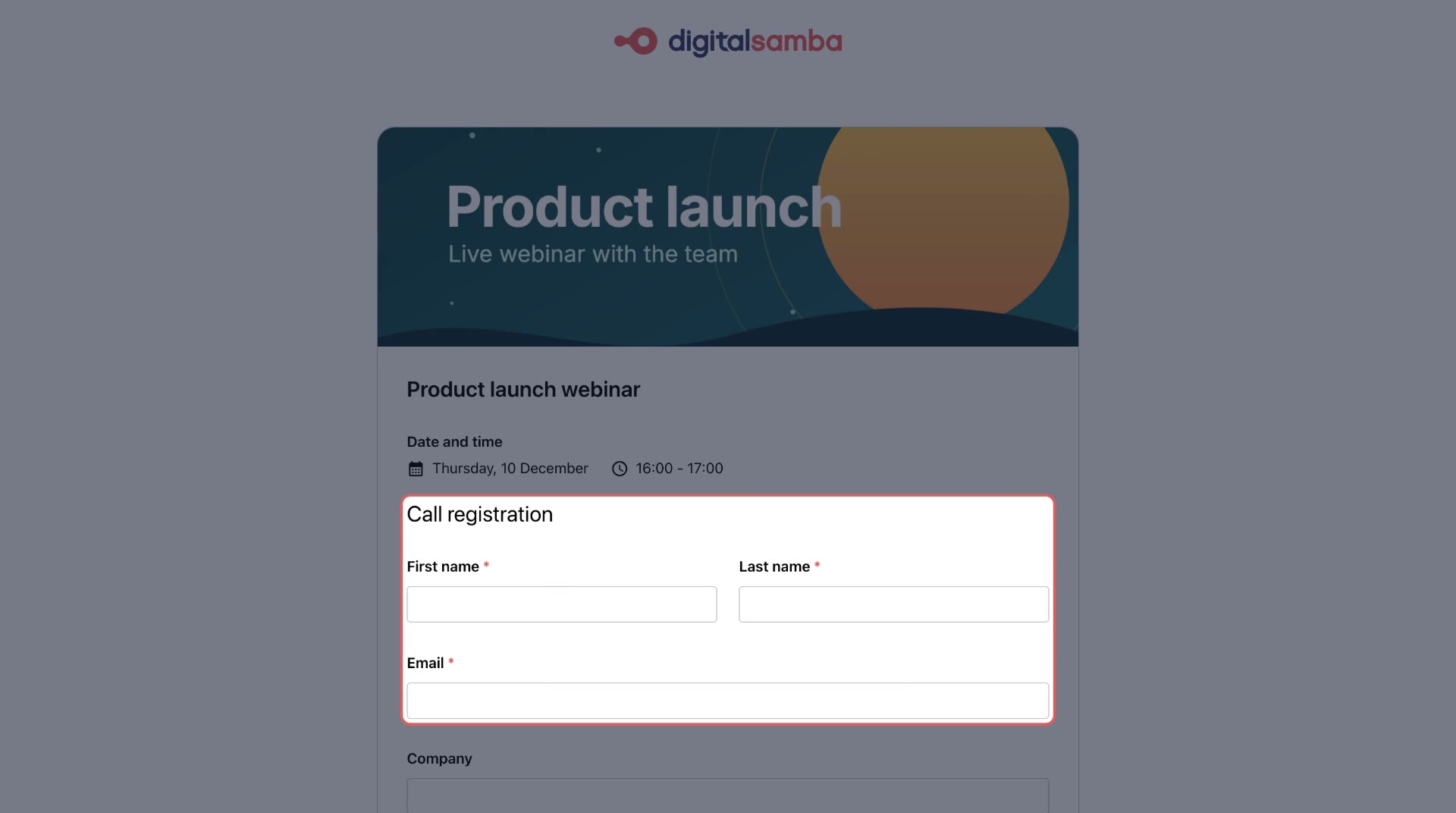
Screenshot from the film at 0:44: For the Product launch webinar, she turns on registration, and people sign up on a page of its own.
Watch this step · 0:40

She approves each one, and only then do they receive the joining details.
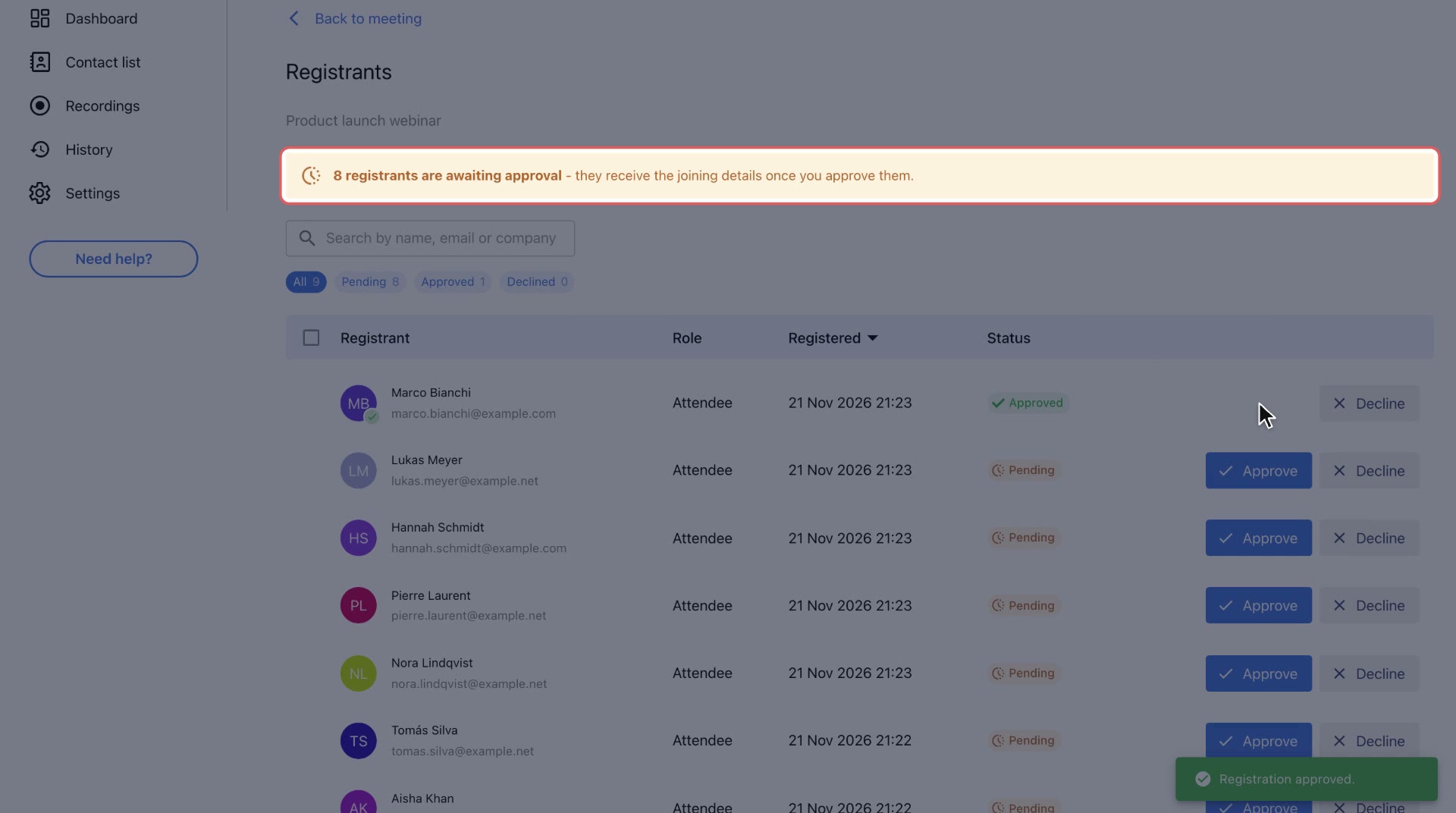
Screenshot from the film at 0:49: She approves each one, and only then do they receive the joining details.
Watch this step · 0:46

4History0:51

After the call, History lists every session.
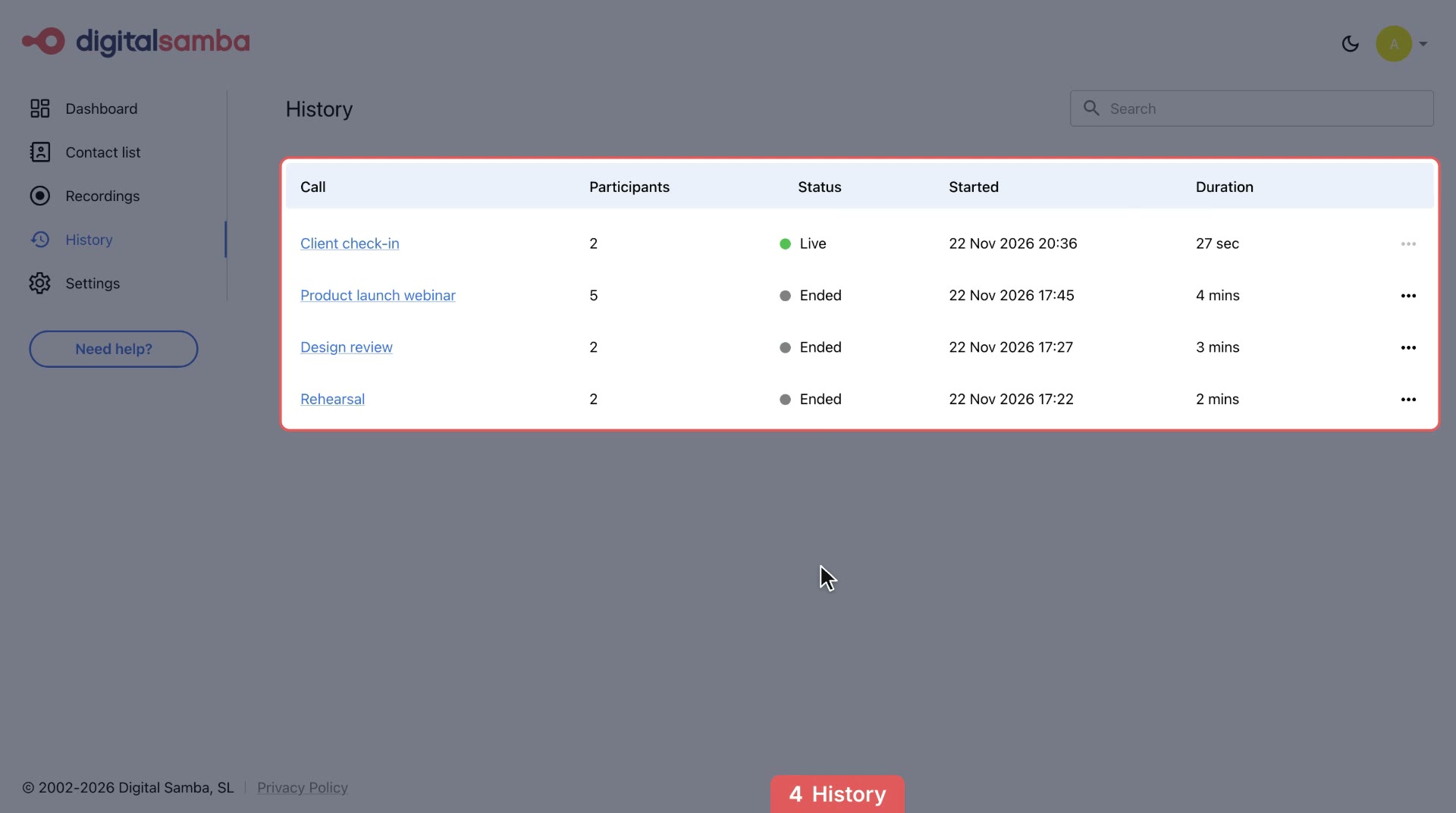
Screenshot from the film at 0:54: After the call, History lists every session.
Watch this step · 0:51

With transcription on, a session's page holds what was said, line by line, and an AI summary written automatically from it.
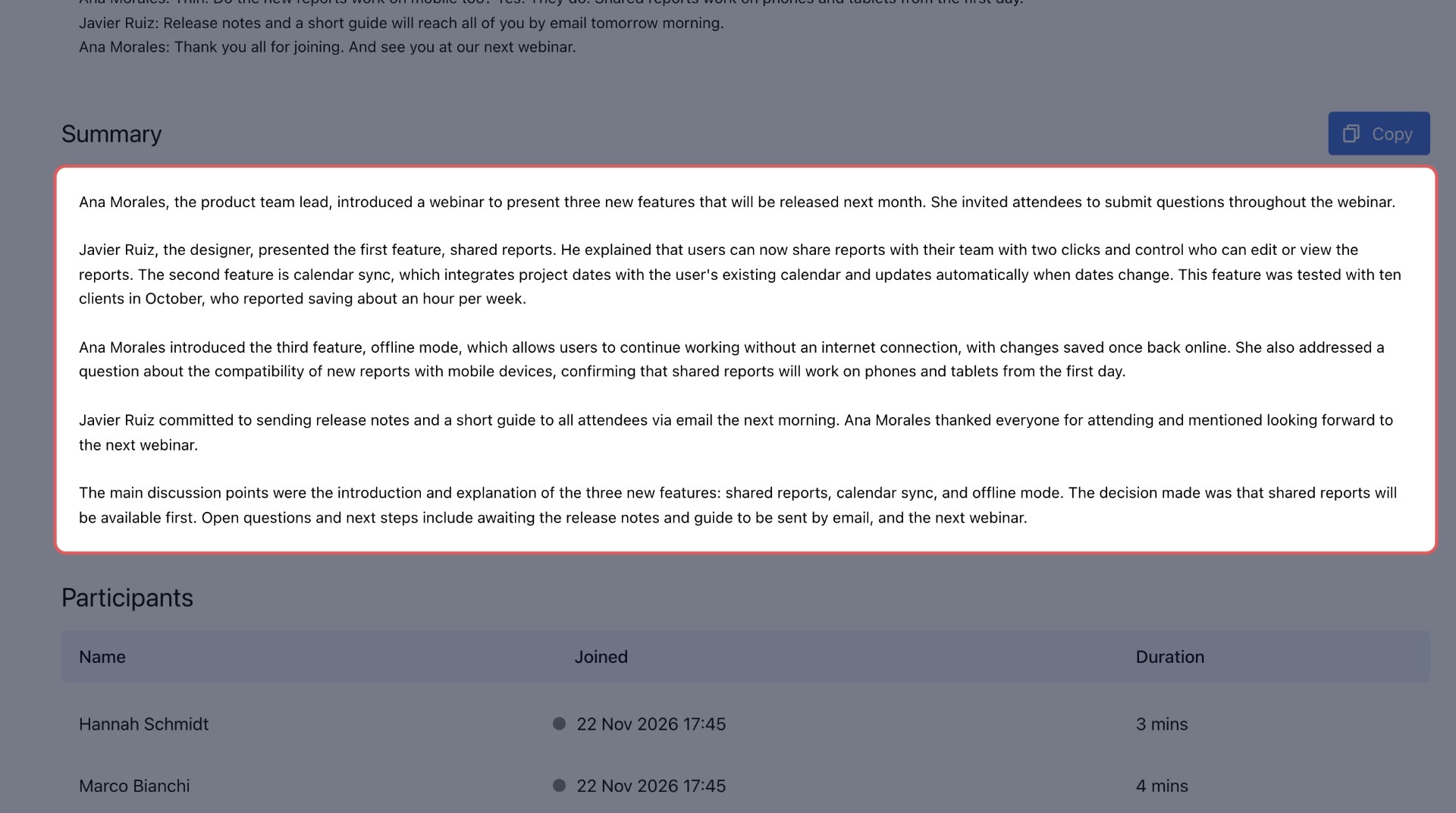
Screenshot from the film at 1:01: With transcription on, a session's page holds what was said, line by line, and an AI summary written automatically from it.
Watch this step · 0:55

The series1:04

The videos come in groups, by what you want to do: getting started, starting a call now, scheduling calls, webinars and registration, and contacts.

Then after the call, customising your calls, and two groups for others: one for your participants, one for developers.

Each video stands alone, so start with the one you need.

Or start at the beginning.

In this video

Next

Updated

The film, the article, the captions and the search results all come from one source, so they change together.

  1. Version 1 ·
    First version.

All updates