Skip to content
University
Videos
Topics
Updates
Search the videos
Topics
Creating your account
All 13 moments in Digital Samba University that depend on this.
Create your account and log in
Getting started · 2:25
0:01
Introduction
In this video, you'll create your Digital Samba account, verify your email address, and log in.
Read
0:10
Sign up
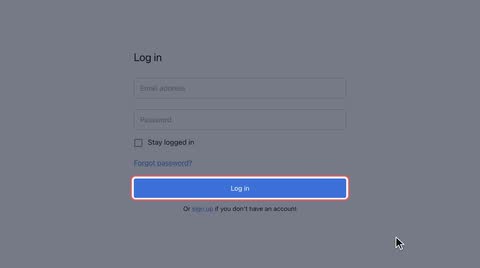
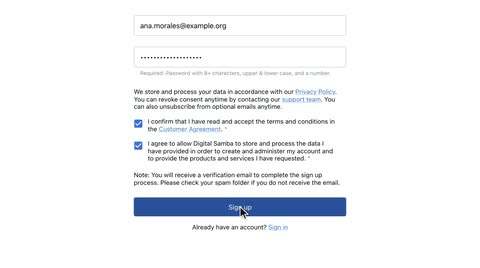
Open Digital Samba in your browser and, under the Log in button, click sign up.
Read
0:17
Sign up
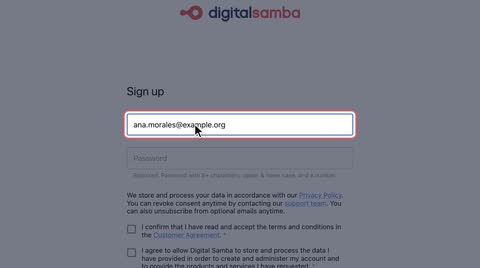
Type your email address: here, Ana is opening an account for her team's meetings.
Read
0:23
Sign up
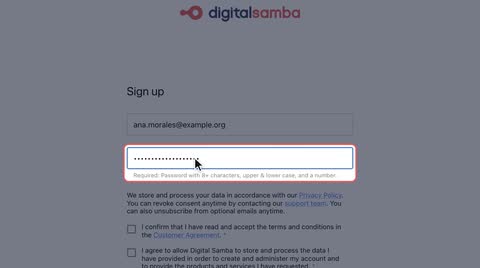
Choose a password with at least eight characters, upper and lower case letters, and a number.
Read
0:29
Sign up
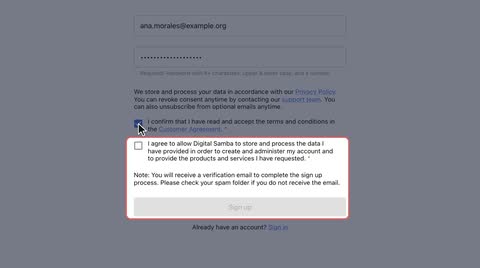
Then tick both boxes: Sign up stays grey until you do.
Read
0:34
Sign up
Click Sign up.
Read
0:37
Check your inbox
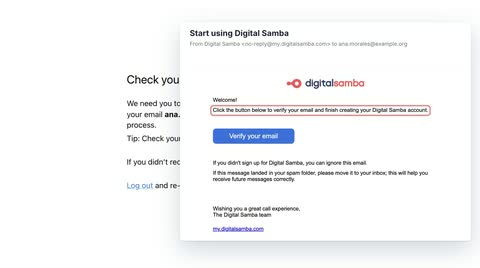
The next page says Check your inbox: Digital Samba has sent you an email called Start using Digital Samba.
Read
2:02
Good to know
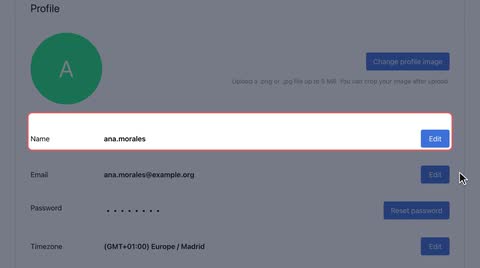
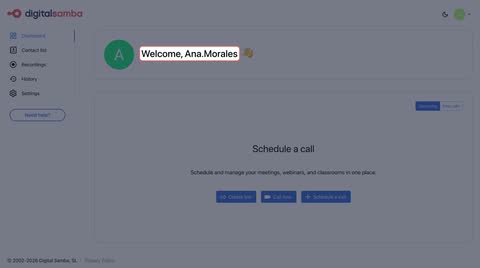
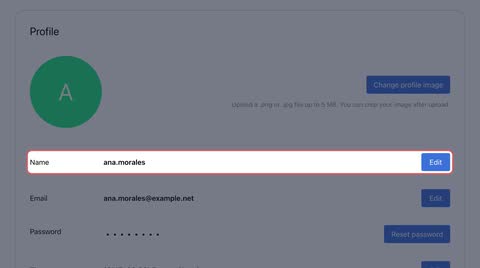
And sign-up doesn't ask for your name, so your dashboard greets you by the first part of your email address.
Read
2:08
Good to know
Add your name in your profile.
Read
2:12
Recap
So: sign up, verify your email, and log in.
Read
2:16
Recap
Your account is ready.
Read
Set up your profile
Getting started · 2:40
0:22
Manage your profile
A new account has no name yet, so Digital Samba shows the first part of your email address.
Read
1:15
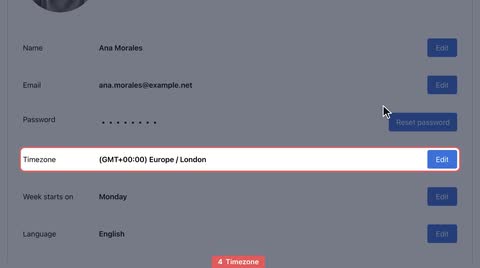
Timezone
It was set from your device when you signed up.
Read
All topics