1Sign up0:08
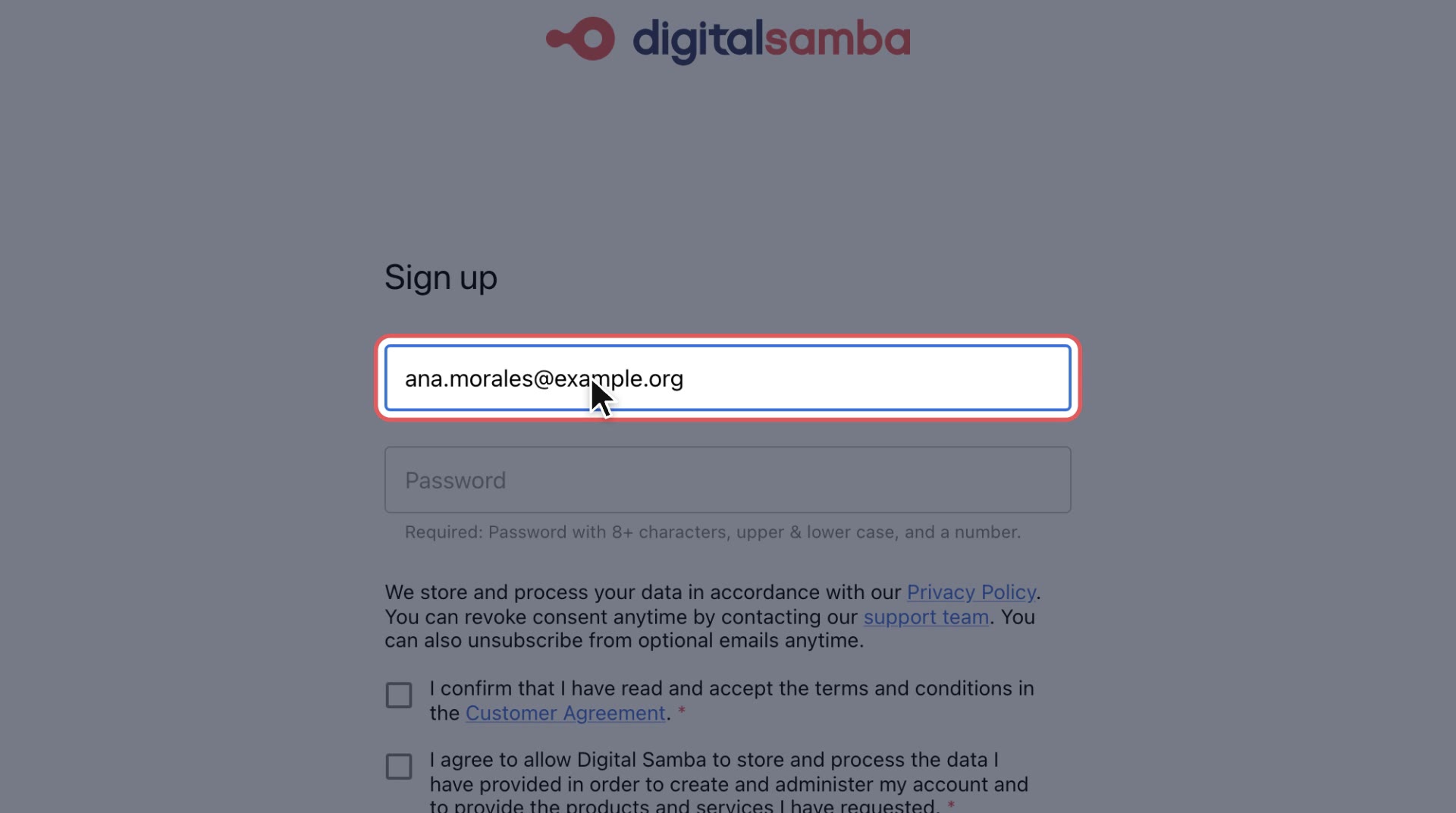
Open Digital Samba in your browser and, under the Log in button, click sign up.
Type your email address: here, Ana is opening an account for her team's meetings.
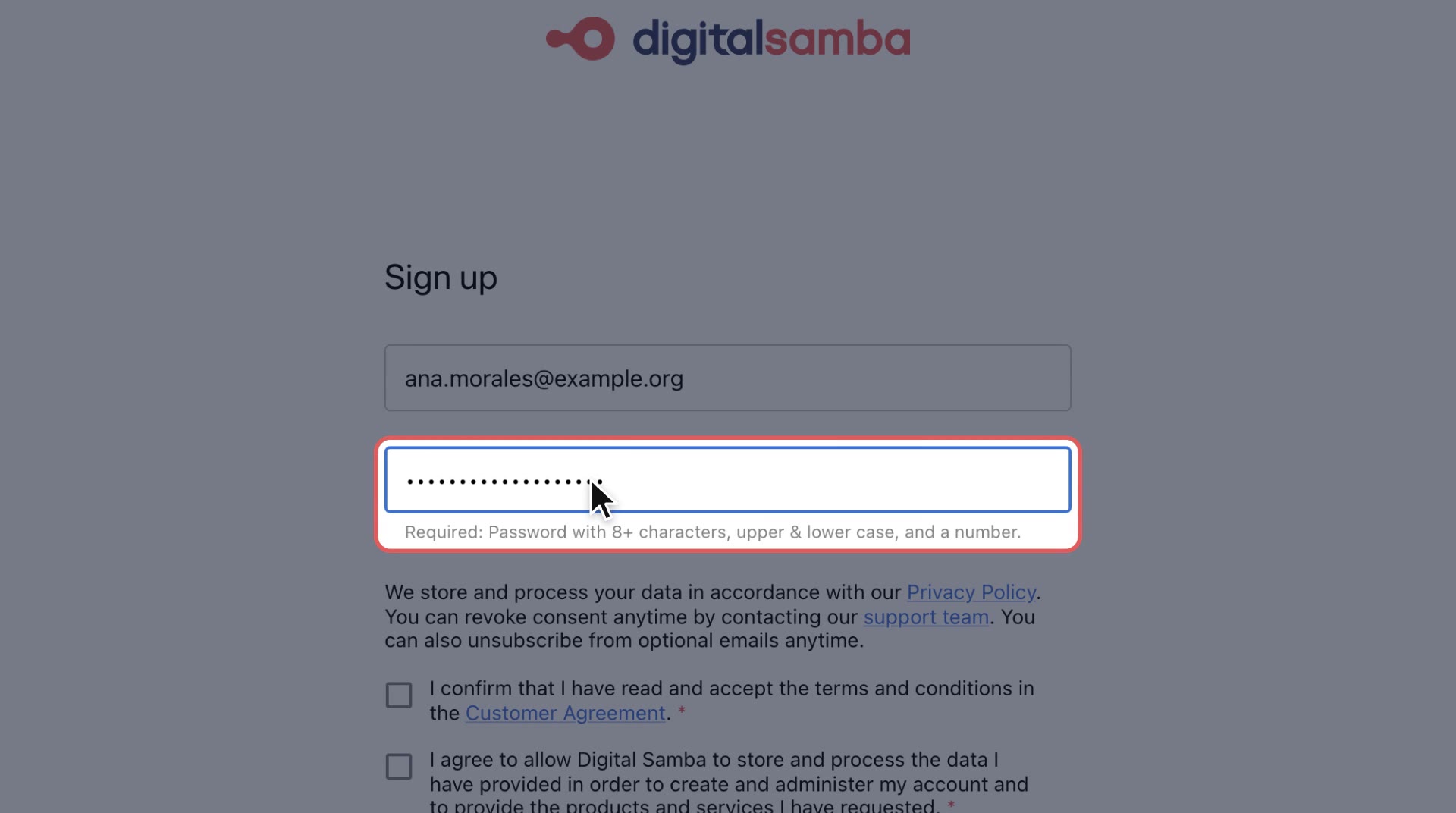
Choose a password with at least eight characters, upper and lower case letters, and a number.
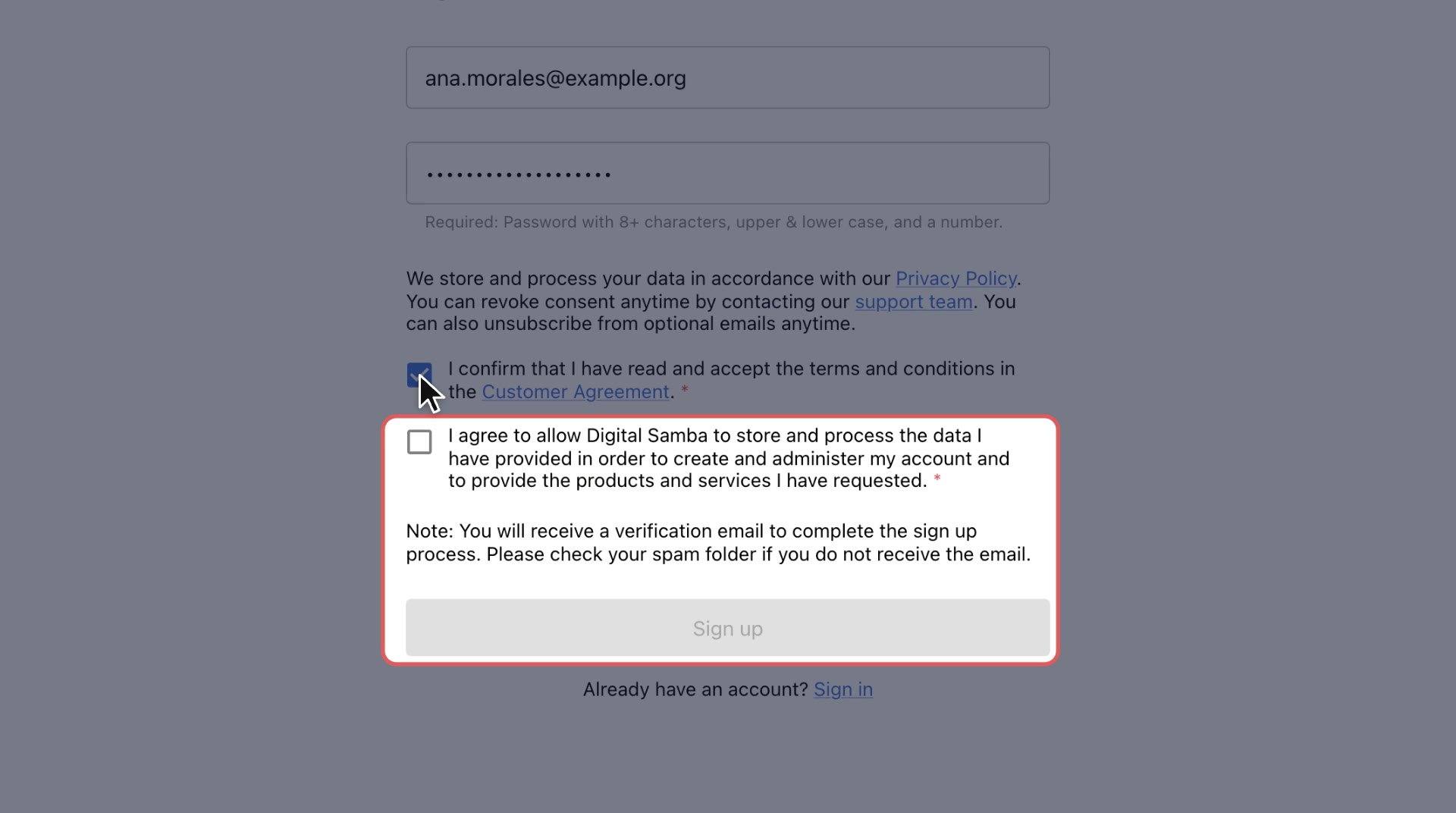
Then tick both boxes: Sign up stays grey until you do.
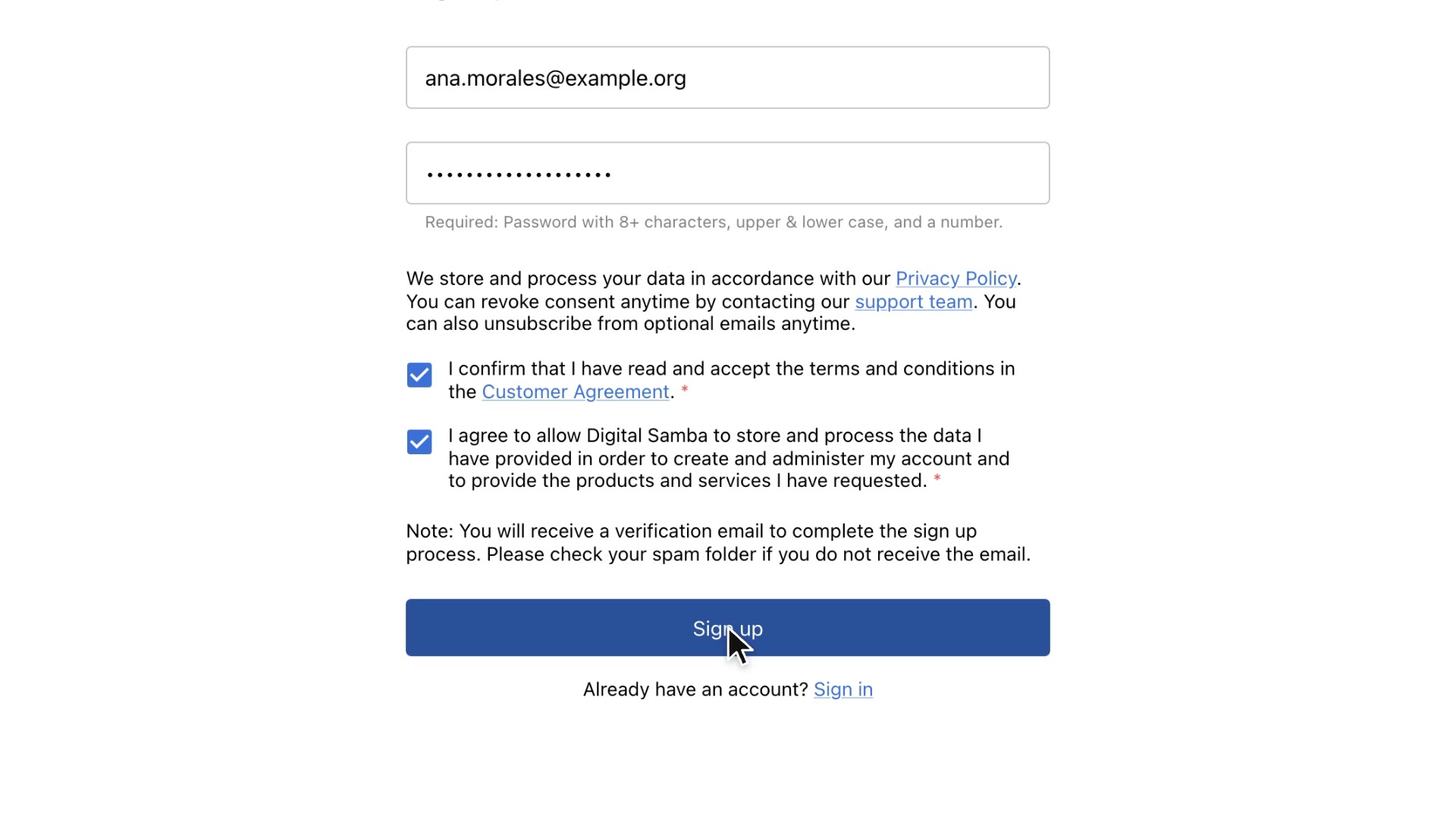
Click Sign up.
2Check your inbox0:36
The next page says Check your inbox: Digital Samba has sent you an email called Start using Digital Samba.
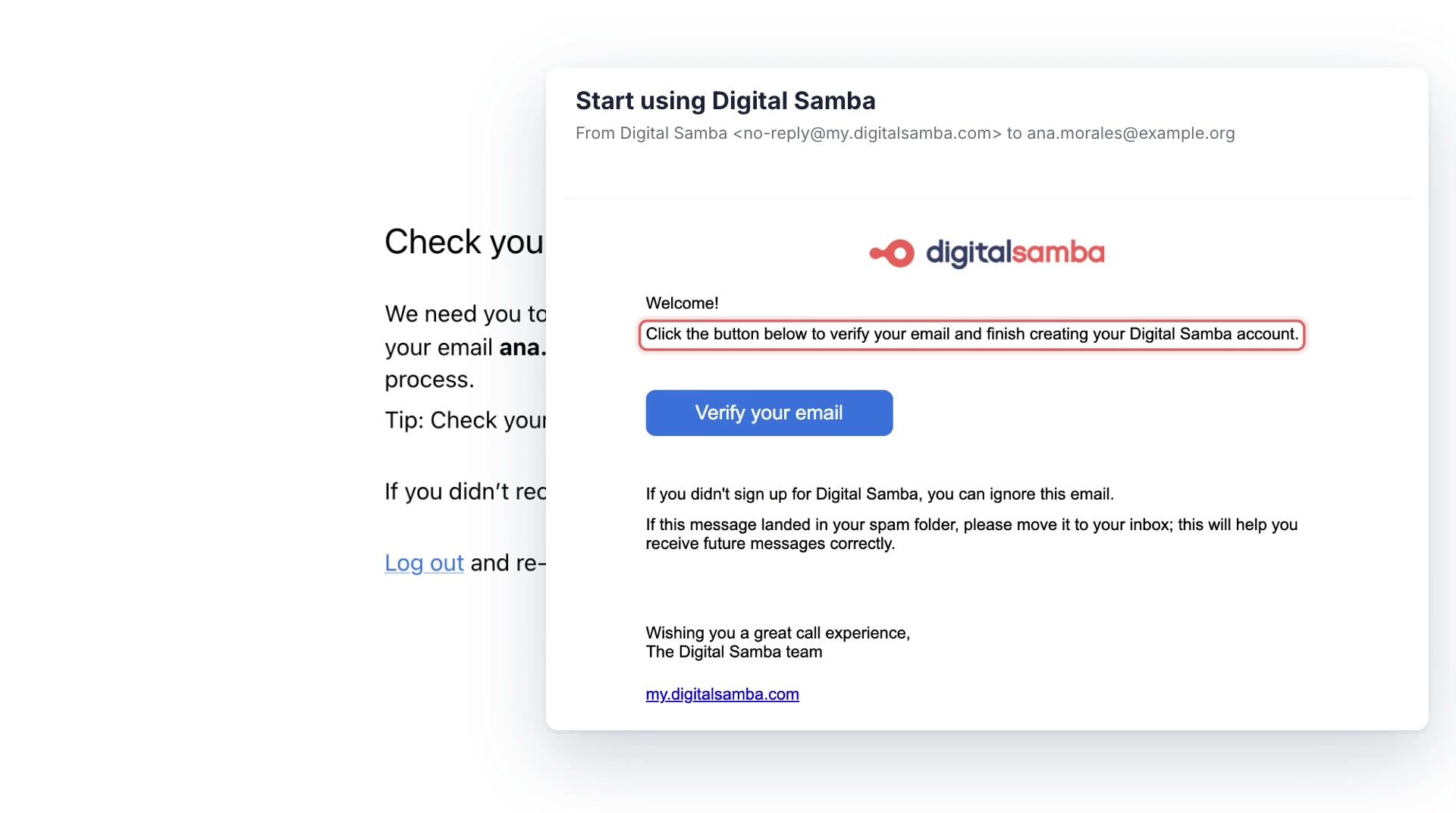
If you can't find it, look in your spam folder, or use click here to send it again.
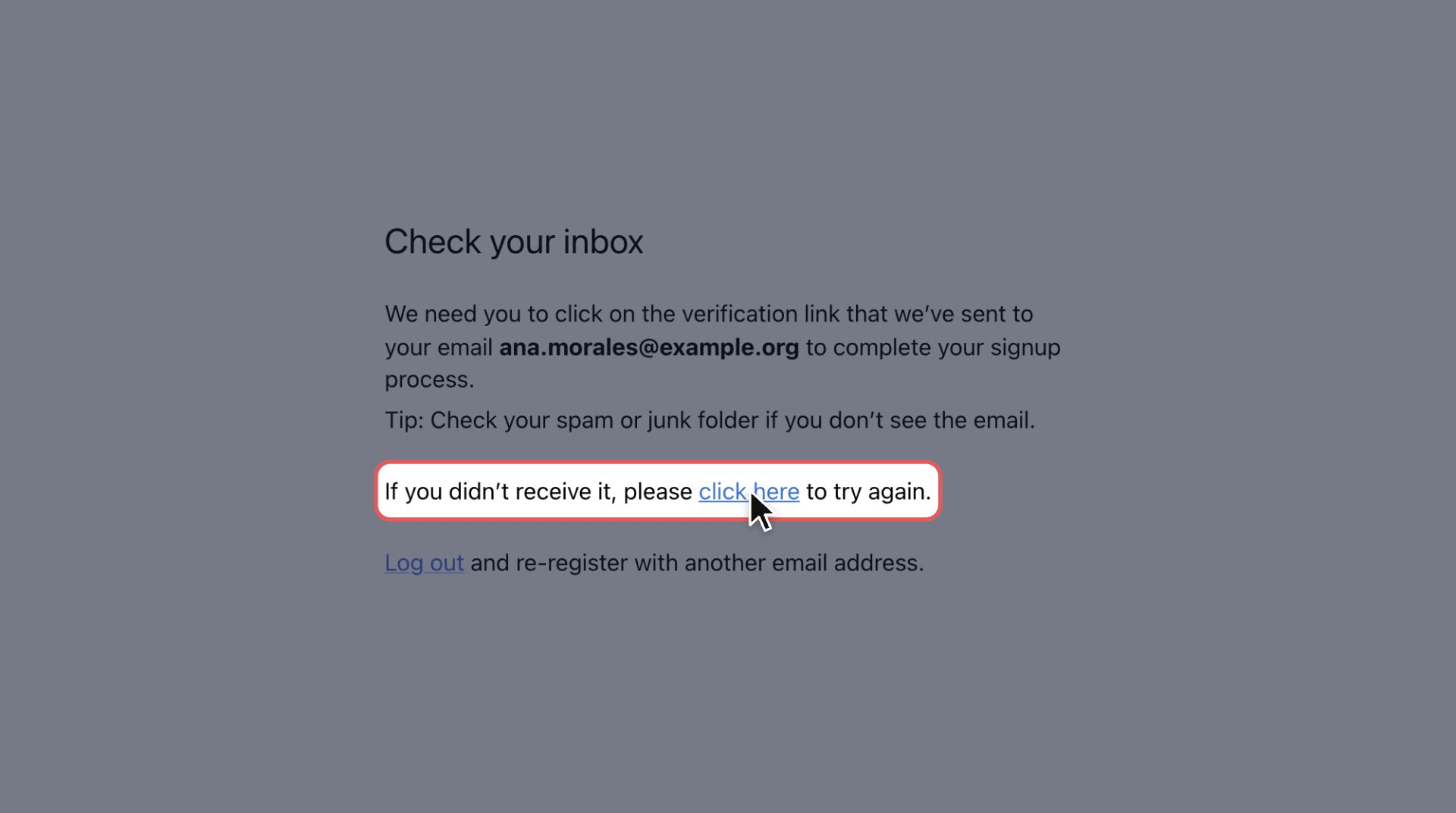
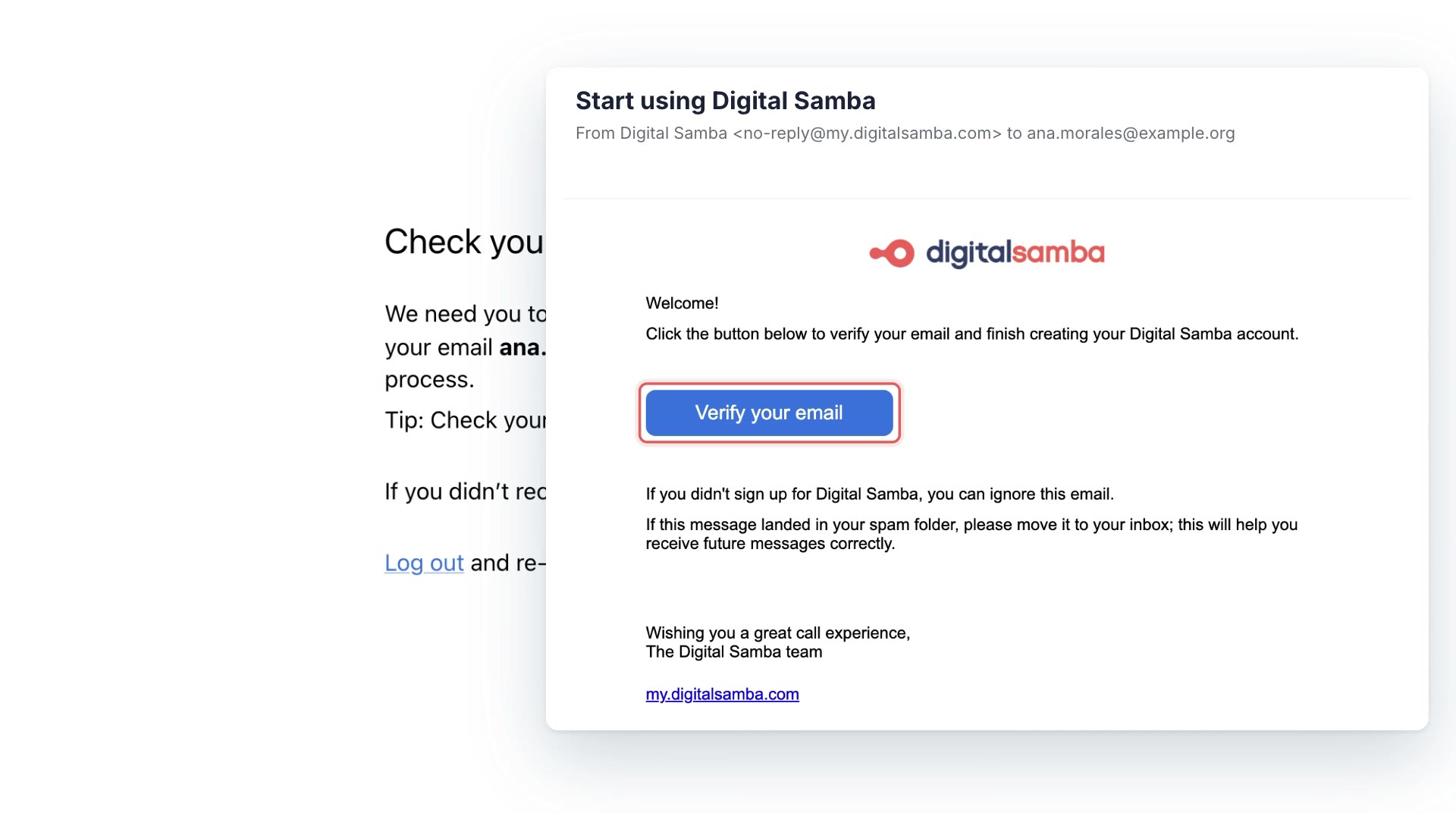
In the email, click Verify your email.
3Verify your email0:56
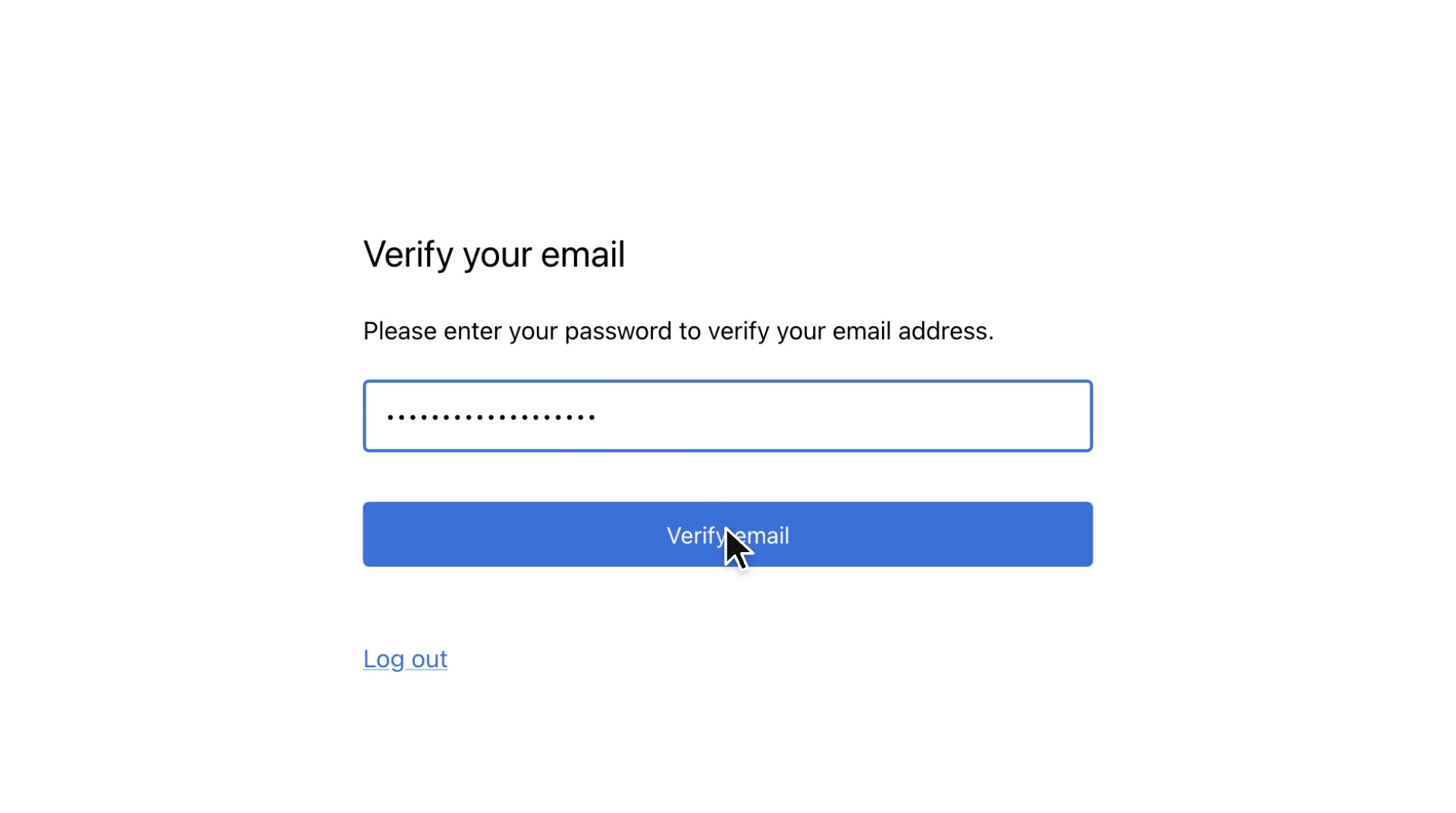
The link opens a page that asks for your password once more.
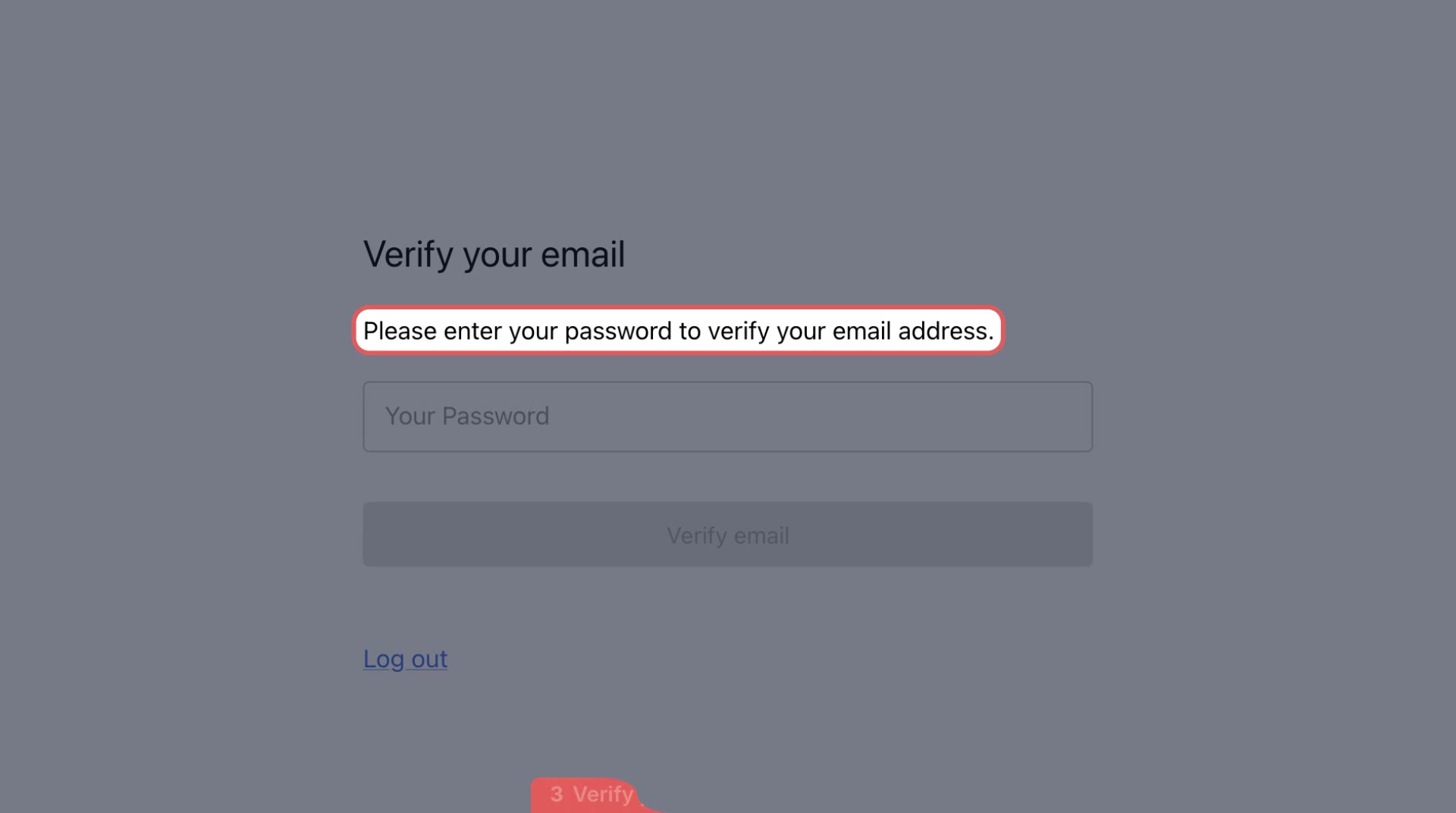
Type it, and click Verify email.
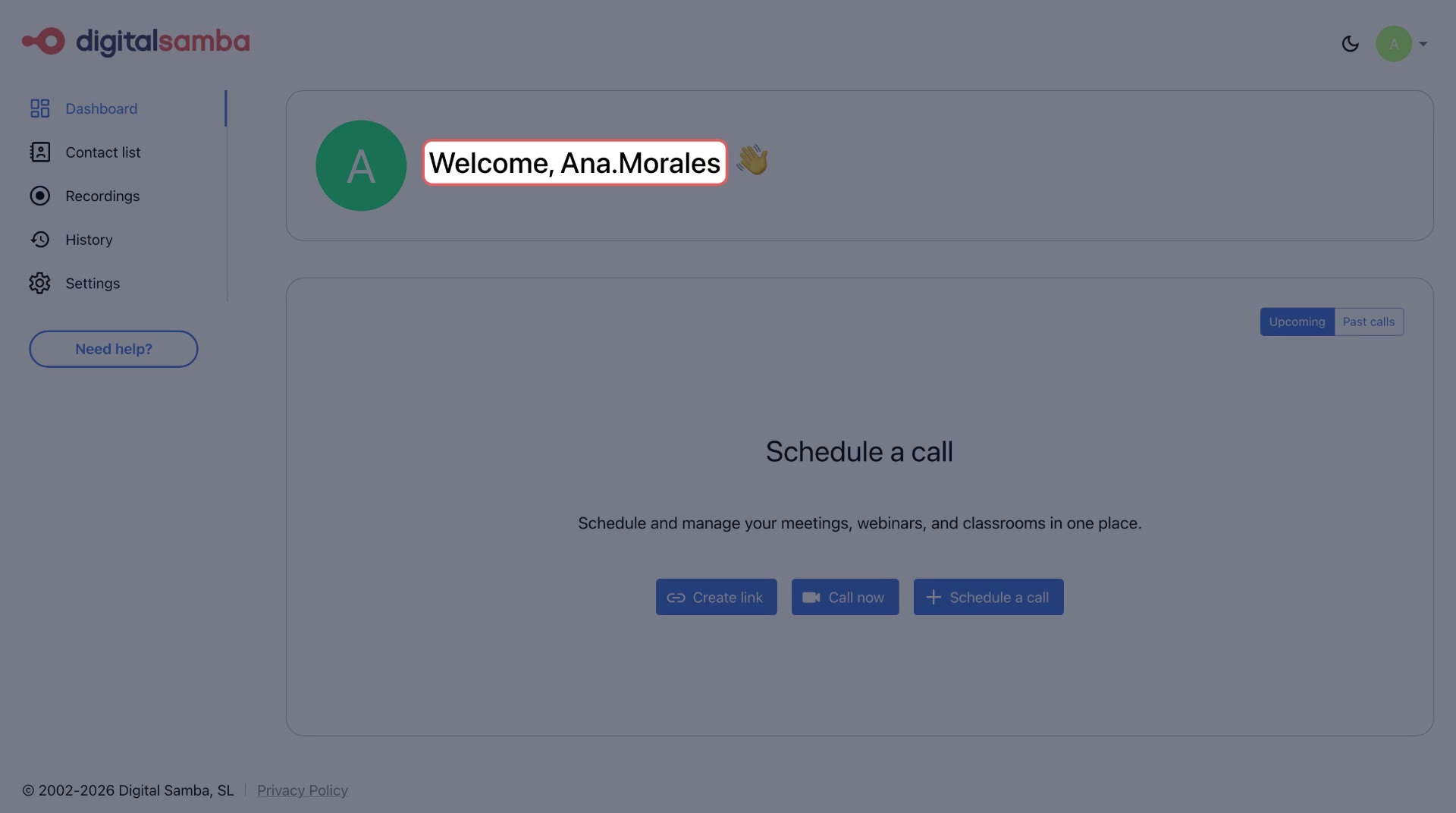
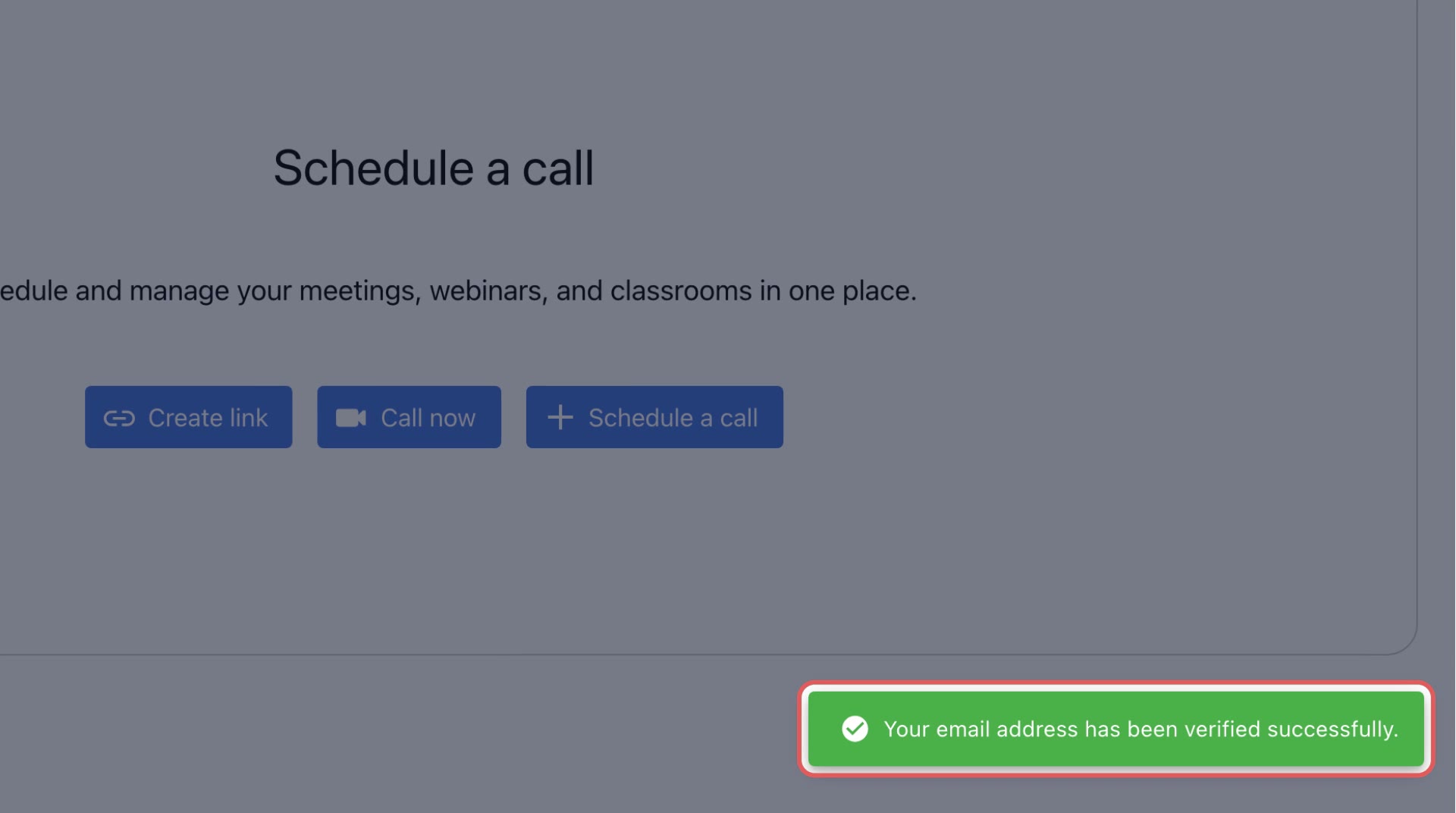
Now you're on your dashboard, and a message confirms that your email address is verified.
4Log in1:11
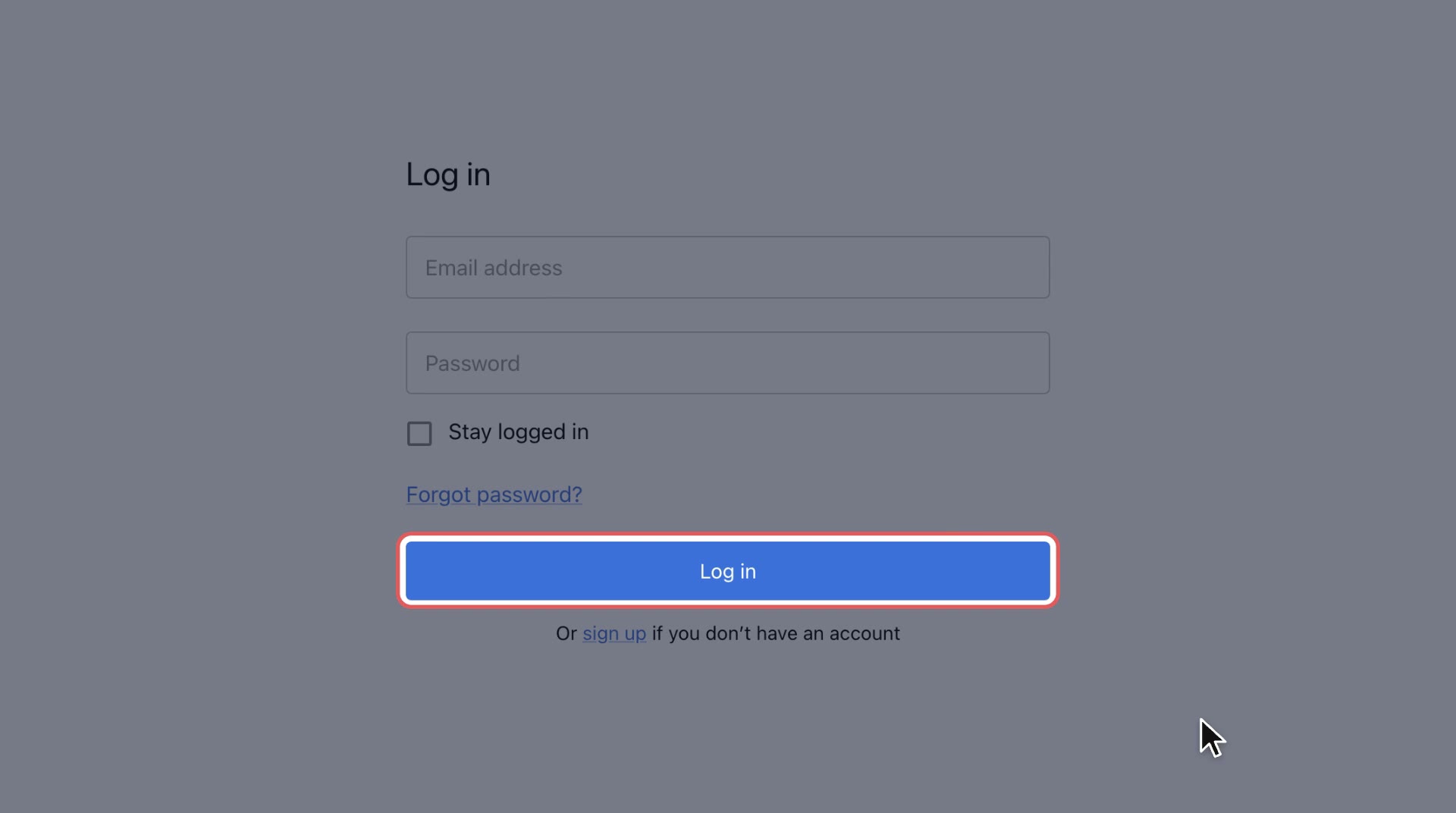
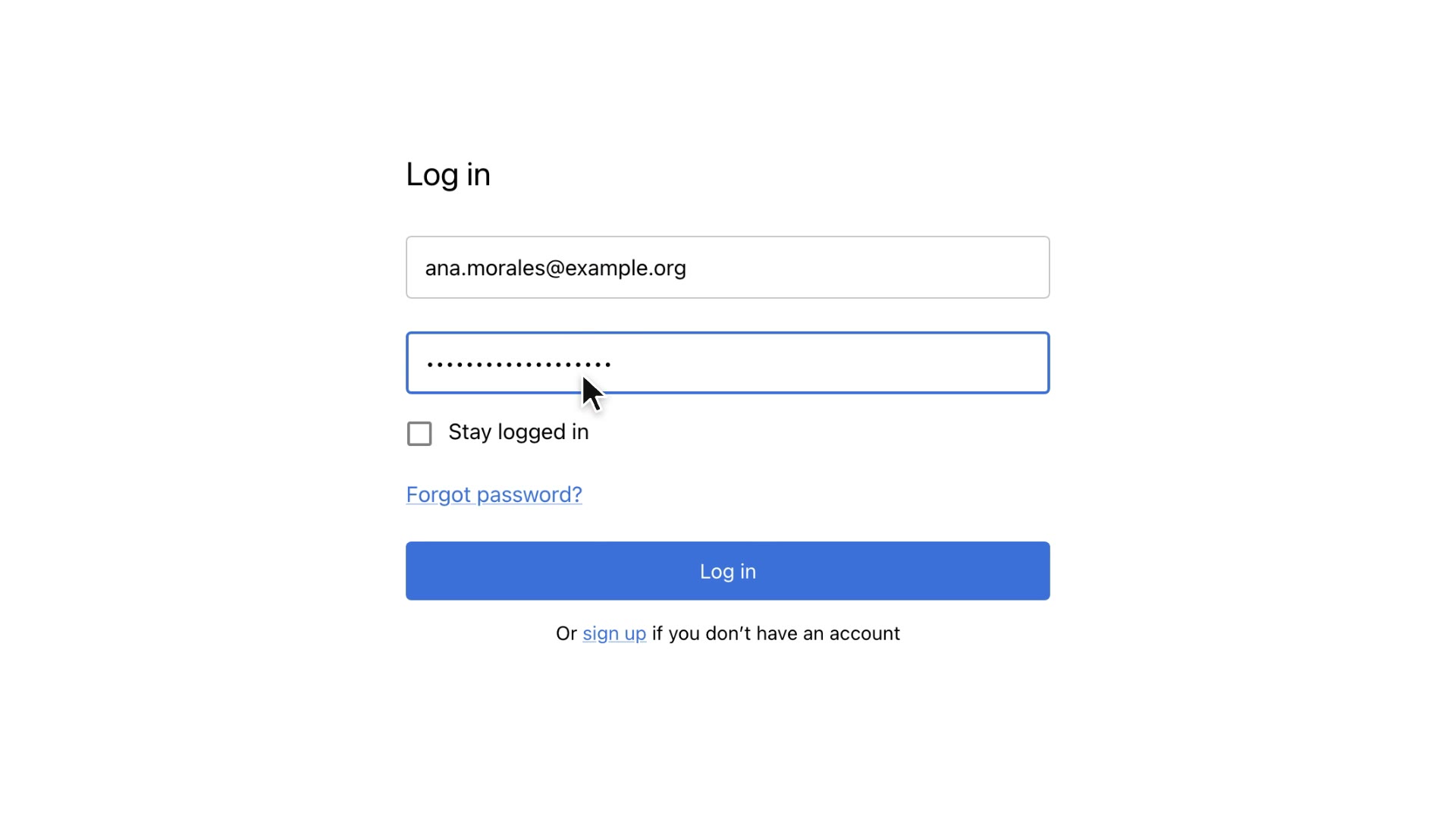
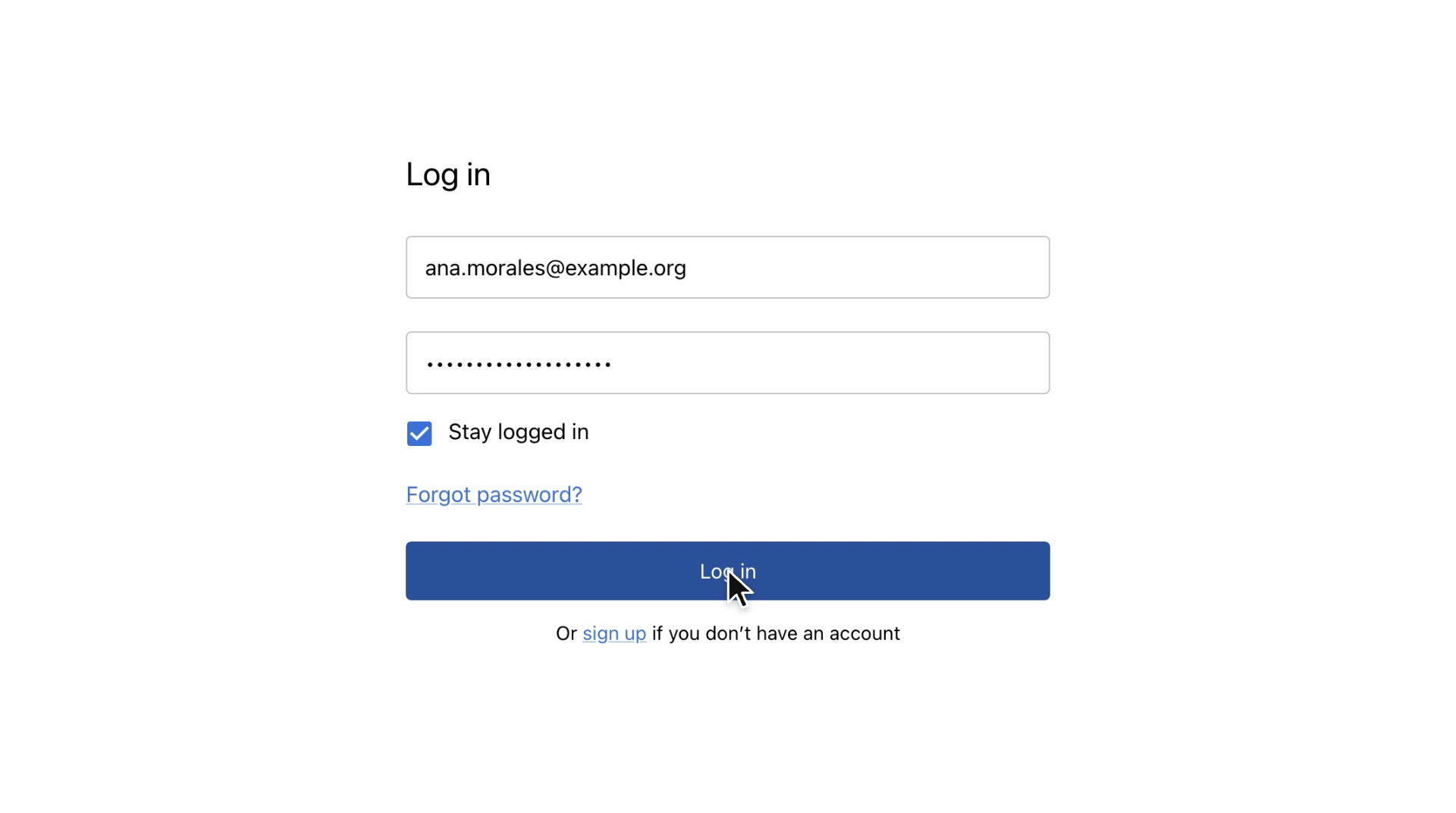
From now on, you come in through Log in, with the same email address and password.
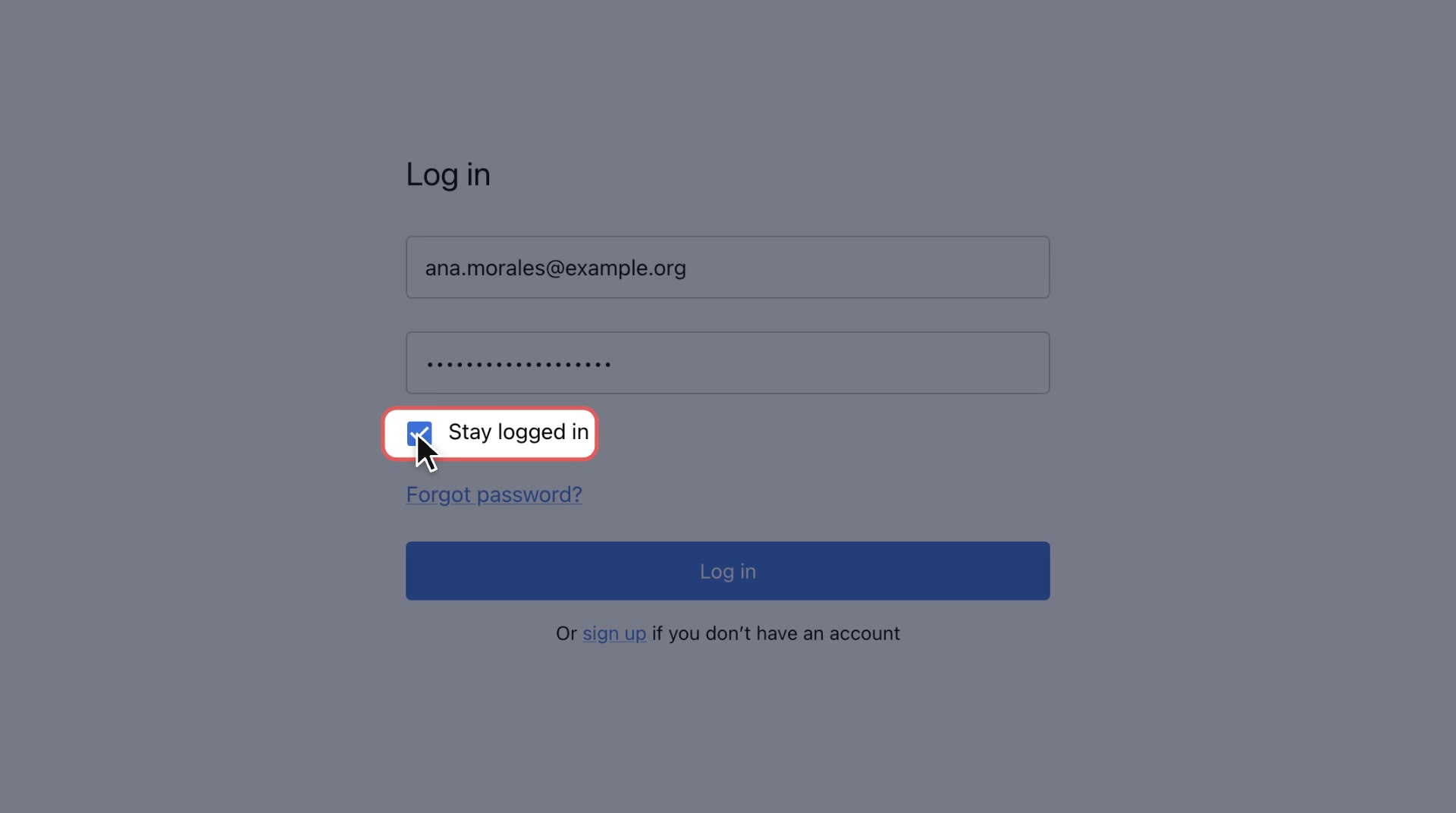
Tick Stay logged in, and this browser keeps you signed in. Use it only on your own computer.
Then click Log in.
5Forgot password?1:28
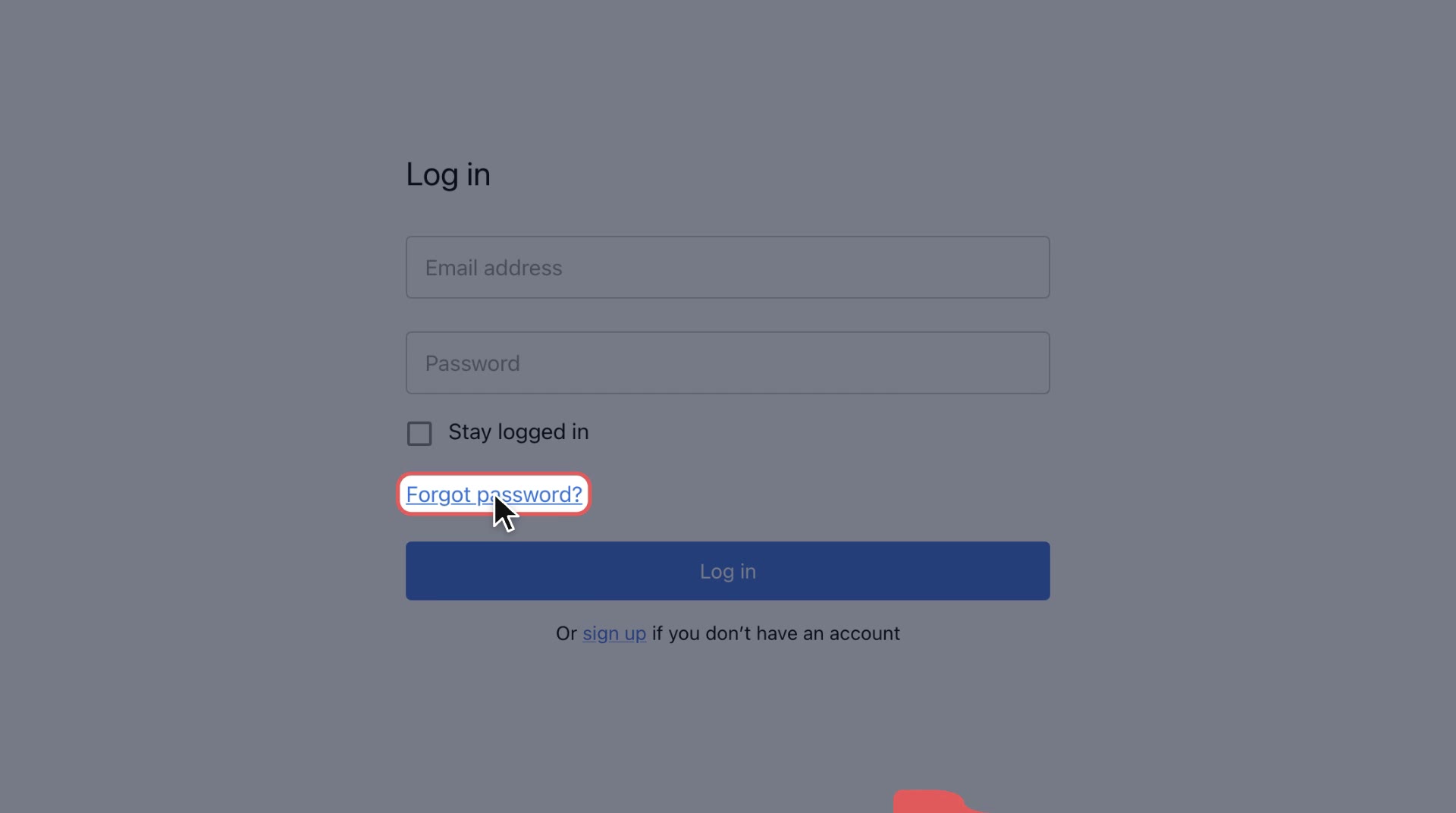
If you forget your password, click Forgot password on the Log in page.
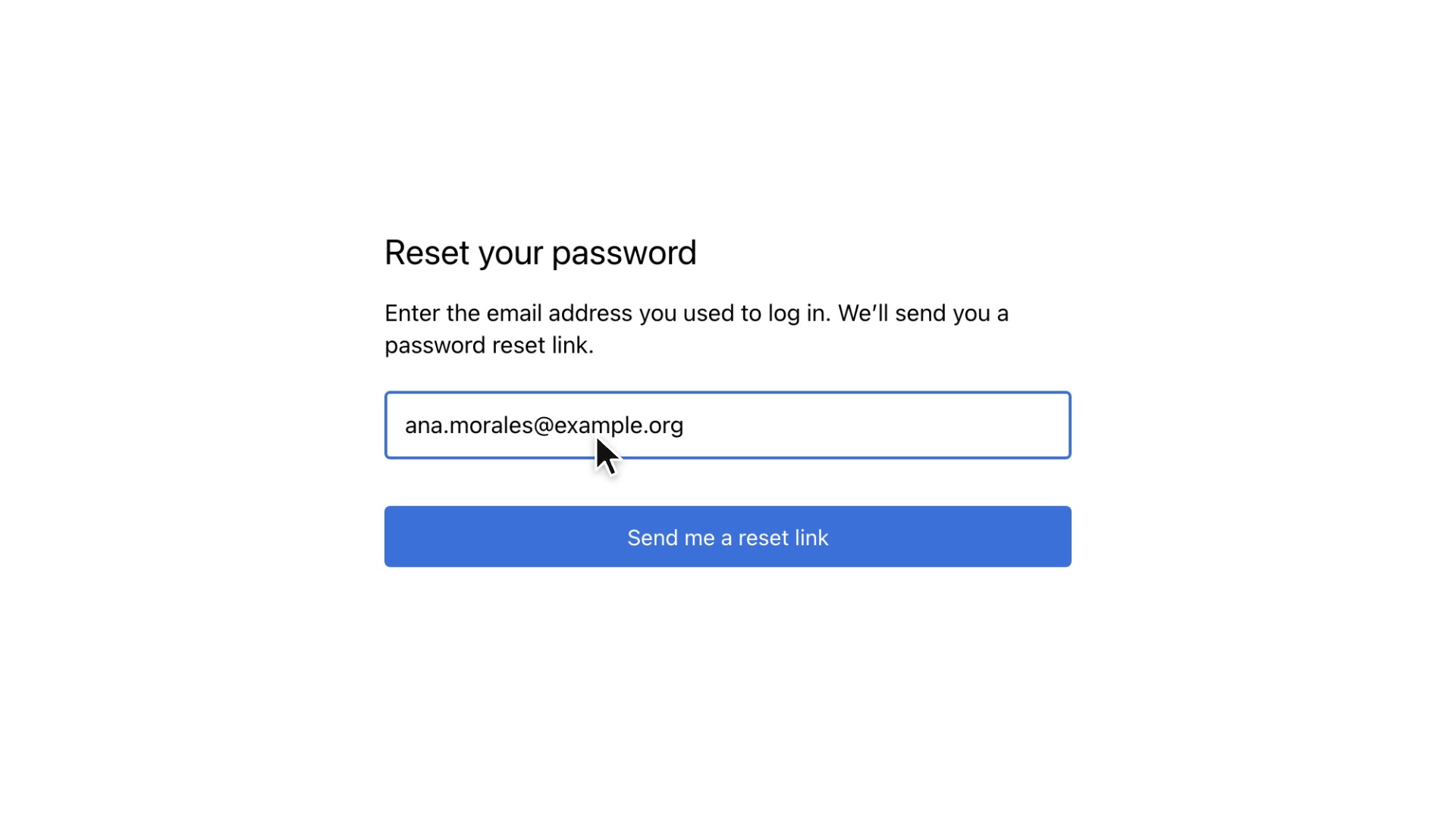
Enter your email address and click Send me a reset link.
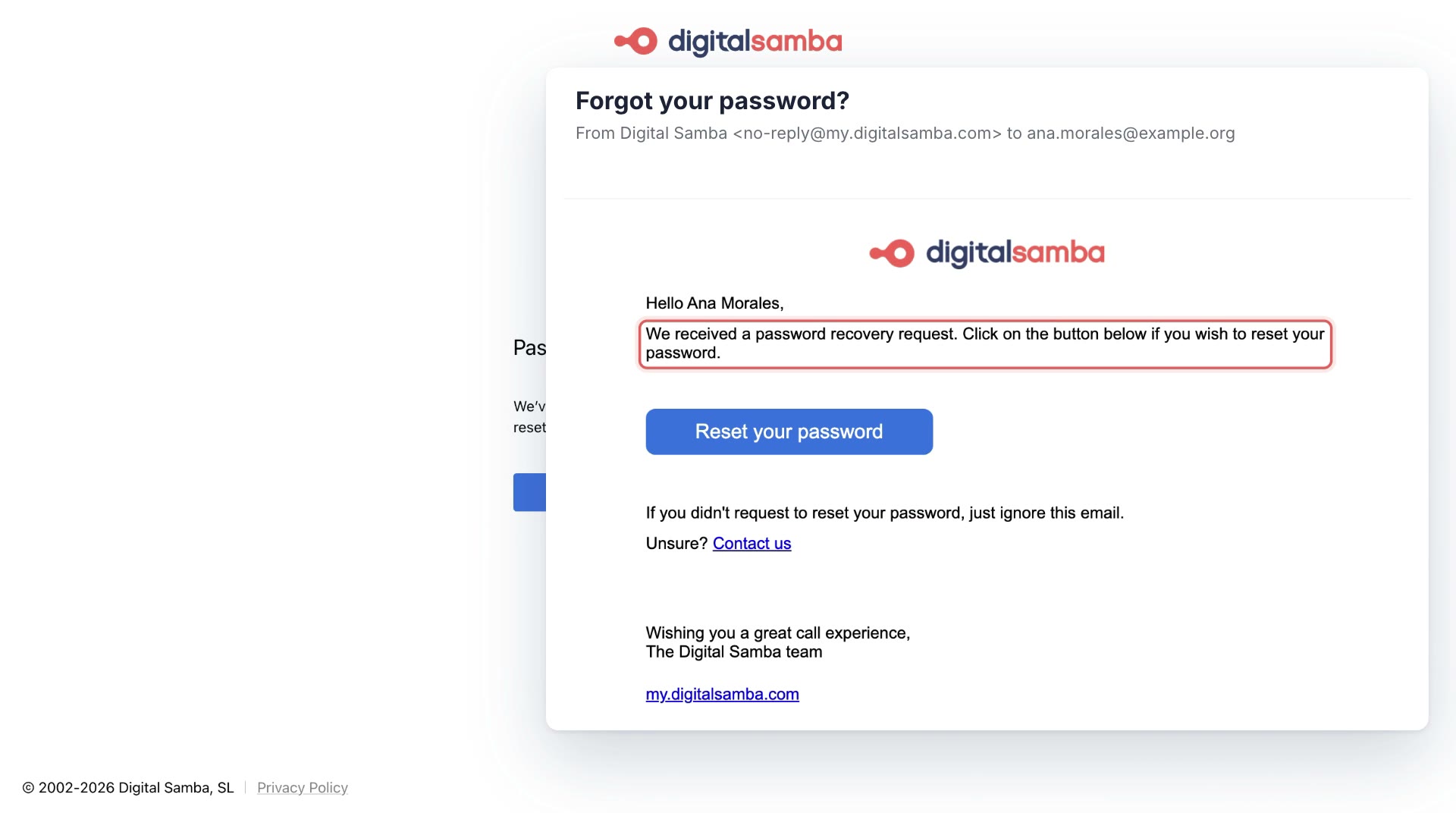
The email has a button, Reset your password: it opens a page where you type a new password twice. The same rules apply.
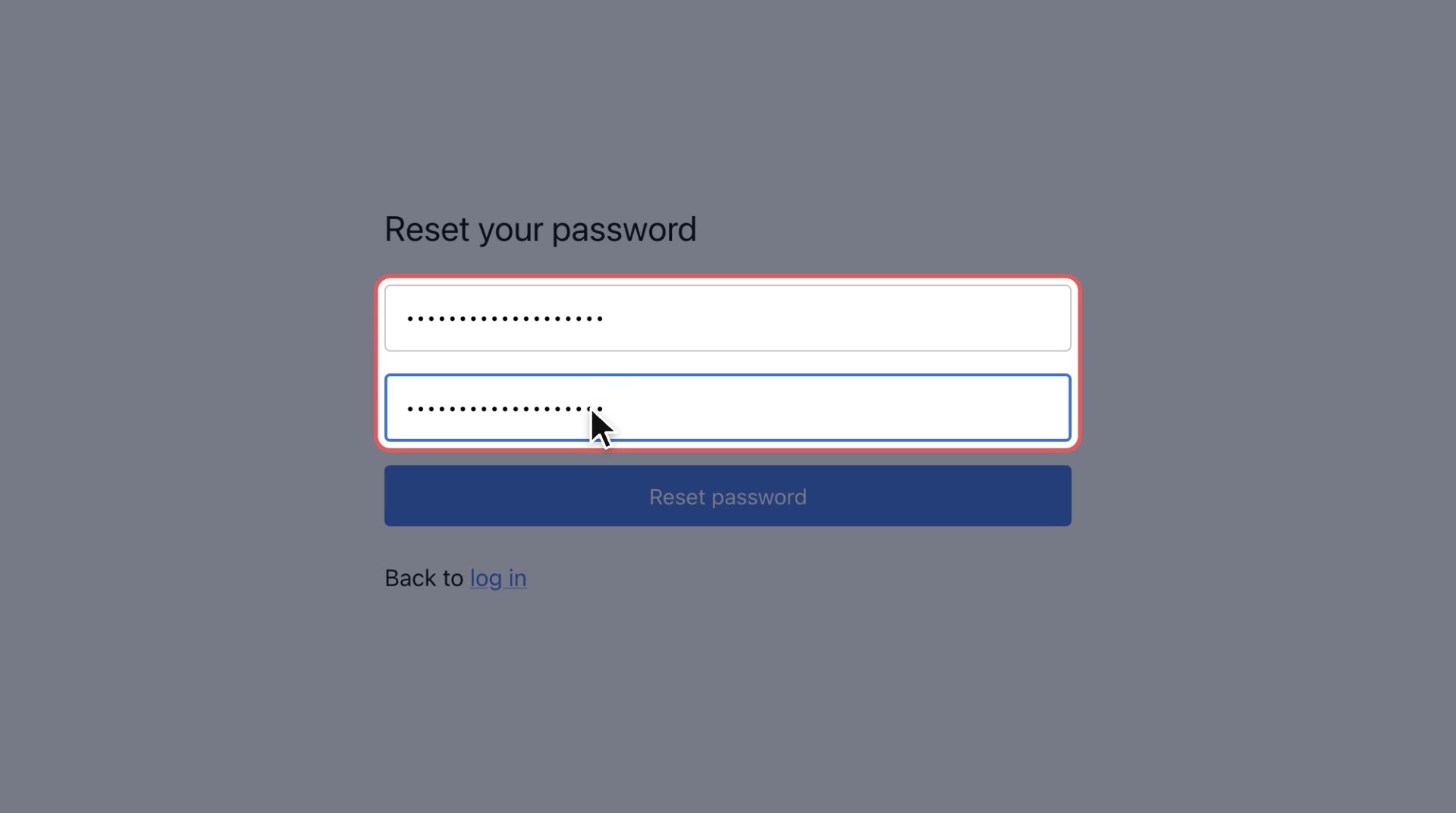
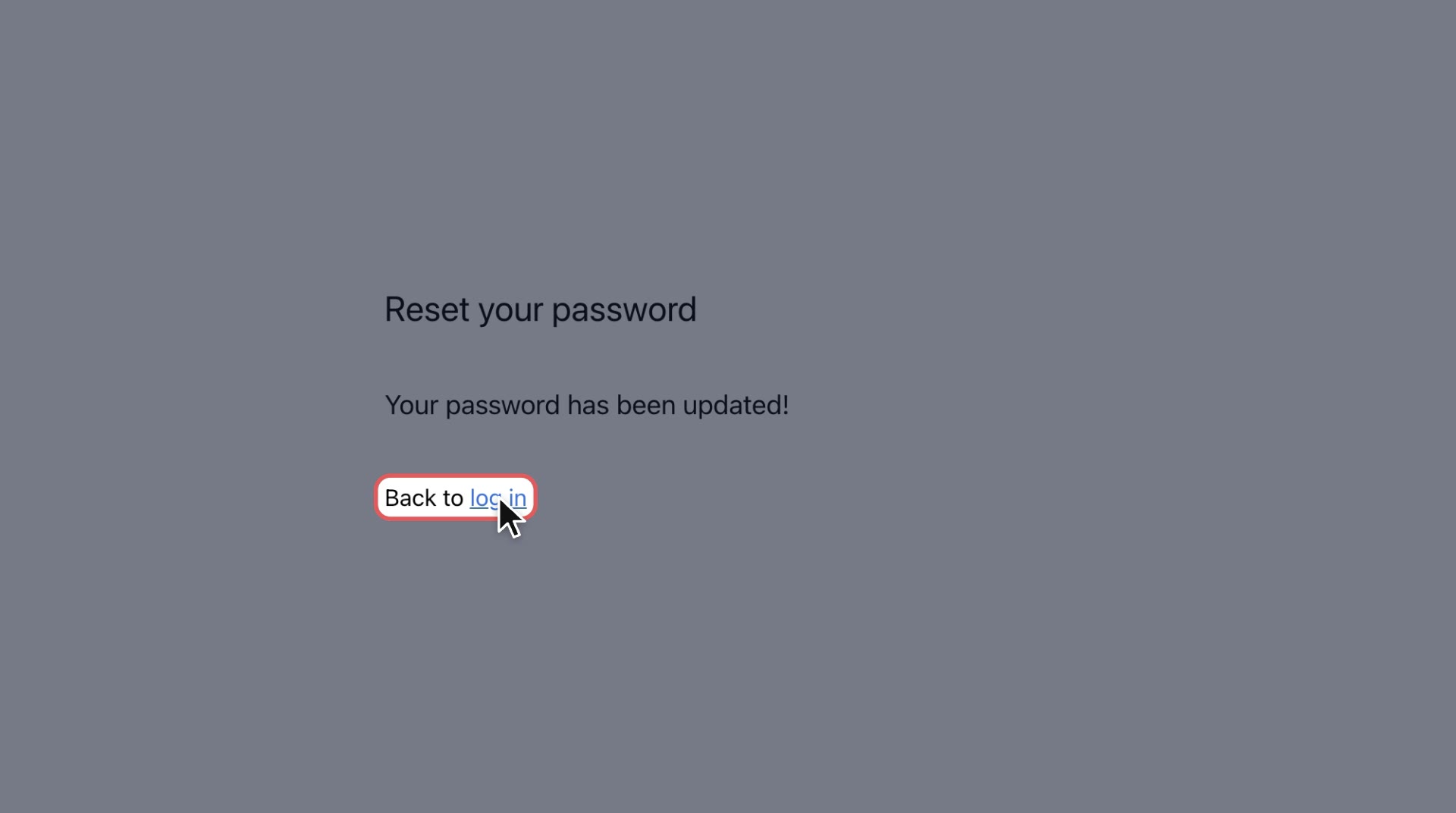
Click Reset password, then log in with the new one.
Good to know1:53
A reset link is valid for thirty minutes, and asking again cancels the earlier one.
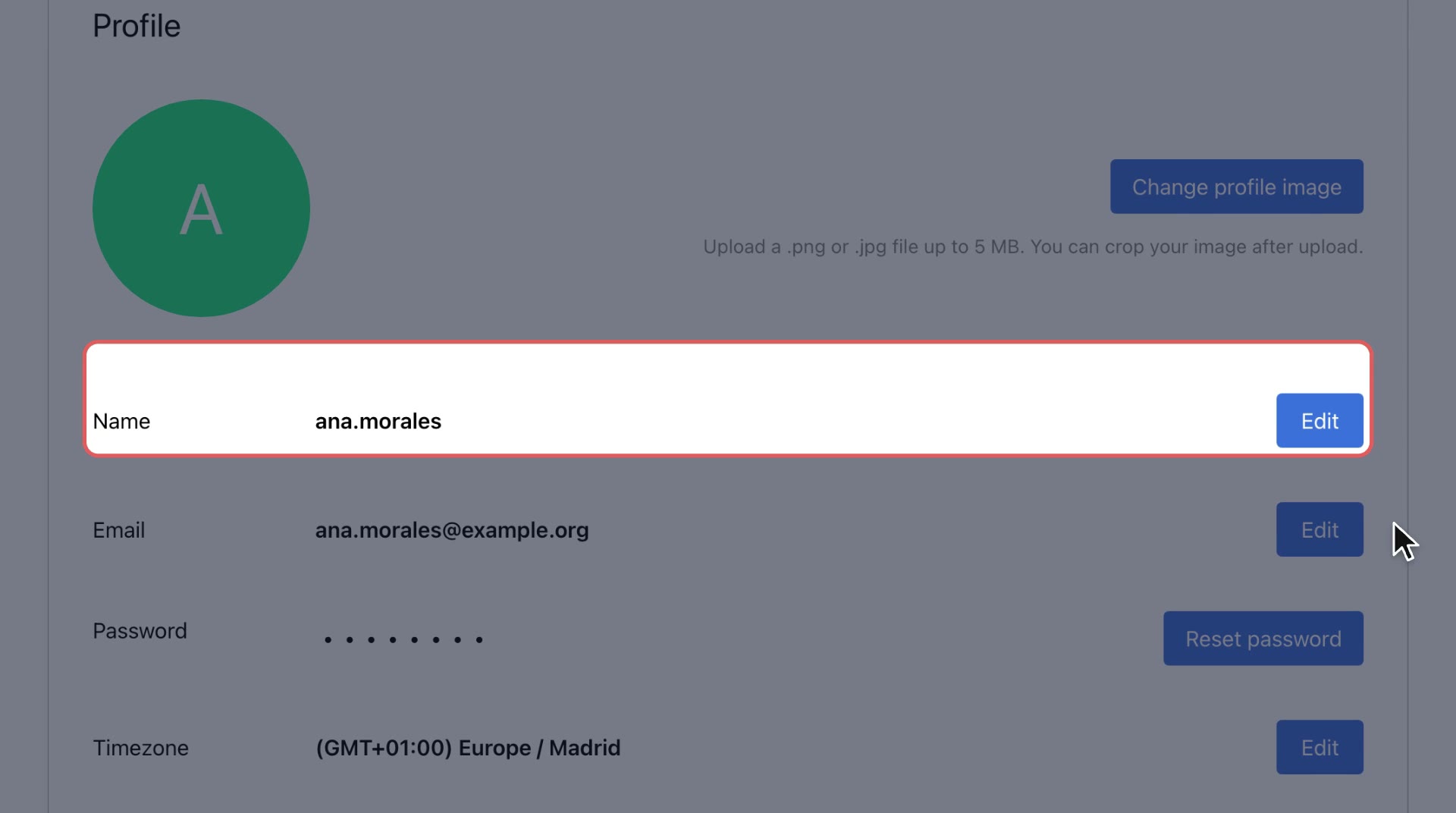
And sign-up doesn't ask for your name, so your dashboard greets you by the first part of your email address. Add your name in your profile.
Recap2:11
So: sign up, verify your email, and log in. Your account is ready.