Skip to content
University
Videos
Topics
Updates
Search the videos
Topics
Call links
All 14 moments in Digital Samba University that depend on this.
Your dashboard at a glance
Getting started · 2:12
1:05
Start a call
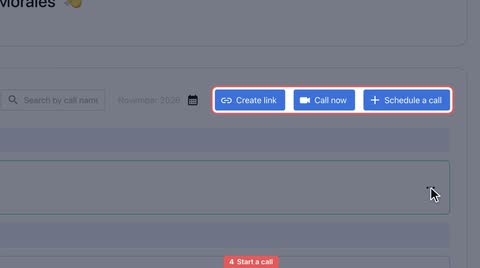
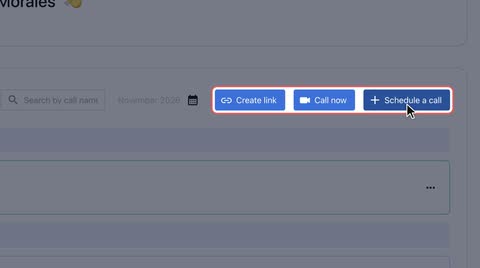
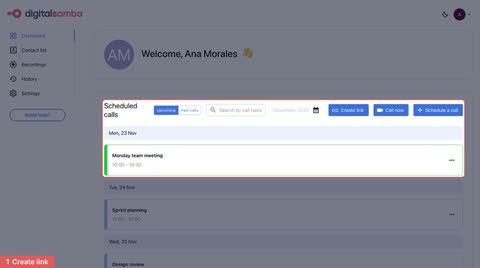
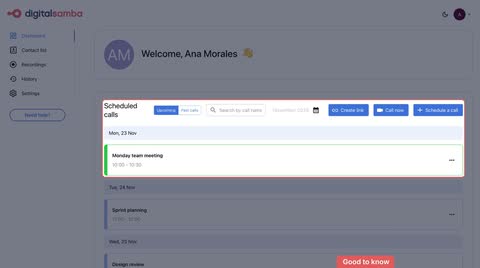
Three buttons start a call.
Read
1:07
Start a call
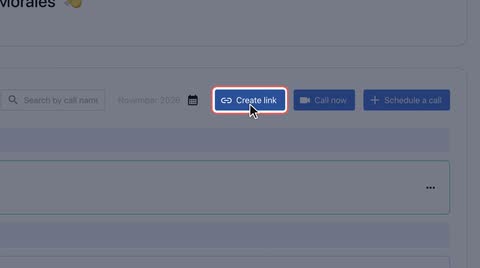
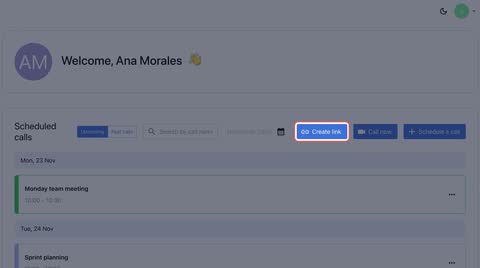
Create link makes a link you can send to anyone.
Read
1:17
Start a call
Each has its own video.
Read
1:57
Recap
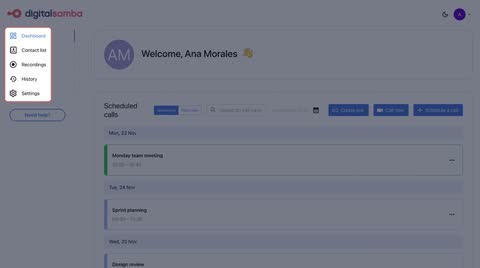
So: your calls by day, a search to find one, three buttons to start one, and a menu for the rest.
Read
Create a call link to share
Start a call now · 1:50
0:01
Introduction
In this video, you'll create a call link — for a meeting, a class or a webinar — to share, with no date or time to choose.
Read
0:12
Create link
Our example: office hours, one standing link that Ana's team gives to its clients.
Read
0:18
Create link
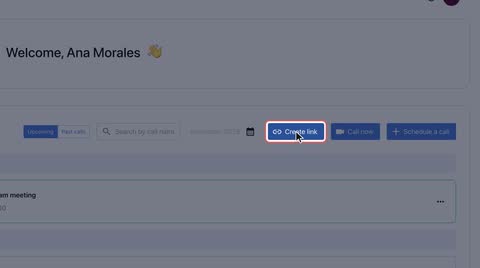
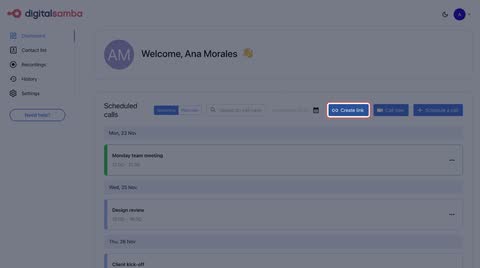
On your dashboard, click Create link.
Read
0:48
Expire date
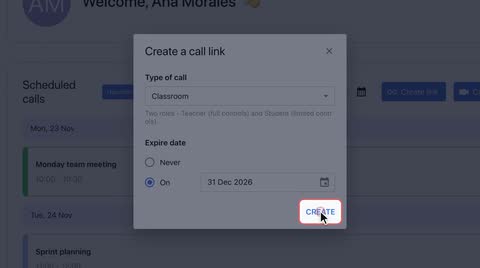
Then click Create.
Read
0:58
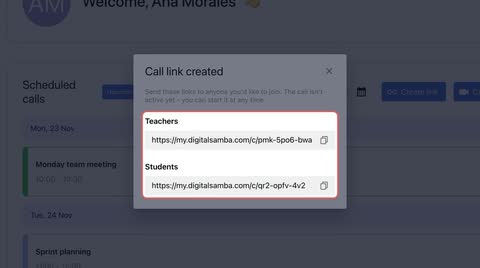
Copy your links
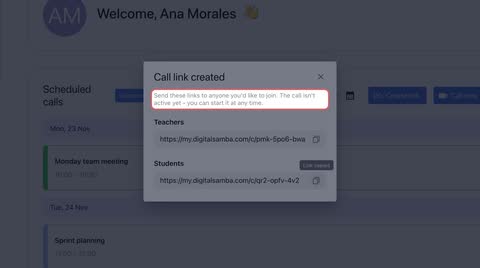
No email is sent: you share the links yourself.
Read
1:16
Good to know
Good to know: call links don't appear in your list of calls, so keep them somewhere safe.
Read
1:34
Recap
So: click Create link, choose the type and the expire date, click Create, and copy a link for each role.
Read
Invitations and RSVPs: what your participants receive
Scheduling calls · 3:07
2:35
Good to know
Calls made with Create link never send email.
Read
Types of call: Meeting, Webinar and Classroom
Customise your calls · 2:42
0:16
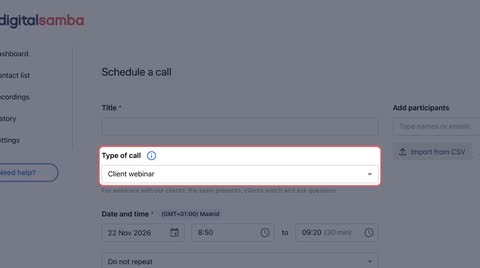
Type of call
Every call — a meeting, a class or a webinar — has a type of call, chosen when you schedule a call or create a link.
Read
1:39
Set as default
Careful: scheduling a call or creating a link with another type makes that type the default.
Read
All topics