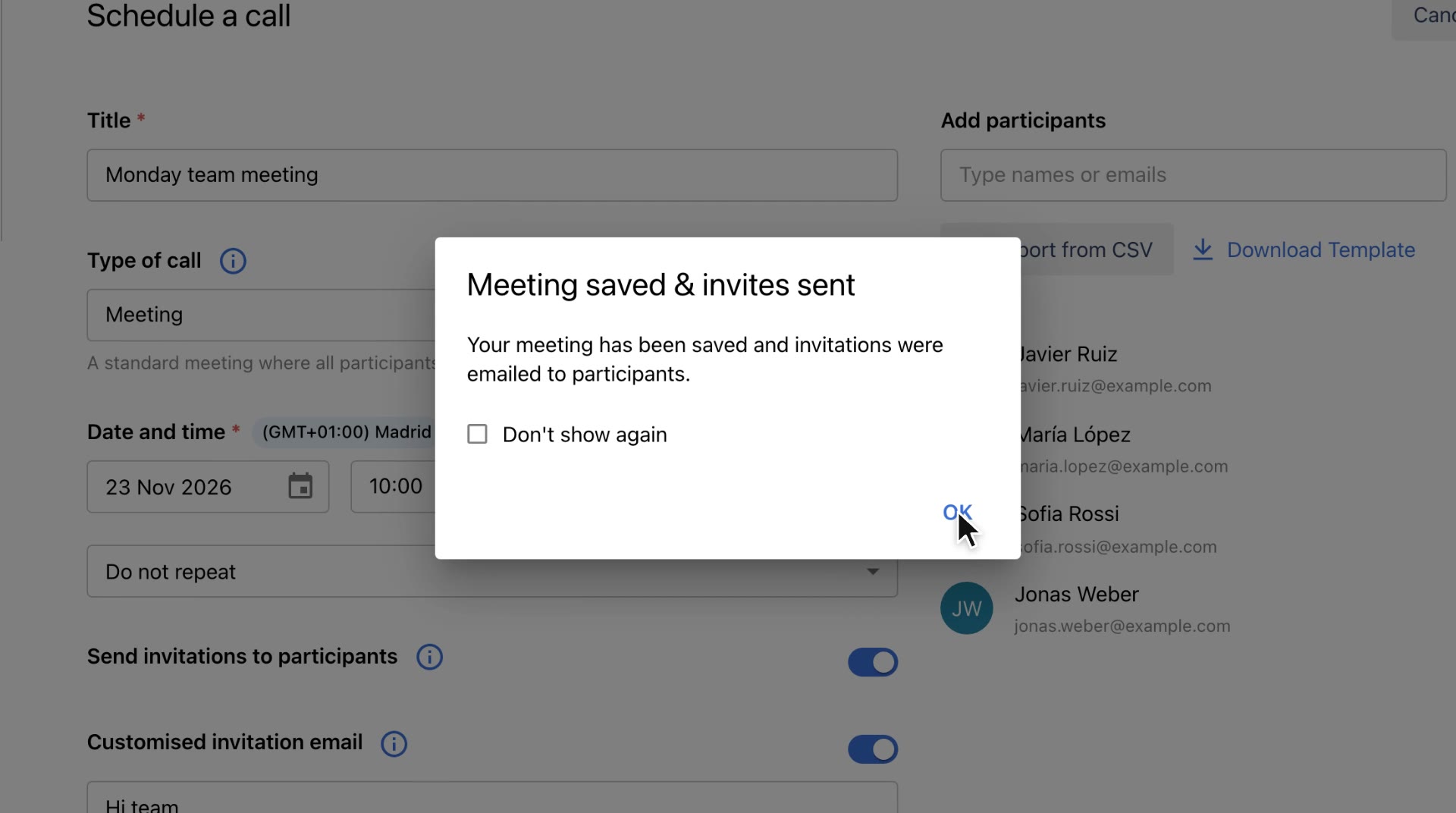
1Send invitations to participants0:11
Our example is the team's Monday meeting.
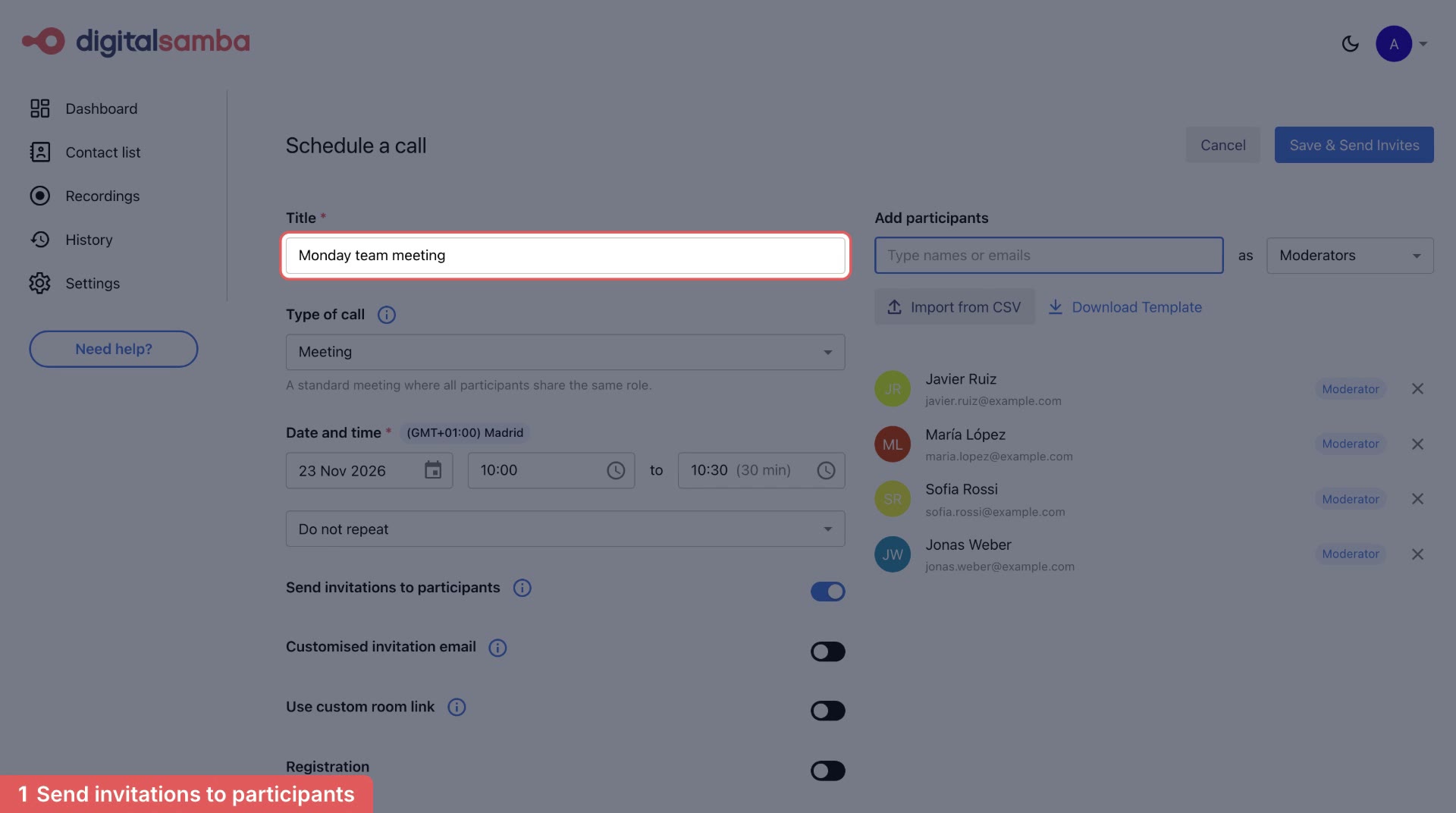
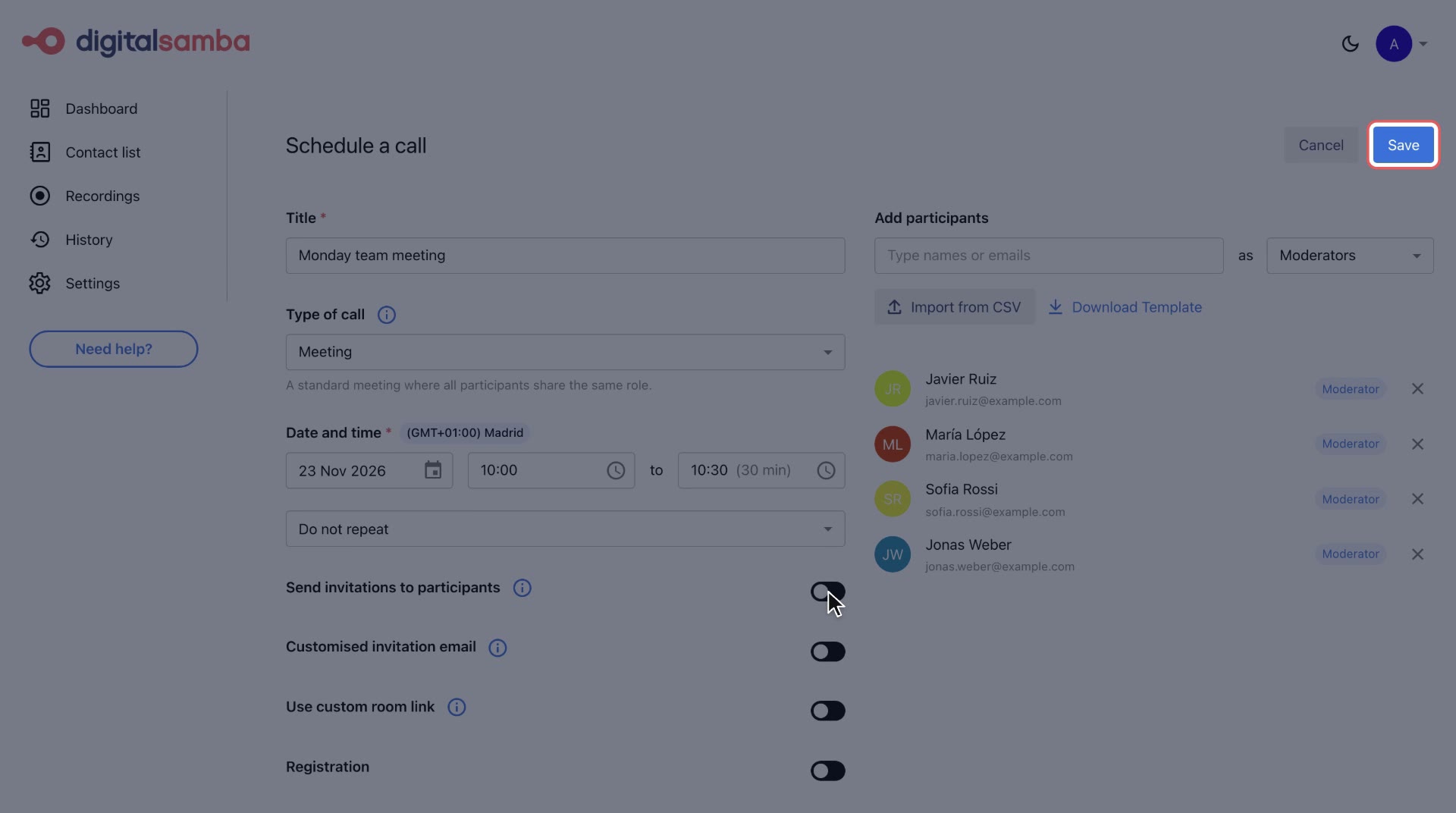
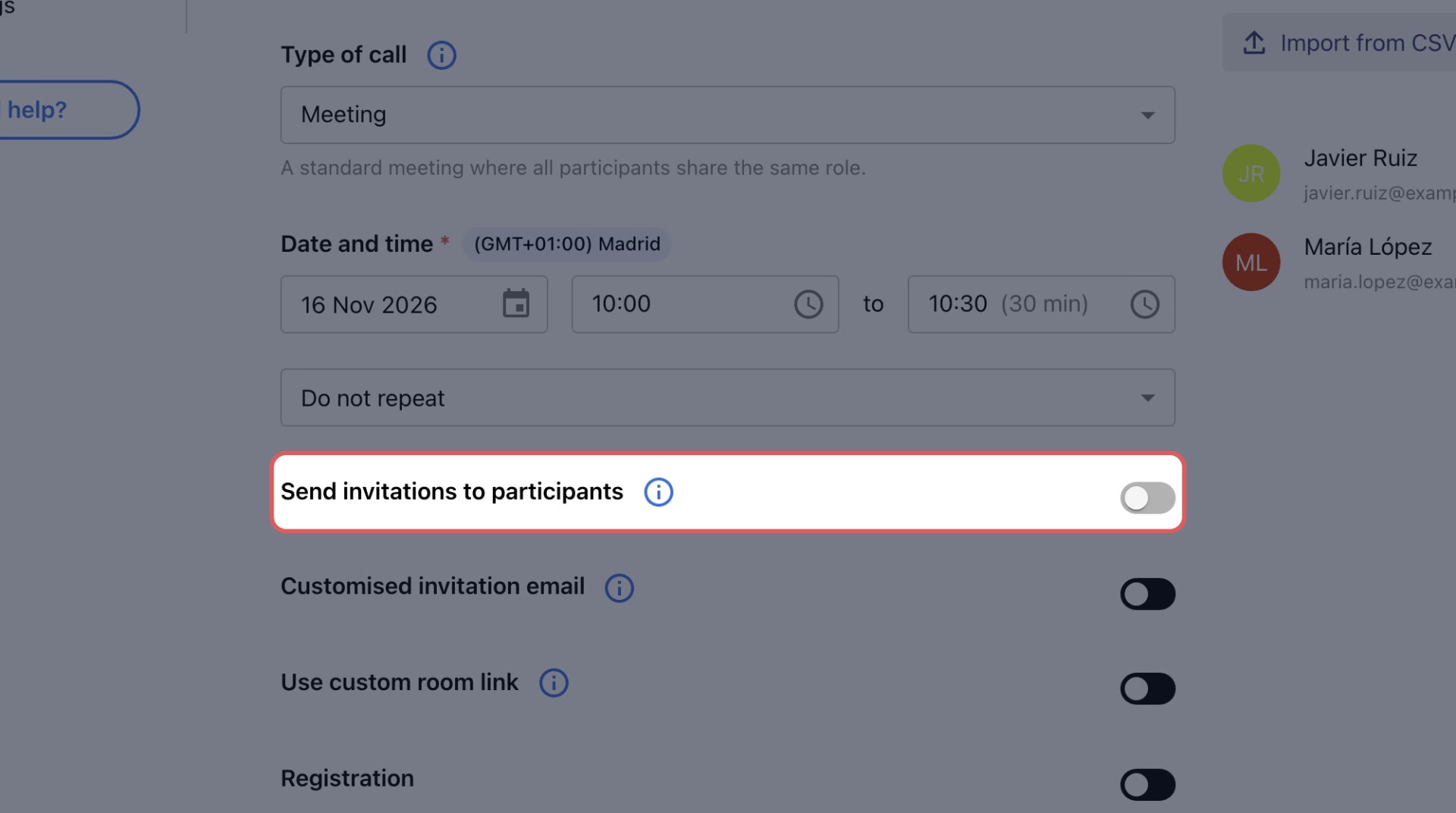
On the Schedule a call form, find Send invitations to participants.
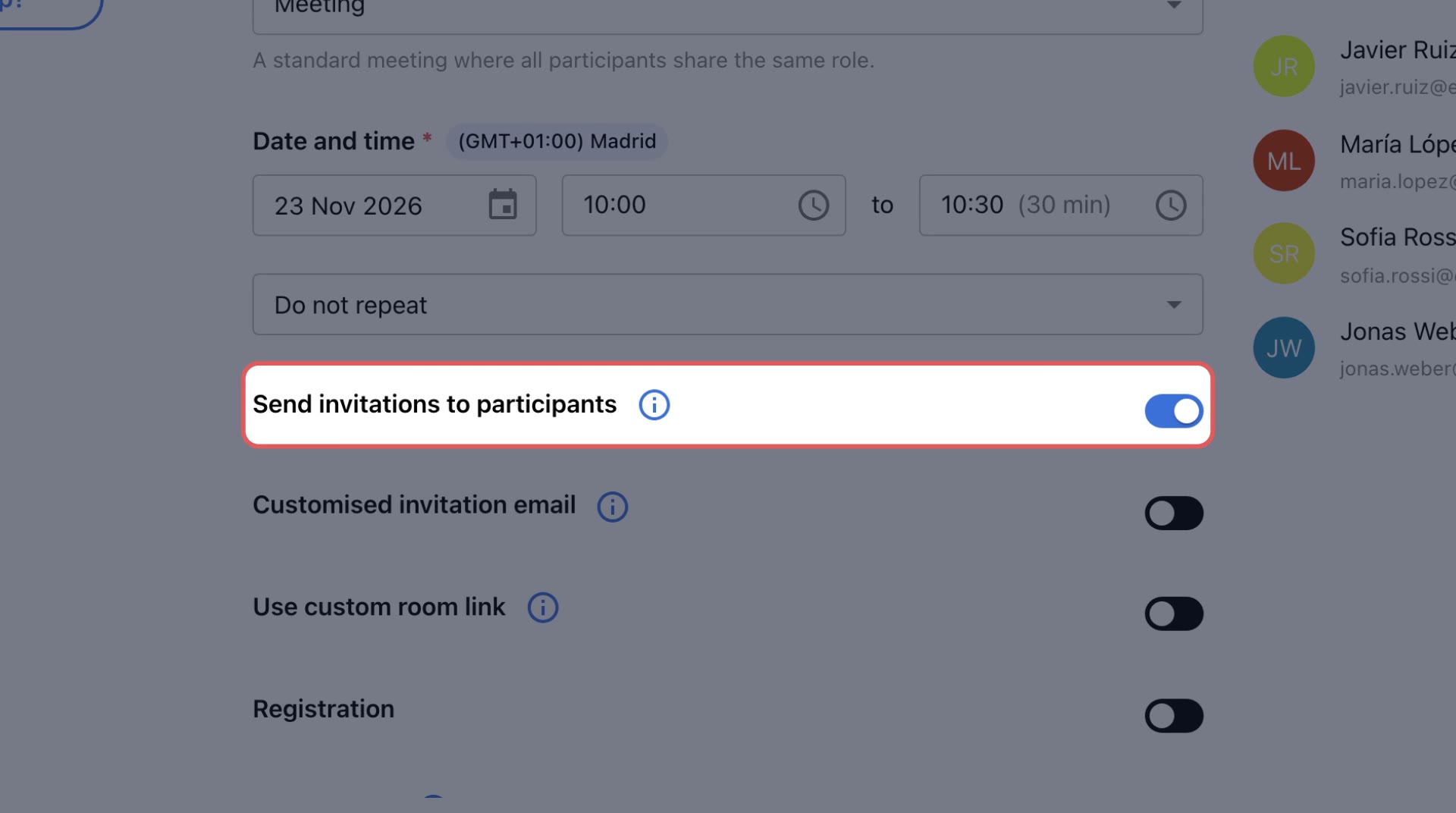
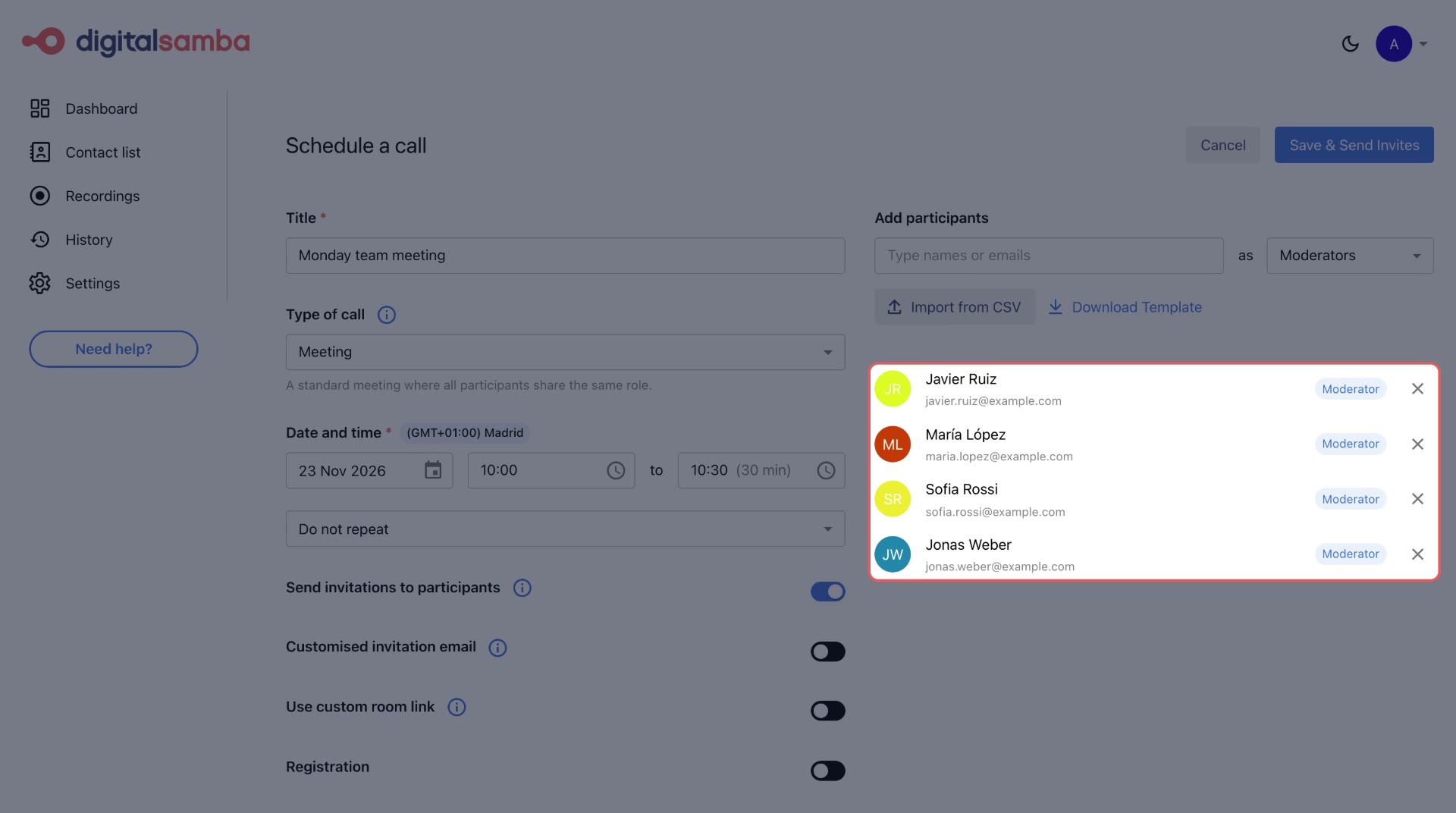
While it is on, saving the call emails an invitation to everyone on the list.
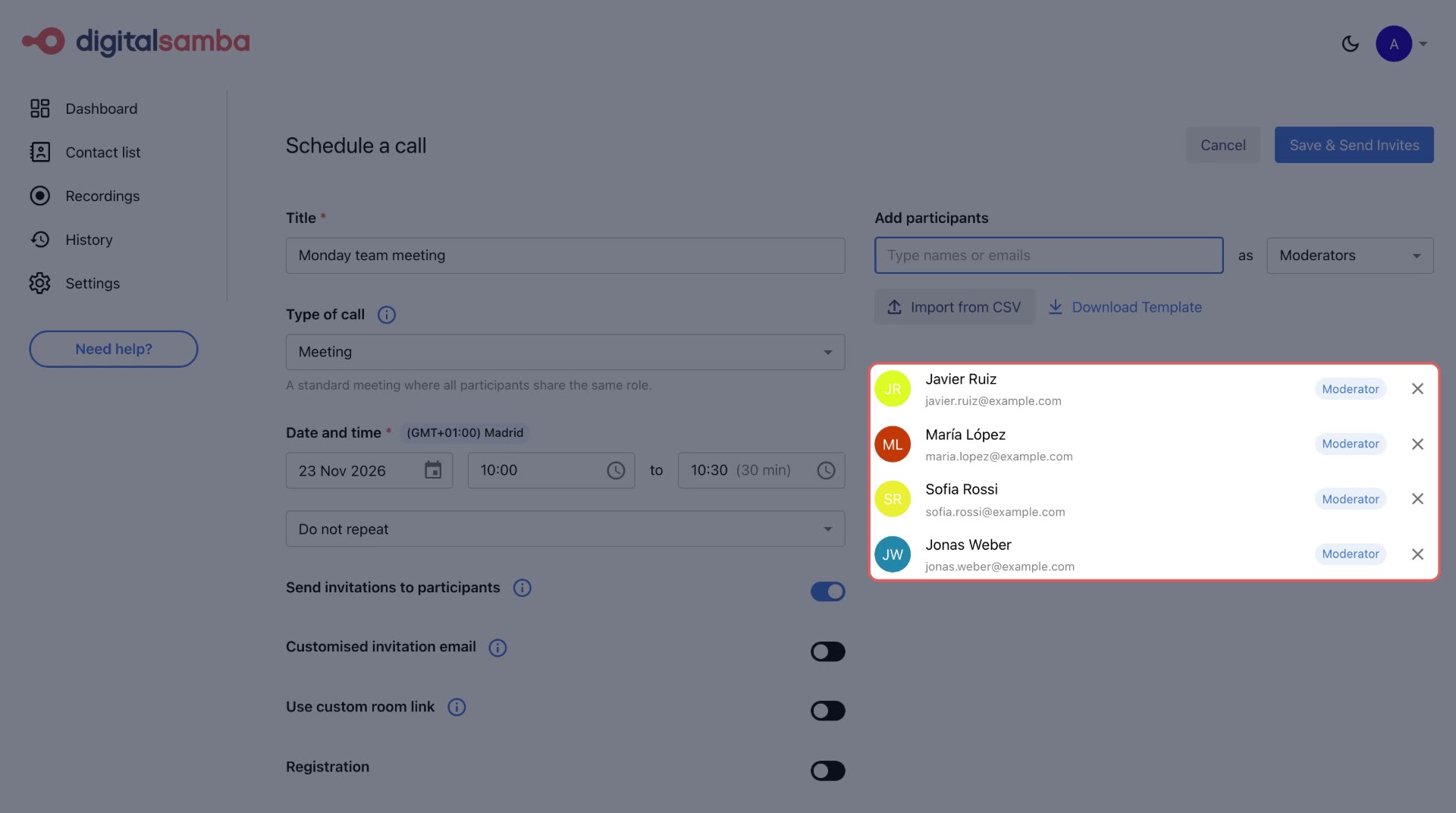
Turn it off, and the call is saved without sending anything: you share the link yourself.
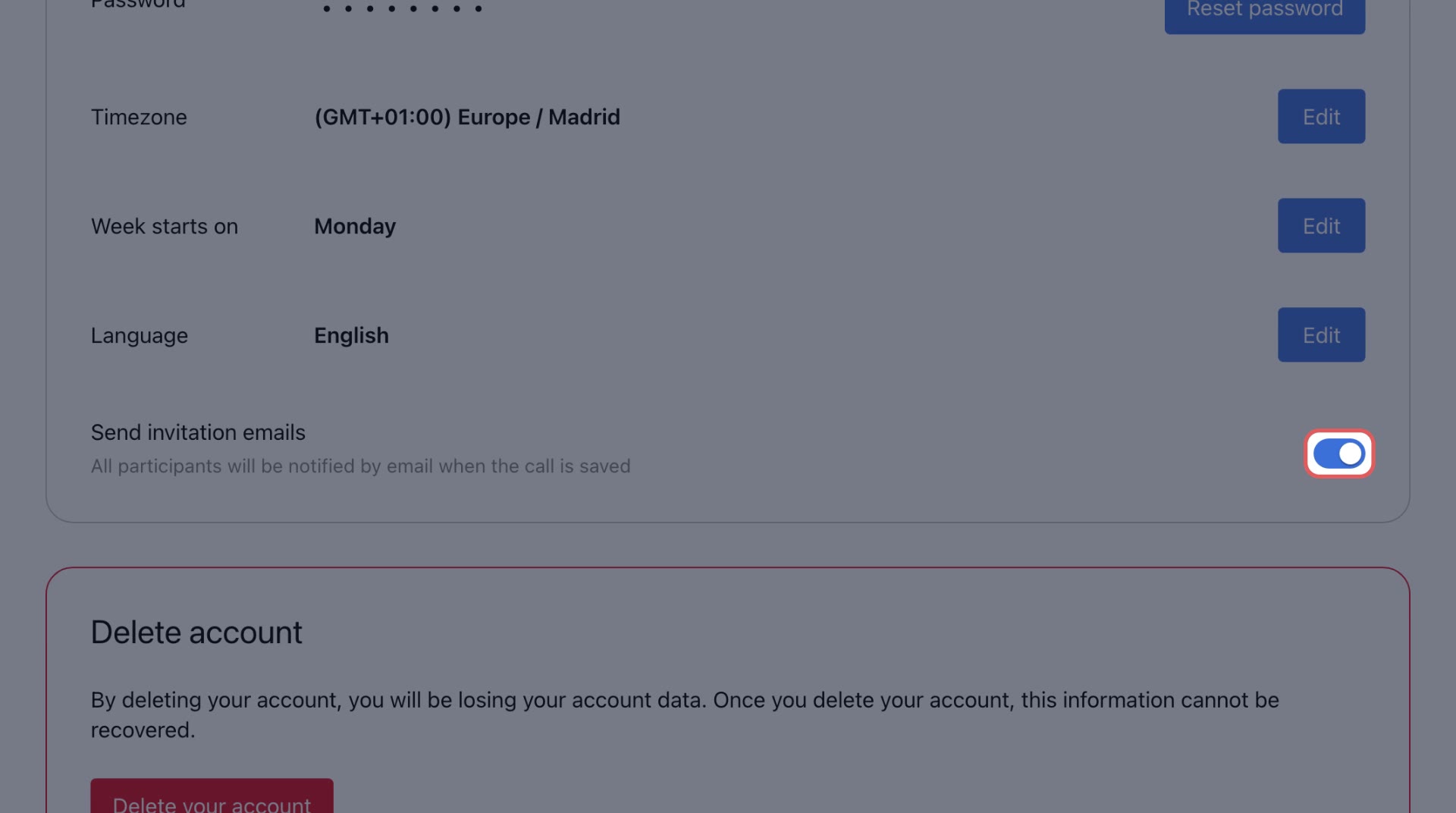
A second switch is in your profile: Send invitation emails.
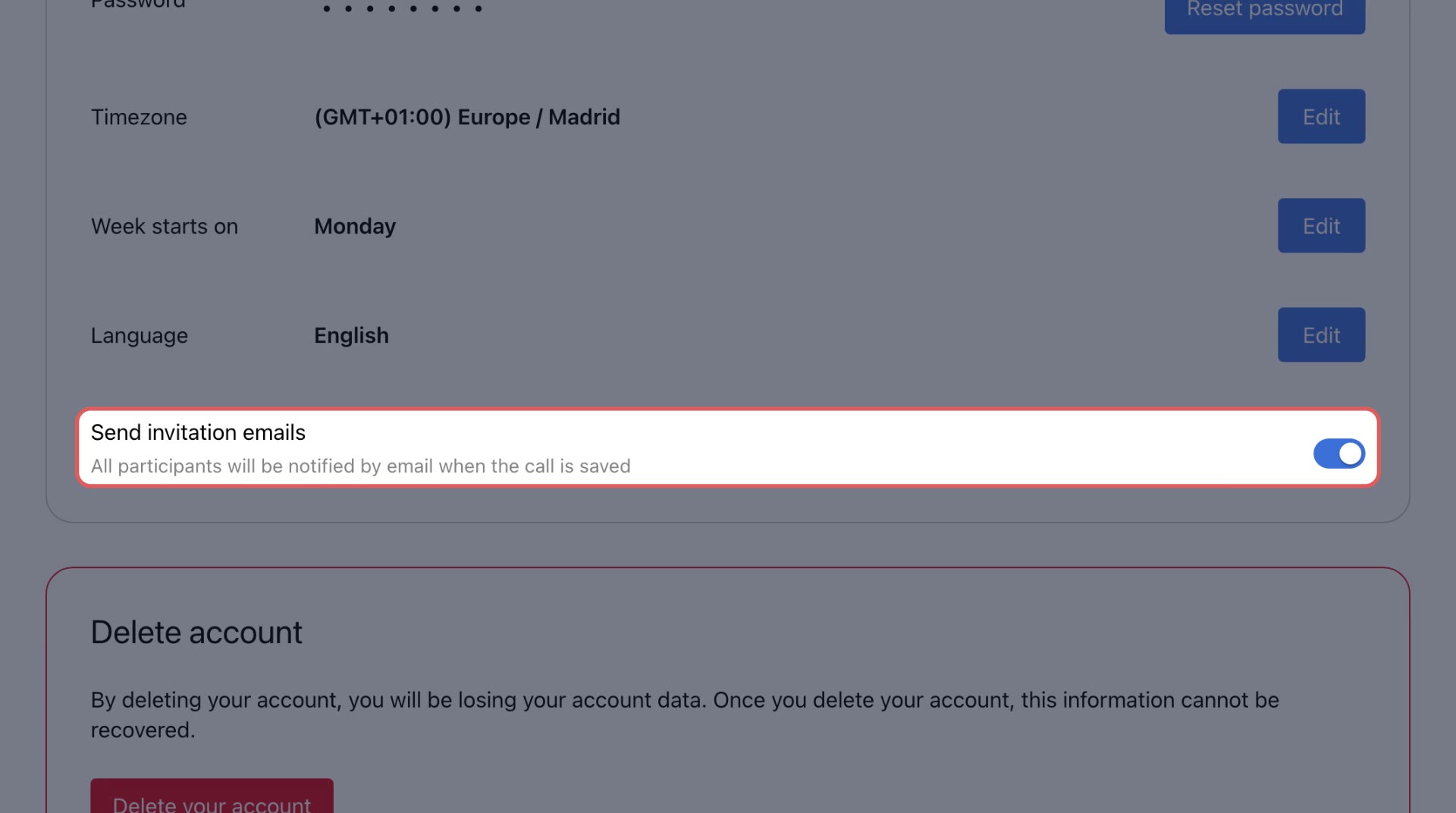
With that one off, none of your calls send emails.
2Customised invitation email0:42
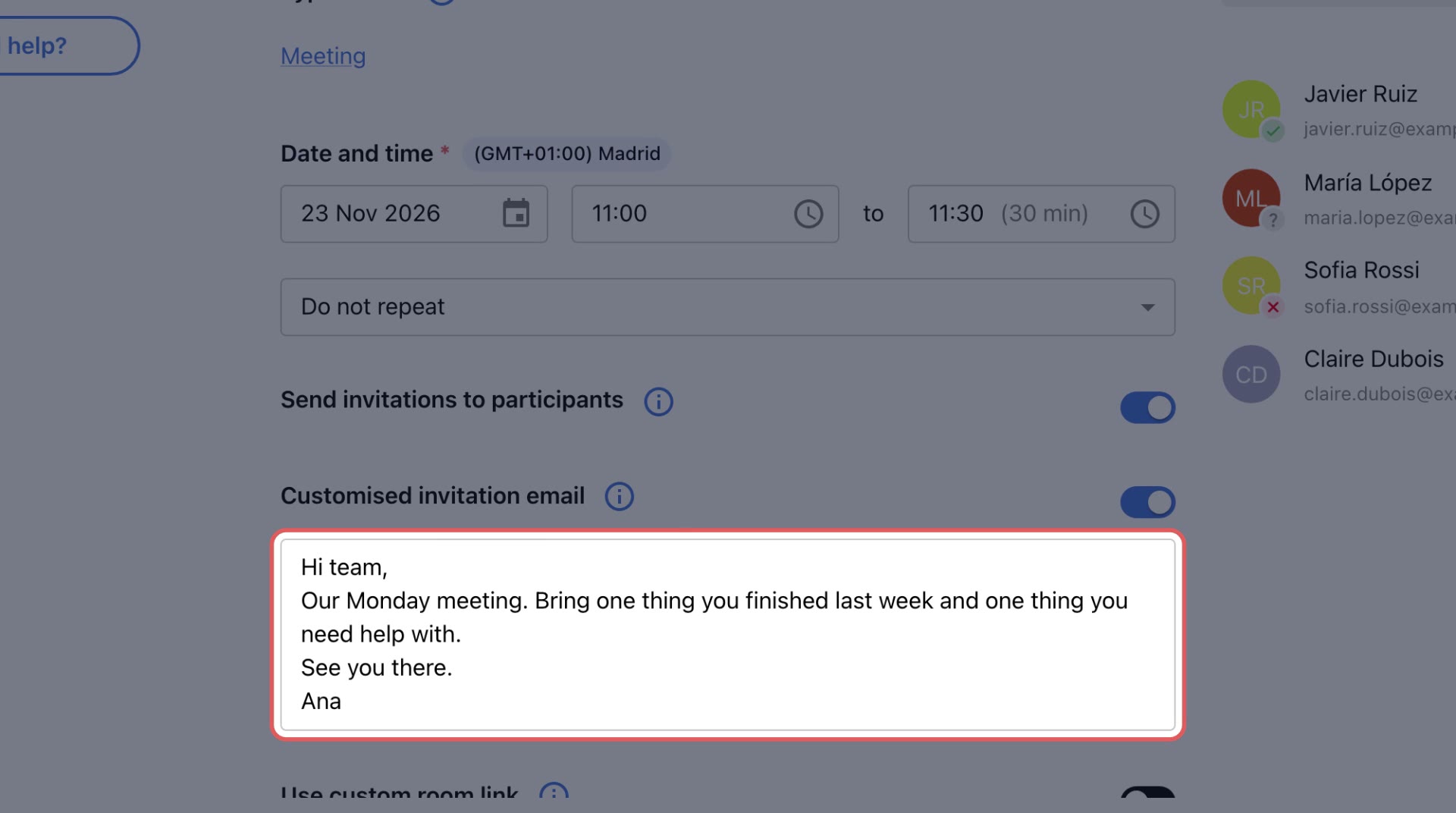
Below it is Customised invitation email.
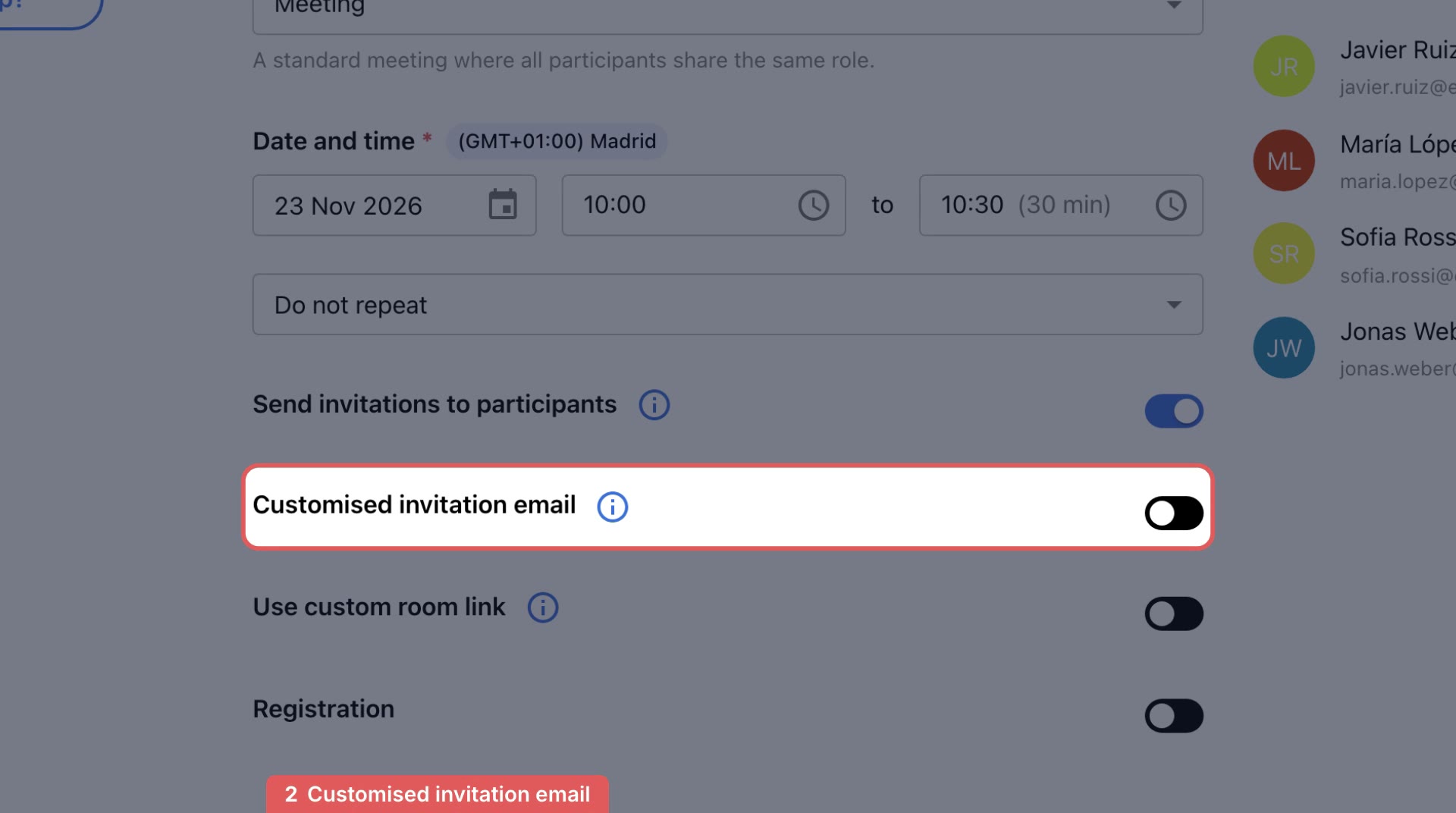
Turn it on, and replace the sample text with your own message: an agenda, or what to prepare.
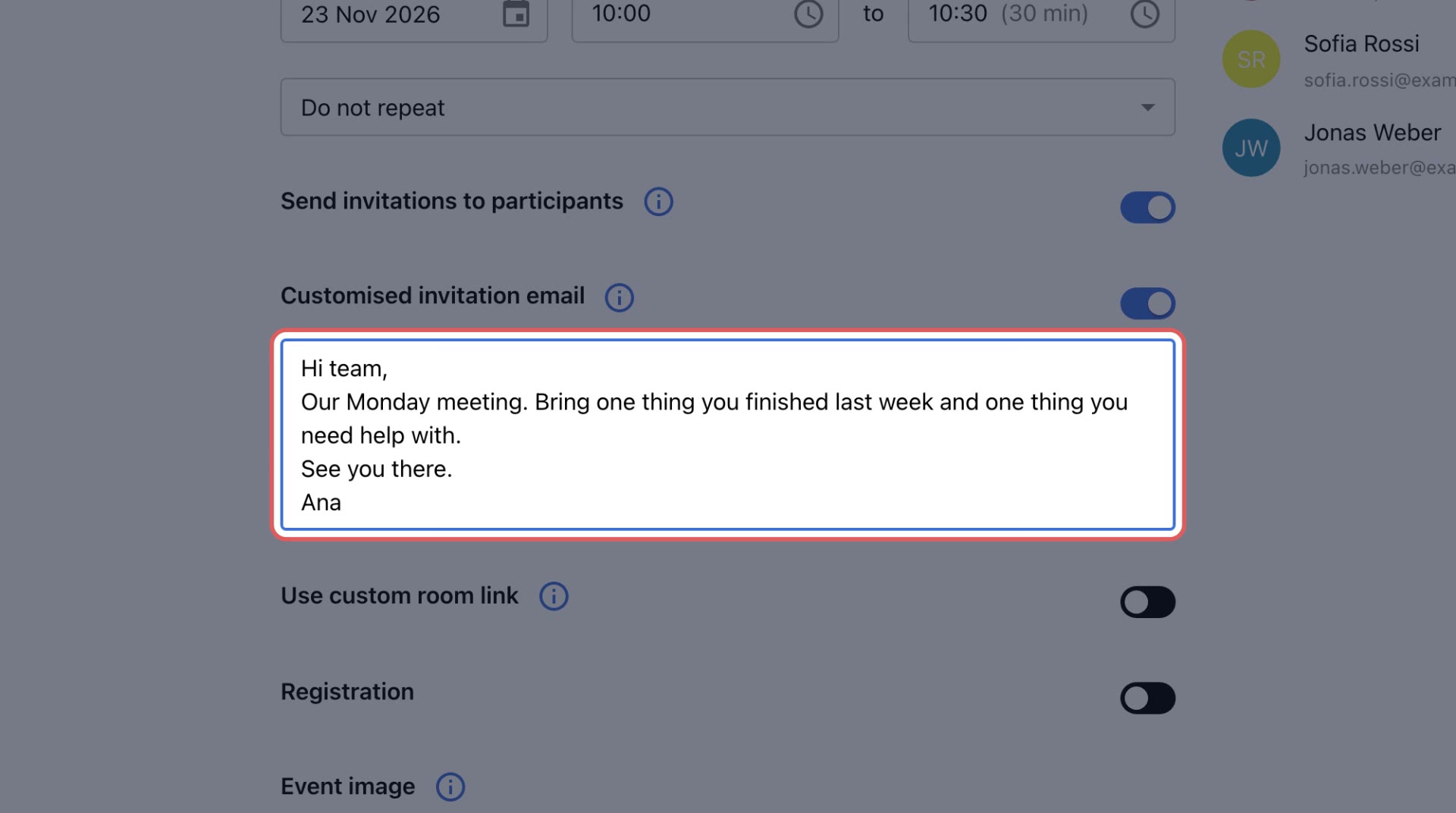
It replaces the standard greeting.
The call time and the Join button are added below your message automatically.
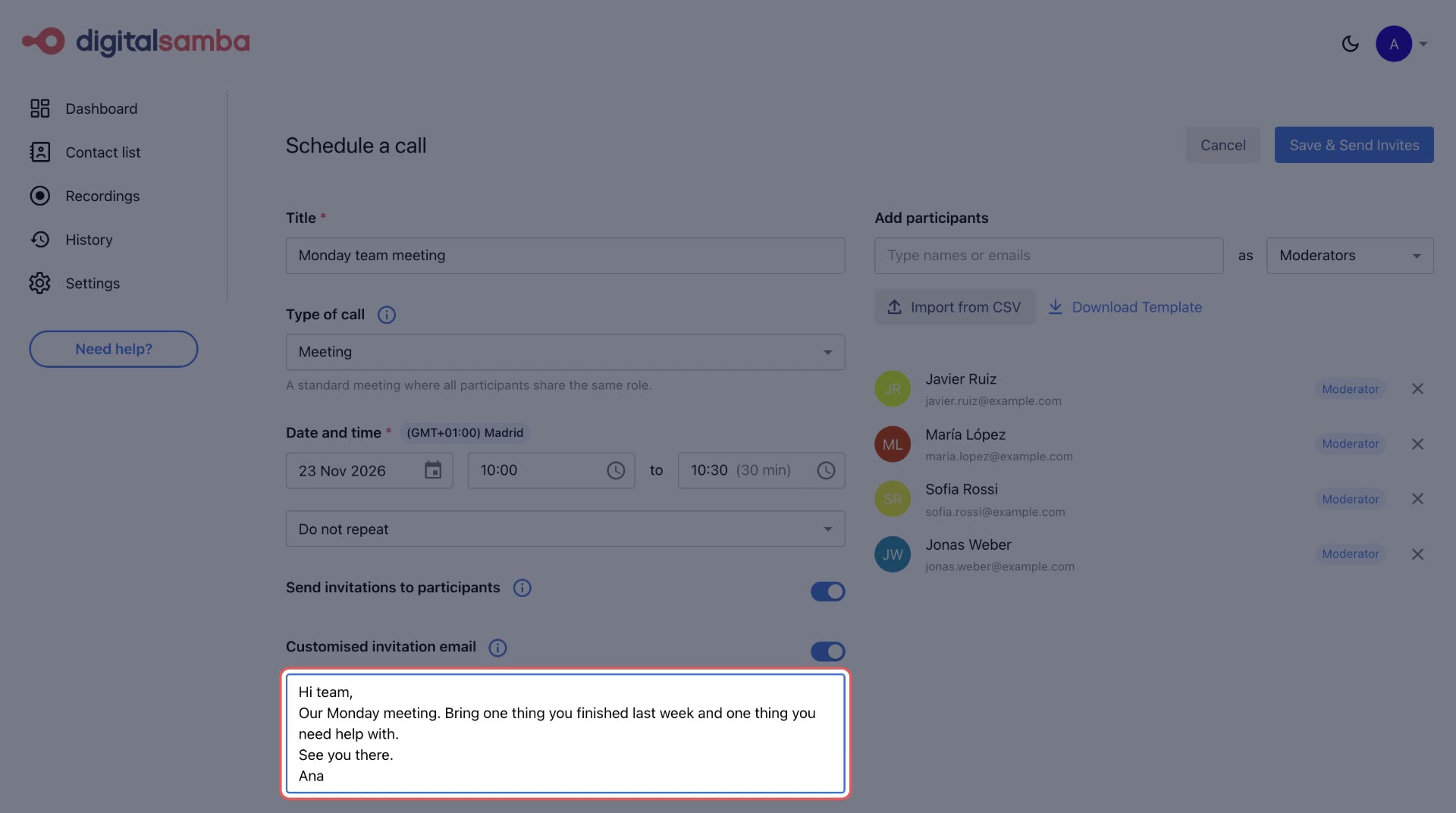
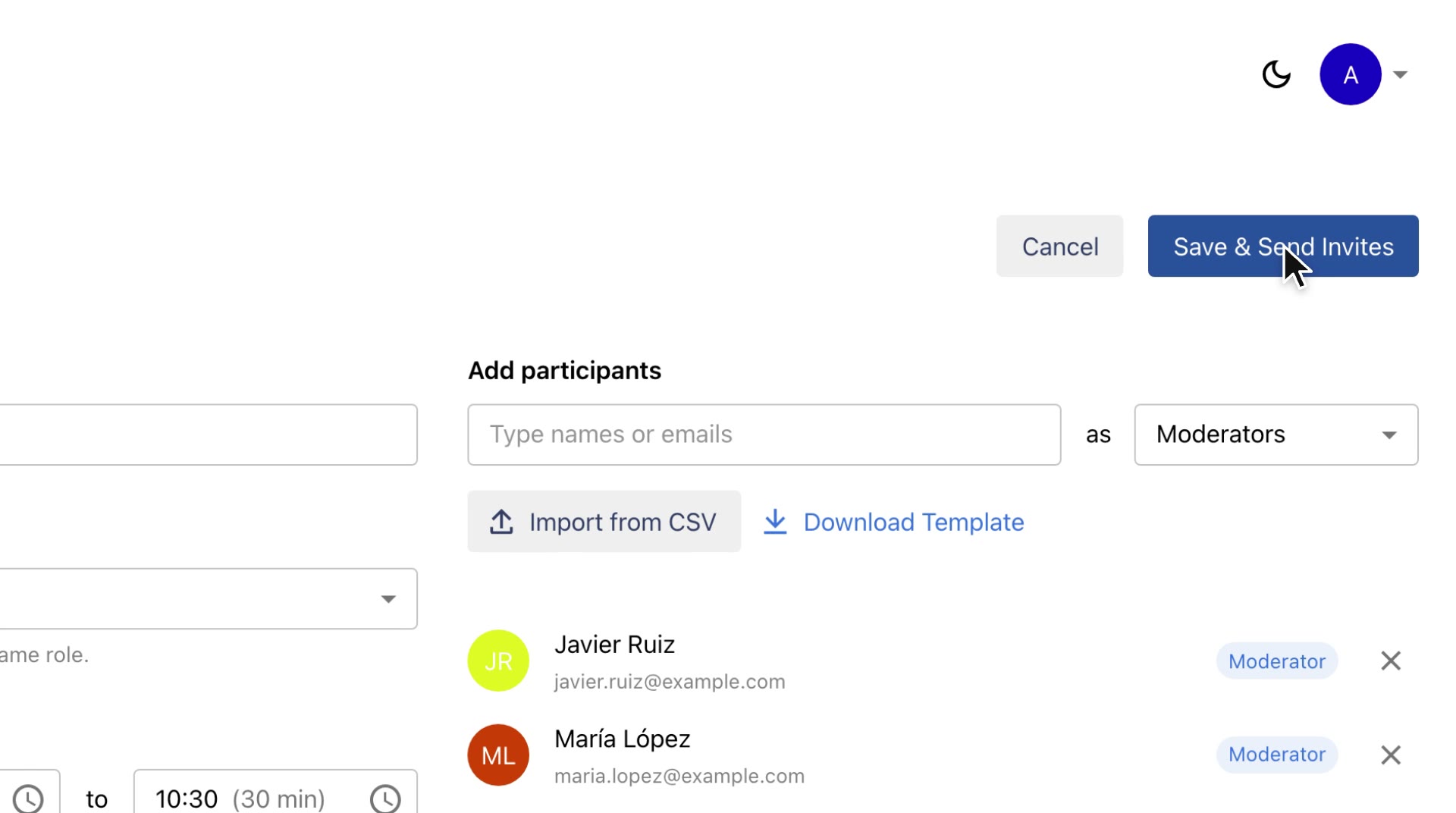
Now click Save and Send Invites.
You get a confirmation by email as well.
3The invitation1:08
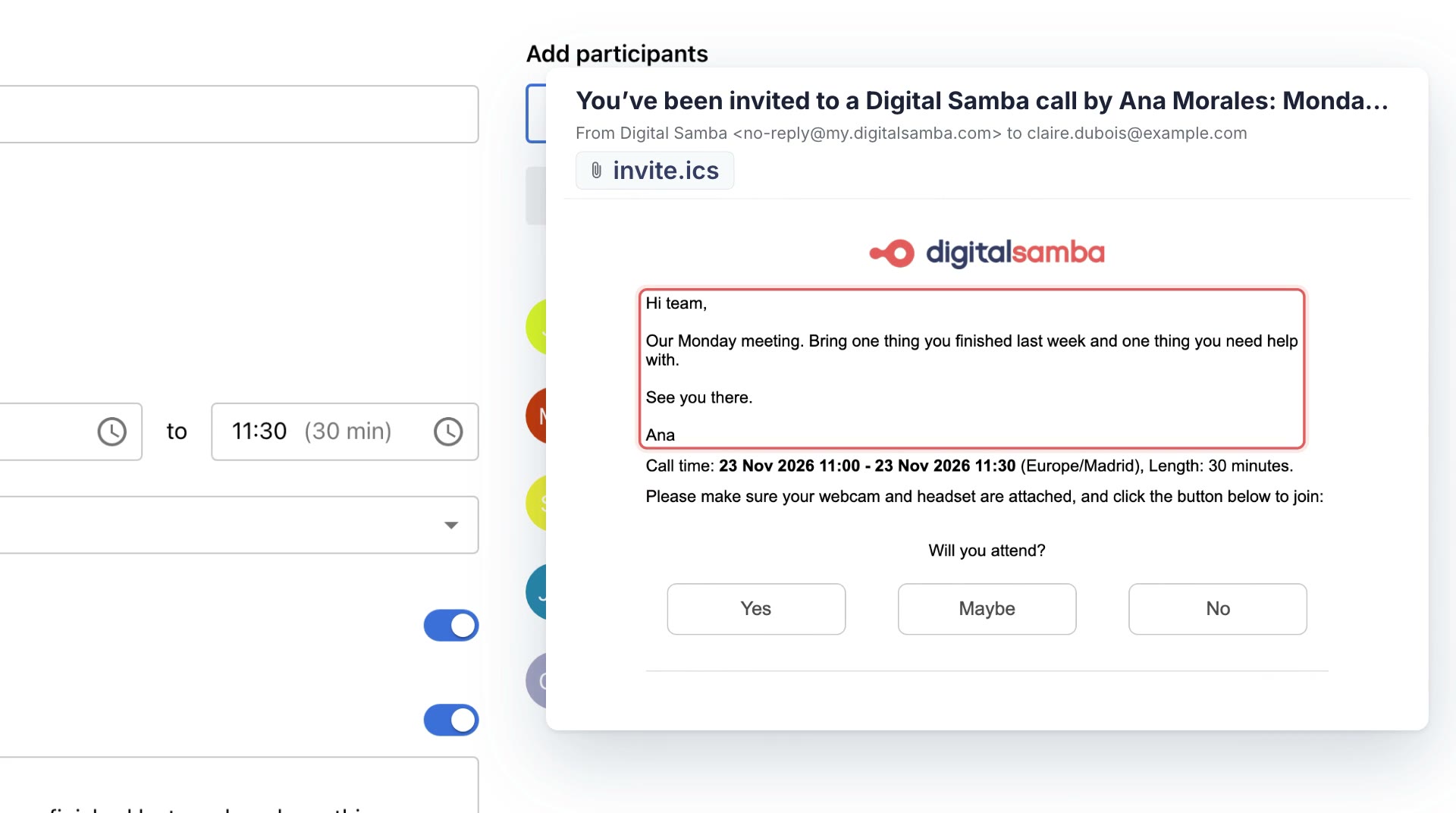
This is the email Javier receives.
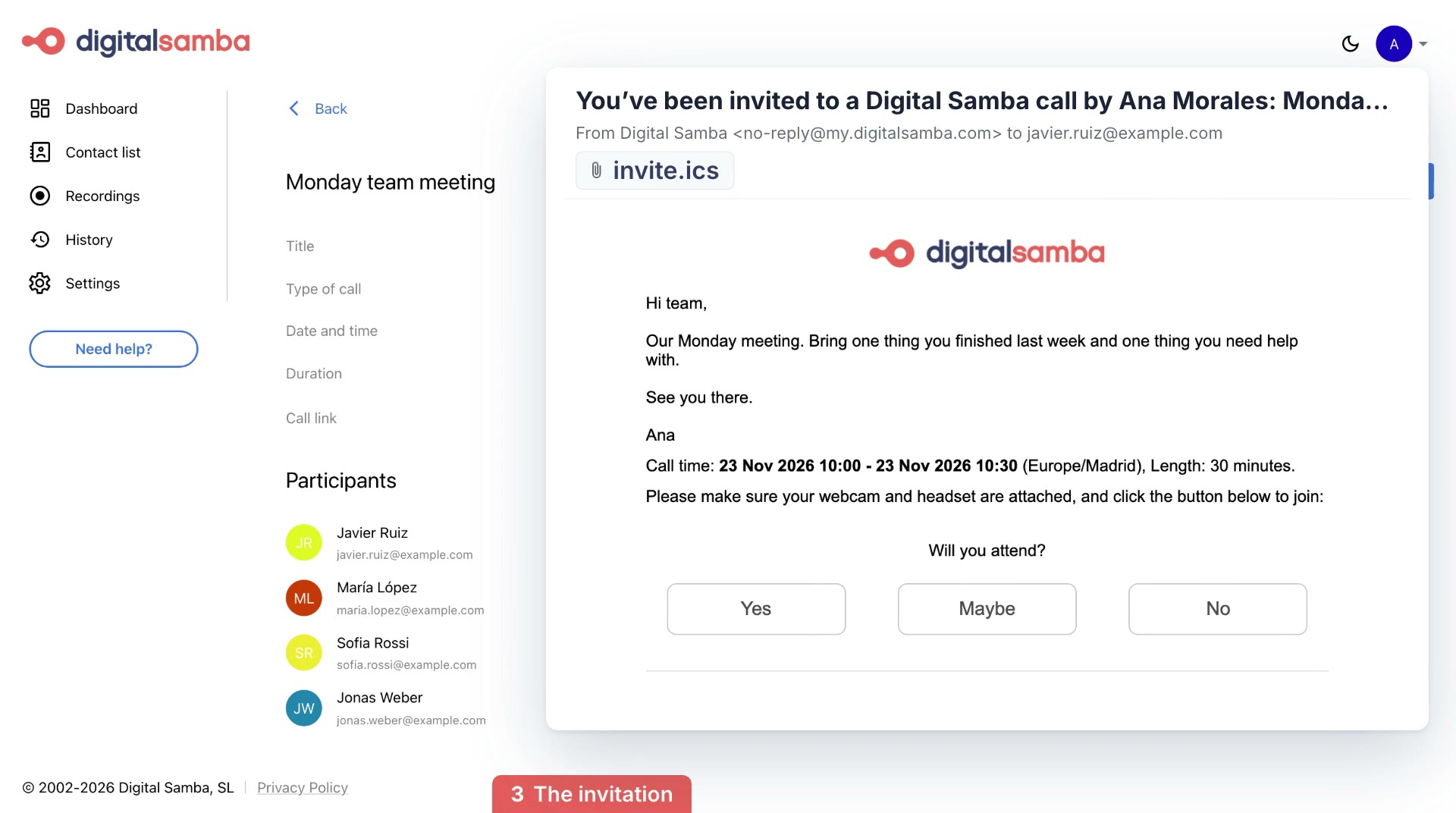
Your message comes first, then the call time.
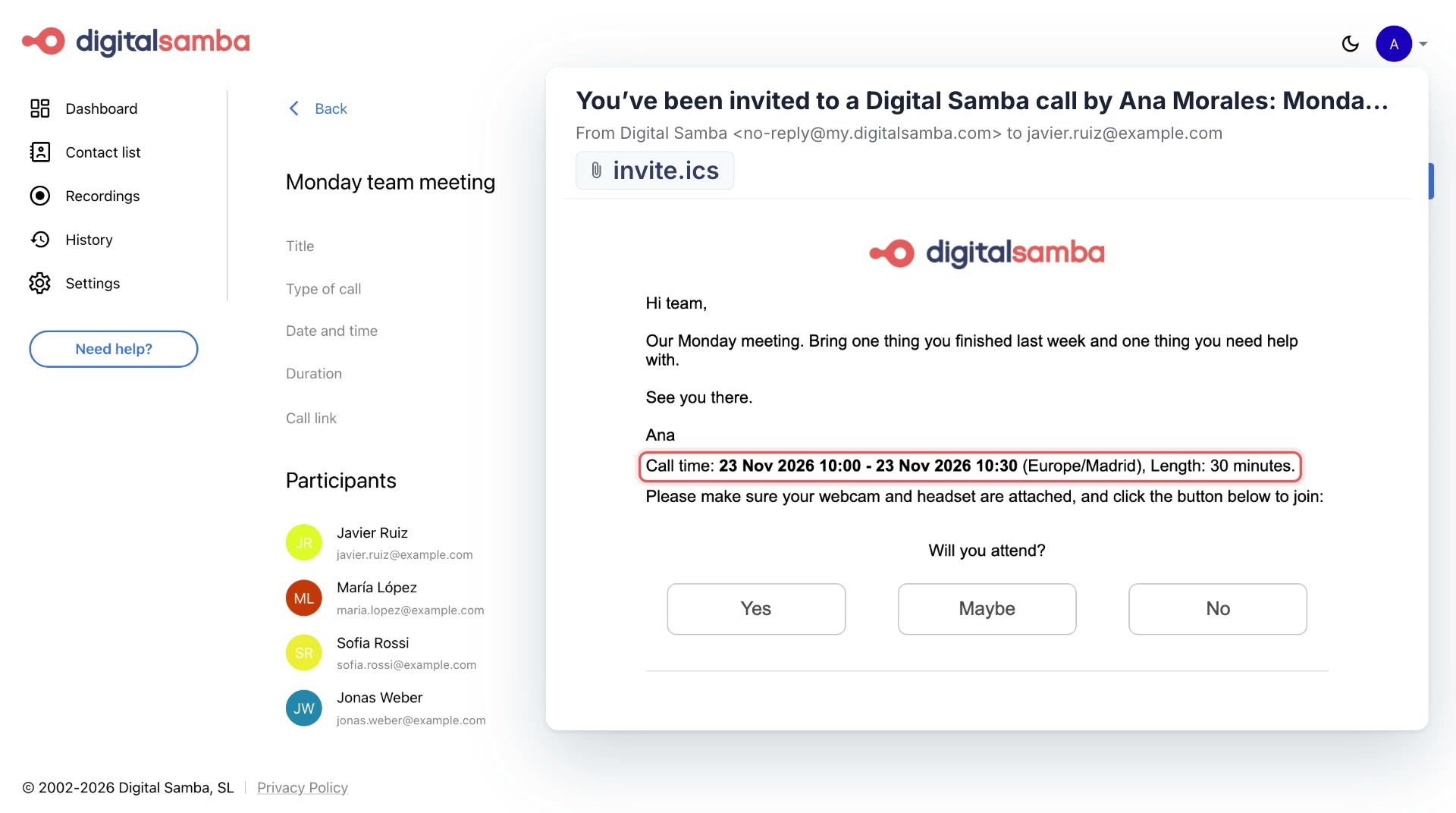
Join call is his personal link.
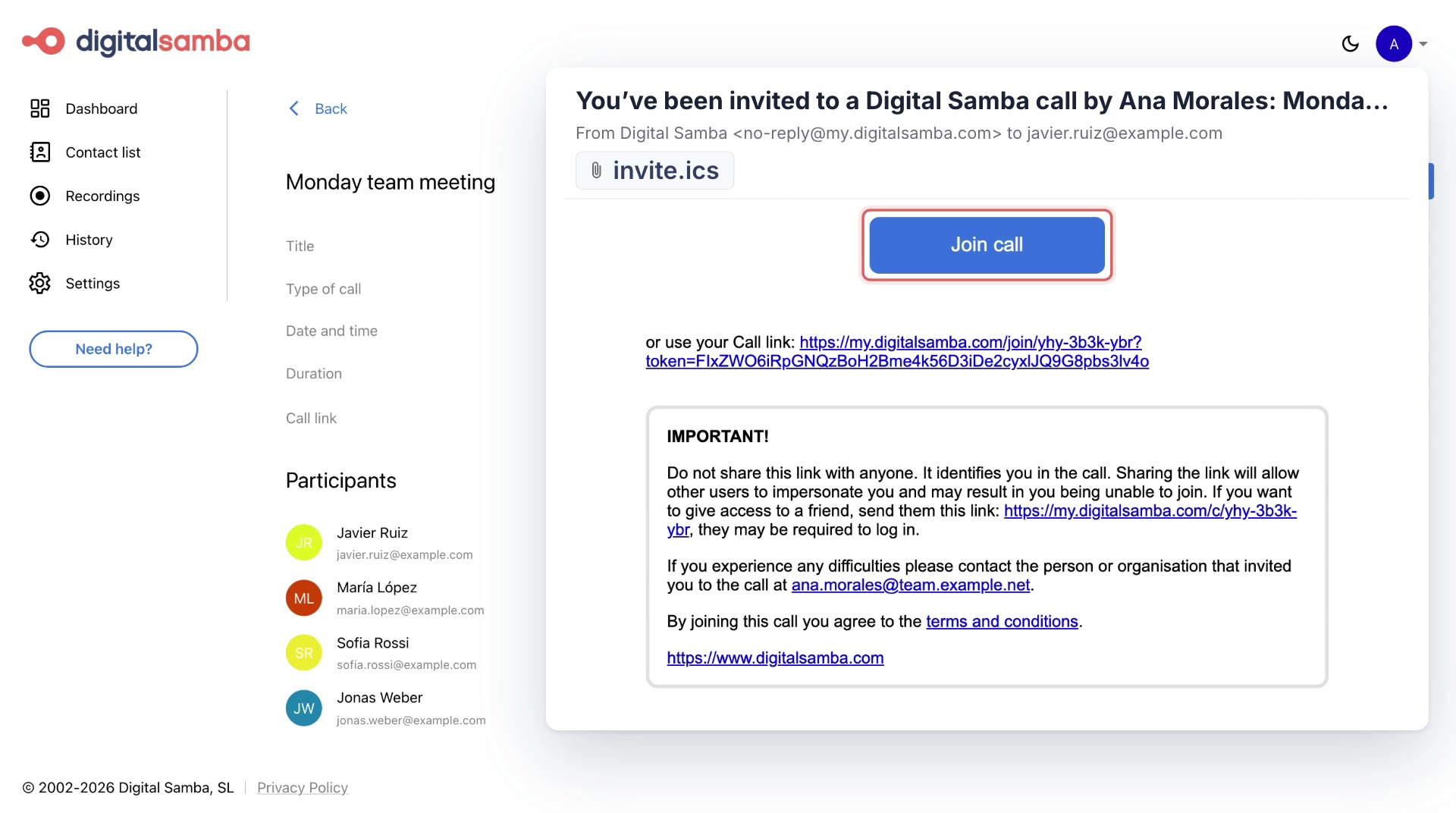
The email asks him not to share it, and gives him the call link to pass on instead.
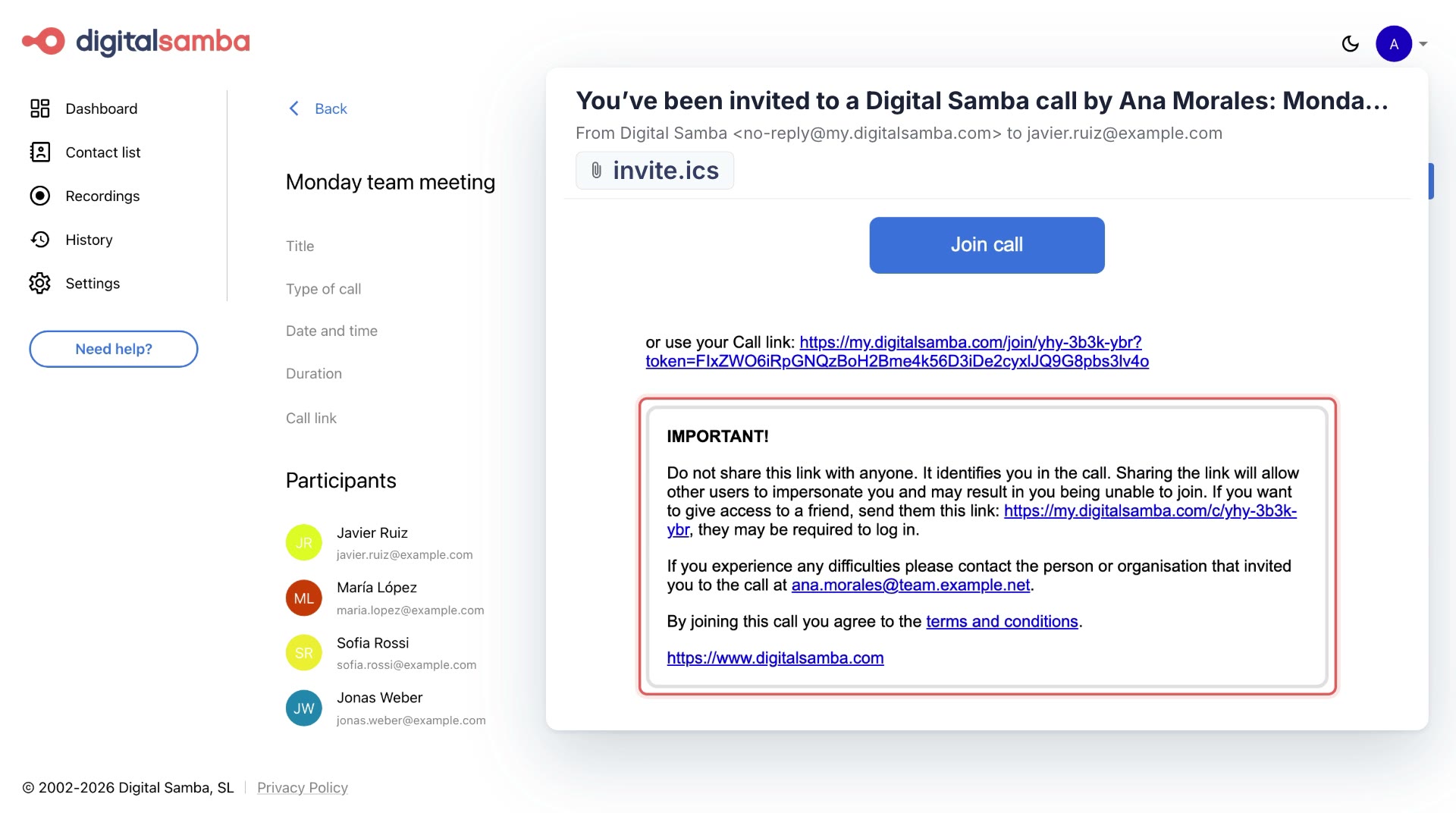
A calendar file comes with it, holding the title, the time and his link.
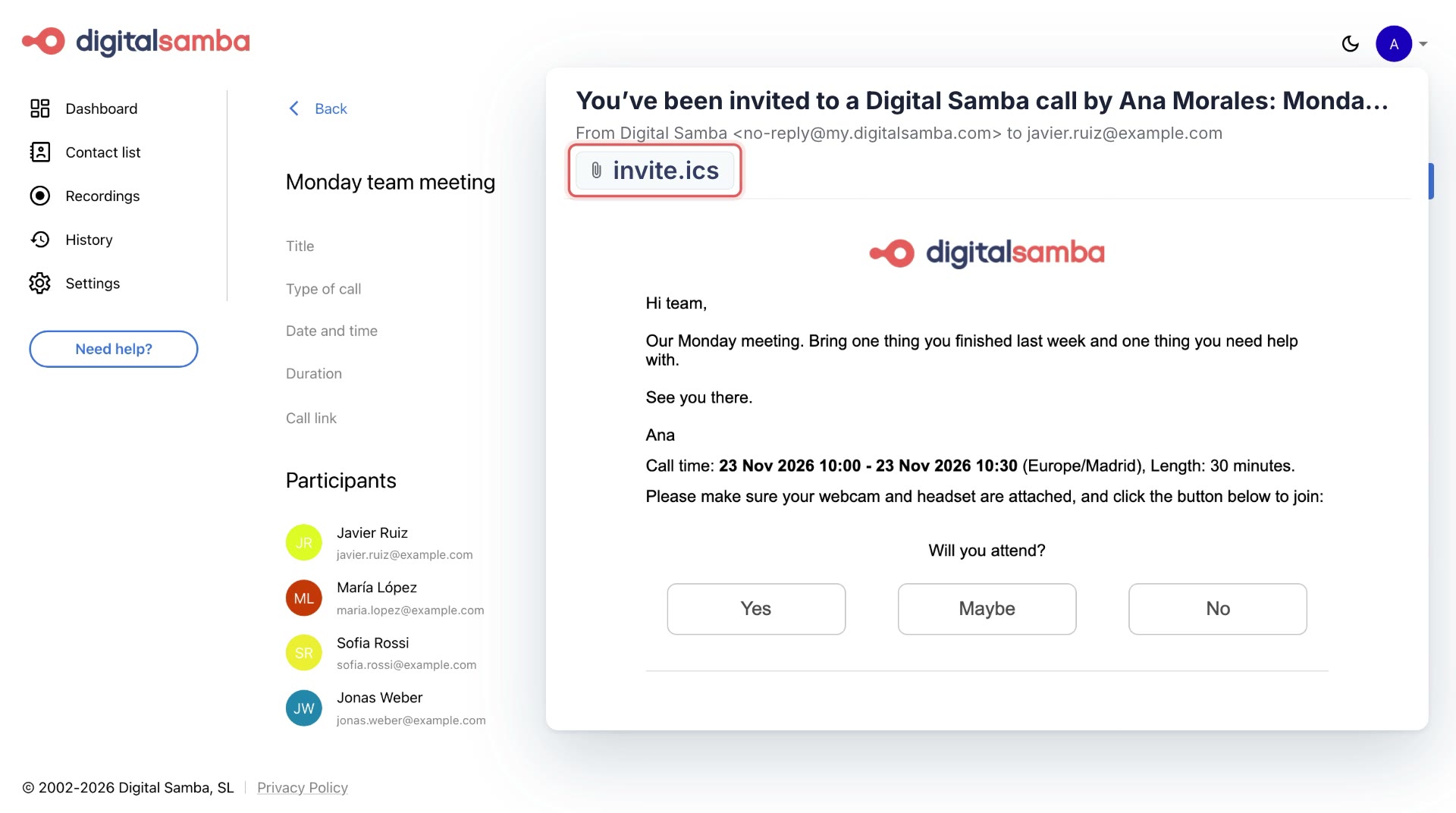
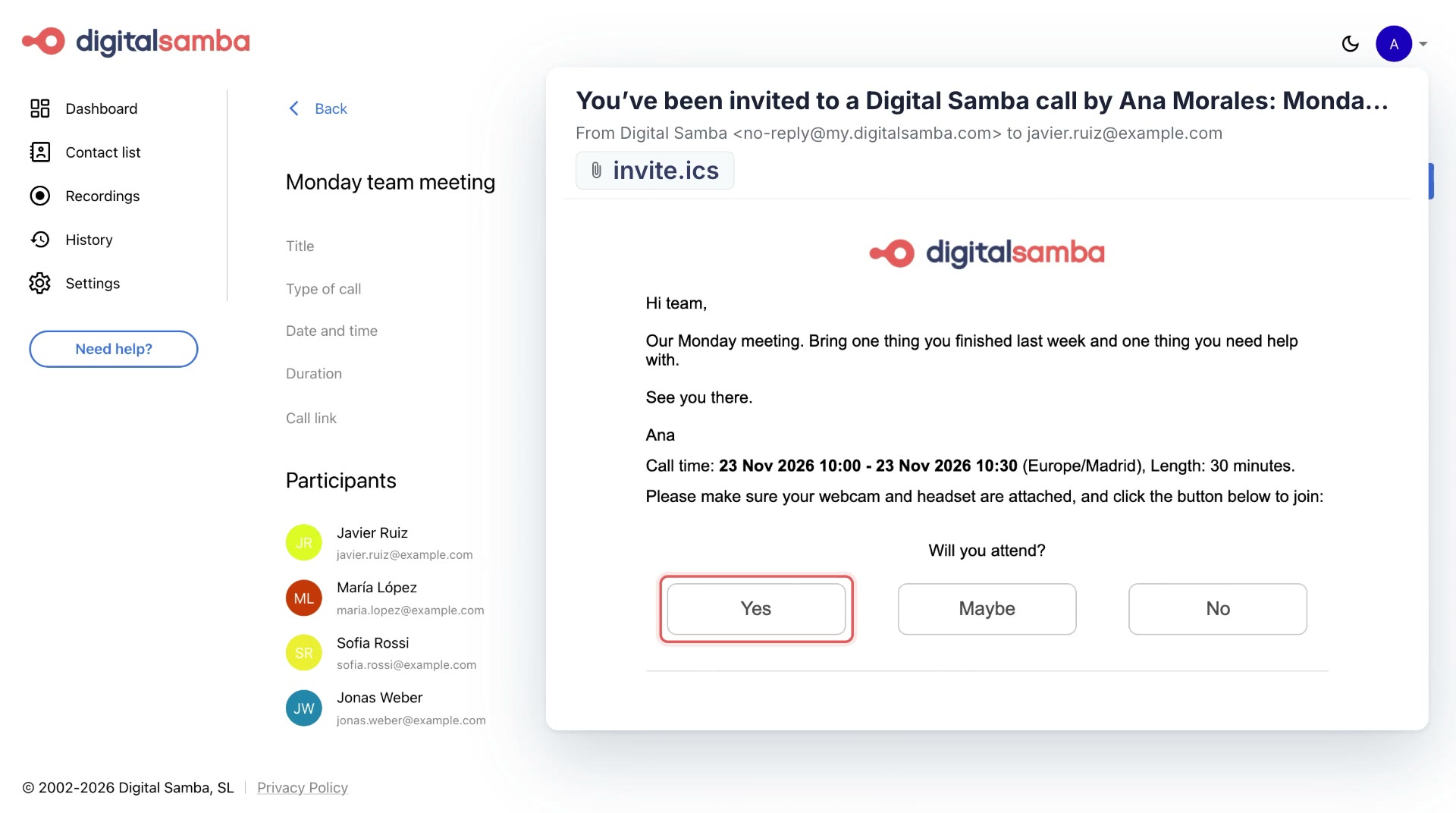
4Will you attend?1:30
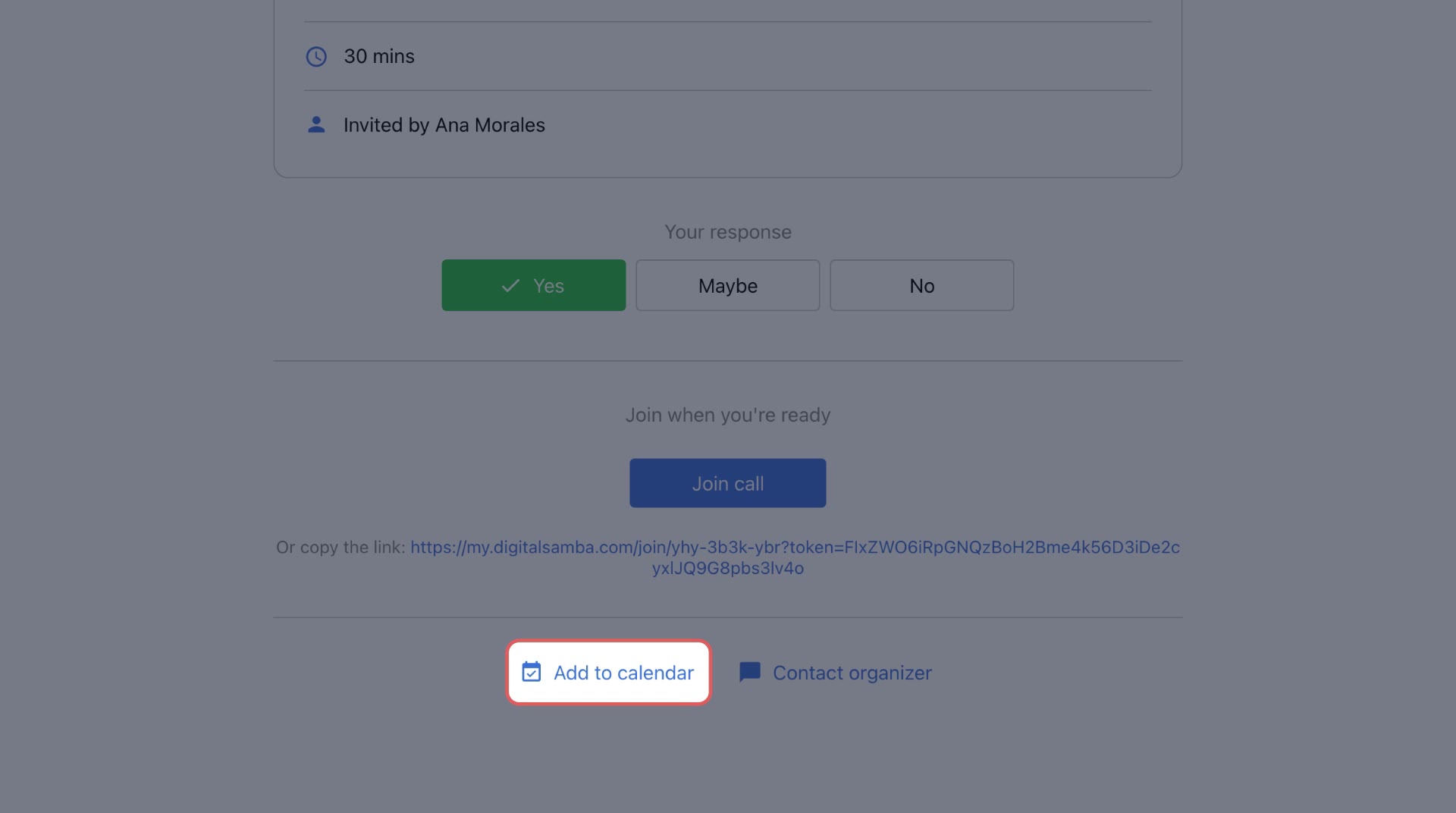
Under Will you attend?, Javier clicks Yes, Maybe or No.
He needs no account: a page opens, confirms his answer and lets him change it.
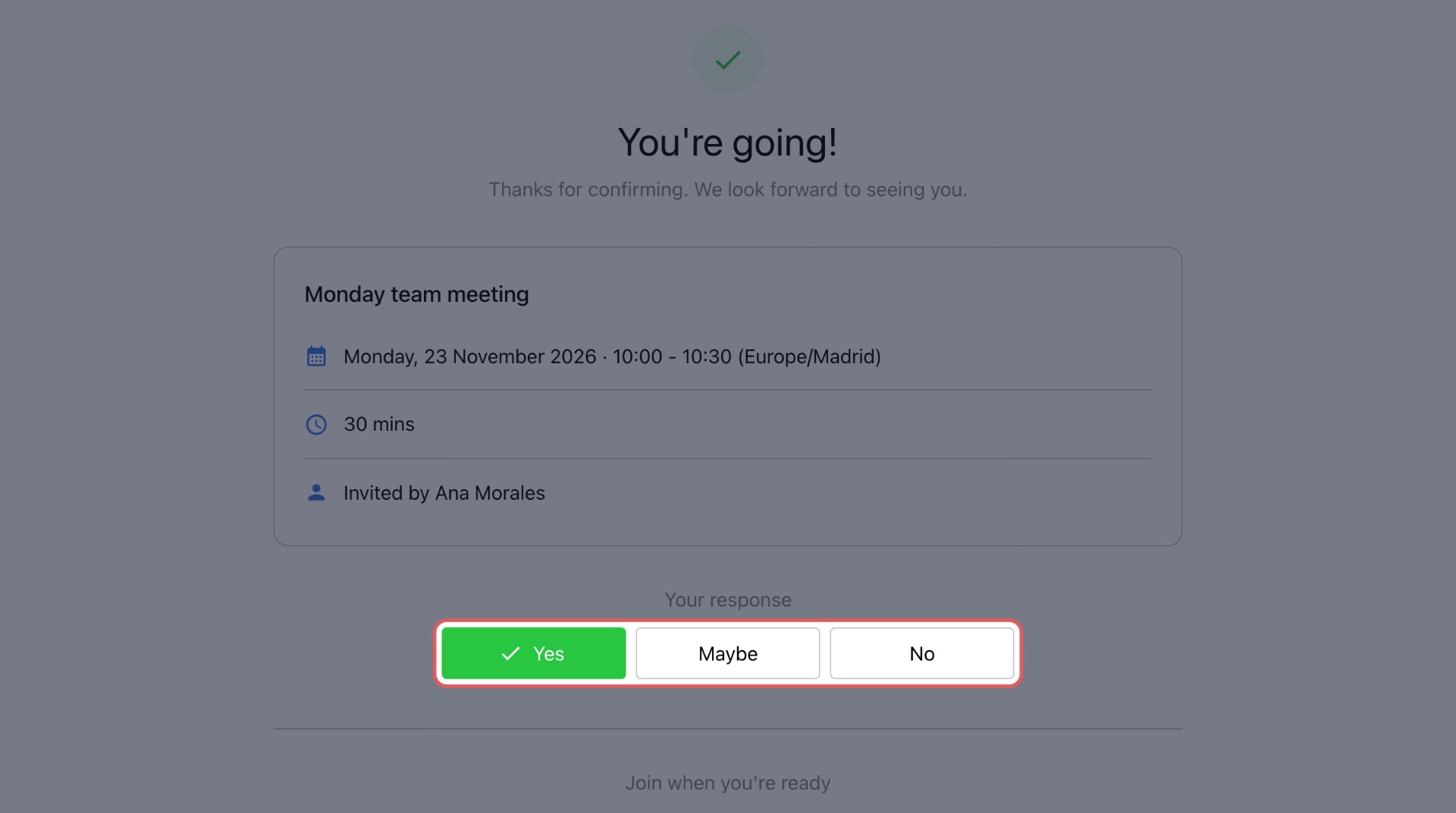
After Yes, it also offers Add to calendar.
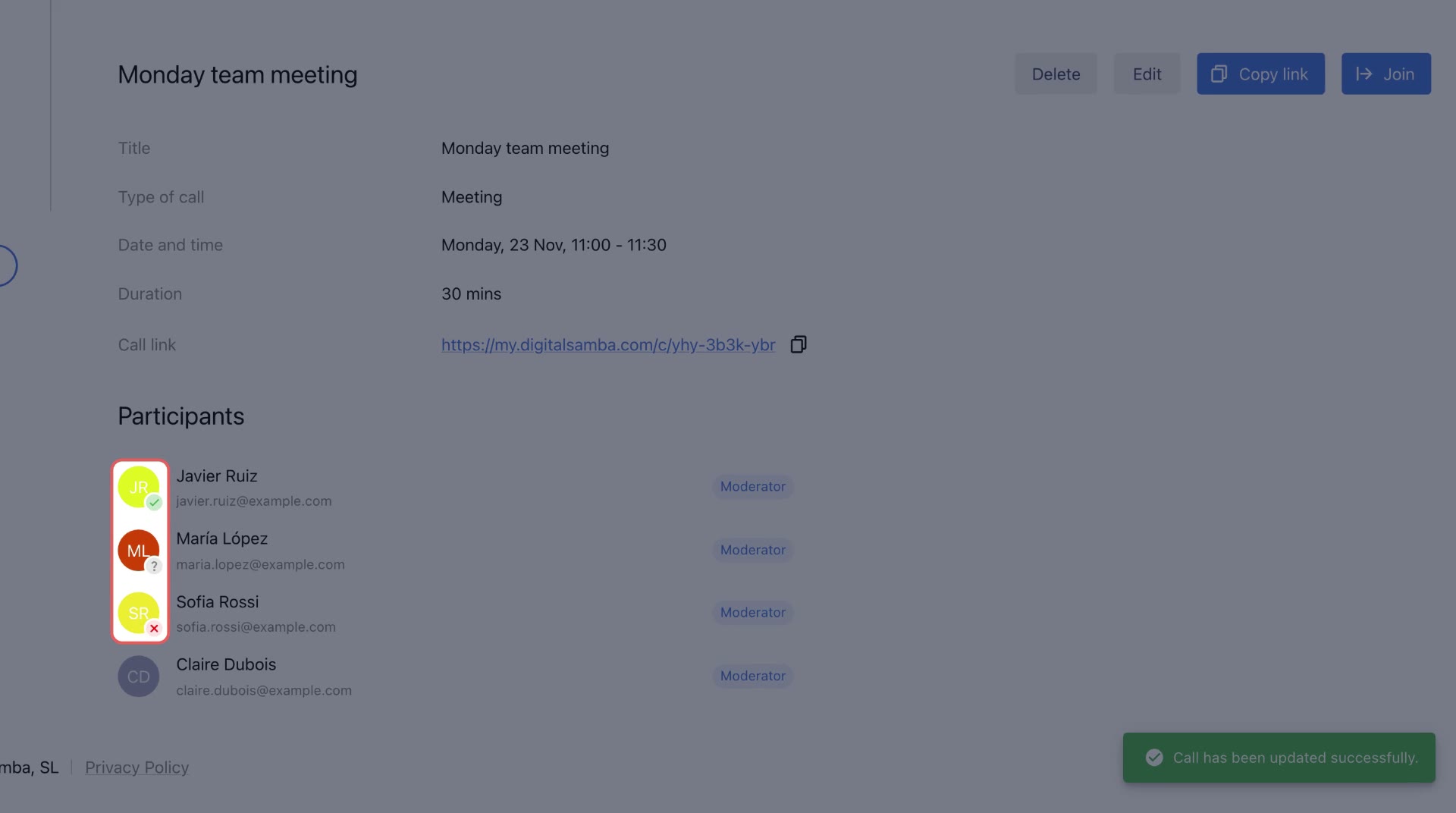
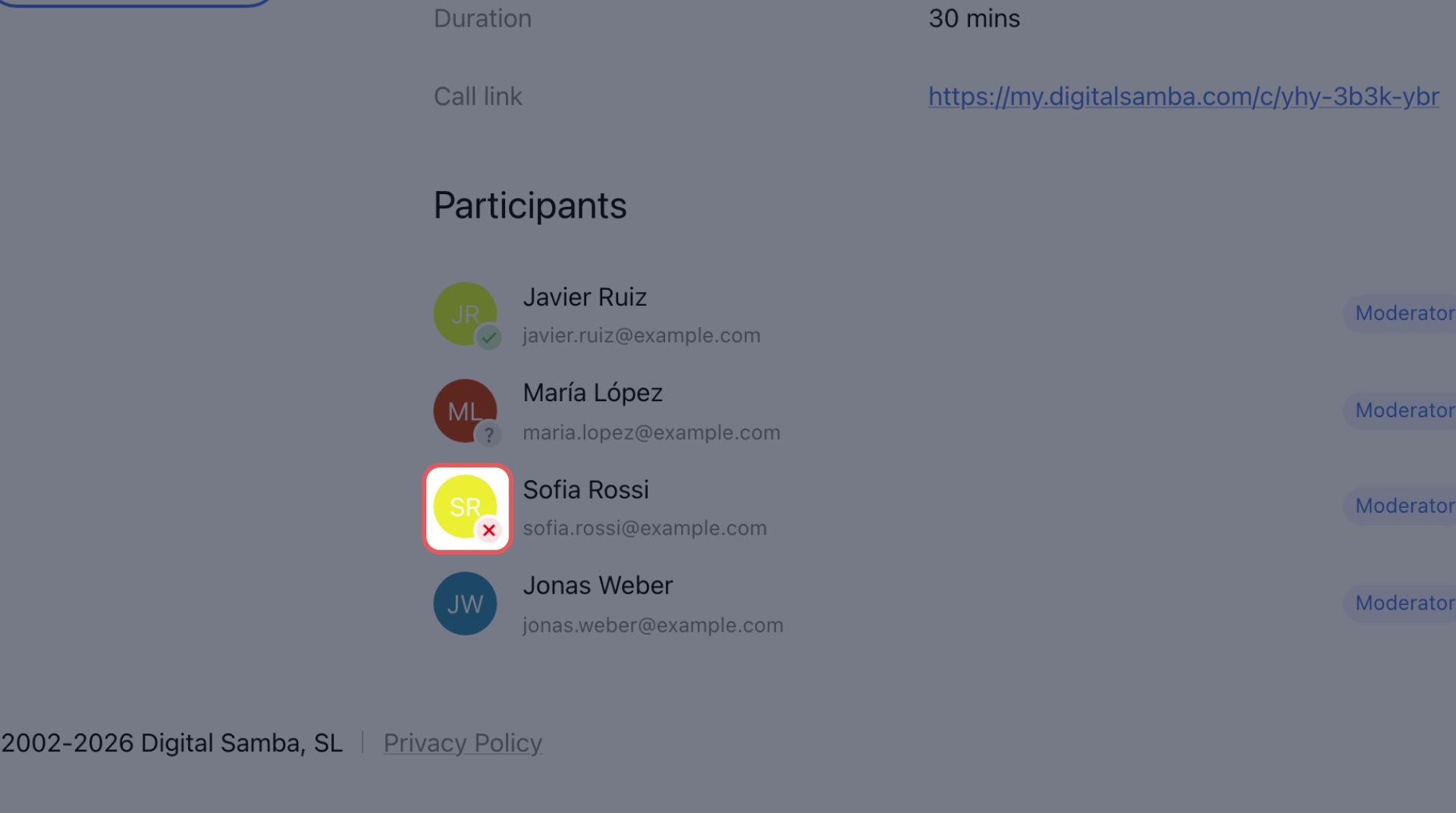
Now open the call in your dashboard.
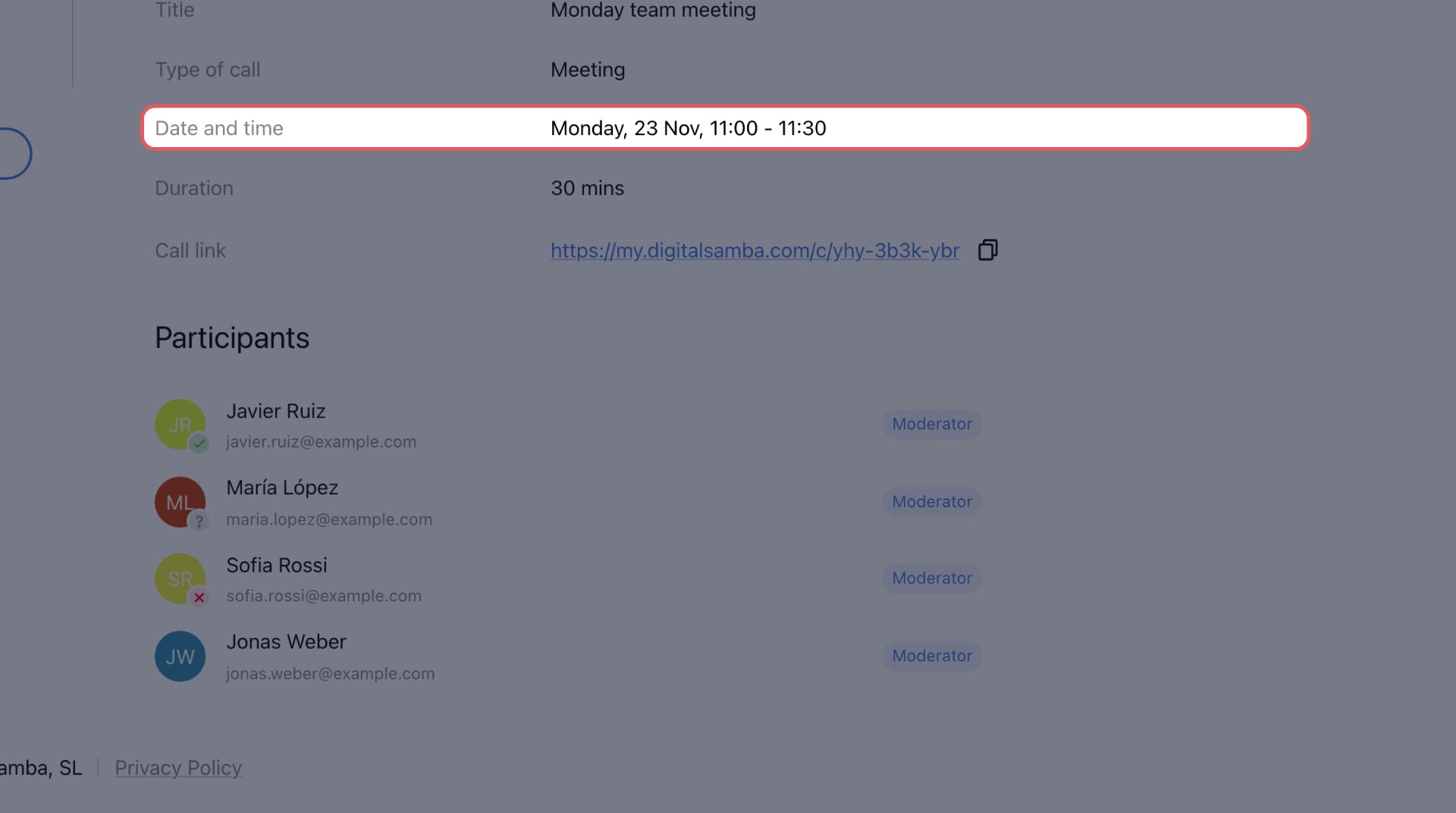
A small mark beside a name shows that person's answer: a tick for Yes, a question mark for Maybe, a cross for No.
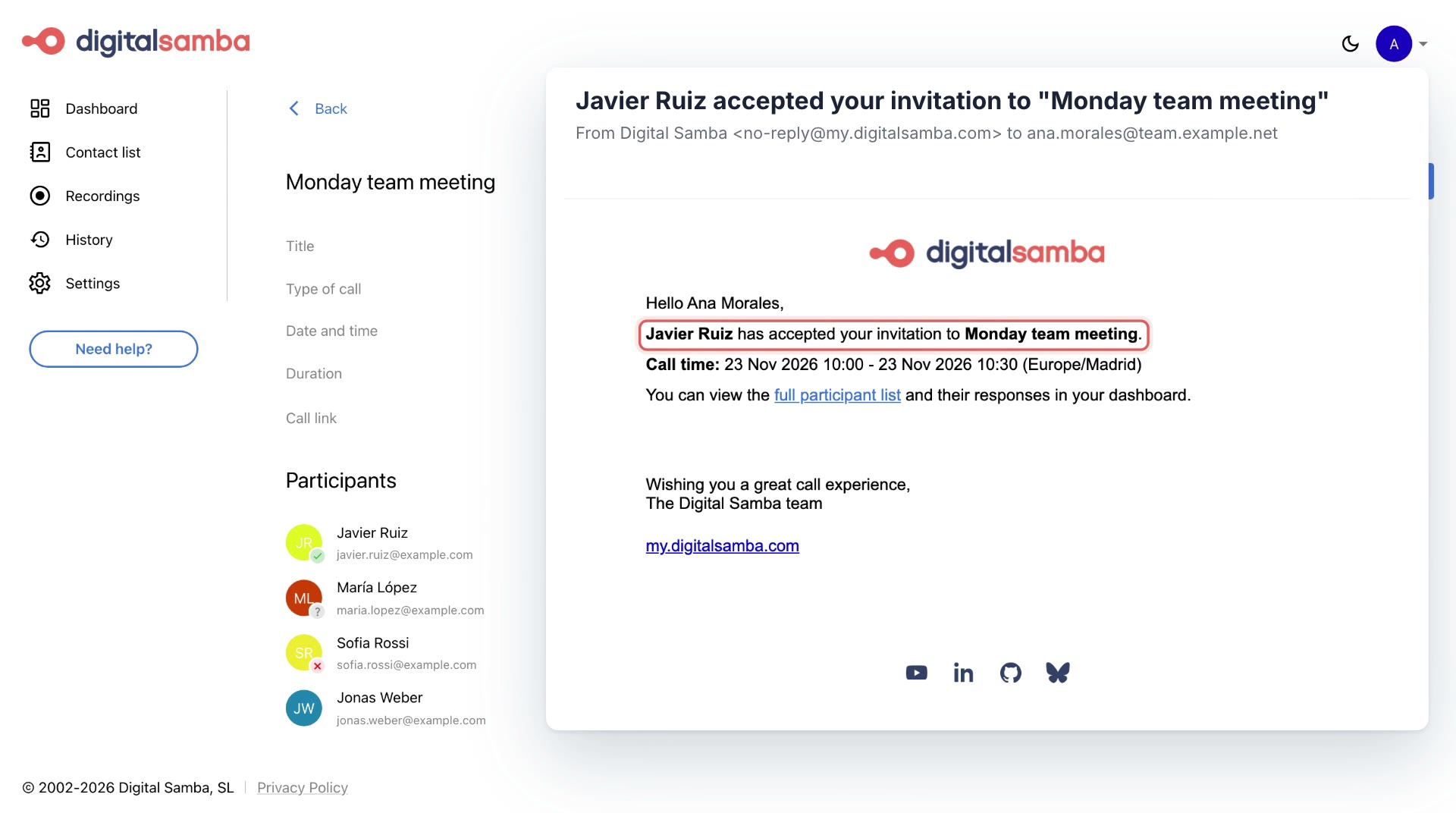
And you get an email each time someone answers.
5What changed2:01
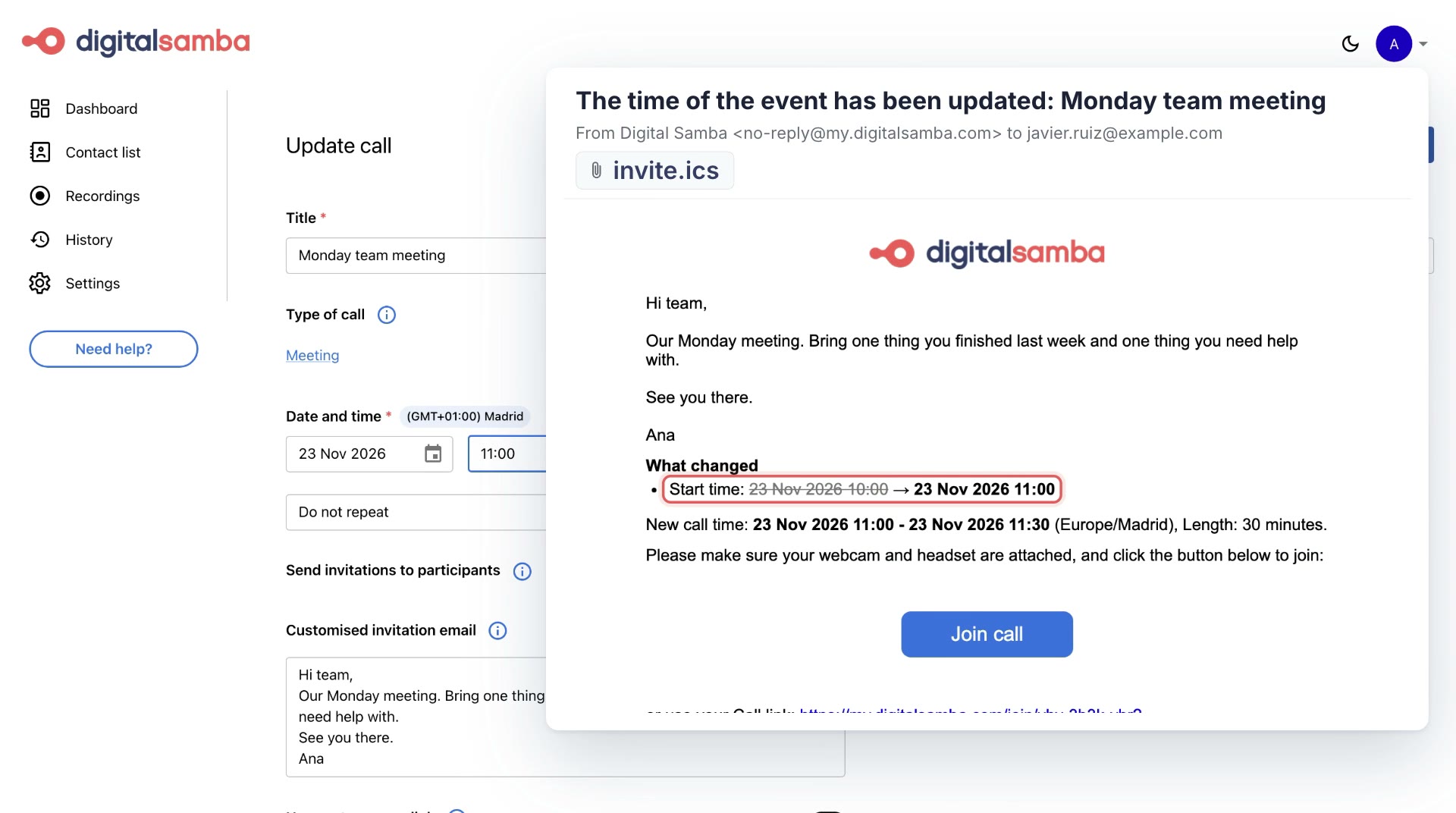
Now move the meeting to eleven: everyone invited gets an update.
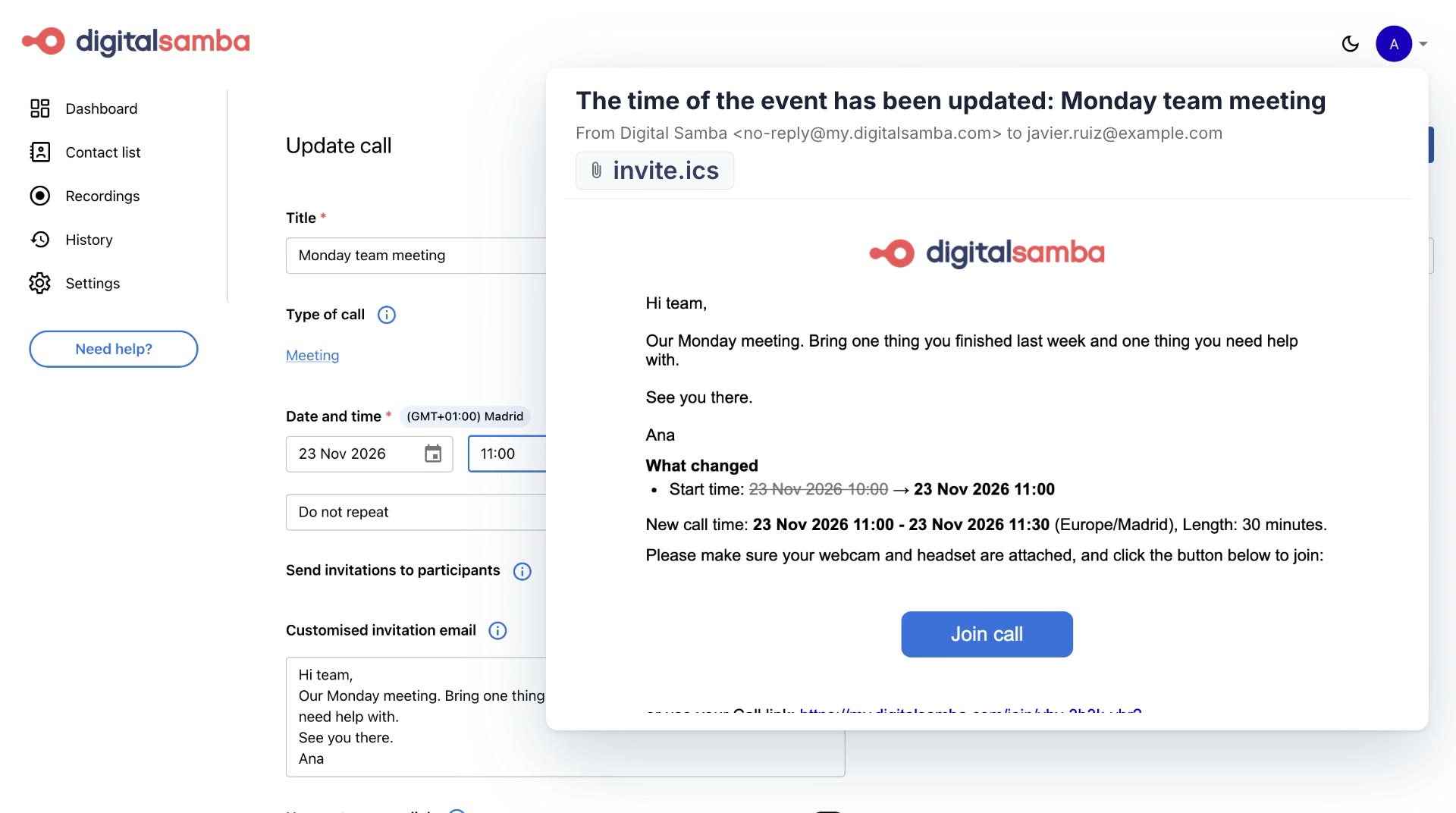
Under What changed, it shows the old time crossed out and the new one.
Add someone later, and only that person gets an invitation.
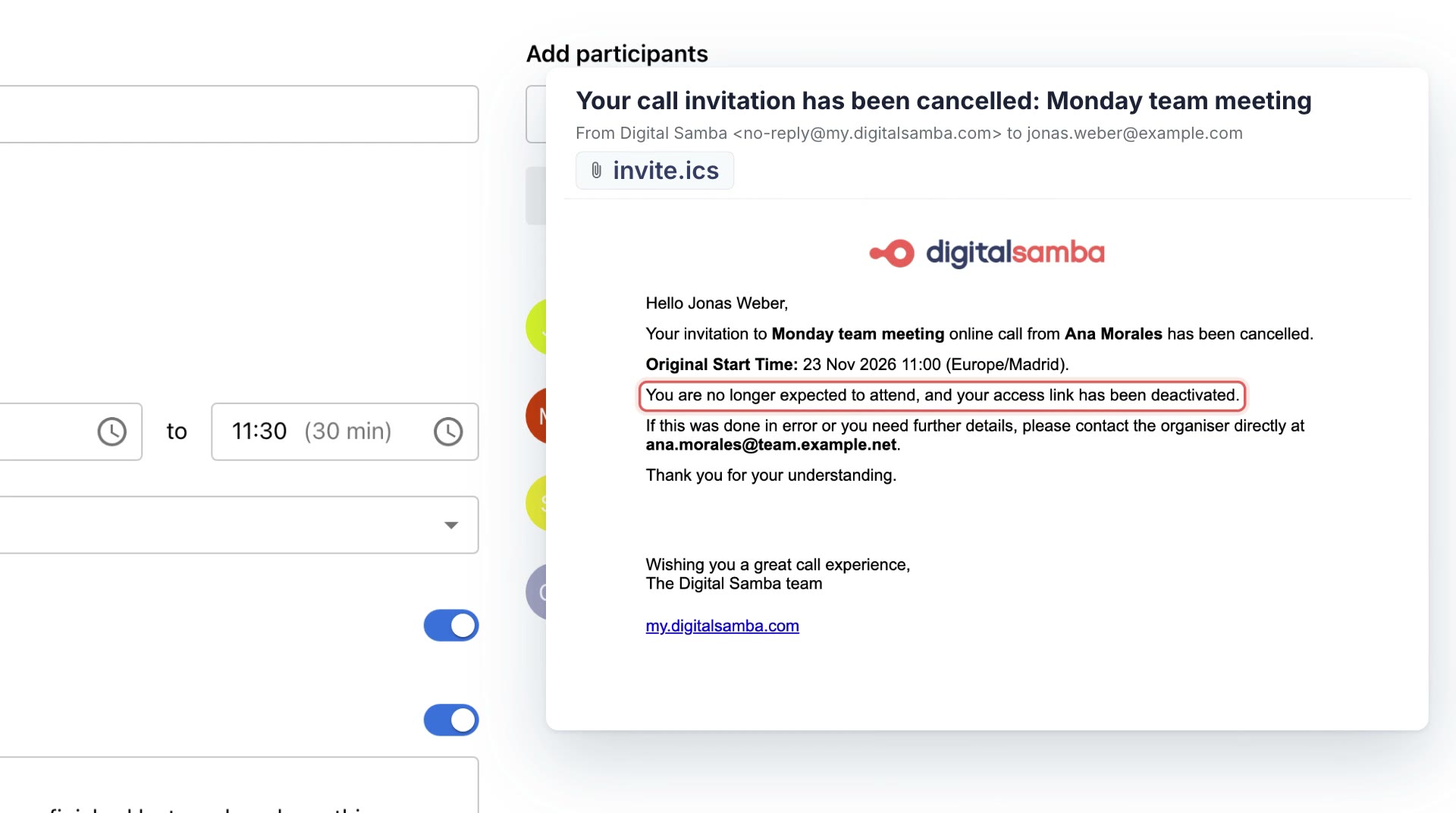
Remove someone, and they are told their invitation has been cancelled: their link stops working.
Changing only your message sends nothing.
Good to know2:29
A call that is already over sends nothing.
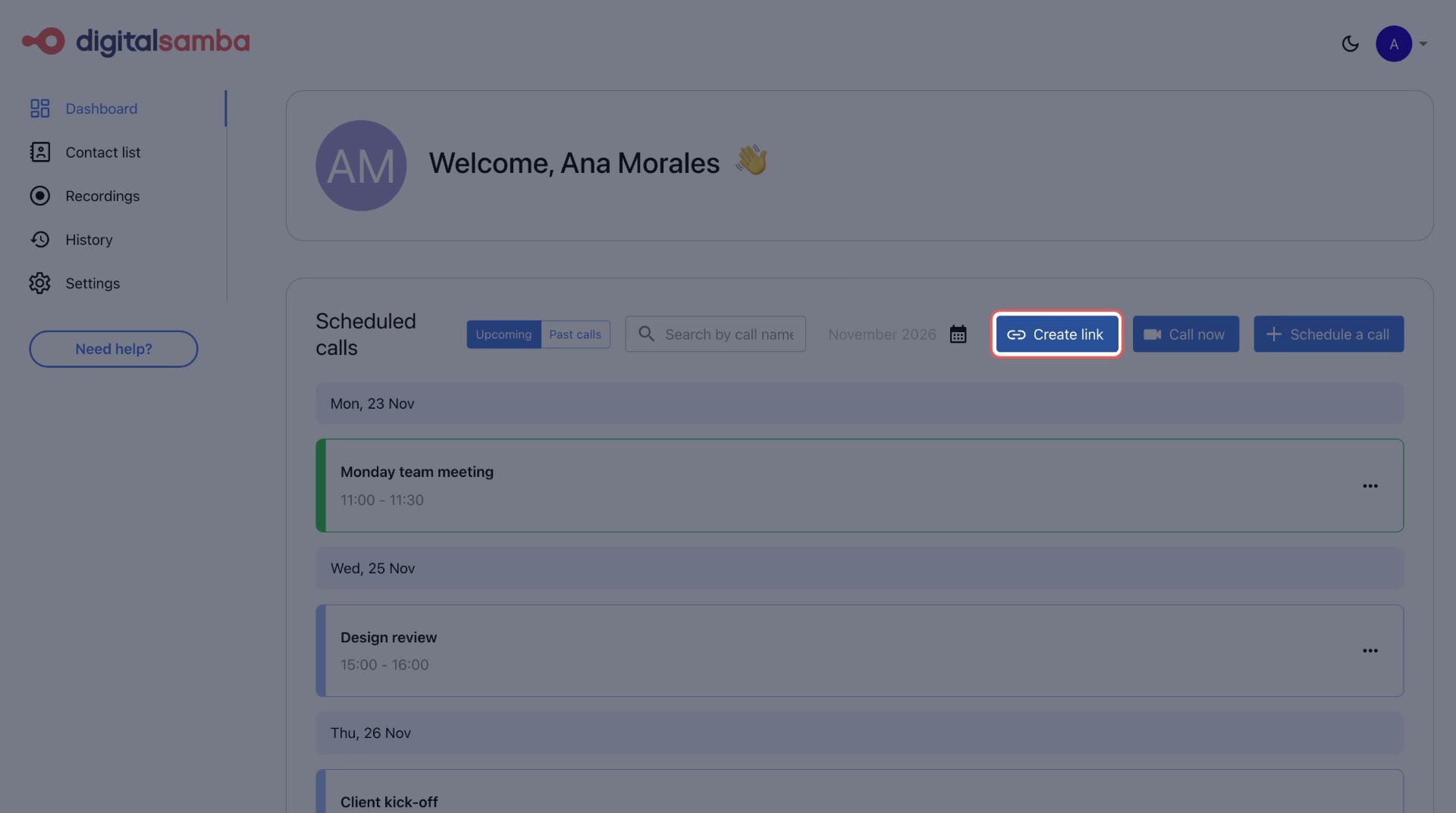
Calls made with Create link never send email.
Turning the switch back on later does not send the invitations you skipped.
And answers stay when you move a call.
Recap2:49
So: two switches, your own message, a personal link and a calendar file for each person — and every answer comes back to you.