Skip to content
University
Videos
Topics
Updates
Search the videos
Topics
The developer API
All 15 moments in Digital Samba University that depend on this.
Get your developer key and make your first API call
For developers · 2:48
0:01
Introduction
In this video, you'll find your developer key, make your first request to the Digital Samba API, and replace the key safely when you need to.
Read
0:13
Developer
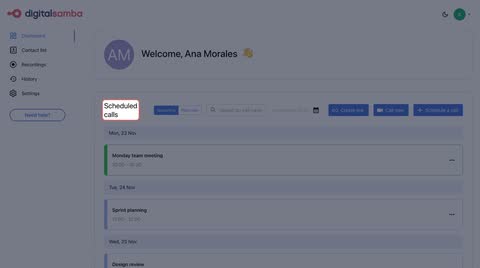
Our example: Ana's team wants its own booking system to read the calls on her account.
Read
0:19
Developer
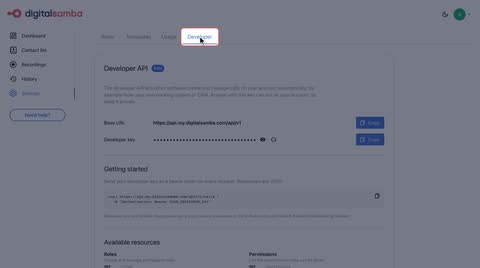
Open Settings, then the Developer tab.
Read
0:22
Developer
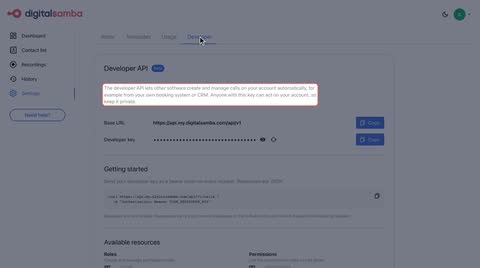
The developer API lets other software create and manage calls on your account, for example from your own booking system.
Read
0:30
Developer key
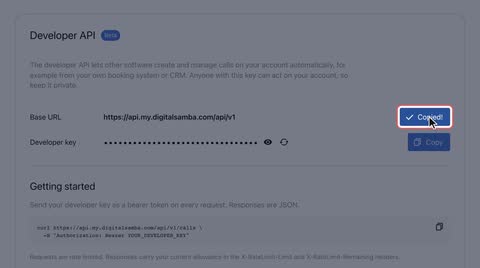
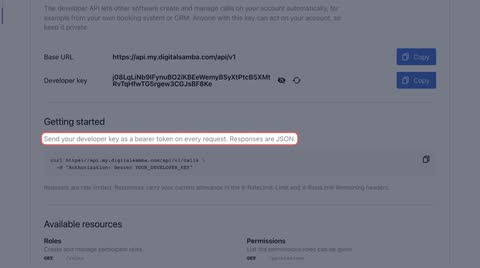
At the top is the Base URL, the address every request starts with; Copy puts it on your clipboard.
Read
0:52
Getting started
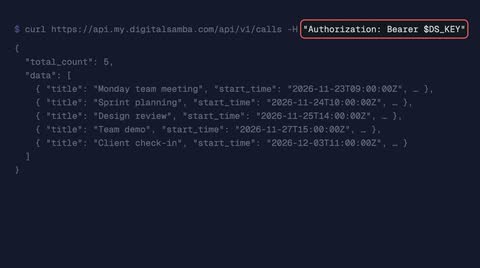
Getting started says how to use the key: send it as a bearer token on every request, and the answers come back as JSON.
Read
1:00
Getting started
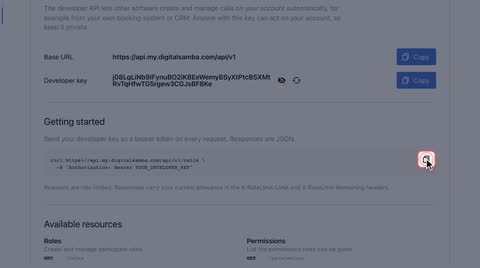
The example asks for your calls; this button copies the whole command.
Read
1:05
Getting started
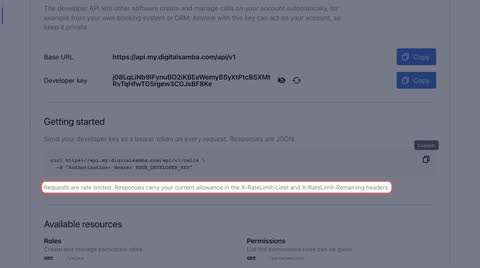
Requests are rate limited, and every answer tells you in its headers how many you have left.
Read
1:11
Getting started
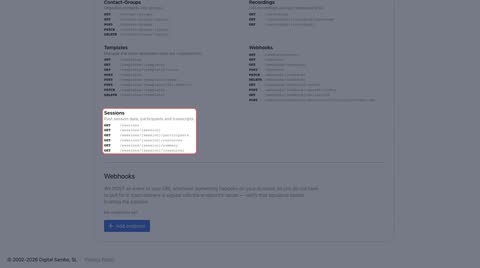
Under Available resources is what the API can reach: calls, contacts, recordings, sessions and more, each with its methods and paths.
Read
1:22
First request
Now the first request, from a terminal.
Read
1:30
First request
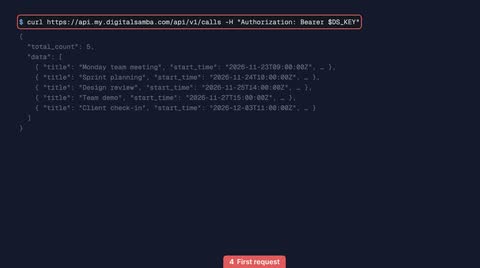
Ask for the Base URL plus slash calls, with the header Authorization: Bearer, then the key.
Read
1:37
First request
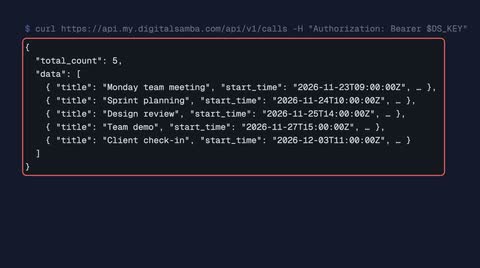
The answer is JSON: a total count of five, then each call with its title and start time, the same week that's on Ana's dashboard.
Read
2:30
Recap
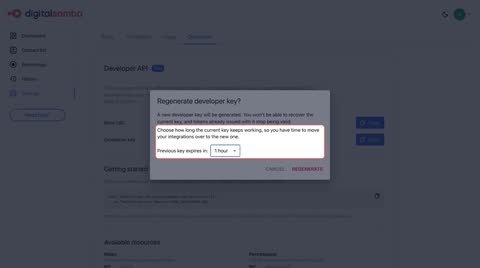
So: open Settings, Developer; show and copy your key; send it as a bearer token to the Base URL; and regenerate it with a grace period when you need to.
Read
Get notified with webhooks
For developers · 3:18
0:22
Add endpoint
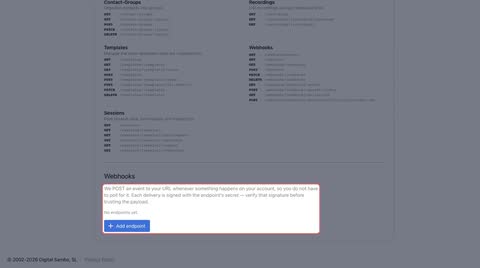
Open Settings, then the Developer tab, and scroll down to Webhooks.
Read
Connected apps: see and revoke access
For developers · 1:39
0:24
Connected apps
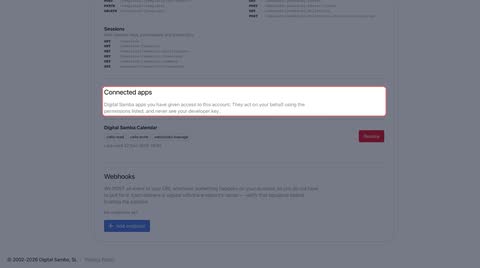
To see it, open Settings, then Developer, and scroll down to Connected apps.
Read
All topics