Skip to content
University
Videos
Topics
Updates
Search the videos
Topics
Verifying your email address
All 12 moments in Digital Samba University that depend on this.
Create your account and log in
Getting started · 2:25
0:01
Introduction
In this video, you'll create your Digital Samba account, verify your email address, and log in.
Read
0:34
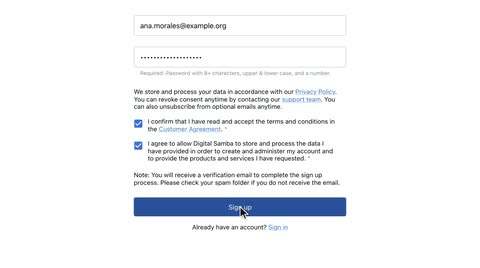
Sign up
Click Sign up.
Read
0:37
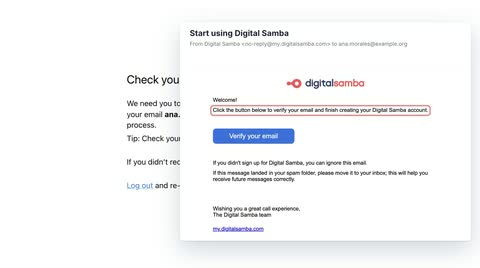
Check your inbox
The next page says Check your inbox: Digital Samba has sent you an email called Start using Digital Samba.
Read
0:46
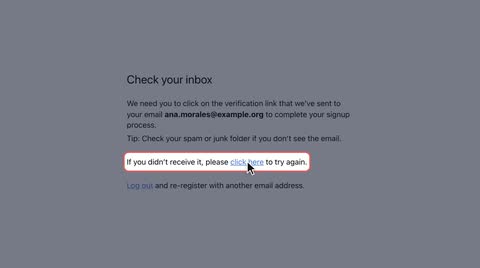
Check your inbox
If you can't find it, look in your spam folder, or use click here to send it again.
Read
0:52
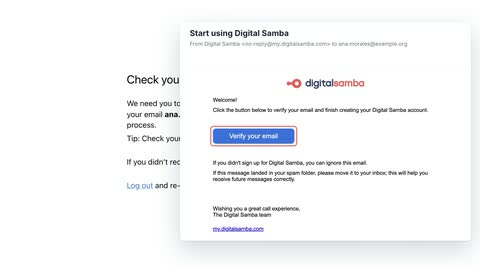
Check your inbox
In the email, click Verify your email.
Read
0:57
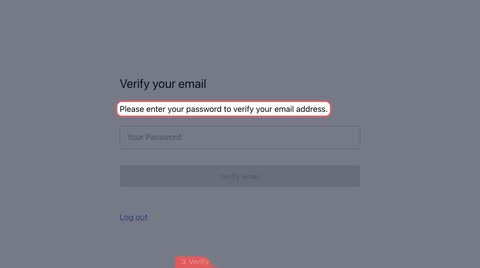
Verify your email
The link opens a page that asks for your password once more.
Read
1:01
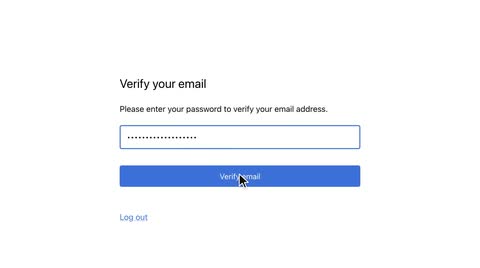
Verify your email
Type it, and click Verify email.
Read
1:05
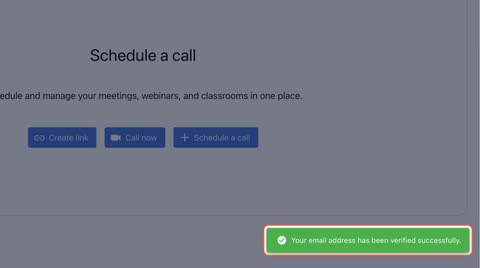
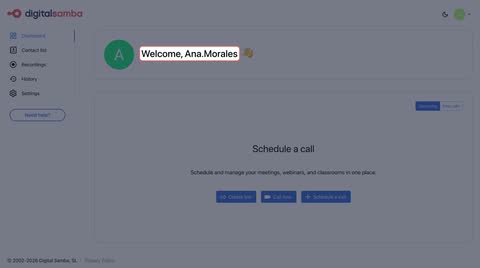
Verify your email
Now you're on your dashboard, and a message confirms that your email address is verified.
Read
2:12
Recap
So: sign up, verify your email, and log in.
Read
2:16
Recap
Your account is ready.
Read
Set up your profile
Getting started · 2:40
1:00
Email and password
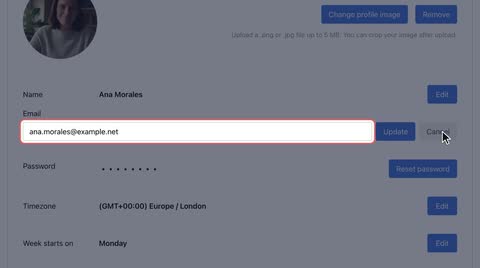
To change your email address, click Edit.
Read
1:03
Email and password
The old address keeps working until you confirm the new one from its inbox.
Read
All topics