1Developer0:11
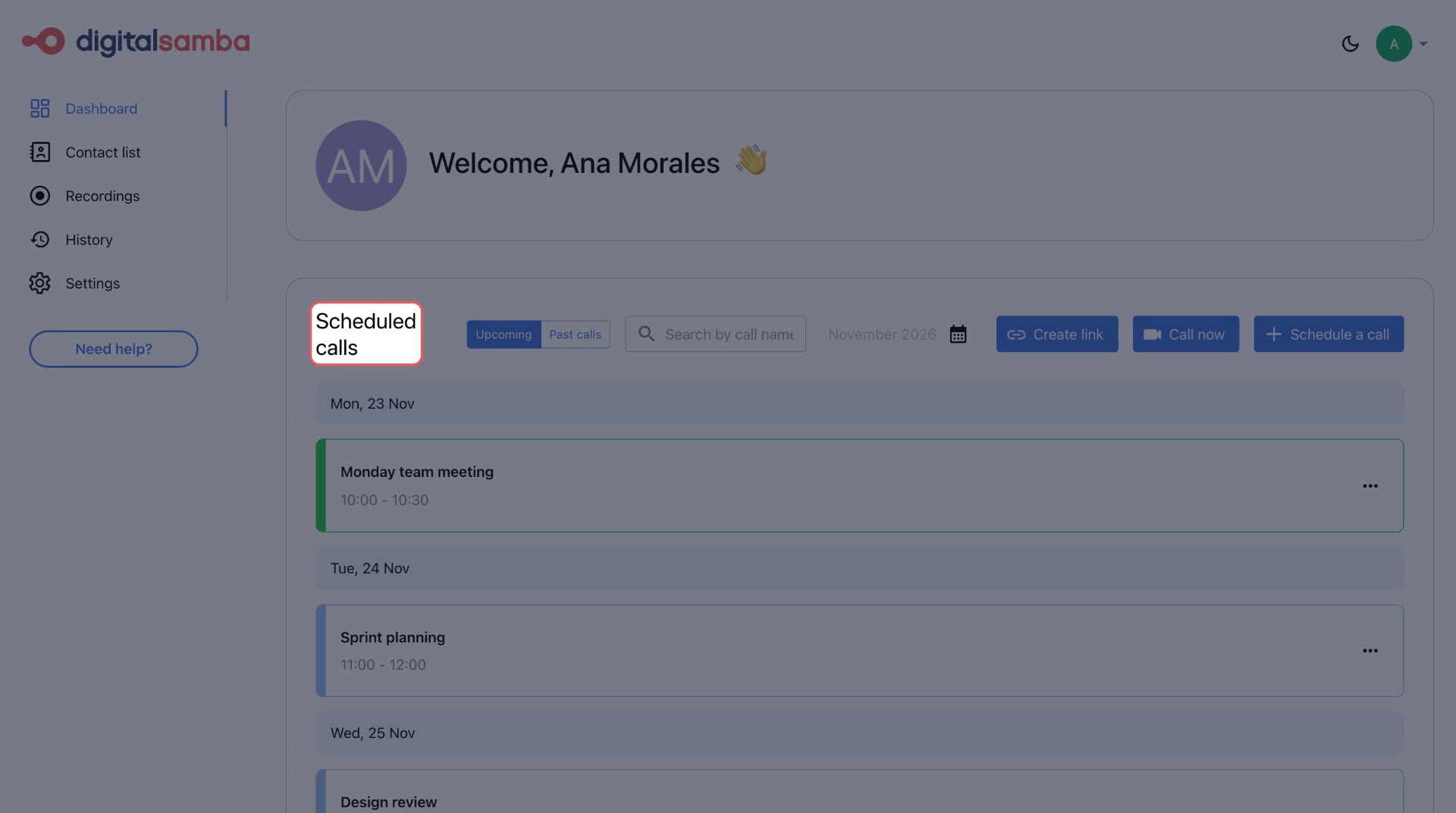
Our example: Ana's team wants its own booking system to read the calls on her account.
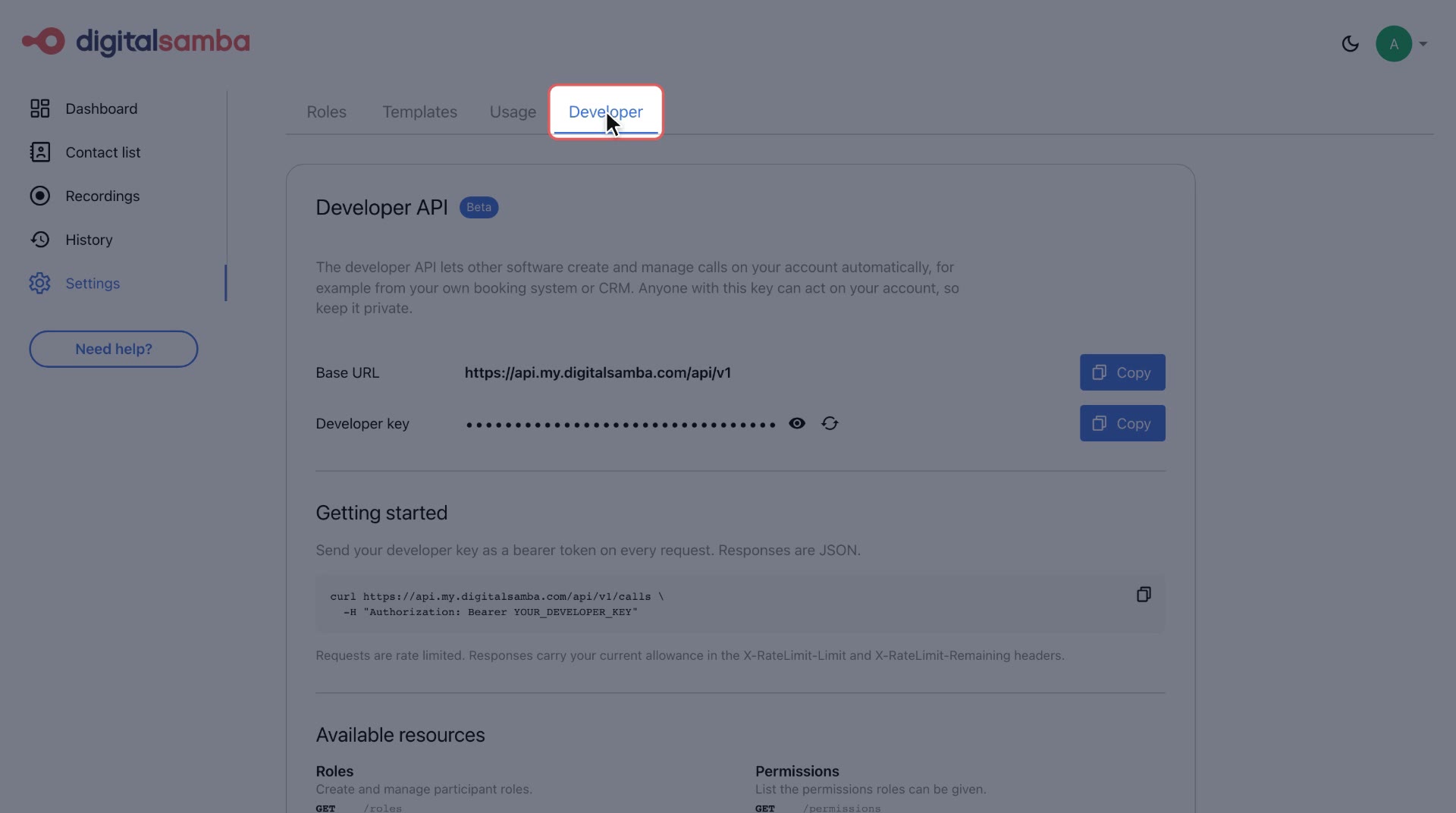
Open Settings, then the Developer tab.
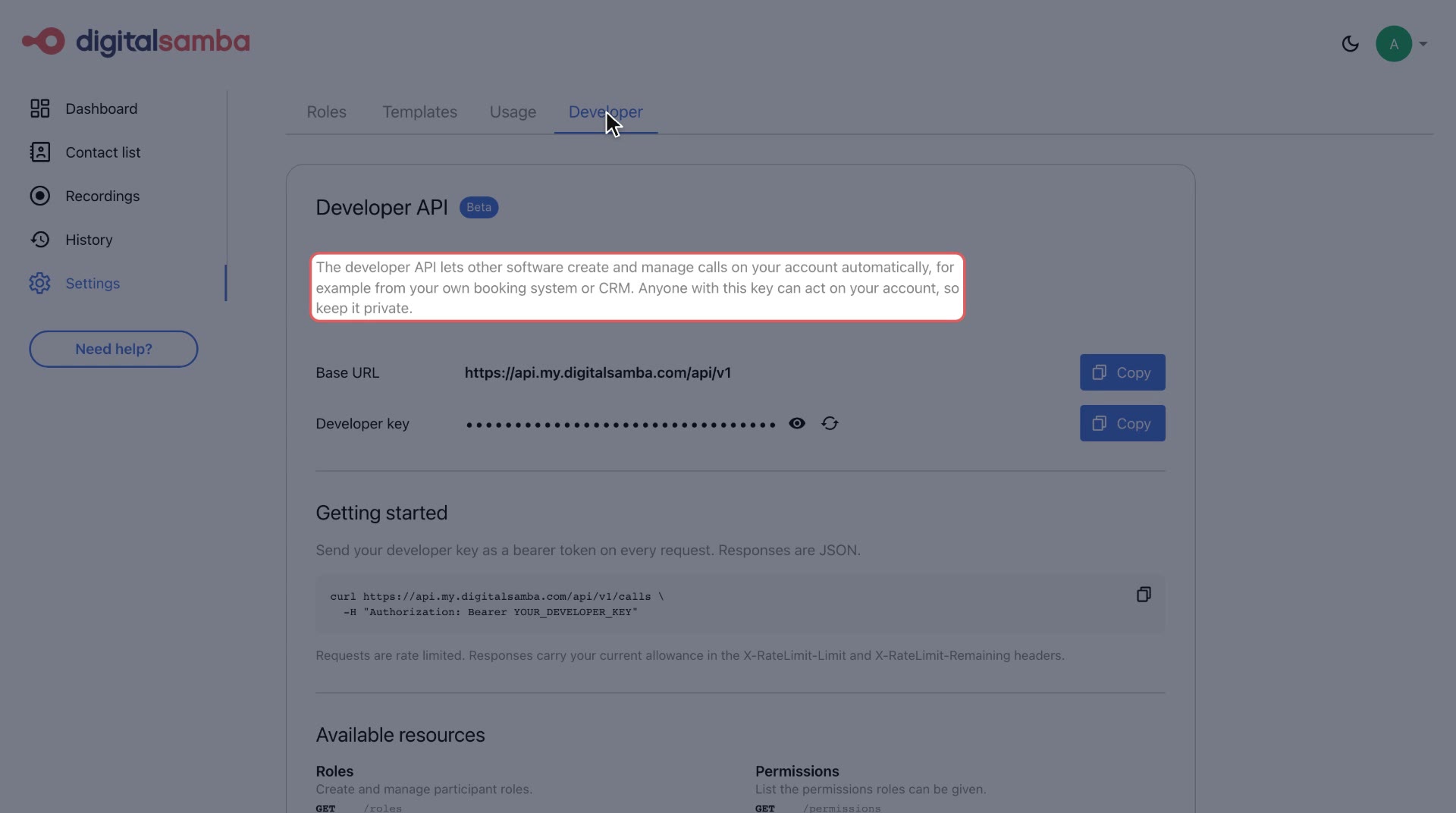
The developer API lets other software create and manage calls on your account, for example from your own booking system.
2Developer key0:29
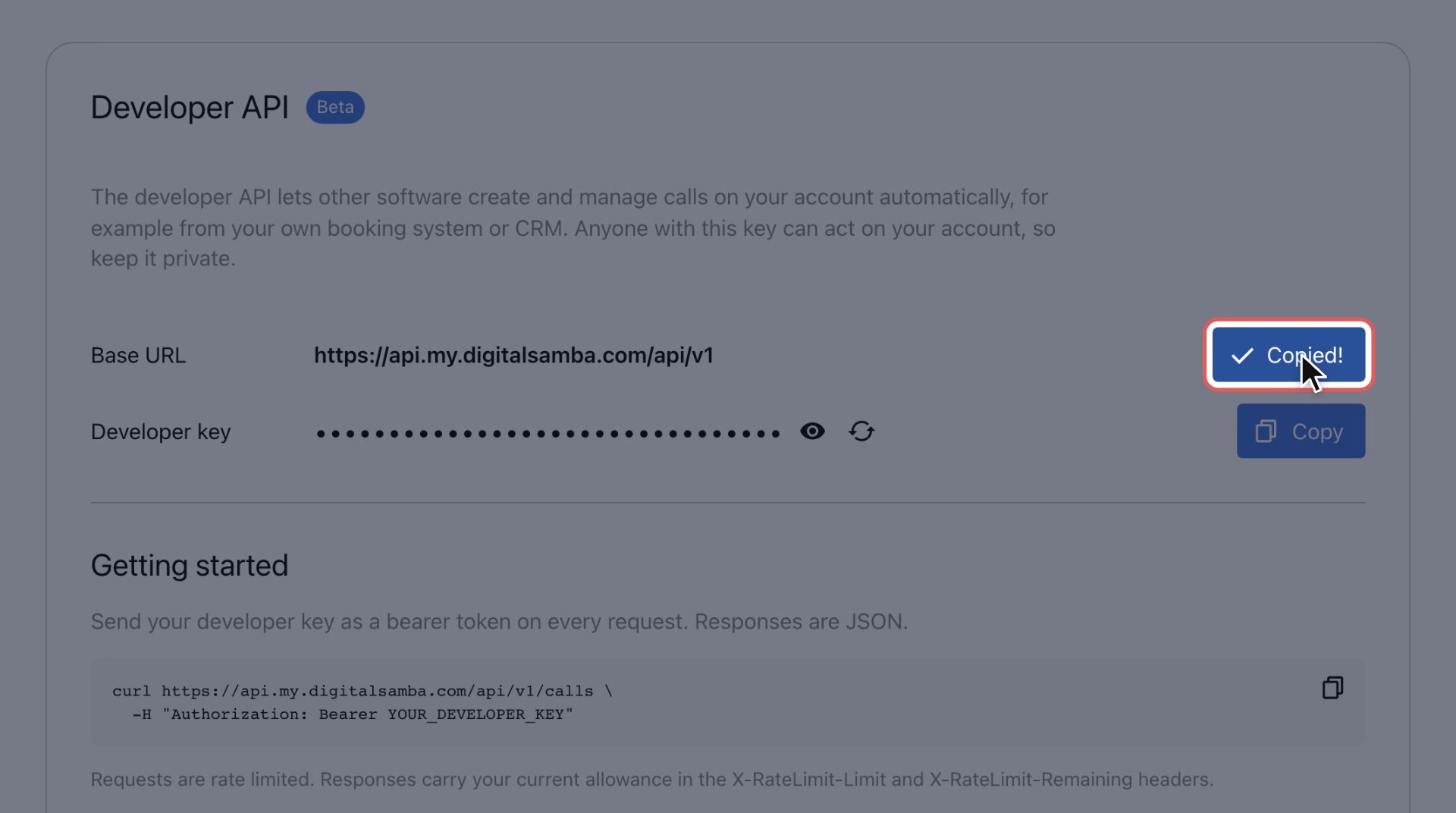
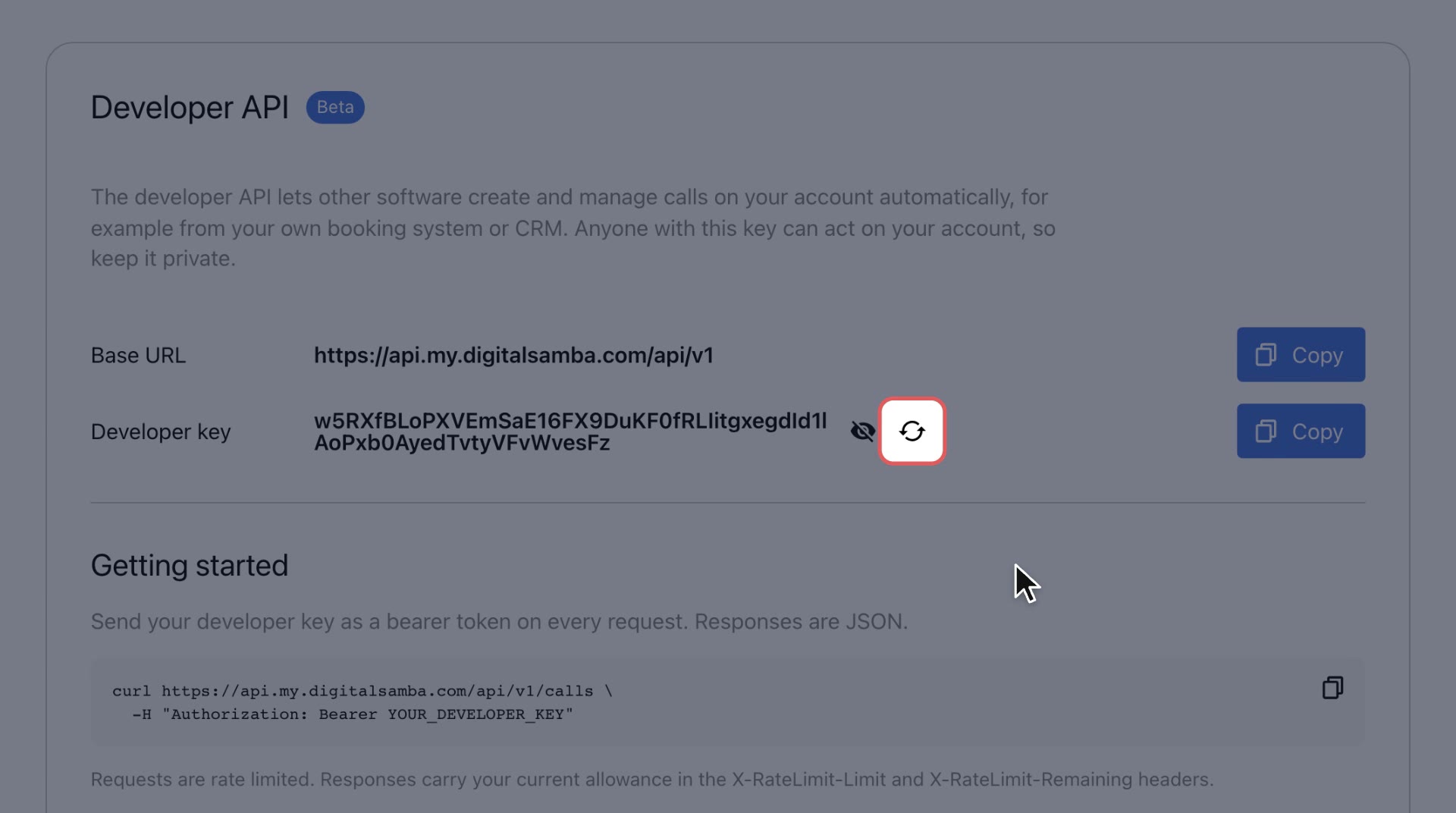
At the top is the Base URL, the address every request starts with; Copy puts it on your clipboard.
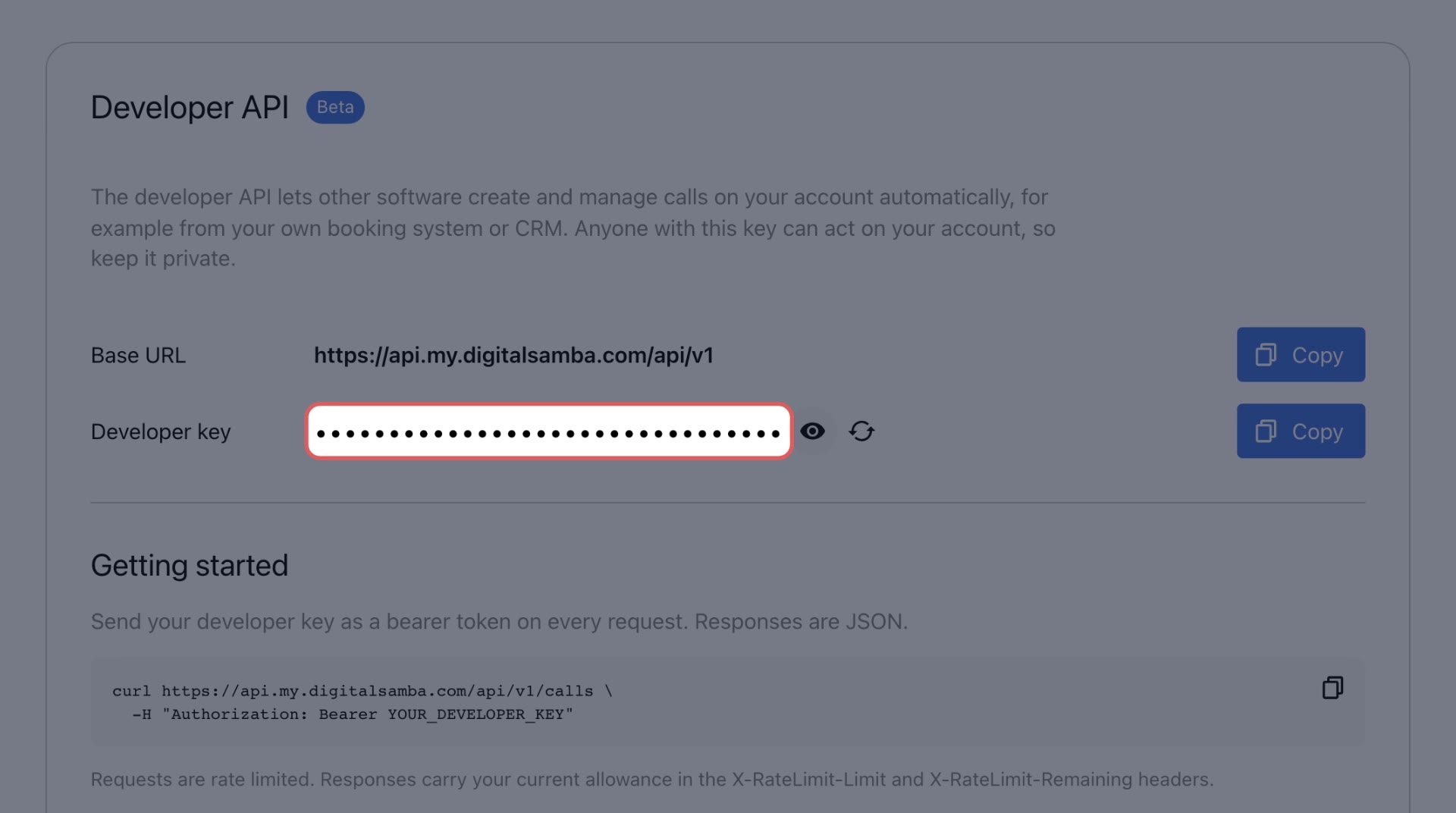
Below it is your Developer key, hidden.
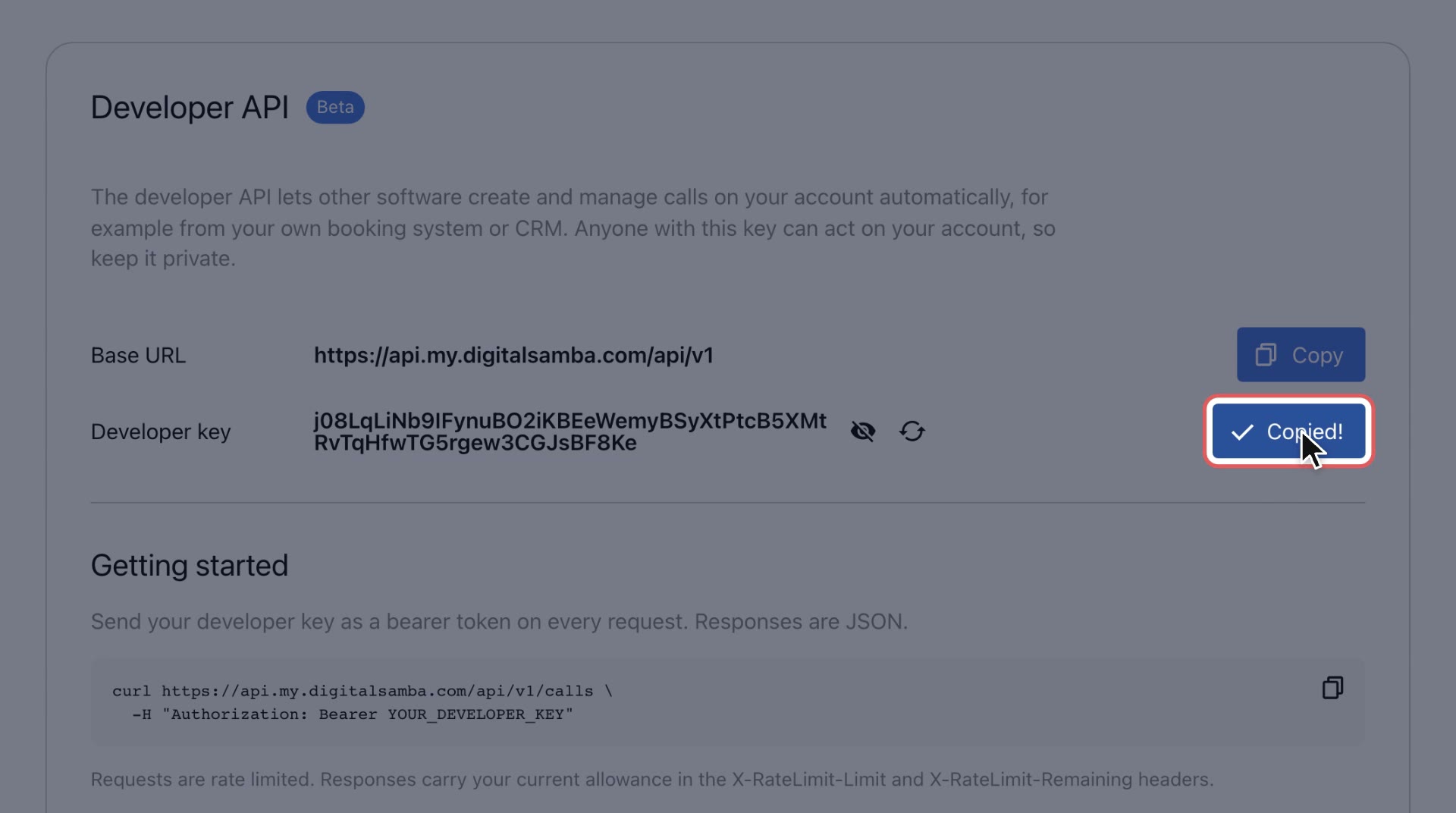
Click Show key to see it, and Copy to take it.
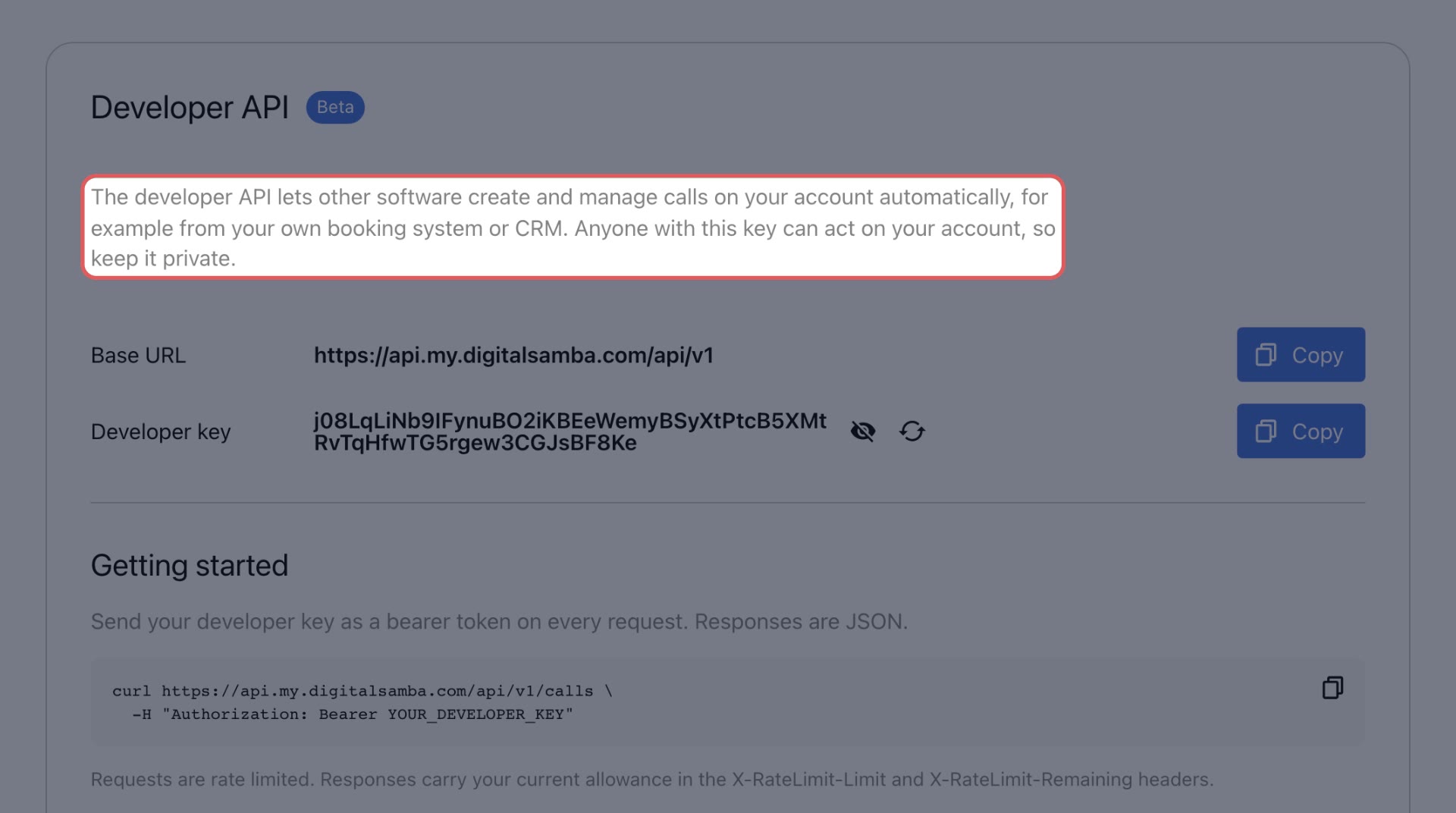
Anyone with this key can act on your account, so keep it private, like a password.
3Getting started0:51
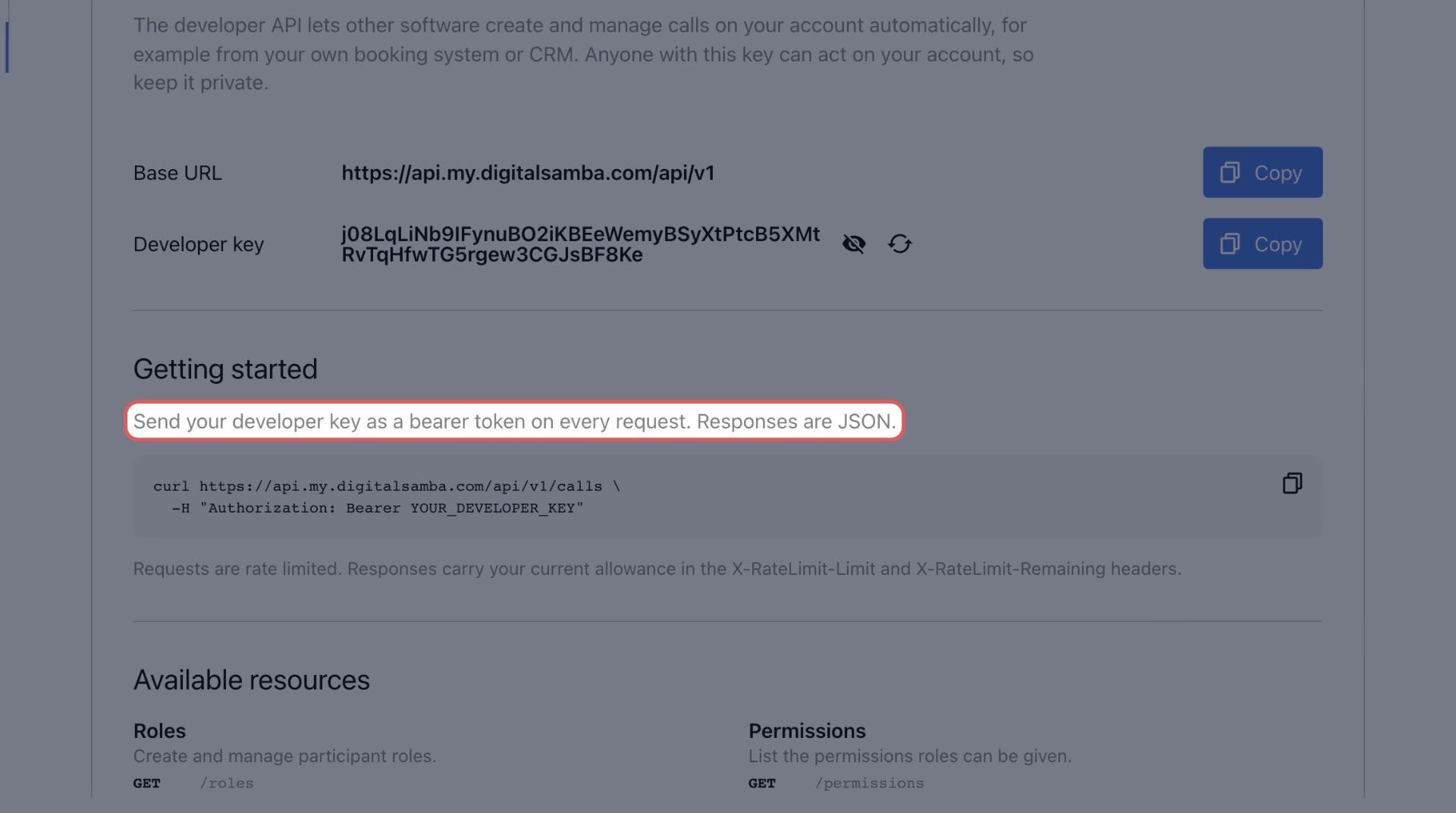
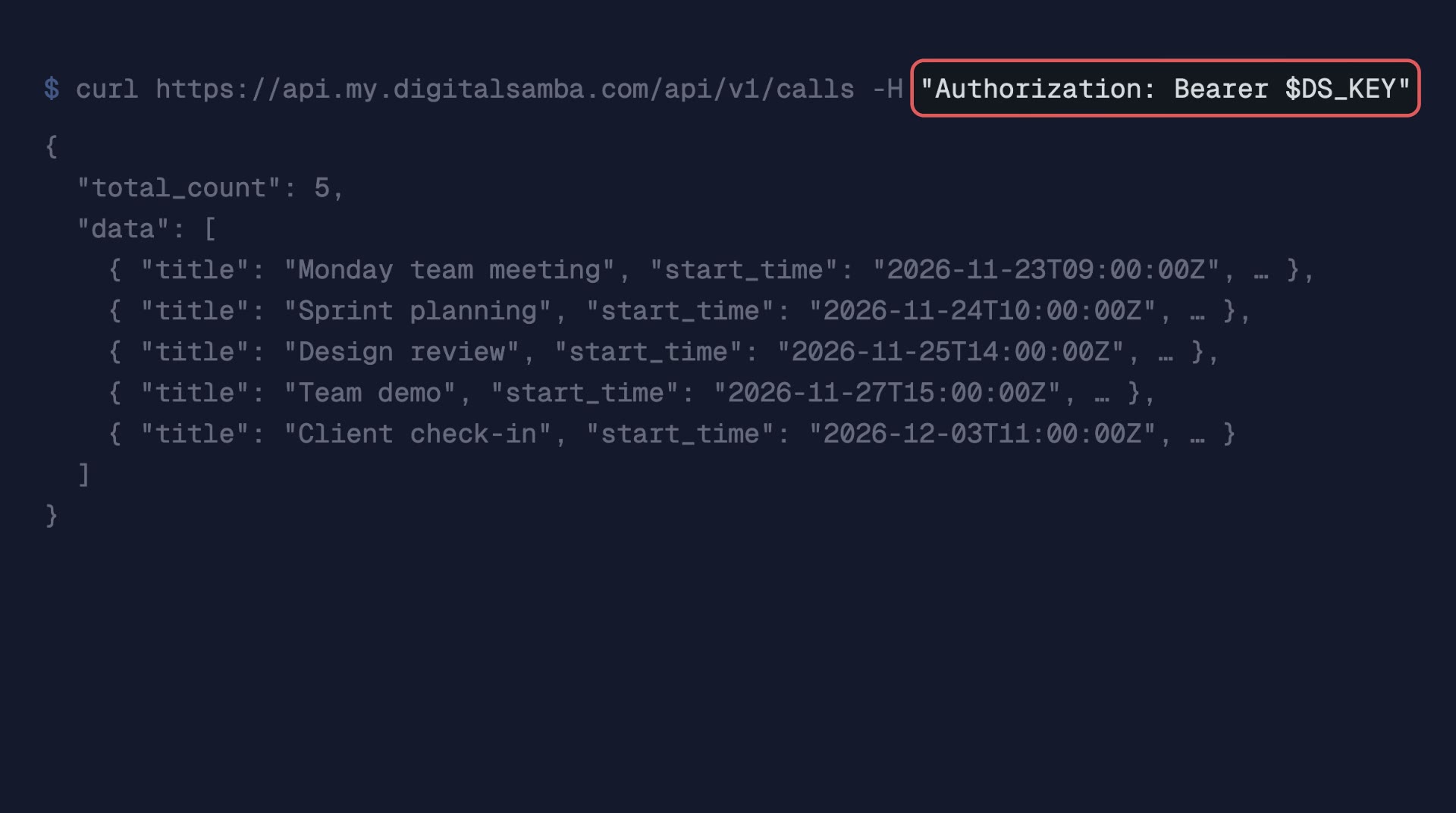
Getting started says how to use the key: send it as a bearer token on every request, and the answers come back as JSON.
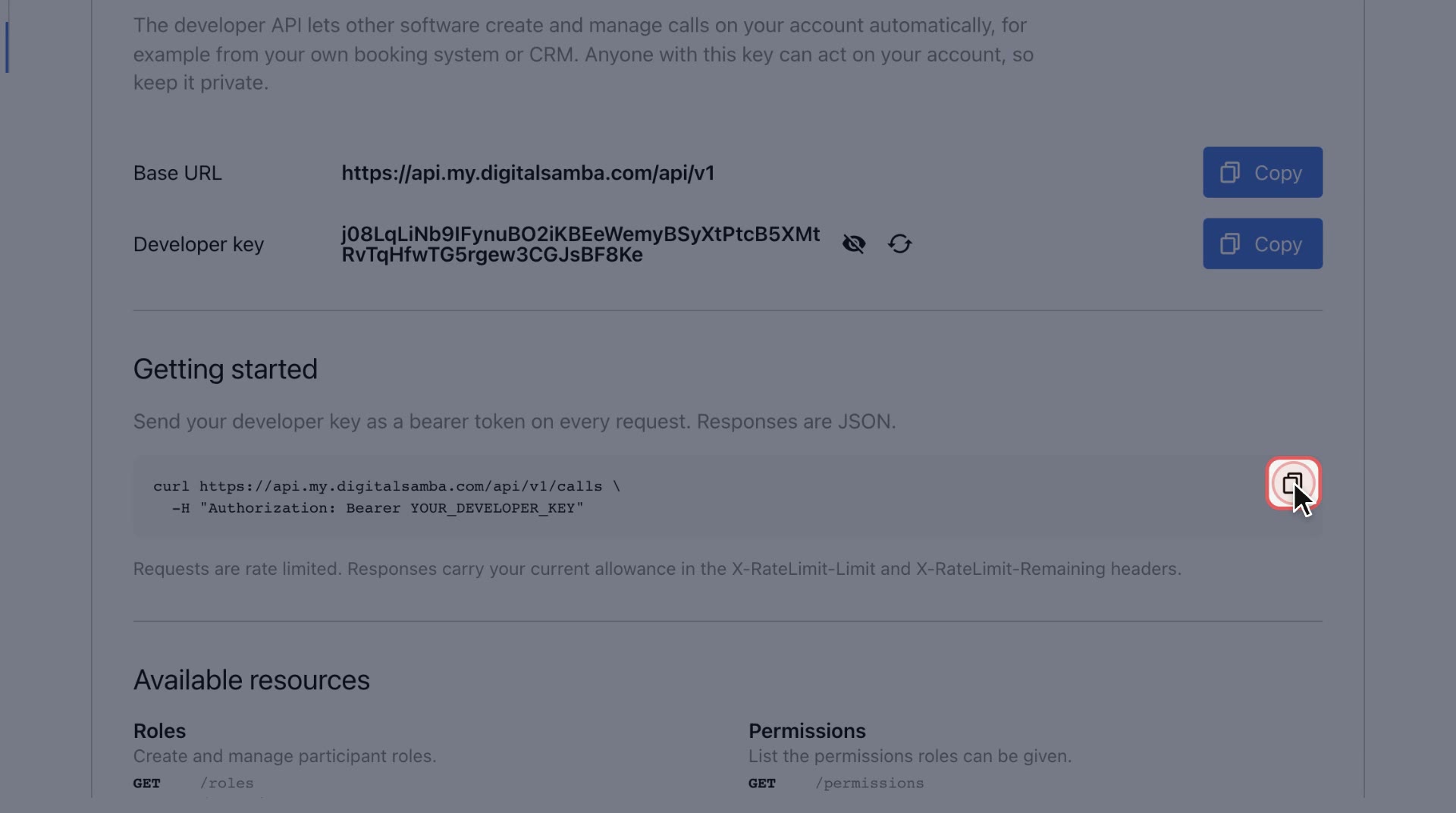
The example asks for your calls; this button copies the whole command.
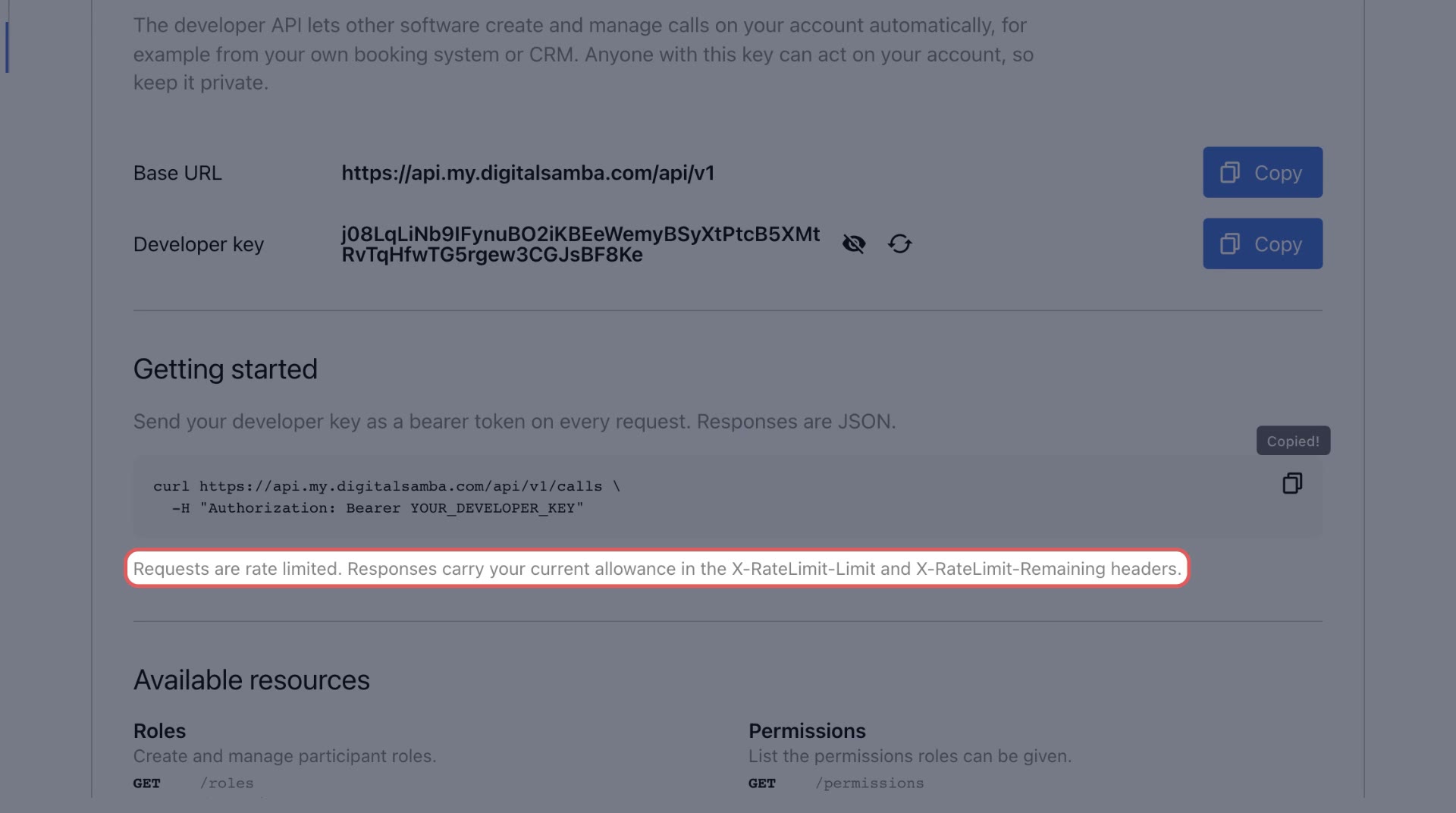
Requests are rate limited, and every answer tells you in its headers how many you have left.
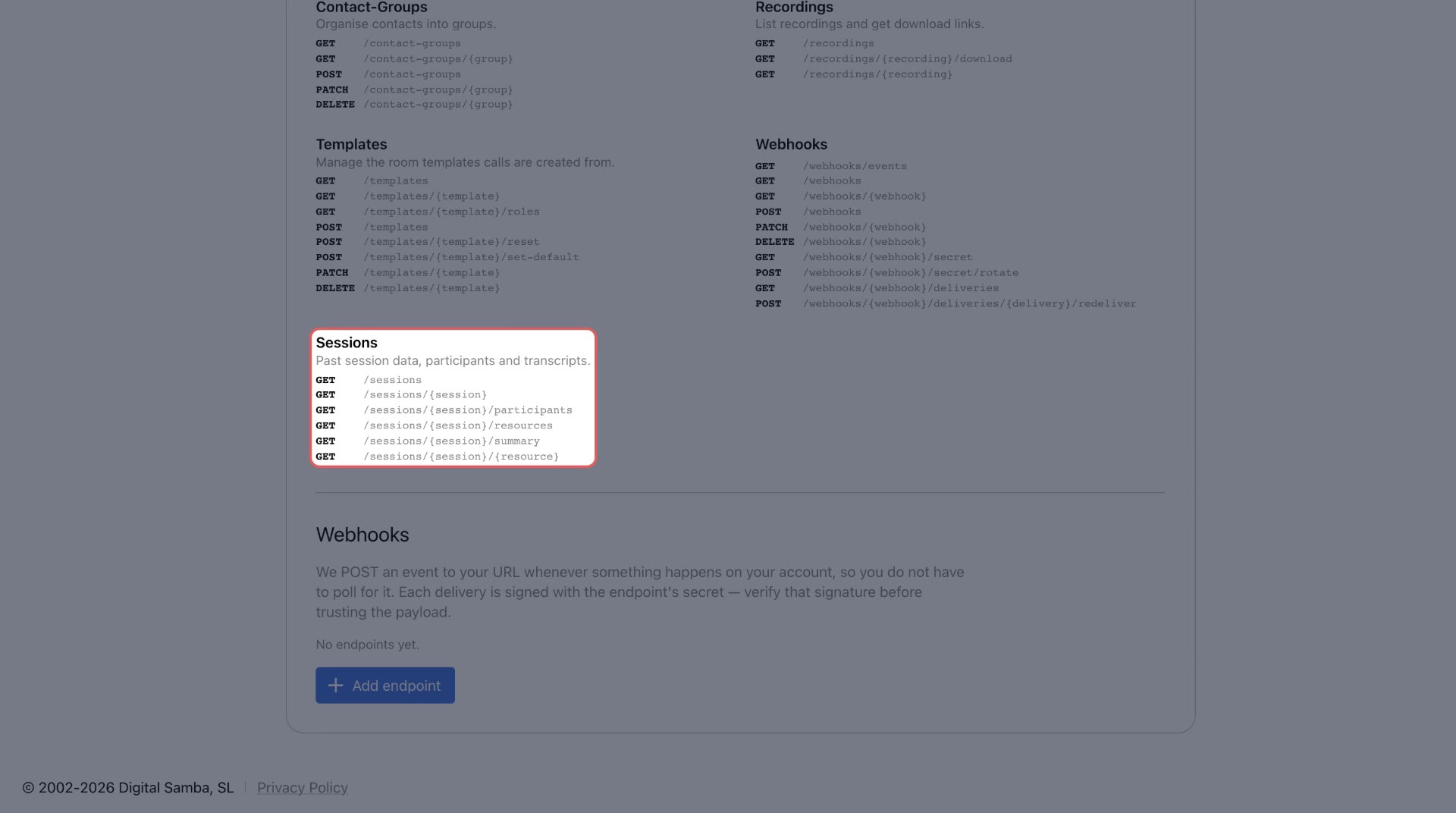
Under Available resources is what the API can reach: calls, contacts, recordings, sessions and more, each with its methods and paths.
4First request1:21
Now the first request, from a terminal.
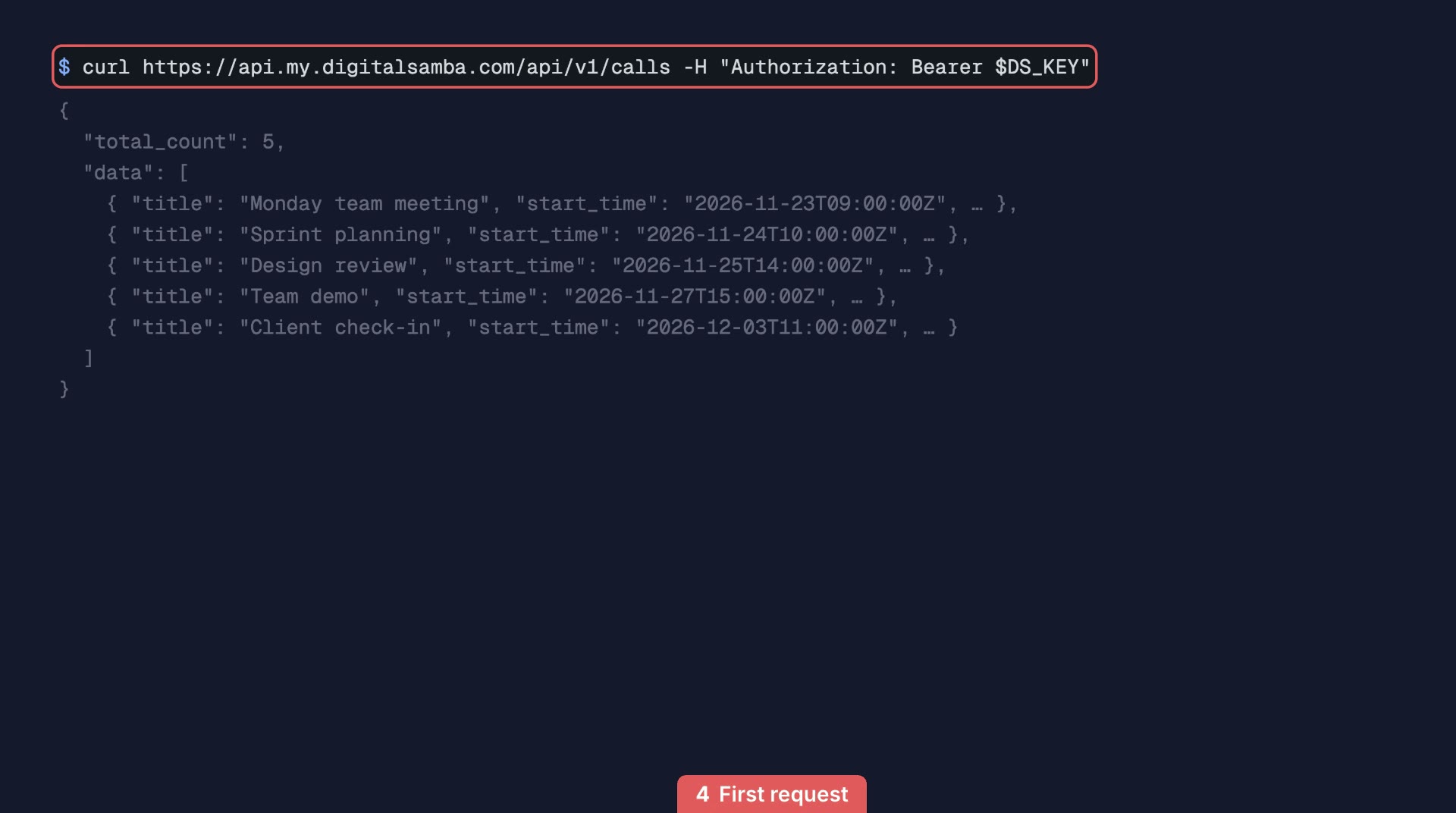
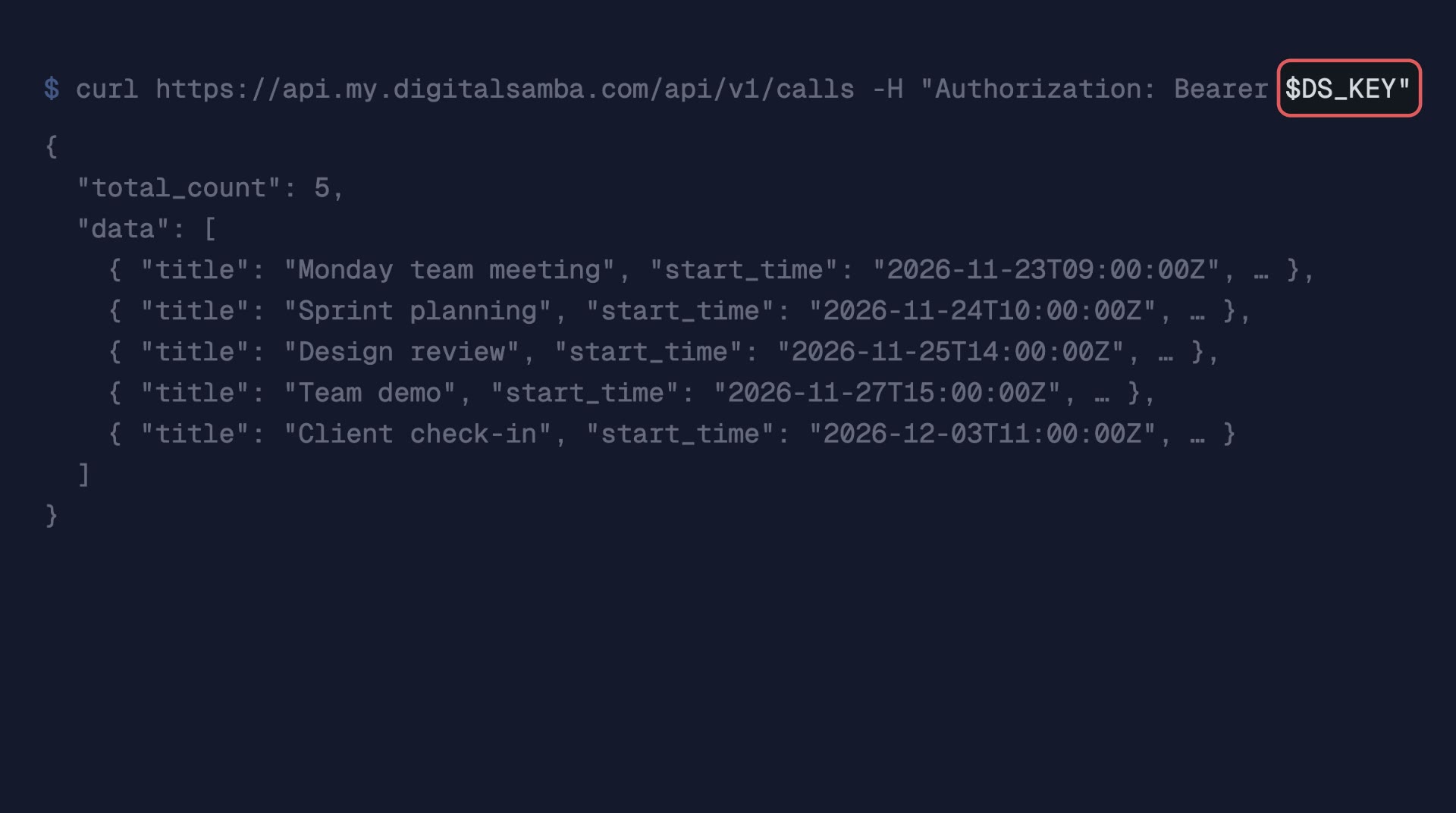
Here the key waits in an environment variable, so it never sits in the command itself.
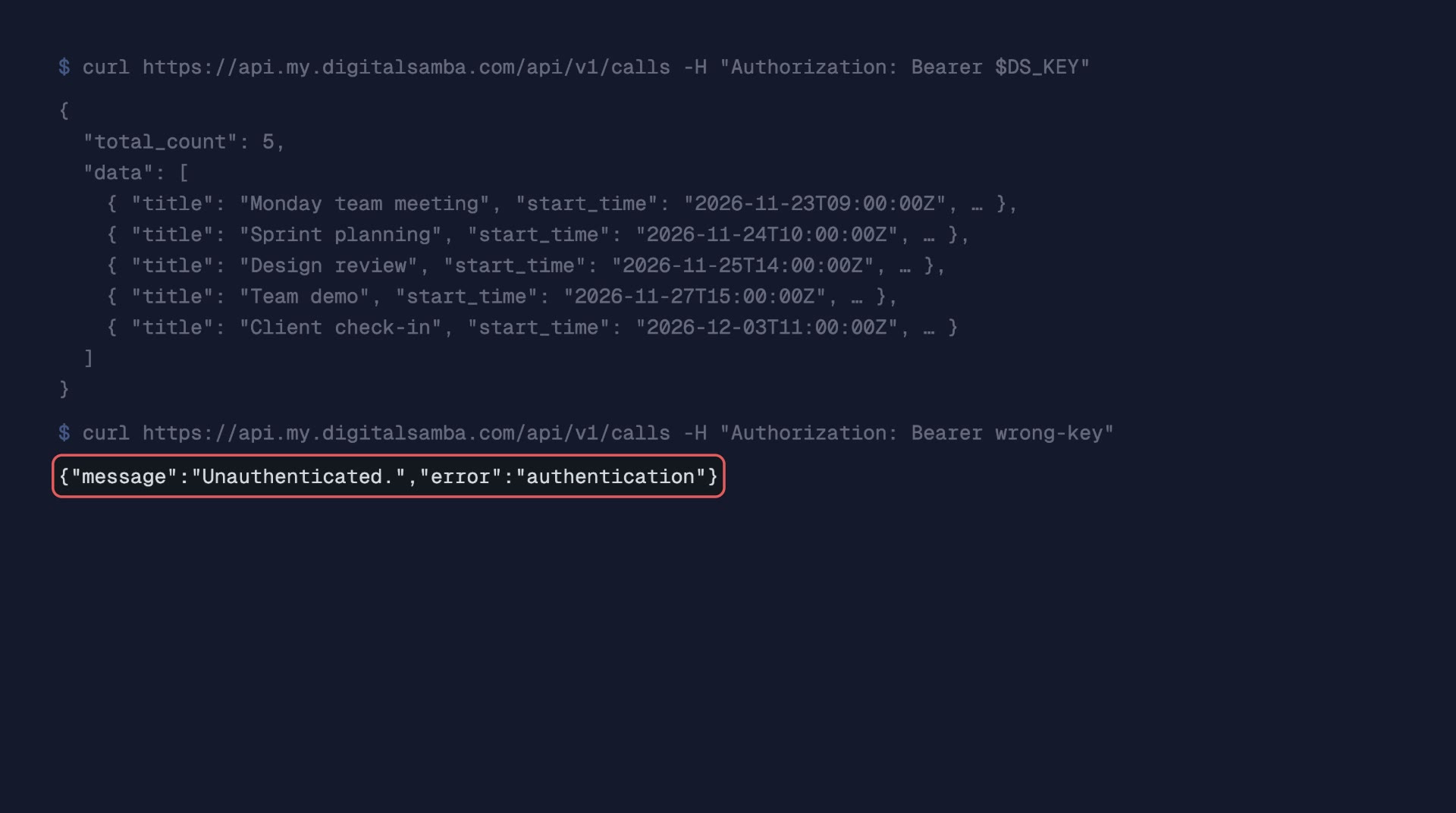
Ask for the Base URL plus slash calls, with the header Authorization: Bearer, then the key.
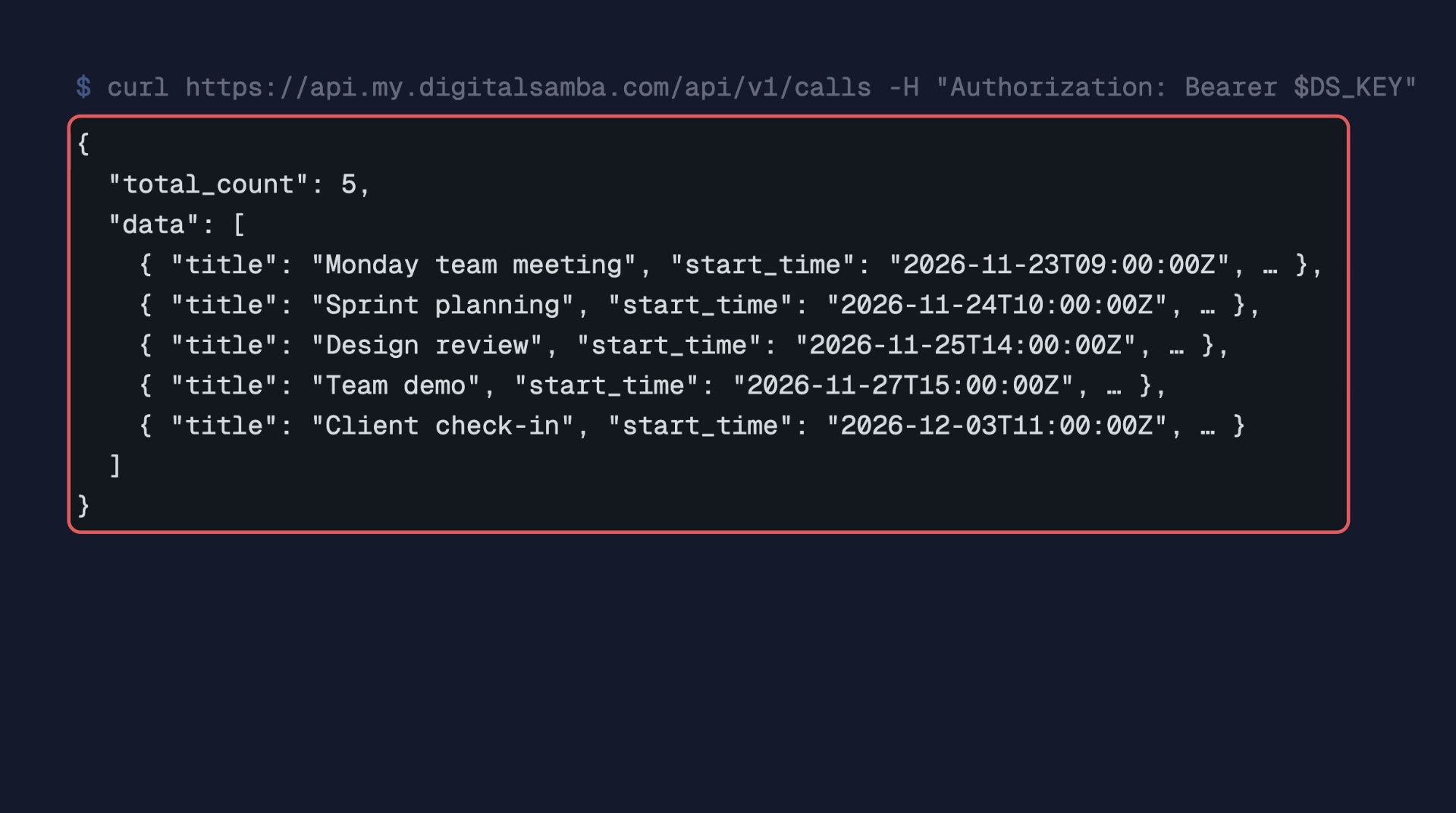
The answer is JSON: a total count of five, then each call with its title and start time, the same week that's on Ana's dashboard.
5Regenerate1:46
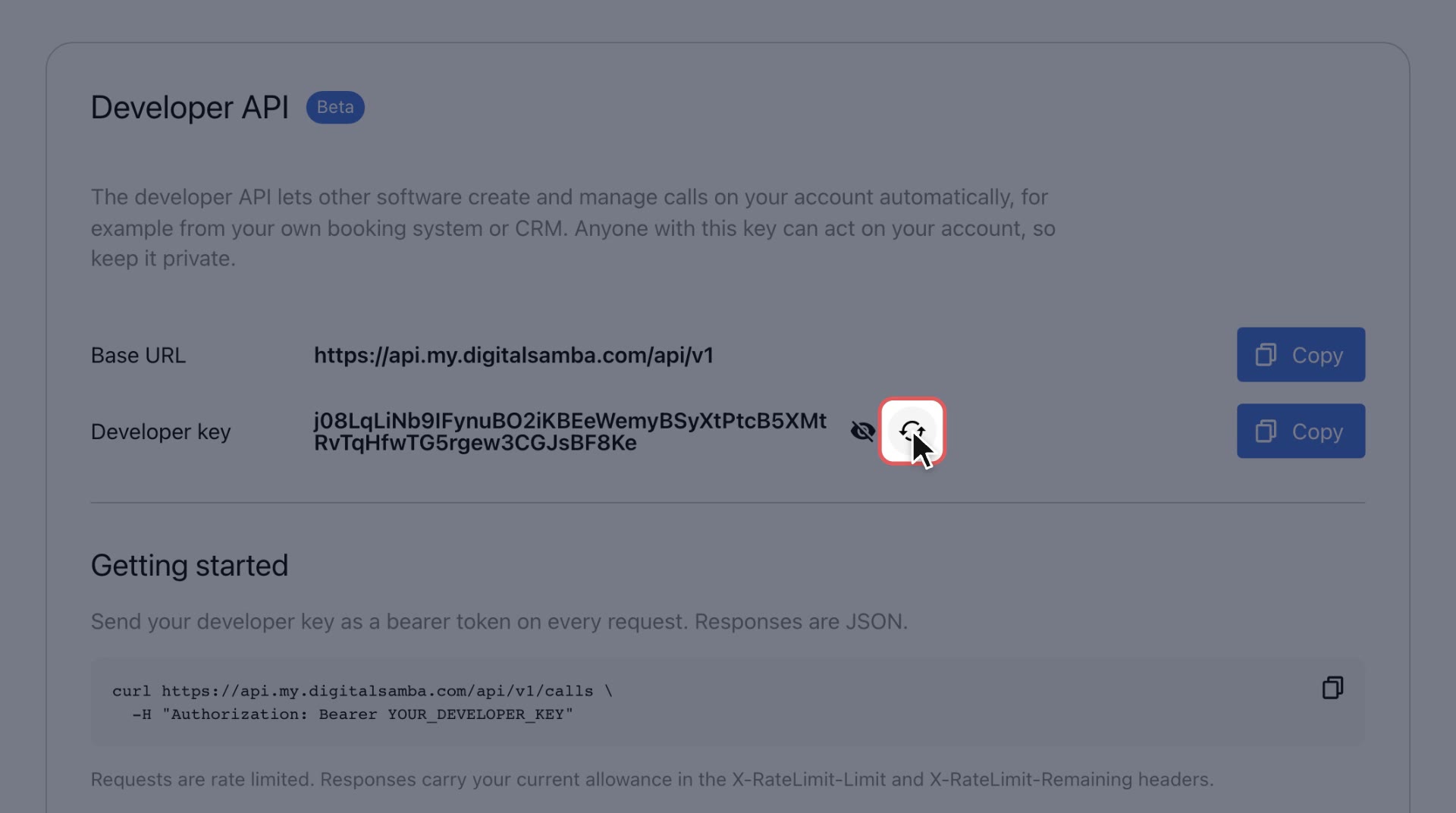
If the key may have got out, replace it: click the circling arrows beside it, Regenerate developer key.
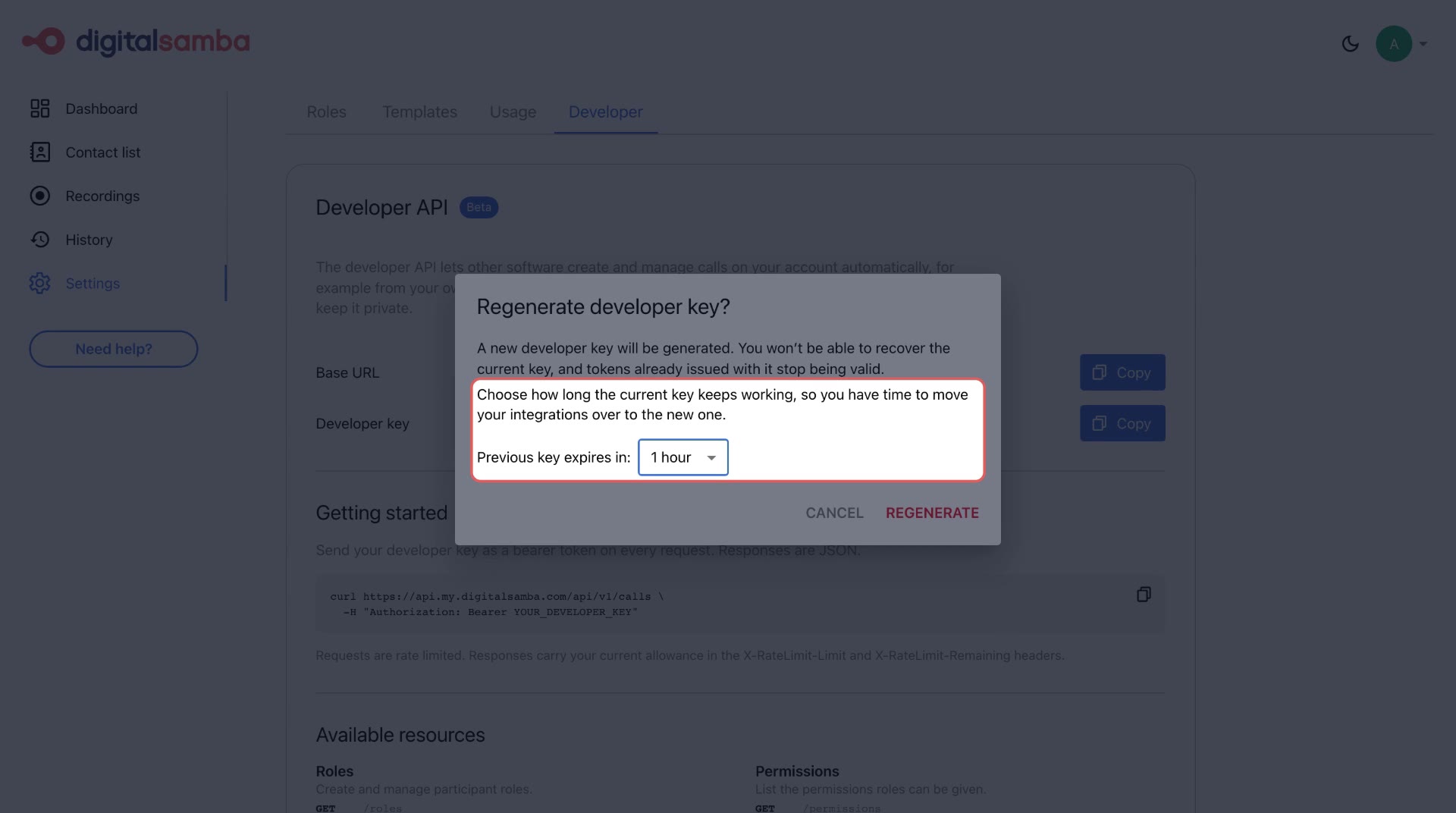
Choose how long the current key keeps working, from Immediately up to 24 hours, so you have time to move your software over.
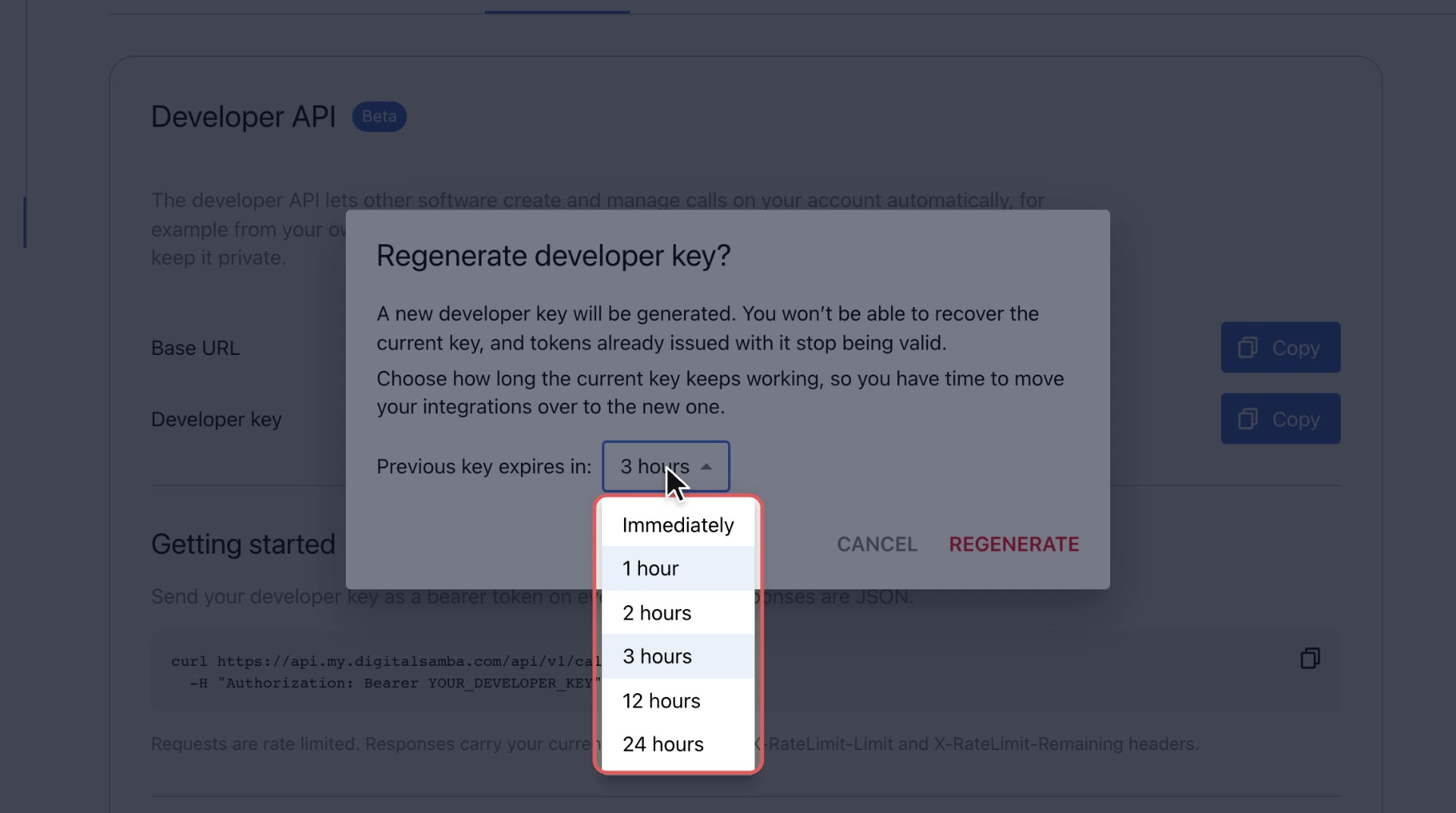
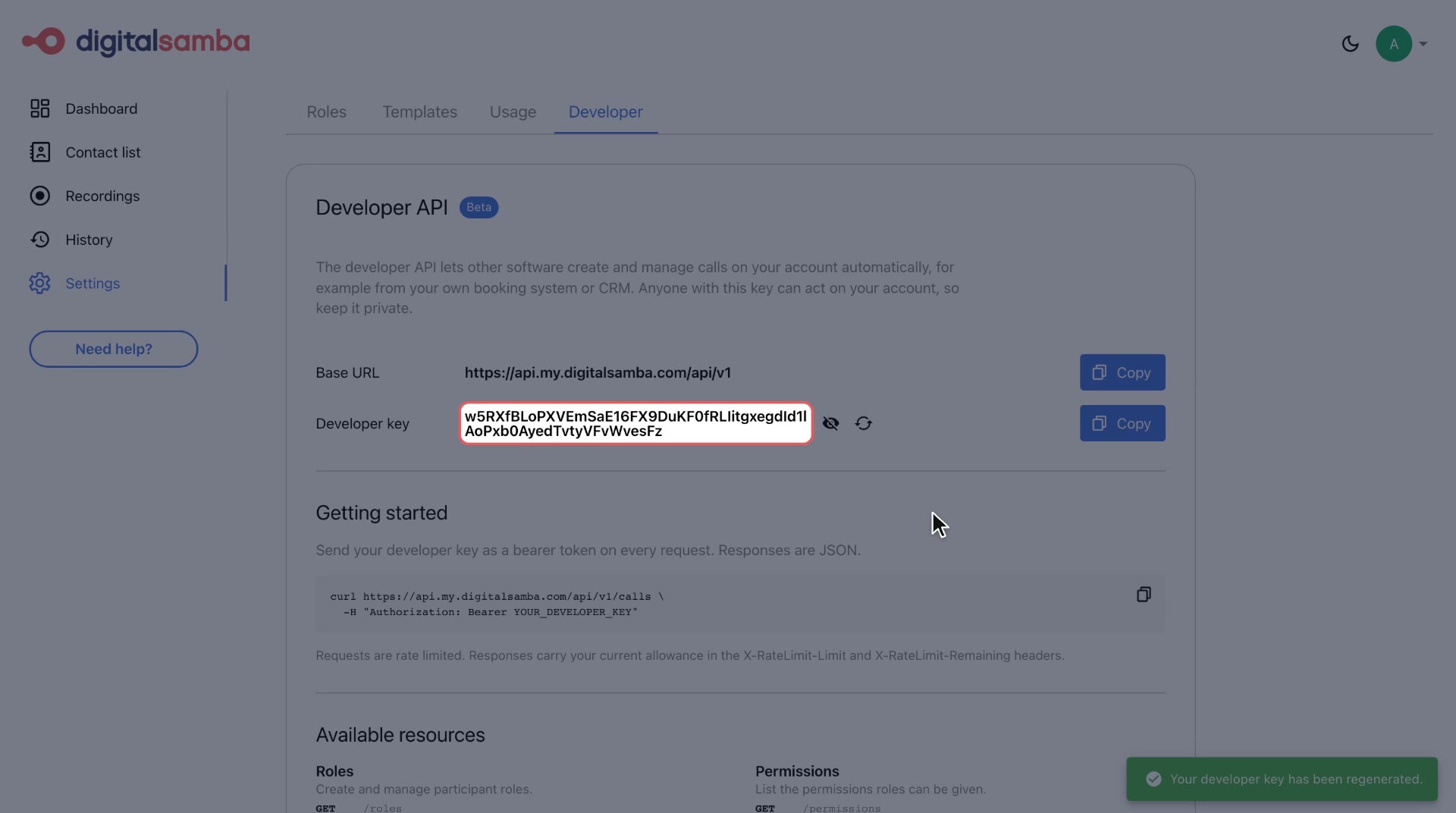
Ana picks one hour and clicks Regenerate: the page shows the new key.
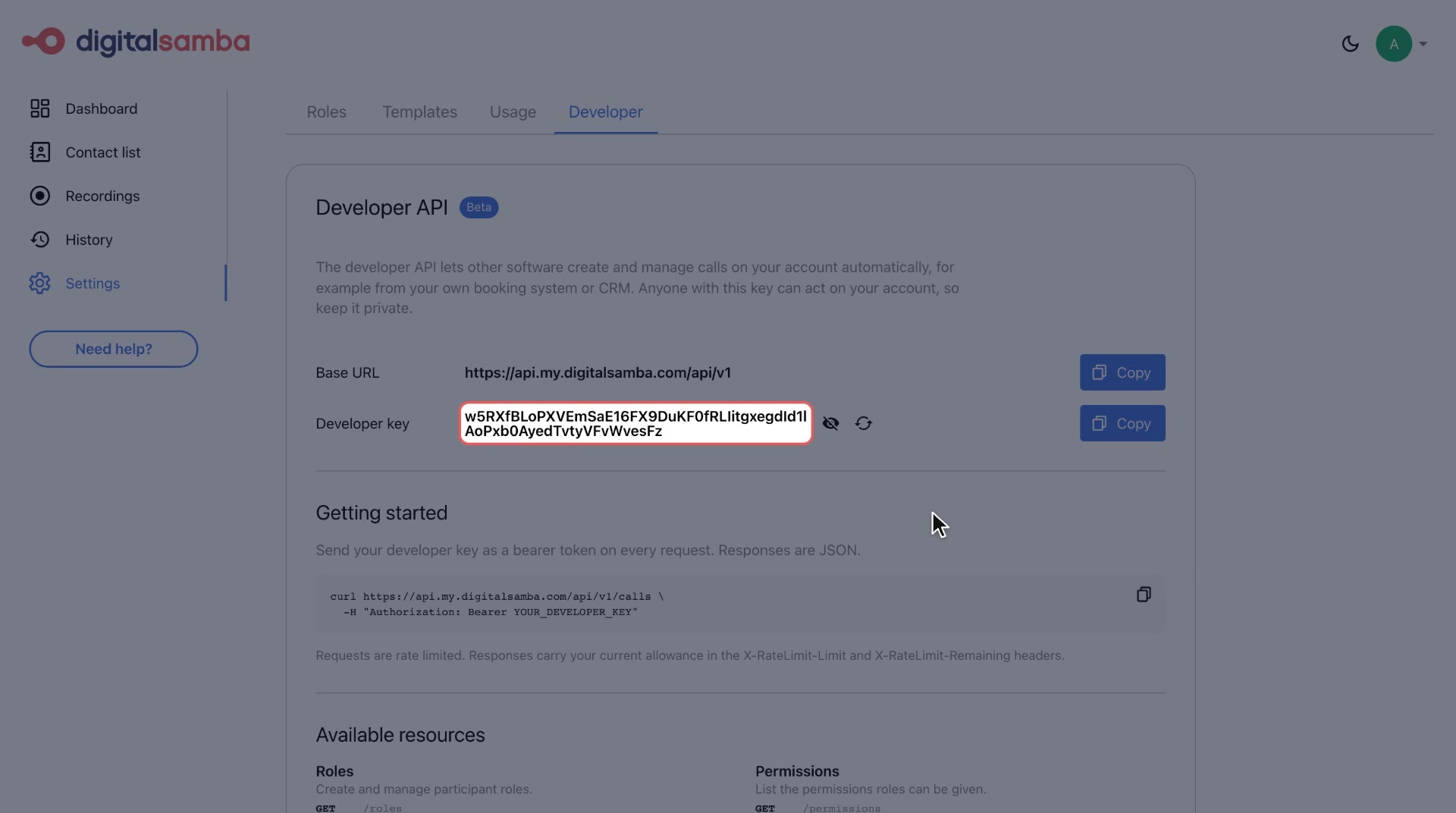
For that hour, both keys work; after it, the old key is refused.
Good to know2:13
There's one developer key per account, not one per tool, so after a regenerate, update everything that uses it.
And a request with a wrong key, or with none, is answered Unauthenticated.
Recap2:29
So: open Settings, Developer; show and copy your key; send it as a bearer token to the Base URL; and regenerate it with a grace period when you need to.
Did this article help?
Sorry about that. What was the problem?