Skip to content
University
Videos
Most watched
Topics
Updates
Search the videos
Topics
Your calls on the dashboard
All 27 moments in Digital Samba University that depend on this.
Start here: Digital Samba in 90 seconds
1:36
0:16
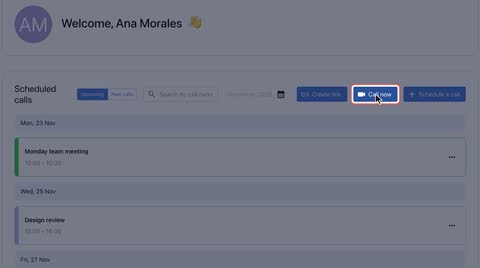
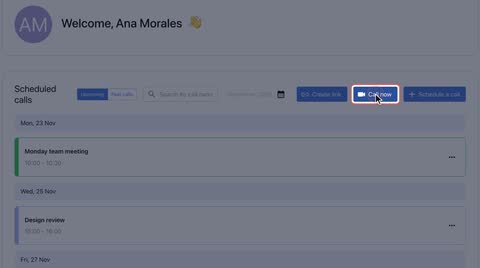
Call now
To talk to Javier right now, she clicks Call now, and the call opens in a new tab.
Read
0:27
Schedule a call
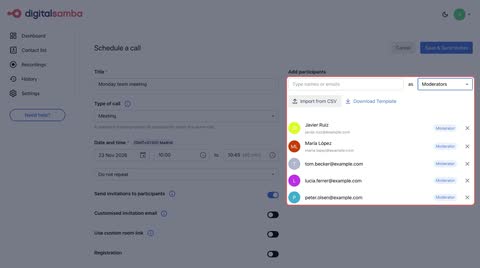
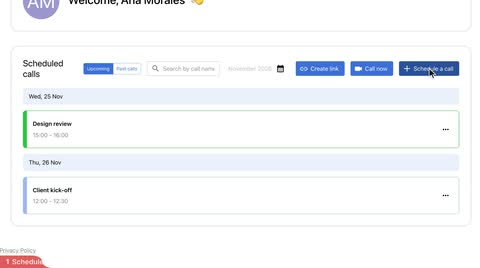
For the team's Monday meeting, she schedules a call: a title, a date and time, and the people to invite.
Read
0:34
Schedule a call
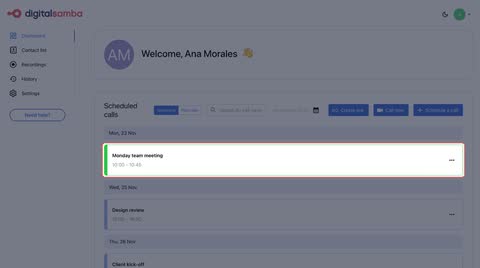
Each of them gets an invitation by email, and the call waits on her dashboard.
Read
Create your account and log in
Getting started · 2:25
1:05
Verify your email
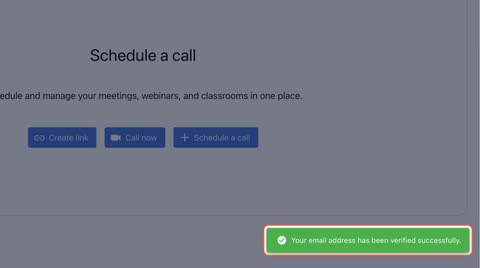
Now you're on your dashboard, and a message confirms that your email address is verified.
Read
2:02
Good to know
And sign-up doesn't ask for your name, so your dashboard greets you by the first part of your email address.
Read
2:08
Good to know
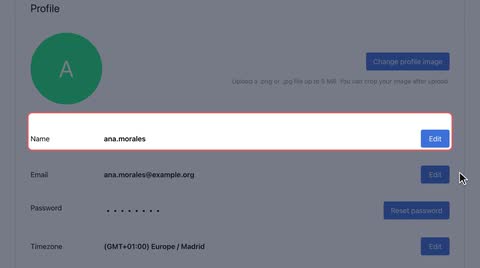
Add your name in your profile.
Read
Your dashboard at a glance
Getting started · 2:12
0:01
Introduction
In this video, you'll tour your Digital Samba dashboard: your calls, how to start one, and where everything else is.
Read
0:11
Scheduled calls
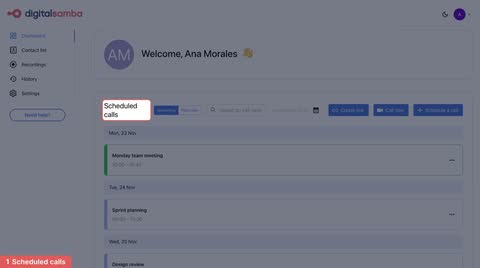
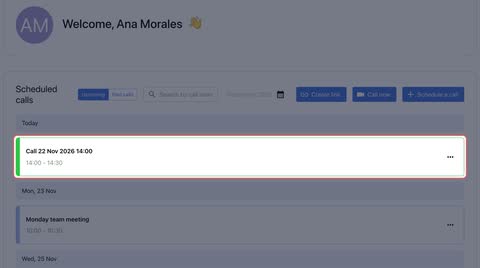
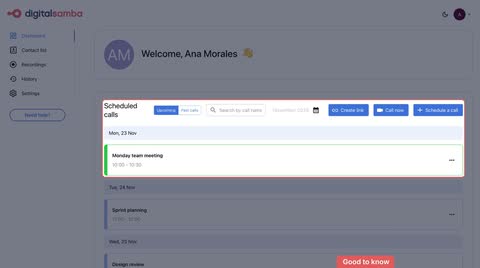
Your dashboard greets you by name and lists your scheduled calls: here, a normal week for Ana's team.
Read
0:18
Scheduled calls
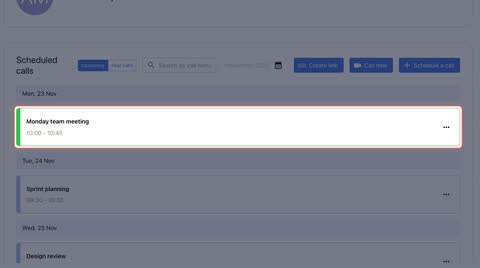
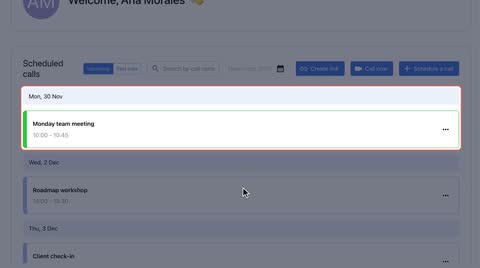
Each call, whether a meeting, a class or a webinar, sits under its day, with the next one marked in green.
Read
0:26
Scheduled calls
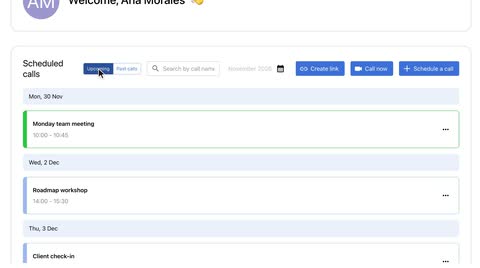
Upcoming shows what's ahead.
Read
0:28
Scheduled calls
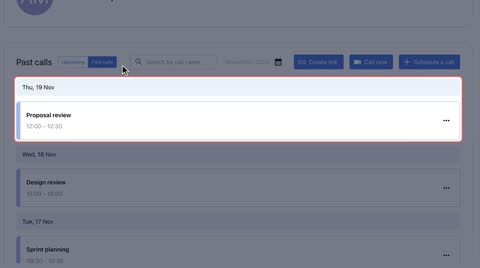
Past calls shows what's over.
Read
0:32
Search by call name
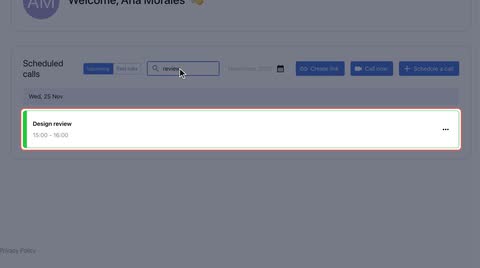
To find a call, type part of its name in Search by call name.
Read
0:39
Search by call name
Or click the calendar and pick a date: the list starts from that day.
Read
0:44
Search by call name
Click Upcoming to get the whole list back.
Read
1:57
Recap
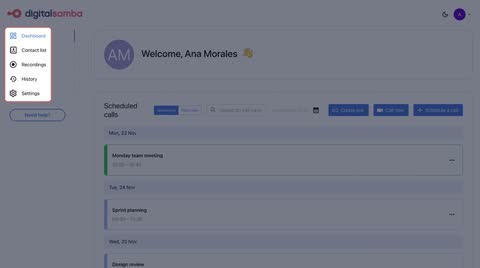
So: your calls by day, a search to find one, three buttons to start one, and a menu for the rest.
Read
Set up your profile
Getting started · 2:40
1:18
Timezone
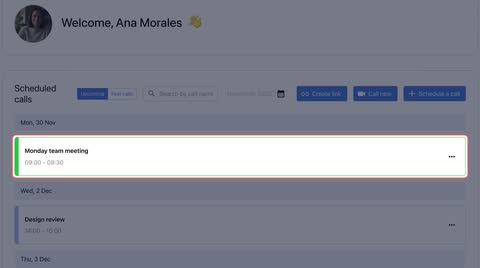
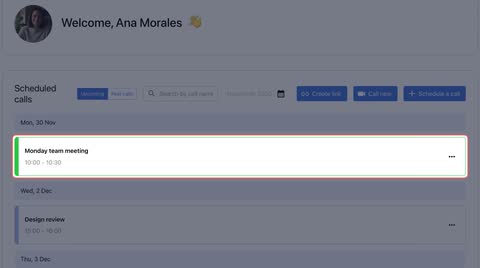
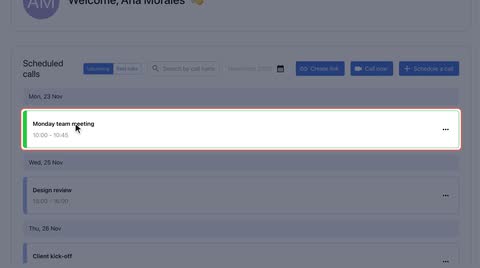
Here the account is on London time, but the team is in Madrid: Monday's meeting shows at nine instead of ten.
Read
1:31
Timezone
The meeting has not moved: only the clock it is shown in has changed.
Read
Start a call instantly with Call now
Start a call now · 1:56
0:13
Call now
On your dashboard, click Call now.
Read
1:24
Good to know
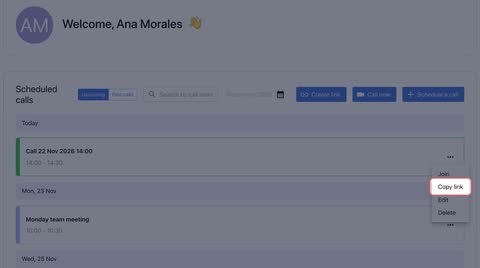
Good to know: the link is also in the address bar of the call's tab, and on its card on your dashboard, under the three dots.
Read
1:36
Good to know
And until the end time on its card, Call now takes you back into the same call.
Read
Create a call link to share
Start a call now · 1:50
1:16
Good to know
Good to know: call links don't appear in your list of calls, so keep them somewhere safe.
Read
Schedule a call and invite people
Scheduling calls · 2:40
0:11
Schedule a call
Start on your dashboard, and click Schedule a call.
Read
2:09
The call's page
You'll also find it on your dashboard, under Upcoming.
Read
Set up a recurring call
Scheduling calls · 2:42
1:10
Save the series
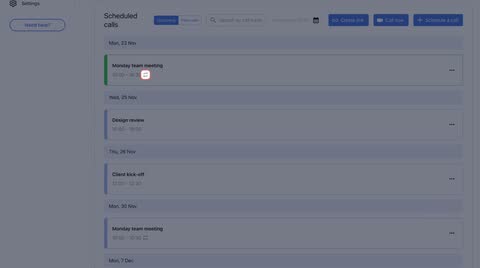
Your dashboard lists every Monday, each with a small repeat mark.
Read
Edit, reschedule or cancel a call
Scheduling calls · 2:27
0:12
Edit
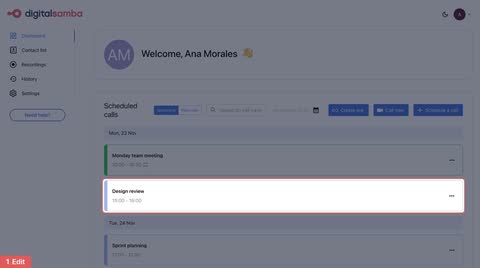
Our example is the team's Design review with Javier and María.
Read
0:17
Edit
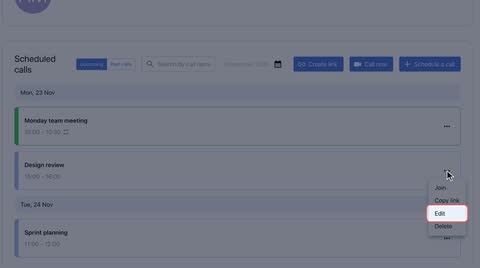
On your dashboard, open the menu on the call's card and choose Edit.
Read
Get your developer key and make your first API call
For developers · 2:48
1:37
First request
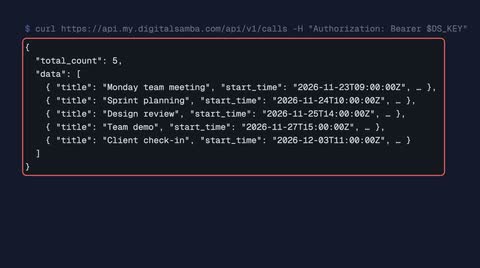
The answer is JSON: a total count of five, then each call with its title and start time, the same week that's on Ana's dashboard.
Read
All topics