Skip to content
University
Videos
Most watched
Topics
Updates
Search the videos
Topics
Copy link
All 20 moments in Digital Samba University that depend on this.
Start here: Digital Samba in 90 seconds
1:36
0:01
Introduction
In this video, you'll see what you can do with Digital Samba, from a quick meeting to a webinar, and how this series is organised.
Read
0:22
Call now
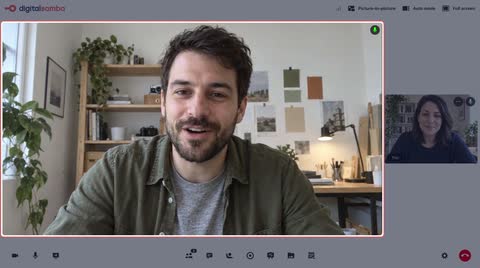
She sends him its link, and he joins from his browser, without an account.
Read
Your dashboard at a glance
Getting started · 2:12
0:58
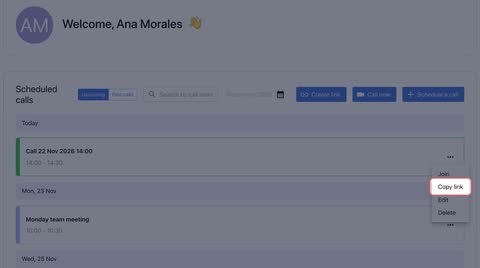
Call cards
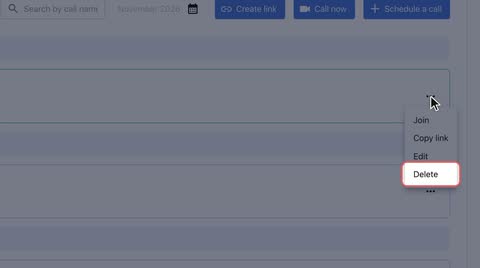
The three dots give you Join, Copy link, Edit and Delete.
Read
Set up your profile
Getting started · 2:40
2:17
Send invitation emails
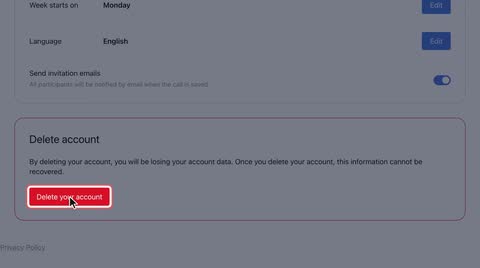
And Delete account cannot be undone.
Read
2:20
Send invitation emails
Your call links stop working, and your participants are not told.
Read
Start a call instantly with Call now
Start a call now · 1:56
0:01
Introduction
In this video, you'll start a call — a meeting — right now, and bring someone in with its link.
Read
0:42
Invite participant
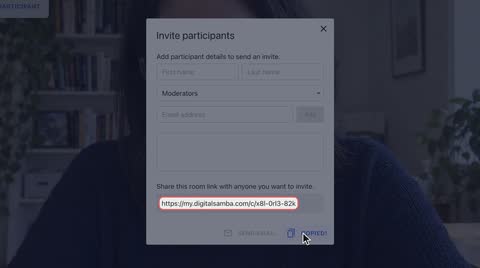
Click Copy link, and send the link to Javier.
Read
1:24
Good to know
Good to know: the link is also in the address bar of the call's tab, and on its card on your dashboard, under the three dots.
Read
1:42
Recap
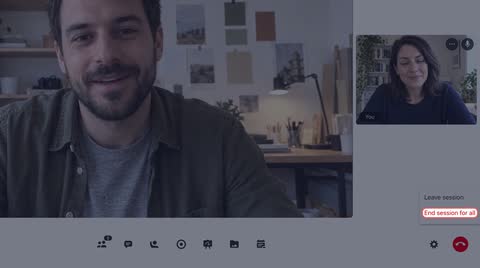
So: click Call now, join, copy the link for the others, and end the session for all.
Read
Create a call link to share
Start a call now · 1:50
0:54
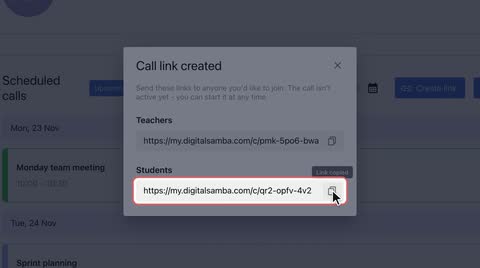
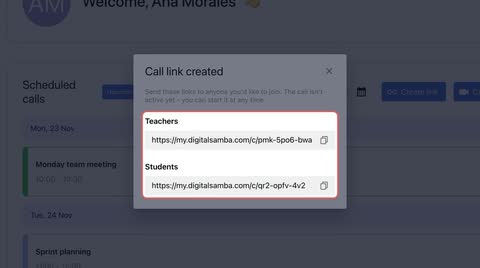
Copy your links
Copy the Teachers link for the team, and the Students link for the clients.
Read
1:34
Recap
So: click Create link, choose the type and the expire date, click Create, and copy a link for each role.
Read
Schedule a call and invite people
Scheduling calls · 2:40
2:03
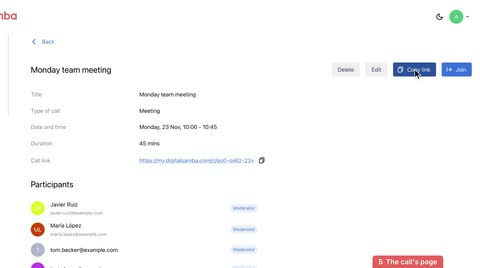
The call's page
Copy link gives you a link to share, and Join opens the call.
Read
2:20
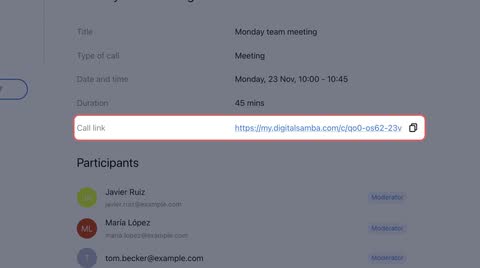
Good to know
If someone else needs to join, share the call link instead.
Read
Set up a recurring call
Scheduling calls · 2:42
2:12
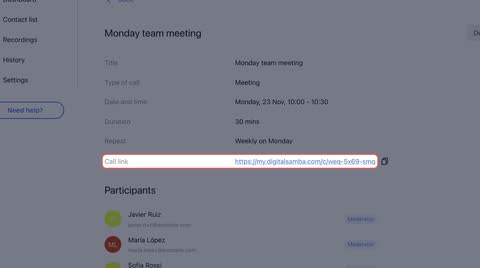
Good to know
Good to know: every call in a series has the same call link.
Read
Invitations and RSVPs: what your participants receive
Scheduling calls · 3:07
0:28
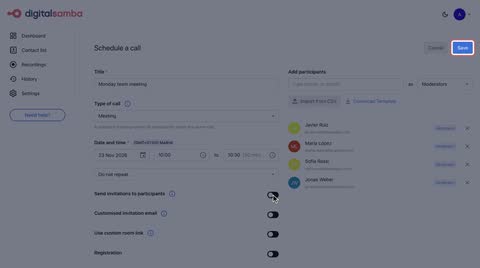
Send invitations to participants
Turn it off, and the call is saved without sending anything: you share the link yourself.
Read
1:19
The invitation
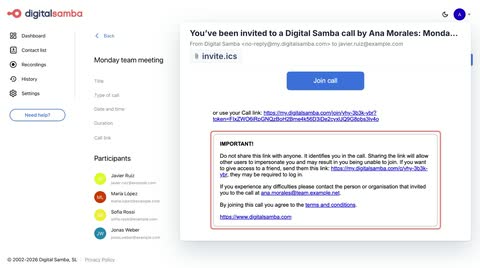
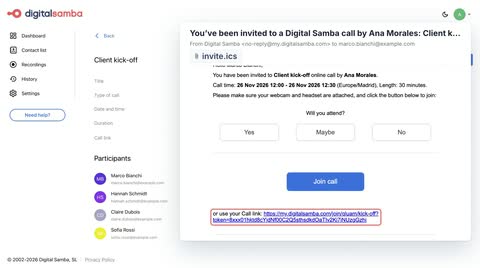
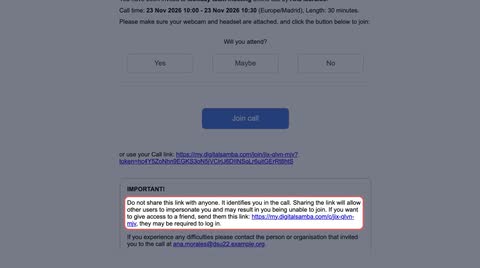
The email asks him not to share it, and gives him the call link to pass on instead.
Read
Give your call a custom room link
Scheduling calls · 1:52
1:09
Save & Send Invites
The call's page shows the new link, and the invitations carry it.
Read
Set up a webinar with registration
Webinars and registration · 3:05
2:18
Save & Send Invites
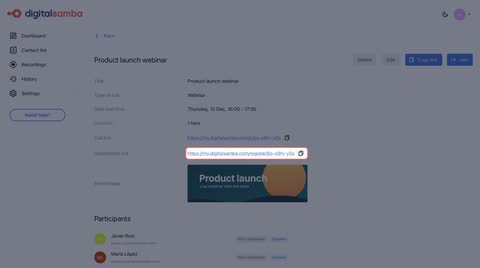
The call's page now shows the Registration link: copy it, and share it wherever you announce the webinar.
Read
Find, share and download recordings
After the call · 2:32
1:05
Copy link
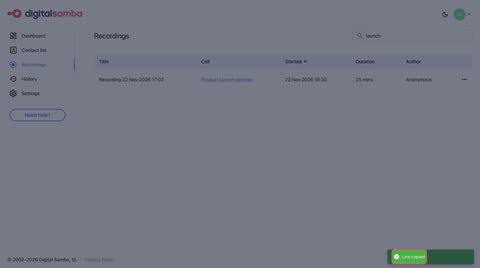
Click Generate, then Copy: the link is on your clipboard, ready to paste into an email or a chat.
Read
Join a Digital Samba call
For your participants · 2:03
0:28
Your invitation
For anyone else, it gives the call link to pass on.
Read
All topics