Skip to content
University
Videos
Most watched
Topics
Updates
Search the videos
Topics
Session history
All 12 moments in Digital Samba University that depend on this.
Start here: Digital Samba in 90 seconds
1:36
0:51
History
After the call, History lists every session.
Read
0:55
History
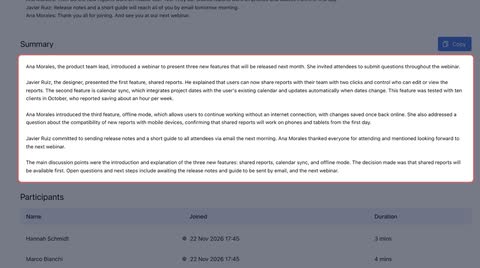
With transcription on, a session's page holds what was said, line by line, and an AI summary written automatically from it.
Read
Your dashboard at a glance
Getting started · 2:12
1:25
Menus
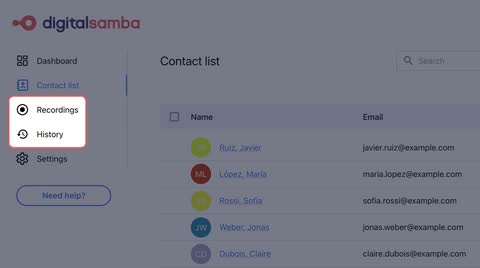
Recordings and History are for your recordings and past sessions.
Read
Start a call instantly with Call now
Start a call now · 1:56
1:16
History
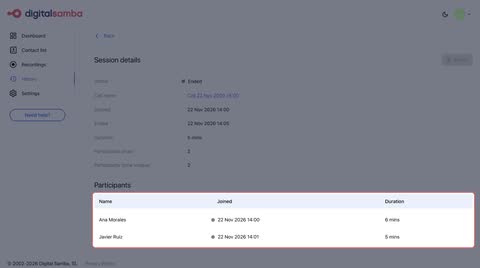
Afterwards, History in the side menu lists the session: open it to see who joined, and for how long.
Read
Turn on recording and transcription
After the call · 2:44
1:38
Transcription
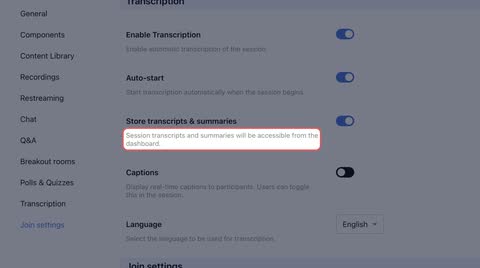
Store transcripts & summaries is already on: the page says they will be accessible from the dashboard.
Read
Session history, transcripts and AI summaries
After the call · 2:26
0:01
Introduction
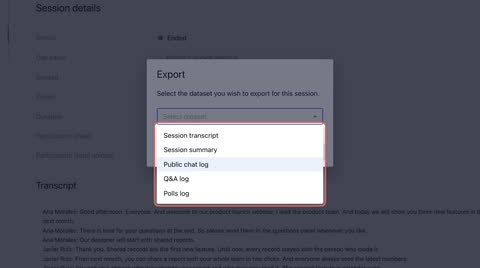
In this video, you'll look back at a past call in History: who took part, its transcript and AI summary, and the files you can export.
Read
0:13
History
Our example: Ana's team has held the Product launch webinar for their clients.
Read
0:18
History
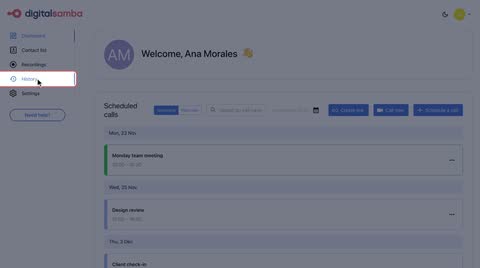
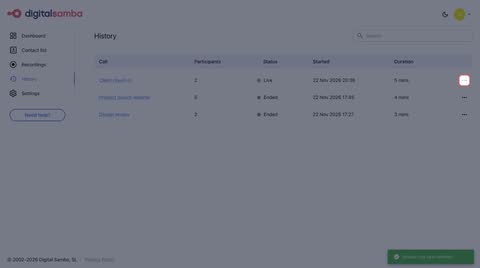
Click History in the side menu.
Read
0:21
History
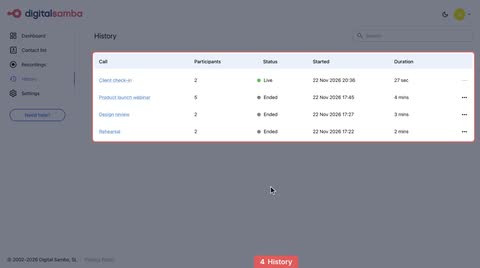
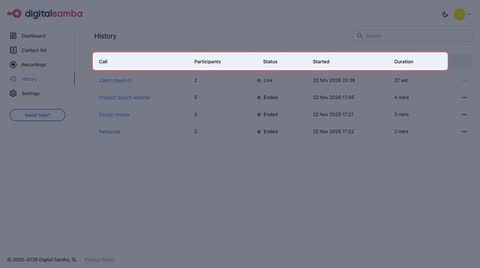
Every session of your calls is listed here, newest first: the call, how many people took part, its status, when it started and how long it lasted.
Read
0:31
History
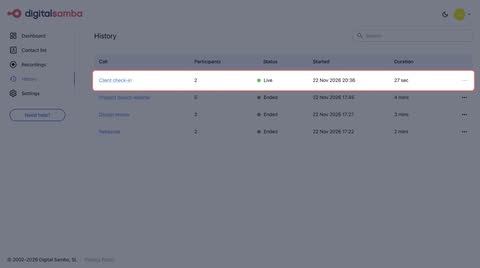
A session that is still going on shows Live, like this client check-in.
Read
2:05
Good to know
And a session that is still Live can't be deleted until it ends.
Read
2:10
Recap
So: History, open a session, copy its transcript or summary, and export what you need.
Read
All topics