1Call now0:08
Our example: a quick call with Javier.
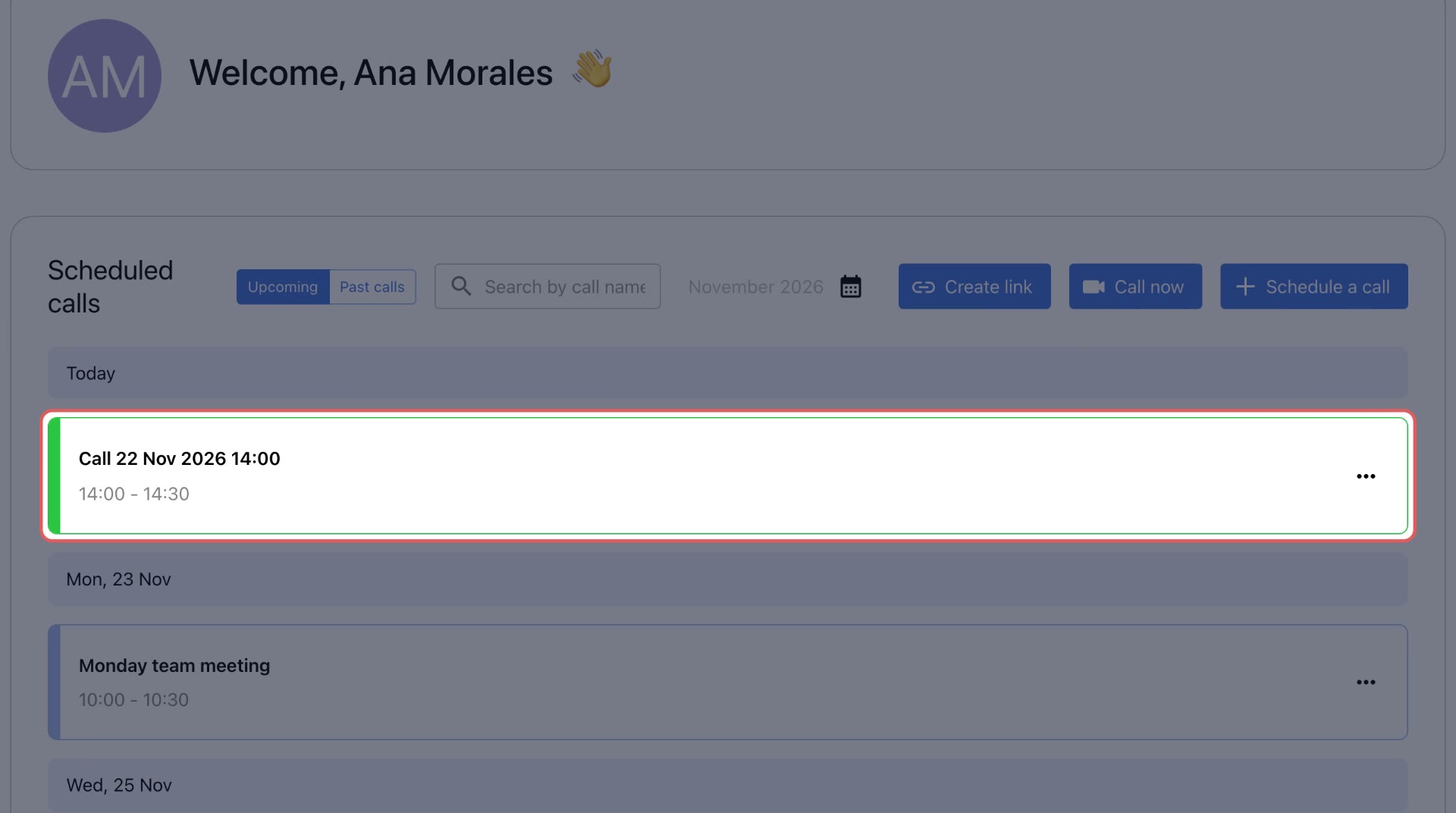
On your dashboard, click Call now.
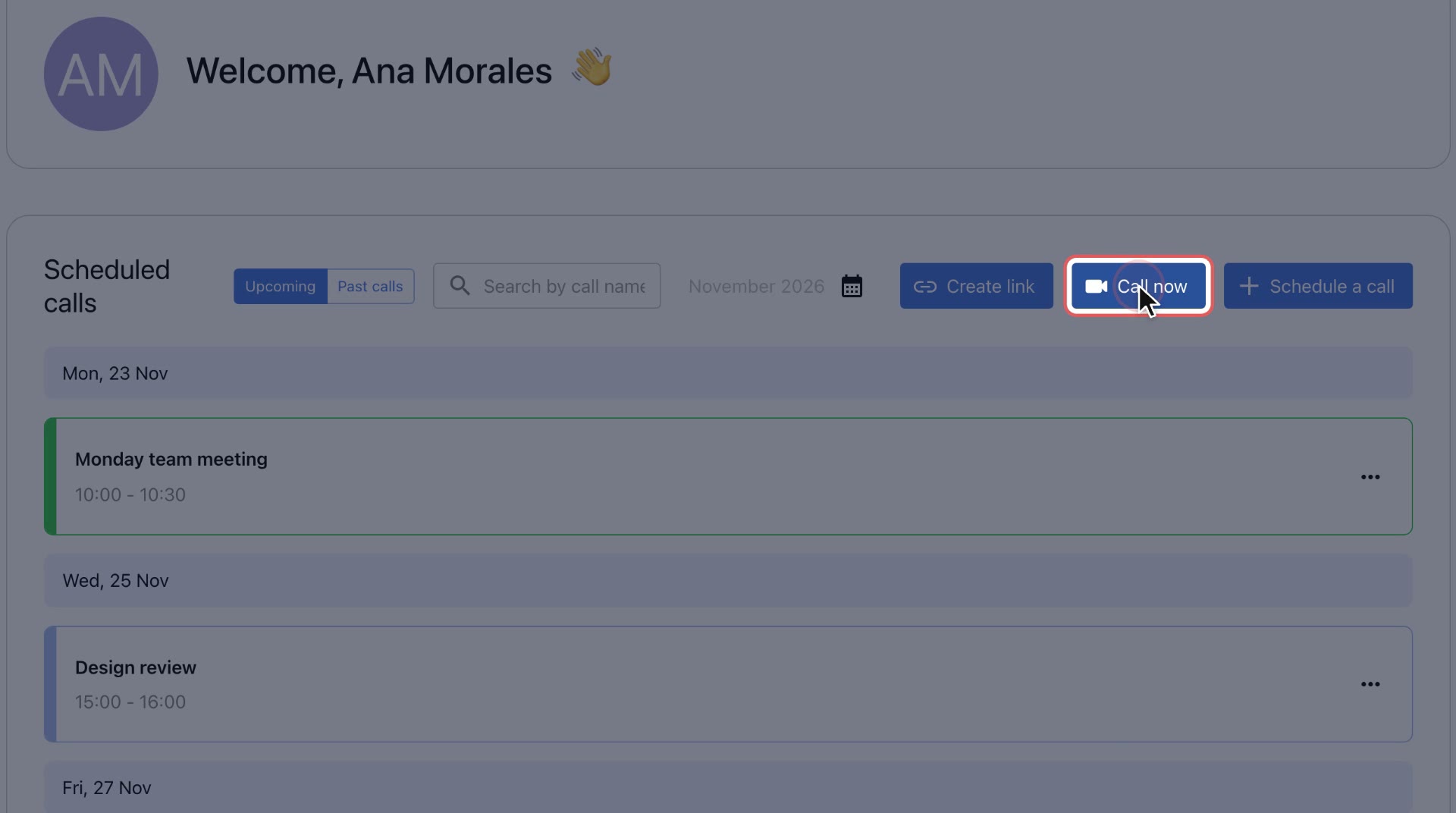
The call opens in a new tab.
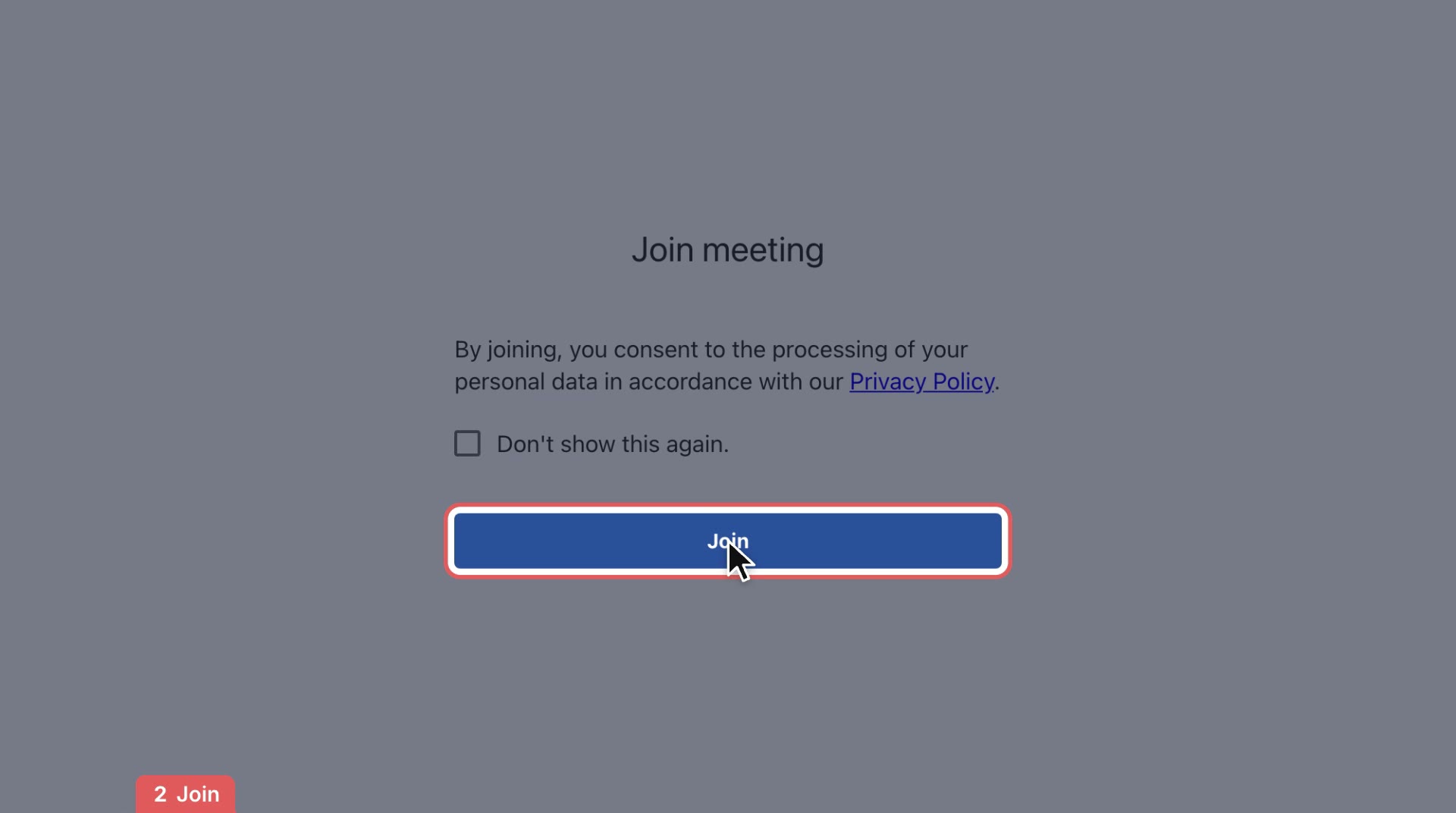
2Join0:18
First, a consent message: click Join.
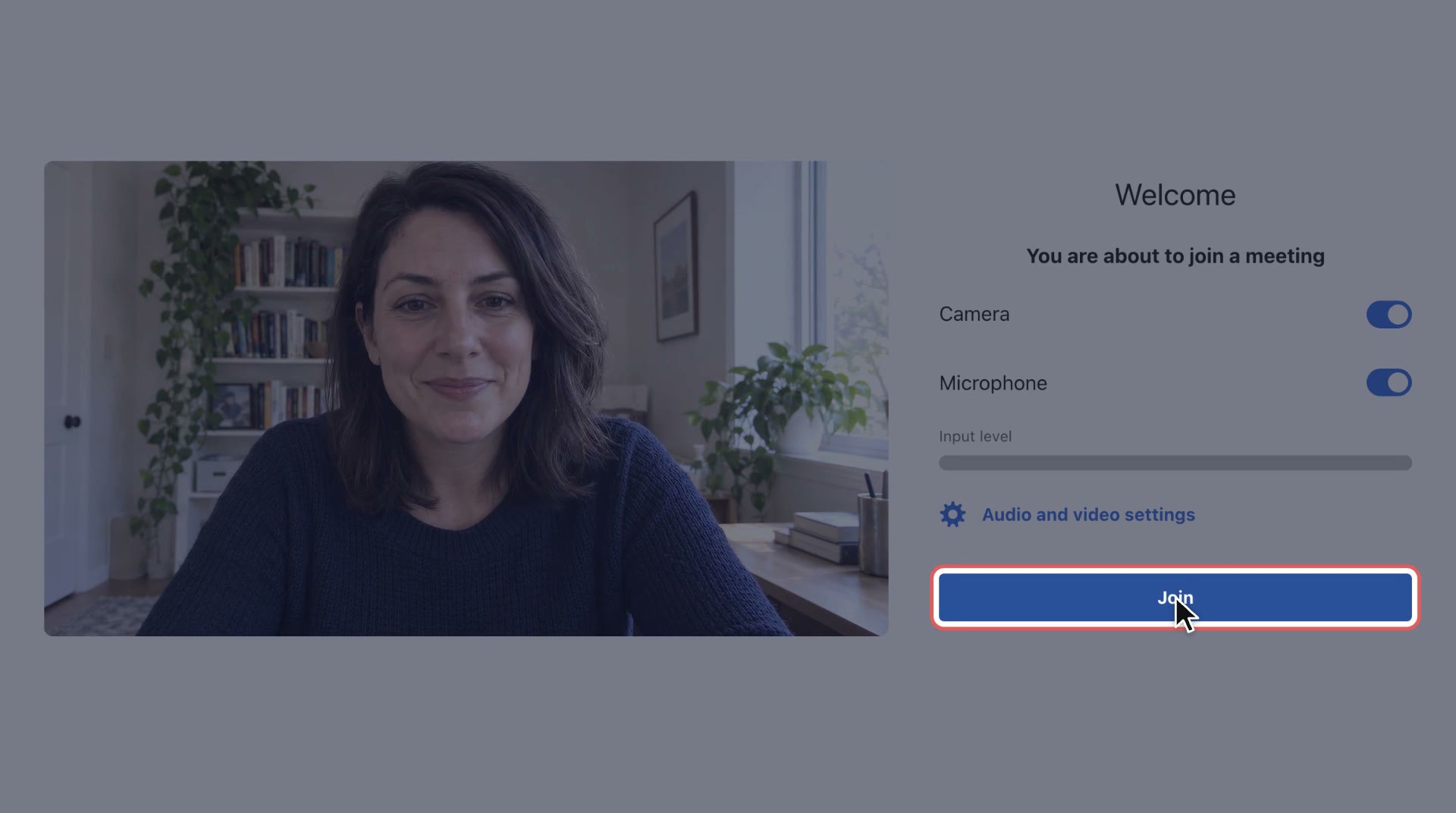
Then check your camera and microphone, and click Join again.
You're in: your picture is marked You.
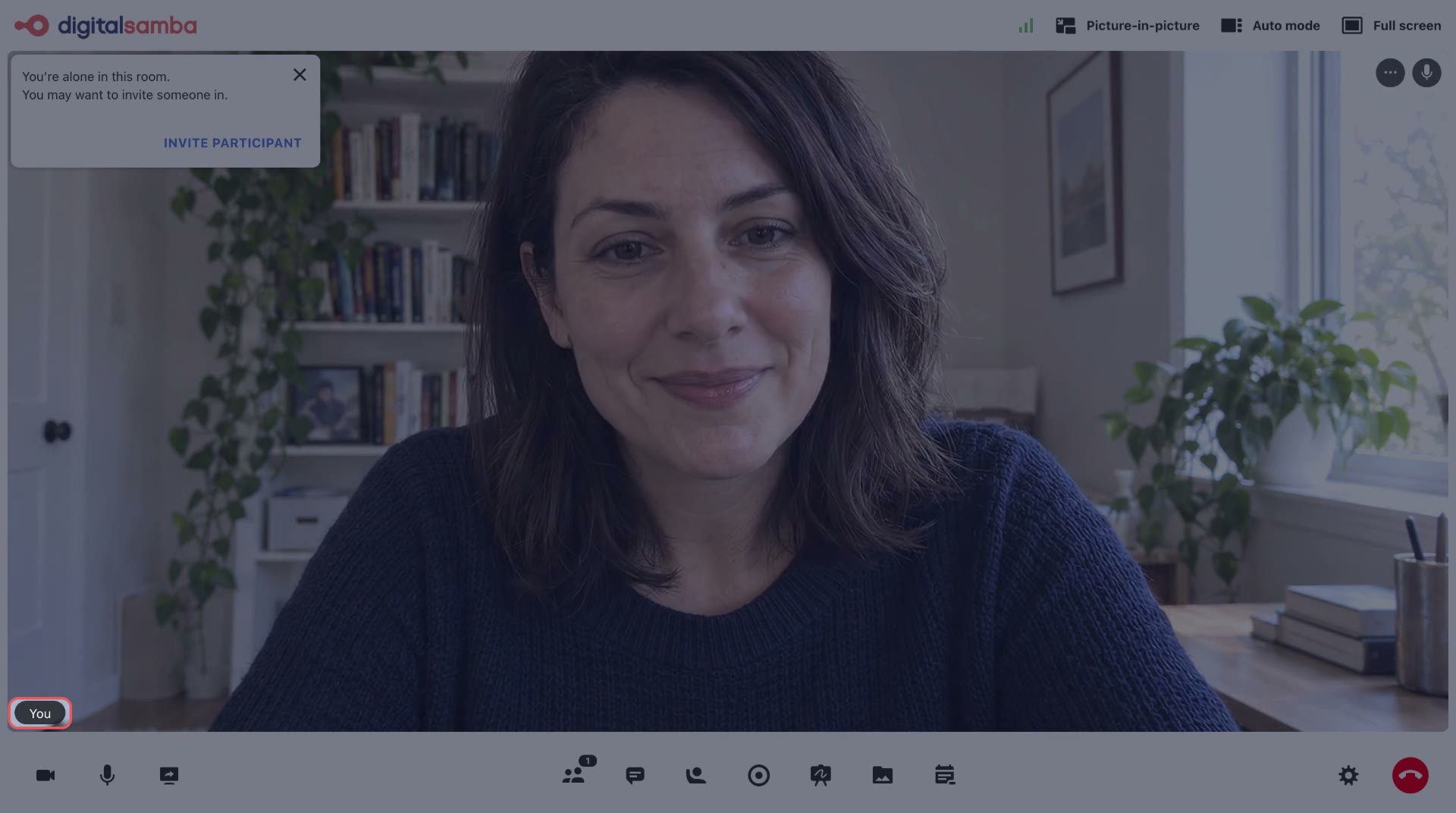
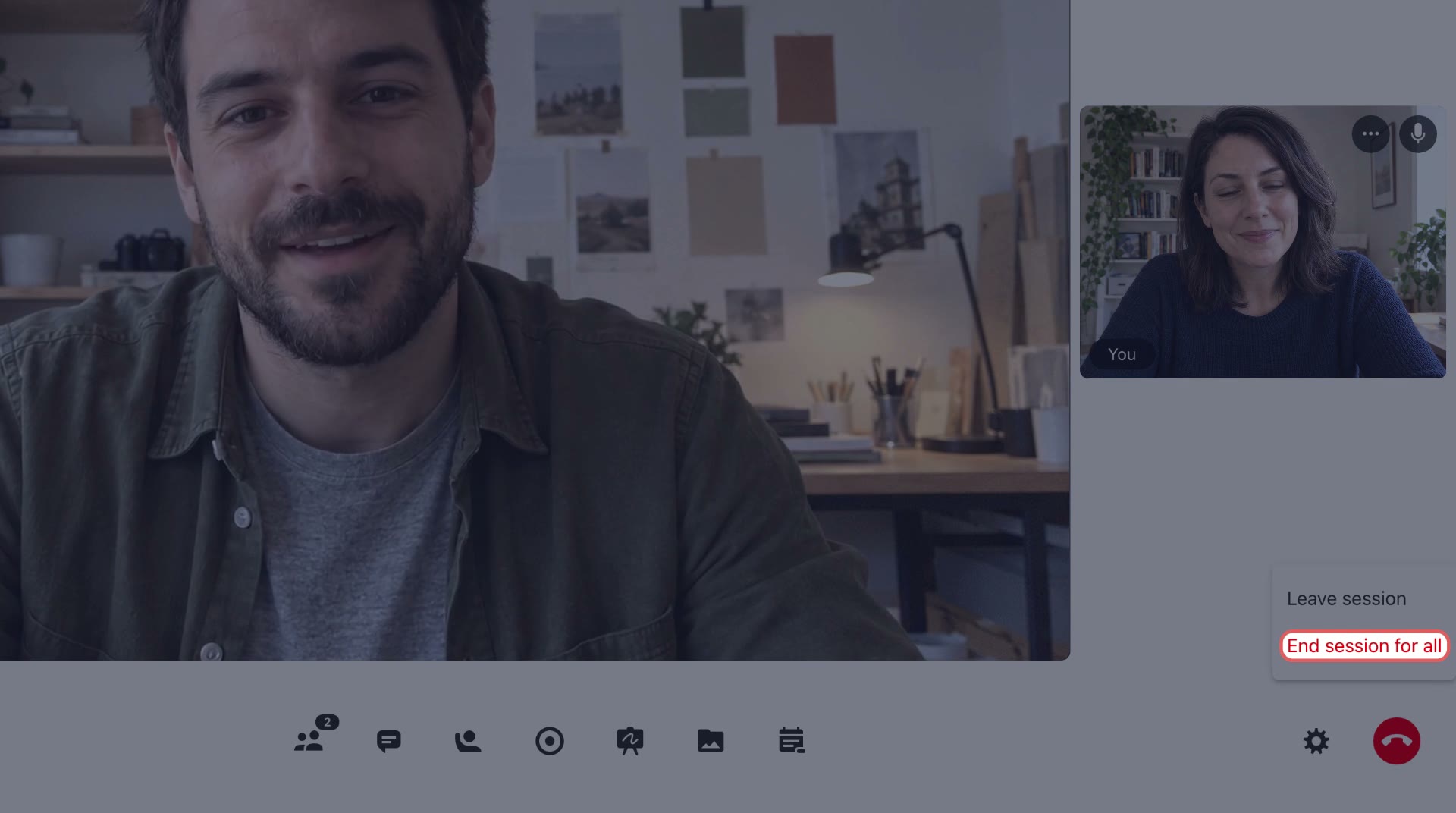
Along the bottom is the toolbar, with Leave / End session on the right.
3Invite participant0:35
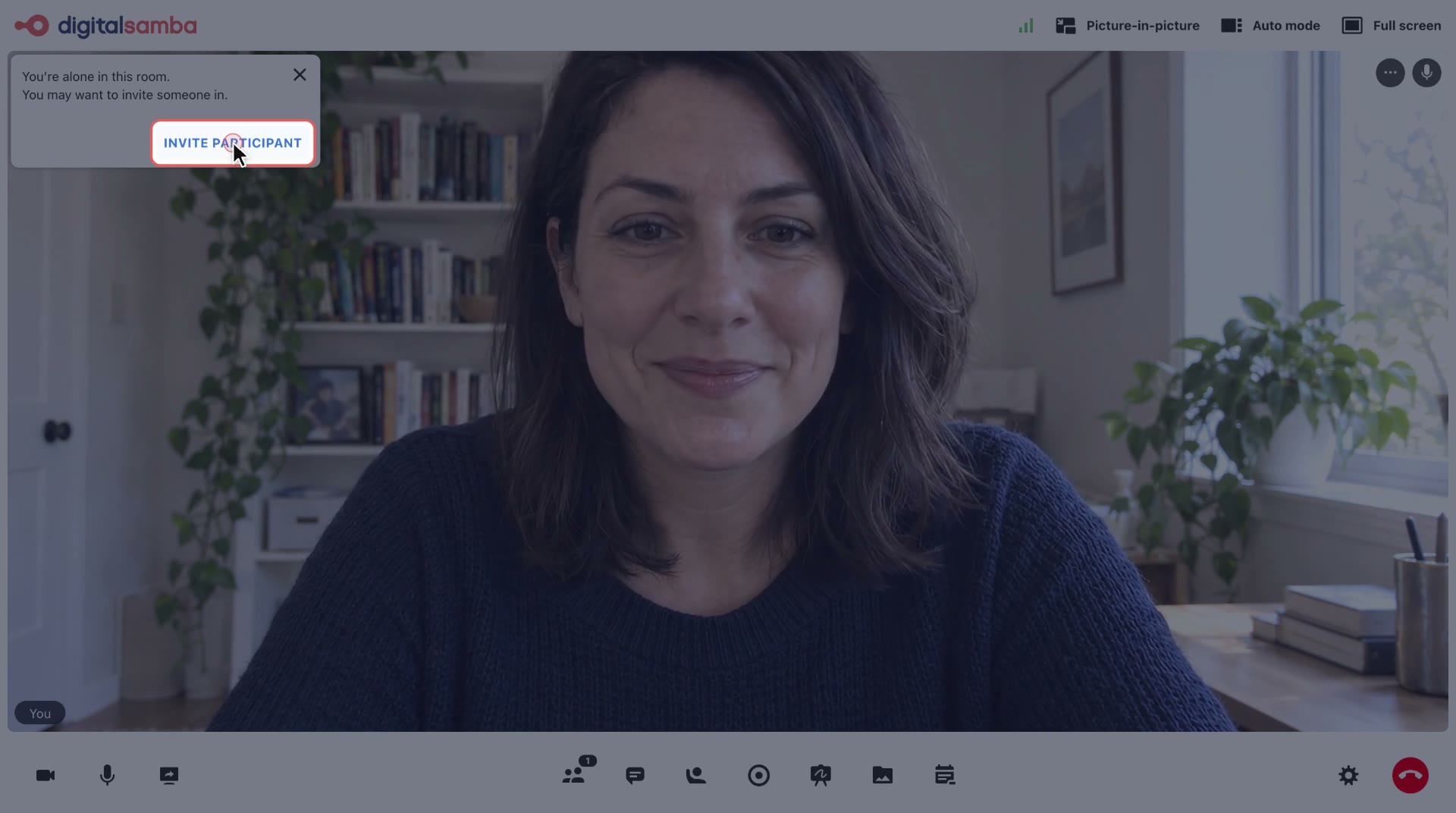
Alone in the call, the room offers to invite someone: click Invite participant.
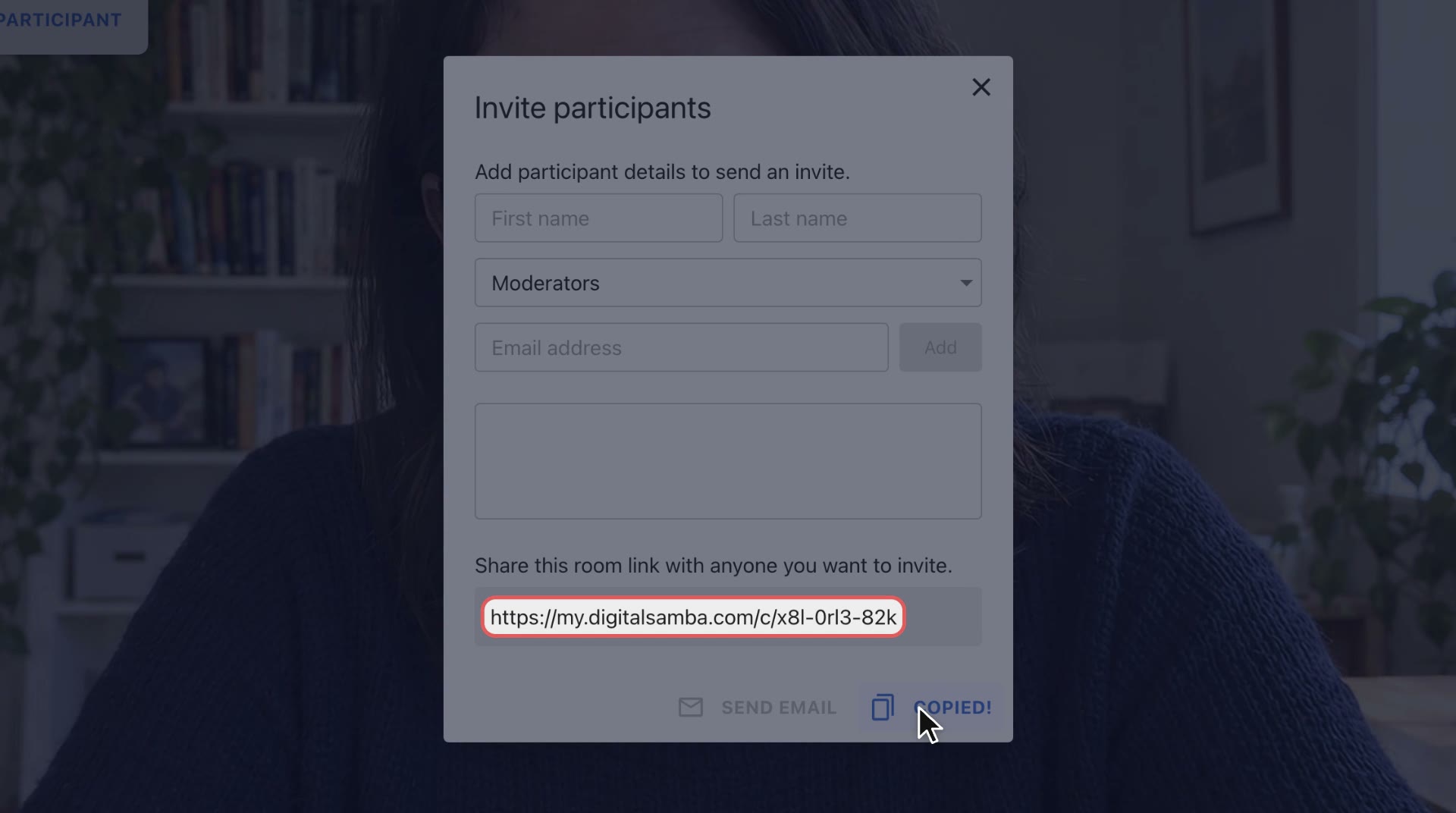
Click Copy link, and send the link to Javier.
Javier has no account: on Guest, he types his name and clicks Enter.
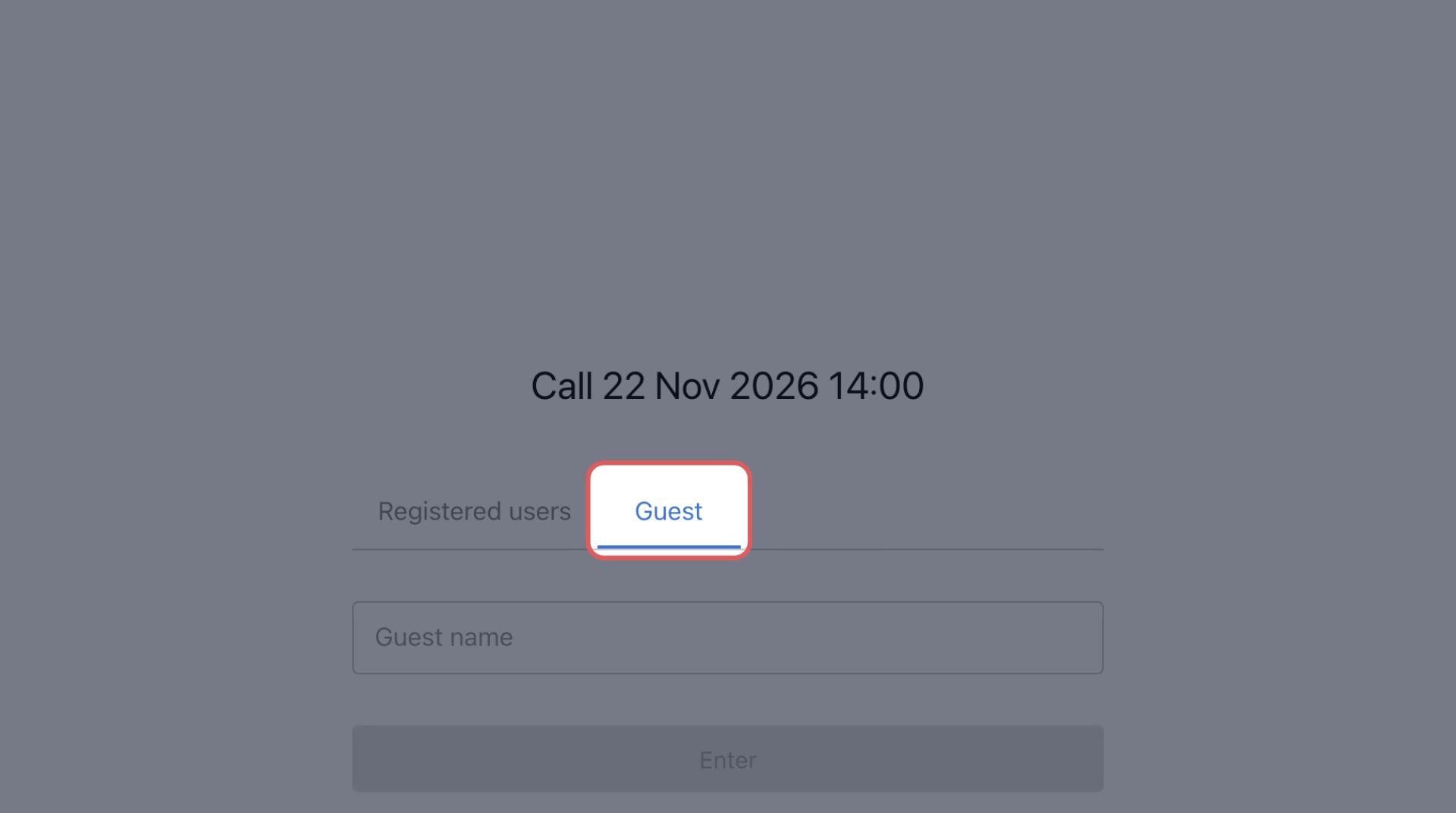
After the same two steps, he's in, and Ana sees him.
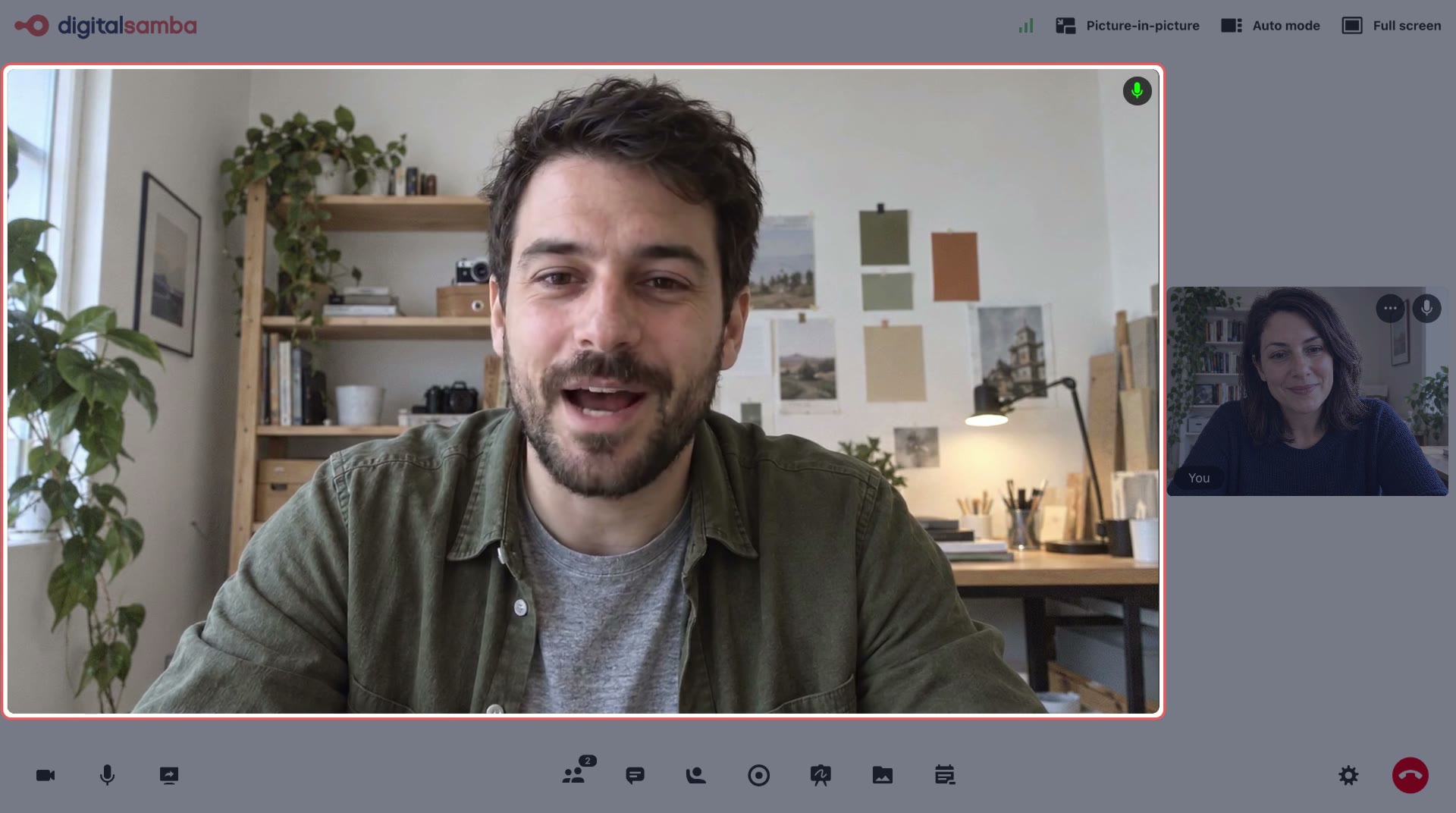
4Leave / End session0:56
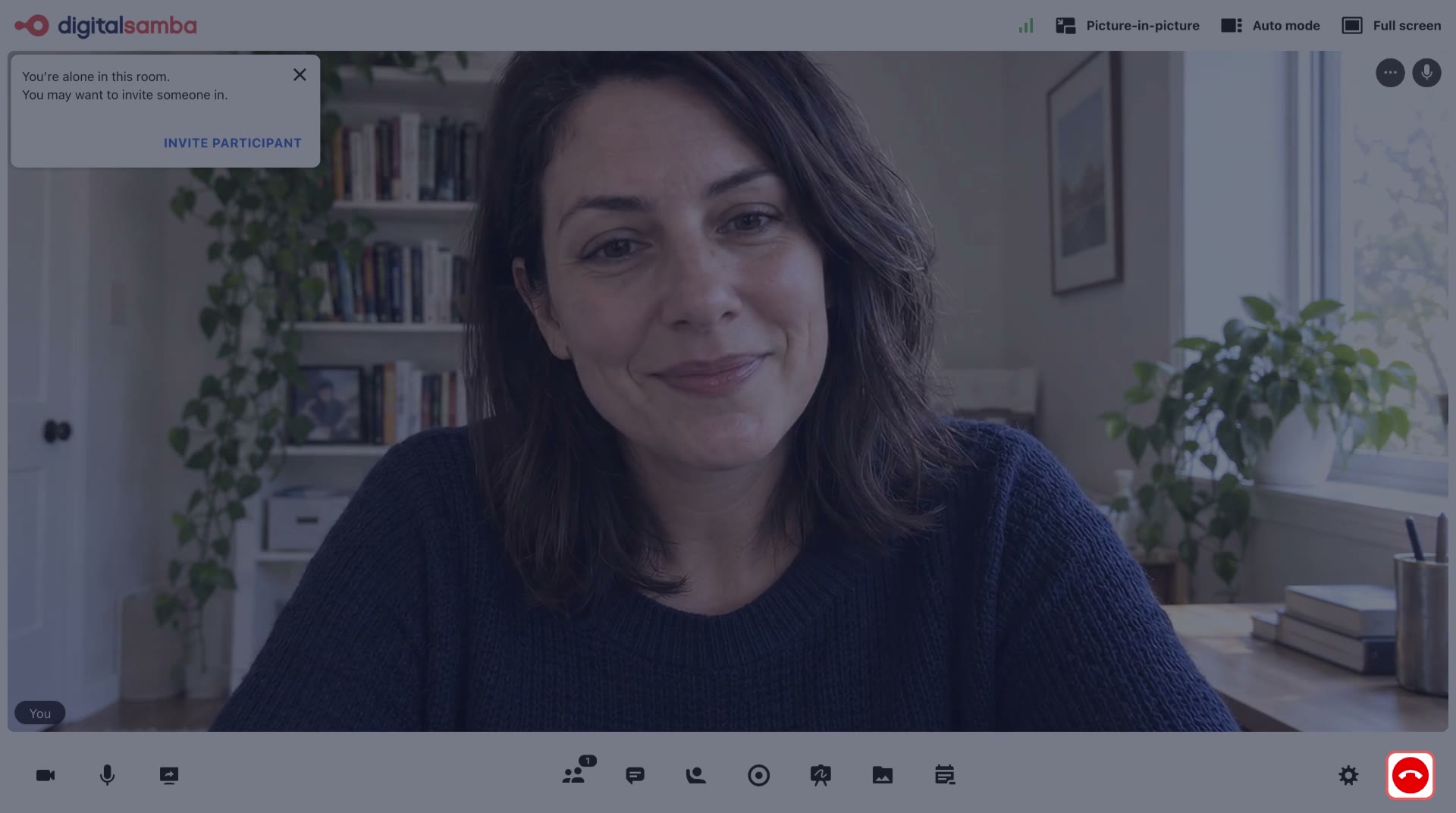
When you're done, click Leave / End session.
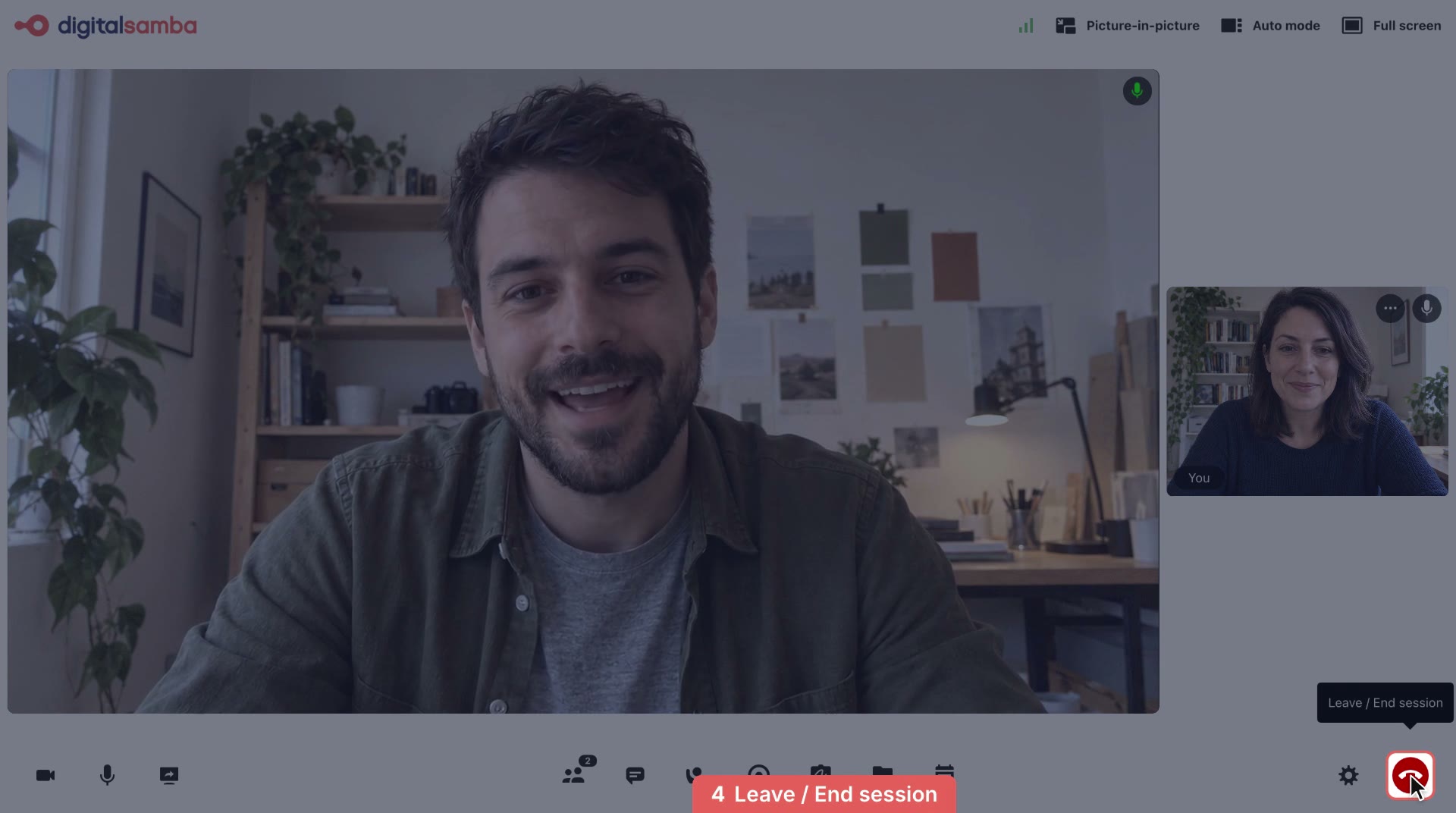
Leave session takes only you out; End session for all ends it for everyone.
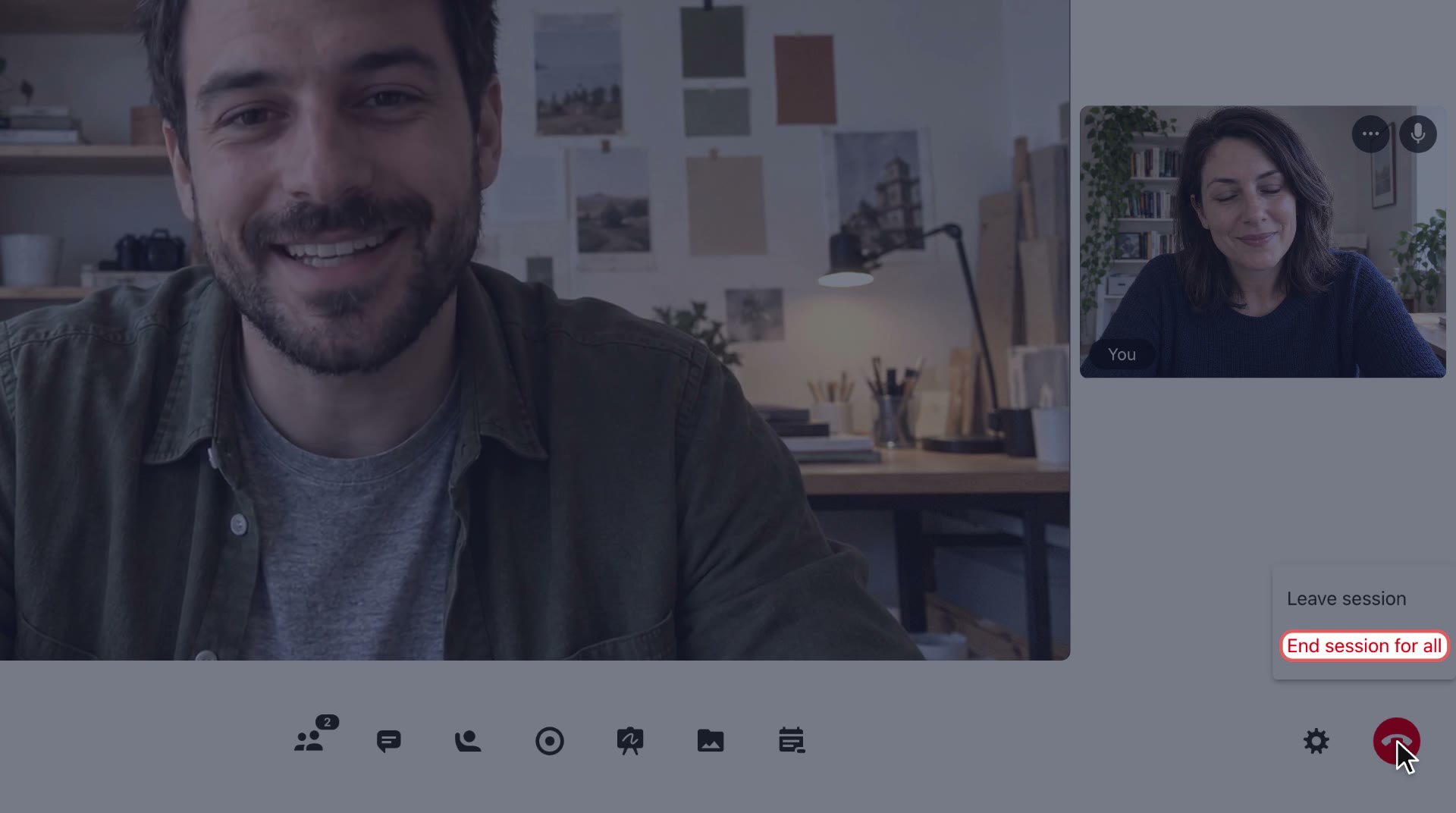
Ana chooses End session for all, and confirms.
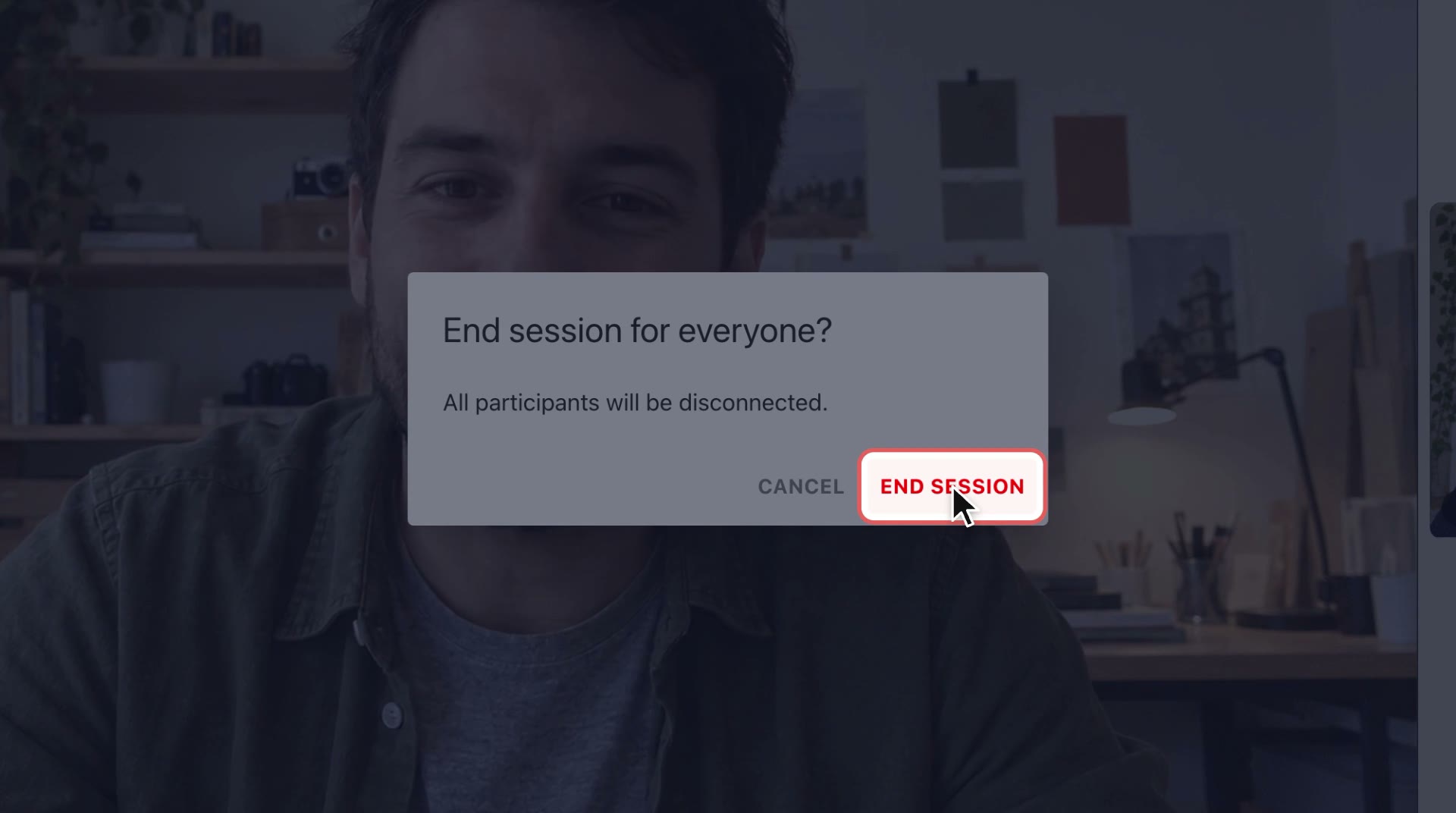
Javier reads: The session has been ended by Ana Morales.

5History1:15
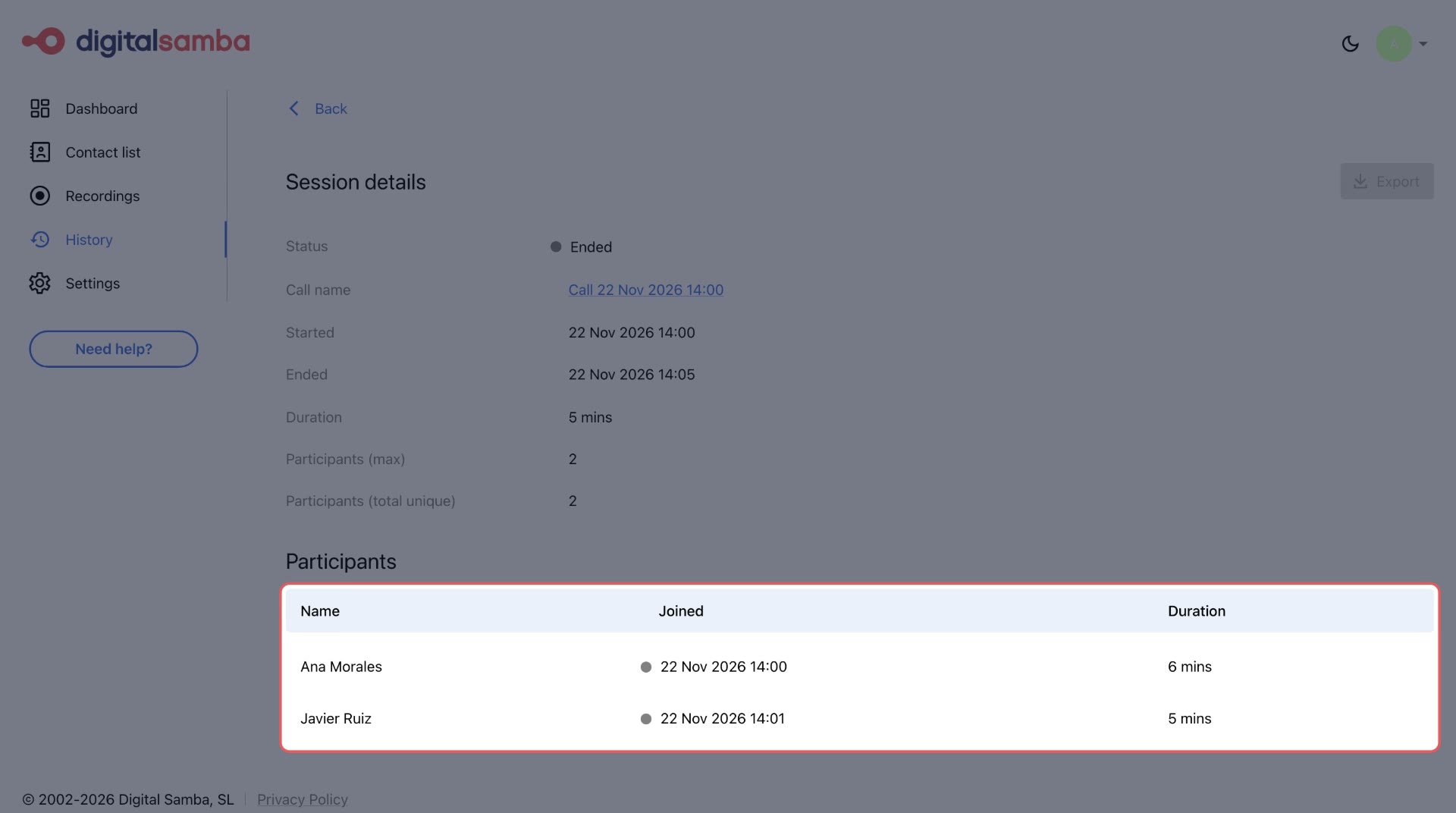
Afterwards, History in the side menu lists the session: open it to see who joined, and for how long.
Good to know1:23
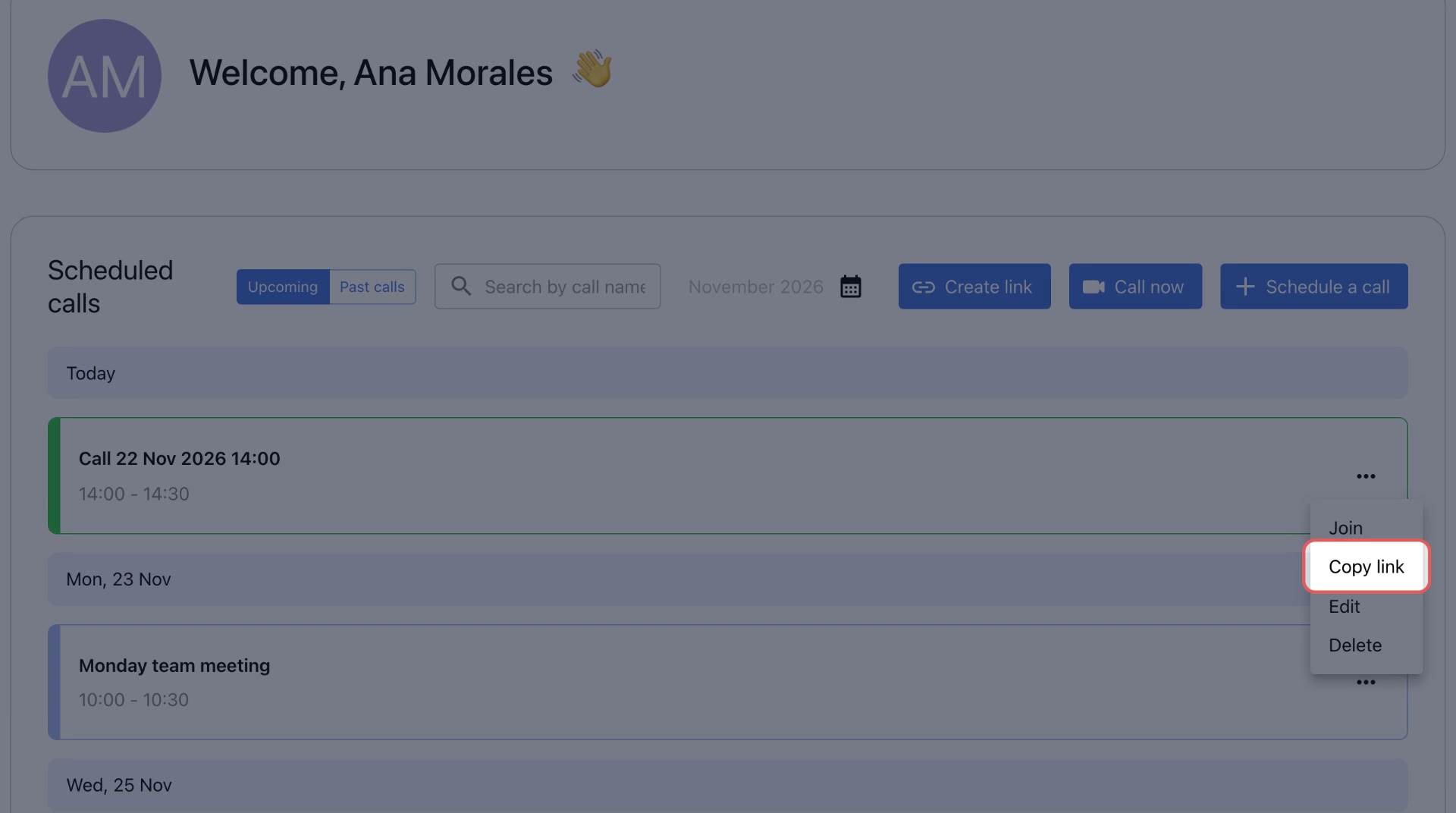
The link is also in the address bar of the call's tab, and on its card on your dashboard, under the three dots.
Call now always starts a Meeting.
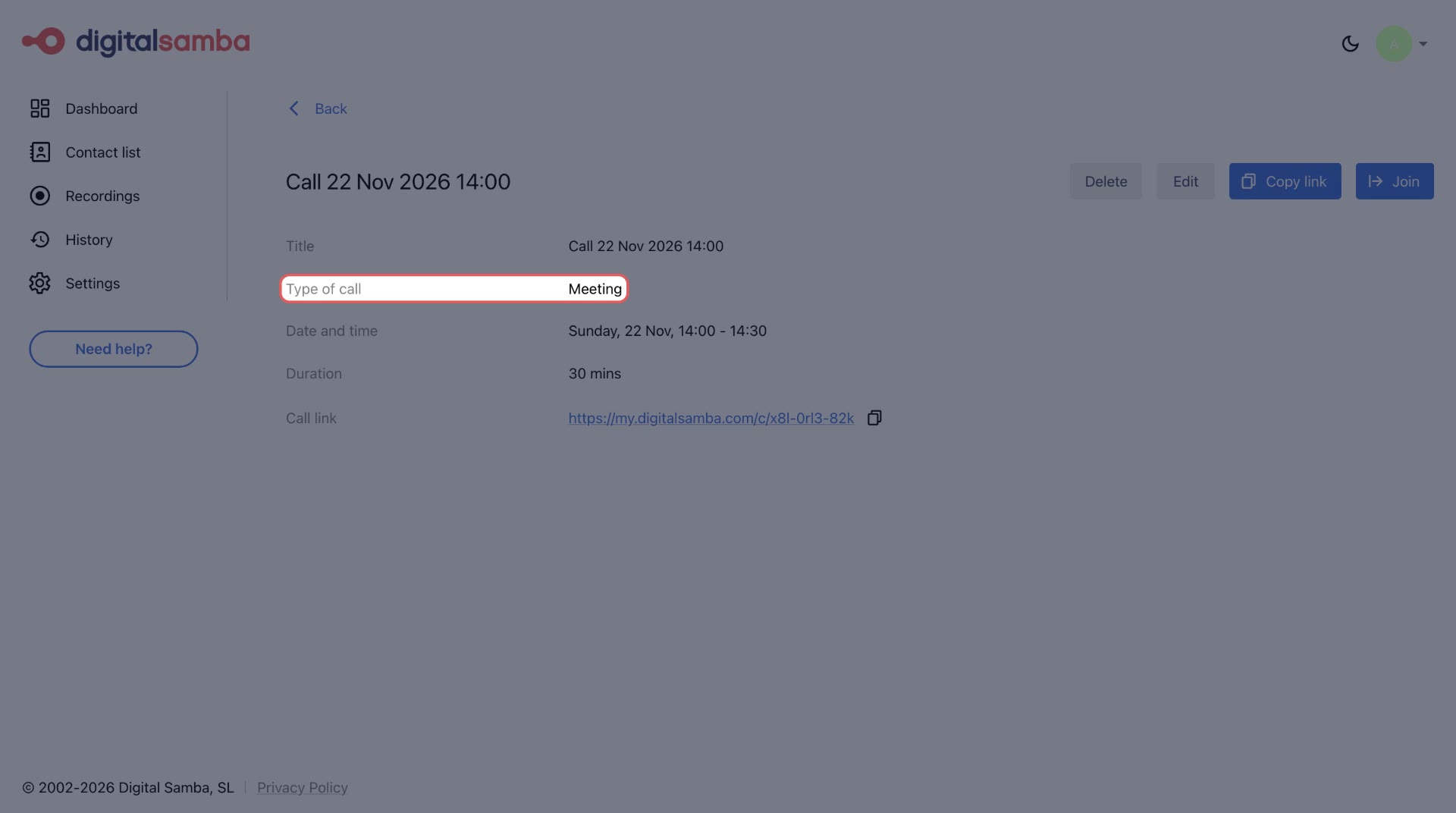
And until the end time on its card, Call now takes you back into the same call.
Recap1:41
So: click Call now, join, copy the link for the others, and end the session for all.
Did this article help?
Sorry about that. What was the problem?