Skip to content
University
Videos
Most watched
Topics
Updates
Search the videos
Topics
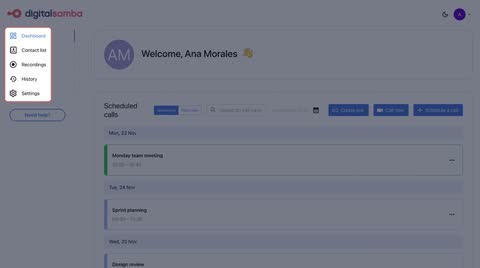
The side menu
All 11 moments in Digital Samba University that depend on this.
Start here: Digital Samba in 90 seconds
1:36
0:51
History
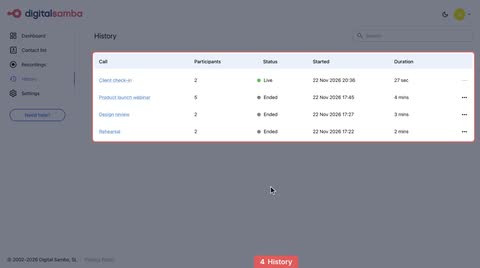
After the call, History lists every session.
Read
0:55
History
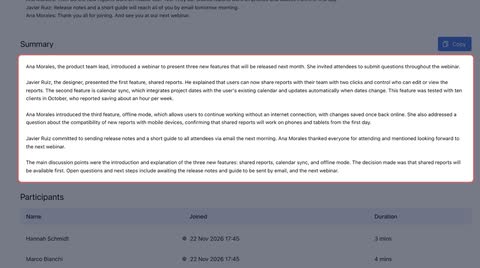
With transcription on, a session's page holds what was said, line by line, and an AI summary written automatically from it.
Read
Your dashboard at a glance
Getting started · 2:12
0:01
Introduction
In this video, you'll tour your Digital Samba dashboard: your calls, how to start one, and where everything else is.
Read
1:21
Menus
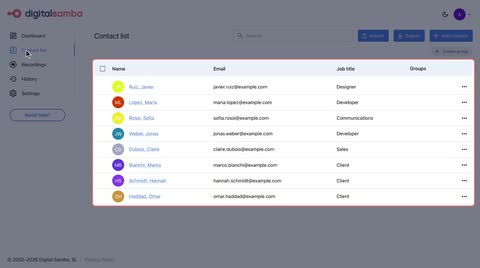
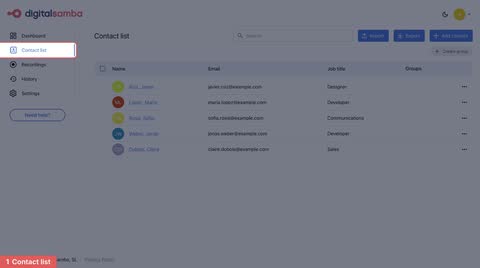
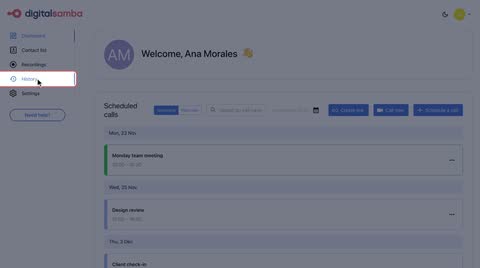
On the left, Contact list holds the people you invite.
Read
1:25
Menus
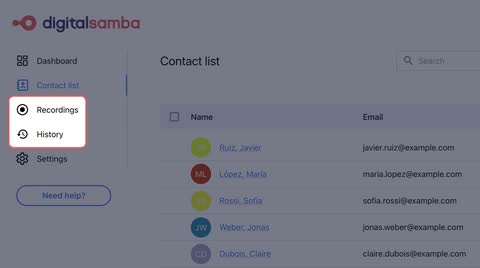
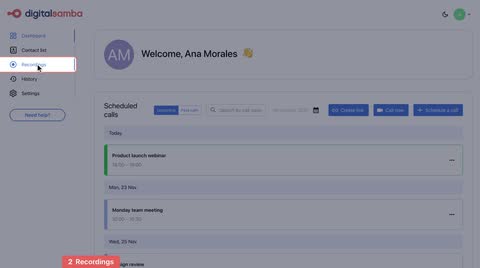
Recordings and History are for your recordings and past sessions.
Read
1:29
Menus
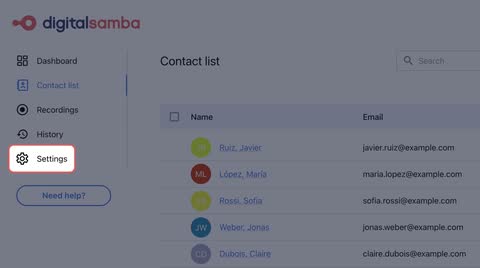
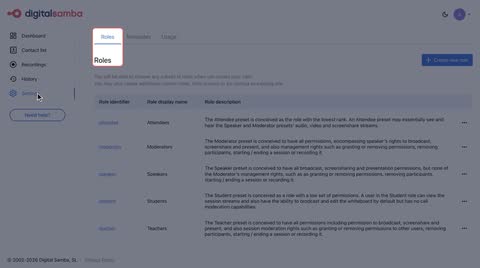
Settings holds your roles and templates.
Read
1:57
Recap
So: your calls by day, a search to find one, three buttons to start one, and a menu for the rest.
Read
Add, import and export contacts
Contacts · 2:07
0:11
Contact list
Open Contact list in the side menu.
Read
Find, share and download recordings
After the call · 2:32
0:30
Recordings
You'll also find Recordings in the side menu.
Read
Session history, transcripts and AI summaries
After the call · 2:26
0:18
History
Click History in the side menu.
Read
Roles and permissions: create a custom role
Customise your calls · 2:59
0:18
Roles
Open Settings: the first page is Roles.
Read
All topics