Skip to content
University
Videos
Topics
Updates
Search the videos
Topics
Call cards and their menu
All 13 moments in Digital Samba University that depend on this.
Your dashboard at a glance
Getting started · 2:12
0:49
Call cards
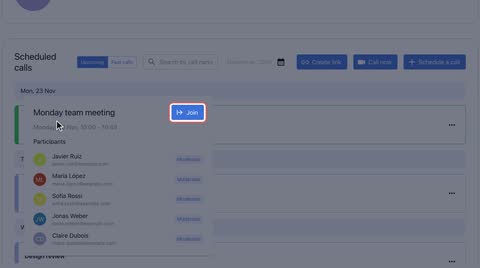
Point at a call's name, and a panel shows who's invited, with a Join button.
Read
0:55
Call cards
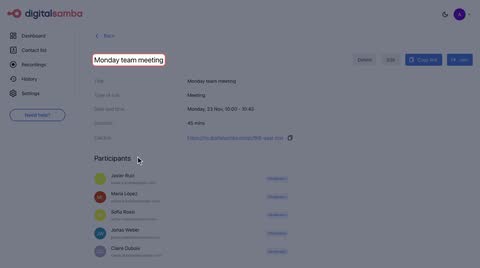
Click the call to open its page.
Read
0:58
Call cards
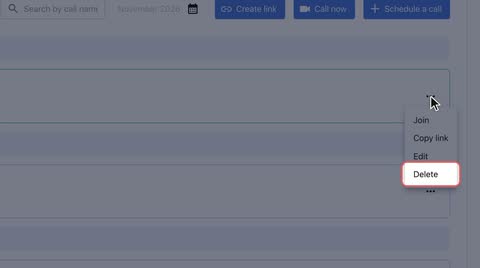
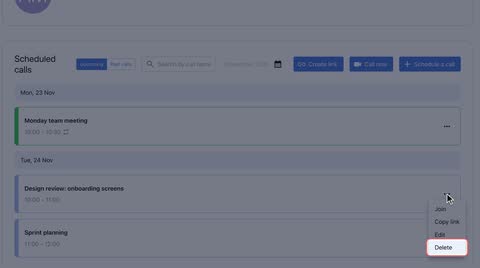
The three dots give you Join, Copy link, Edit and Delete.
Read
Start a call instantly with Call now
Start a call now · 1:56
1:24
Good to know
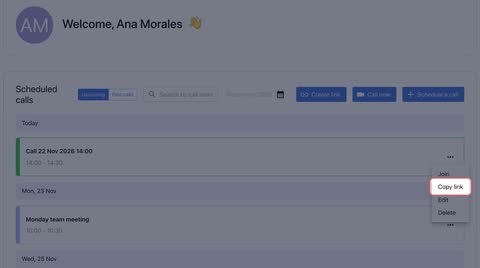
Good to know: the link is also in the address bar of the call's tab, and on its card on your dashboard, under the three dots.
Read
Set up a recurring call
Scheduling calls · 2:42
1:20
This call only
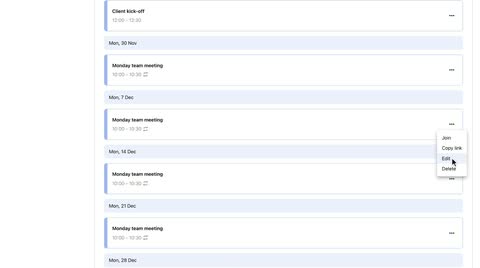
Open that Monday's menu on your dashboard, and click Edit.
Read
1:24
This call only
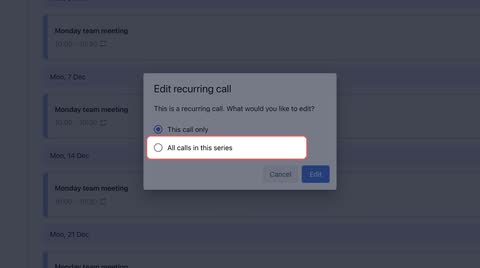
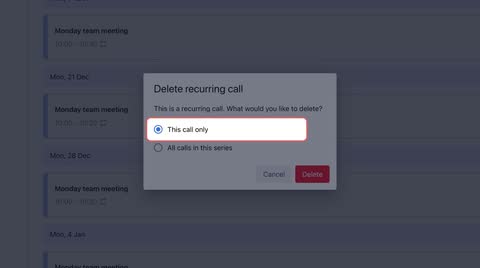
You're asked: This call only, or All calls in this series.
Read
1:29
This call only
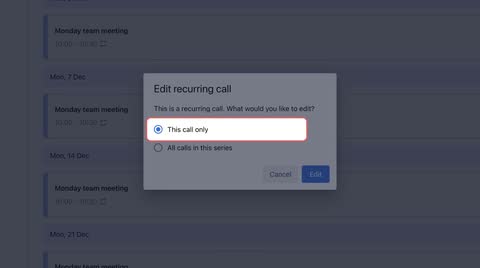
Keep This call only.
Read
1:50
Delete one date
Another Monday, the meeting is off.
Read
1:53
Delete one date
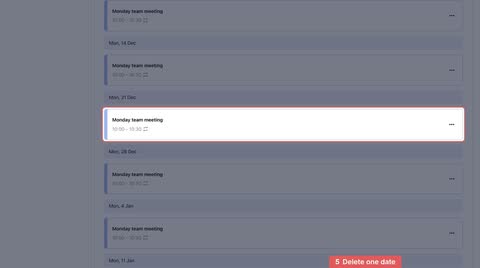
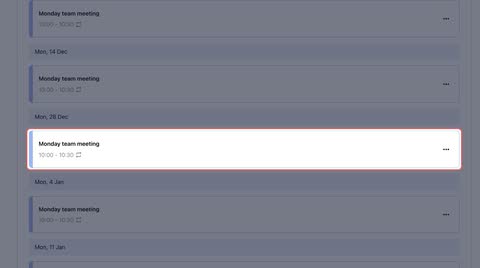
Open its menu, click Delete, keep This call only, and click Delete again.
Read
1:59
Delete one date
Everyone invited gets an email that this call is cancelled, and the other Mondays stay.
Read
Edit, reschedule or cancel a call
Scheduling calls · 2:27
0:17
Edit
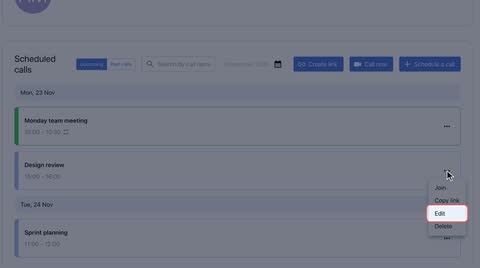
On your dashboard, open the menu on the call's card and choose Edit.
Read
1:18
Delete
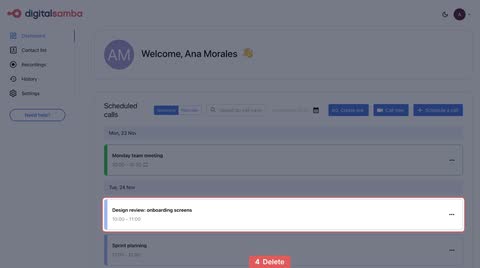
In the end, the review isn't needed.
Read
1:21
Delete
Open the card's menu again and choose Delete.
Read
All topics