Skip to content
University
Videos
Topics
Updates
Search the videos
Topics
Update and cancellation emails
All 29 moments in Digital Samba University that depend on this.
Set up your profile
Getting started · 2:40
2:06
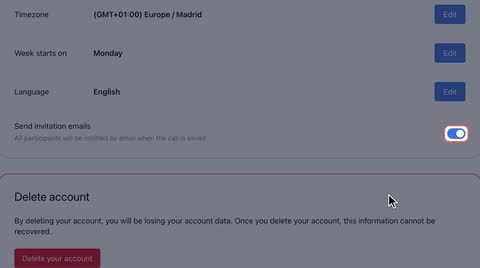
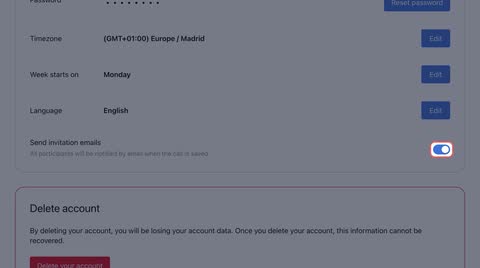
Send invitation emails
Good to know: Send invitation emails is for your whole account.
Read
2:11
Send invitation emails
Turn it off, and your calls send no invitations, no changes and no cancellations.
Read
Set up a recurring call
Scheduling calls · 2:42
1:16
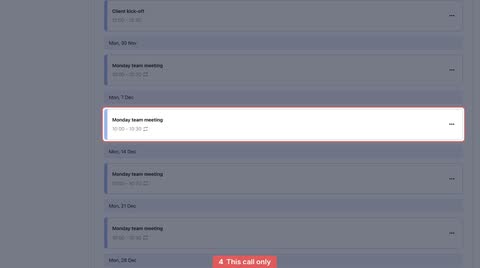
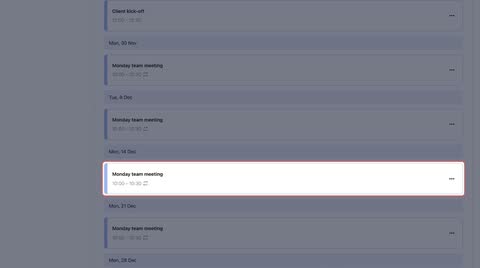
This call only
One Monday, the team needs Tuesday instead.
Read
1:38
This call only
Pick Tuesday, and save.
Read
1:41
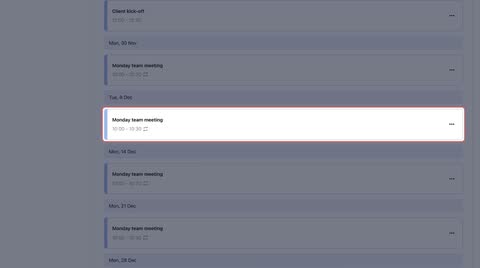
This call only
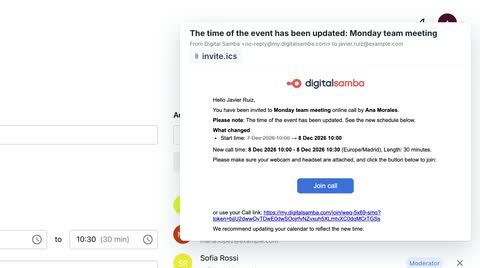
Everyone gets an update for that one date, with the same join link as before.
Read
1:46
This call only
Every other Monday stays as it was.
Read
Invitations and RSVPs: what your participants receive
Scheduling calls · 3:07
0:39
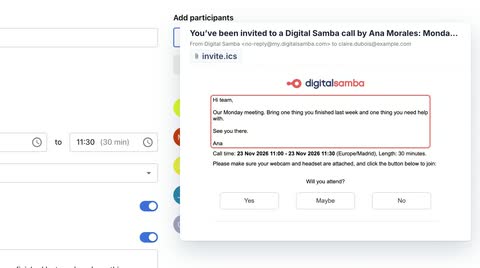
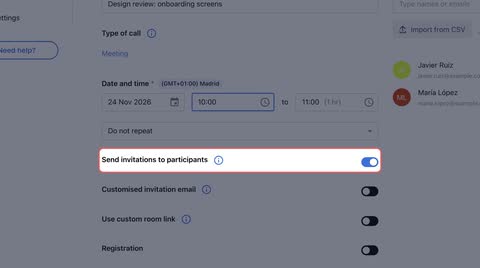
Send invitations to participants
With that one off, none of your calls send emails.
Read
2:02
What changed
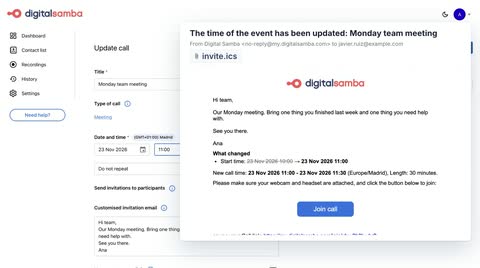
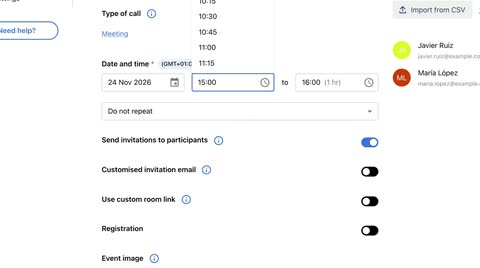
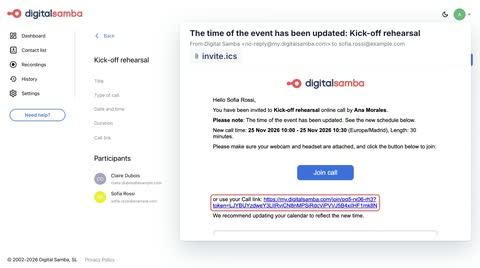
Now move the meeting to eleven: everyone invited gets an update.
Read
2:07
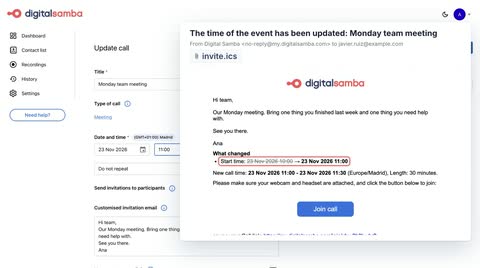
What changed
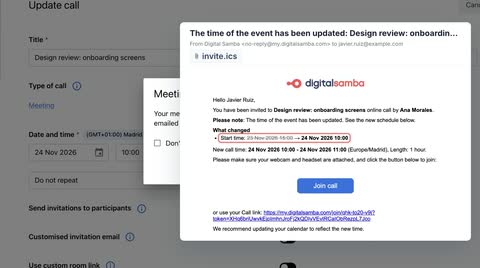
Under What changed, it shows the old time crossed out and the new one.
Read
2:13
What changed
Add someone later, and only that person gets an invitation.
Read
2:19
What changed
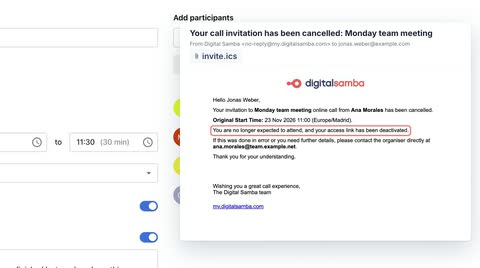
Remove someone, and they are told their invitation has been cancelled: their link stops working.
Read
2:26
What changed
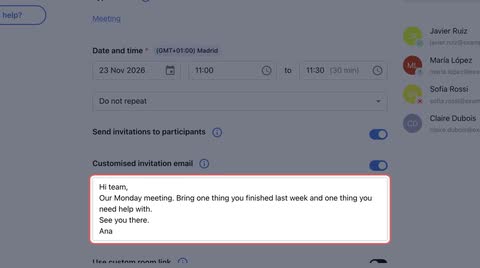
Changing only your message sends nothing.
Read
2:45
Good to know
And answers stay when you move a call.
Read
Edit, reschedule or cancel a call
Scheduling calls · 2:27
0:35
Title
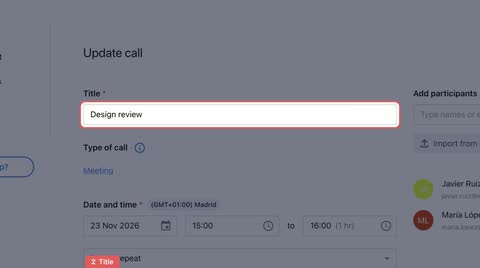
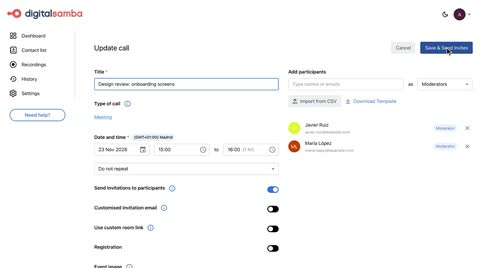
First, a clearer title: Design review: onboarding screens.
Read
0:40
Title
Click Save and Send Invites.
Read
0:43
Title
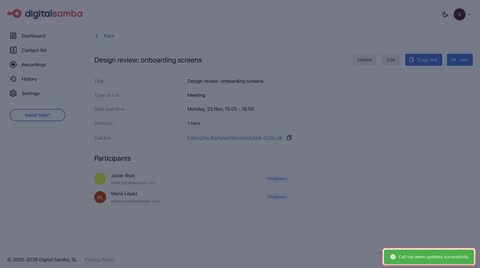
The dashboard only says the call was updated, but the emails have gone out.
Read
0:48
Title
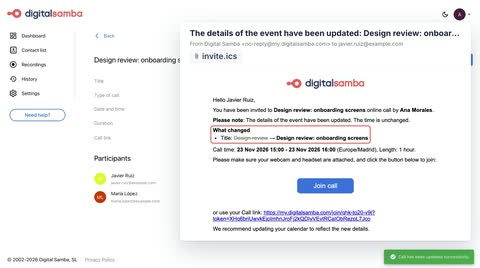
Javier and María get The details of the event have been updated, with the old title and the new one under What changed.
Read
0:55
Title
You get a copy too.
Read
0:58
Date and time
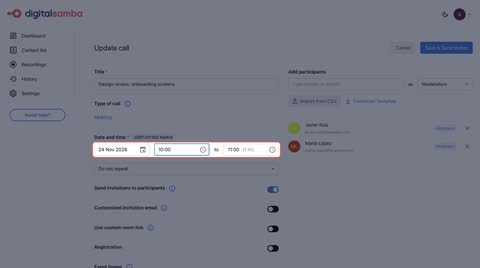
Now the review moves to Tuesday at ten.
Read
1:01
Date and time
Pick the new date, then the new start time.
Read
1:06
Date and time
Save, and everyone on the list gets The time of the event has been updated, with the old time crossed out and the new one.
Read
1:13
Date and time
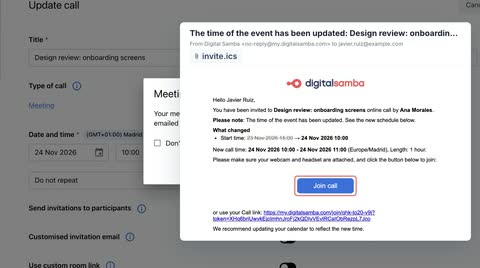
Their join links stay the same, so nobody needs a new one.
Read
1:32
Delete
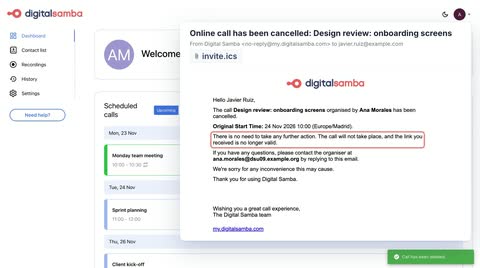
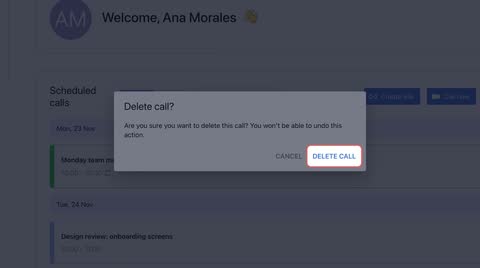
Javier and María are told that the call has been cancelled, and their links stop working.
Read
1:44
Good to know
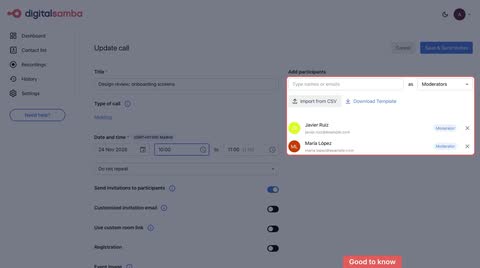
Good to know: adding or removing people tells only those people.
Read
1:49
Good to know
If Send invitations to participants is off for a call, changing or cancelling it sends nothing: tell people yourself.
Read
1:57
Good to know
A call that is already over sends nothing either.
Read
2:11
Recap
So: Edit from the card or the call's page, save to tell everyone what changed, and Delete to cancel for good.
Read
Give your call a custom room link
Scheduling calls · 1:52
0:52
Already taken
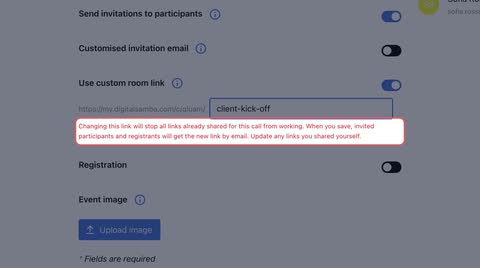
When you save, the rehearsal gets a new random link, and its participants are emailed the new one.
Read
1:26
Good to know
People you invited get the new link by email; update any links you shared yourself.
Read
All topics