Skip to content
University
Videos
Topics
Updates
Search the videos
Topics
Your calls on the dashboard
All 27 moments in Digital Samba University that depend on this.
Start here: Digital Samba in 90 seconds
1:36
0:16
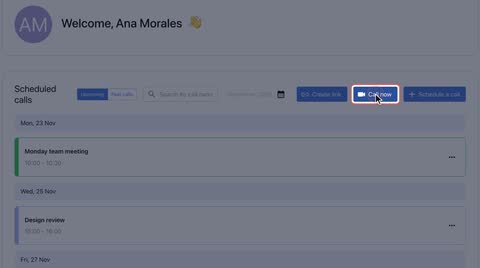
Call now
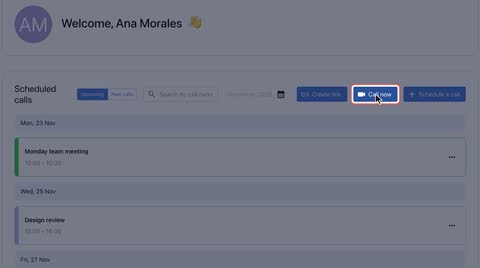
To talk to Javier right now, she clicks Call now, and the call opens in a new tab.
Read
0:27
Schedule a call
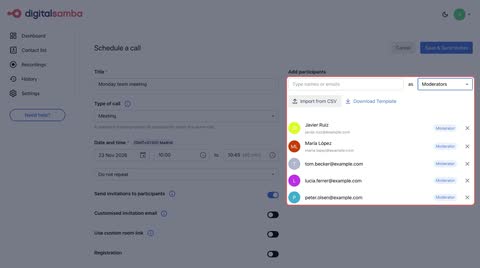
For the team's Monday meeting, she schedules a call: a title, a date and time, and the people to invite.
Read
0:34
Schedule a call
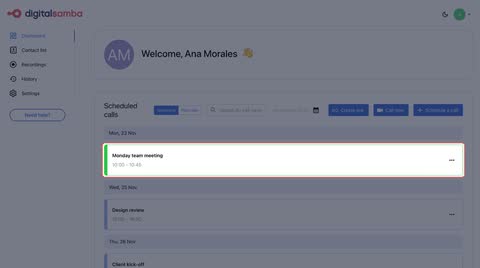
Each of them gets an invitation by email, and the call waits on her dashboard.
Read
Create your account and log in
Getting started · 2:25
1:05
Verify your email
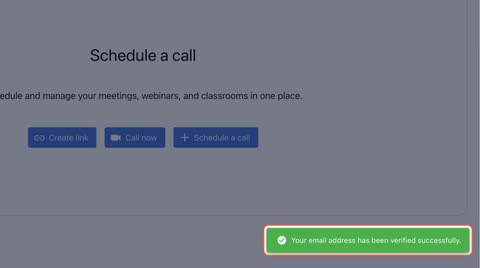
Now you're on your dashboard, and a message confirms that your email address is verified.
Read
2:02
Good to know
And sign-up doesn't ask for your name, so your dashboard greets you by the first part of your email address.
Read
2:08
Good to know
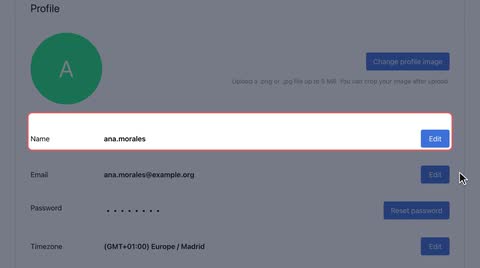
Add your name in your profile.
Read
Your dashboard at a glance
Getting started · 2:12
0:01
Introduction
In this video, you'll tour your Digital Samba dashboard: your calls, how to start one, and where everything else is.
Read
0:11
Scheduled calls
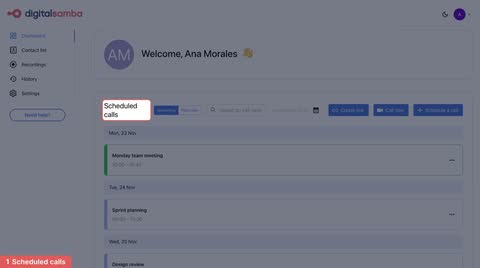
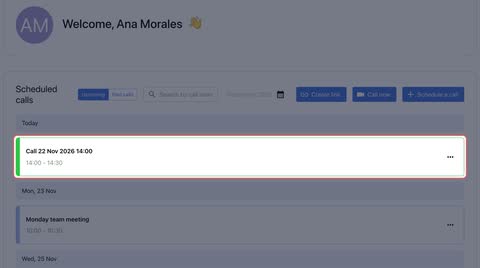
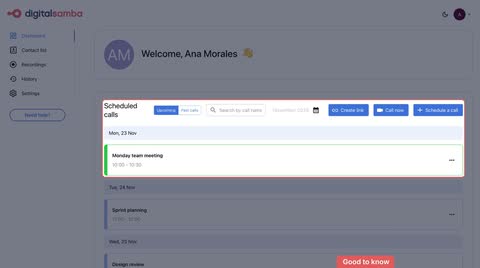
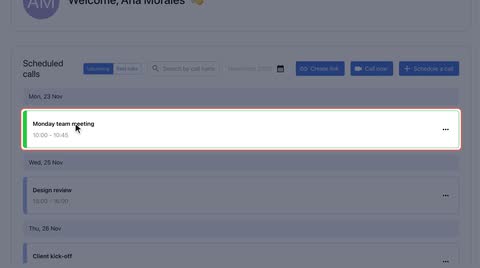
Your dashboard greets you by name and lists your scheduled calls: here, a normal week for Ana's team.
Read
0:18
Scheduled calls
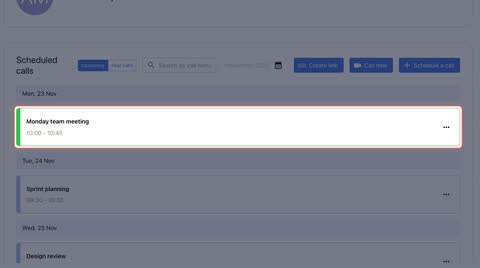
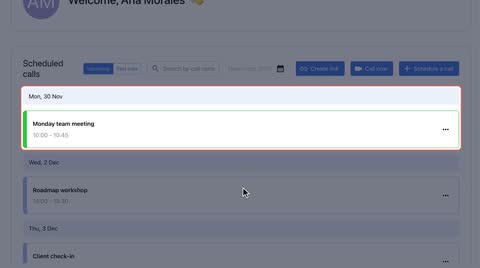
Each call, whether a meeting, a class or a webinar, sits under its day, with the next one marked in green.
Read
0:26
Scheduled calls
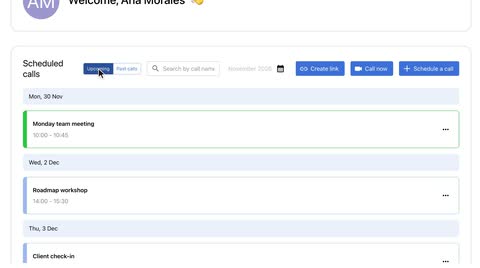
Upcoming shows what's ahead.
Read
0:28
Scheduled calls
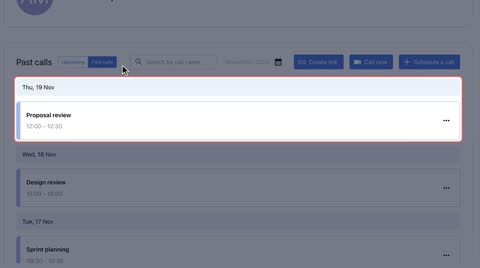
Past calls shows what's over.
Read
0:32
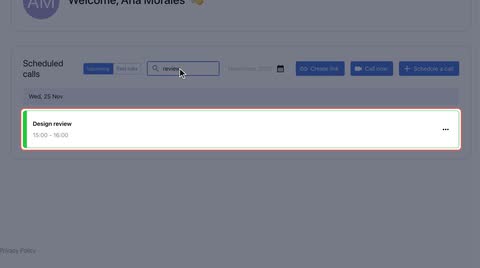
Search by call name
To find a call, type part of its name in Search by call name.
Read
0:39
Search by call name
Or click the calendar and pick a date: the list starts from that day.
Read
0:44
Search by call name
Click Upcoming to get the whole list back.
Read
1:57
Recap
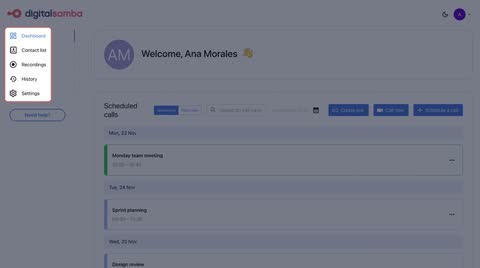
So: your calls by day, a search to find one, three buttons to start one, and a menu for the rest.
Read
Set up your profile
Getting started · 2:40
1:18
Timezone
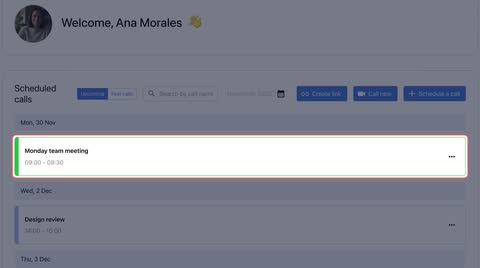
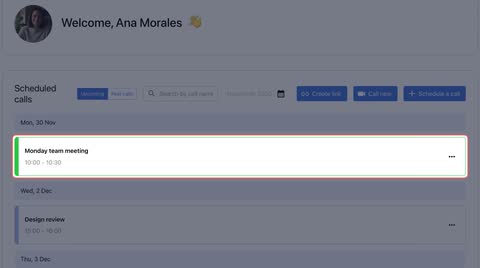
Here the account is on London time, but the team is in Madrid: Monday's meeting shows at nine instead of ten.
Read
1:31
Timezone
The meeting has not moved: only the clock it is shown in has changed.
Read
Start a call instantly with Call now
Start a call now · 1:56
0:13
Call now
On your dashboard, click Call now.
Read
1:24
Good to know
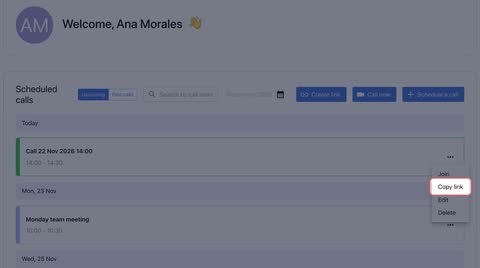
Good to know: the link is also in the address bar of the call's tab, and on its card on your dashboard, under the three dots.
Read
1:36
Good to know
And until the end time on its card, Call now takes you back into the same call.
Read
Create a call link to share
Start a call now · 1:50
1:16
Good to know
Good to know: call links don't appear in your list of calls, so keep them somewhere safe.
Read
Schedule a call and invite people
Scheduling calls · 2:40
0:11
Schedule a call
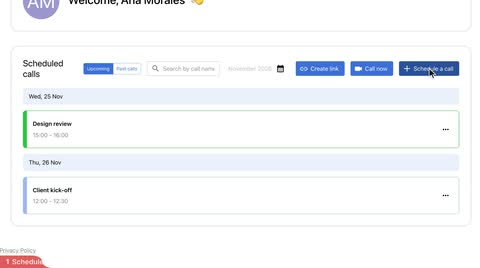
Start on your dashboard, and click Schedule a call.
Read
2:09
The call's page
You'll also find it on your dashboard, under Upcoming.
Read
Set up a recurring call
Scheduling calls · 2:42
1:10
Save the series
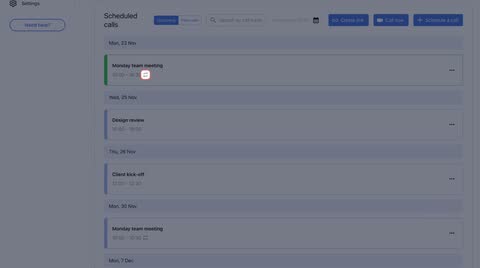
Your dashboard lists every Monday, each with a small repeat mark.
Read
Edit, reschedule or cancel a call
Scheduling calls · 2:27
0:12
Edit
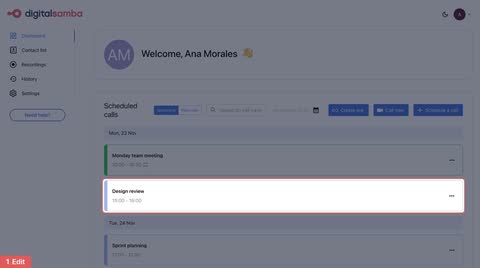
Our example is the team's Design review with Javier and María.
Read
0:17
Edit
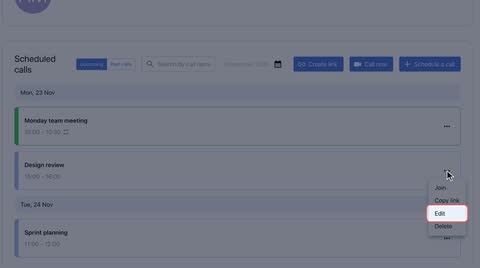
On your dashboard, open the menu on the call's card and choose Edit.
Read
Get your developer key and make your first API call
For developers · 2:48
1:37
First request
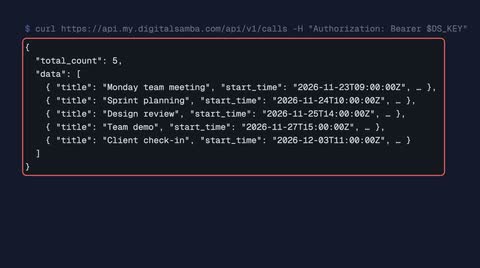
The answer is JSON: a total count of five, then each call with its title and start time, the same week that's on Ana's dashboard.
Read
All topics