Skip to content
University
Videos
Topics
Updates
Search the videos
Topics
Scheduling a call
All 33 moments in Digital Samba University that depend on this.
Start here: Digital Samba in 90 seconds
1:36
0:27
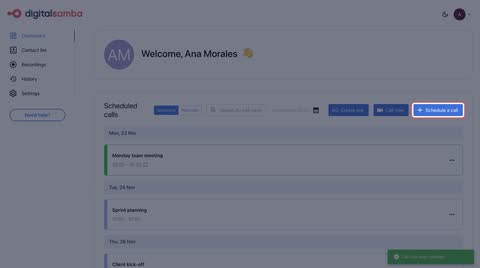
Schedule a call
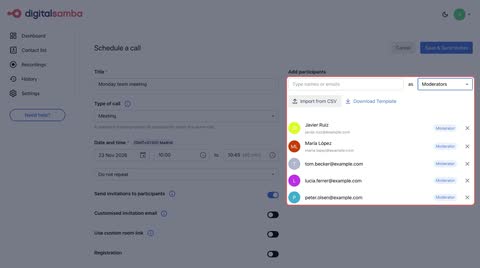
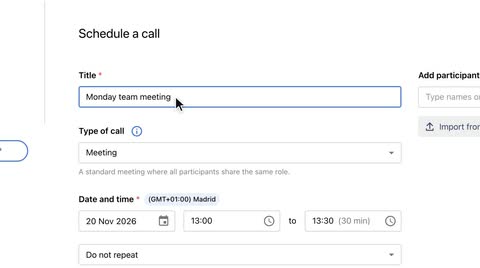
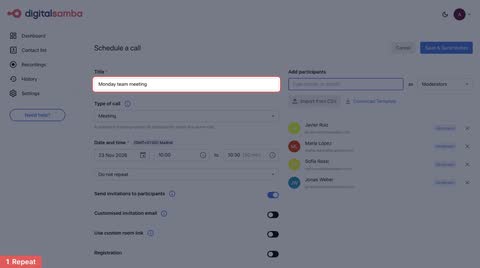
For the team's Monday meeting, she schedules a call: a title, a date and time, and the people to invite.
Read
0:34
Schedule a call
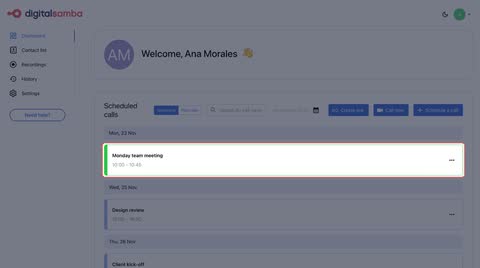
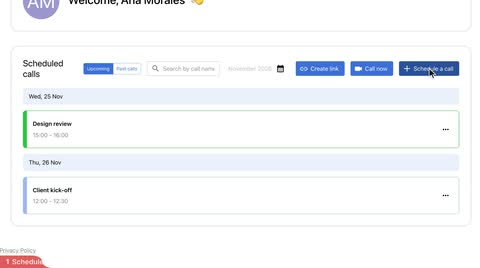
Each of them gets an invitation by email, and the call waits on her dashboard.
Read
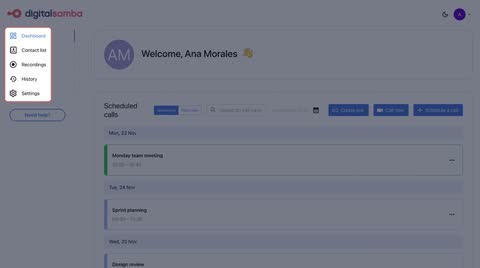
Your dashboard at a glance
Getting started · 2:12
1:05
Start a call
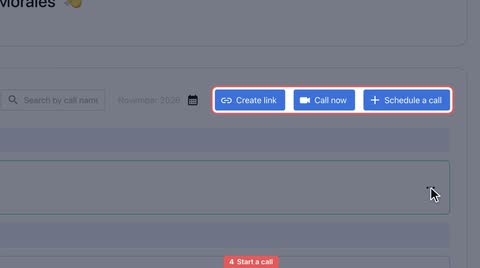
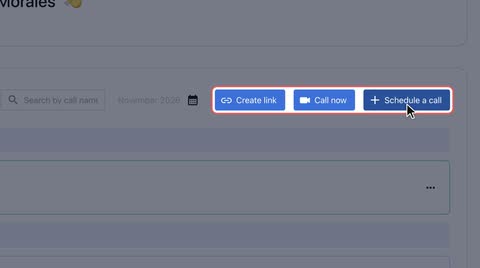
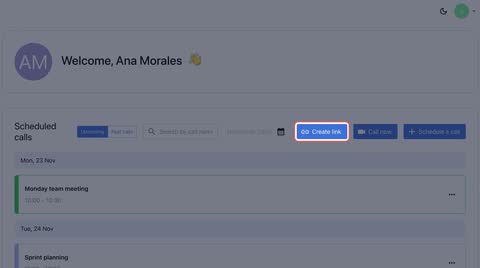
Three buttons start a call.
Read
1:13
Start a call
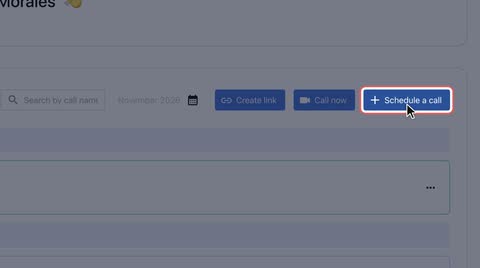
Schedule a call sets a date and invites people.
Read
1:17
Start a call
Each has its own video.
Read
1:57
Recap
So: your calls by day, a search to find one, three buttons to start one, and a menu for the rest.
Read
Create a call link to share
Start a call now · 1:50
1:29
Good to know
And the type of call you choose here becomes the default for your next call.
Read
Schedule a call and invite people
Scheduling calls · 2:40
0:11
Schedule a call
Start on your dashboard, and click Schedule a call.
Read
0:15
Schedule a call
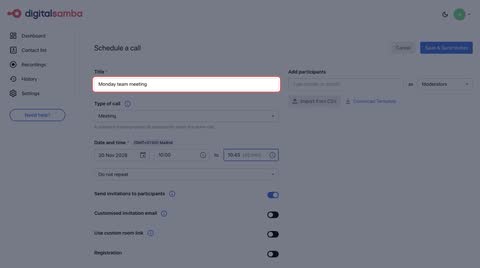
First, give your call a title: here, the team's Monday meeting.
Read
0:29
Schedule a call
Choose carefully: you can't change it once the call is saved.
Read
1:50
Save & Send Invites
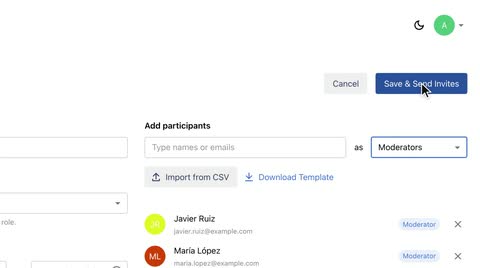
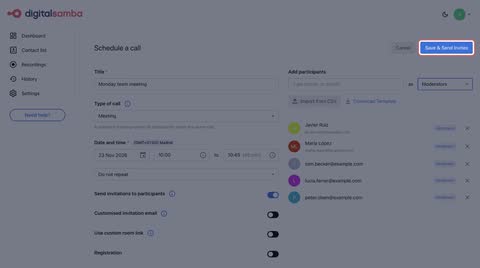
Otherwise, click Save & Send Invites.
Read
2:01
The call's page
You're taken to the call's page.
Read
2:25
Recap
So: a title, a type of call, a time and your participants — and the invitations are on their way.
Read
Set up a recurring call
Scheduling calls · 2:42
0:01
Introduction
In this video, you'll make a call — a meeting, a class or a webinar — repeat on its own, then change or delete one date without touching the rest.
Read
0:14
Repeat
Our example is the team's Monday meeting.
Read
Invitations and RSVPs: what your participants receive
Scheduling calls · 3:07
0:13
Send invitations to participants
Our example is the team's Monday meeting.
Read
0:16
Send invitations to participants
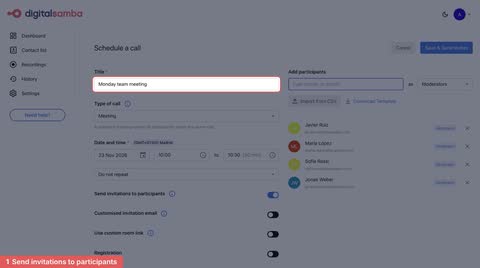
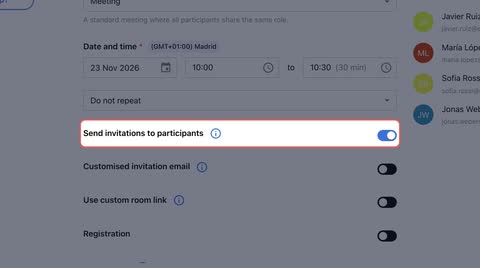
On the Schedule a call form, find Send invitations to participants.
Read
0:43
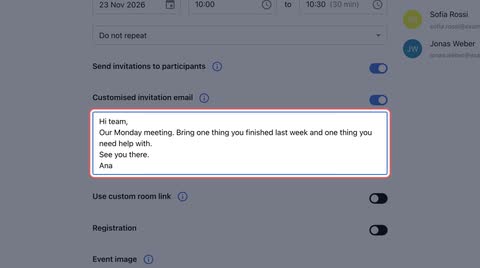
Customised invitation email
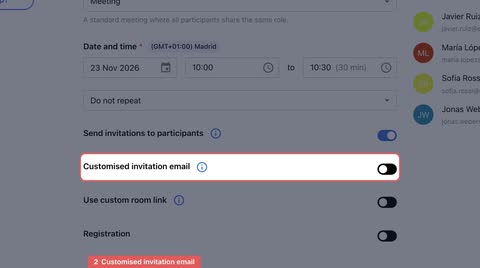
Below it is Customised invitation email.
Read
0:48
Customised invitation email
Turn it on, and replace the sample text with your own message: an agenda, or what to prepare.
Read
Edit, reschedule or cancel a call
Scheduling calls · 2:27
0:01
Introduction
In this video, you'll change a call you've already scheduled — a meeting, a class or a webinar — give it a new time, and cancel it.
Read
1:38
Delete
To hold it after all, schedule it again: everyone gets a new invitation.
Read
Give your call a custom room link
Scheduling calls · 1:52
0:12
Use custom room link
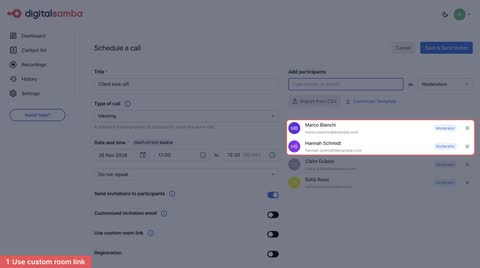
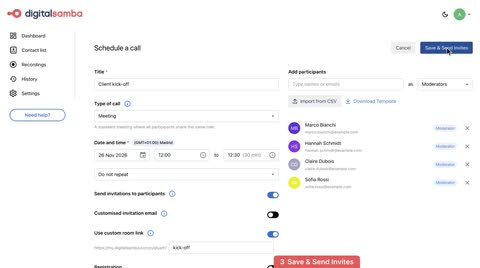
Our example is the Client kick-off with Marco and Hannah.
Read
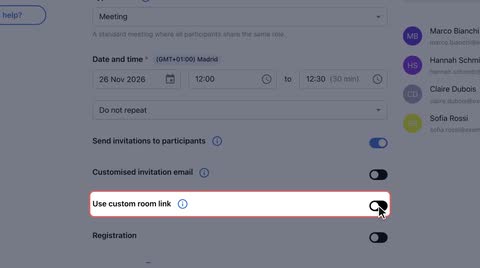
0:16
Use custom room link
On the Schedule a call form, turn on Use custom room link.
Read
1:05
Save & Send Invites
Now click Save and Send Invites.
Read
Set up a webinar with registration
Webinars and registration · 3:05
0:11
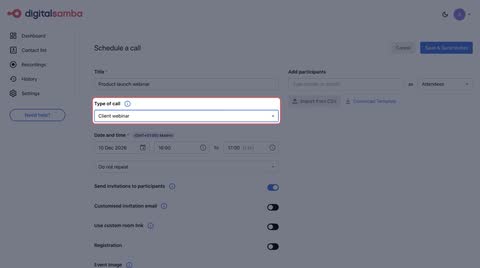
Type of call
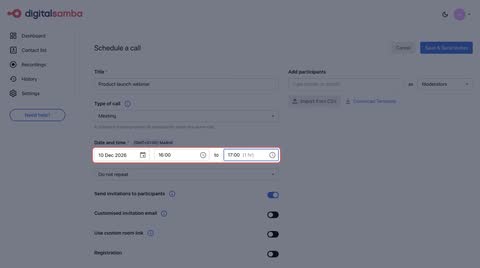
Our example is the Product launch webinar, on Thursday the tenth of December, from four to five.
Read
Organise contacts into groups
Contacts · 2:02
1:11
Add a group to a call
Now the payoff: the Schedule a call form, for the Monday team meeting.
Read
Turn on recording and transcription
After the call · 2:44
2:04
Good to know
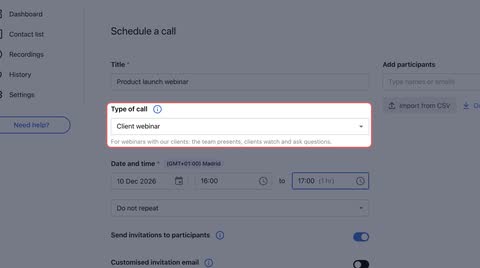
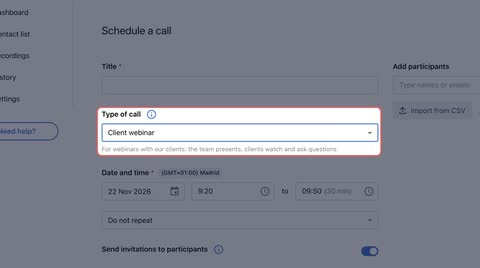
Good to know: when Ana schedules the Product launch webinar, she picks Client webinar; the form itself has no recording settings.
Read
Types of call: Meeting, Webinar and Classroom
Customise your calls · 2:42
0:16
Type of call
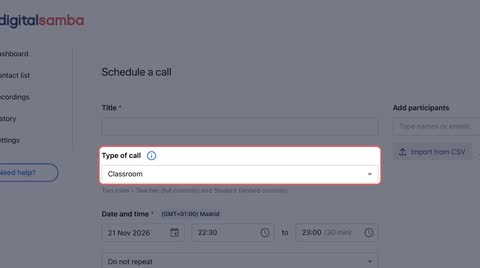
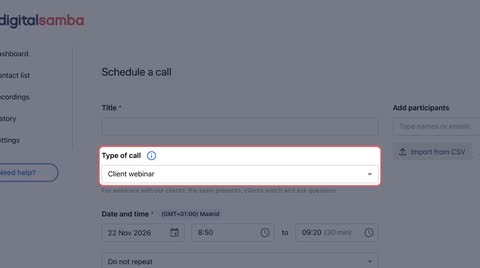
Every call — a meeting, a class or a webinar — has a type of call, chosen when you schedule a call or create a link.
Read
0:25
Type of call
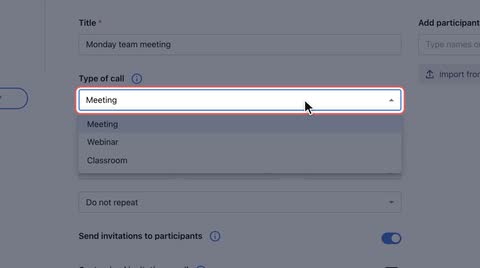
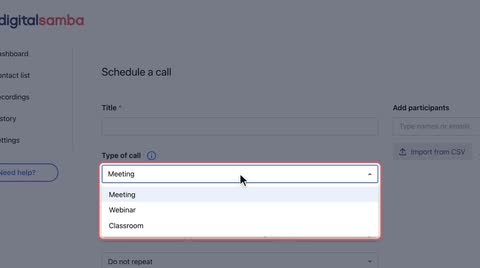
Click Schedule a call and open Type of call: Meeting, Webinar and Classroom are built in.
Read
1:39
Set as default
Careful: scheduling a call or creating a link with another type makes that type the default.
Read
Choose the tools in your calls
Customise your calls · 2:35
2:12
Good to know
And a change reaches only calls you schedule afterwards.
Read
Roles and permissions: create a custom role
Customise your calls · 2:59
2:02
Invite as Co-host
Now schedule the webinar, with Client webinar as its type of call.
Read
Get notified with webhooks
For developers · 3:18
1:03
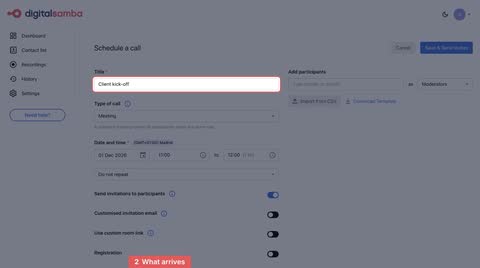
What arrives
Now Ana schedules the Client kick-off, as usual.
Read
All topics