University

Join a Digital Samba call

In this video, you'll join a Digital Samba call — a meeting, a class or a webinar — from your invitation, or from a link someone sends you.

Updated Version 2

1Your invitation0:11

Our example: Ana has invited Javier to the team's Monday meeting.
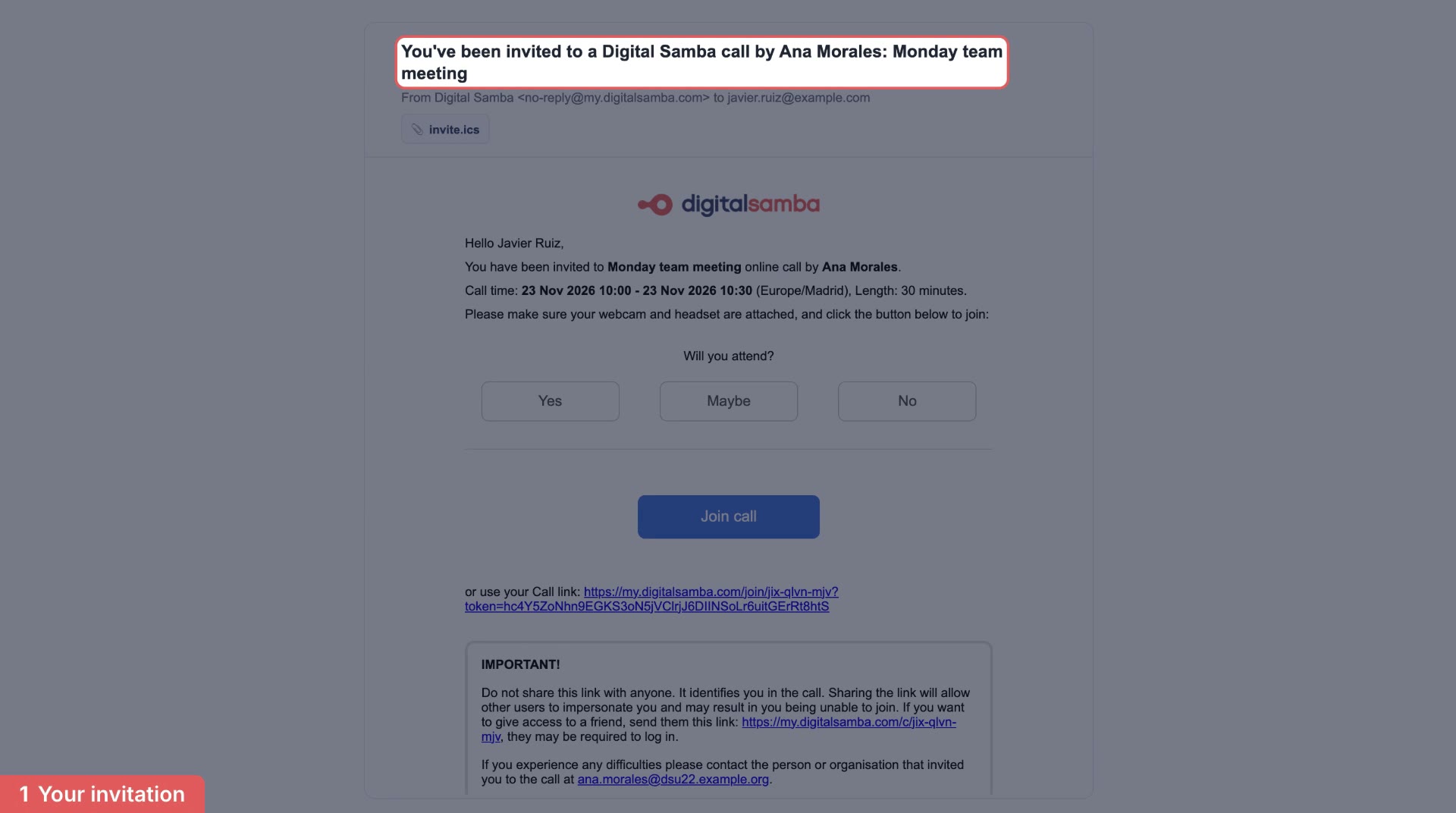
Screenshot from the film at 0:15: Our example: Ana has invited Javier to the team's Monday meeting.
Watch this step · 0:13

His invitation shows the call time and a Join call button.
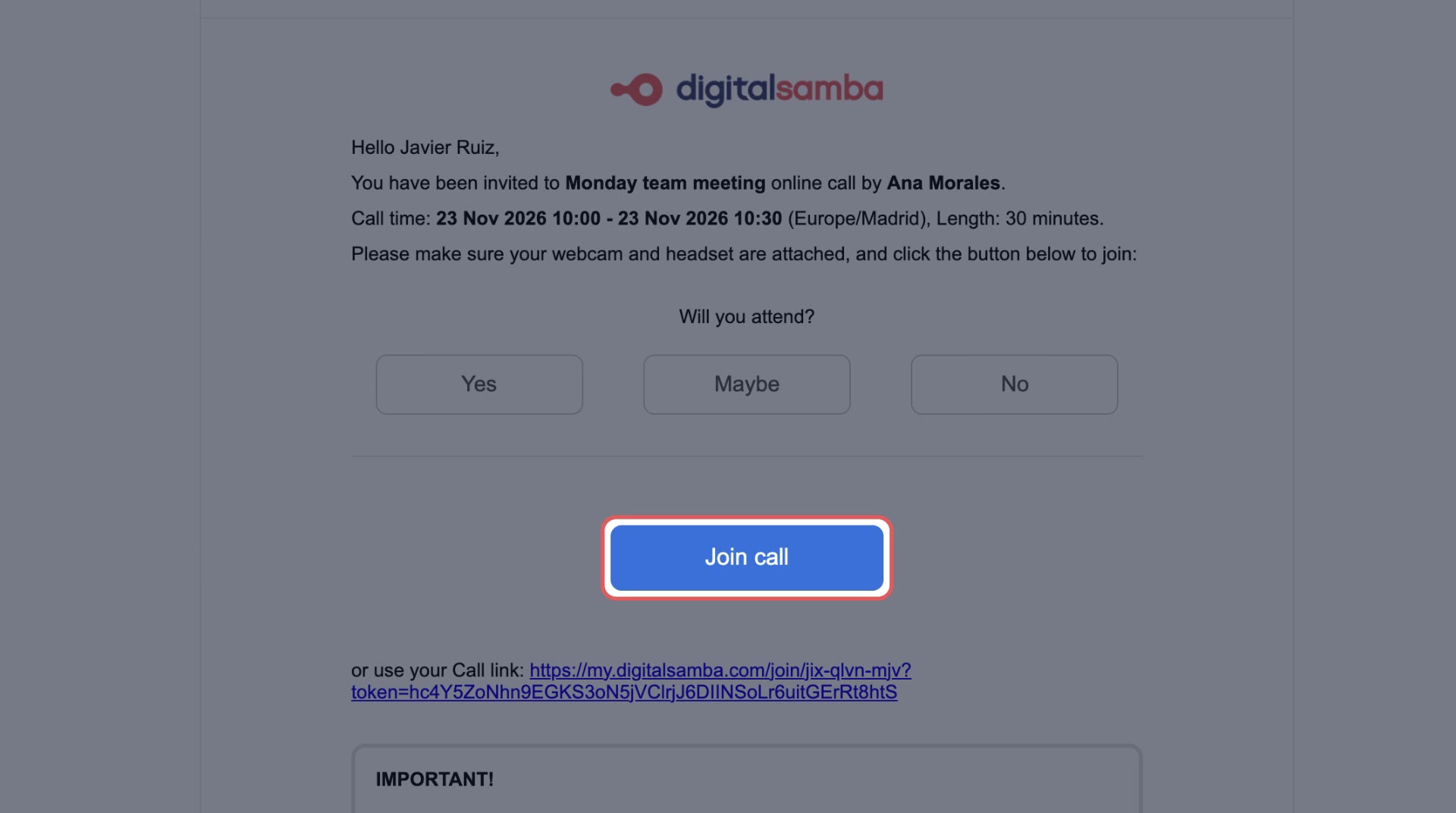
Screenshot from the film at 0:21: His invitation shows the call time and a Join call button.
Watch this step · 0:18

Join call is his personal link, and the email asks him not to share it.
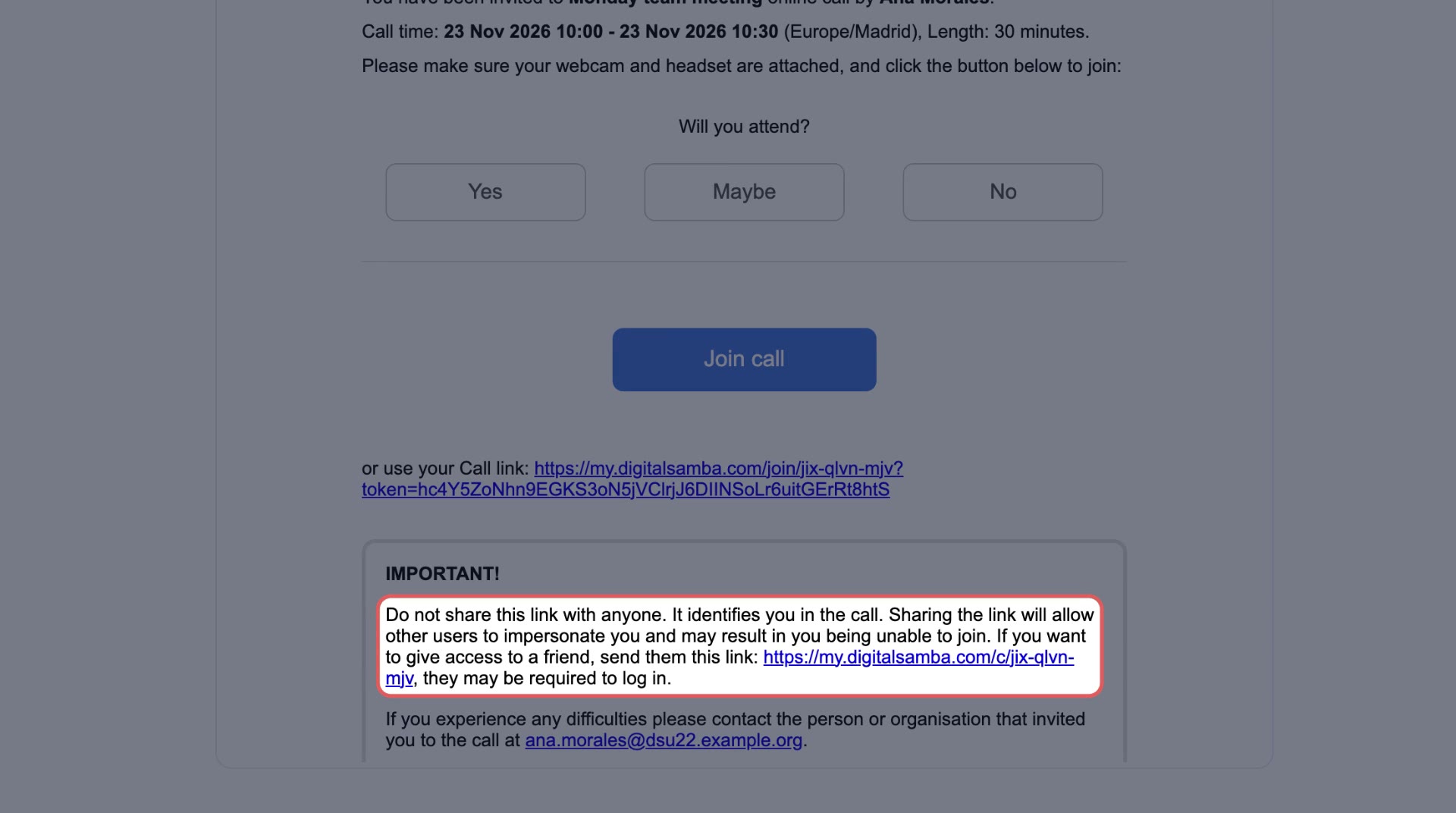
Screenshot from the film at 0:27: Join call is his personal link, and the email asks him not to share it.
Watch this step · 0:22

For anyone else, it gives the call link to pass on.
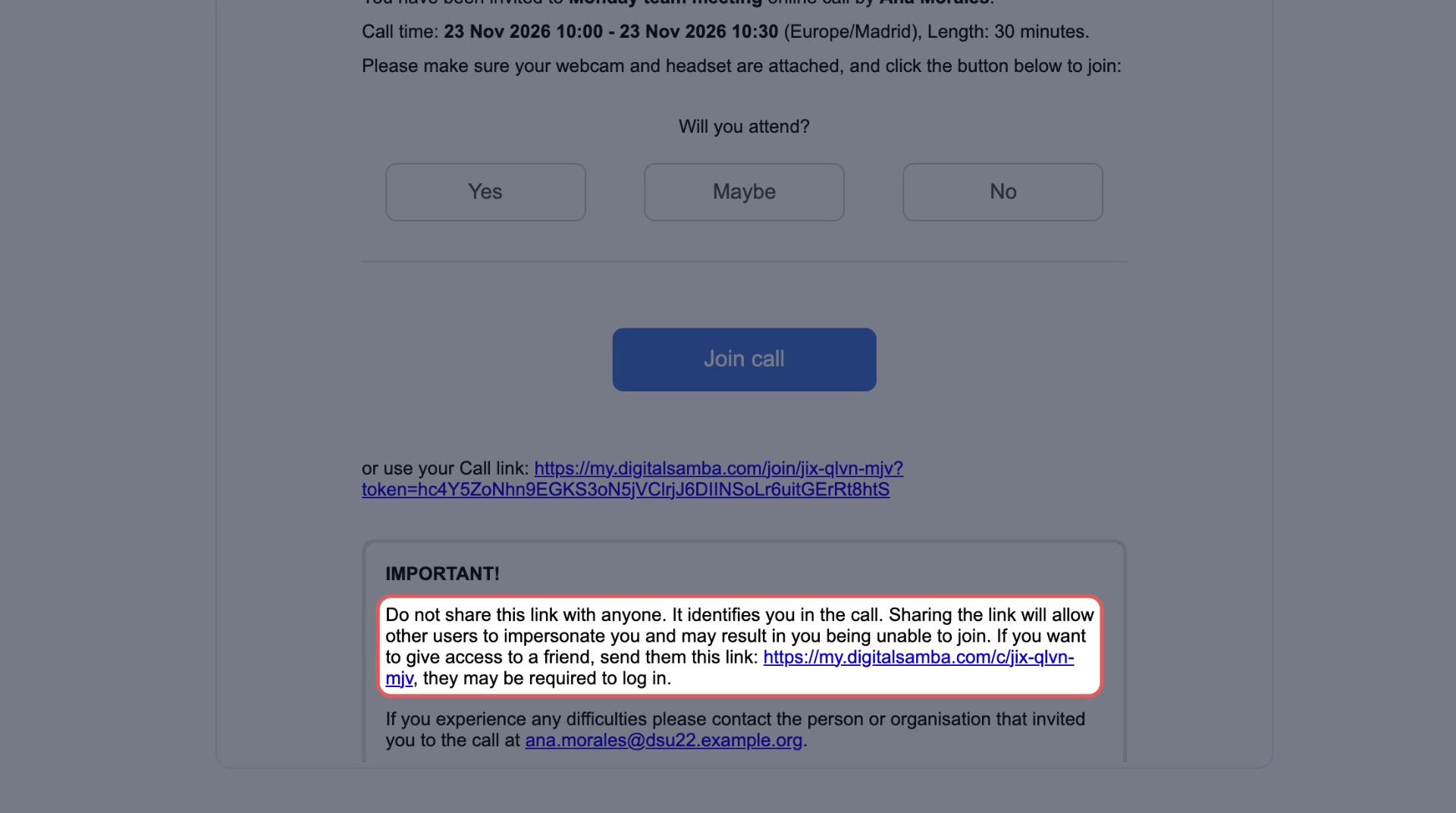
Screenshot from the film at 0:30: For anyone else, it gives the call link to pass on.
Watch this step · 0:28

2Will you attend?0:31

Under Will you attend?, click Yes, Maybe or No.
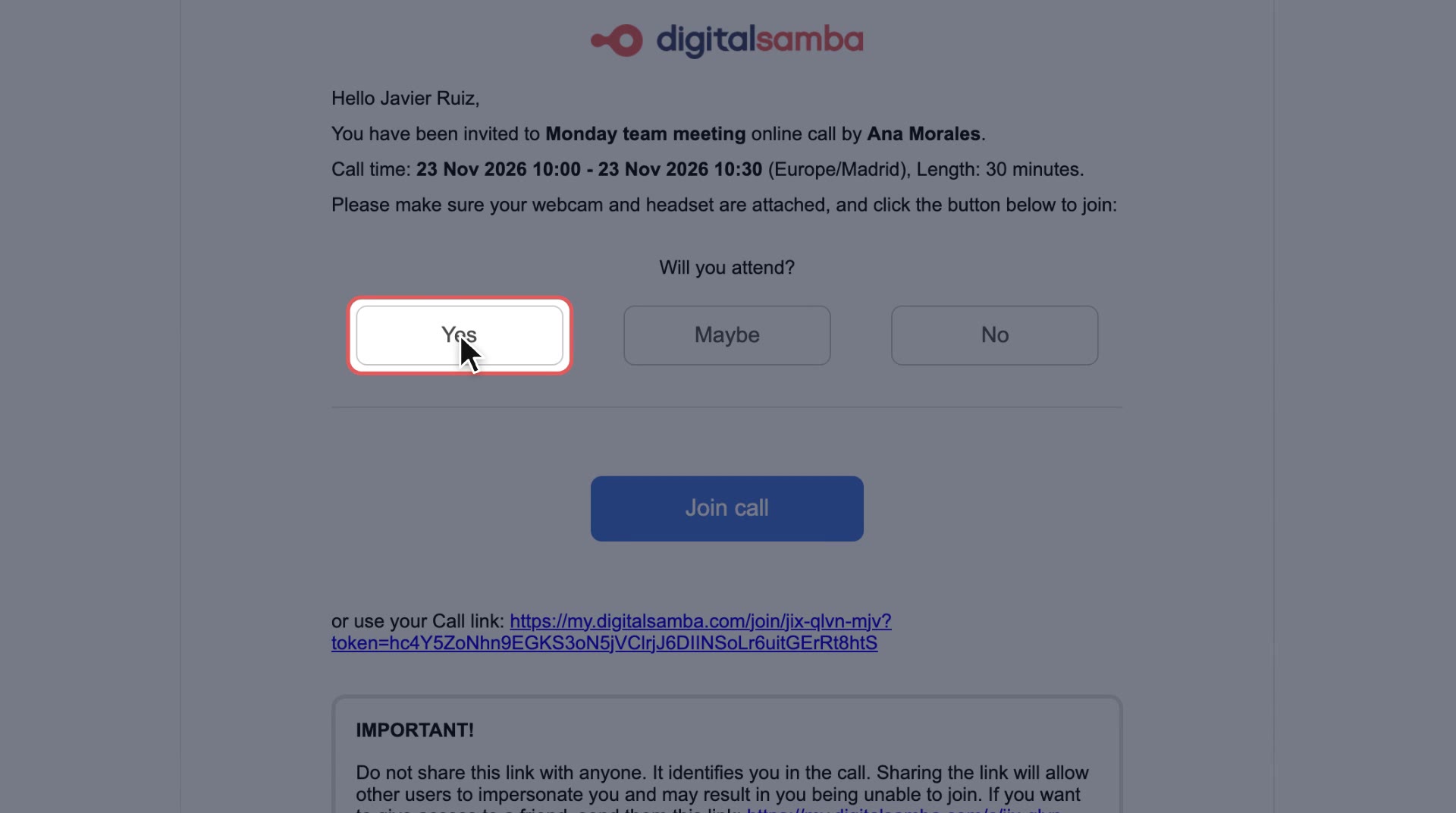
Screenshot from the film at 0:36: Under Will you attend?, click Yes, Maybe or No.
Watch this step · 0:32

A page confirms your answer: you need no account, and you can change it there.
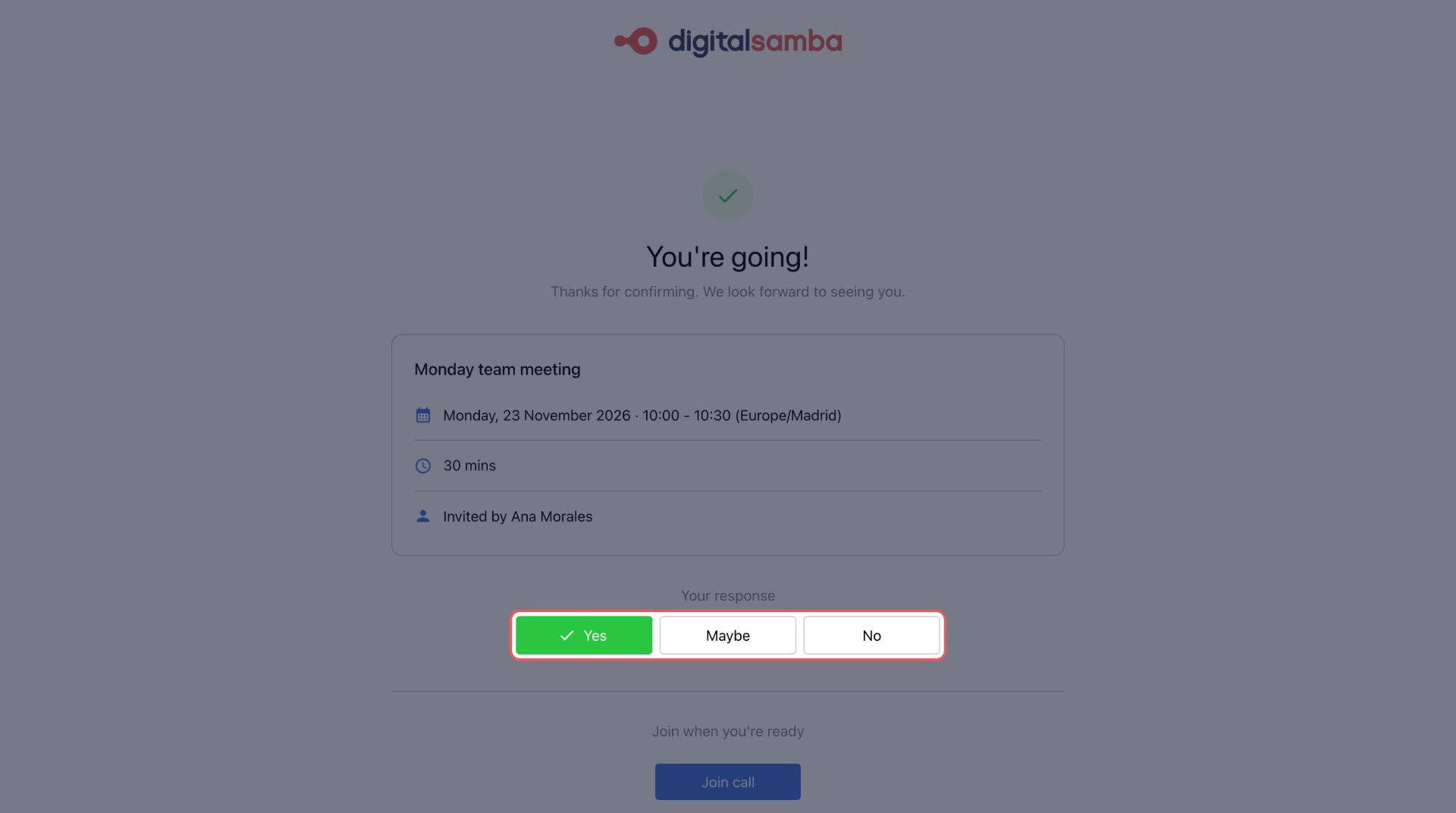
Screenshot from the film at 0:41: A page confirms your answer: you need no account, and you can change it there.
Watch this step · 0:37

After Yes, the page also offers Join call, and Add to calendar: a calendar file for the call.
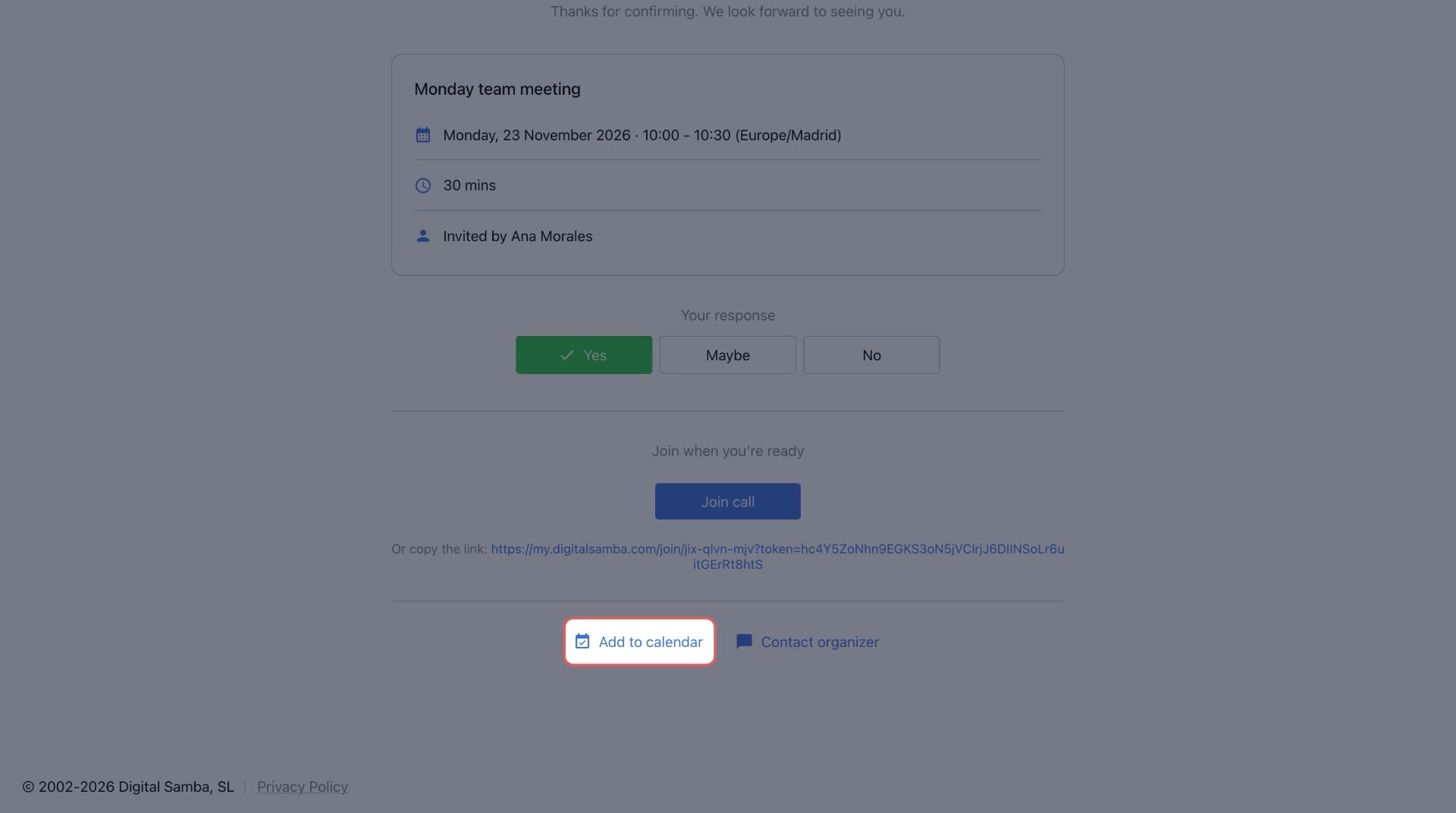
Screenshot from the film at 0:46: After Yes, the page also offers Join call, and Add to calendar: a calendar file for the call.
Watch this step · 0:42

3Join call0:49

To join, click Join call.
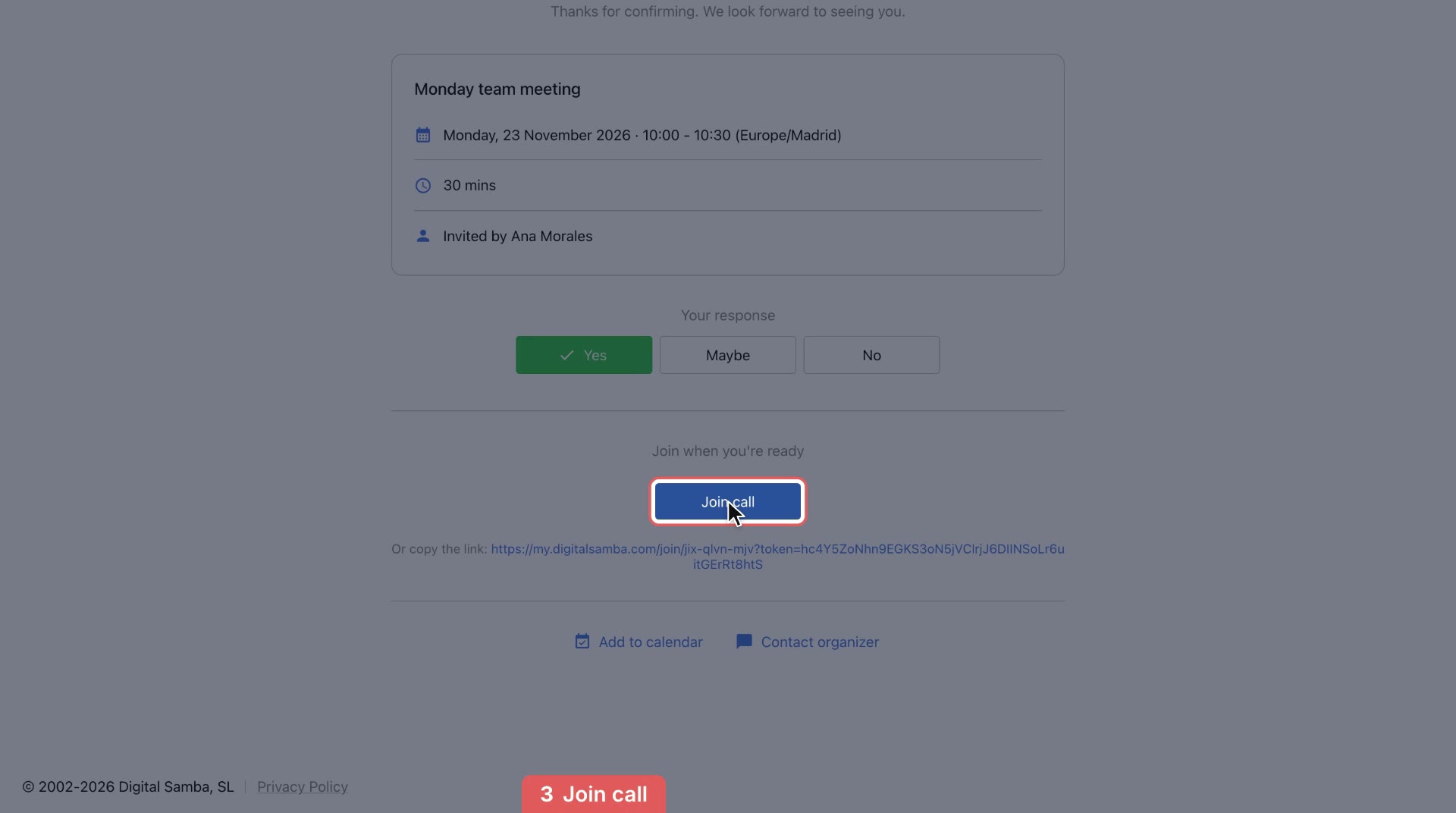
Screenshot from the film at 0:51: To join, click Join call.
Watch this step · 0:50

The call opens in your browser, with a consent message first: click Join.
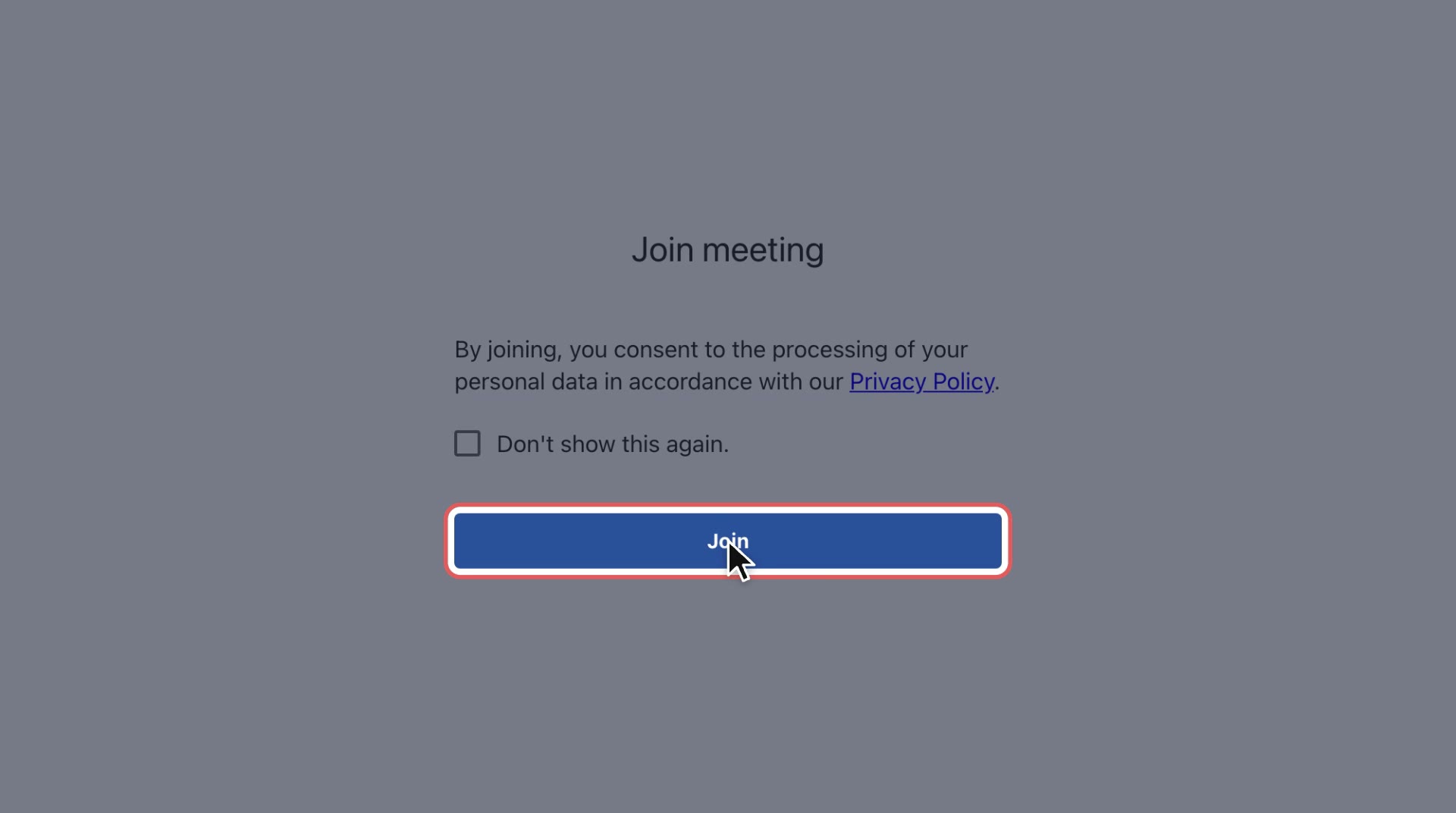
Screenshot from the film at 0:57: The call opens in your browser, with a consent message first: click Join.
Watch this step · 0:53

Then check your camera and microphone, and click Join again.
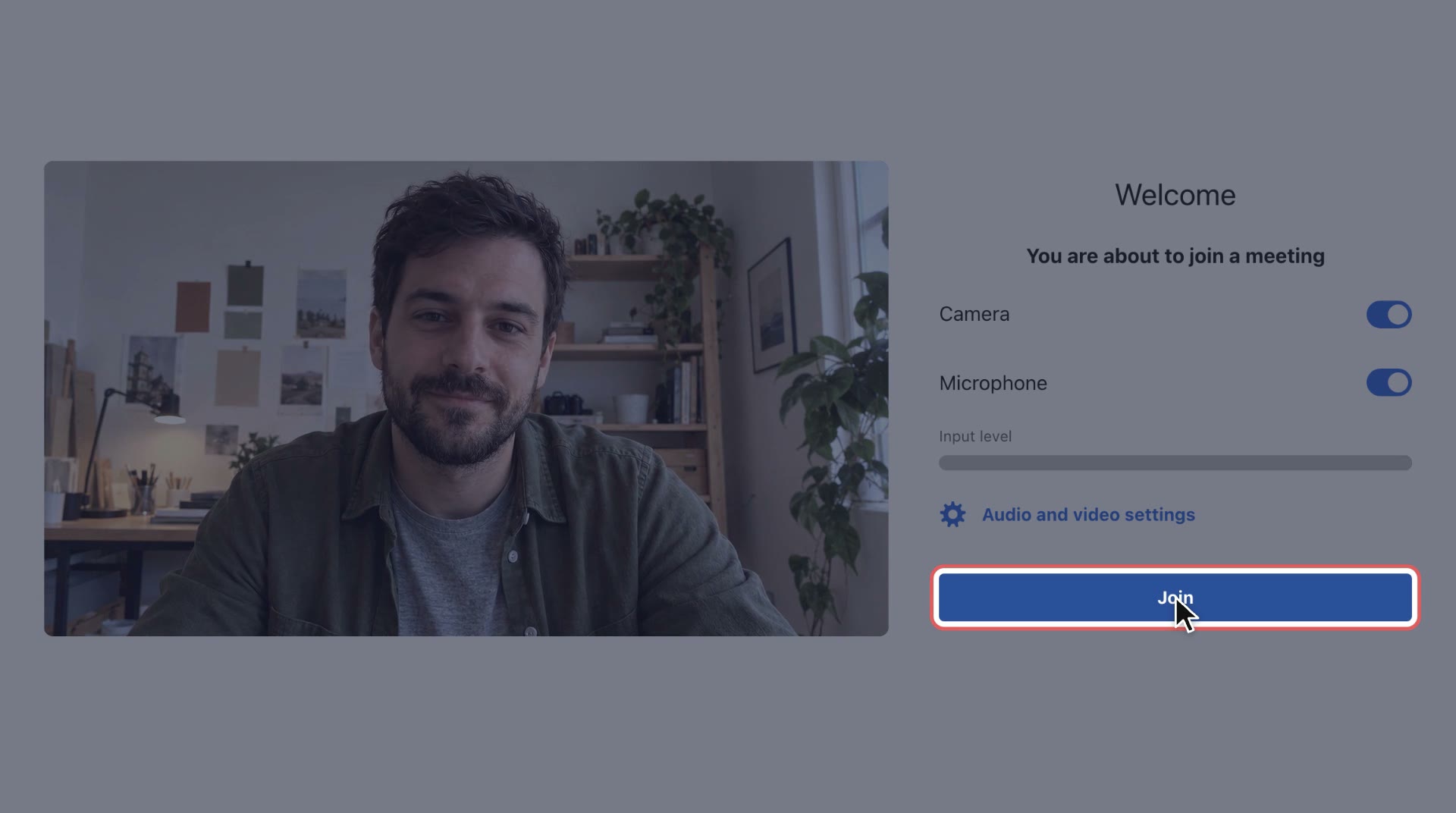
Screenshot from the film at 1:01: Then check your camera and microphone, and click Join again.
Watch this step · 0:58

You're in, under your own name, and your picture is marked You.
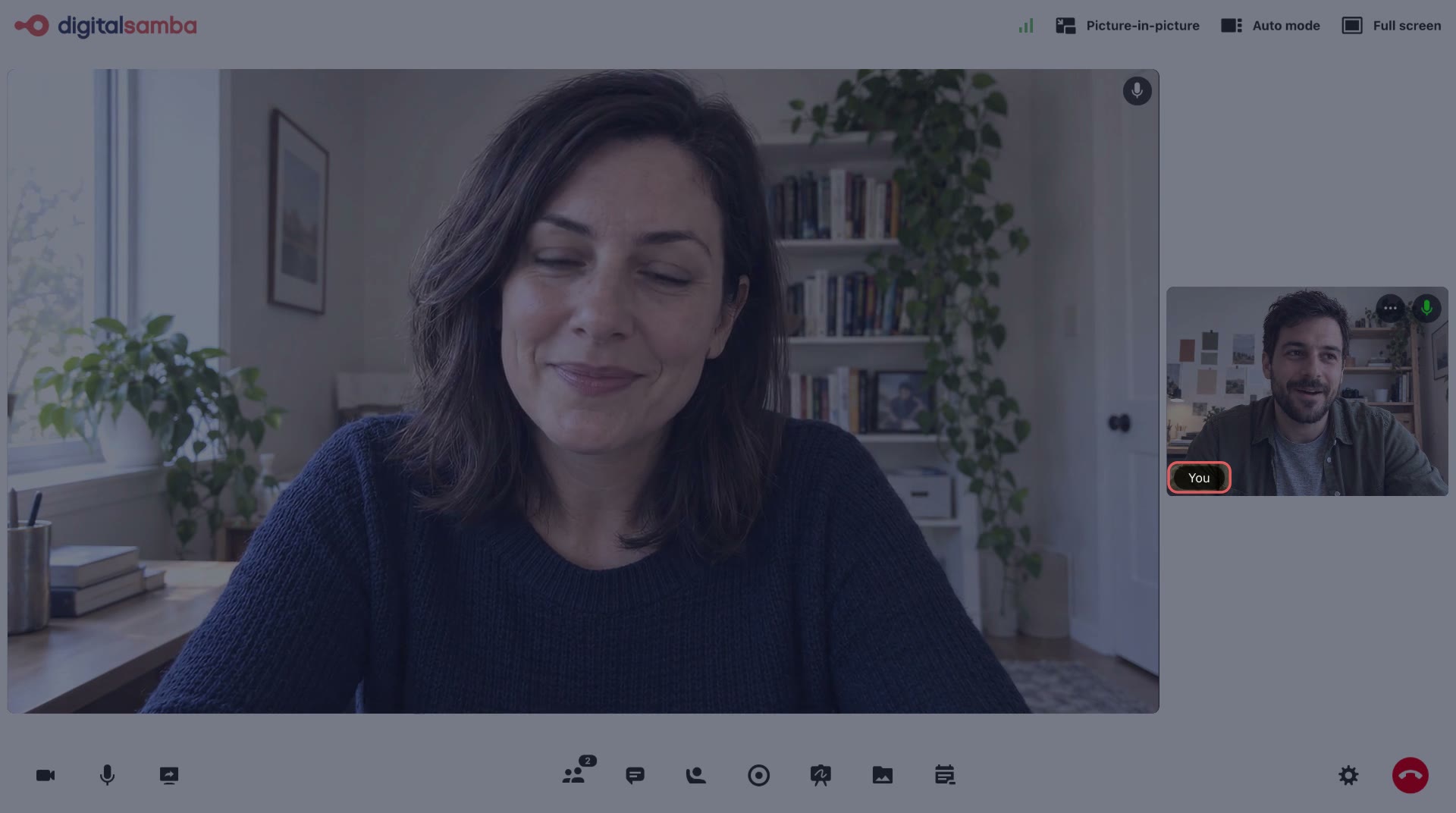
Screenshot from the film at 1:05: You're in, under your own name, and your picture is marked You.
Watch this step · 1:02

4From a call link1:06

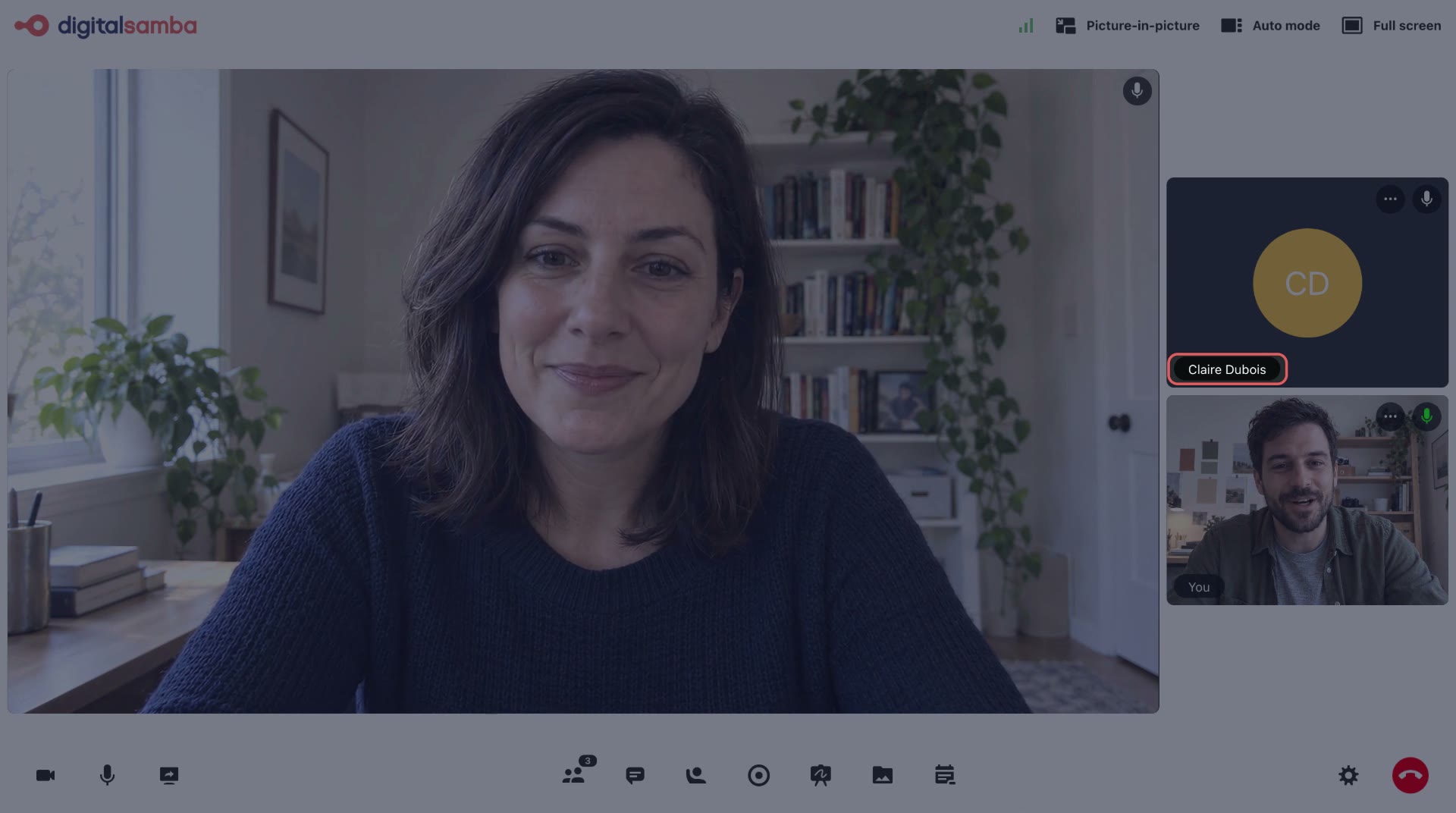
Sometimes you get the call link instead: here, Javier passes it to Claire.
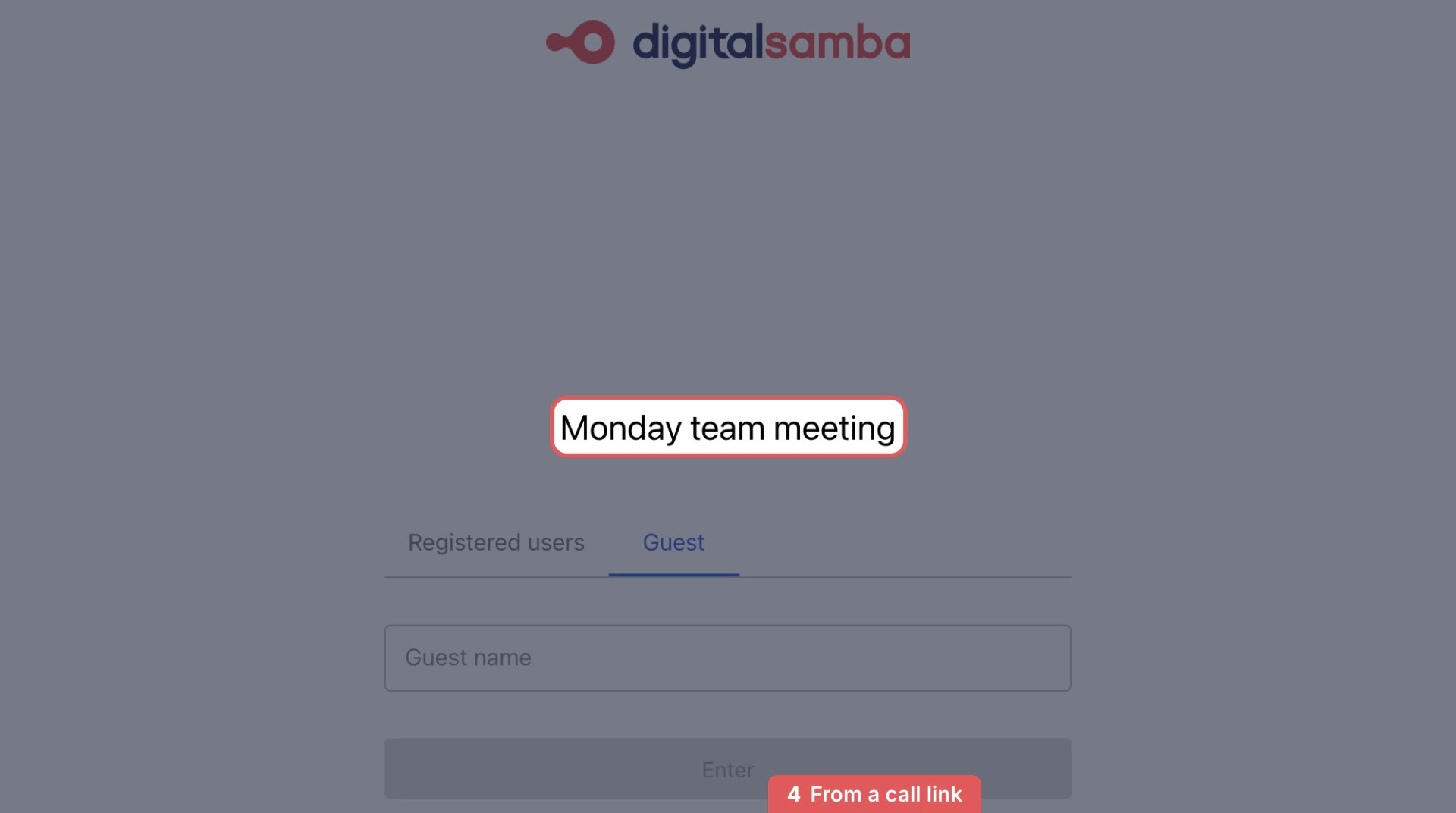
Screenshot from the film at 1:09: Sometimes you get the call link instead: here, Javier passes it to Claire.
Watch this step · 1:07

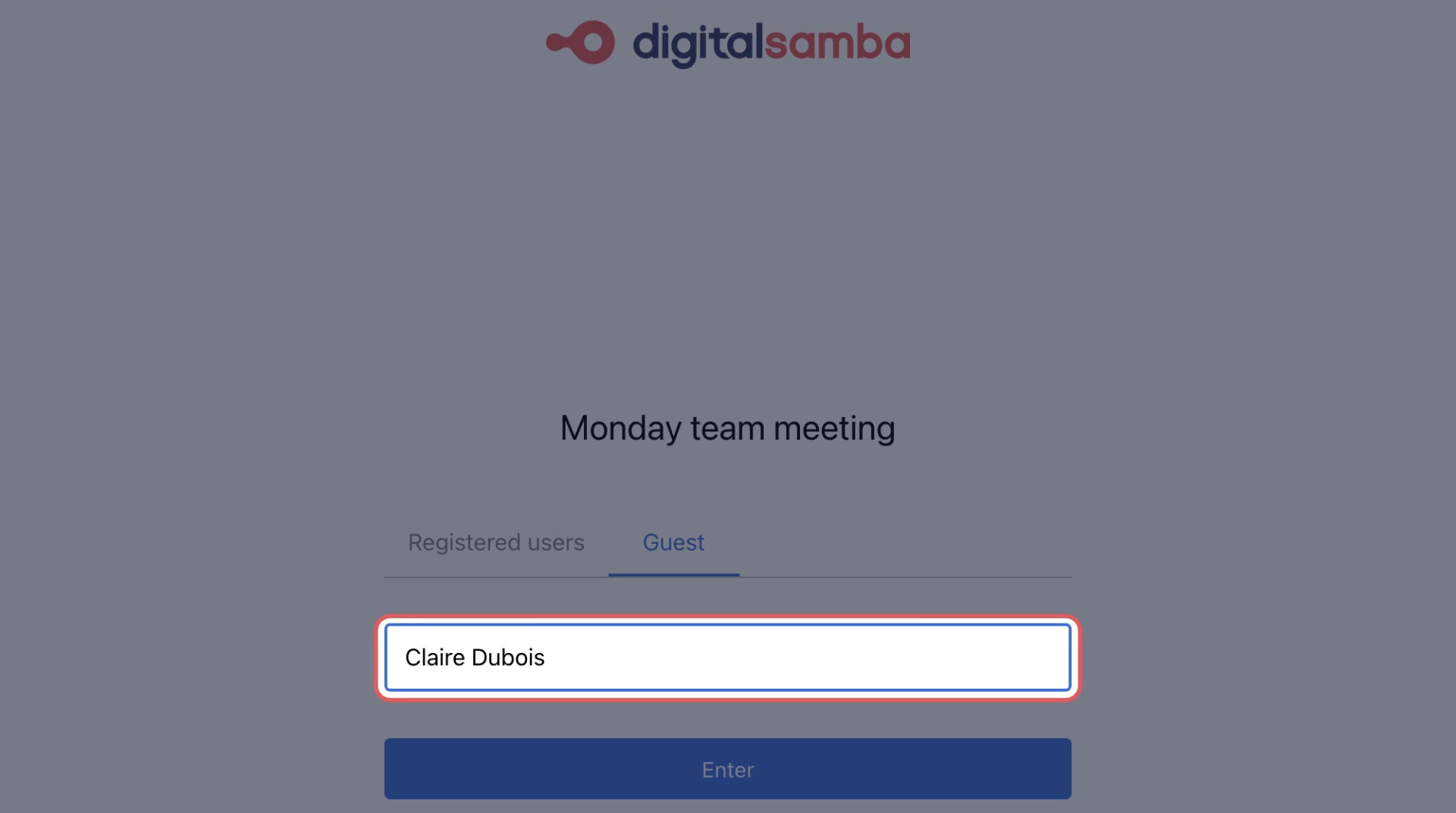
With no account, she stays on Guest, types her name and clicks Enter.
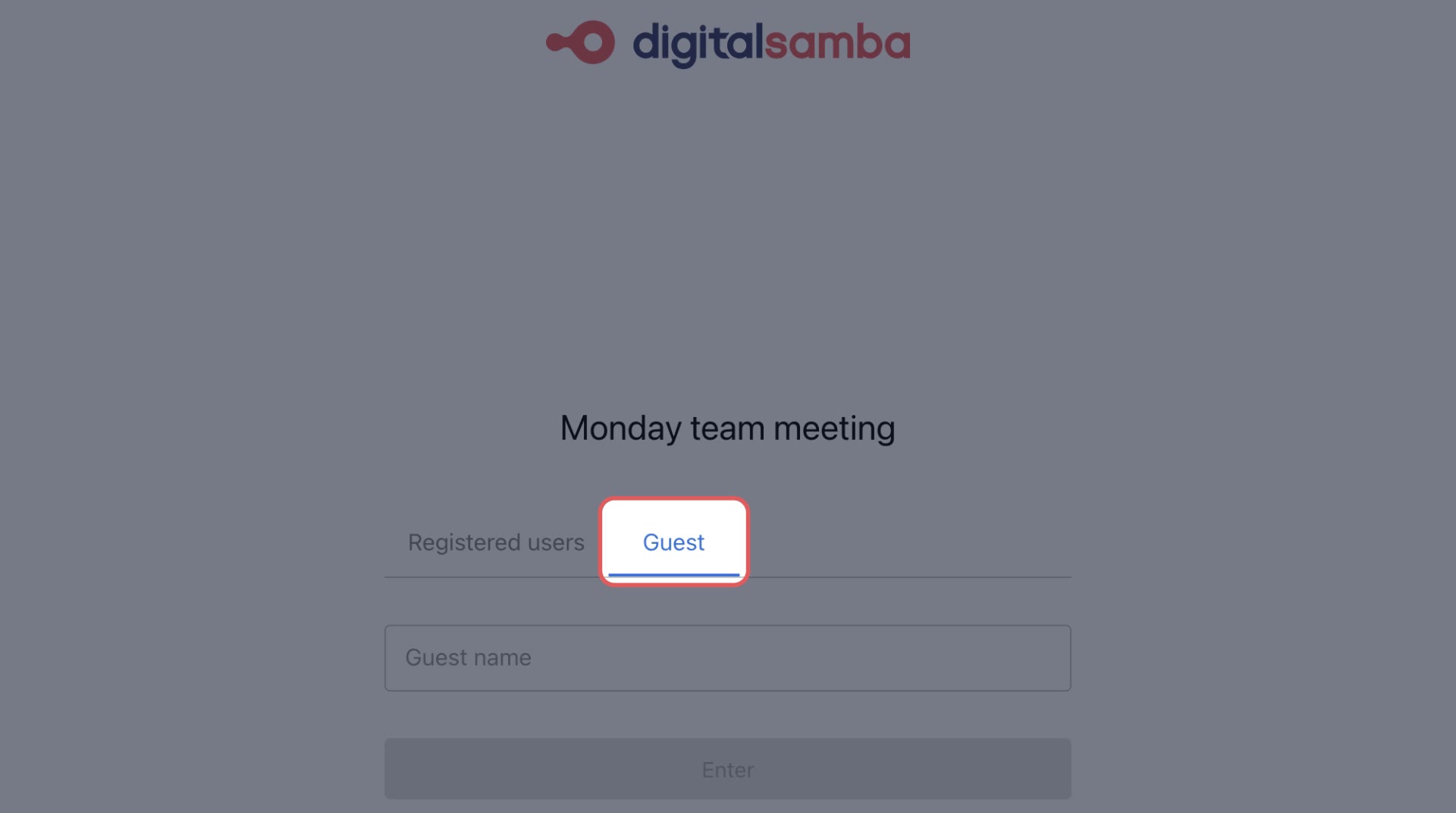
Screenshot from the film at 1:15: With no account, she stays on Guest, types her name and clicks Enter.
Watch this step · 1:13

With a Digital Samba account, choose Registered users and log in instead.
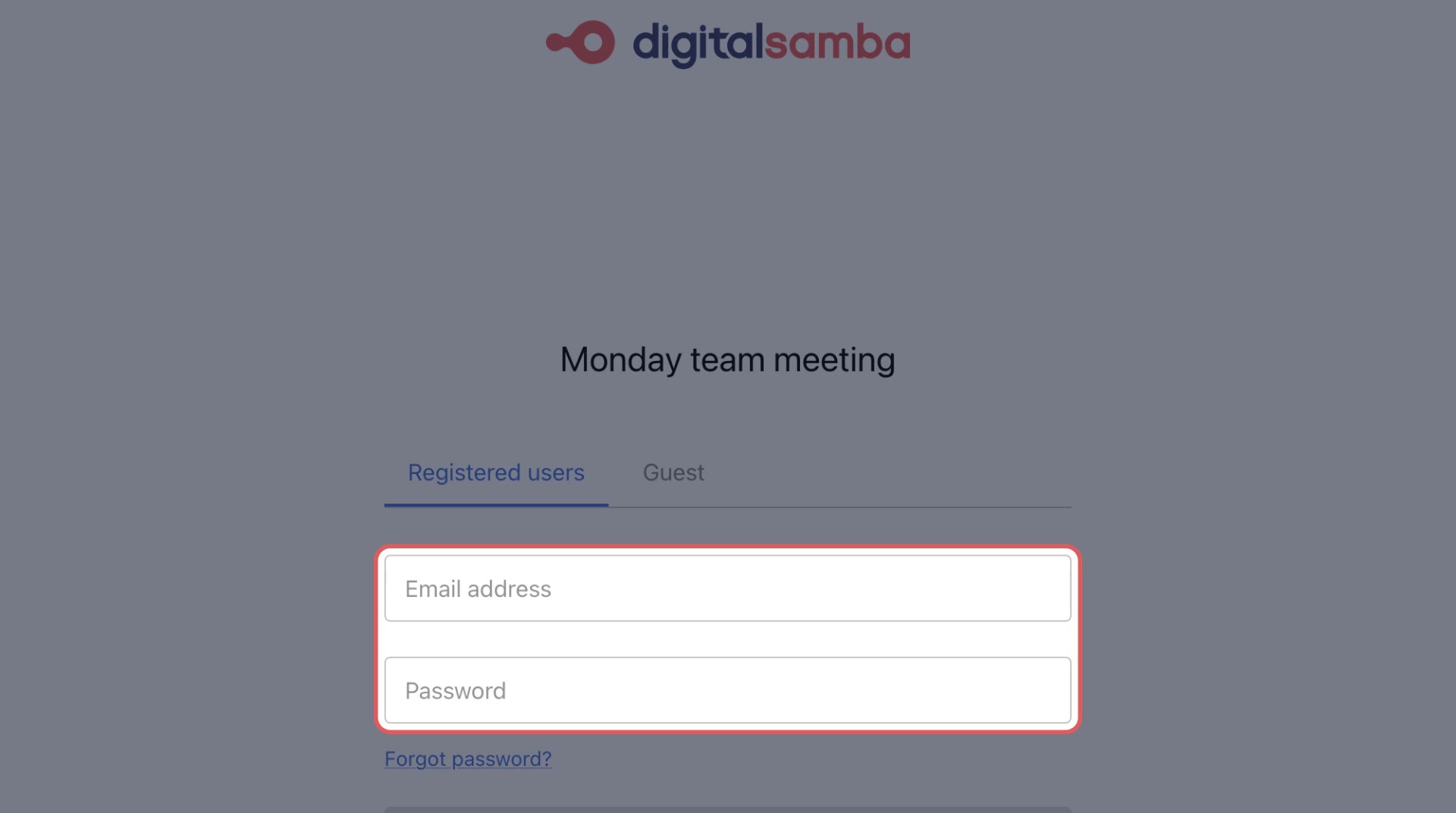
Screenshot from the film at 1:21: With a Digital Samba account, choose Registered users and log in instead.
Watch this step · 1:18

After the same two steps, she's in.

Screenshot from the film at 1:25: After the same two steps, she's in.
Watch this step · 1:23

Good to know1:25

Your personal link lets one person in at a time.
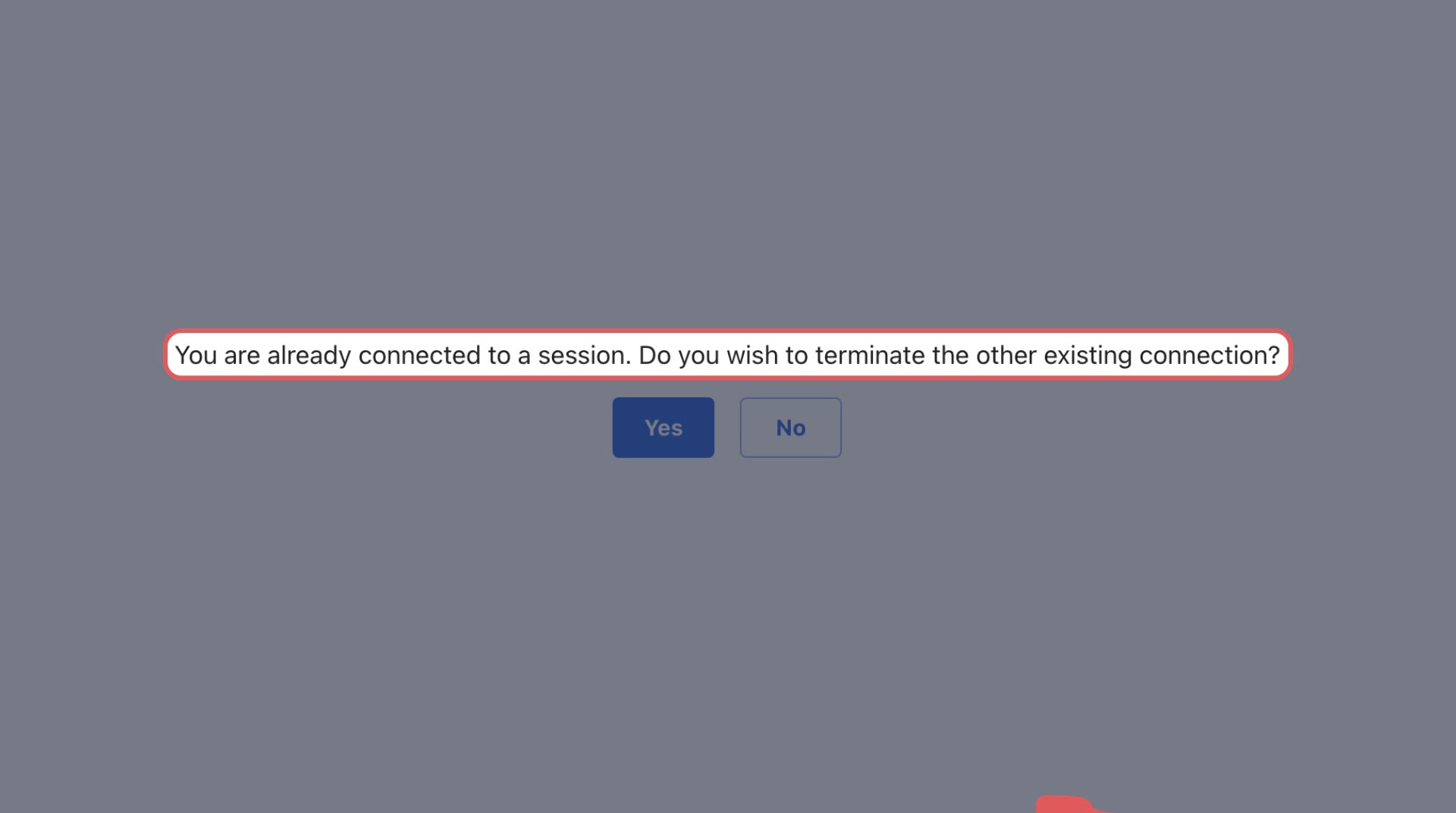
Screenshot from the film at 1:29: Good to know: your personal link lets one person in at a time.
Watch this step · 1:26

If someone else opens it while you're in the call, they can take your place, and you are put out.
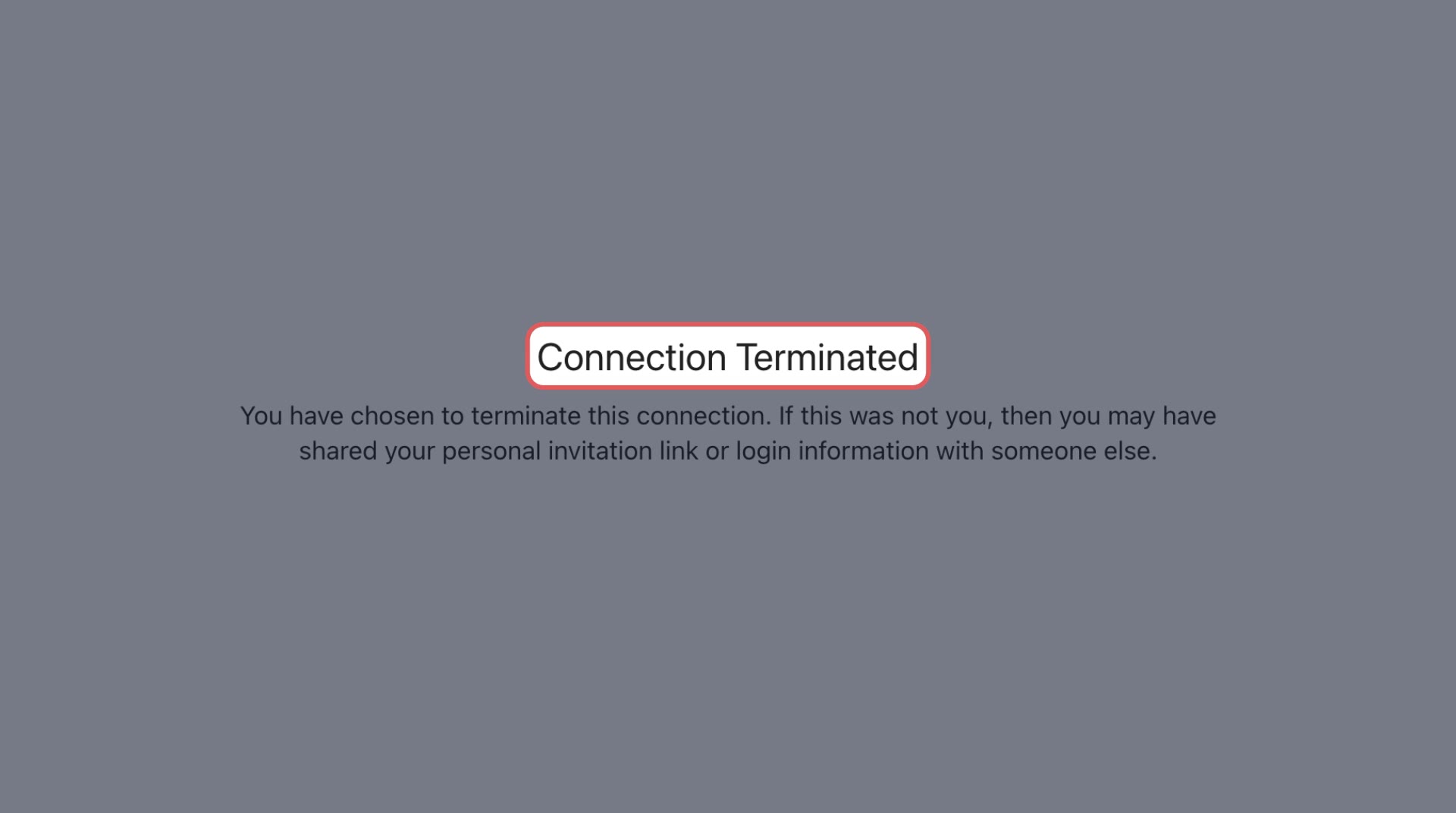
Screenshot from the film at 1:36: If someone else opens it while you're in the call, they can take your place, and you are put out.
Watch this step · 1:31

So keep it to yourself, and pass on the call link.
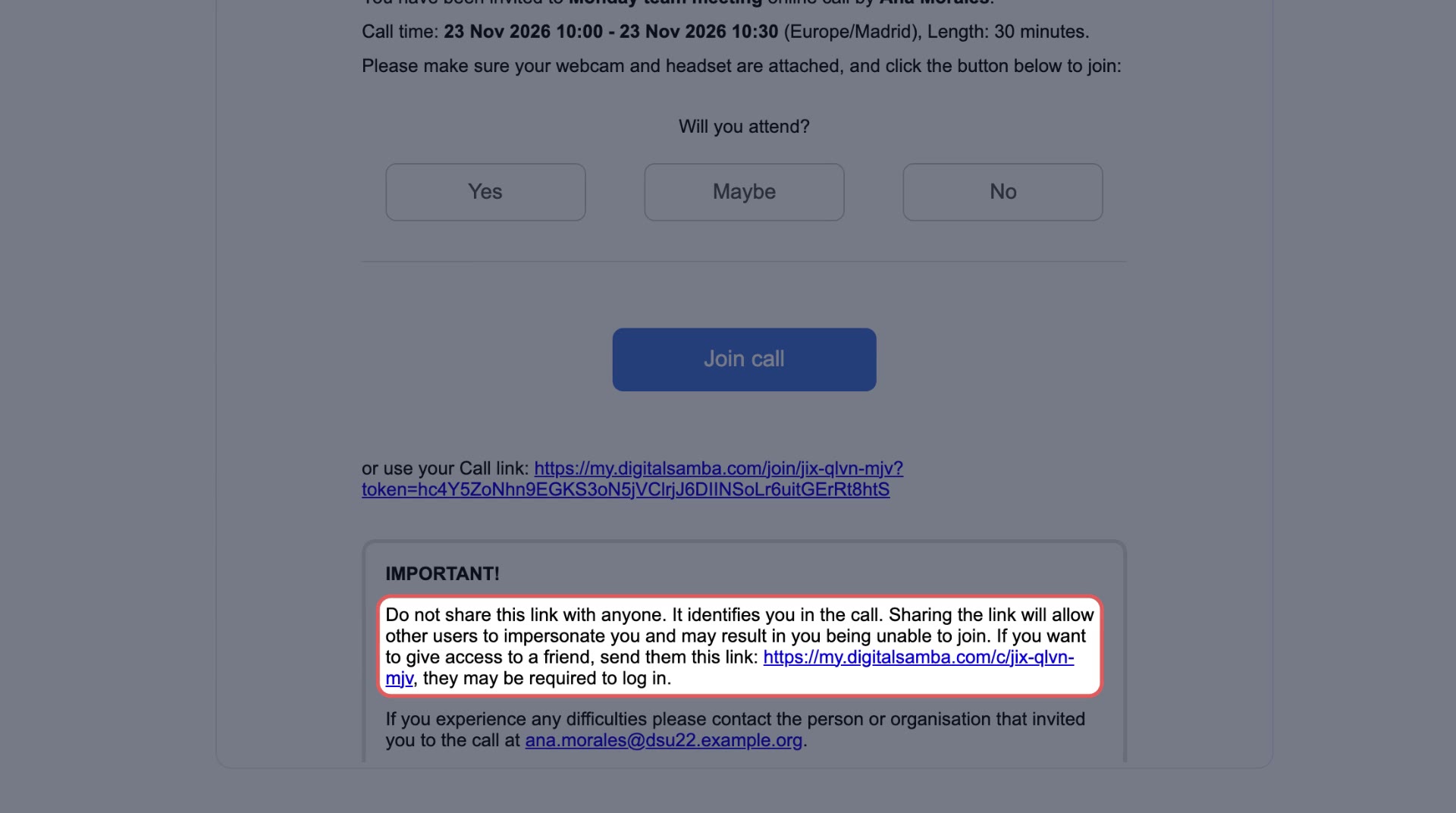
Screenshot from the film at 1:40: So keep it to yourself, and pass on the call link.
Watch this step · 1:38

And Join call works whatever you answered, even No.
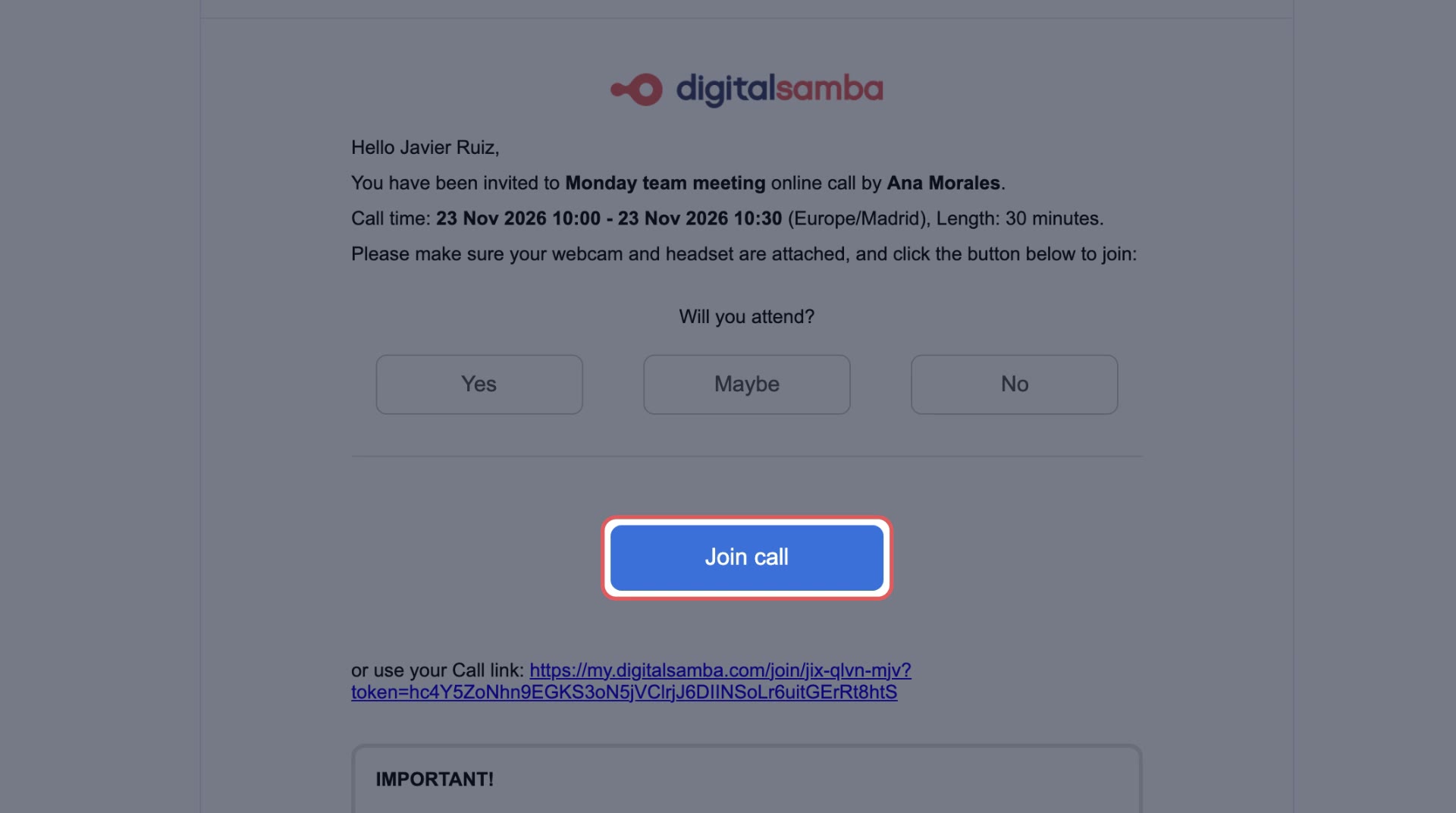
Screenshot from the film at 1:45: And Join call works whatever you answered, even No.
Watch this step · 1:41

Recap1:46

So: answer the invitation, click Join call, check your camera and microphone, and join; with a call link, join as a guest.

Screenshot from the film at 1:55: So: answer the invitation, click Join call, check your camera and microphone, and join; with a call link, join as a guest.

Watch this step · 1:46

In this video

Next

Related

Updated

The film, the article, the captions and the search results all come from one source, so they change together.

  1. Version 2 ·
    Good to know now says that your personal link lets one person into the call at a time: if someone else opens it while you are in the call, they can take your place, and you are put out.
  2. Version 1 ·
    First version.

All updates