Skip to content
University
Videos
Topics
Updates
Search the videos
Topics
Joining a call
All 33 moments in Digital Samba University that depend on this.
Start here: Digital Samba in 90 seconds
1:36
0:22
Call now
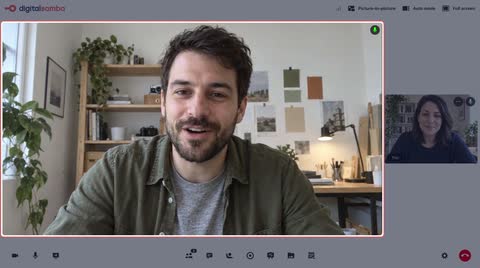
She sends him its link, and he joins from his browser, without an account.
Read
Your dashboard at a glance
Getting started · 2:12
0:49
Call cards
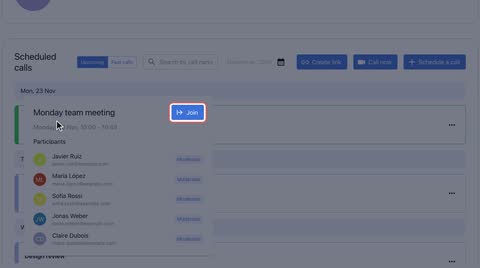
Point at a call's name, and a panel shows who's invited, with a Join button.
Read
0:58
Call cards
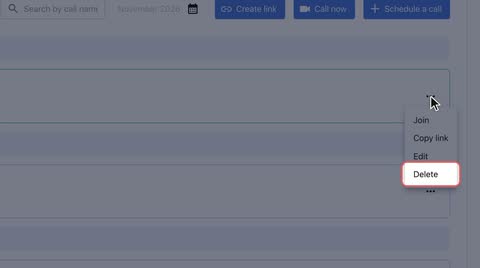
The three dots give you Join, Copy link, Edit and Delete.
Read
Set up your profile
Getting started · 2:40
1:55
Language
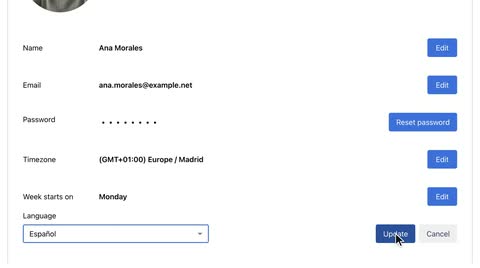
Your invitations, and the pages your participants open from them, are in this language too.
Read
2:17
Send invitation emails
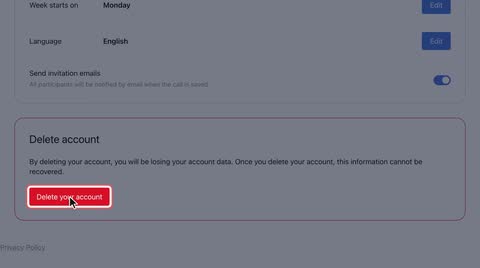
And Delete account cannot be undone.
Read
2:20
Send invitation emails
Your call links stop working, and your participants are not told.
Read
Start a call instantly with Call now
Start a call now · 1:56
0:19
Join
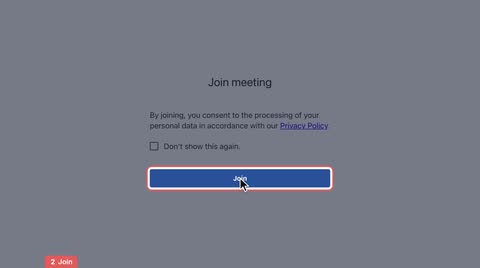
First, a consent message: click Join.
Read
0:23
Join
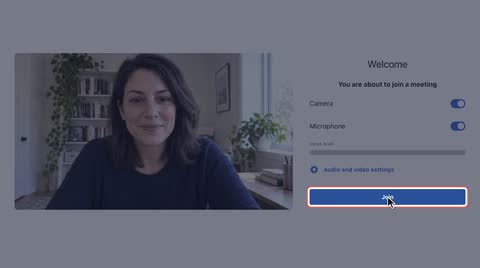
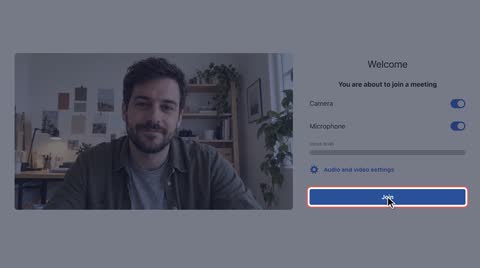
Then check your camera and microphone, and click Join again.
Read
0:27
Join
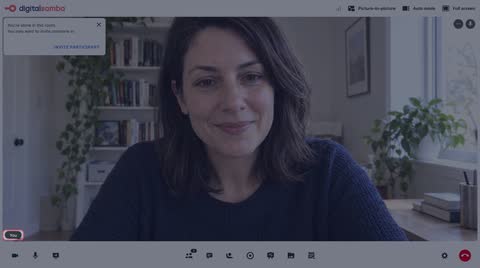
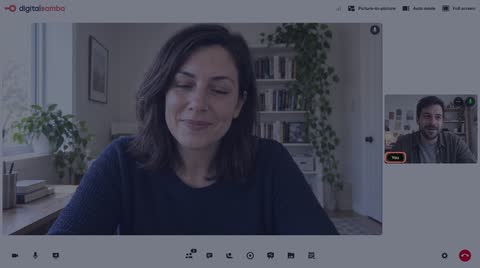
You're in: your picture is marked You.
Read
0:30
Join
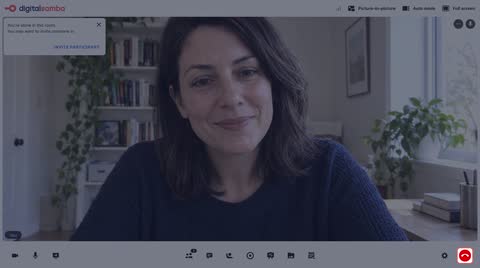
Along the bottom is the toolbar, with Leave / End session on the right.
Read
0:36
Invite participant
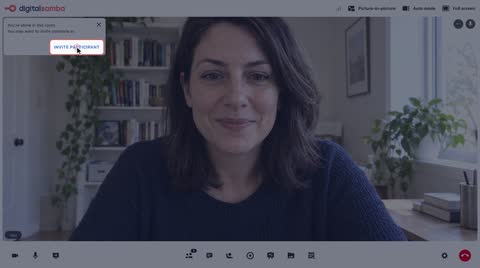
Alone in the call, the room offers to invite someone: click Invite participant.
Read
0:47
Invite participant
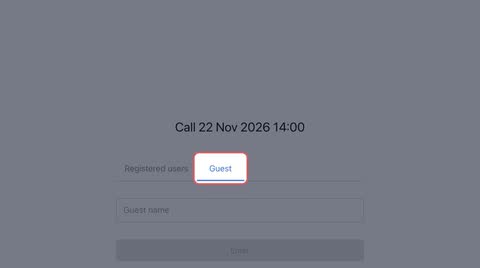
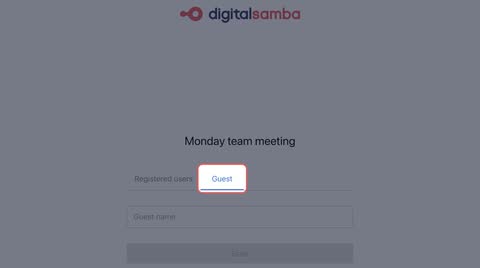
Javier has no account: on Guest, he types his name and clicks Enter.
Read
0:52
Invite participant
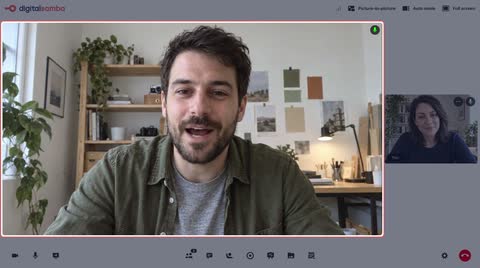
After the same two steps, he's in, and Ana sees him.
Read
Create a call link to share
Start a call now · 1:50
1:03
What clients see
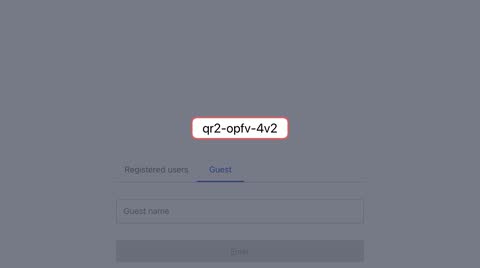
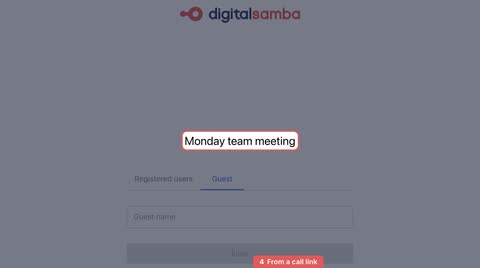
A client who opens the Students link sees this page, headed by the link's own code.
Read
1:09
What clients see
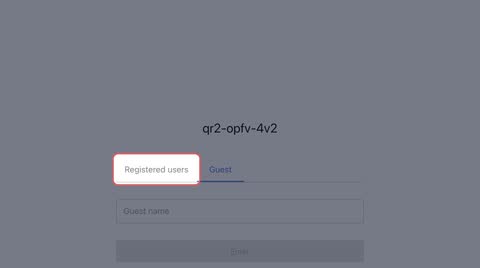
Guests type a name and click Enter; people with an account use Registered users.
Read
1:22
Good to know
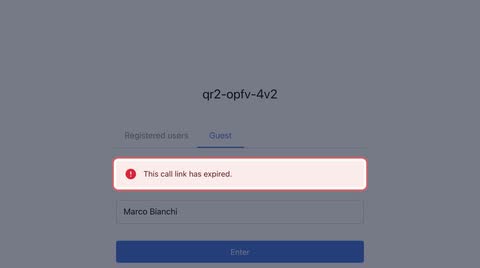
After the expire date, the page still opens, but Enter says: This call link has expired.
Read
Schedule a call and invite people
Scheduling calls · 2:40
2:03
The call's page
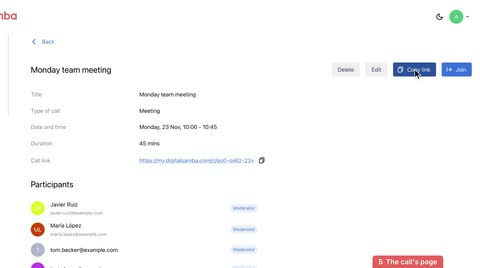
Copy link gives you a link to share, and Join opens the call.
Read
Invitations and RSVPs: what your participants receive
Scheduling calls · 3:07
1:19
The invitation
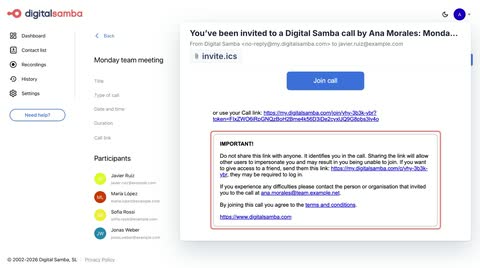
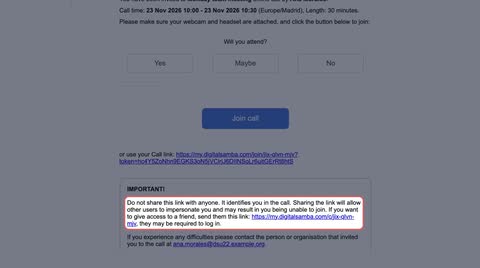
The email asks him not to share it, and gives him the call link to pass on instead.
Read
Approve and manage registrants
Webinars and registration · 1:57
1:22
Good to know
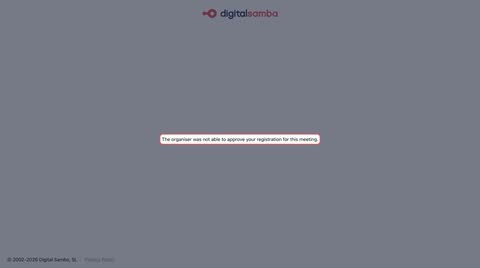
Good to know: decline someone you already approved, and their join link tells them their registration was not approved.
Read
Join a Digital Samba call
For your participants · 2:03
0:01
Introduction
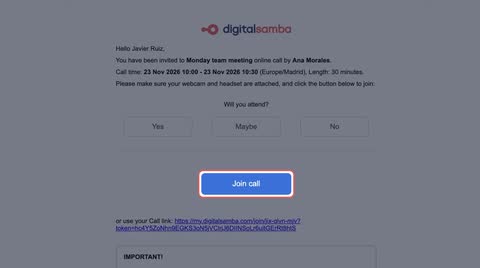
In this video, you'll join a Digital Samba call — a meeting, a class or a webinar — from your invitation, or from a link someone sends you.
Read
0:50
Join call
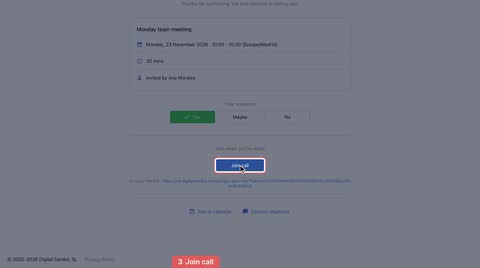
To join, click Join call.
Read
0:53
Join call
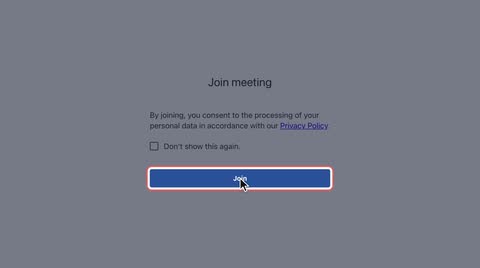
The call opens in your browser, with a consent message first: click Join.
Read
0:58
Join call
Then check your camera and microphone, and click Join again.
Read
1:02
Join call
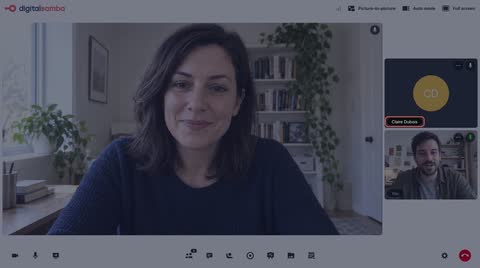
You're in, under your own name, and your picture is marked You.
Read
1:07
From a call link
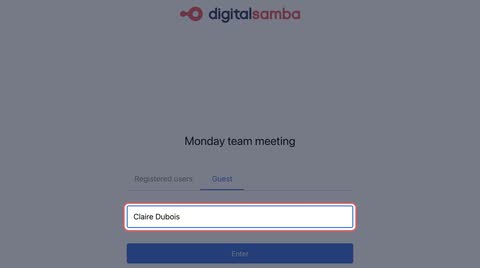
Sometimes you get the call link instead: here, Javier passes it to Claire.
Read
1:13
From a call link
With no account, she stays on Guest, types her name and clicks Enter.
Read
1:18
From a call link
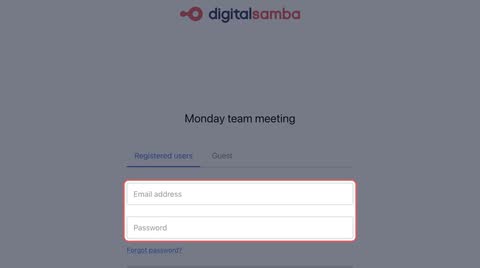
With a Digital Samba account, choose Registered users and log in instead.
Read
1:23
From a call link
After the same two steps, she's in.
Read
1:26
Good to know
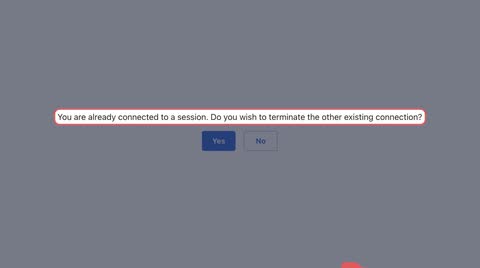
Good to know: your personal link lets one person in at a time.
Read
1:31
Good to know
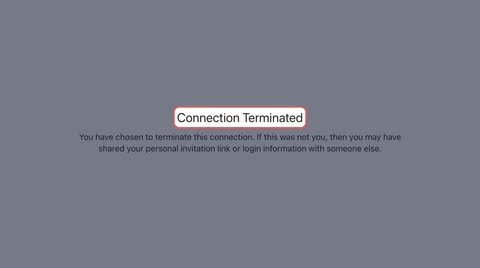
If someone else opens it while you're in the call, they can take your place, and you are put out.
Read
1:38
Good to know
So keep it to yourself, and pass on the call link.
Read
1:41
Good to know
And Join call works whatever you answered, even No.
Read
1:46
Recap
So: answer the invitation, click Join call, check your camera and microphone, and join; with a call link, join as a guest.
Read
All topics