Skip to content
University
Videos
Most watched
Topics
Updates
Search the videos
Topics
The call's page
All 16 moments in Digital Samba University that depend on this.
Your dashboard at a glance
Getting started · 2:12
0:55
Call cards
Click the call to open its page.
Read
Set up your profile
Getting started · 2:40
1:18
Timezone
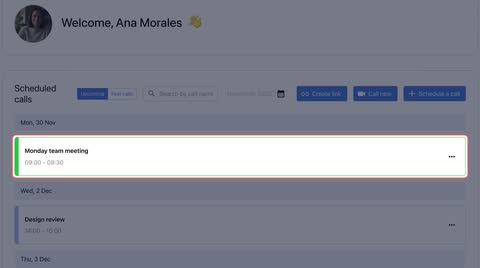
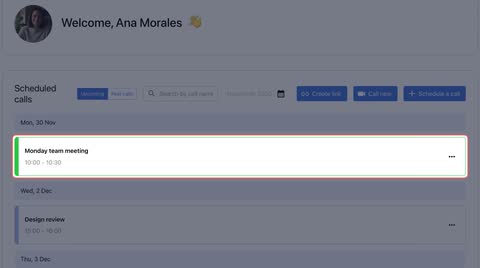
Here the account is on London time, but the team is in Madrid: Monday's meeting shows at nine instead of ten.
Read
1:31
Timezone
The meeting has not moved: only the clock it is shown in has changed.
Read
Schedule a call and invite people
Scheduling calls · 2:40
2:01
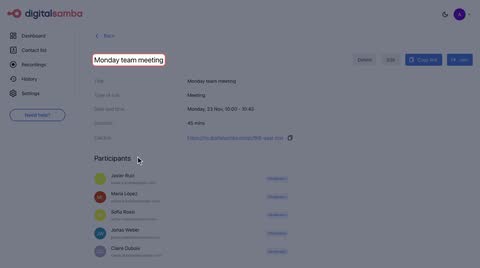
The call's page
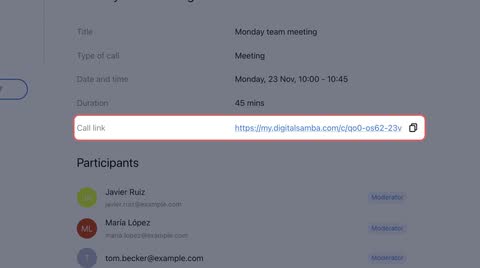
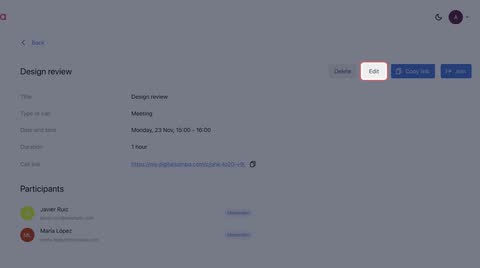
You're taken to the call's page.
Read
2:03
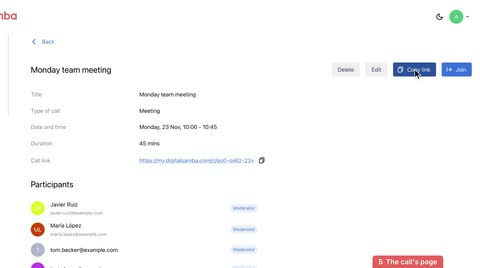
The call's page
Copy link gives you a link to share, and Join opens the call.
Read
2:20
Good to know
If someone else needs to join, share the call link instead.
Read
Set up a recurring call
Scheduling calls · 2:42
2:12
Good to know
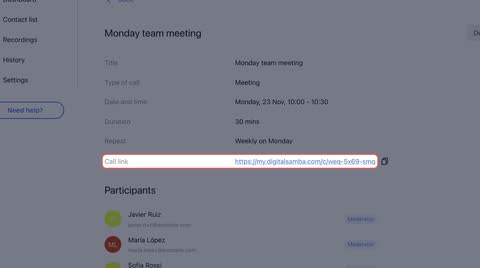
Good to know: every call in a series has the same call link.
Read
Invitations and RSVPs: what your participants receive
Scheduling calls · 3:07
0:28
Send invitations to participants
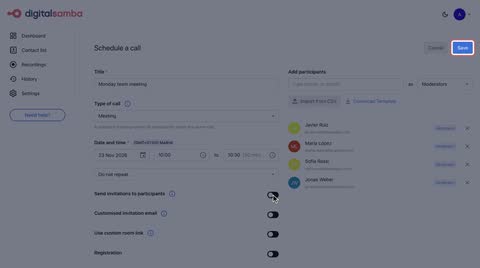
Turn it off, and the call is saved without sending anything: you share the link yourself.
Read
1:47
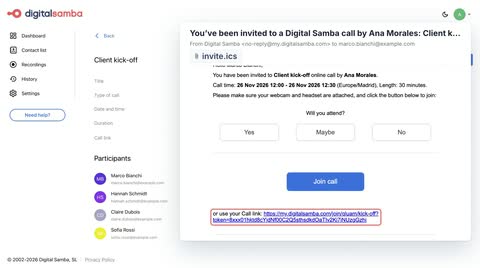
Will you attend?
Now open the call in your dashboard.
Read
1:49
Will you attend?
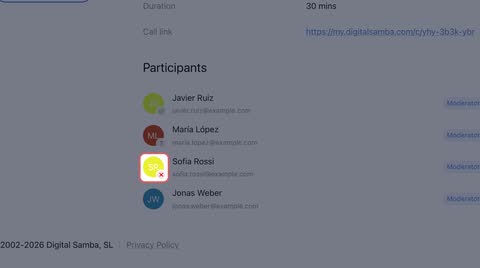
A small mark beside a name shows that person's answer: a tick for Yes, a question mark for Maybe, a cross for No.
Read
Edit, reschedule or cancel a call
Scheduling calls · 2:27
0:22
Edit
Edit is also on the call's own page.
Read
Give your call a custom room link
Scheduling calls · 1:52
1:09
Save & Send Invites
The call's page shows the new link, and the invitations carry it.
Read
Set up a webinar with registration
Webinars and registration · 3:05
2:18
Save & Send Invites
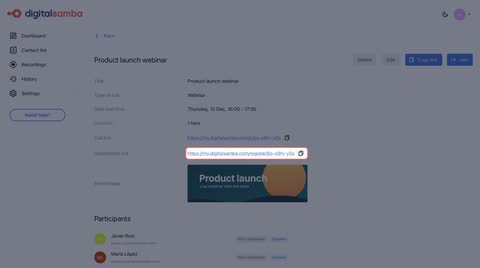
The call's page now shows the Registration link: copy it, and share it wherever you announce the webinar.
Read
2:39
Good to know
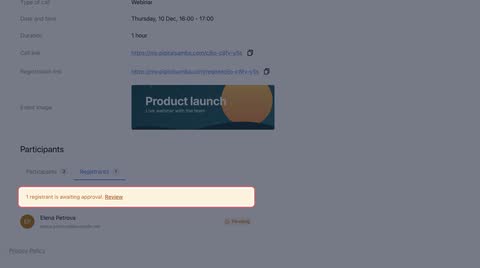
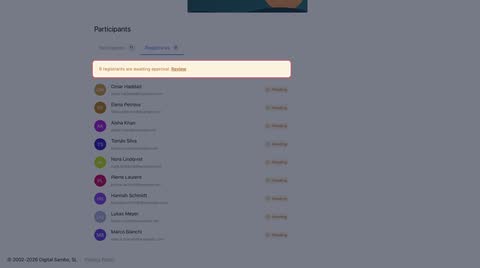
Look at the call's page: the Registrants tab shows who is waiting for you.
Read
Approve and manage registrants
Webinars and registration · 1:57
0:28
Registrants
So open the webinar's page: the Registrants tab shows who is waiting.
Read
Roles and permissions: create a custom role
Customise your calls · 2:59
2:14
Invite as Co-host
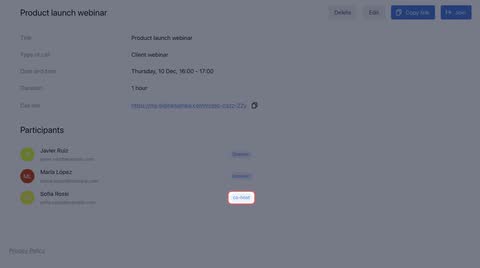
Click Save and Send Invites: the call's page lists Sofia as co-host.
Read
All topics