1Edit0:10
Our example is the team's Design review with Javier and María.
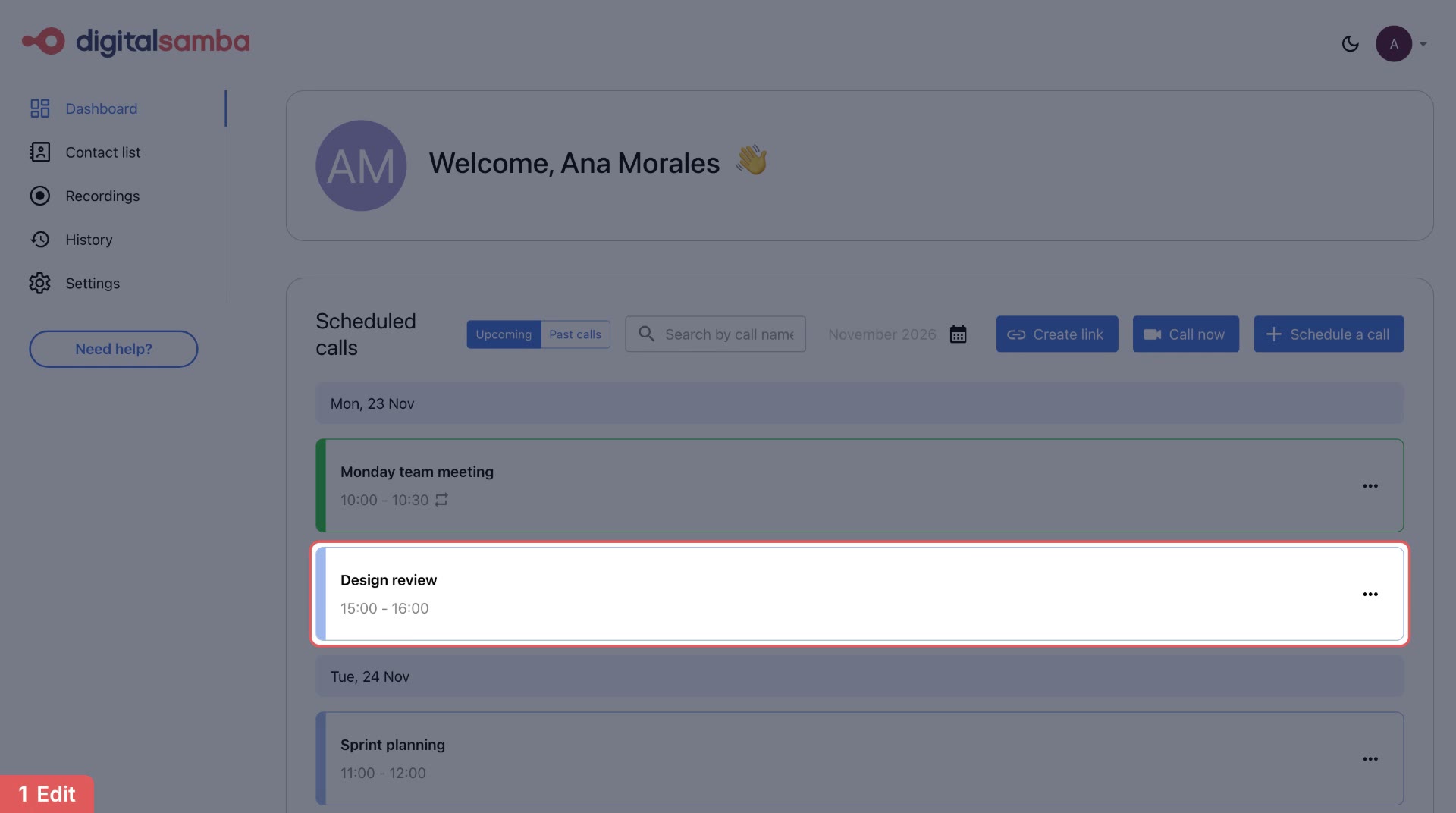
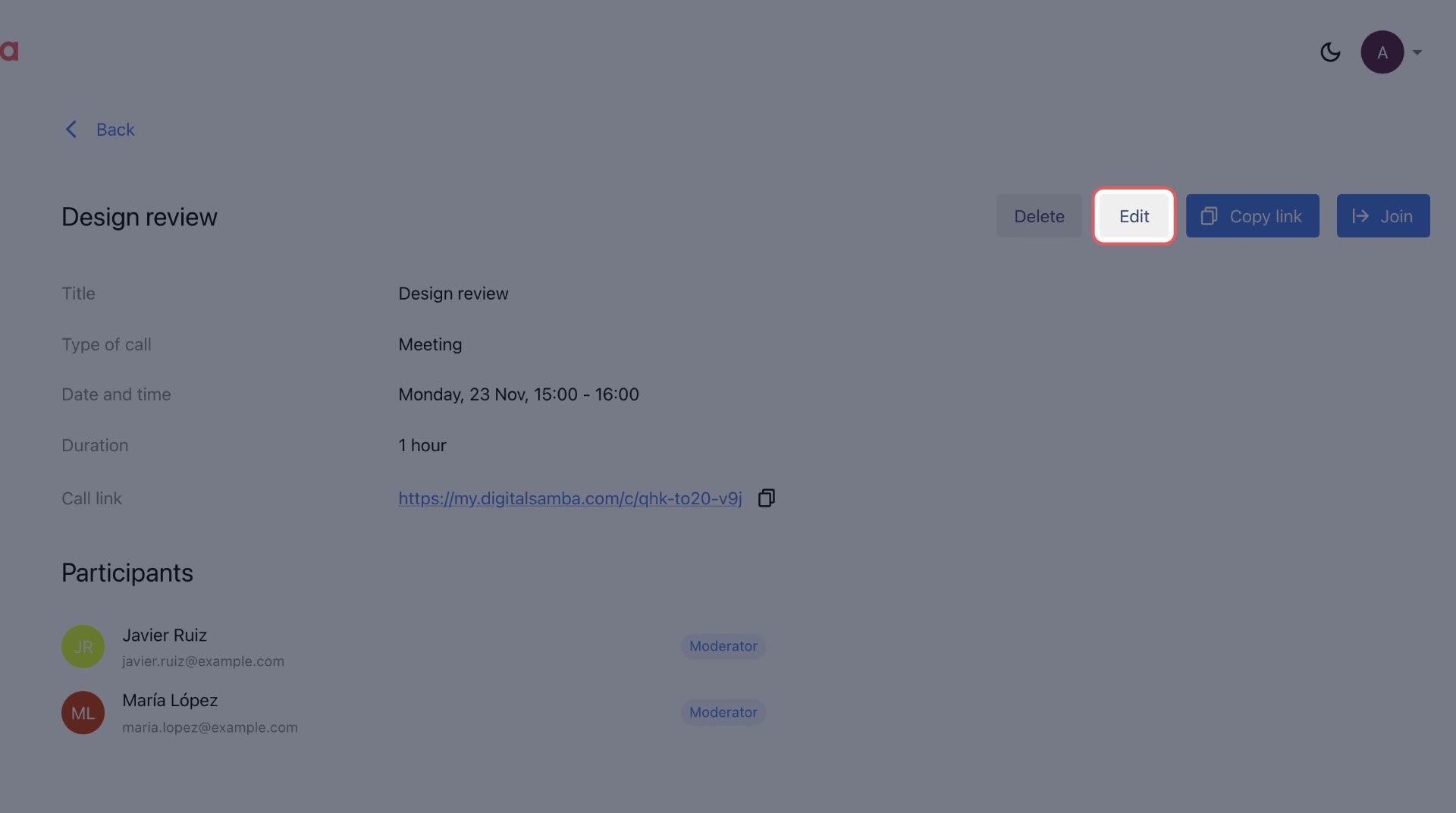
On your dashboard, open the menu on the call's card and choose Edit.
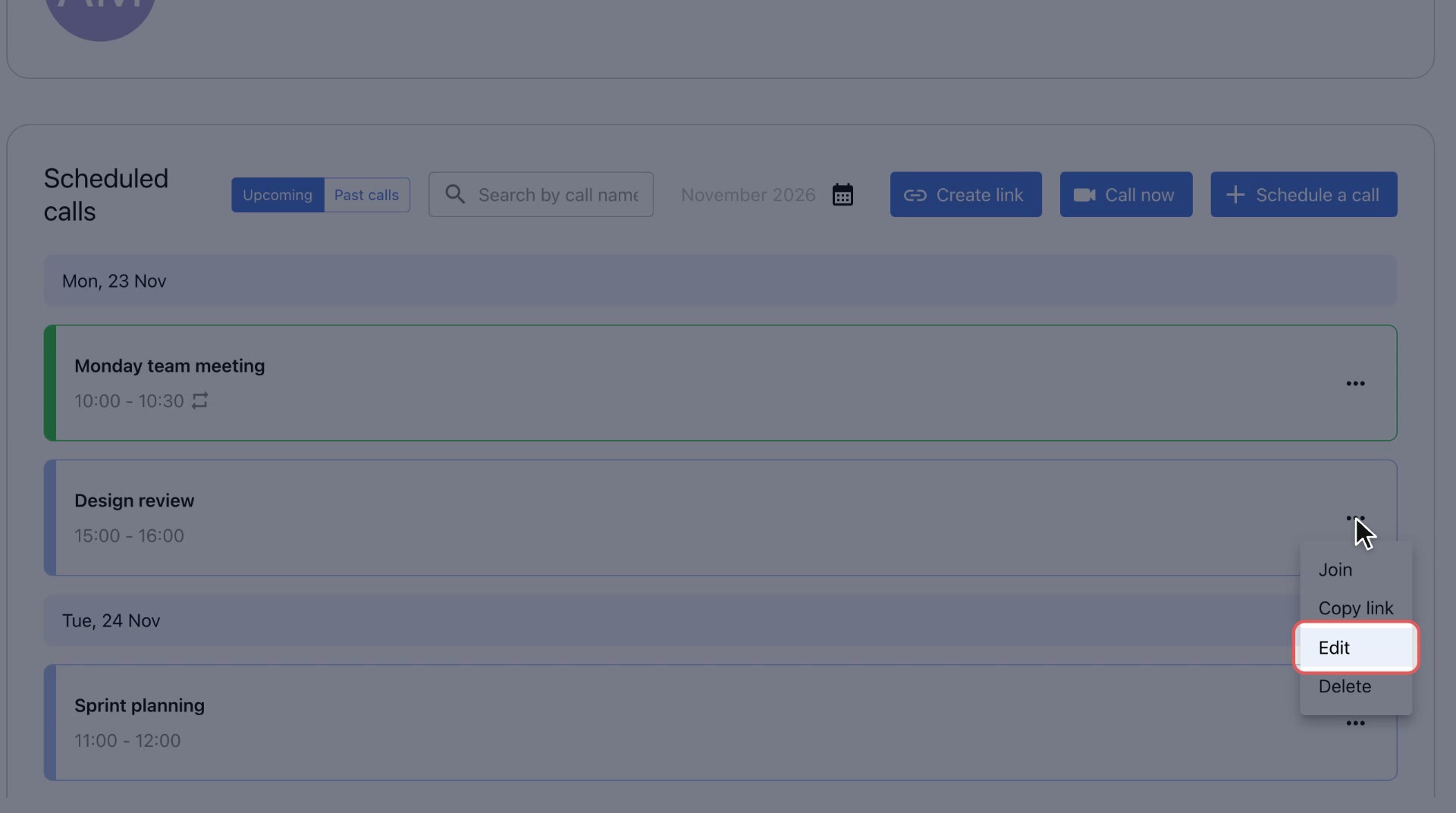
Edit is also on the call's own page.
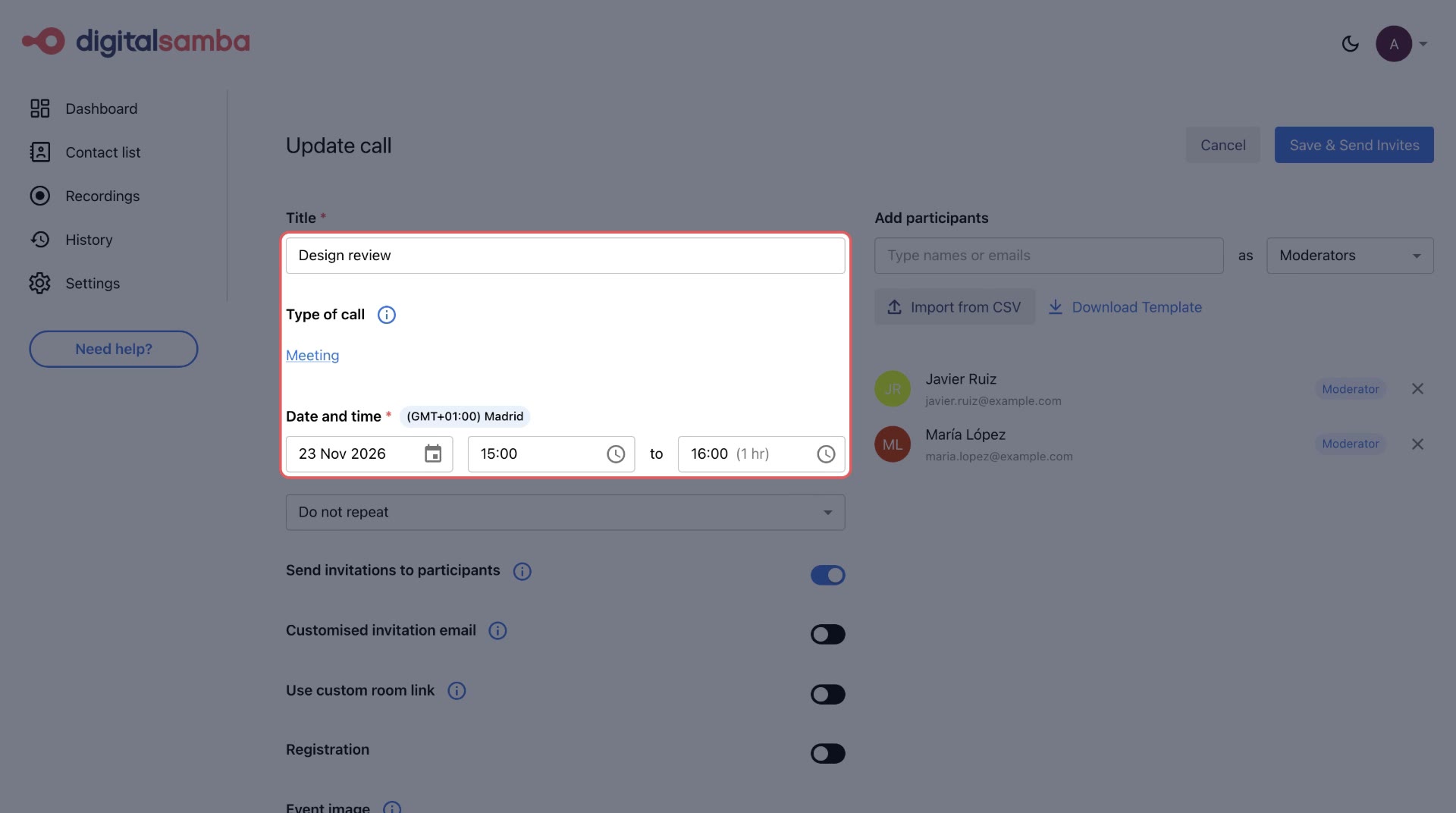
The form opens with everything already filled in.
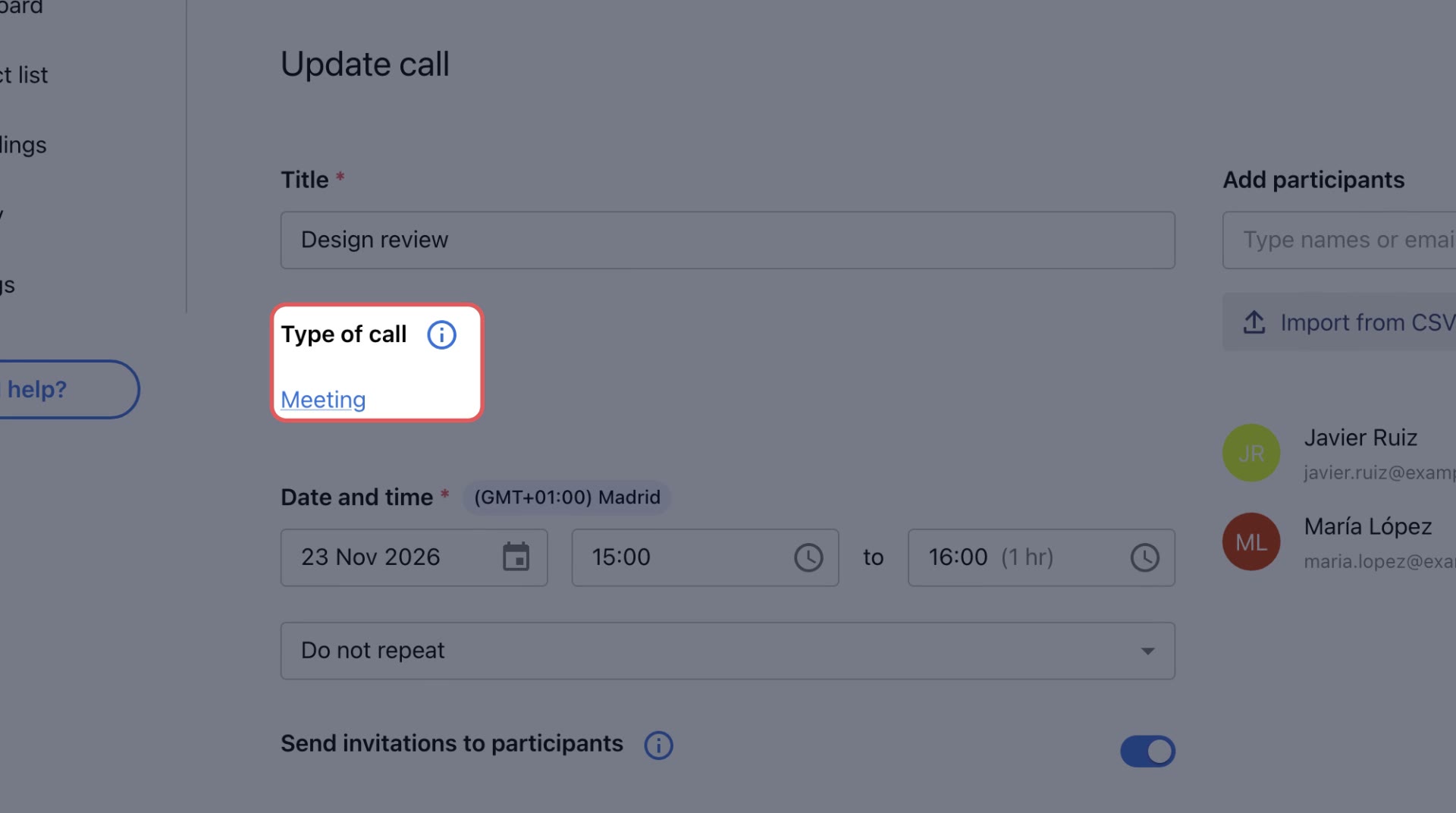
Only the Type of call is fixed: for another type, schedule a new call.
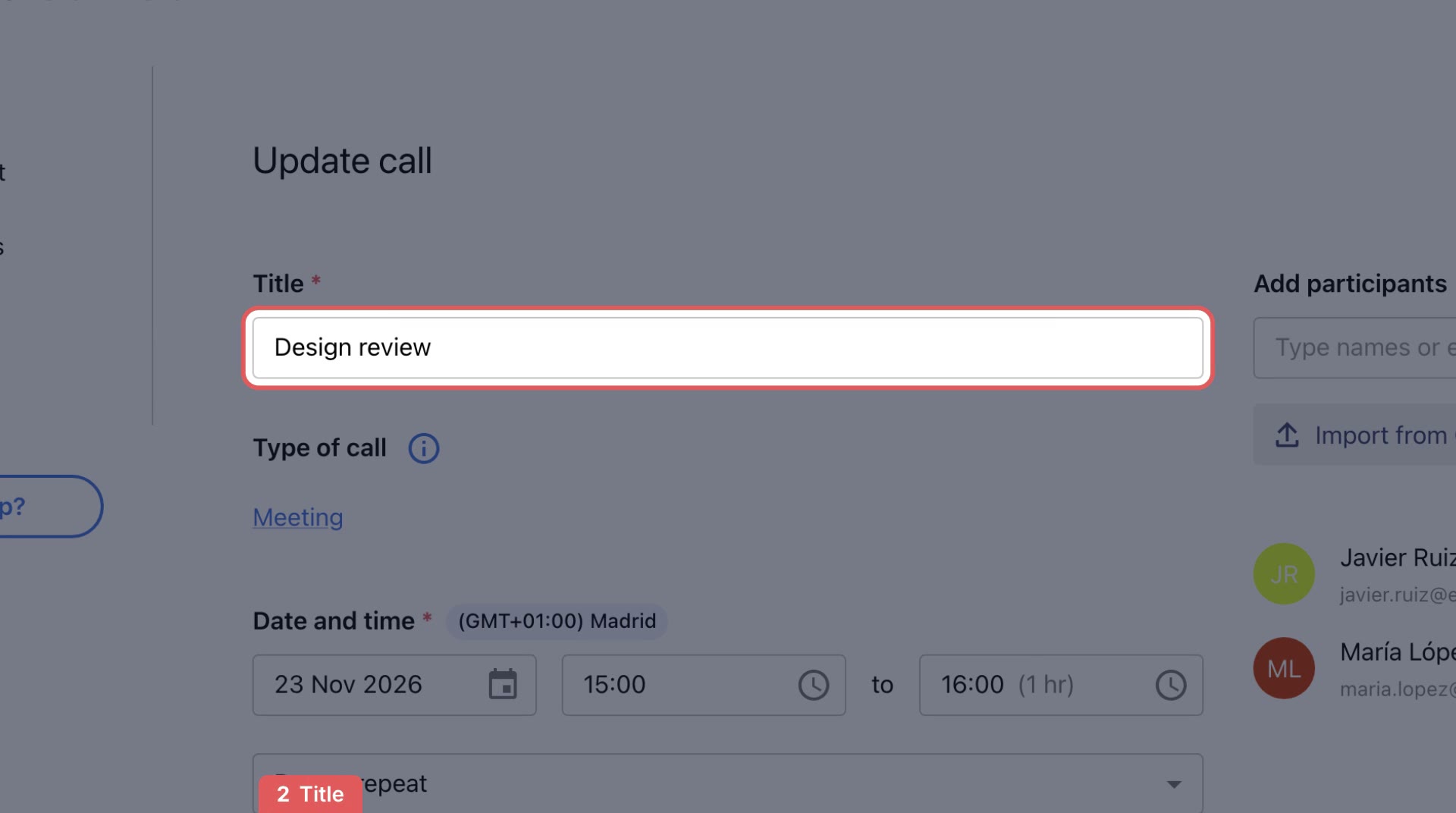
2Title0:34
First, a clearer title: Design review: onboarding screens.
Click Save and Send Invites.
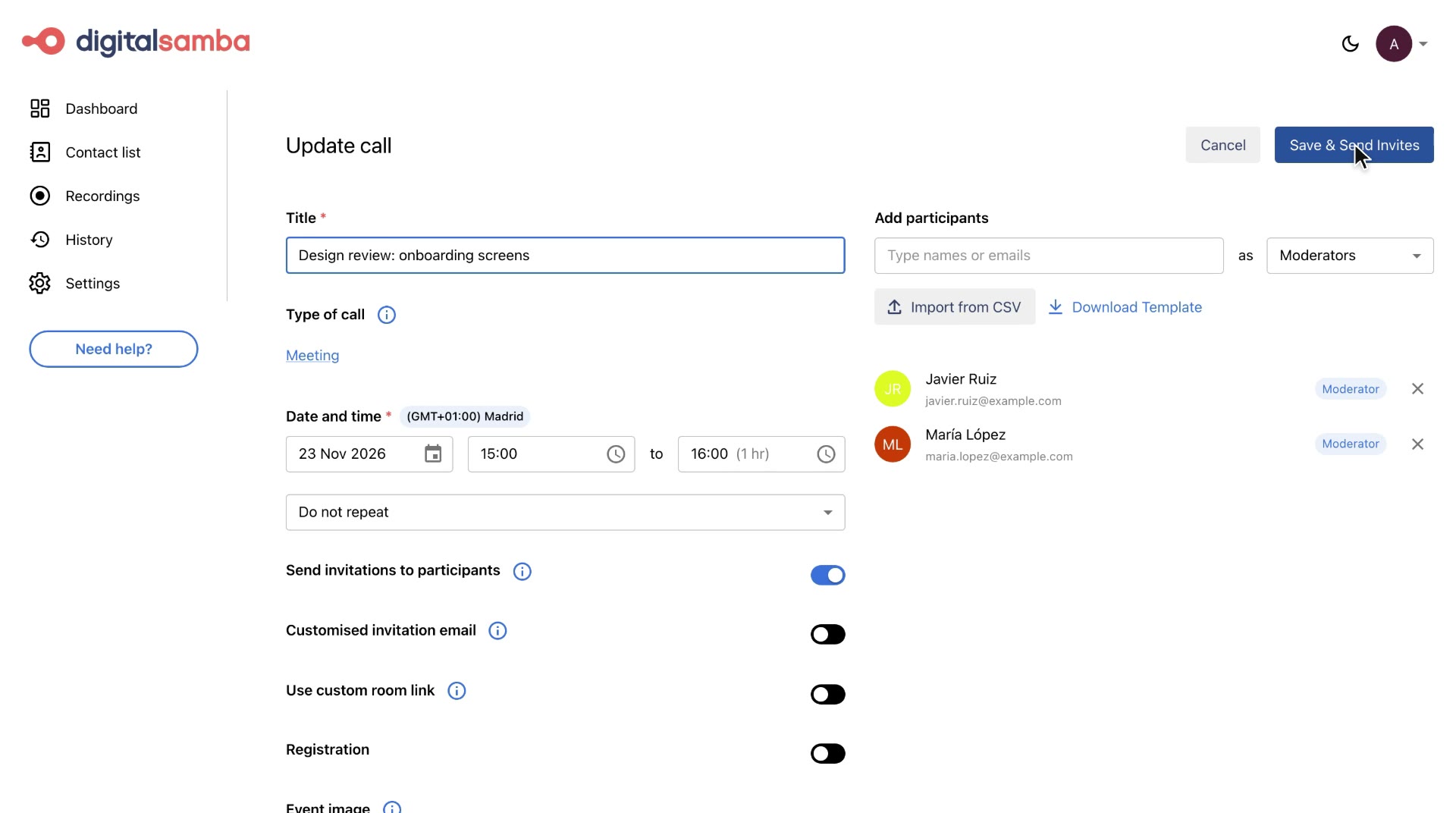
The dashboard only says the call was updated, but the emails have gone out.
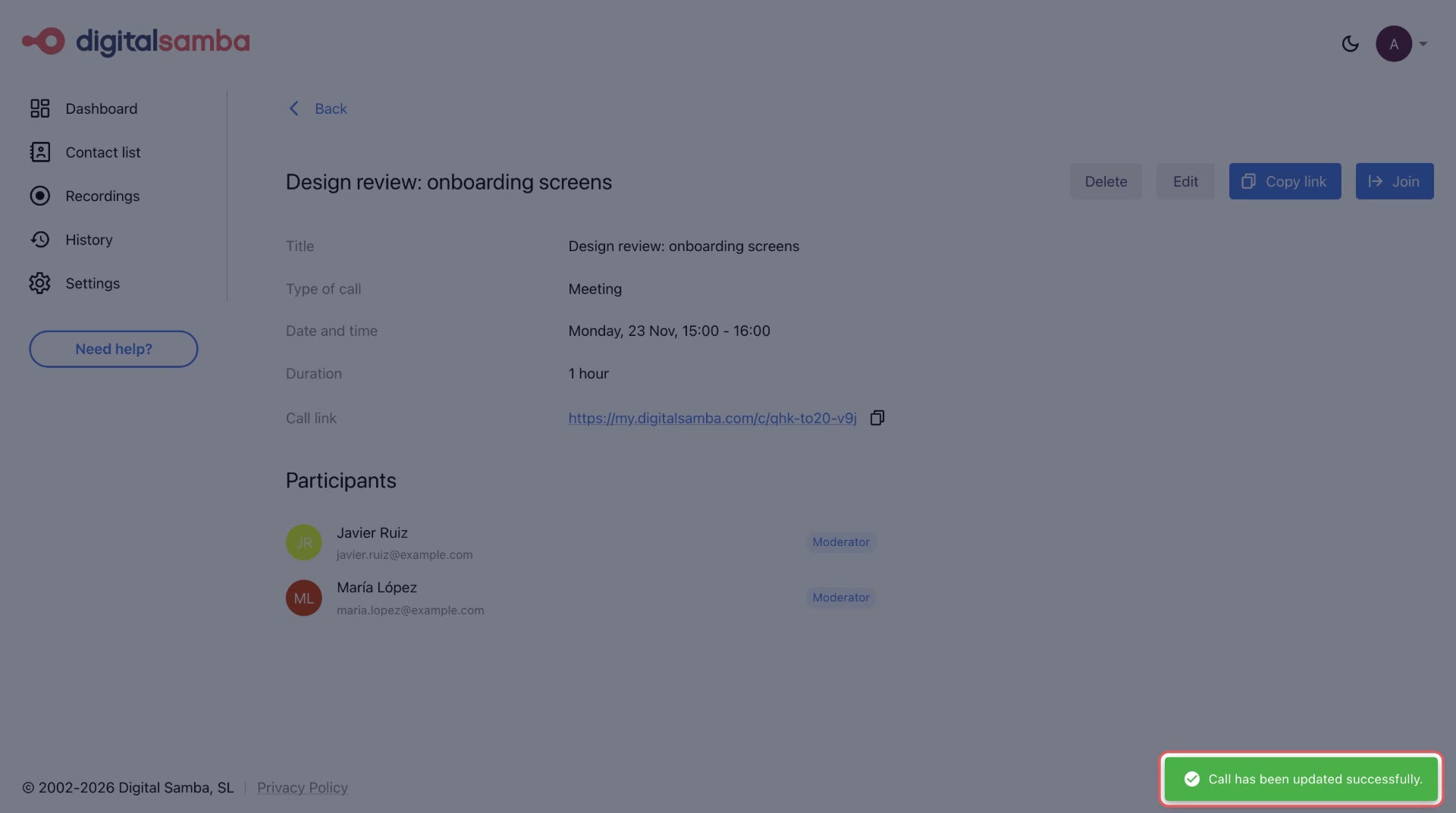
Javier and María get The details of the event have been updated, with the old title and the new one under What changed.
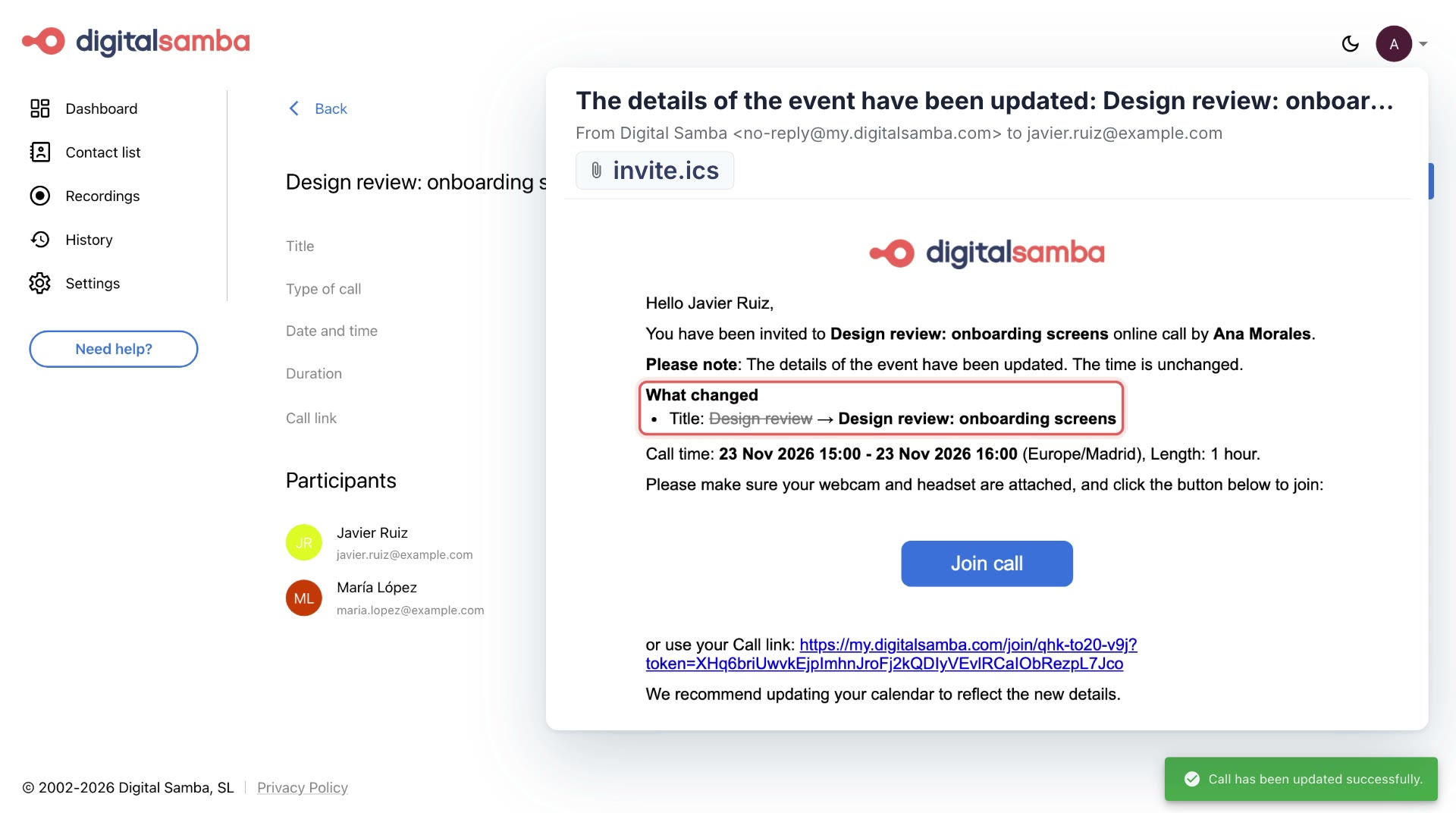
You get a copy too.
3Date and time0:57
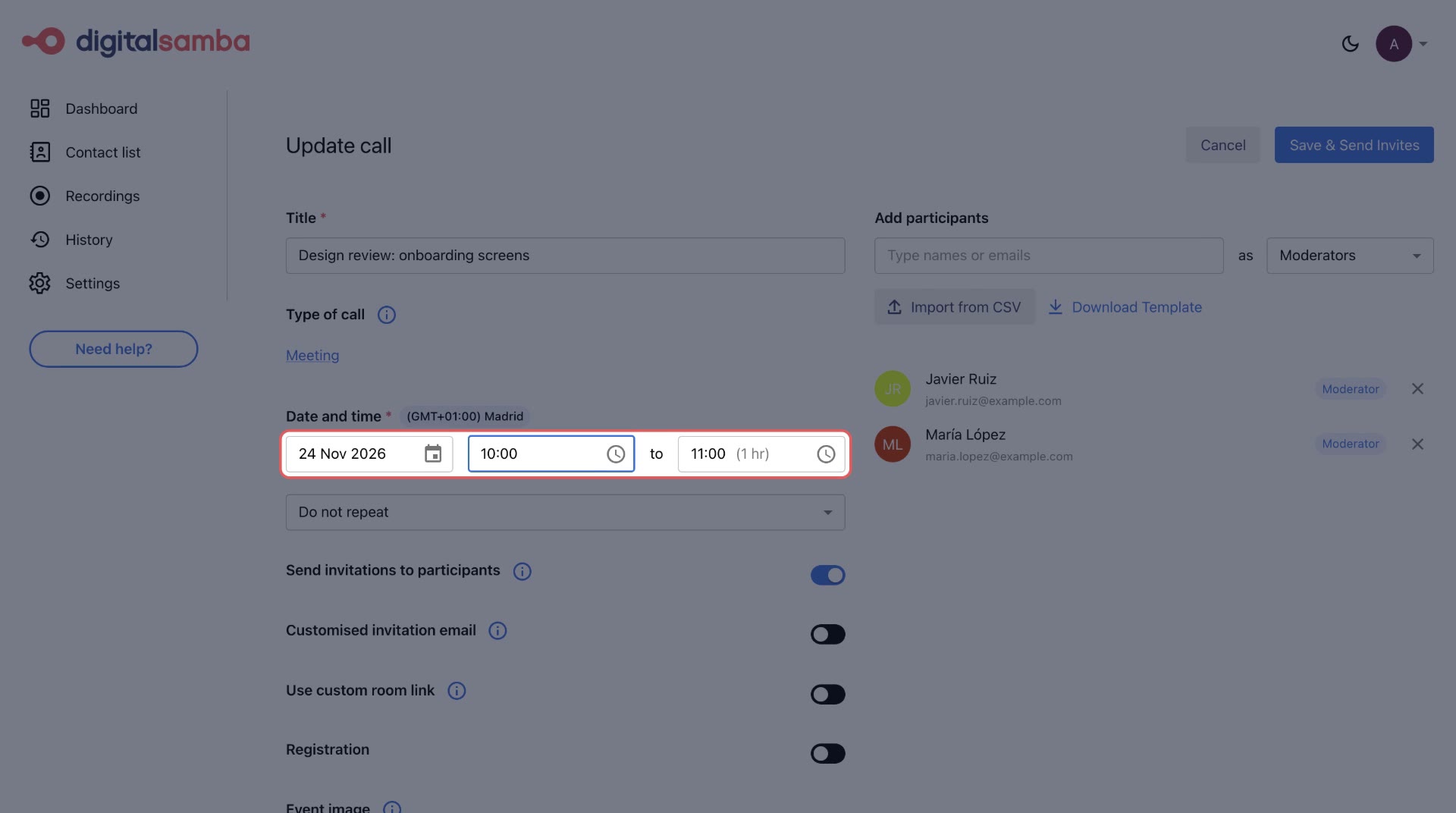
Now the review moves to Tuesday at ten.
Pick the new date, then the new start time.
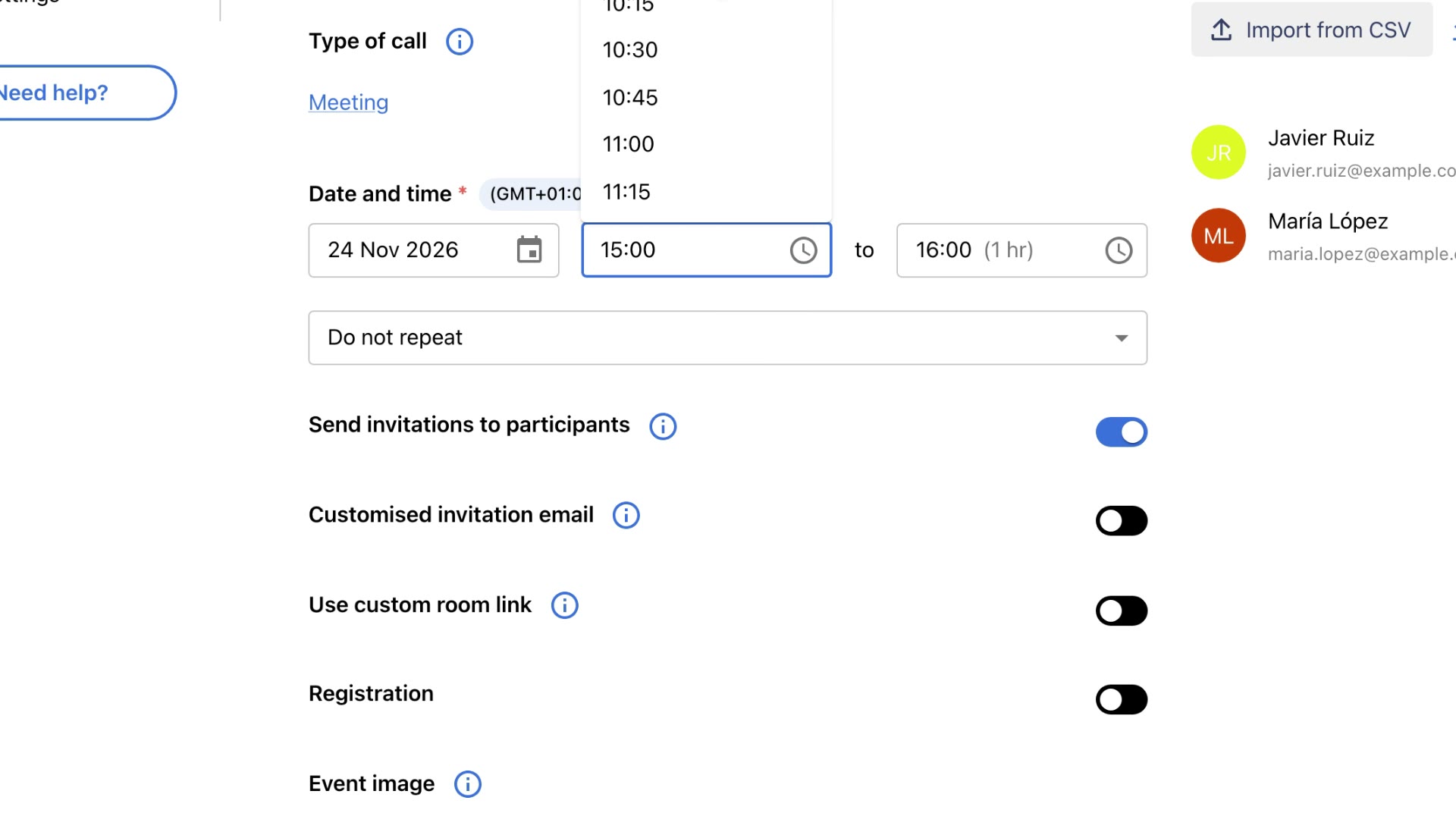
Save, and everyone on the list gets The time of the event has been updated, with the old time crossed out and the new one.
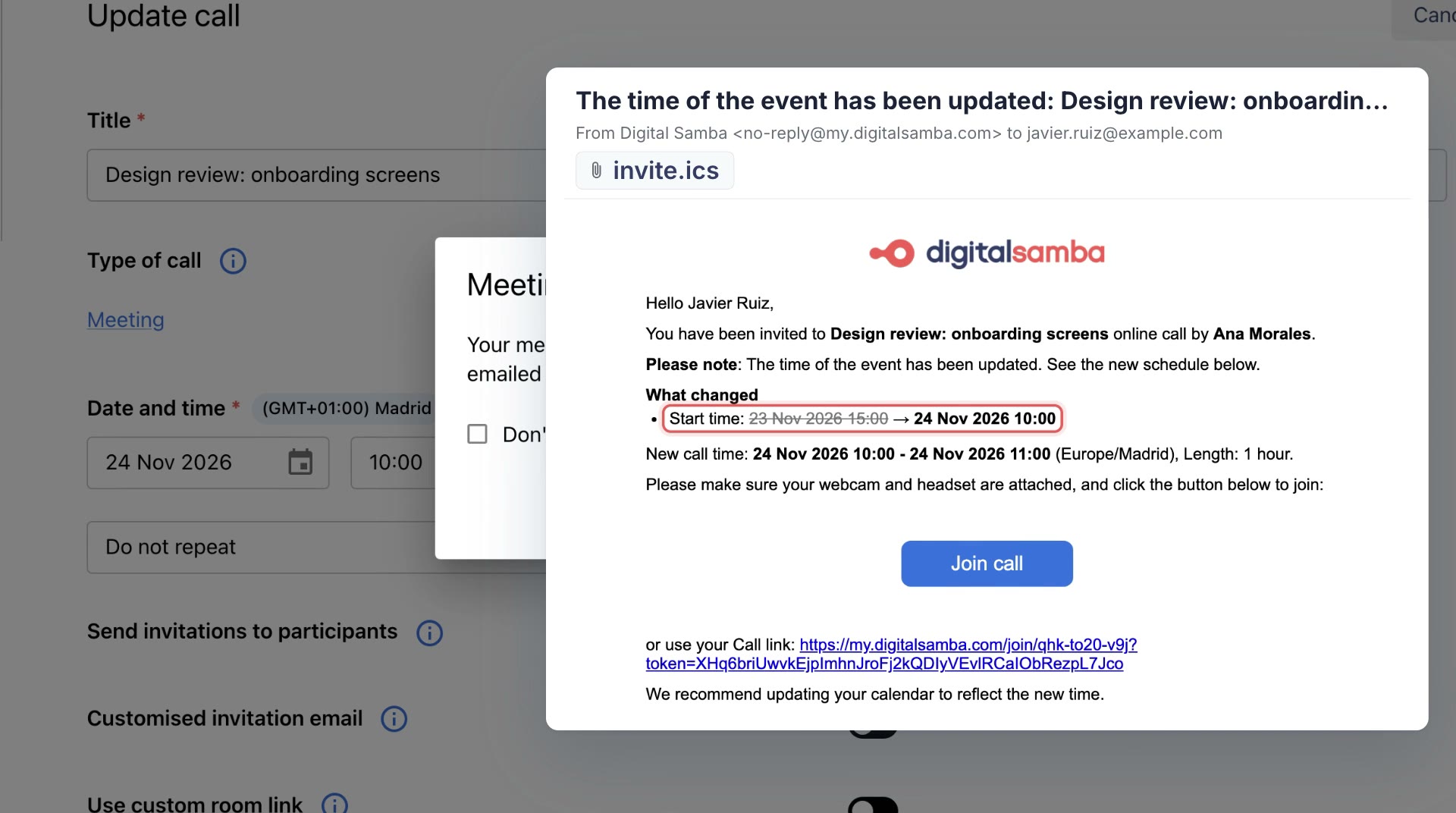
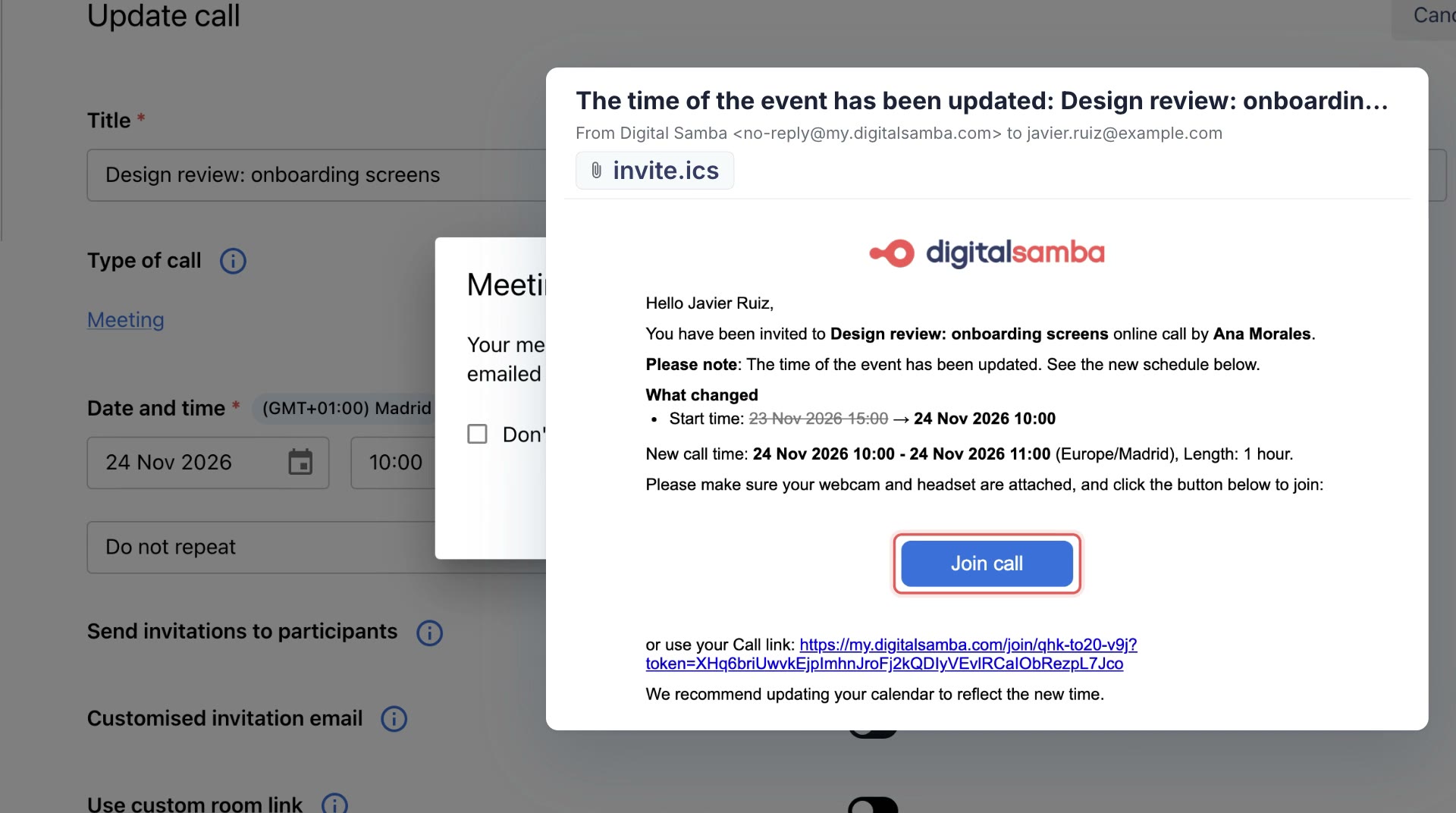
Their join links stay the same, so nobody needs a new one.
4Delete1:17
In the end, the review isn't needed.
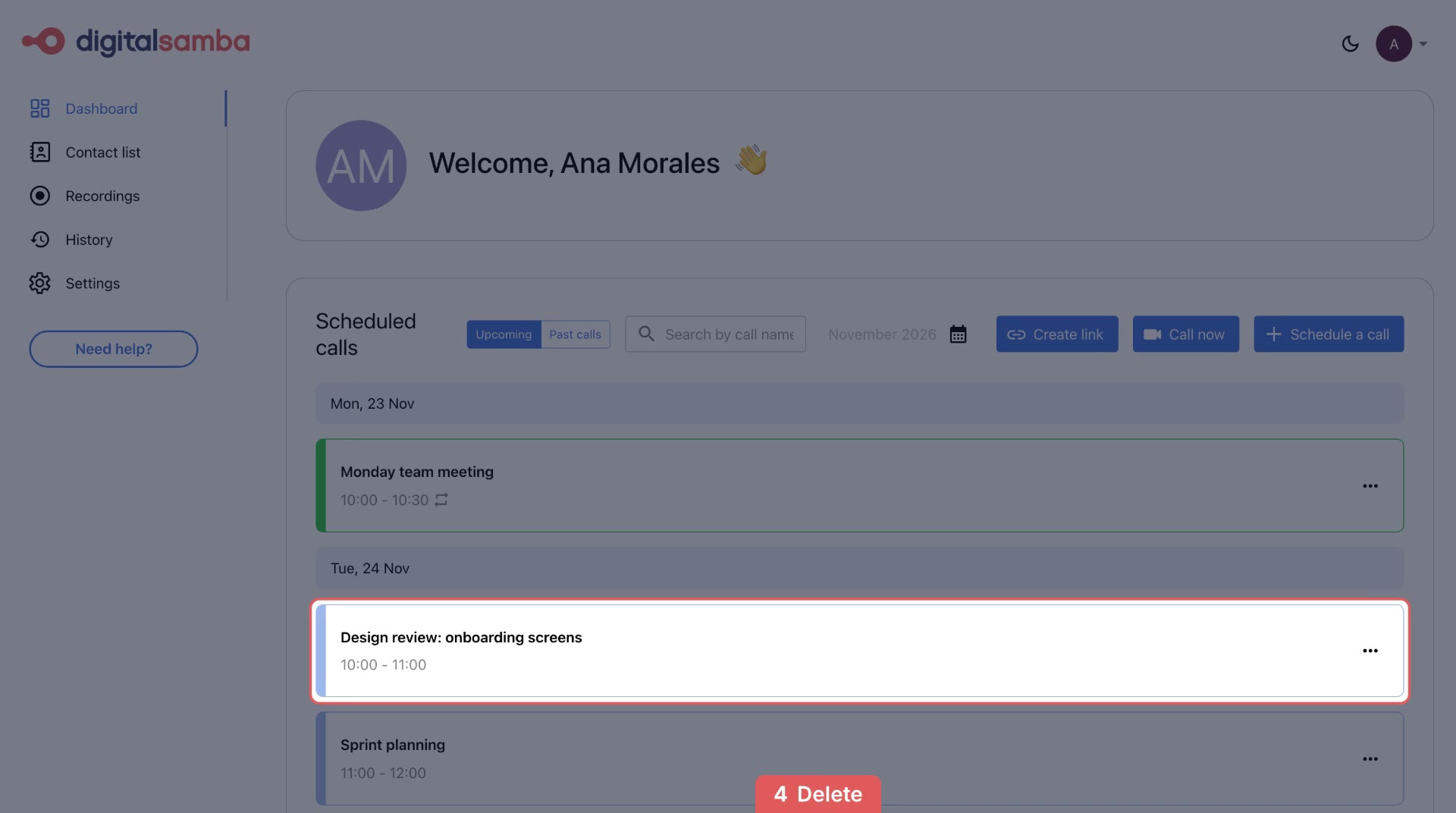
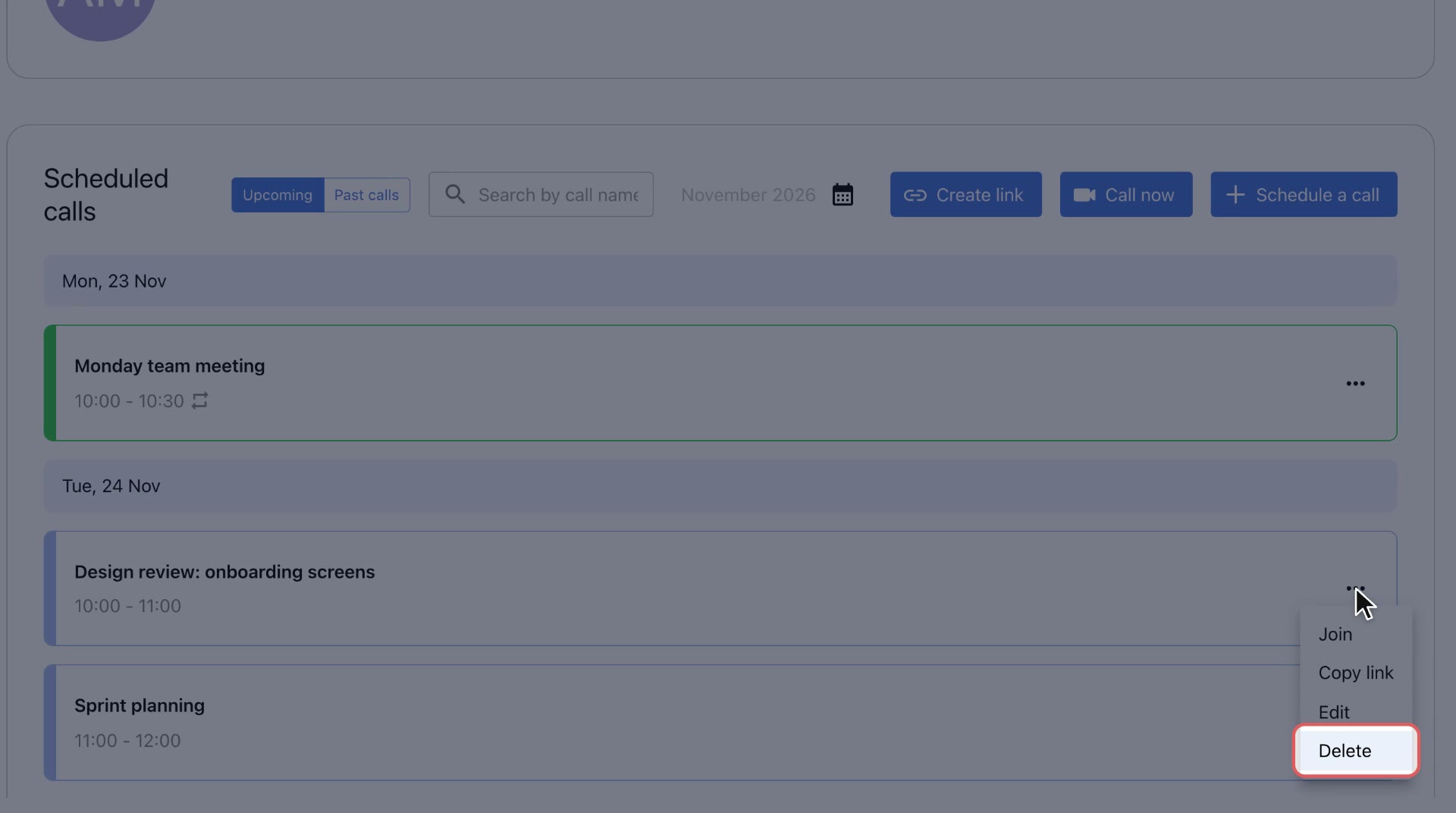
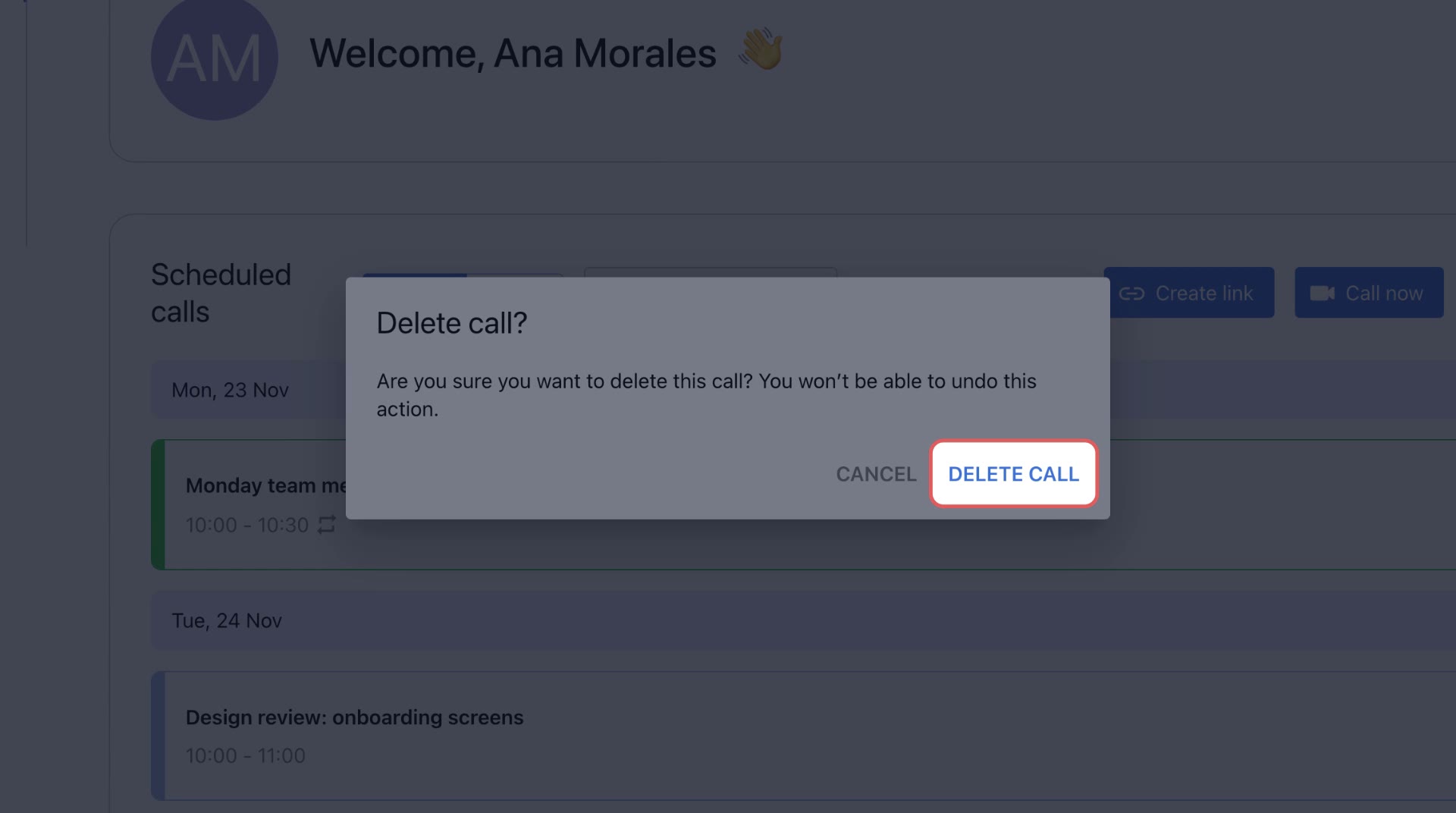
Open the card's menu again and choose Delete.
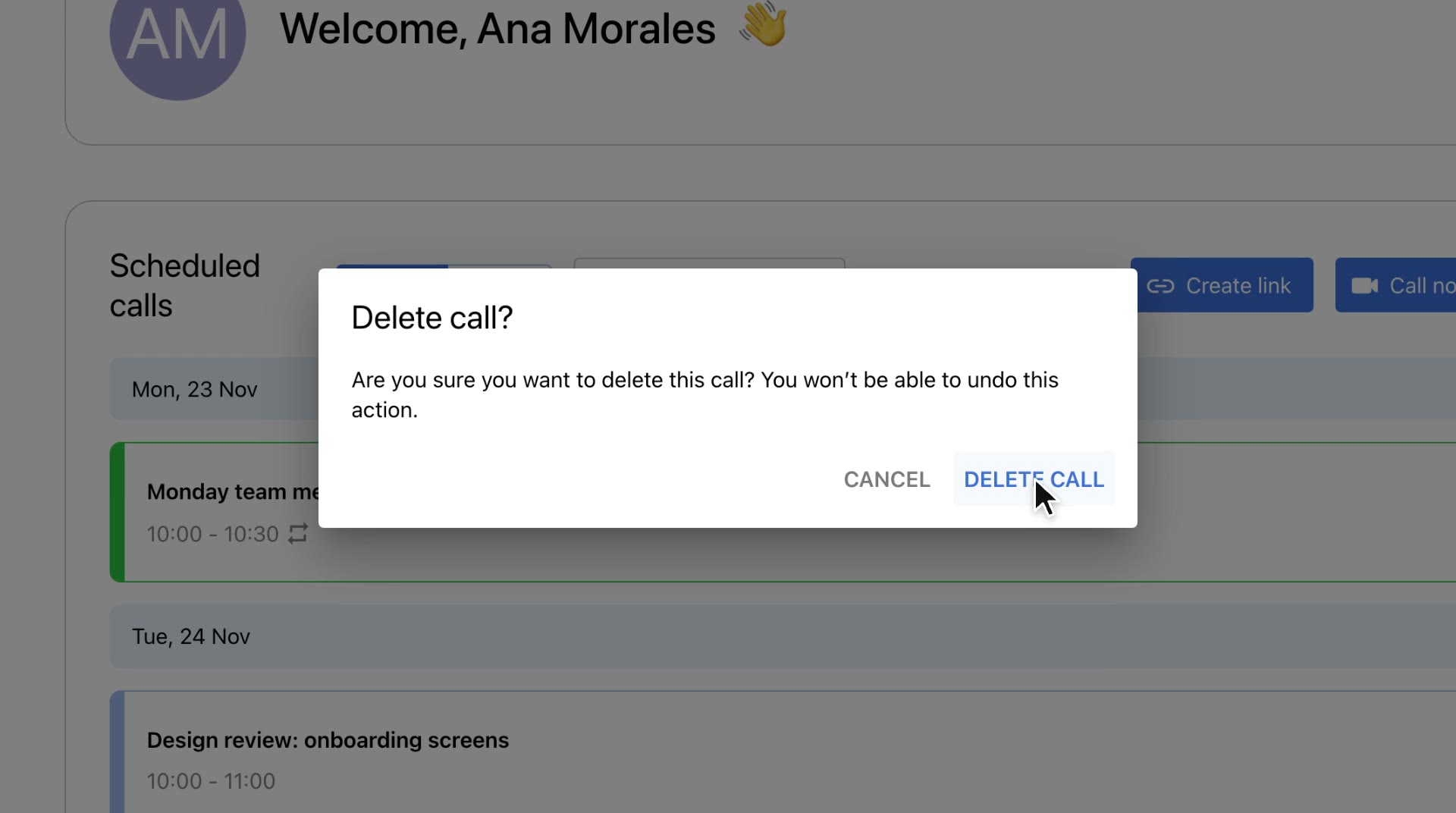
Digital Samba asks first, because this can't be undone.
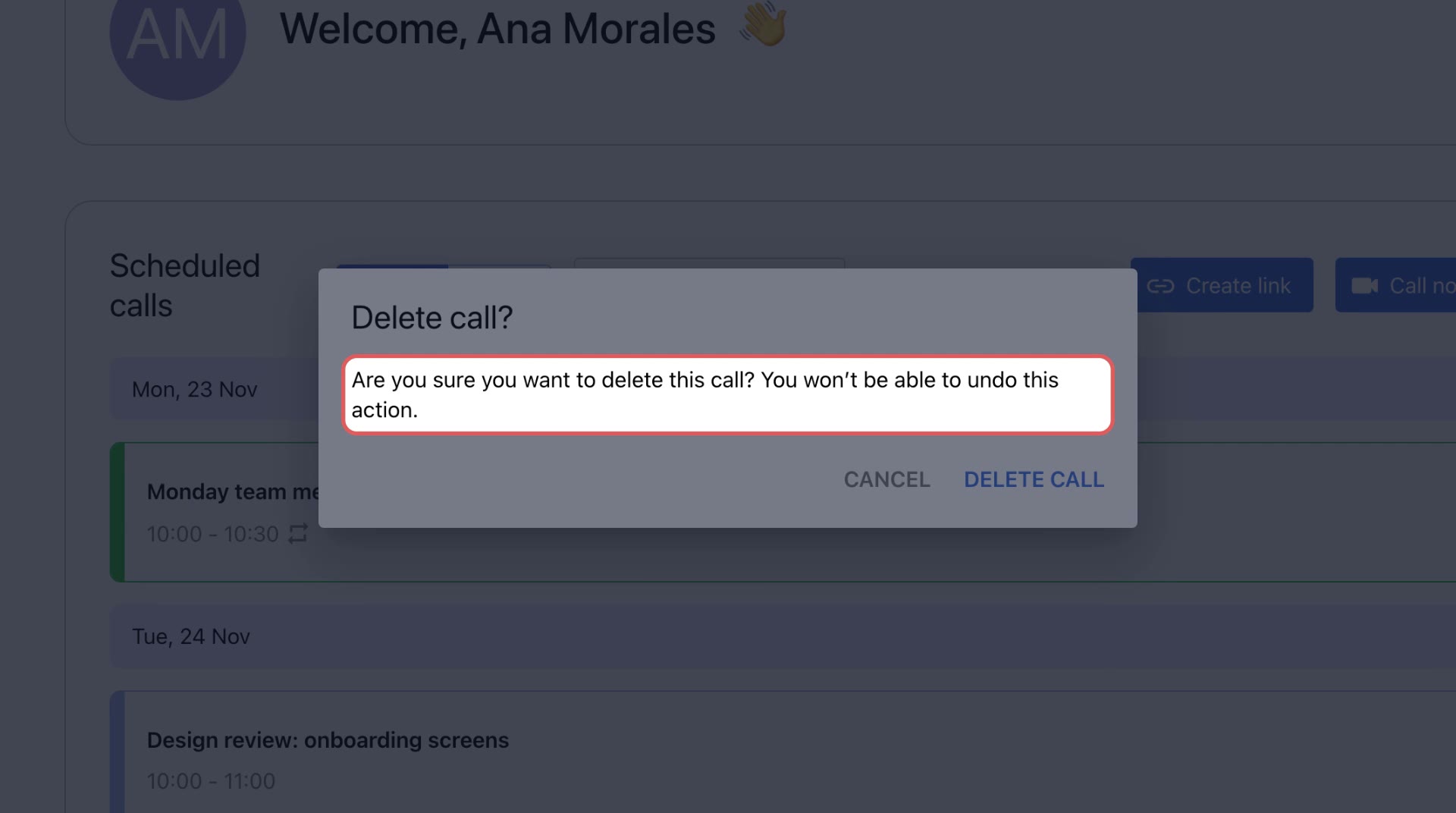
Click Delete call.
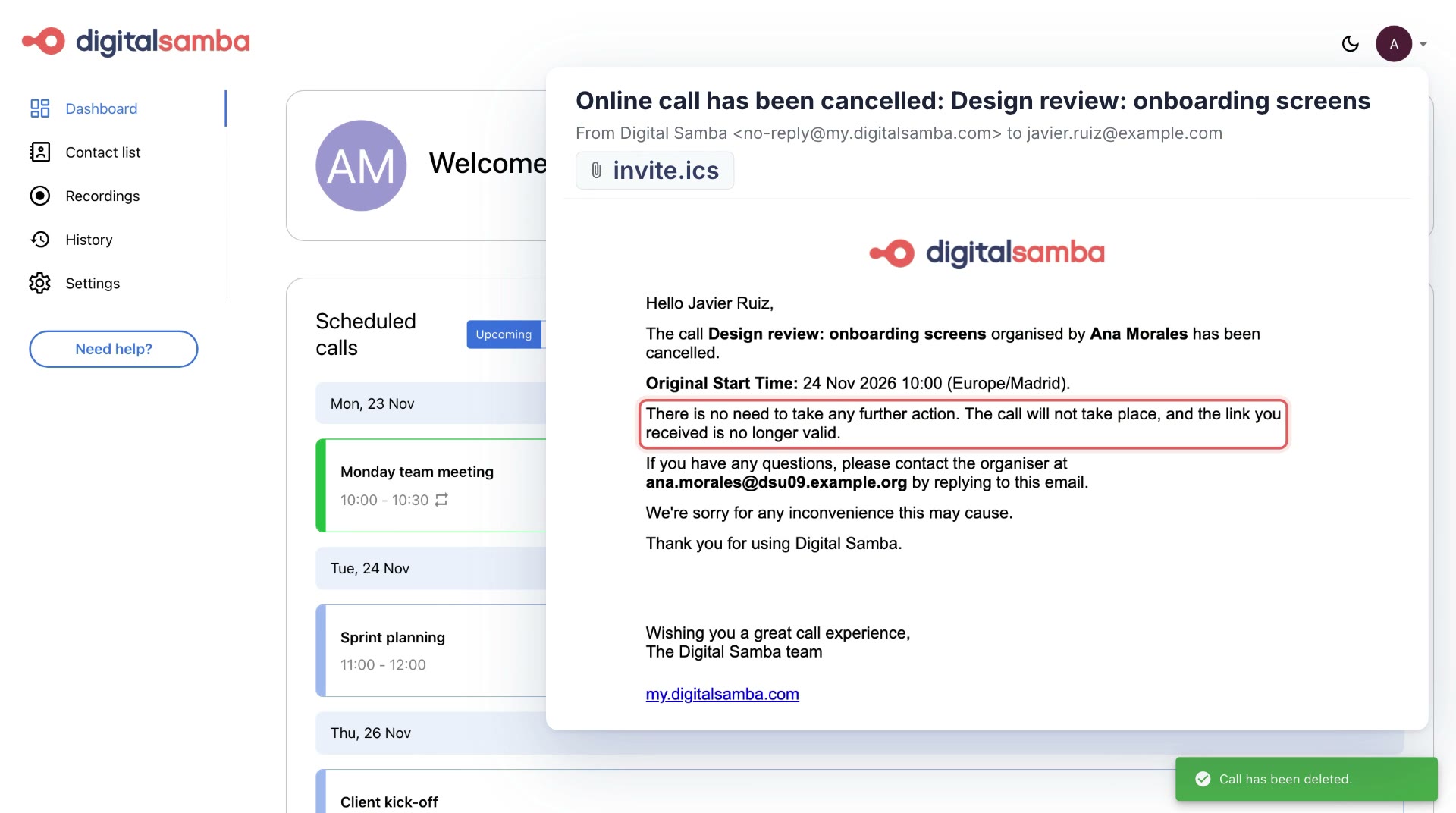
Javier and María are told that the call has been cancelled, and their links stop working.
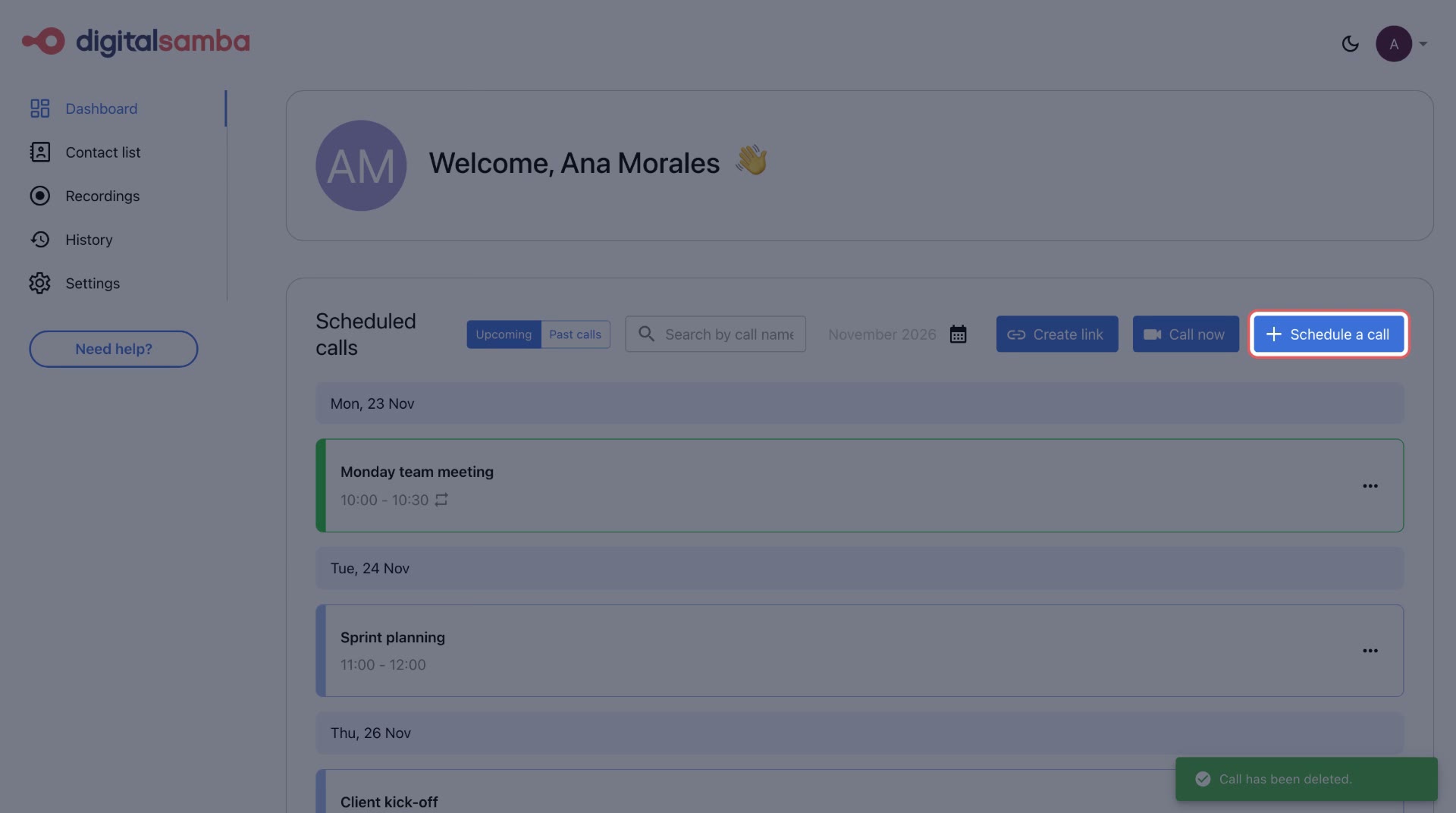
To hold it after all, schedule it again: everyone gets a new invitation.
Good to know1:42
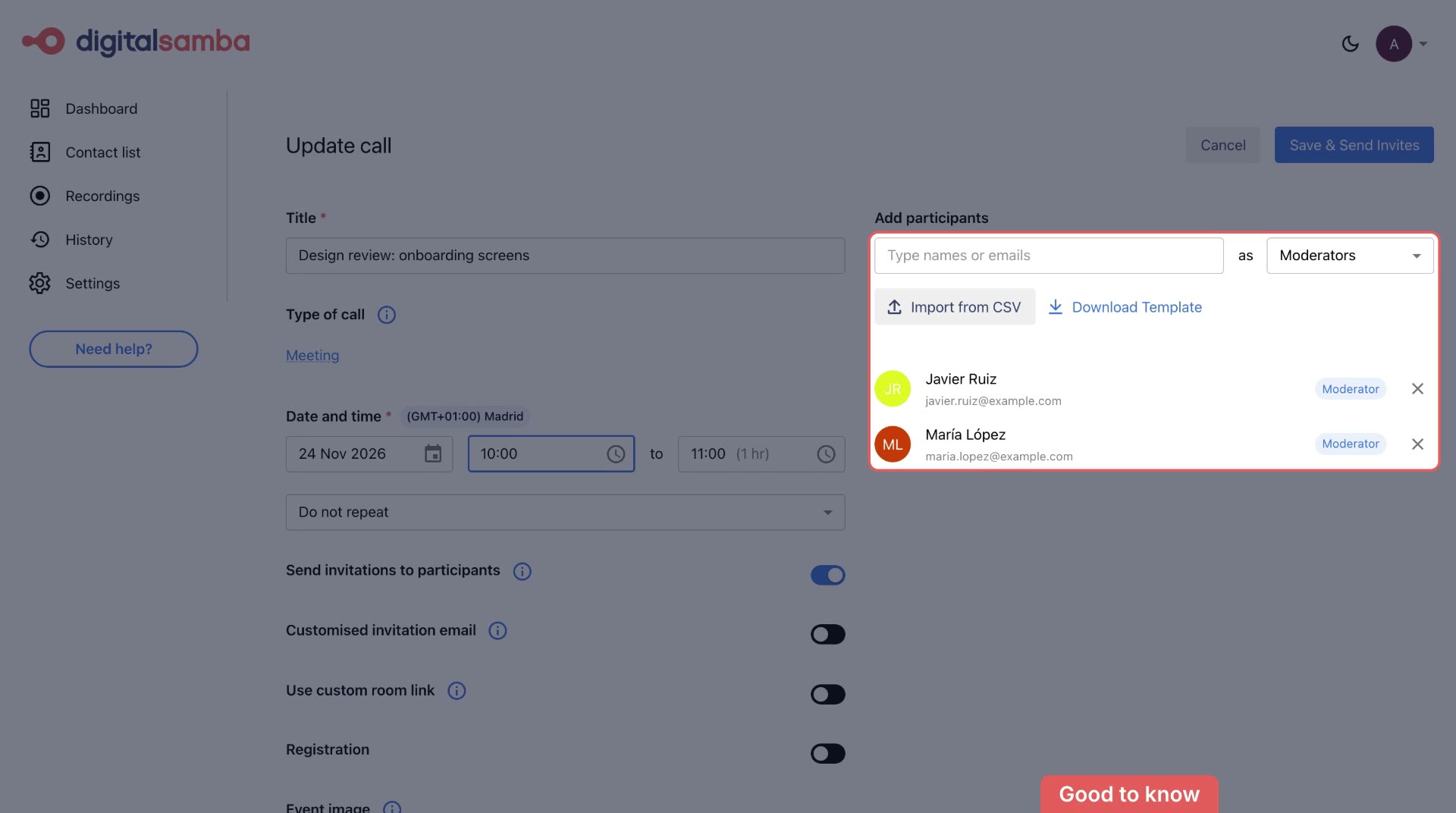
Adding or removing people tells only those people.
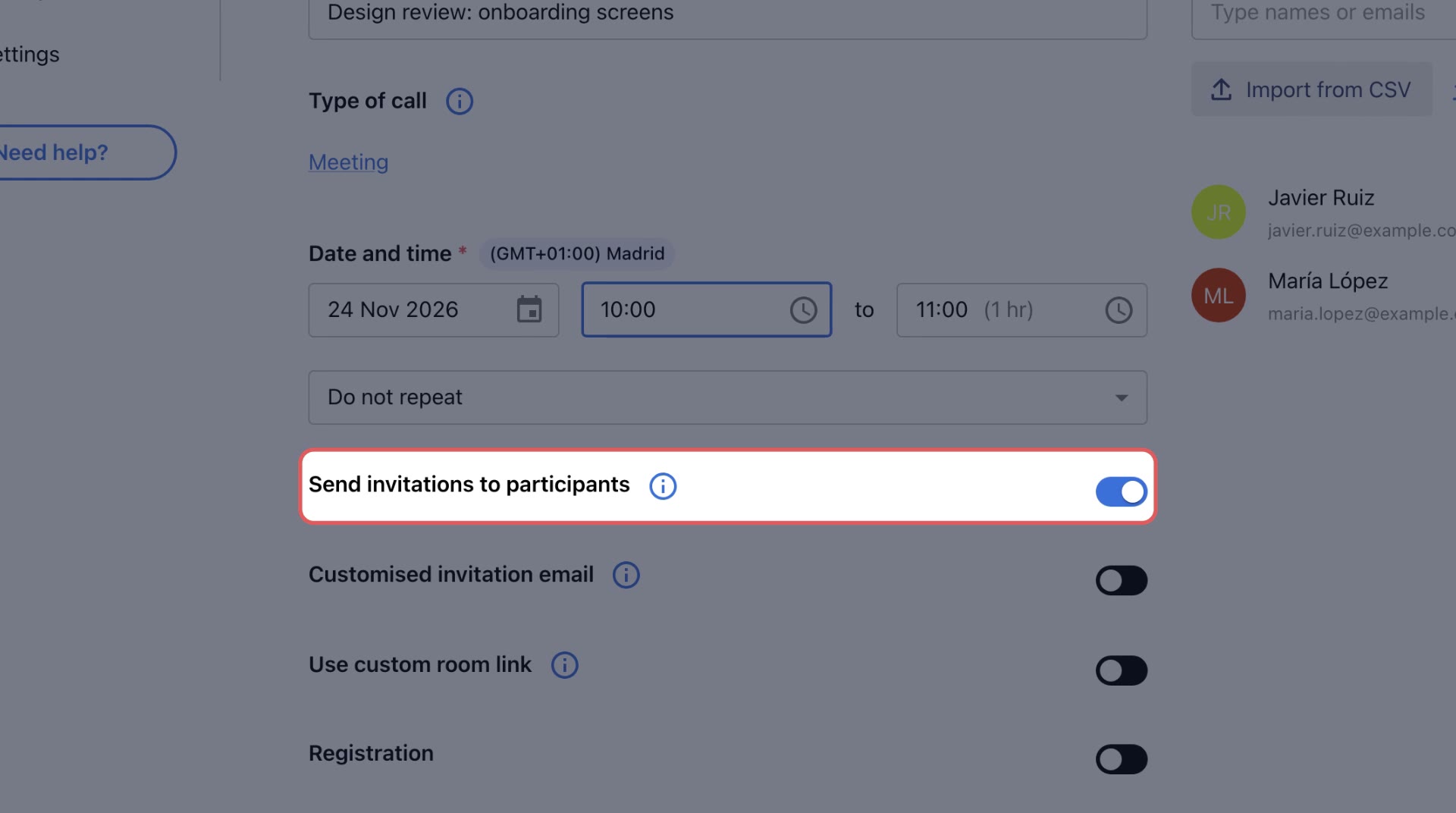
If Send invitations to participants is off for a call, changing or cancelling it sends nothing: tell people yourself.
A call that is already over sends nothing either.
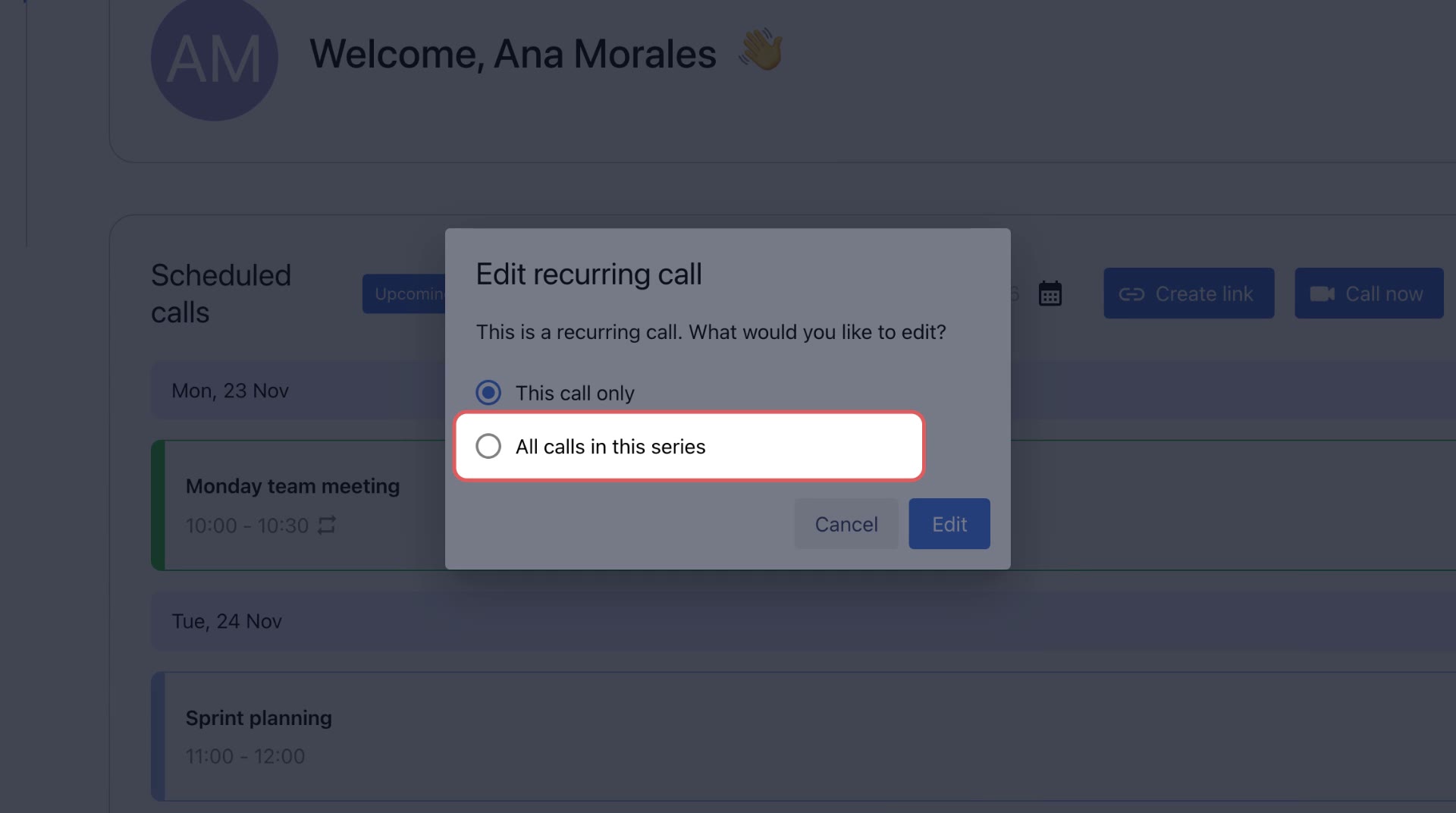
And for a recurring call, you choose between this call only and all calls in the series: see Set up a recurring call.
Recap2:10
So: Edit from the card or the call's page, save to tell everyone what changed, and Delete to cancel for good.
Did this article help?
Sorry about that. What was the problem?